A:AnswerYou will need to ask your residence's network admin what you are allowed to do.
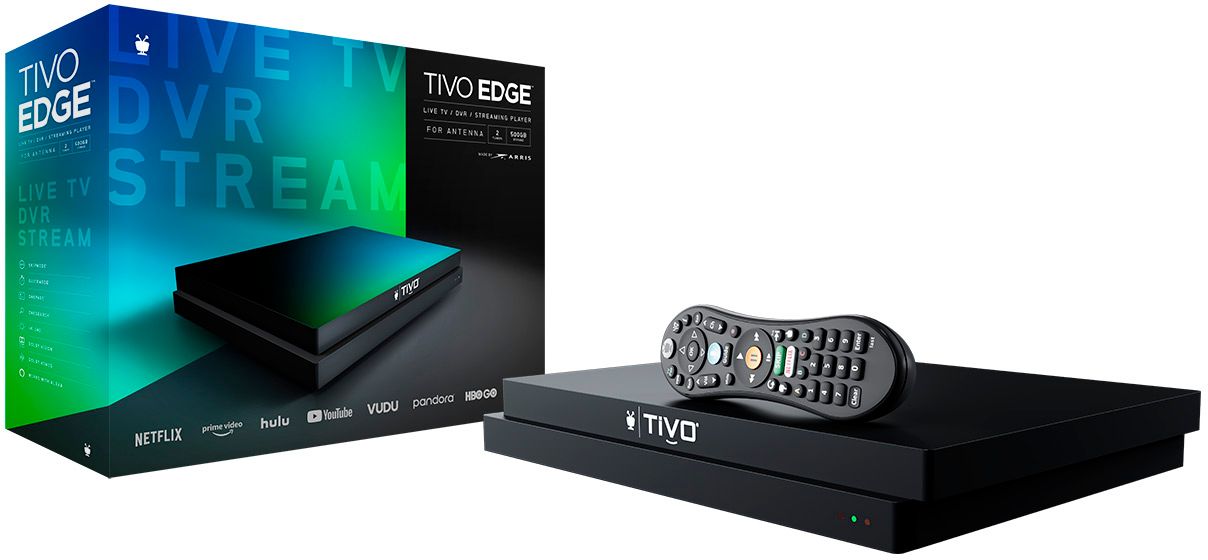
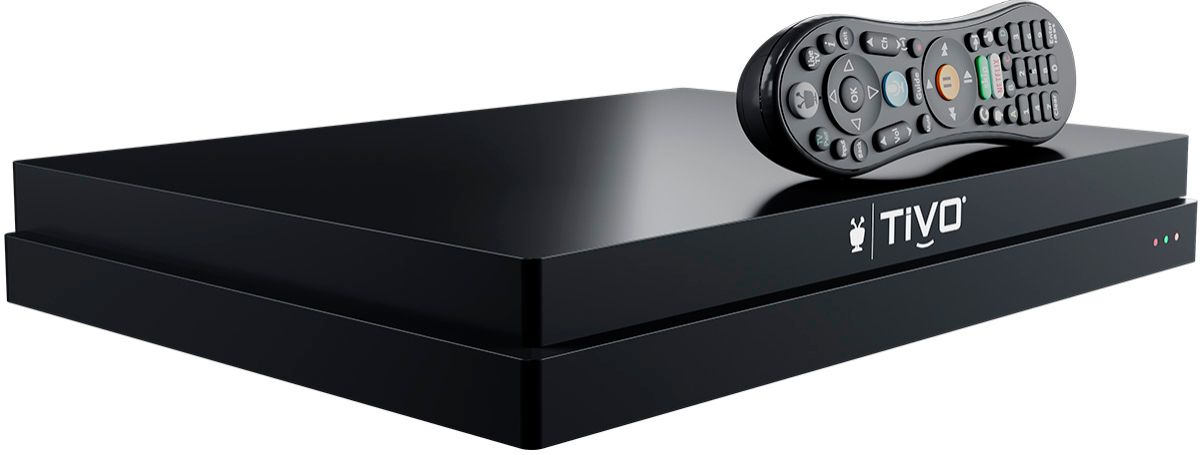
This unit requires an antenna to receive over the air transmission, but can connect to some streaming services.
Roku is an internet receiver and a provider of certain subscription services.
You can use any device that can record Roku or you may be able to receive Roku using the TIVO and record silently anytime.
A:AnswerYes, the TiVo takes the place of the Roku. The TiVo should have all of the same streaming apps as the Roku does. If the Roku has something different, you can use it by just plugging it into a separate input on your TV and switching the input from the one you have the TiVo on to the one you have the Roku on. We do the same thing when it comes to watching DVD’s. We just switch the input and can use multiple devices on our TV.
A:AnswerYou have to pay for the TV Guide service, which is $7 per month, $70 per year or $250 for lifetime. If you purchase lifetime, it stays with the DVR in case you decide to sell it, which will make it worth more to the next owner.
A:AnswerNo, that lifetime subscription was for the unit only. Think tivo (directly from their site) used to offer a lifetime subscription transfer (believe you still had to pay some sort of fee), but not too sure if they even do this any longer. I should mention that it was only limited times such as during sales or whatnot. For example, believe I paid around $250 for a refurb with lifetime during one of their sales. Maybe somebody else can chime in on whether or not they still do transfers. If they do, you most likely would have to buy this from their site.
A:AnswerNo, you do not need internet to use the TIVO but when flipping or scrolling for channels it is recommended that it is done going thru the "guide button" because the updated data for network of stations isn't there. I only watch two stations PBS and TBN and changing channels and being able to forward and rewind upto one hour is possible depending on how long I've had on that current channel. No, it will not allow you to record anything but you can pause,rewind,forward. Which allows me time to take any information down or snap a "still picture: or playing video with my phone.
A:AnswerNo, this is for the DVR only, service costs $7 per month, $70 per year or $250 for lifetime of product. If you purchase lifetime service and later choose to sell the device, the lifetime service goes the DVR, which makes it worth more.