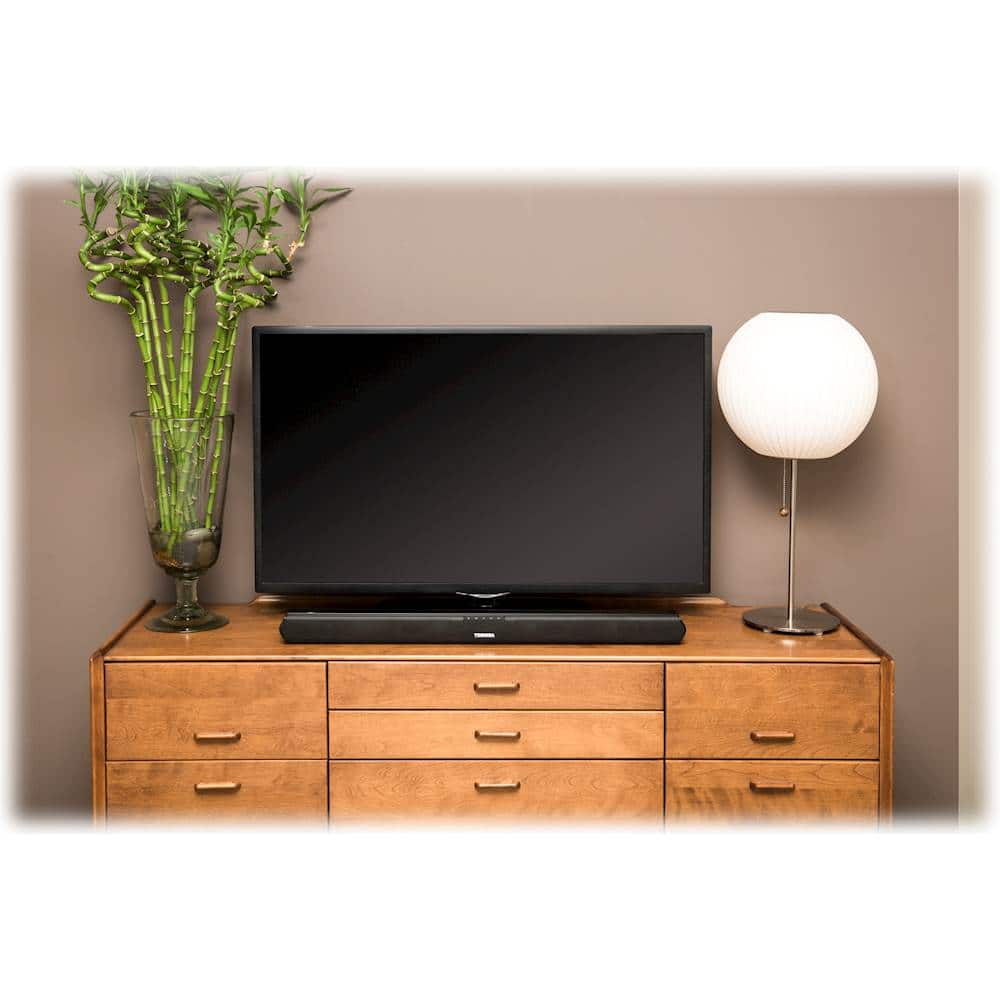
A:AnswerI had same problem but it was on me. My 2nd choice worked (Plug sound wire directly into the back of my cable box and it worked.) It didn't work when I plugged it into the TV . Good luck
A:Answeryou need to purchase an optical cable to run from back of TV to back of sound bar. Then got to settings in home screen on top of screen. go to display & sound icon and look for Audio output. Under digital format change to PCM. Once this is done on sound bar remote hit "optical button" should light up orange. You should hear sound after all these steps have been completed.
A:AnswerThe technical specifications for the new MacBook Pro on all 13- and 15-inch models list the audio port as simply a "3.5-mm headphone jack" with no other amplifying information. In the 2015, and earlier, MacBook Pro, and every other Mac model with optical audio out on the 3.5mm jack, the listing is amplified with a statement like "support for audio line out (digital/analog)."
Additionally, the system profiler's report on the 13-inch MacBook Pro has no listing for S/PDIF Optical Digital Audio Output, while the 2012 and 2015 Retina MacBook Pro models do.
A:AnswerThere isn’t a way to turn it off; I just bought myself today, and I’ll be returning it tomorrow. It really sucks that Toshiba didn’t add a way to doable the auto shut off.
A:AnswerThat’s the auxiliary option. Auxiliary is green, optical is orange and Bluetooth is blule. It’s blinking green because you’ve chosen to output sound through aux mode.