A:Answerfirst turn in the soundbar. there should be blue light flashing.
then press the second button on the sound bar and scan Bluetooth, it will find it.
I did it , it works for me
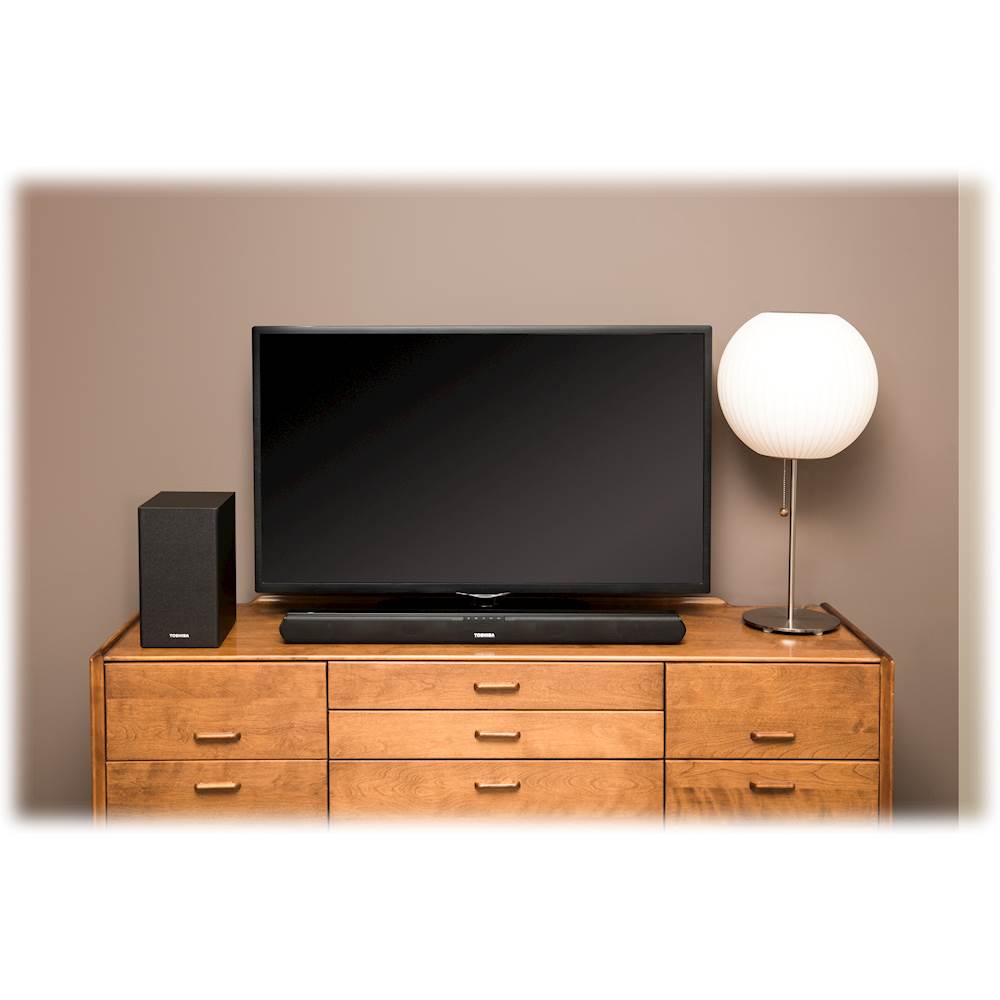
A:AnswerYes. I have a Toshiba 43" 1080p, 60Hz, LED TV. It's not a smart TV. I just bought this sound bar and works fine using the headphones jack on the TV to the Aux 1 jack on the speaker.
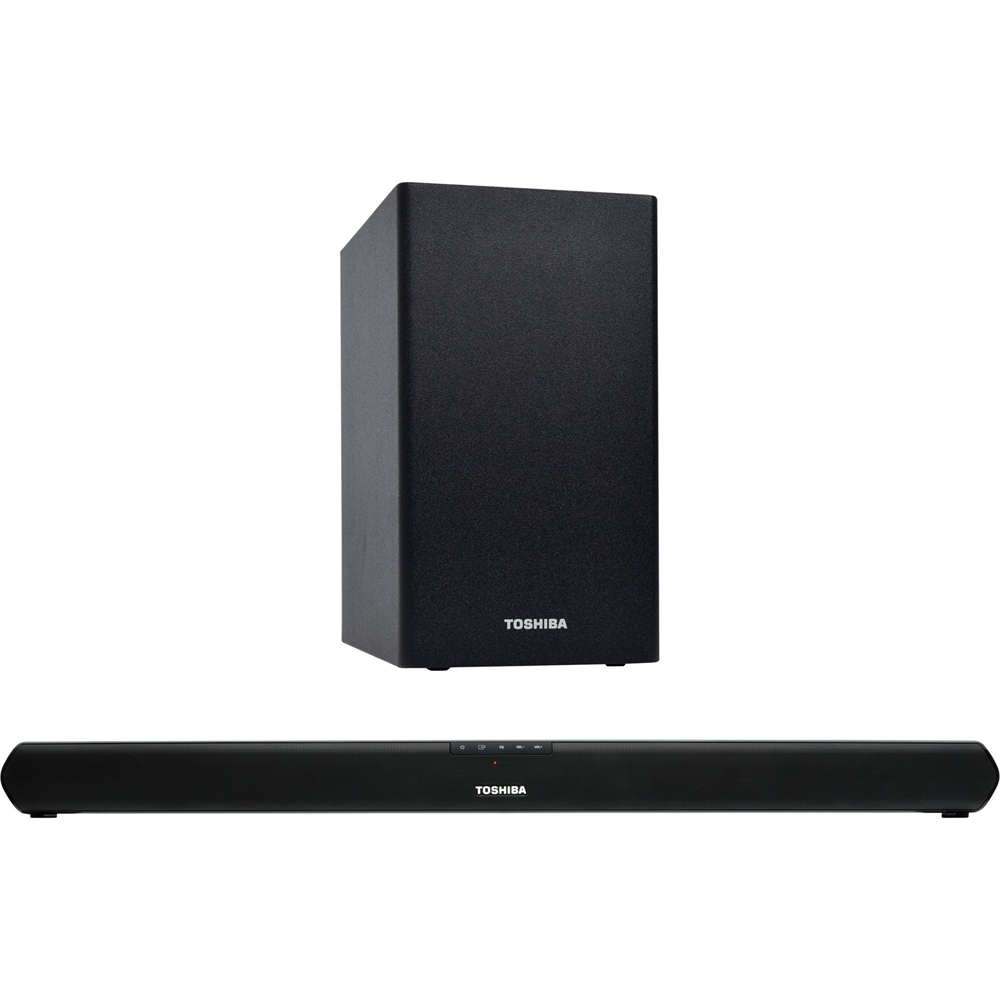
A:AnswerThe symbols on the top, front of the TOSHIBA TY-WSB600 2.1CH SOUND BAR are as follows:
Power Button: Switch the unit between ON and STANDBY mode.
Function Button: Select the PLAY function.
EQ Button: Select a PRESET SOUND EFFECT.
Volume +/- Buttons: INCREASE/DECREASE the VOLUME level.
A:AnswerYes, this sound bar will work with an Insignia smart tv as long as you don't forget to get an optical audio cable to connect from the sound bar to the tv.
A:AnswerYes. The sound will come from that device. If coaxial and RCA are chosen then that automatic sound selection will activate and configure the auxiliary sound port for the device. From there you are all set.