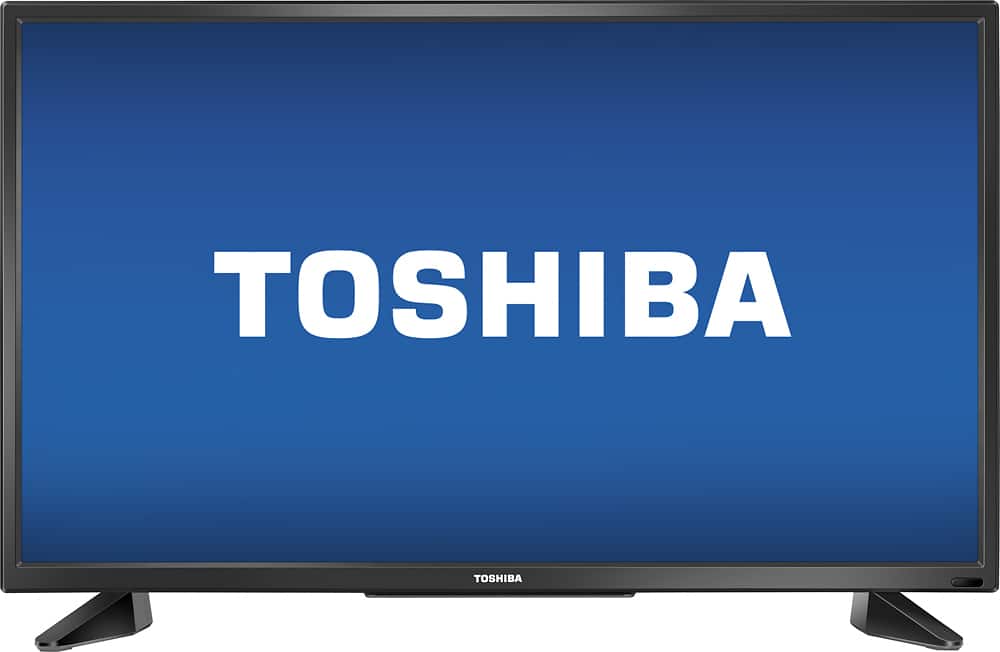
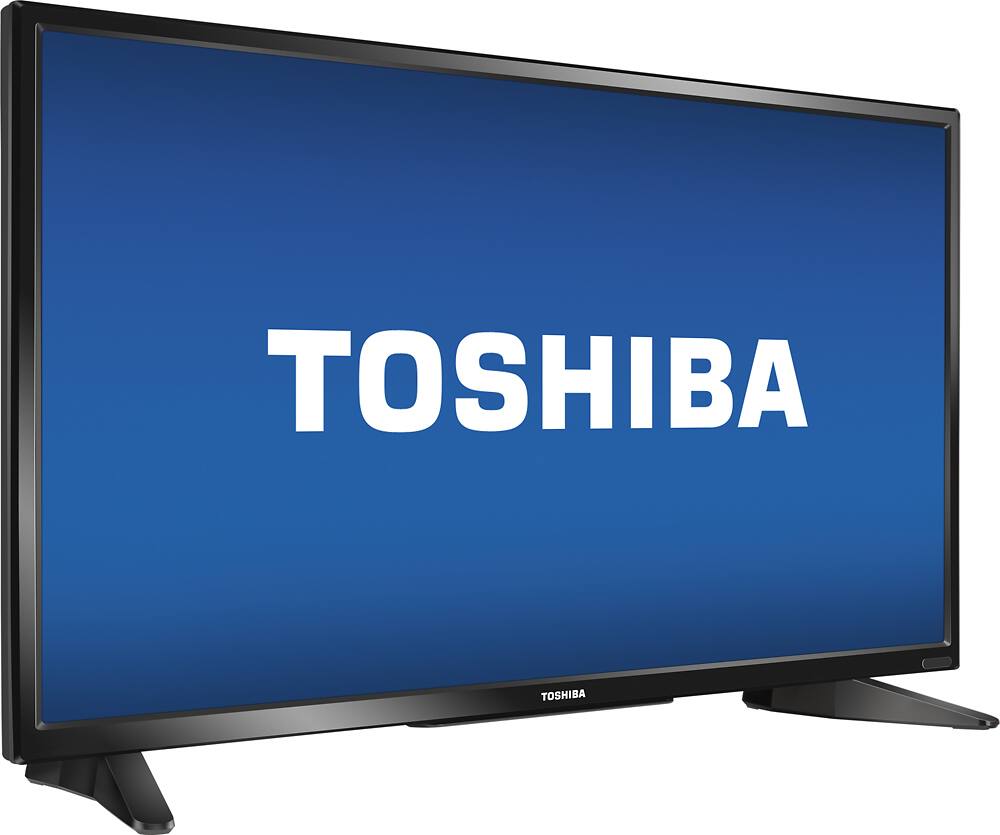
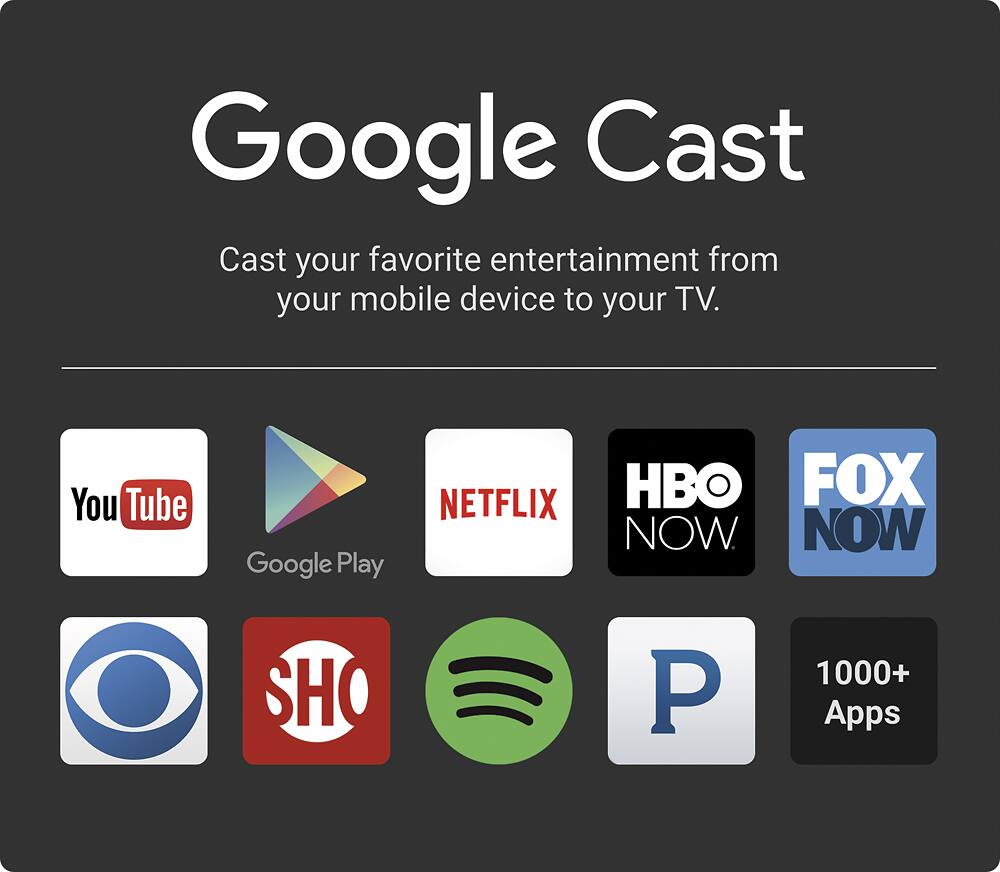
A:Answer Chromecast allows you to select premium stations like Showtime HBO, Hulu with subscriptions and You Tube.
Itis built into the Toshiba TV and available as a google add on
There are also movie channels and other stuff that you use your Smartphone or I Phone as remote control to select on your TV
Both on the Android and the I phone the Chromecast app has been replaced with Google Home which none of the Docs Tell you
There is a Chromecast button on the Toshiba Remote and one that syncs when you press it on the app on your phone
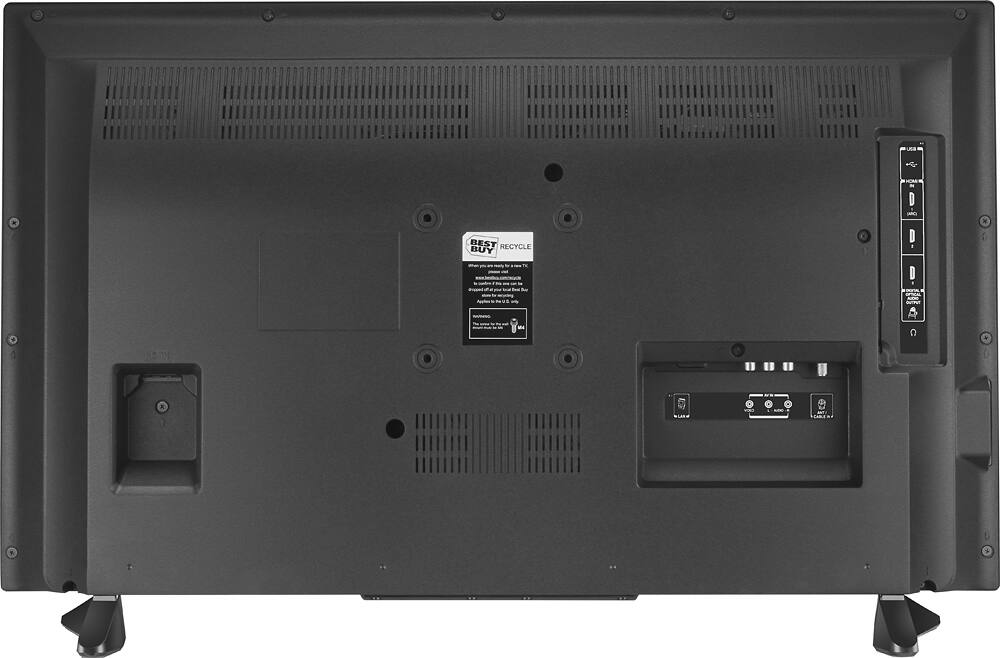
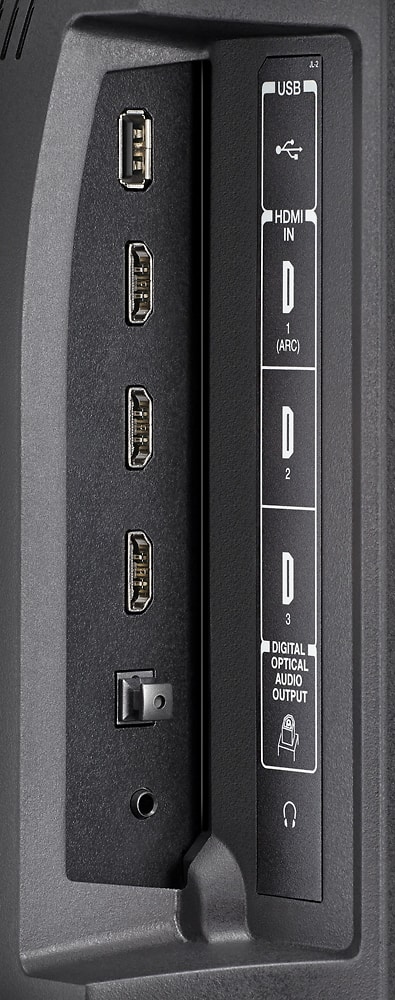
Th trick is that to go back to regular TV after using Chromecast you have to use the Input button on the Toshiba Remote and select the HDMI port that you have connected your cable box into.
There are more apps being developed for your Chromecast to use, but in the meantime I see more on my Smart TV
But there are also Chromecast speakers of which you'd have to shop for
These allow you to use your Chromecast Audio apps to broadcast wirelessly to your speeakers
What is Chromecast Audio?
Chromecast Audio is a small device that plugs into your speaker for streaming music through WiFi.
Once set up, simply use your iPhone®, iPad®, Android phone and tablet, Mac® and Windows® laptop, or Chromebook to stream your favorite tunes to the best speakers in the house.
SPEAKER INPUTS SUPPORTED:
RCA 3.5mm Optical
*3.5mm cable included. See Help Center for more info.