A:Answerno it is separate. I got mine with the echo at Christmas. The one I bought last month for a different room did not come with one. you might call the store and find out.
A:AnswerYou could try a different device or a different HDMI cable. For personalized assistance with this issue, please call 1 (855) 527-2411 available from 8 am to 9 pm CT everyday.
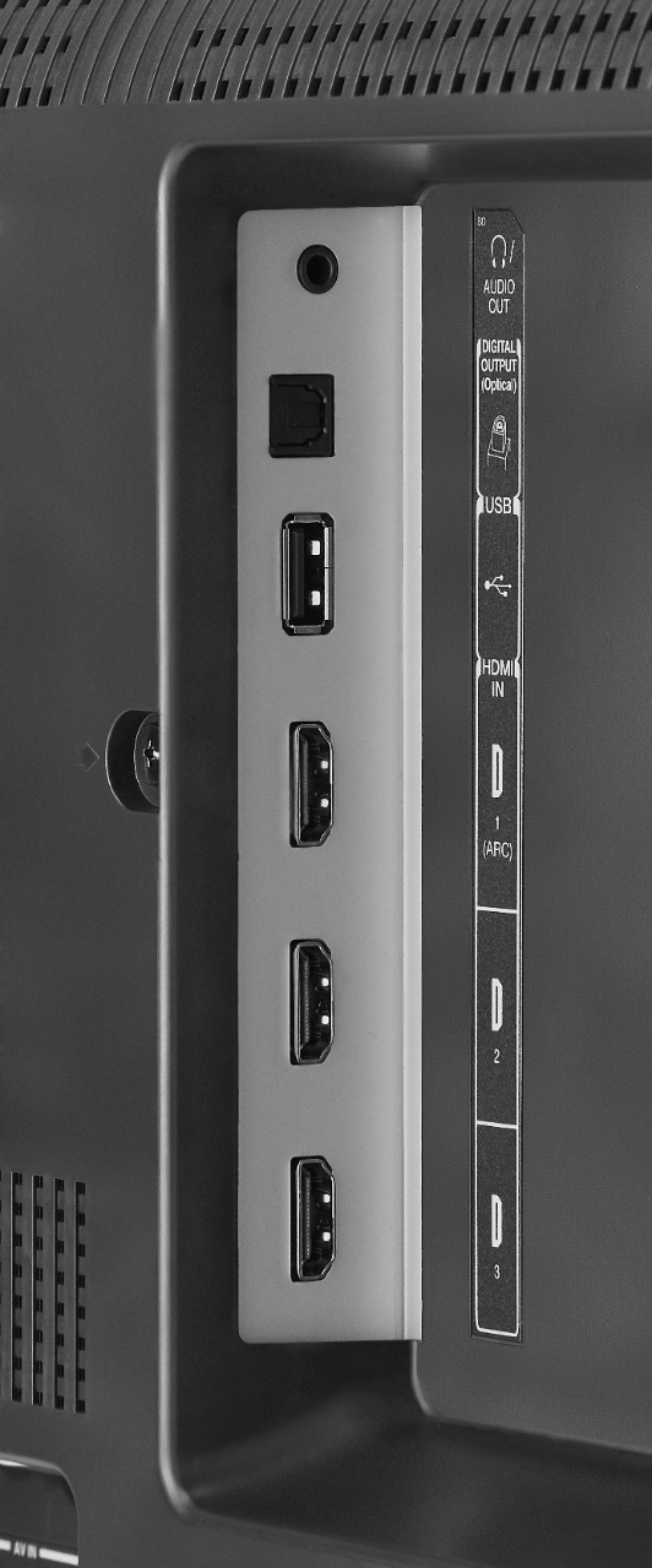
A:AnswerDownload the VLC for Fire app to watch videos from a USB Flash Drive.
The VLC app supports the following formats: MKV, MP4, AVI, MOV, Ogg, FLAC, TS, M2TS, Wv and AAC.
A:AnswerNo, this TV doesn't feature built-in screen mirroring / casting / AirPlay.
However, you can connect an Apple TV box to use AirPlay for wireless screen mirroring or use an AV Lightning to HDMI adapter to connect your iPhone to the TV.
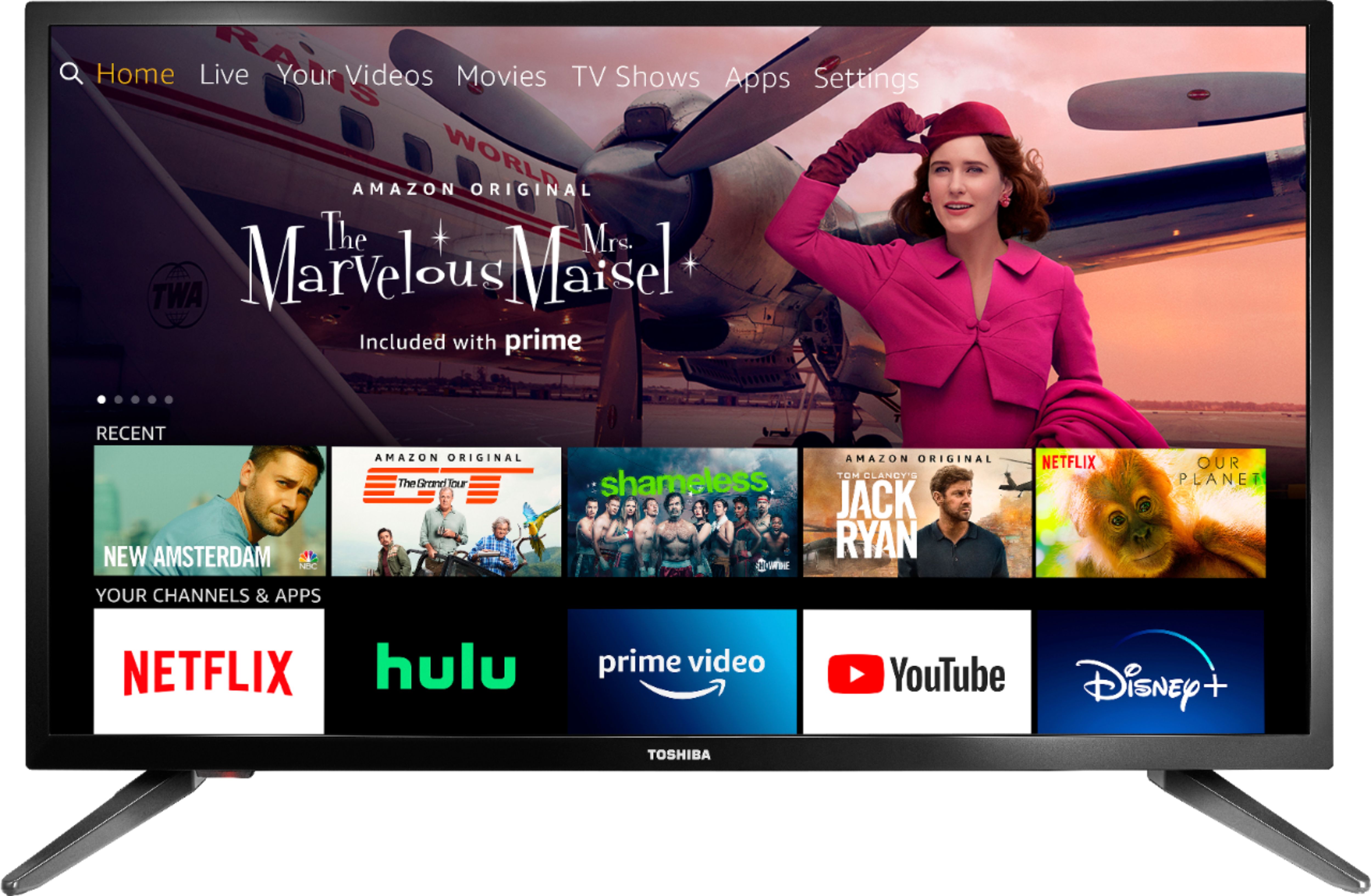
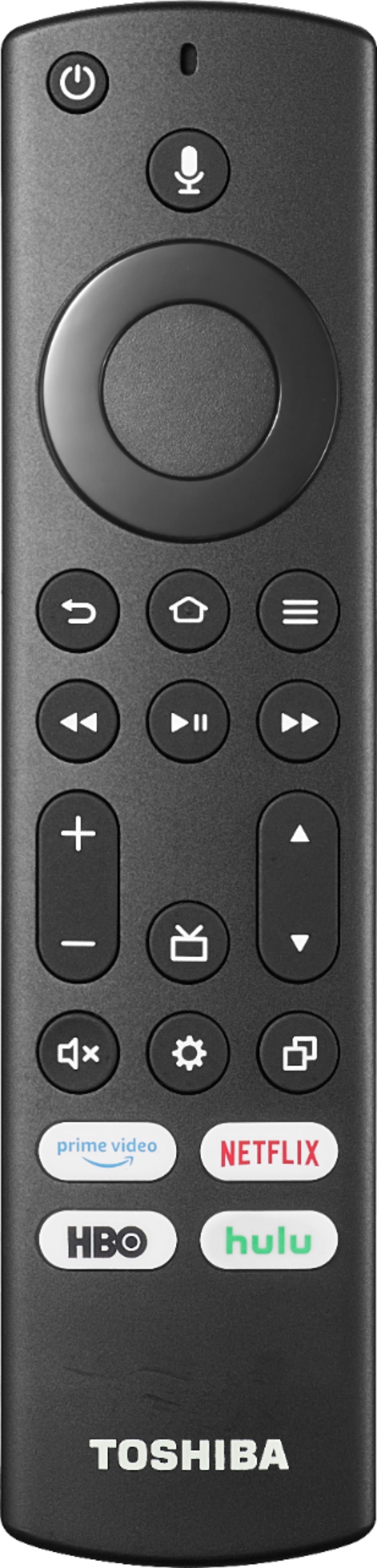
A:AnswerNo, the replacement remote doesn't have numbers to change channels.
Just press the TV button on the remote to launch the Live TV Guide, use the Up / Down buttons to navigate and press the center to start watching the highlighted channel.
To hide channels you don't watch for faster navigation:
Go Home > Settings > Live TV > Channel Management > All , scroll to the channel you want to hide and Press the Play /Pause button to Hide the Channel.
A:Answer32LF221U19 was launched in 2018
TF-32A710U21 was launched in 2020
The difference is the design.
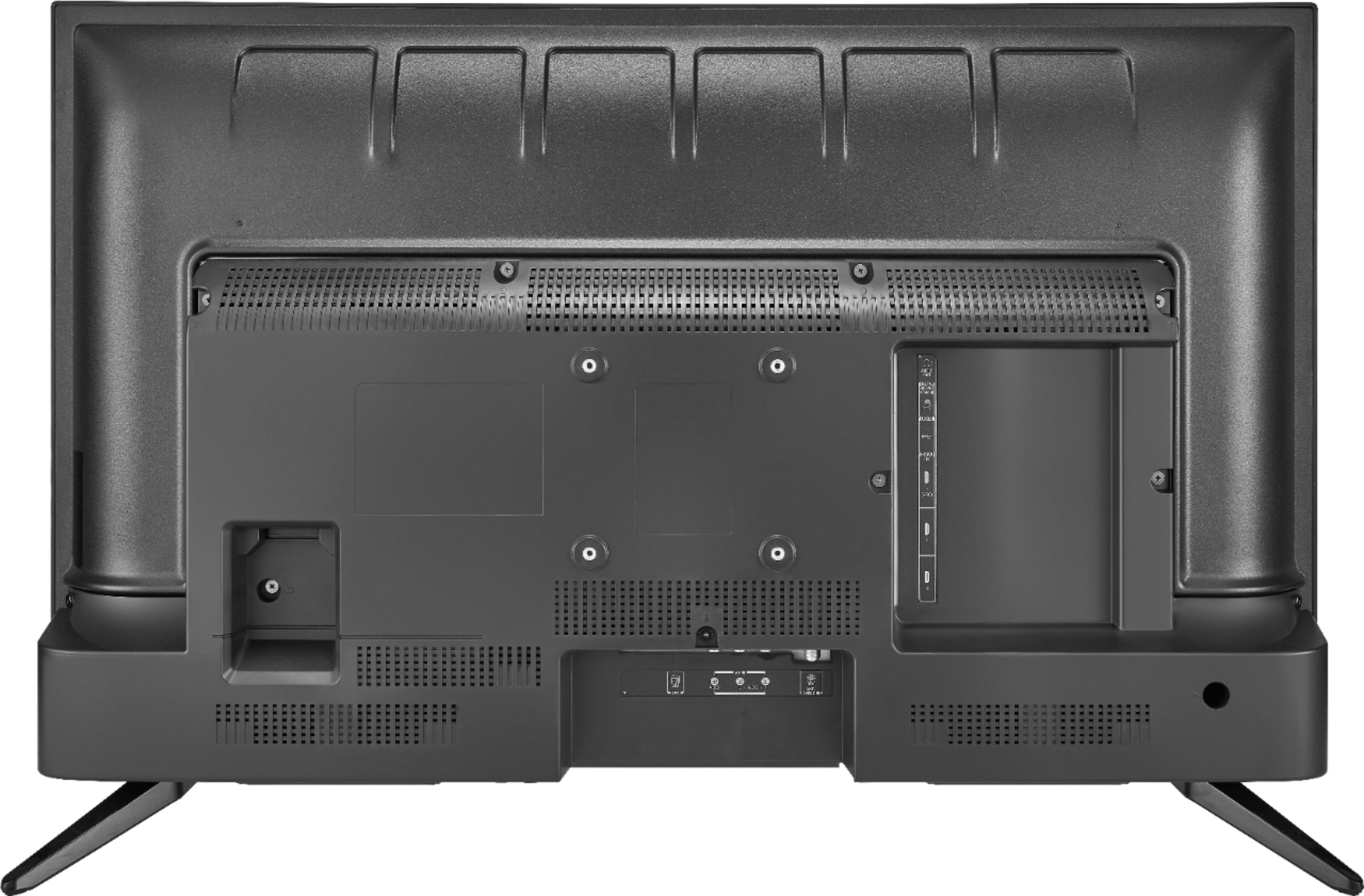
Use the HDMI1 (ARC) and go to Home > Settings > Display and Sounds > HDMI CEC Device Control and turn ON