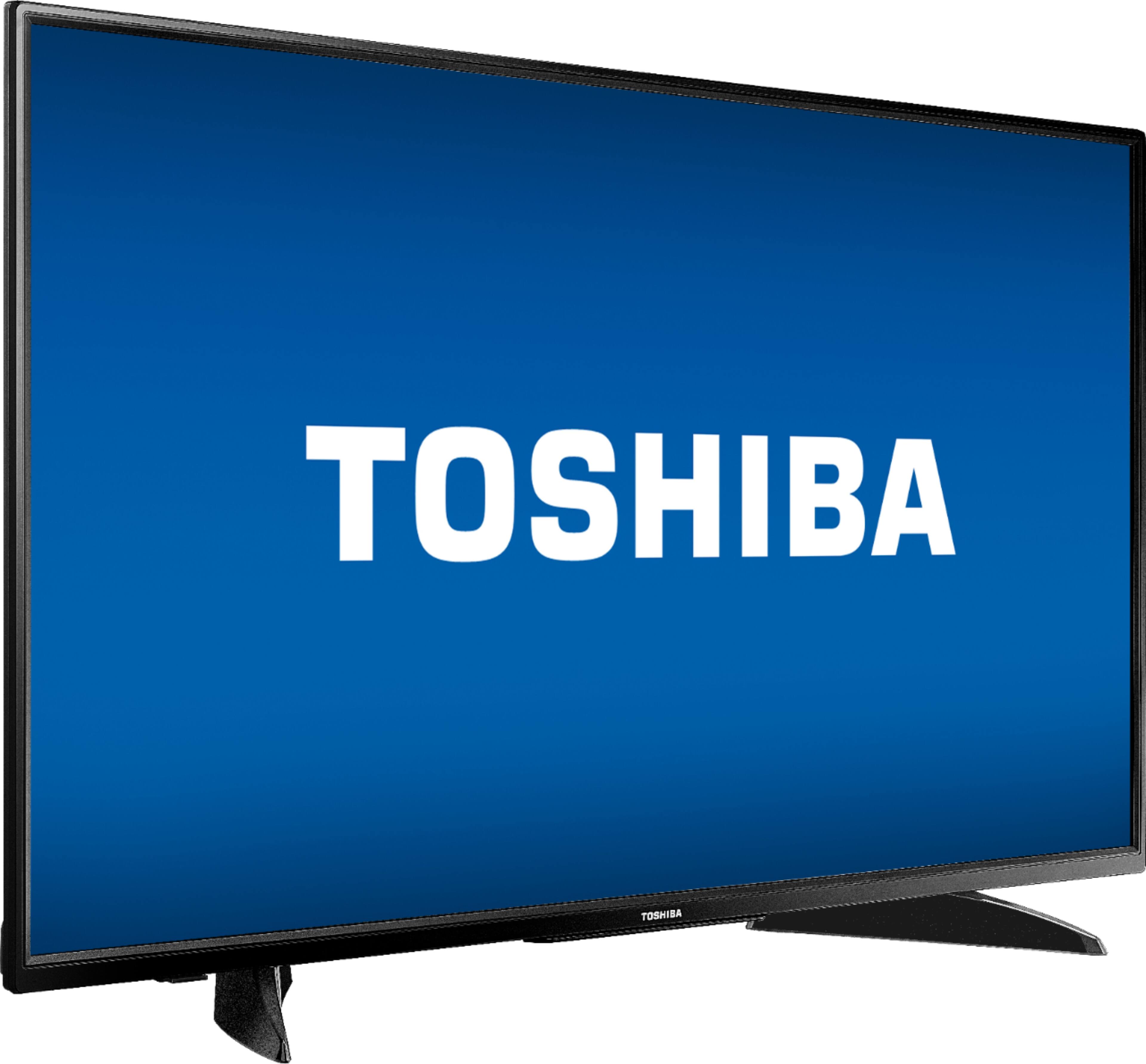
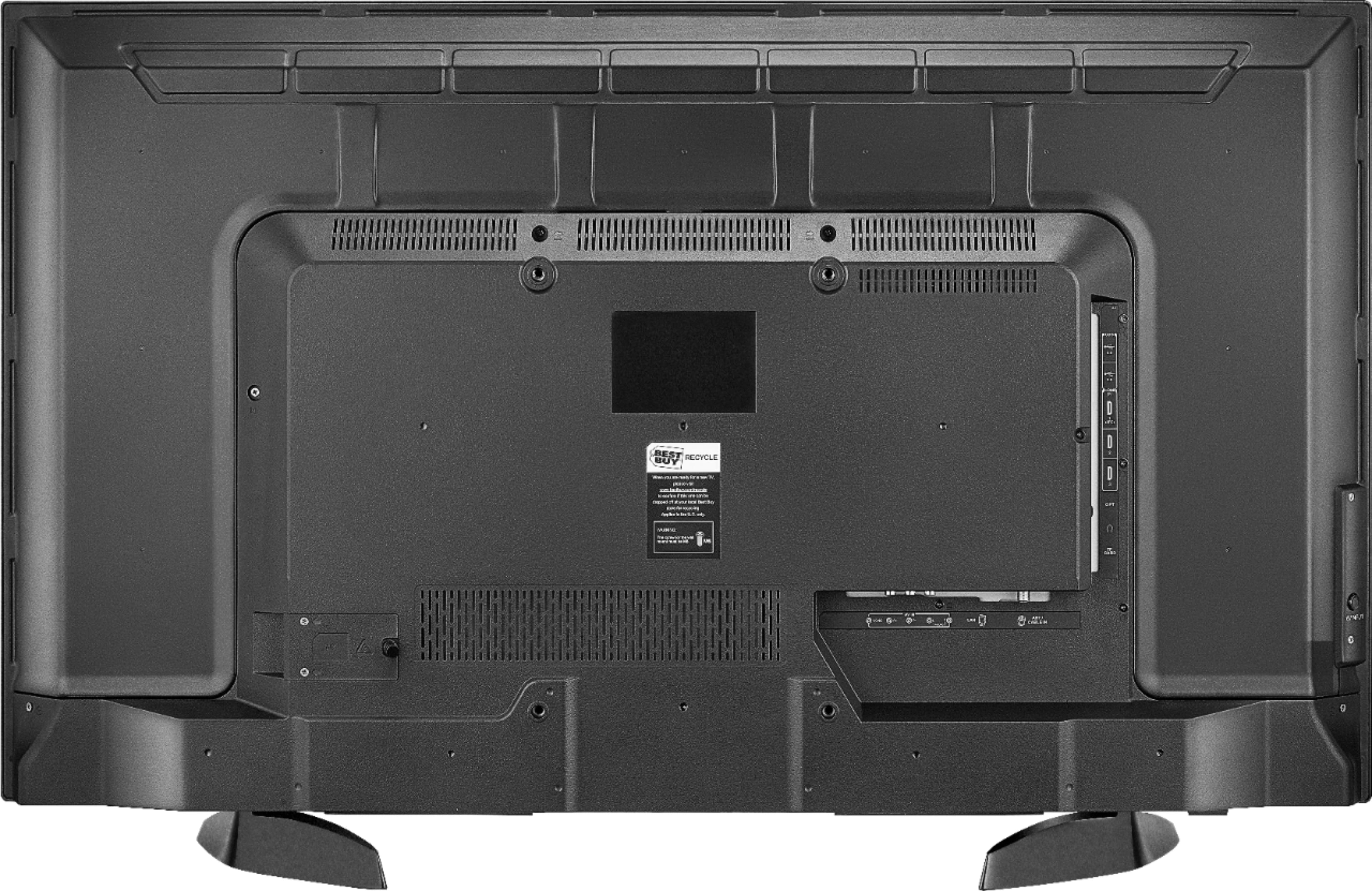
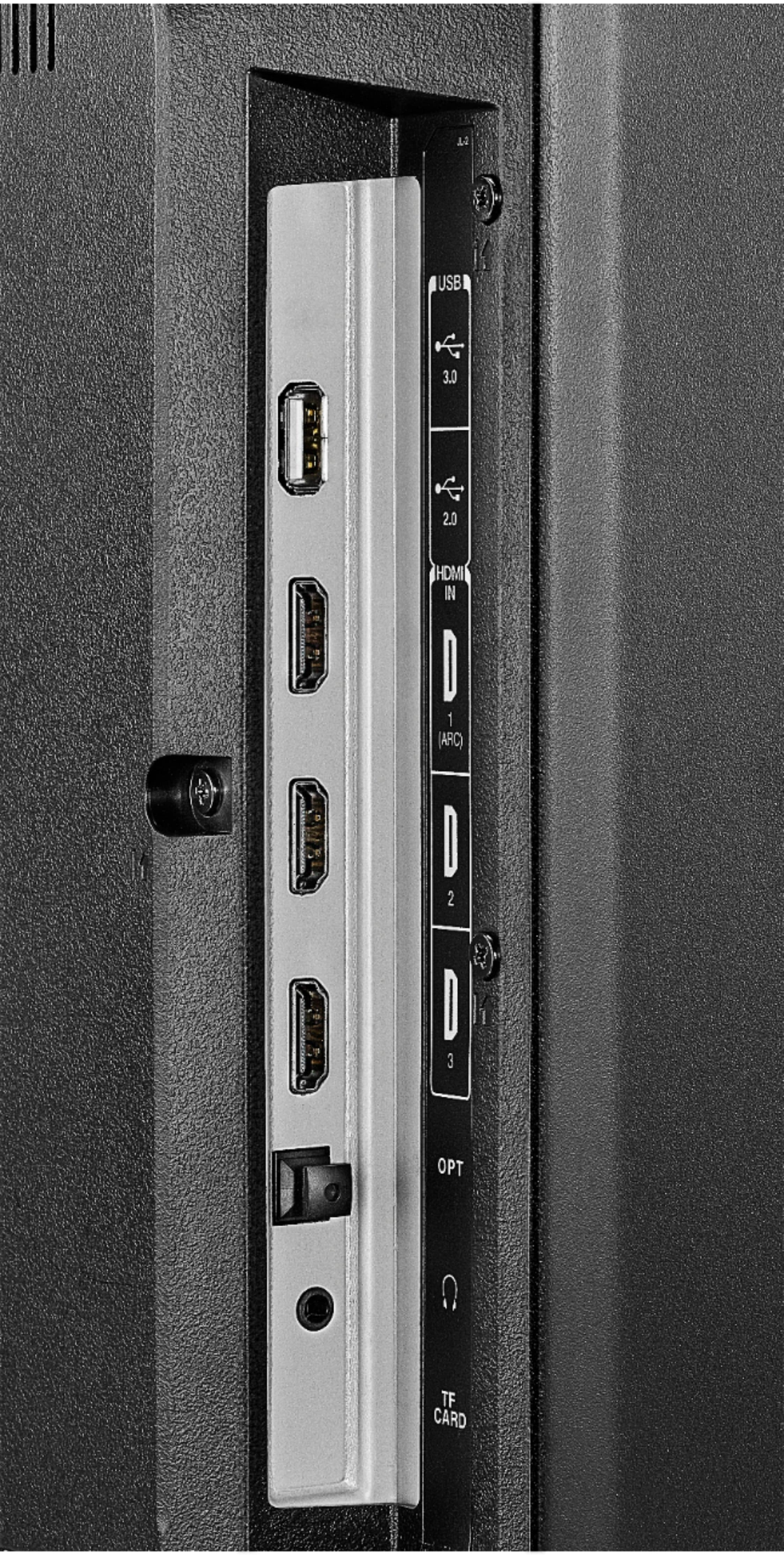
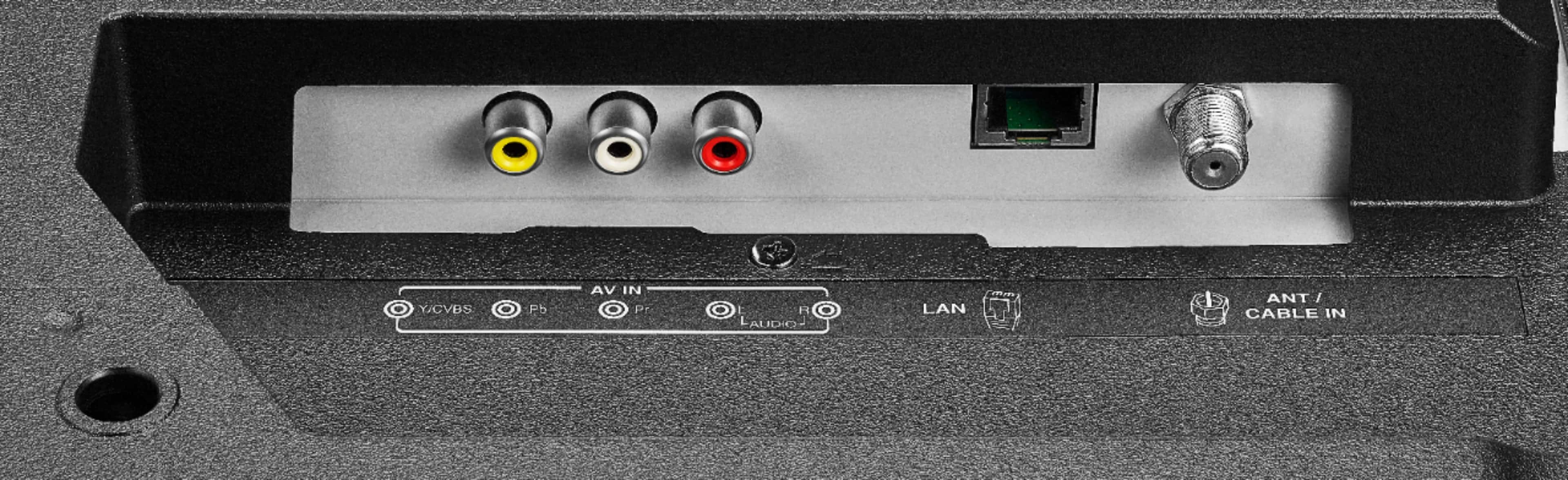
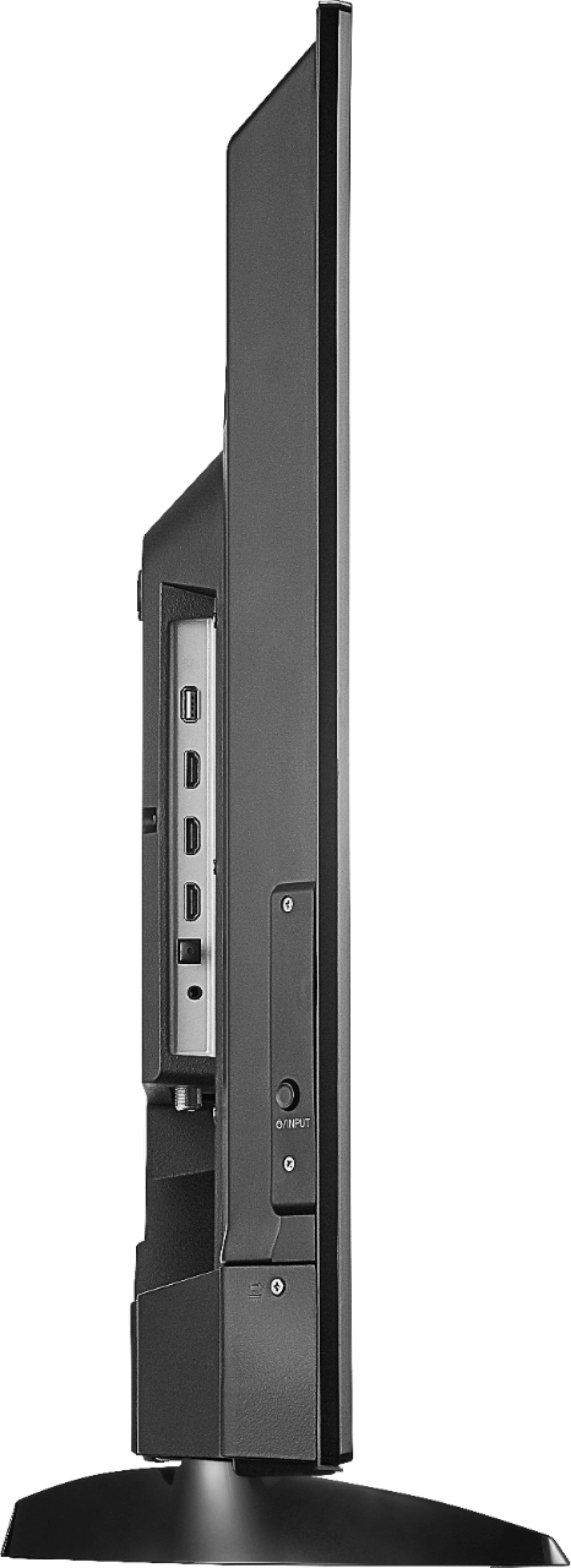
A:AnswerYou can go into settings and input then select which one you want or on home screen you can scroll down and there is a list of inputs hdmi1 hdmi2 hdmi 3 antenna and composite
A:AnswerThere are a couple of options. If you have a cable subscription, you can validate your subscription and watch using the network apps (e.g., ESPN, ABC, NBC, FOX, CNN, etc.). I have this TV in my office, so instead of getting another cable box, that is the option I use. Another option is the apps that offer a cable subscription (SlingTV, Hulu TV, PS Vue, etc.) but no cable box, cable guy, etc.. These two options will give you live sports and news. If you are not interested in those two options, there are apps like Netflix and Prime Video with a lot of shows and movies.
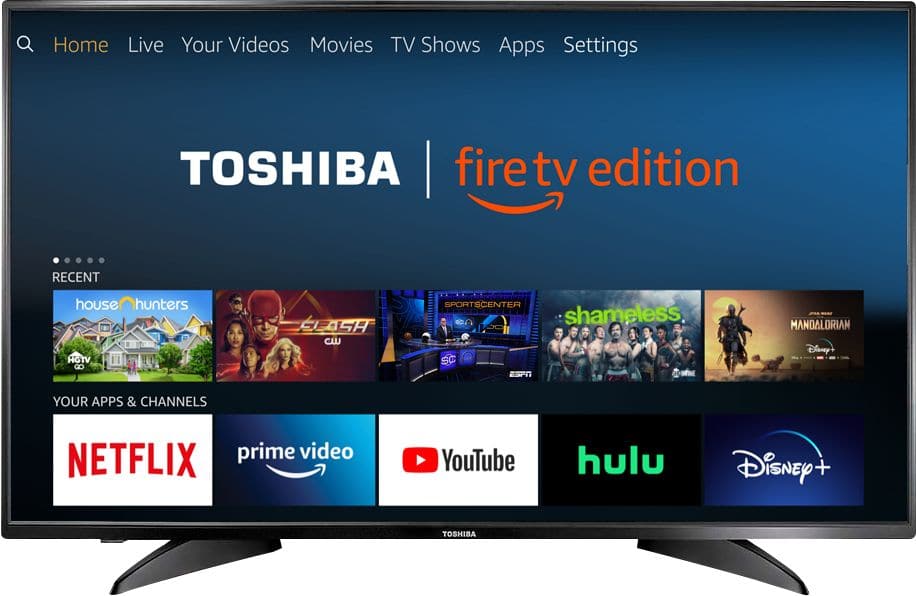
A:AnswerYou will need to pair your device under Bluetooth setting.
At the top of the screen arrow over to the last option"settings".
Next arrow over to "controllers & Bluetooth devices"
Scroll down to "other Bluetooth devices"
Select "add Bluetooth devices "
This put your TV Bluetooth in searching mode. Make sure you also have your speaker set to discovery mode for pairing.once you see your device under other Bluetooth devices click on it to pair it to your TV.
If you've already tried that she may want to refer to the manual that came with your Bluetooth speaker. Hope this helps.
A:AnswerAre you asking about your cable remote? If so usually your cable company has a pamphlet that has all the codes and directions to do so. If you do not have that im sure you can get it online.