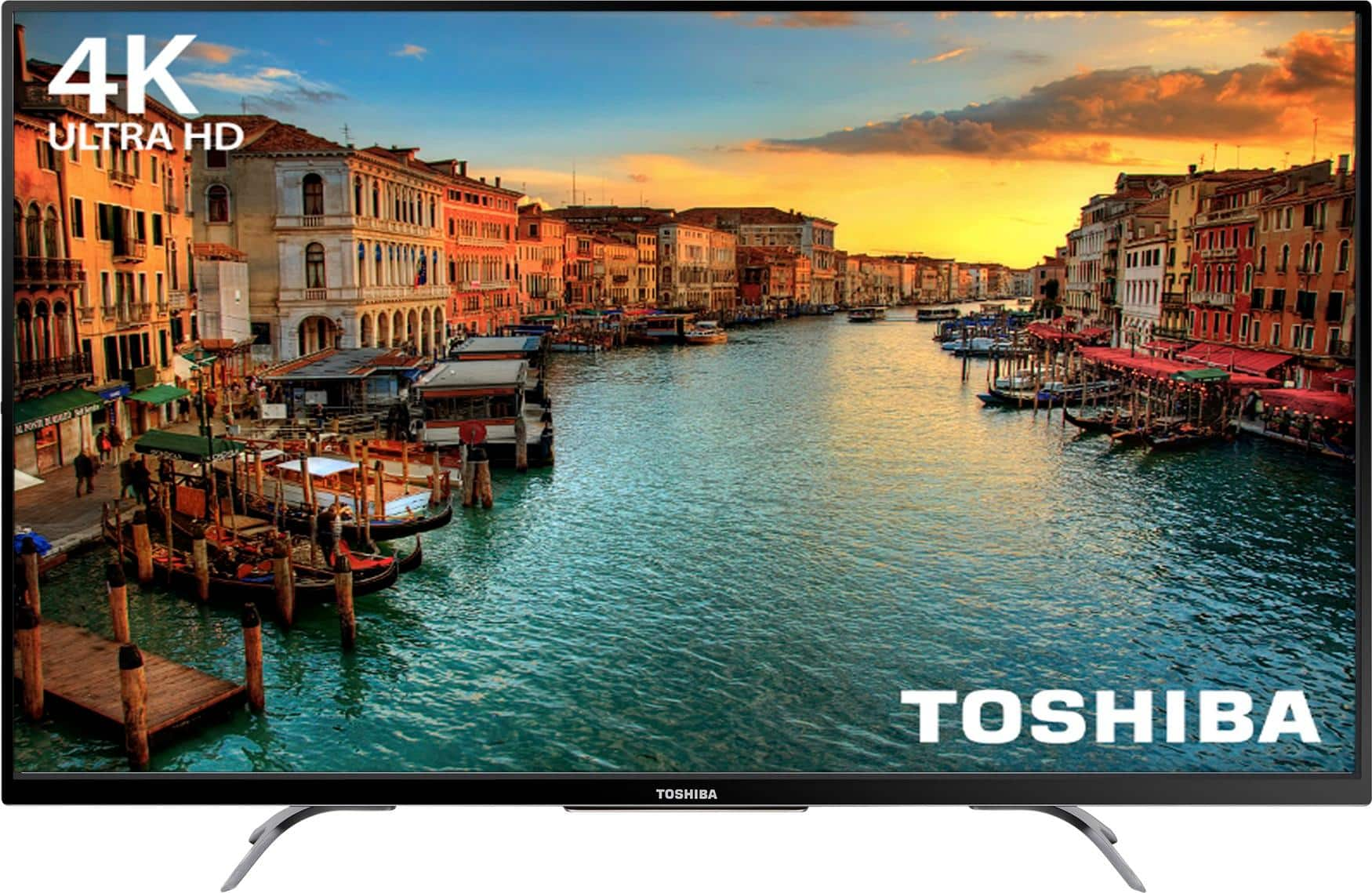
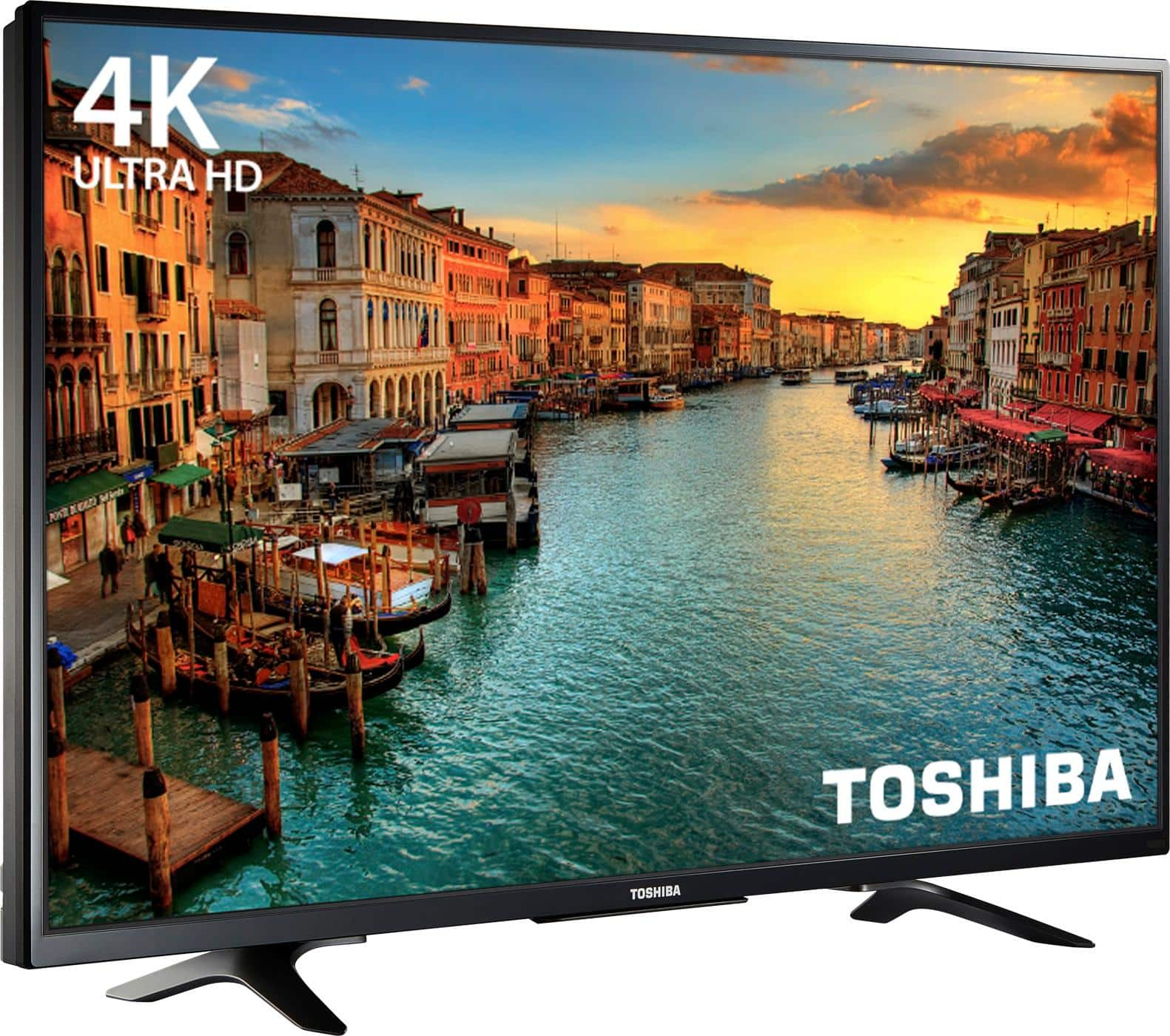
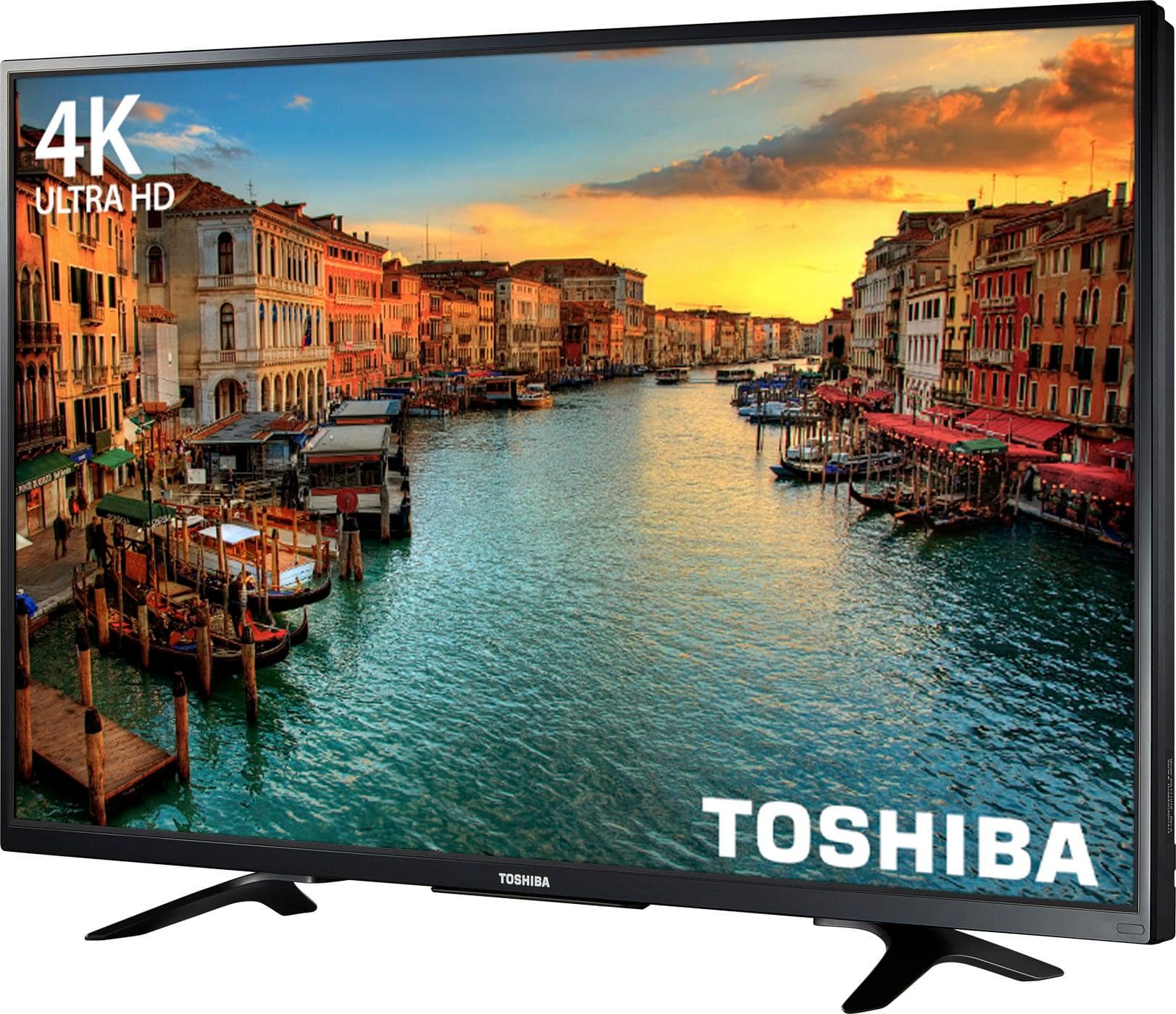
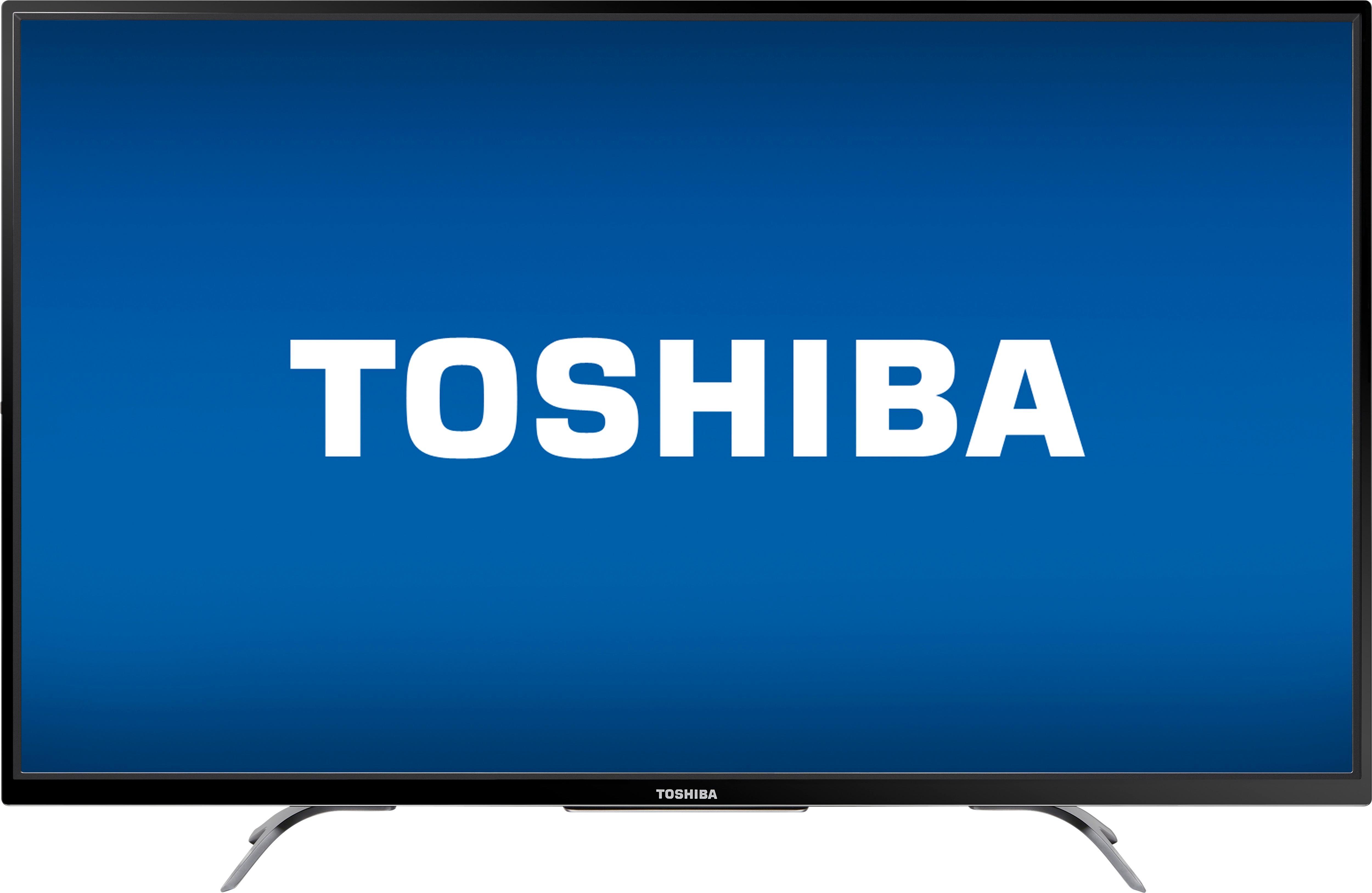
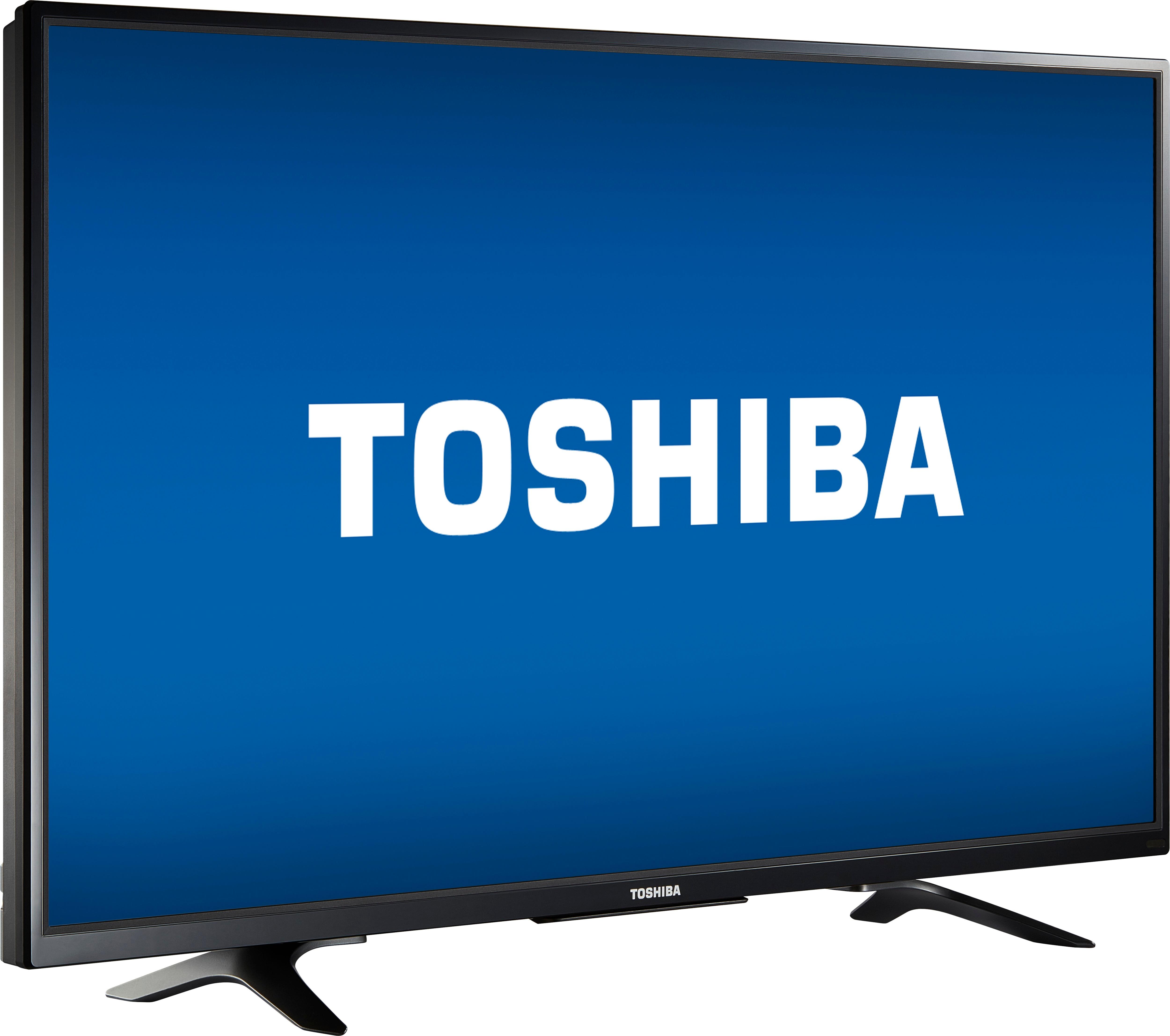
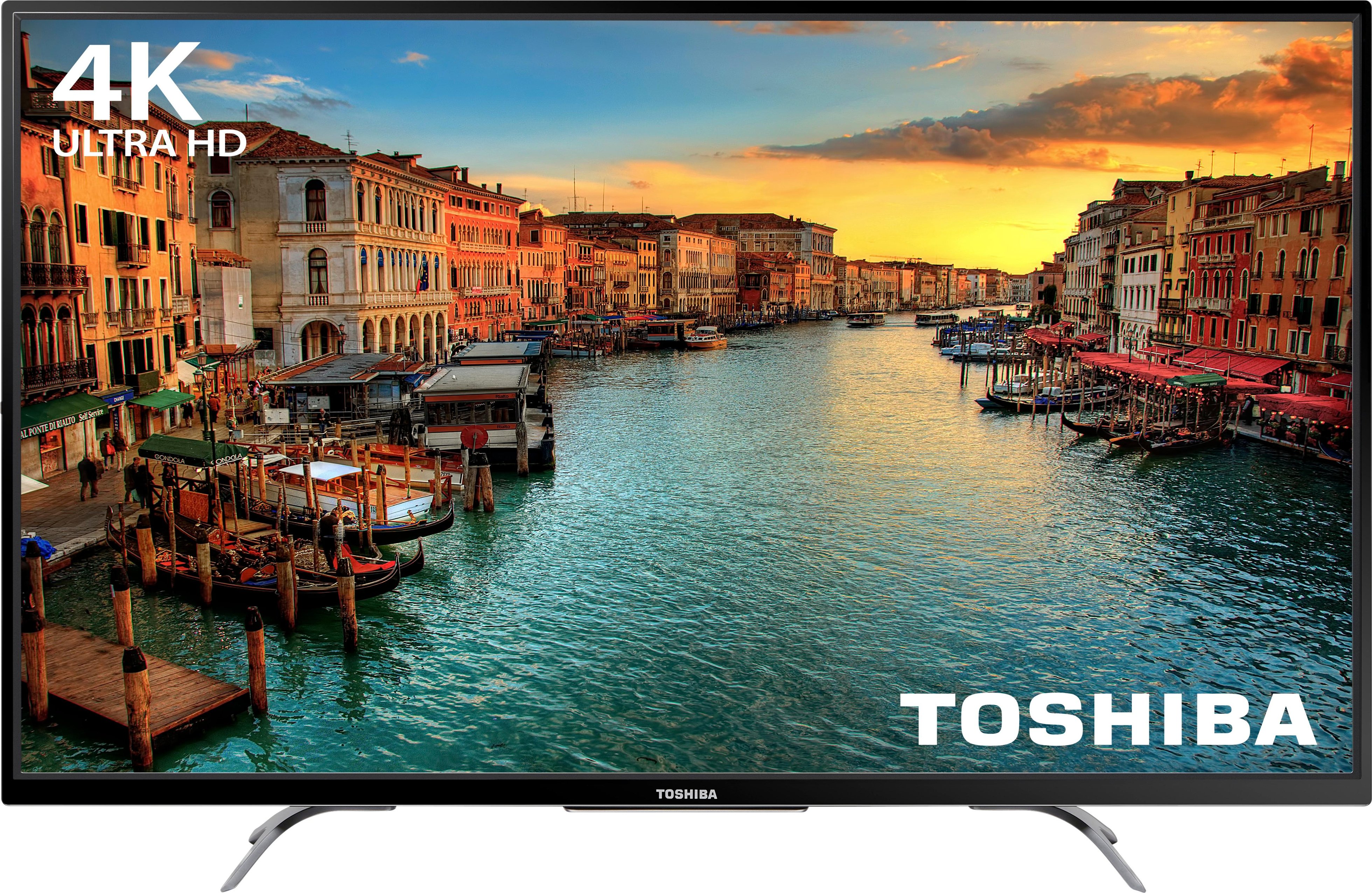
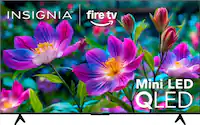
A:AnswerThe picture is perfect, I have not had any problems with it, they are crystal clear, and love the size of the screen, the edges are thinner making the picture more better in my opinion.
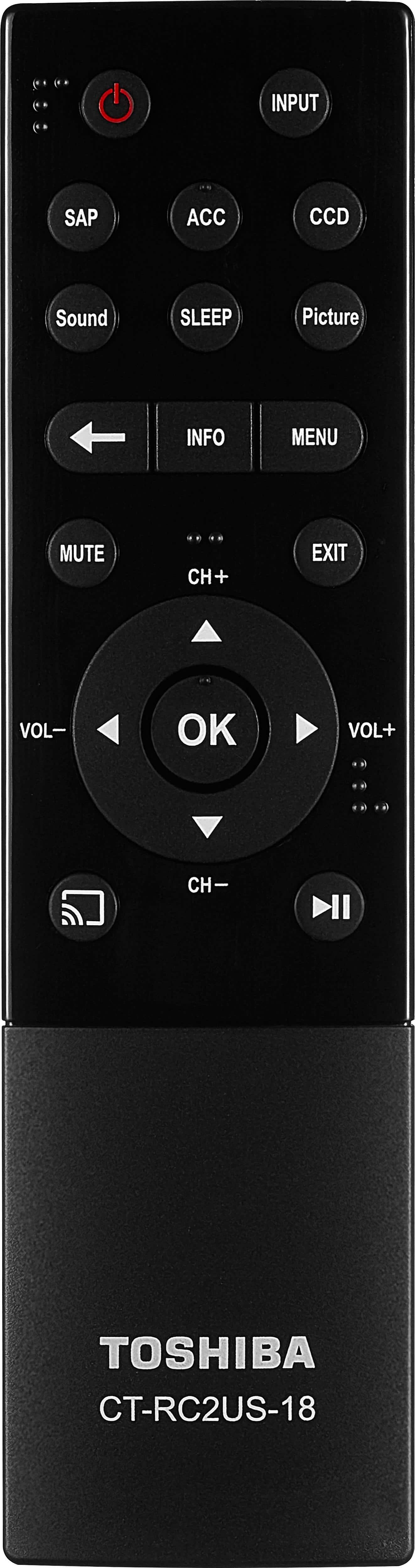
A:AnswerYou have to be using a device to connect to and launch apps. The remote provides no way to interact with the apps being cast to it. All control comes through the phone, basically.
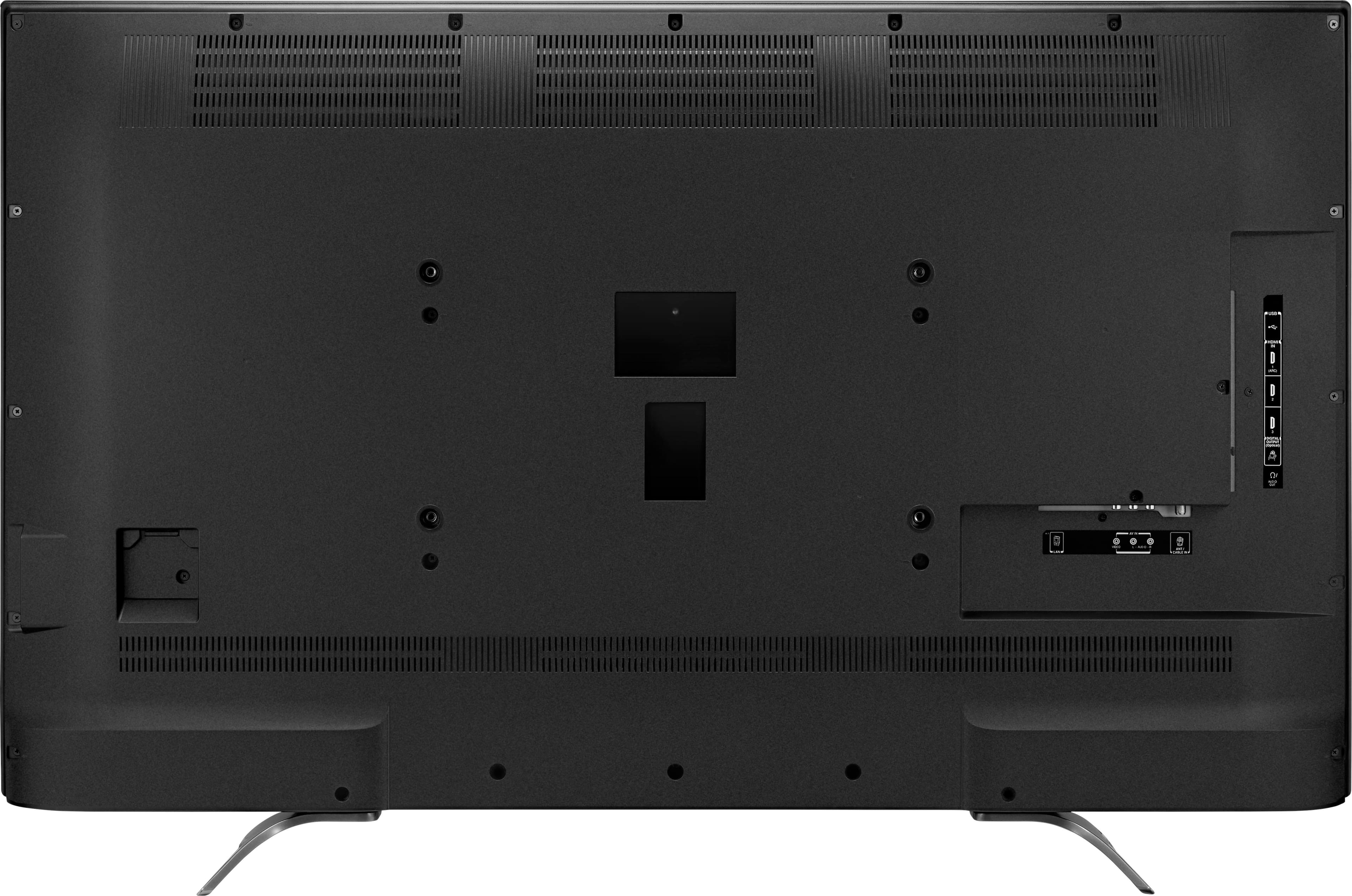
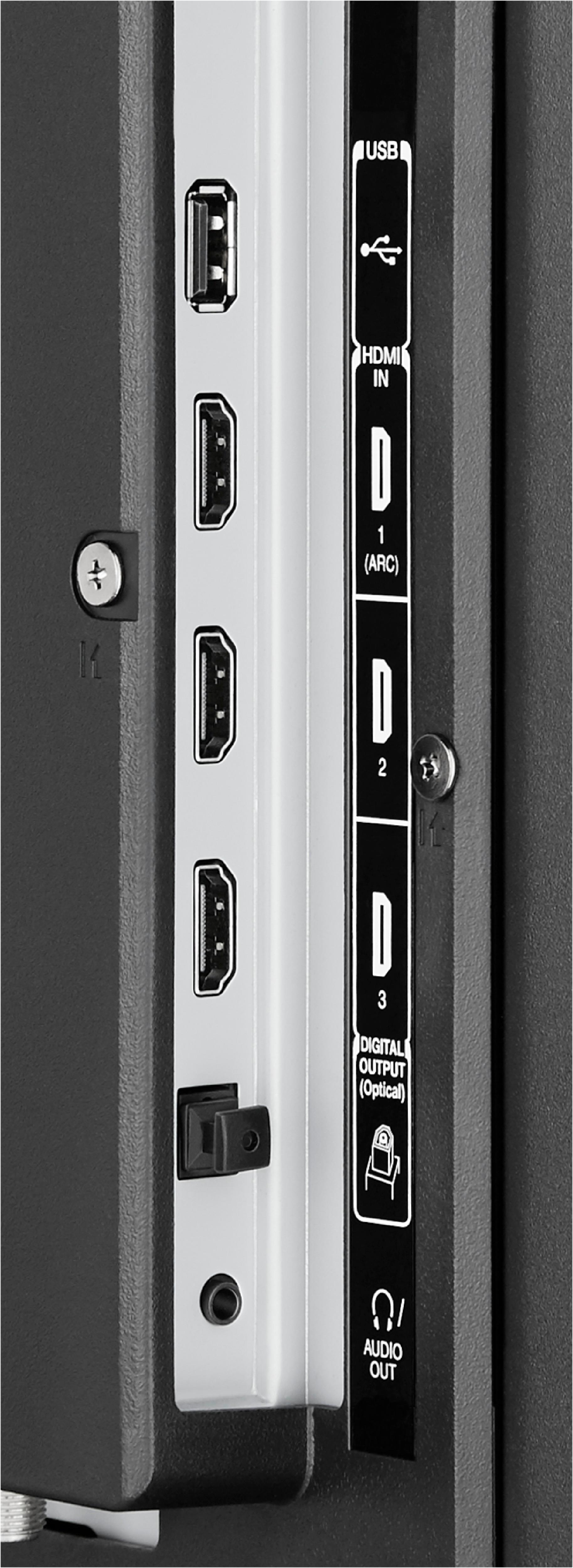
A:AnswerThis happened to me to. This fixed it:
1. Go to the input with no sound.
2. Click the menu botton on the remote
3. Navigate to options
4. Select "HDMI Input Mode"
5. Make sure HDMI input mode is on Mode 1 (1.4)
Your device you're connecting to is probably not an HDMI 2.0 device.
Repeat for inputs without sound.