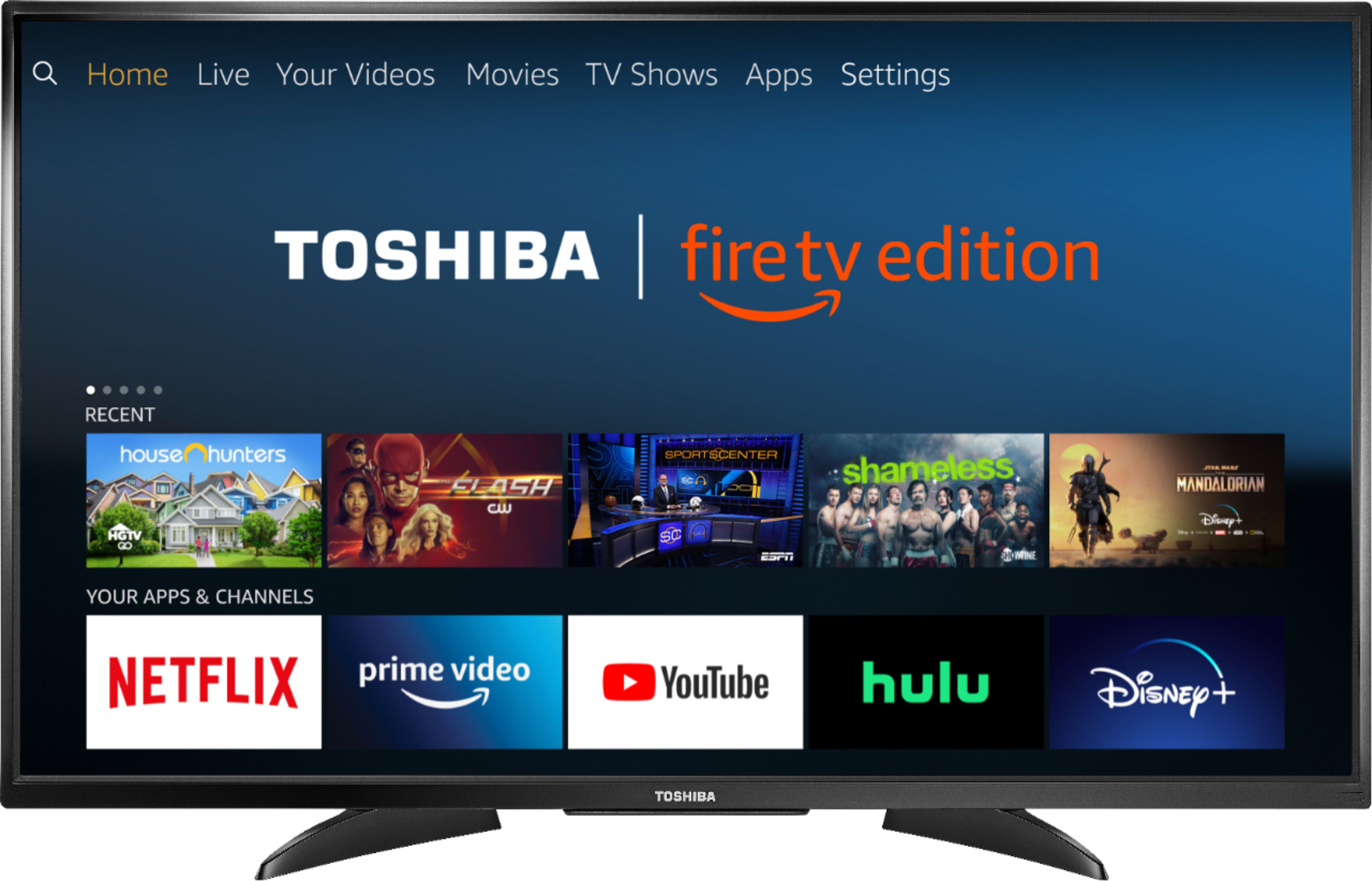
A:AnswerFor best video quality connect a Cable Box to the Fire TV Edition television using HDMI. The TV has a built-in ATSC Tuner with Clear QAM; NTSC. Connect an antenna to watch free over-the-air broadcasts from your local channels.
To watch Fire TV Edition TV Help Videos, please visit:
https://www.amazon.com/gp/help/customer/display.html?nodeId=202162190
David M. - Toshiba Support
A:AnswerPress the TV button on the Voice Remote to launch the Live TV guide.
For product support please call 1 (855) 527-2411 available from 8 am to 9 pm CT everyday.
David M. - Toshiba Support
A:AnswerTry to deregister your Amazon Account on the Fire TV Edition television.
Using the Voice Remote go Home > Settings > My Account. After that register your Amazon Account.
For product support please call 1 (855) 527-2411 available from 8 am to 9 pm CT everyday.
David M. - Toshiba Support
A:AnswerThe Fire TV Edition television requires a strong stable high-speed internet connection to stream content. For example Netflix and YouTube recommend an internet speed of 25 Mbps.
David M. - Toshiba Support
A:AnswerConnect your cable box to the Fire TV Edition television using HDMI.
Connect an antenna to the Fire TV Edition television to watch free over-the-air broadcasts from your local channels.
While watching Live TV, press and hold the Home button for 3 seconds to launch the Quick Access menu, select Display settings to adjust the Picture Size and Aspect Ratio.
David M. - Toshiba Support
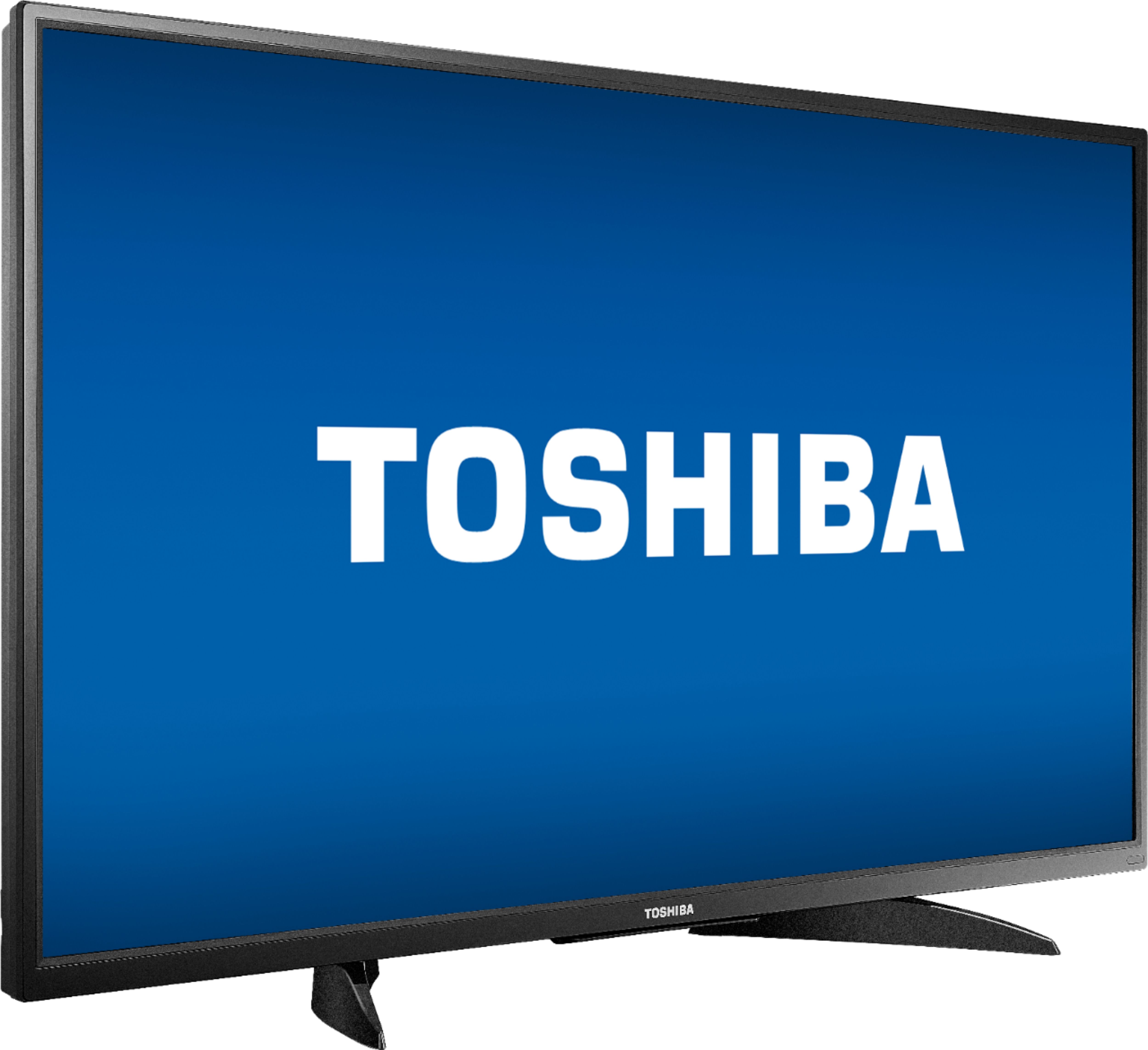
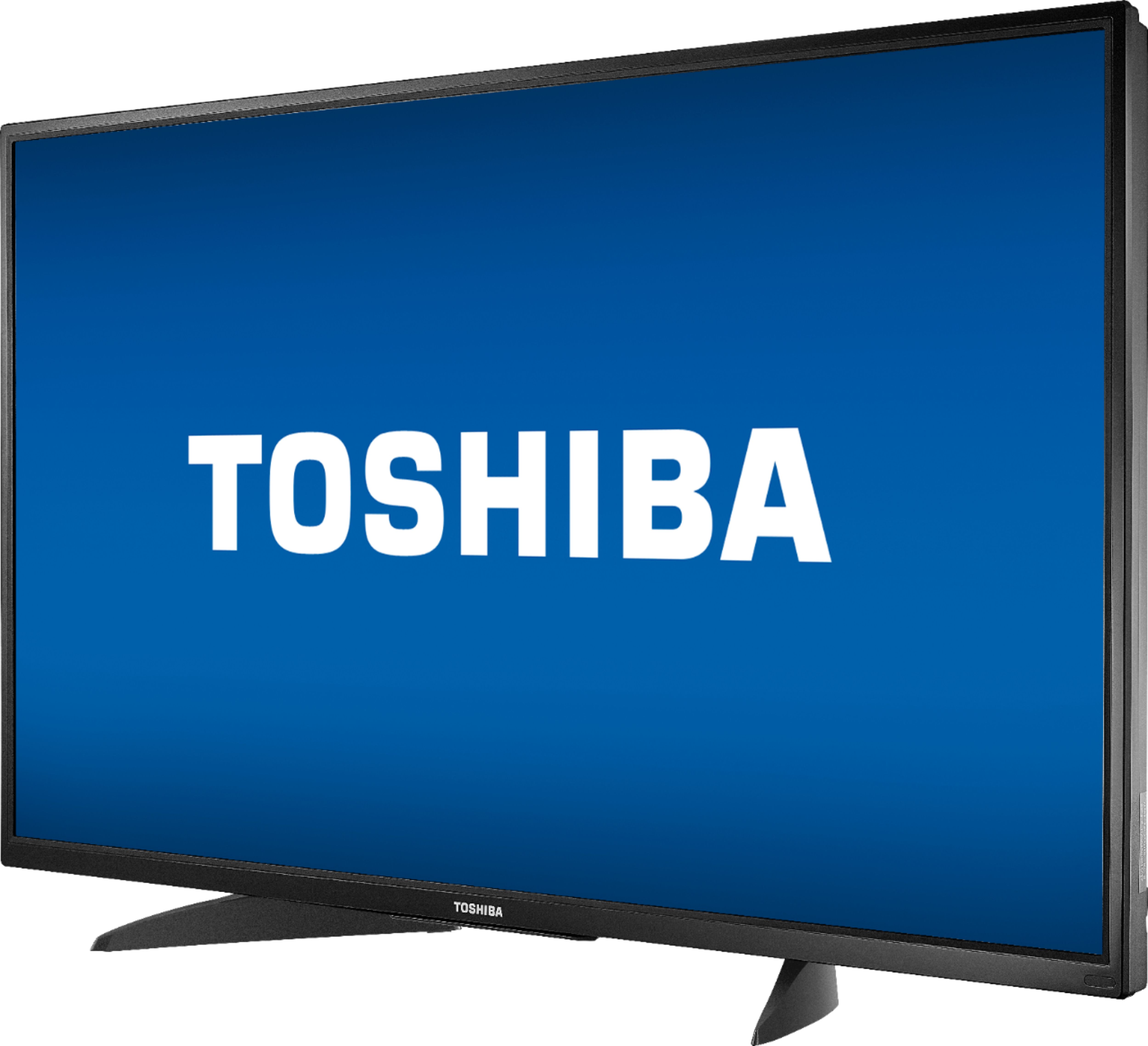
A:AnswerThe stand width from left to right at the widest part (footprint): 27.5 in (70 cm).
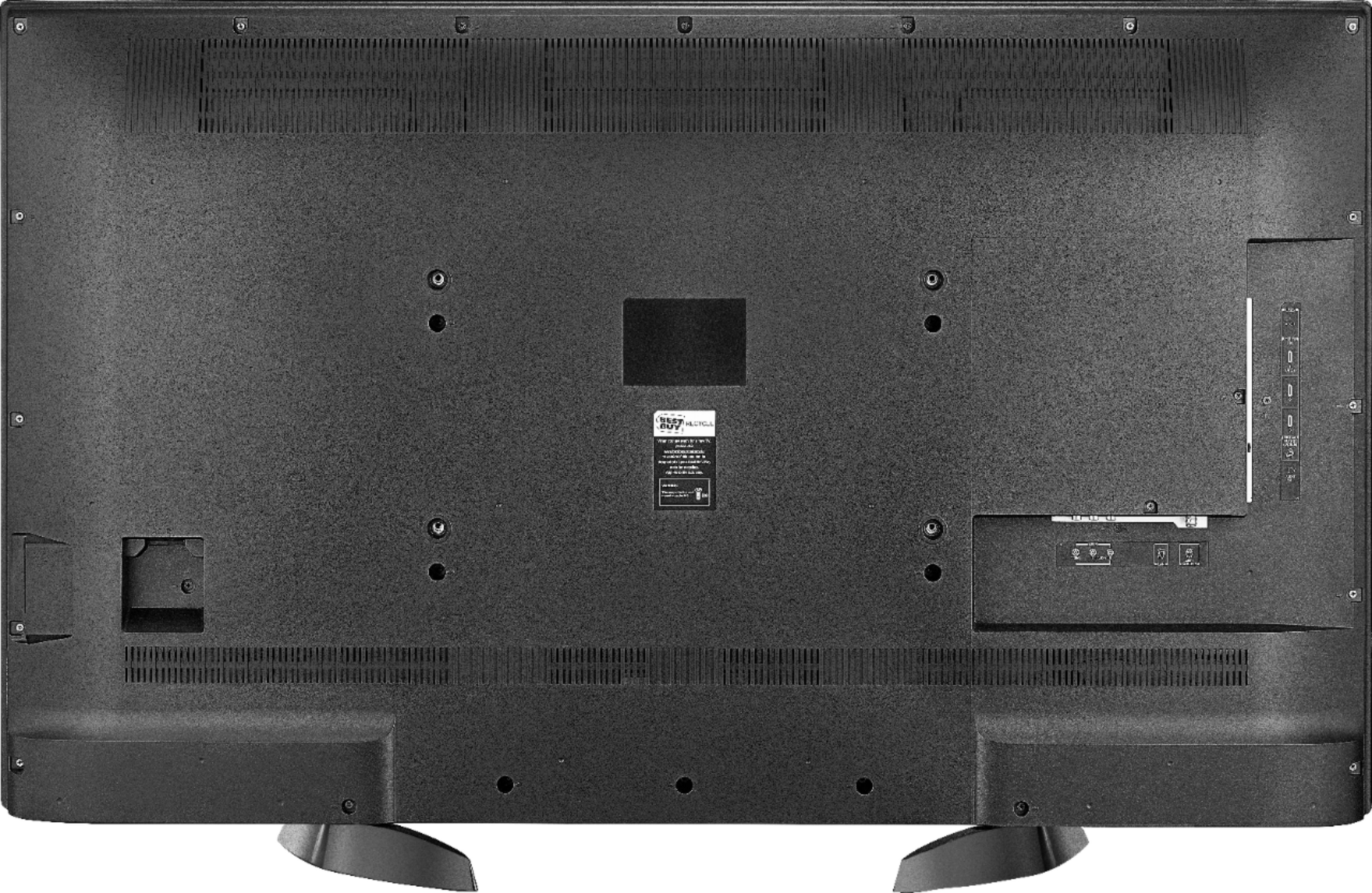
You can use a VESA compliant universal pedestal TV stand.
For the Toshiba 50LF621U19 - The VESA Mounting Pattern: 400 × 200 – M6 x 25 mm type screws (4 pcs)
David M. Toshiba Support
A:AnswerWhen you connect an audio device the TV speakers will automatically turn off.
You can try to use an audio splitter to connect a soundbar and headphones.
David M. - Toshiba Support
A:AnswerFor Fire TV Edition television documentation please visit:
https://tvna.compal-toshiba.com/us/en/models/50lf621u19/
To watch Fire TV Edition TV Help Videos please visit:
https://www.amazon.com/gp/help/customer/display.html?nodeId=202162190
David M. - Toshiba Support
A:AnswerThe replacement remote for the Fire TV Edition television is available at Best Buy; Model: NS-RCFNA-19
For product support please call 1 (855) 527-2411 available from 8 am to 9 pm CT everyday.
David M. - Toshiba Support
A:AnswerThe Fire TV Edition television features Closed Captions.
Using the Voice Remote go to Home > Settings > Accessibility > Closed Caption
While watching Live TV press the Menu button ( ≡ ) and select Captions and Audio.
For more information, please visit: https://www.amazon.com/gp/help/customer/display.html?nodeId=GF2WDRKM6AWE4SLM
David M. - Toshiba Support
A:AnswerThe Fire TV Edition television features one AV input (yellow, white and red).
For best video quality connect your multimedia devices using HDMI.
David M. - Toshiba Support
A:AnswerFor best video quality connect a Cable Box to the Fire TV Edition television using HDMI.
Try to do a Channel Scan on the Fire TV Edition television go: Home > Settings > Live TV > Channel Scan > Advanced Options and try them all.
David M. - Toshiba Support