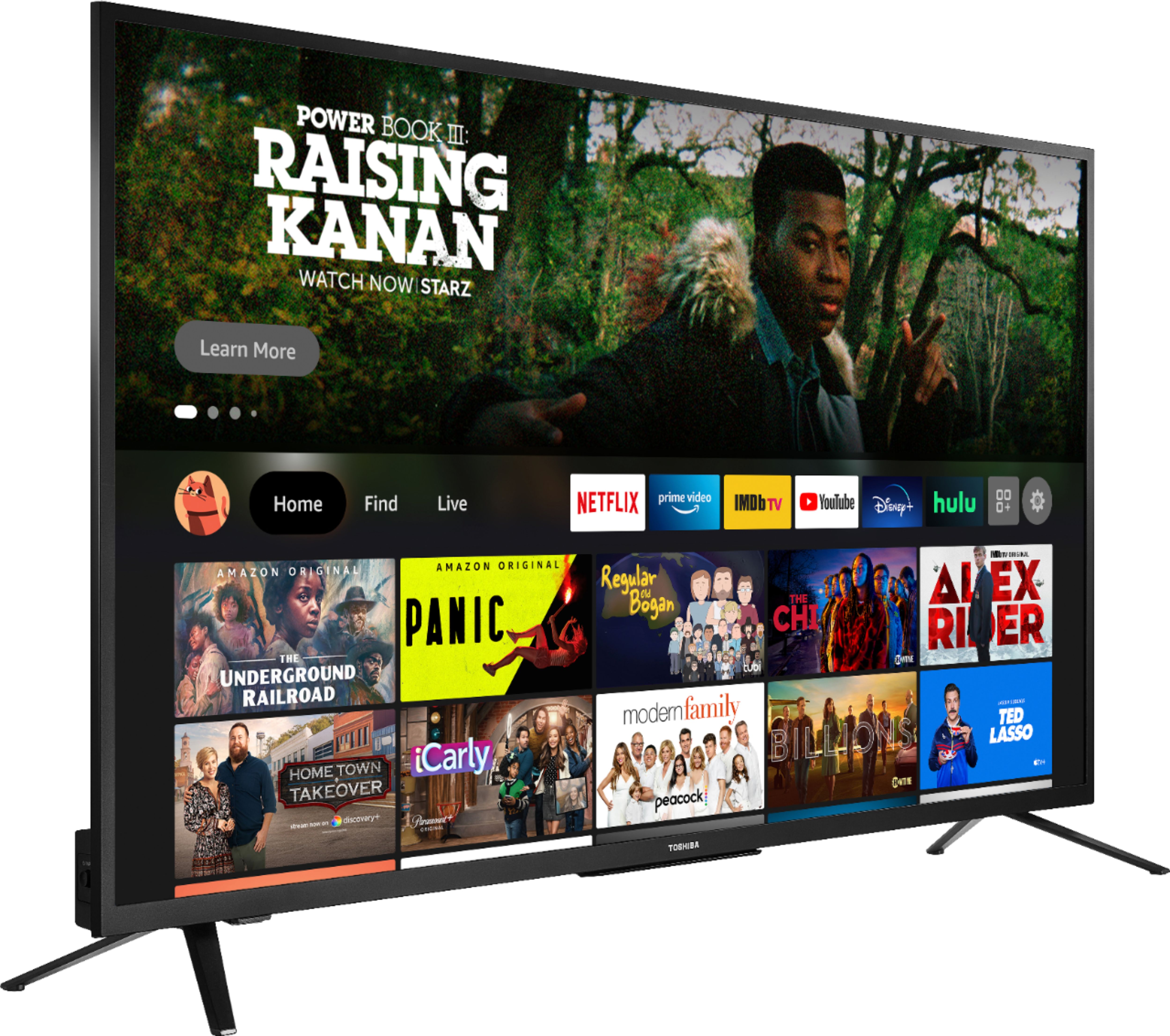
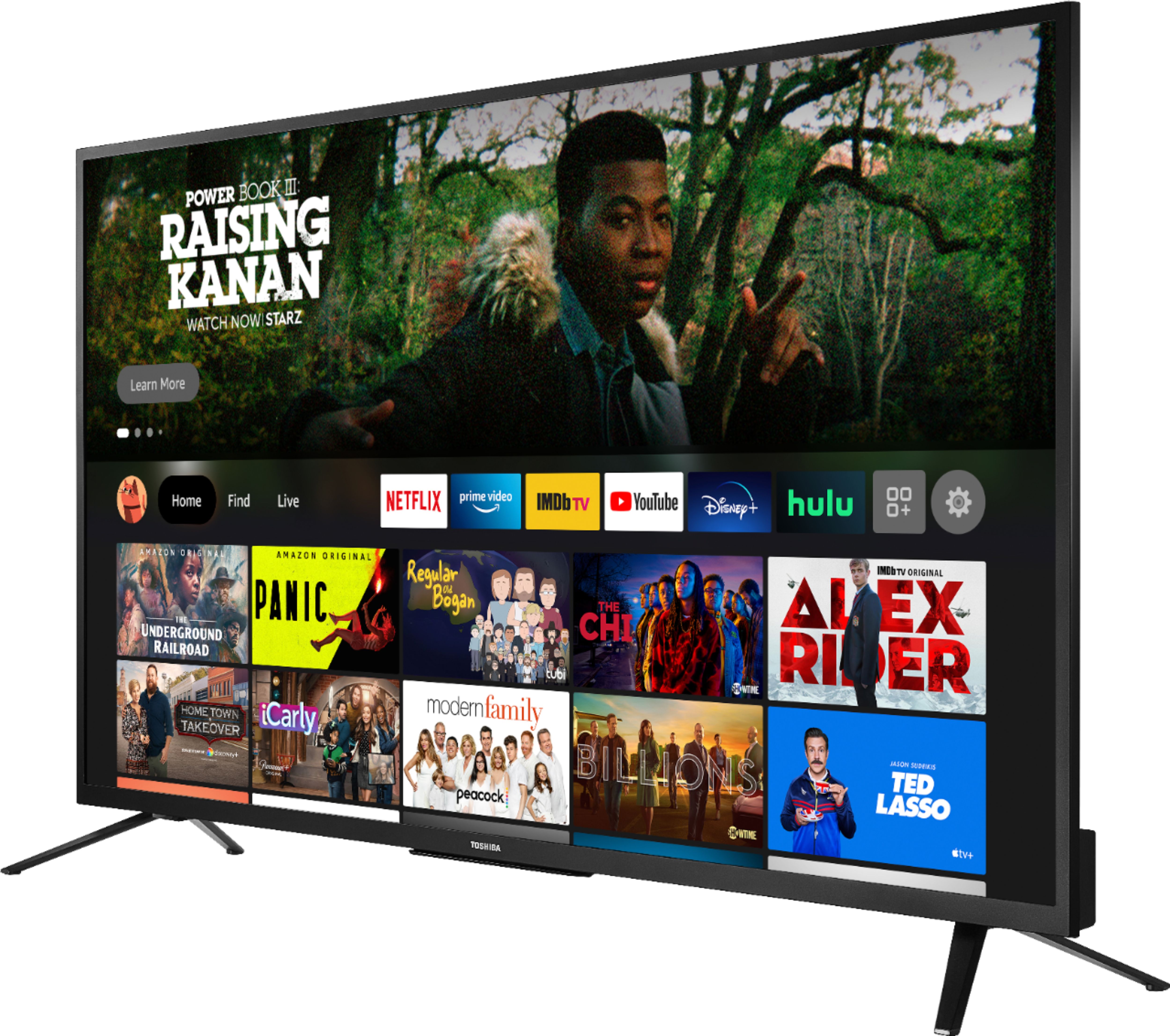
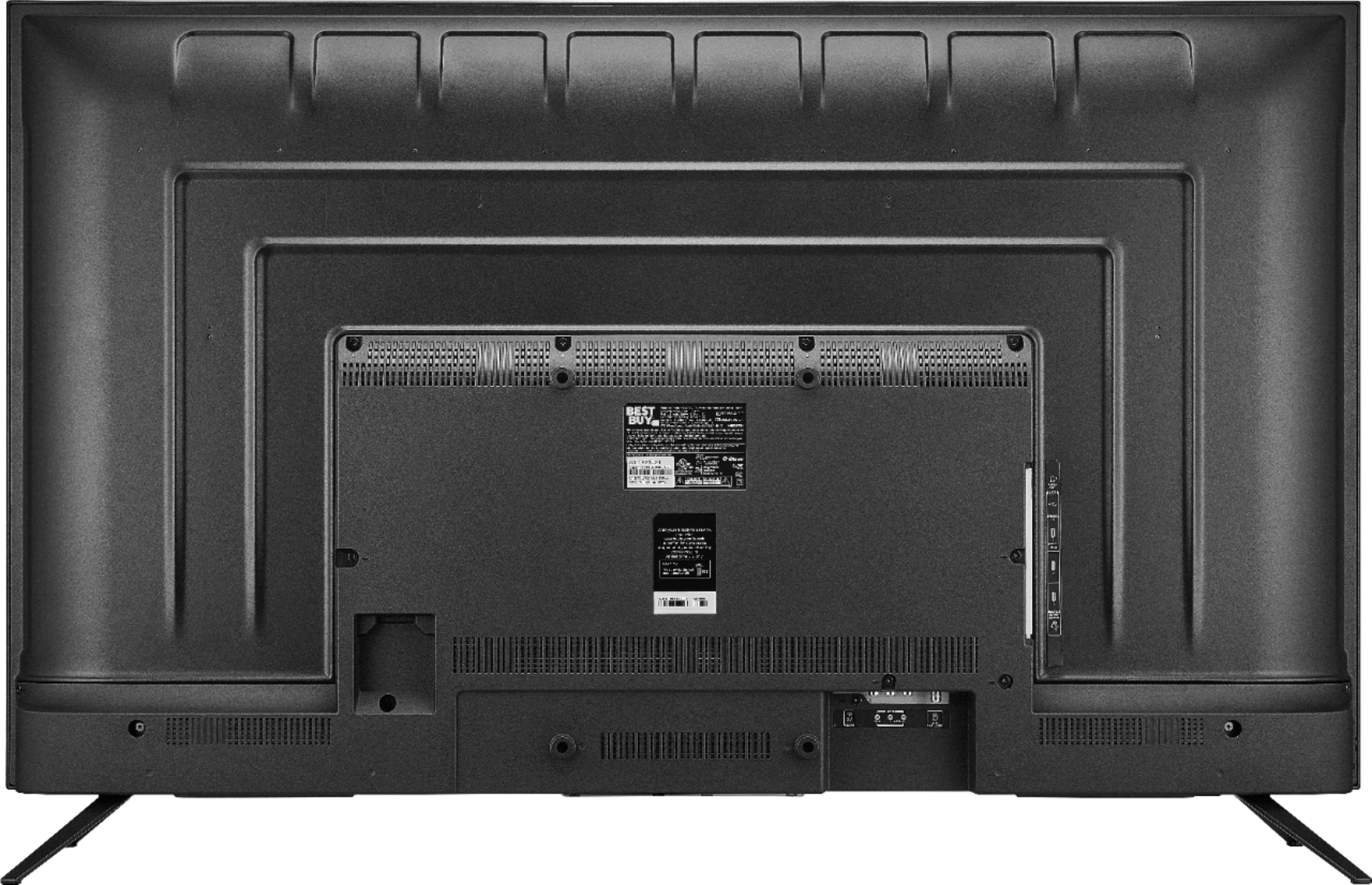
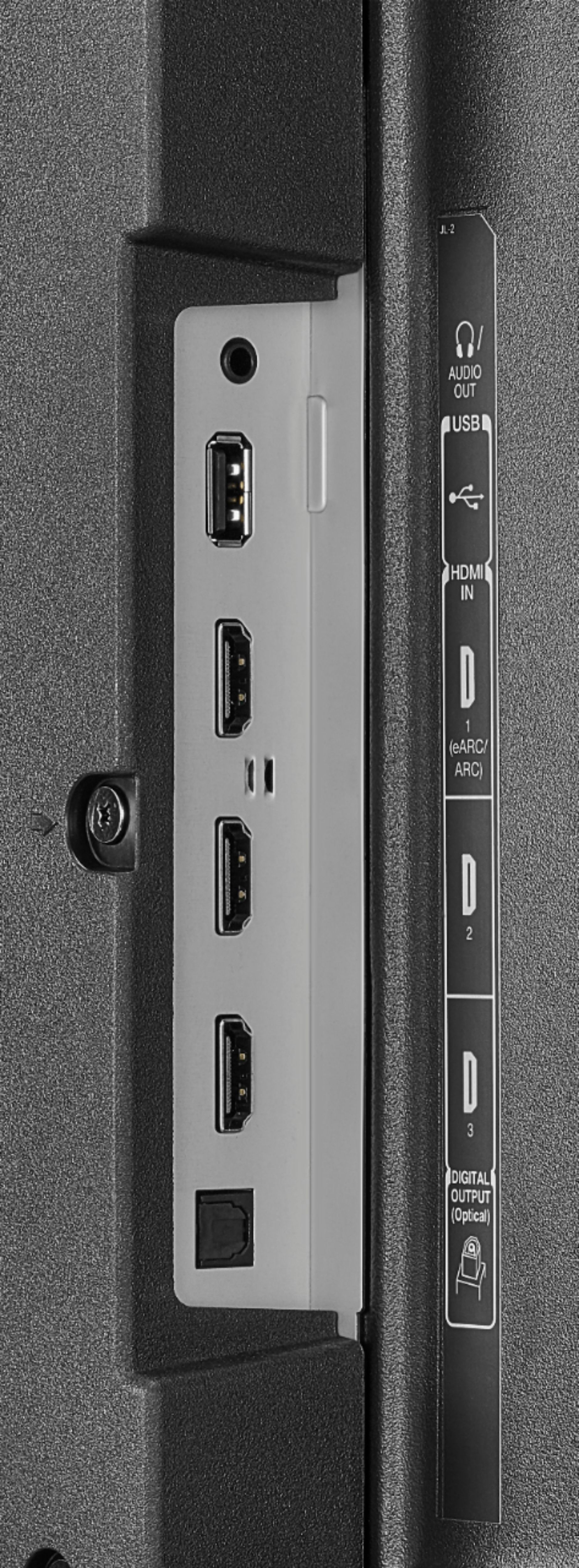
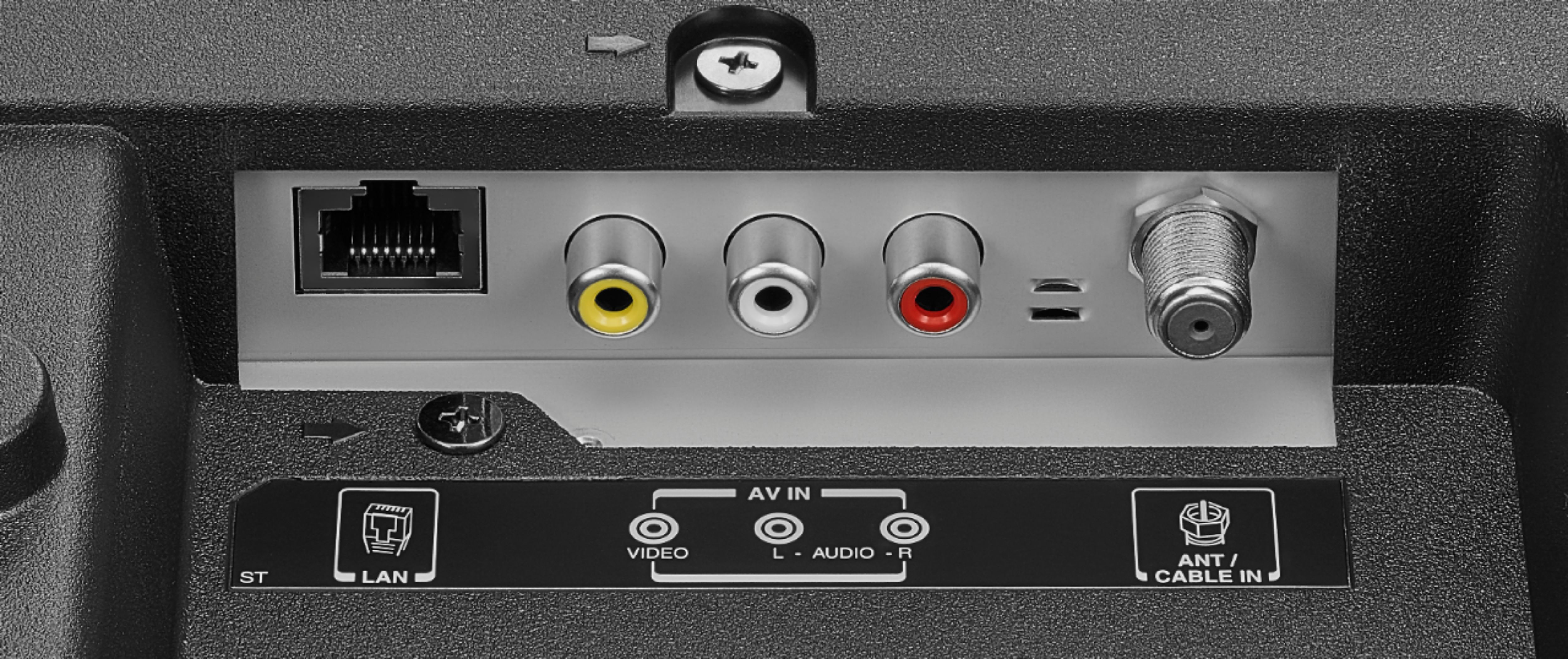
A:AnswerTo access local channels with this TV you need to connect an antenna (not included). This TV has built-in Wi-Fi, during the initial setup it will scan for available Wi-Fi networks, select your Home network and enter the password when prompted. Unfortunately, the Xfinity app is not available for download on this TV. You have to connect a Xfinity device to one of the HDMI inputs on the TV to watch your Xfinity channels.
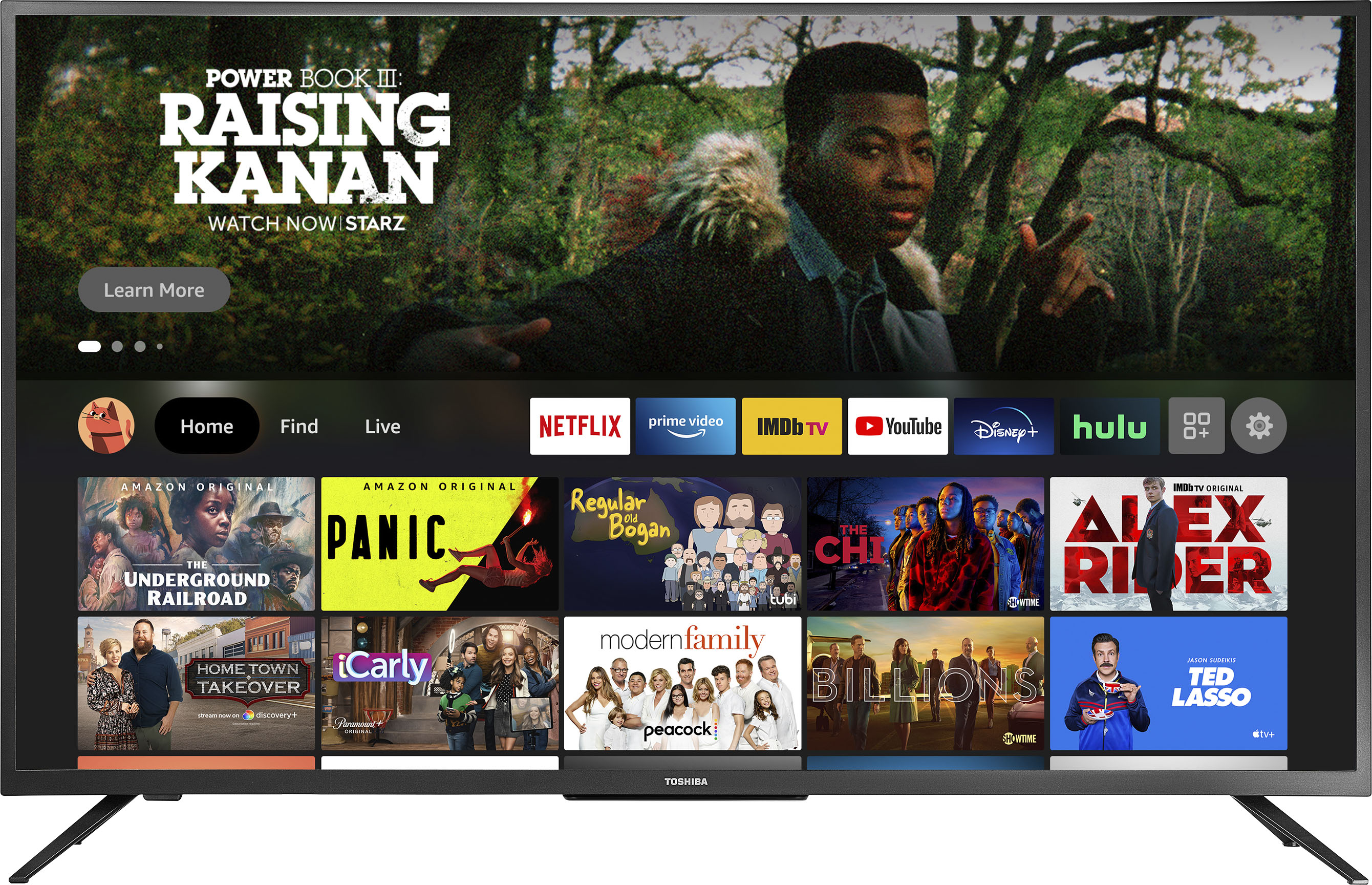
A:AnswerTry the Power On feature, when enabled, your TV turns on displaying the last used input: go Home > Settings > Display & Sounds > Power On and select Last Input.
A:AnswerI connected an antenna for the local channels and the picture quality is fine. I am only about 15 miles from the broadcast antennas so that might have some effect on my results.
A:AnswerMake sure you have a valid payment method on your Amazon account to download apps. For product support please call 1 (855) 527-2411 available from 8 am to 9 pm CT everyday.
A:AnswerYes. Just go to settings on Fire Tv and then controllers and bluetooth devices and then pair your Bluetooth headphones or speakers from there. Enjoy!
Any Bluetooth speakers or headphones will do, it depends on your budget.
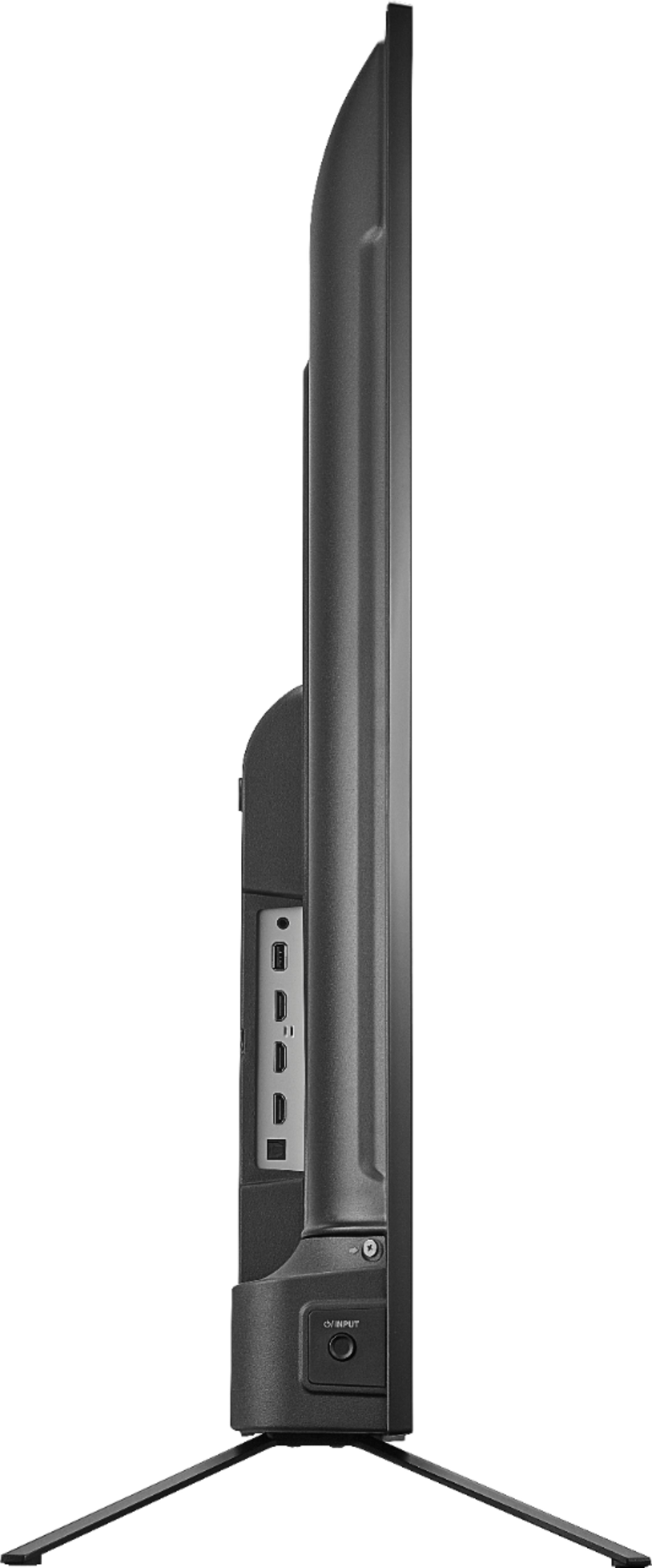
A:AnswerThis was my question... got the tv out of the box. The legs stick out slightly past the length of the tv frame. I would look for a stand at least 45 inches wide or more. Not easy to find under $100.