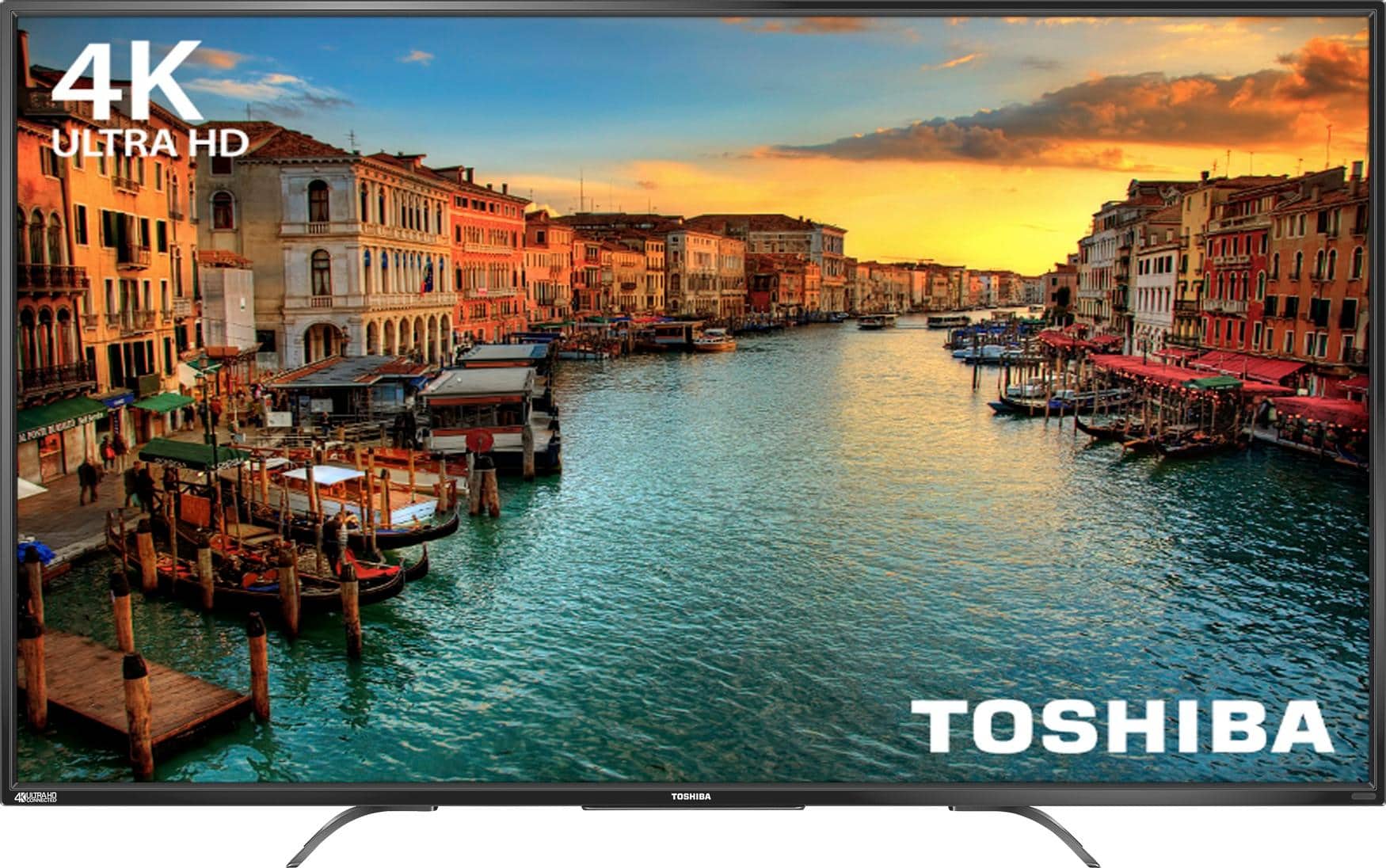
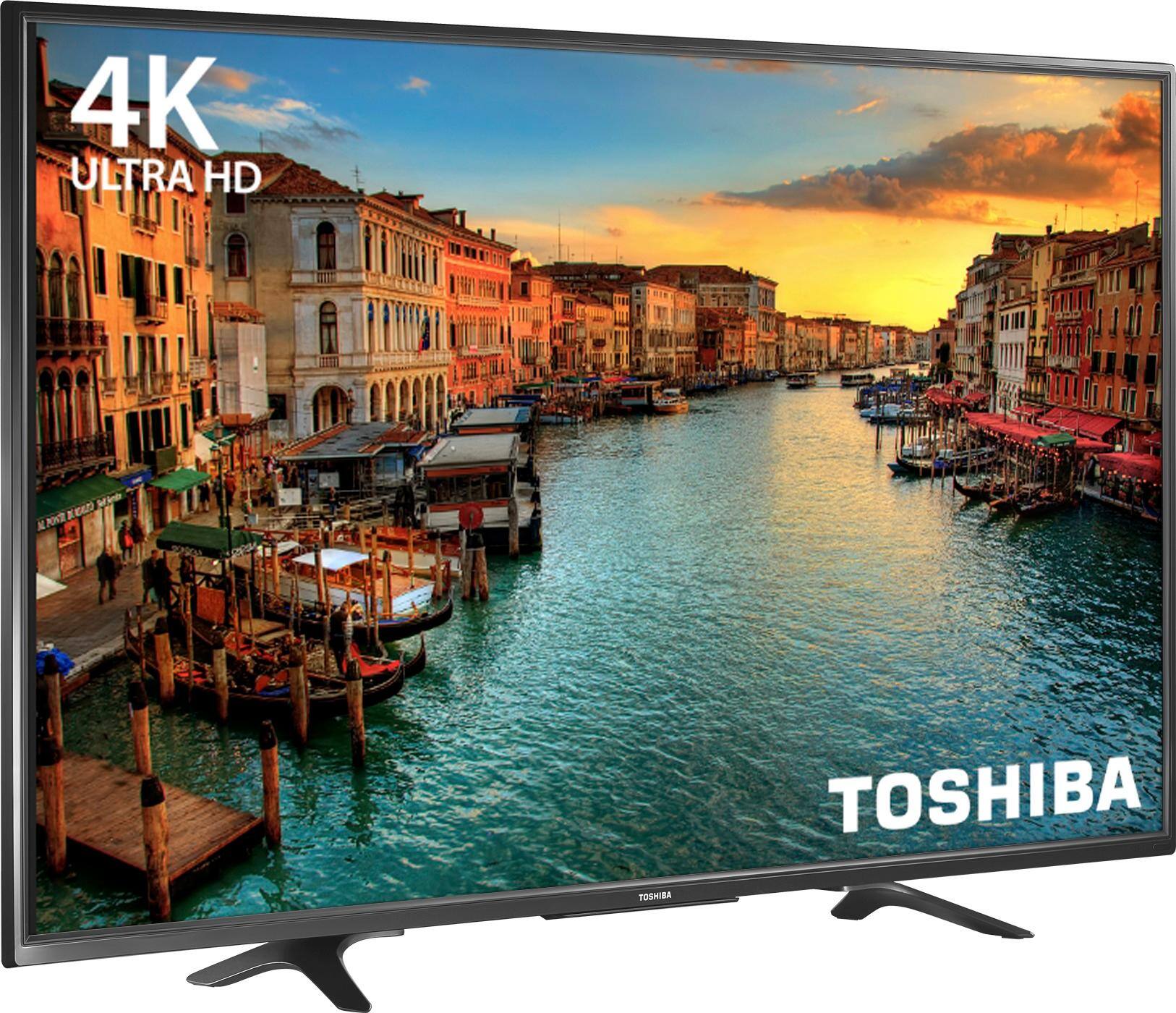
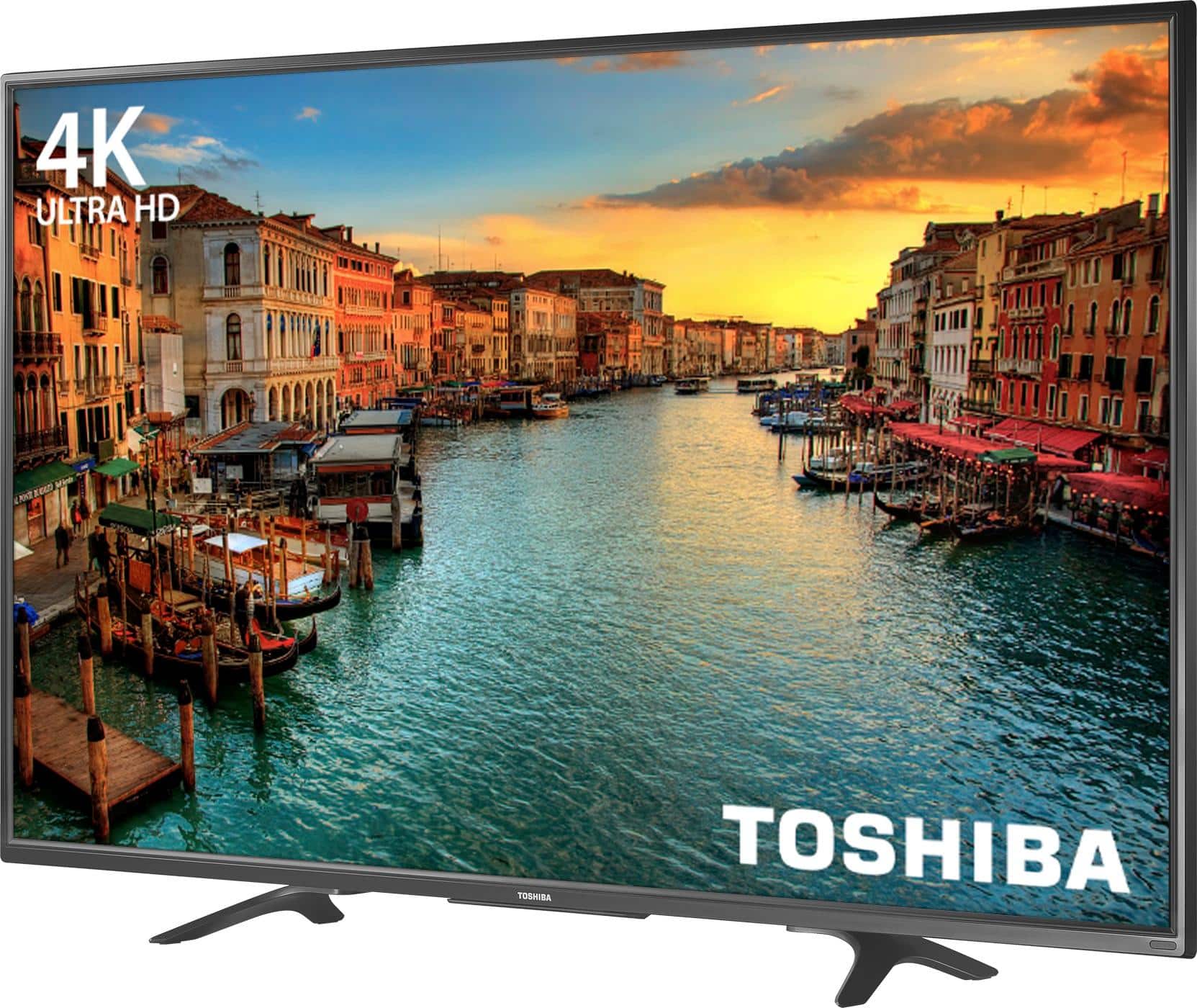
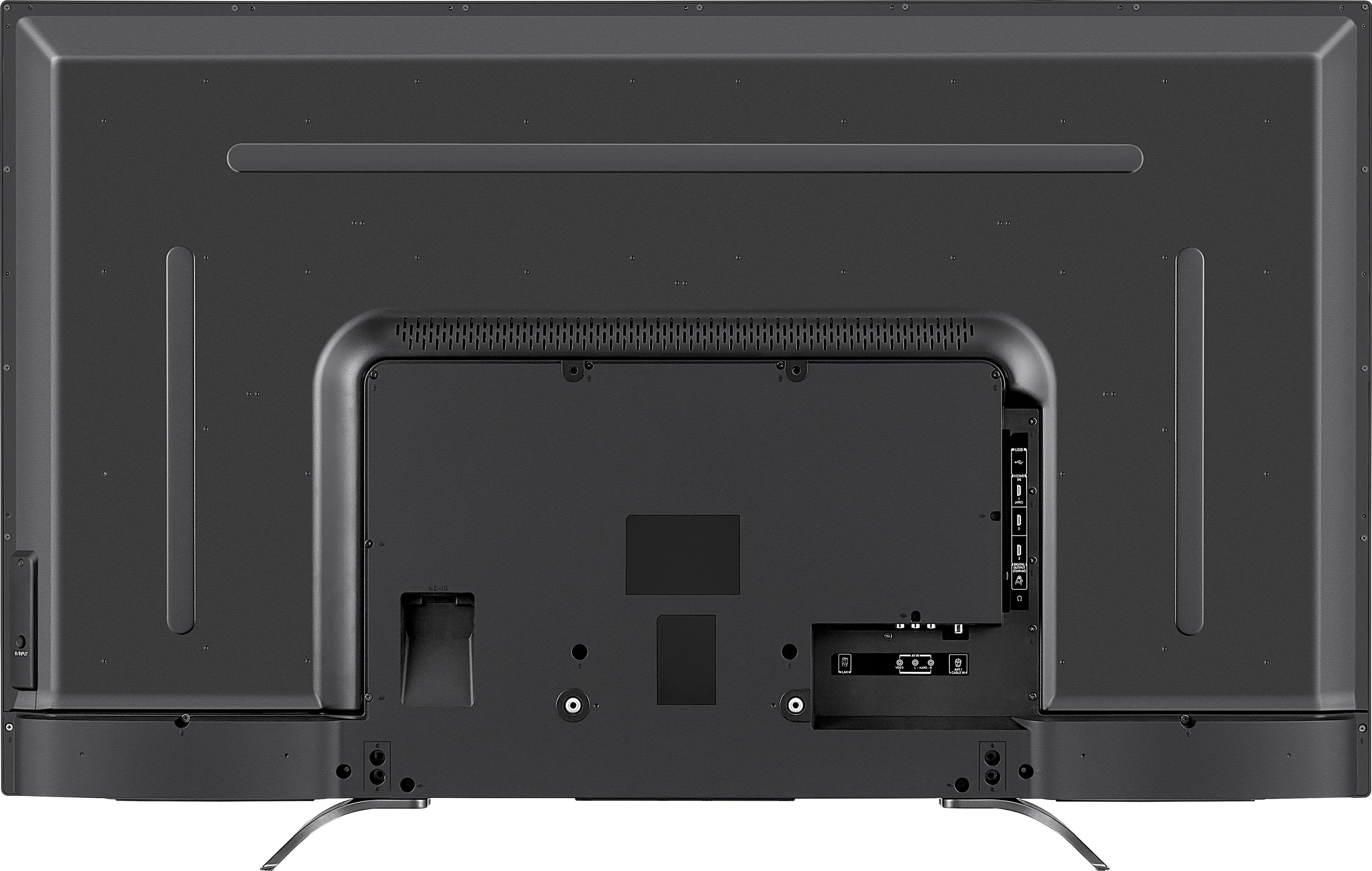
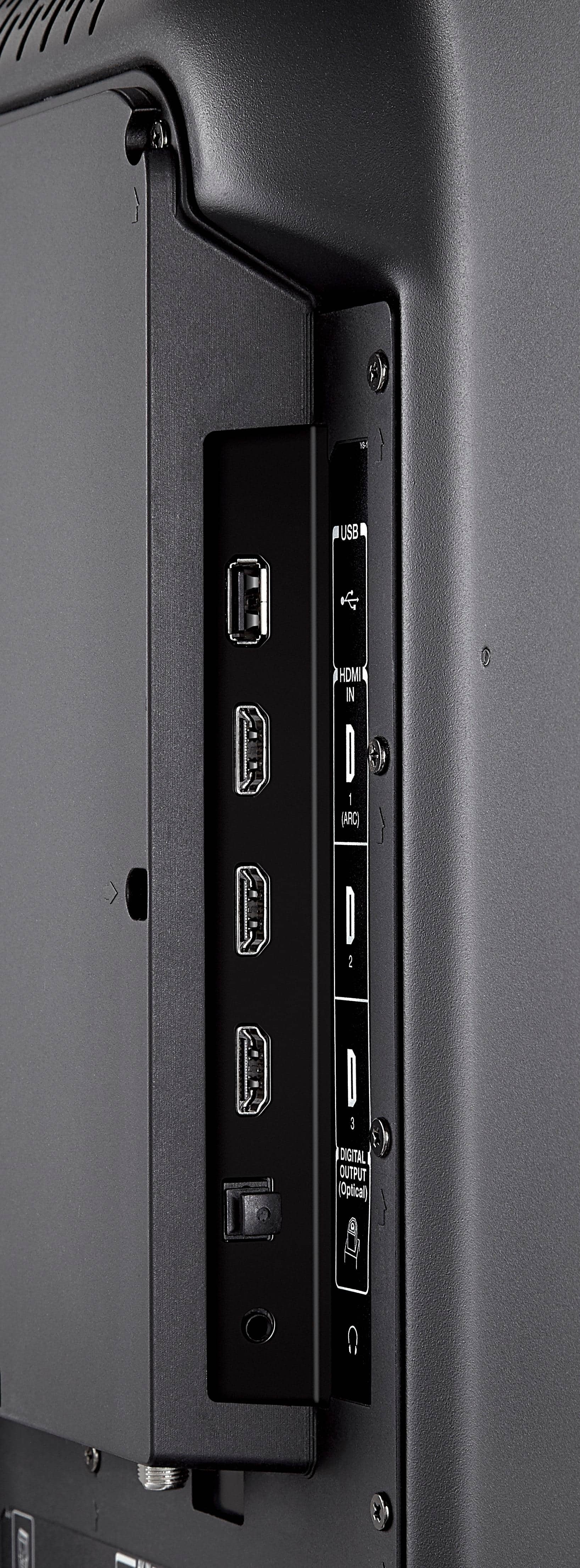
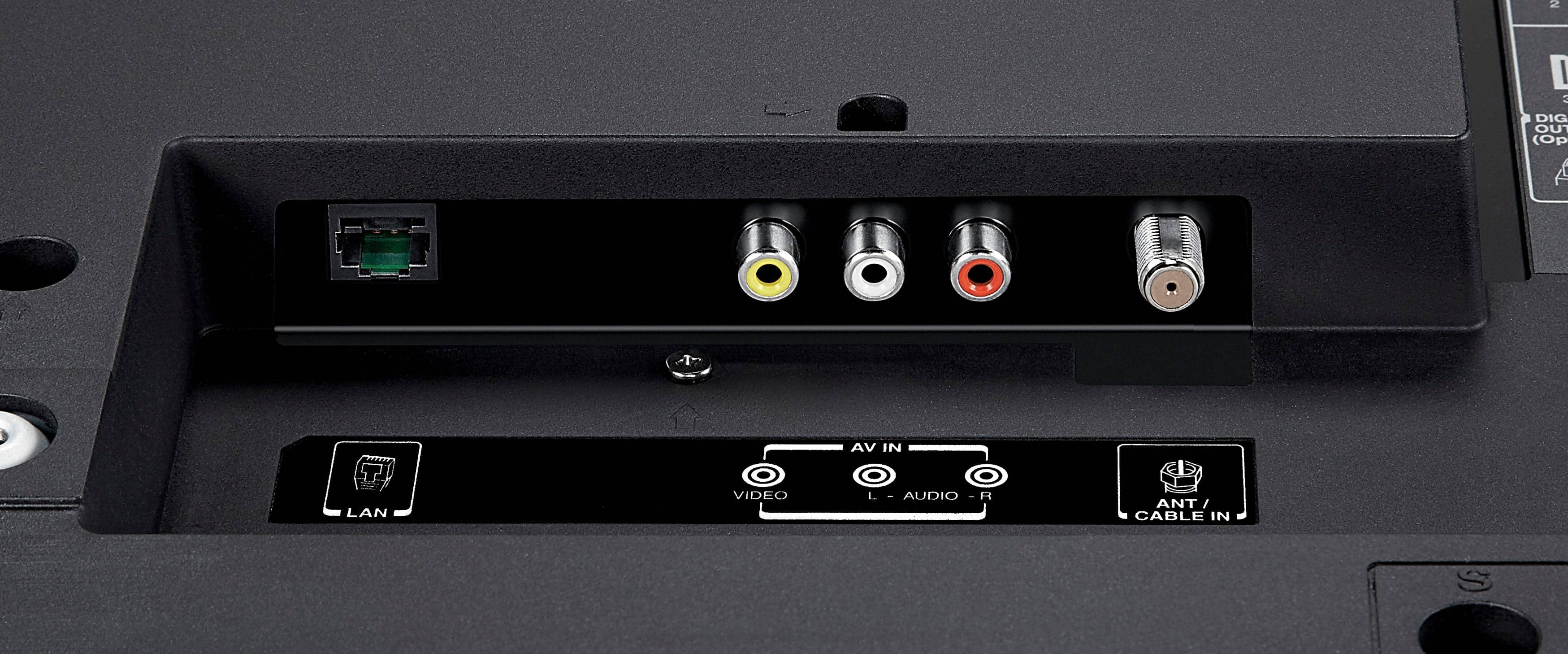
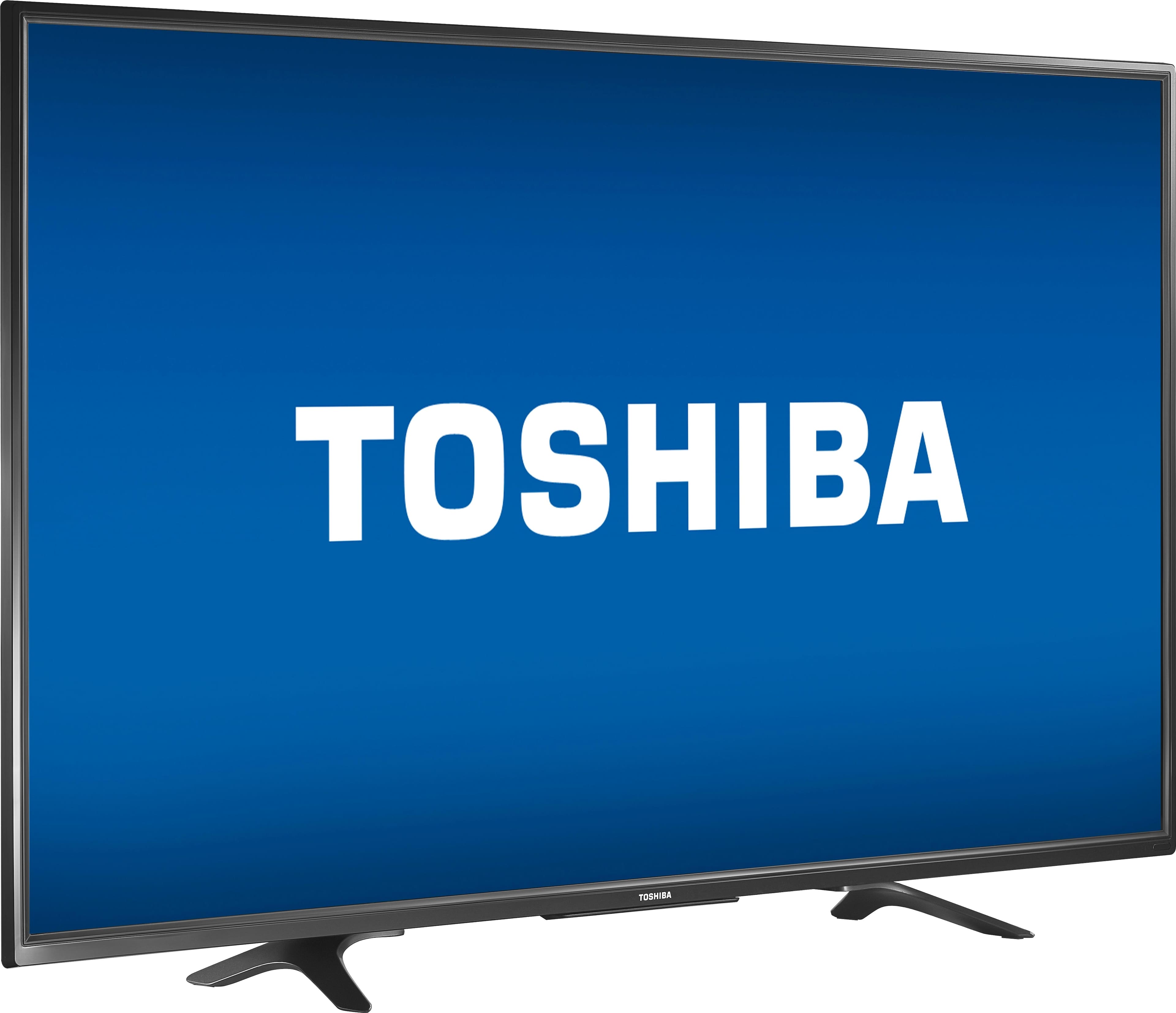
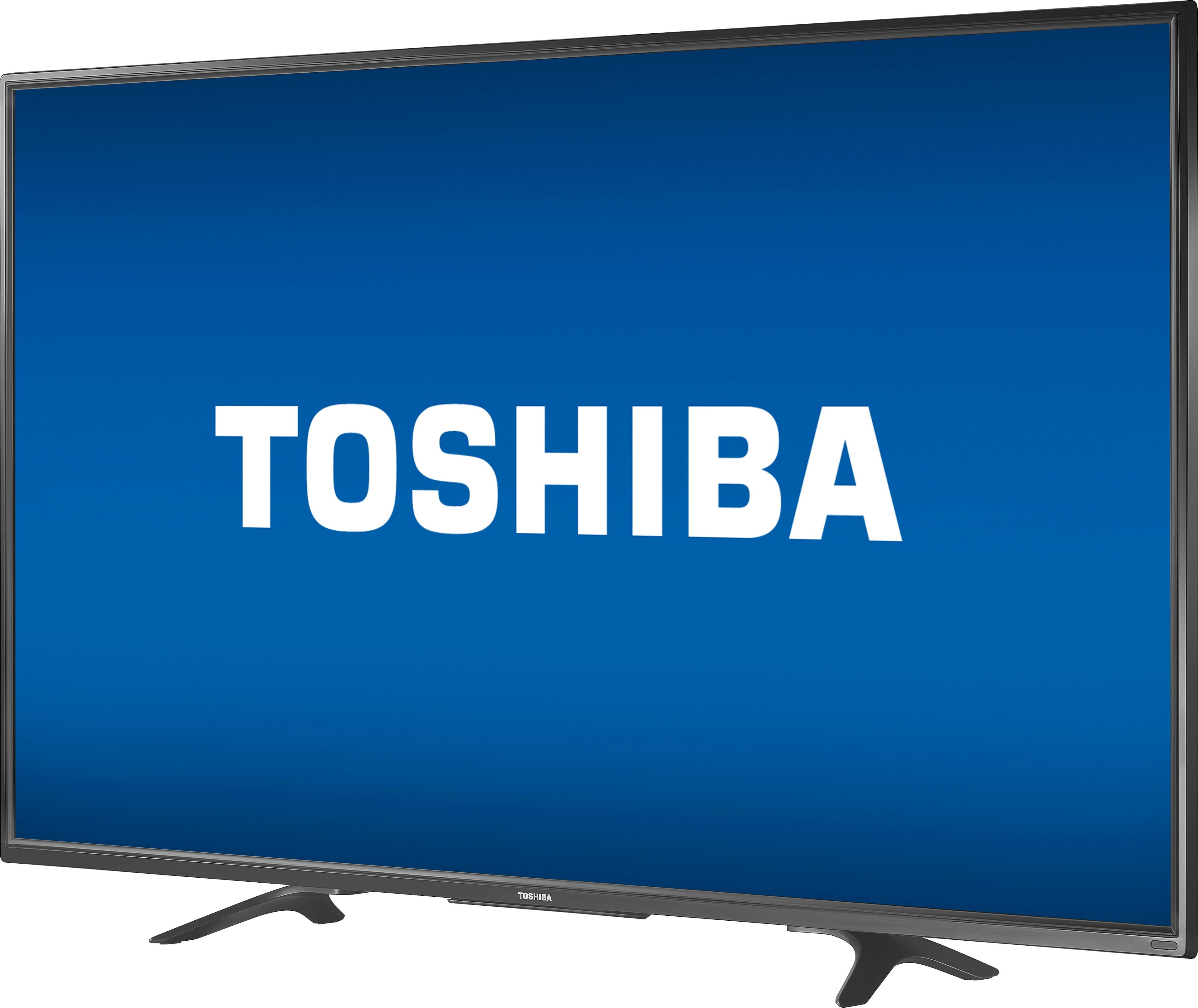
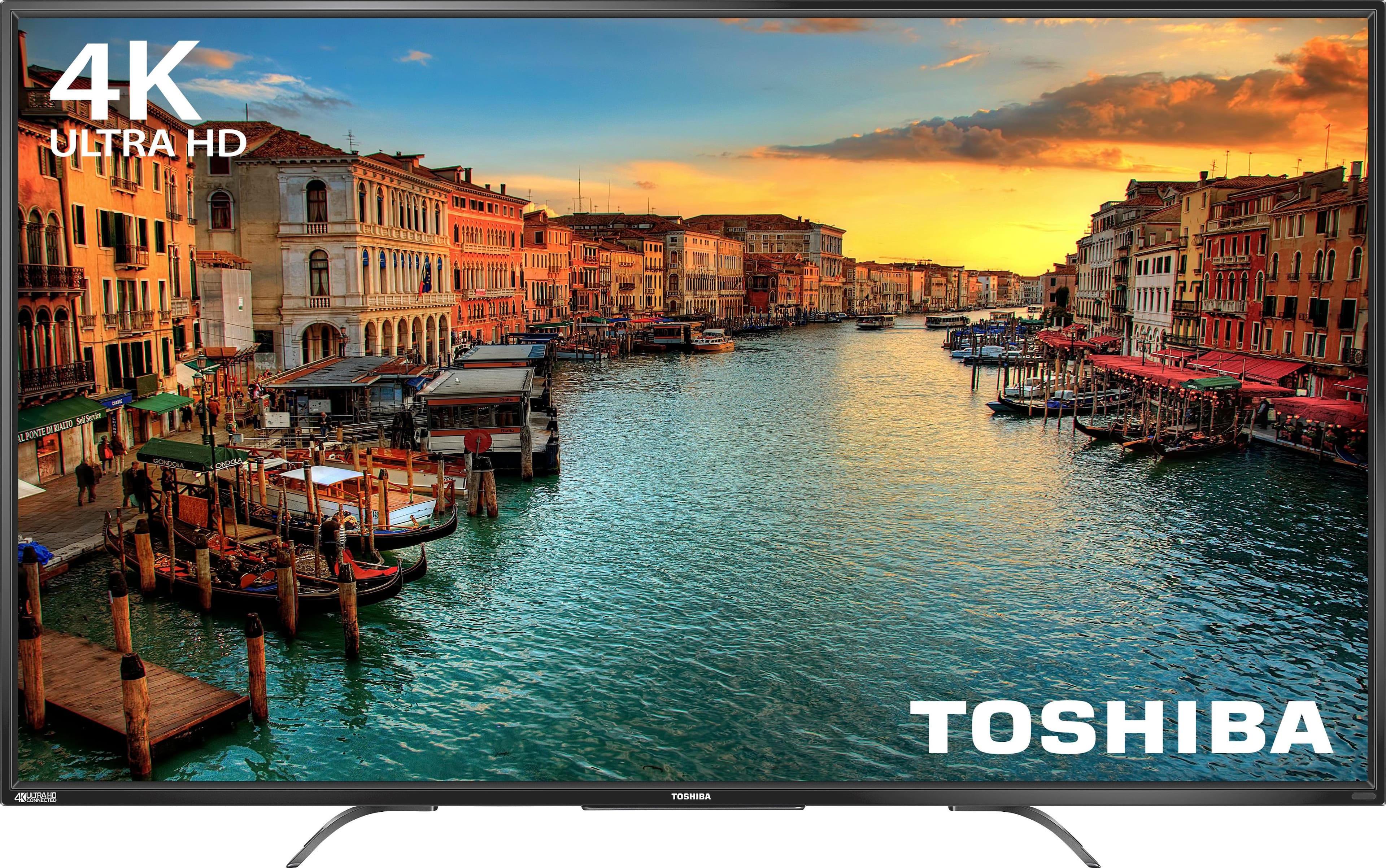
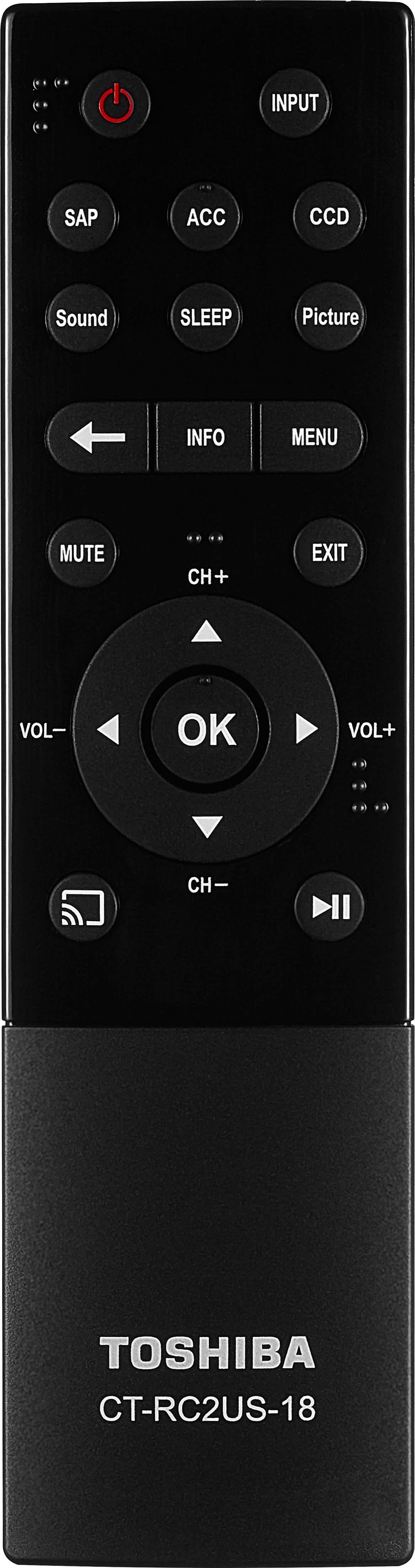
A:AnswerEvery TV is at least 60Hz. This particular TV is 60Hz. It has a resolution of 3840x2160 and so, 4K devices will output 4K resolution on this TV. In order to get 4K 60Hz, ensure that the HDMI cord is plugged into the correct port that supports 60Hz. It will be stated in the manual which port it is.
A:AnswerIt has pretty decent speakers already. Good sound right out of the box, a sound bar will pump up the sound without a doubt depending on your
room size. Picture is excellent.
A:AnswerThe digital audio is only output, connect DIRECTTV- via HDMI------->Toshiba TV-VIa optical cabe----->sound bar, go to option-audio on the TV and change the output.Is an option there i don't remember were but is there.
A:AnswerThis is not a smart TV, this is a TV that allows you to stream from other devices (tablet, phone, laptop etc..) if the chrome cast will allow. Very poor substitute for a smart TV.
A:AnswerWhatever input device that you are using should have a video setting where you can adjust the frame to fit your tv. Check your settings under the menu and setup as well.