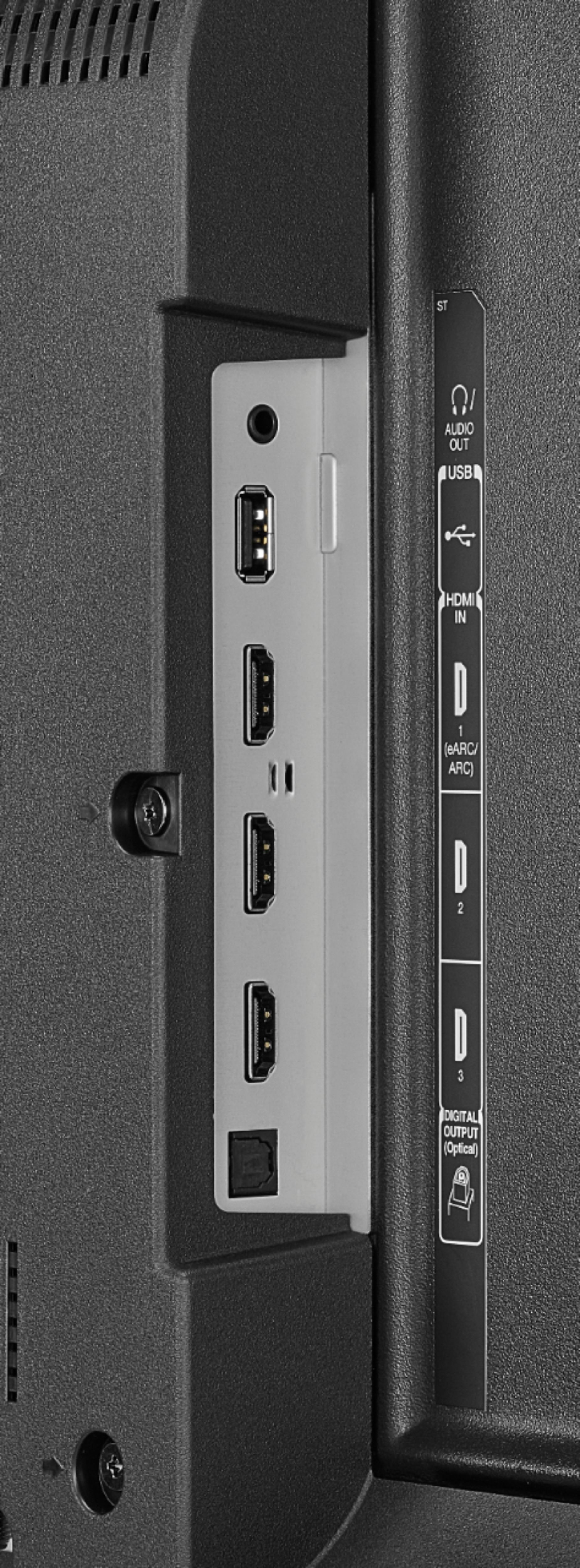
A:AnswerUSB storage for Apps is still spotty in Fire OS 7.x. I have been bounced around from Toshiba support department to supposed specialists and no one has answers. My trial-and-error has determined that the variables of USB 2.0 vs 3.0 vs 3.1; 8gb all the way to 128gb; and top-quality USB stick vs generic one, have NO bearing on if the TV will accept and work with the drive for Fire App storage and use. I am now trying to determine if there is a certain "type" or "brand" of control chip on specific drives that is more compatible with Fire OS than others. That's the only variable I have not investigated. SMH on the stupidity of major manufacturers' support systems. #FAIL
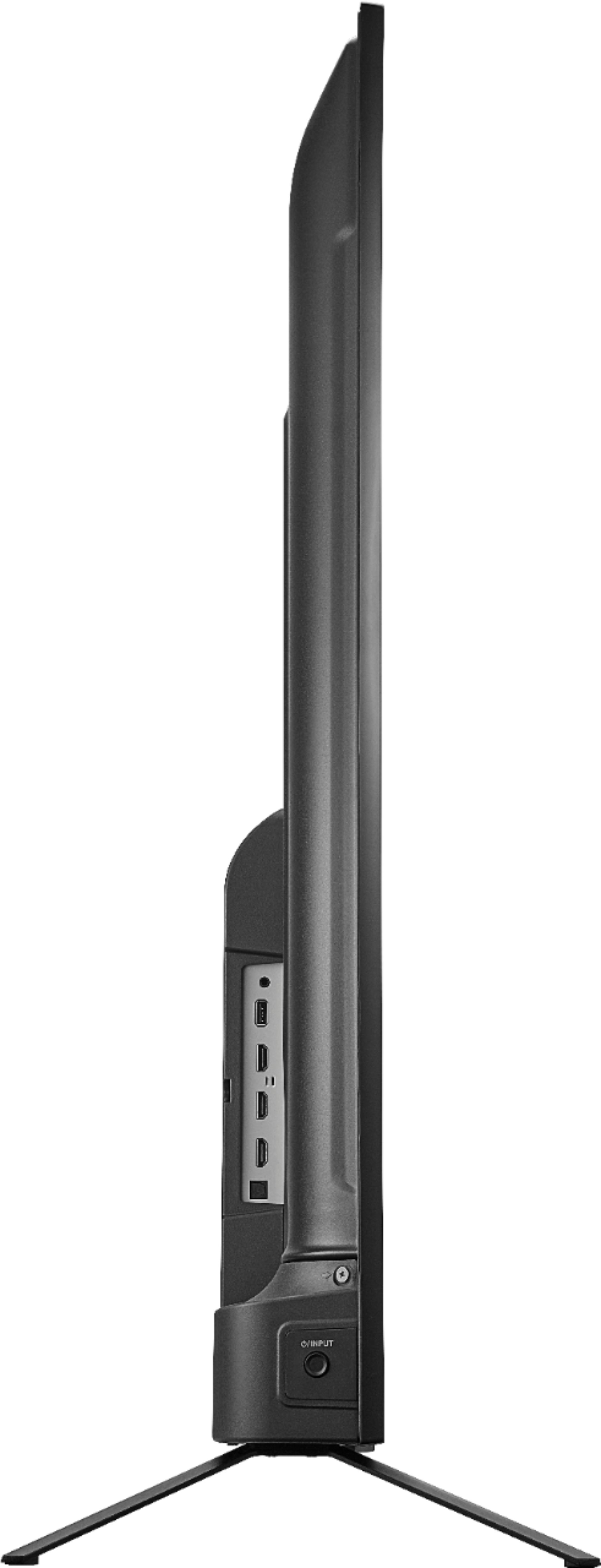
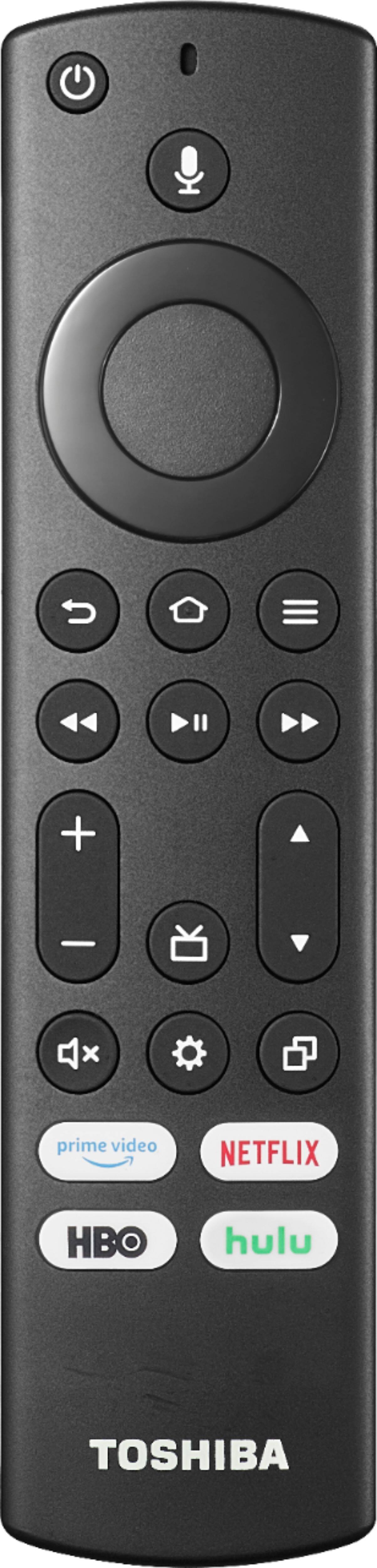
A:AnswerThere are buttons towards the bottom on the back right hand side to use. As far as I know, you can get a replacement remote specifically for it.
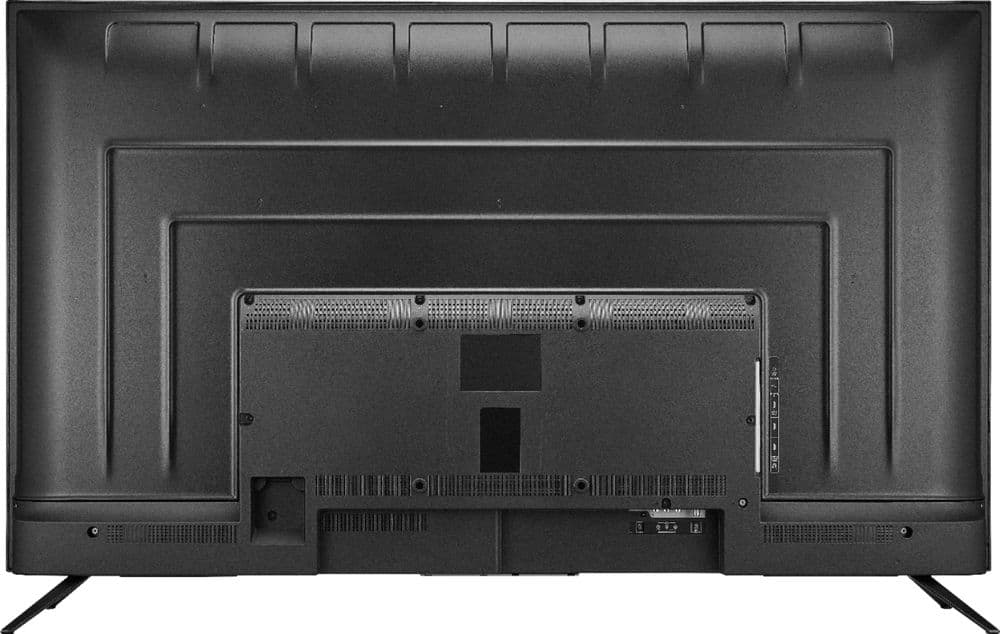
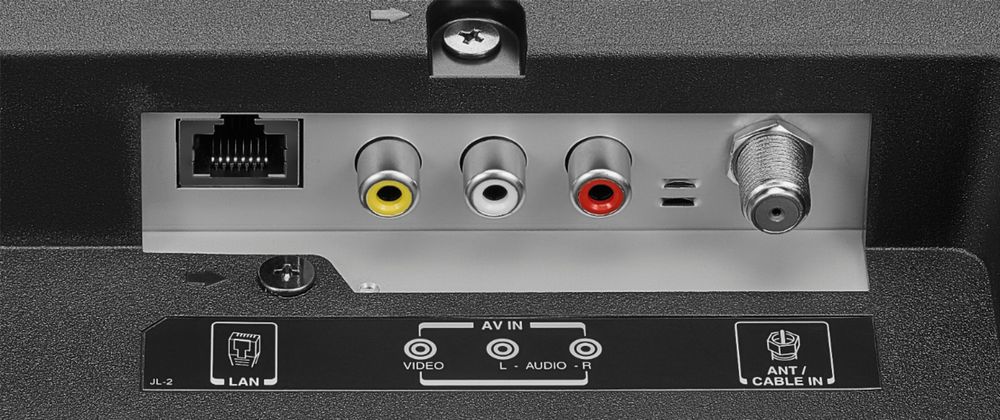
A:AnswerI have my TV mounted. There are 4 holes on the back middle of the unit. In my case there were no covers on the mounting nut holes. If I remember correctly two of the holes are almost directly above the coax port. Give it another look.
A:AnswerWe recommend using the TV remote to control the TV. Try the Power On feature, when enabled, the TV turns on displaying the last used input. To activate it, go Home > Settings > Display & Sounds > Power On and select Last Input.
A:AnswerAny Bluetooth headphones will work, but it’s best to have headphones with volume control built in. Also, you could plug in wired headphones as well.
A:AnswerTry the Power On feature, when enabled, your TV turns on displaying the last used input: go Home > Settings > Display & Sounds > Power On and select Last Input.
A:AnswerI was able to program my over the air channels(settings) and use the TV remote. Sorry, not sure about a cable box.
My guess would be to select the HDMI input, and then use cable remote to swap channels.