A:AnswerYes. Amazon Silk is standard and it's ok. I did add Firefox, though. Regardless, using either is painful with the TV's remote. If you figure to use it often, check into getting a Bluetooth keyboard.
A:AnswerTo link an Echo device: Open the Alexa Smartphone app, go Home > Menu > Settings > Video and TV > Fire TV and follow the on-screen instructions.
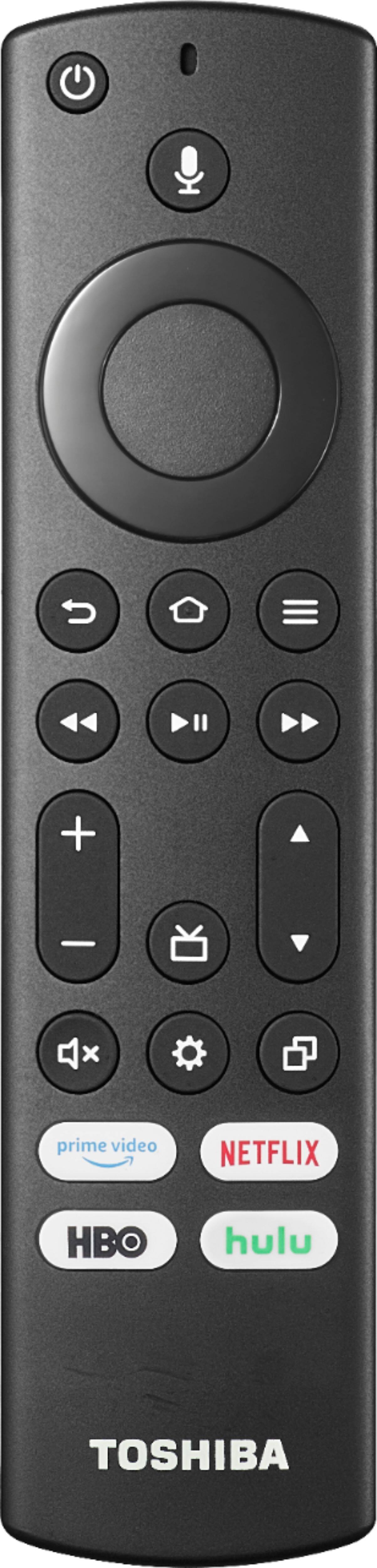
Try to say: "Switch to [device / input]." or "Change to [device / input]." (i.e. Switch to HDMI1). And try to say "Turn off Fire TV".