A:AnswerTry the Power On feature, when enabled, your TV turns on displaying the last used input: go Home > Settings > Display & Sounds > Power On and select Last Input.
A:AnswerTry the Power On feature, when enabled, your TV turns on displaying the last used input: go Home > Settings > Display & Sounds > Power On and select Last Input.
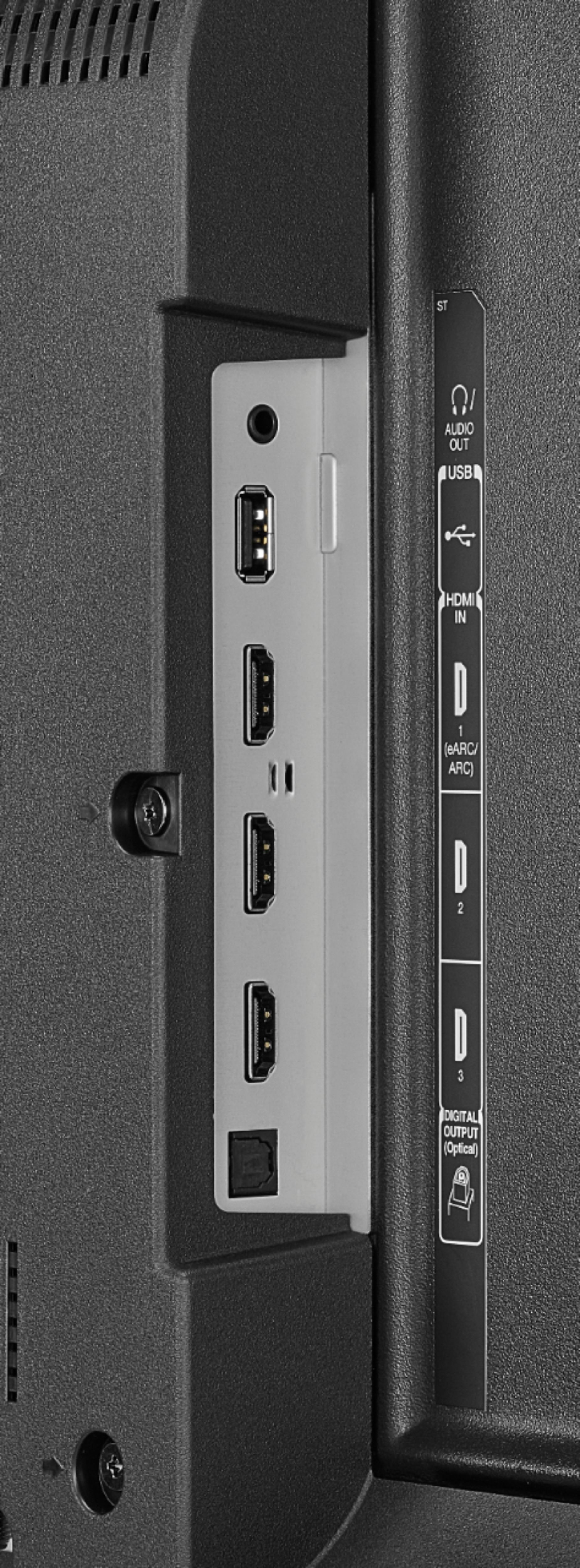
A:AnswerJust hook up the Digital Optical Audio cable to the TV and go Home > Settings > Display and Sounds > Audio Output > Turn TV Speakers OFF and Select Digital Audio Format PCM.