A:AnswerWe had a similar problem with connecting the echo dot; however, we called Amazon, & they walked us through it within 15-20 minutes. It now works very well.
A:AnswerThe YouTube TV app is now available for the Fire TV Edition experience.
For more information, please visit https://tv.youtube.com/welcome/
David M. - Toshiba Support
A:AnswerThe button that works using IR is the Power Button, the other buttons work using Bluetooth. The included Voice Remote is to control only the Fire TV Edition television. Use your Yamaha remote to control your Home Theater system.
David M. - Toshiba Support
A:AnswerThe Fire TV Edition television does not support screen mirroring.
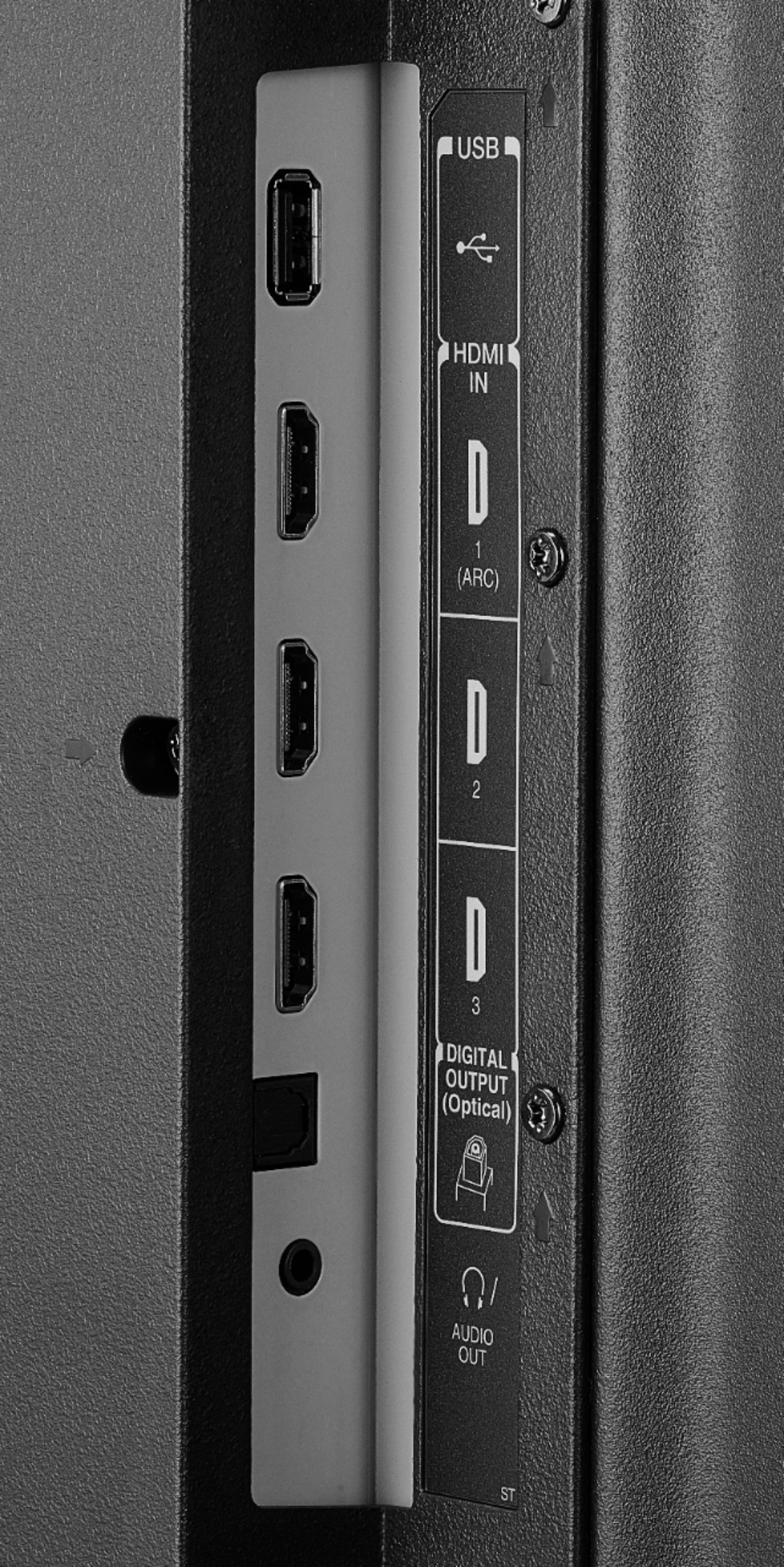
Connect a streaming device that supports it using HDMI.
David M. - Toshiba Support
A:AnswerTo watch videos from a USB Flash Drive (up to 128 GB formatted FAT32) download the VLC app; it supports the following formats: MKV, MP4, AVI, MOV, Ogg, FLAC, TS, M2TS, Wv and AAC.
A:AnswerAn Amazon account is required to enjoy the Full Experience the Fire TV Edition television has to offer. If you don't want to use it, you can still connect your antenna or cable box.
A:AnswerThese are the Alexa commands to use with your Fire TV Edition television for your Smart Camera:
Say: "Show [camera name]"
Say: "Hide [camera name]"
David M. - Toshiba Support