A:AnswerA Factory Reset will erase all the information on the TV.
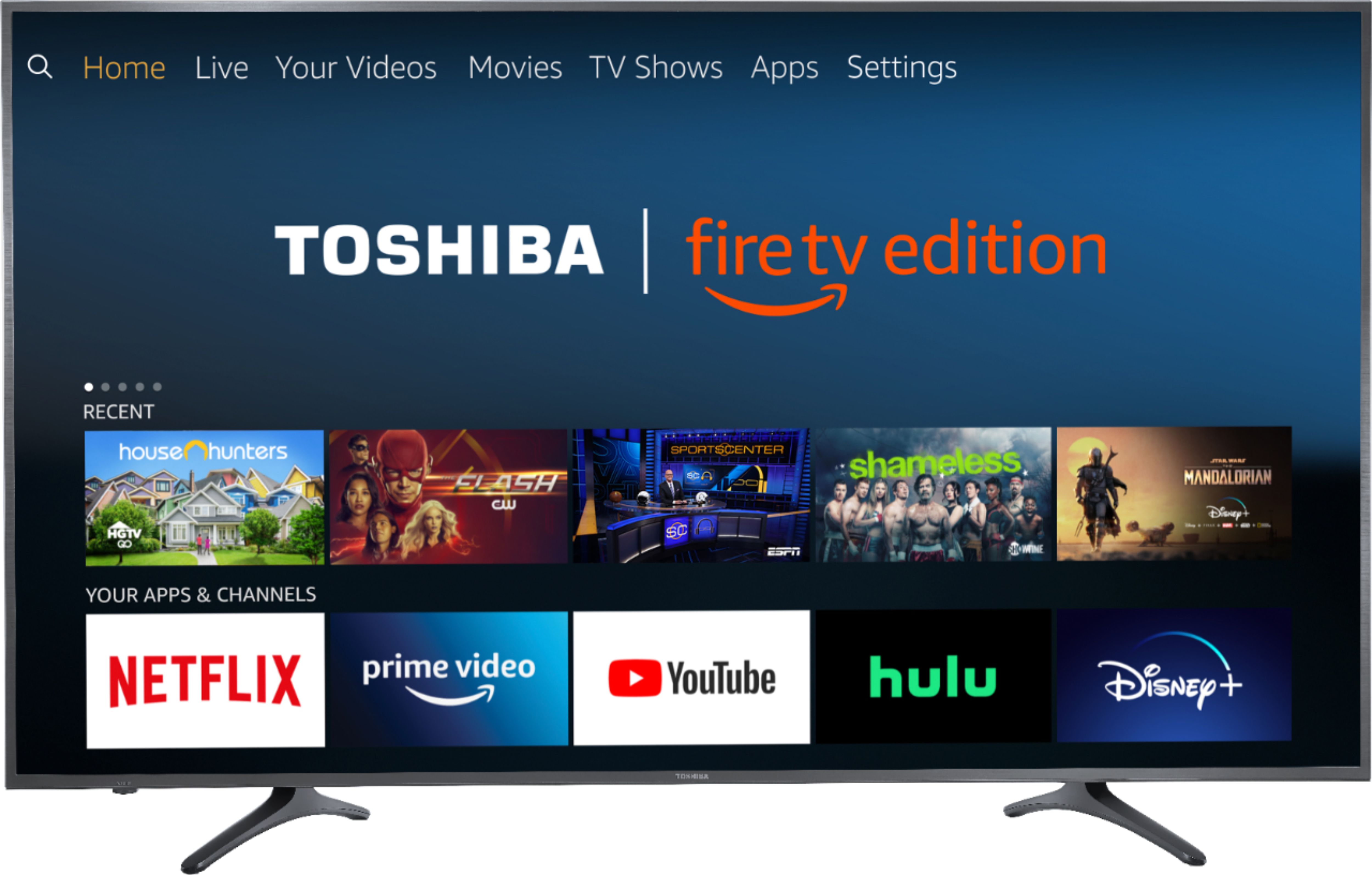
Go Home > Settings > Device & Software > Reset to Factory Defaults.
David M. - Toshiba Support
A:AnswerAdd a flash drive,once you configure it with your tv delete some of the apps and install them again. When you load them again they will be downloaded to the flash drive. There is videos in you tube tha5 teach you how to d9 it.
Santos
A:AnswerThe replacement remote Model: NS-RCFNA-19 is available at Best Buy.
Also, you can download the Amazon Fire TV app on your Smartphone to control your TV over Wi-Fi.
David M. - Toshiba Support
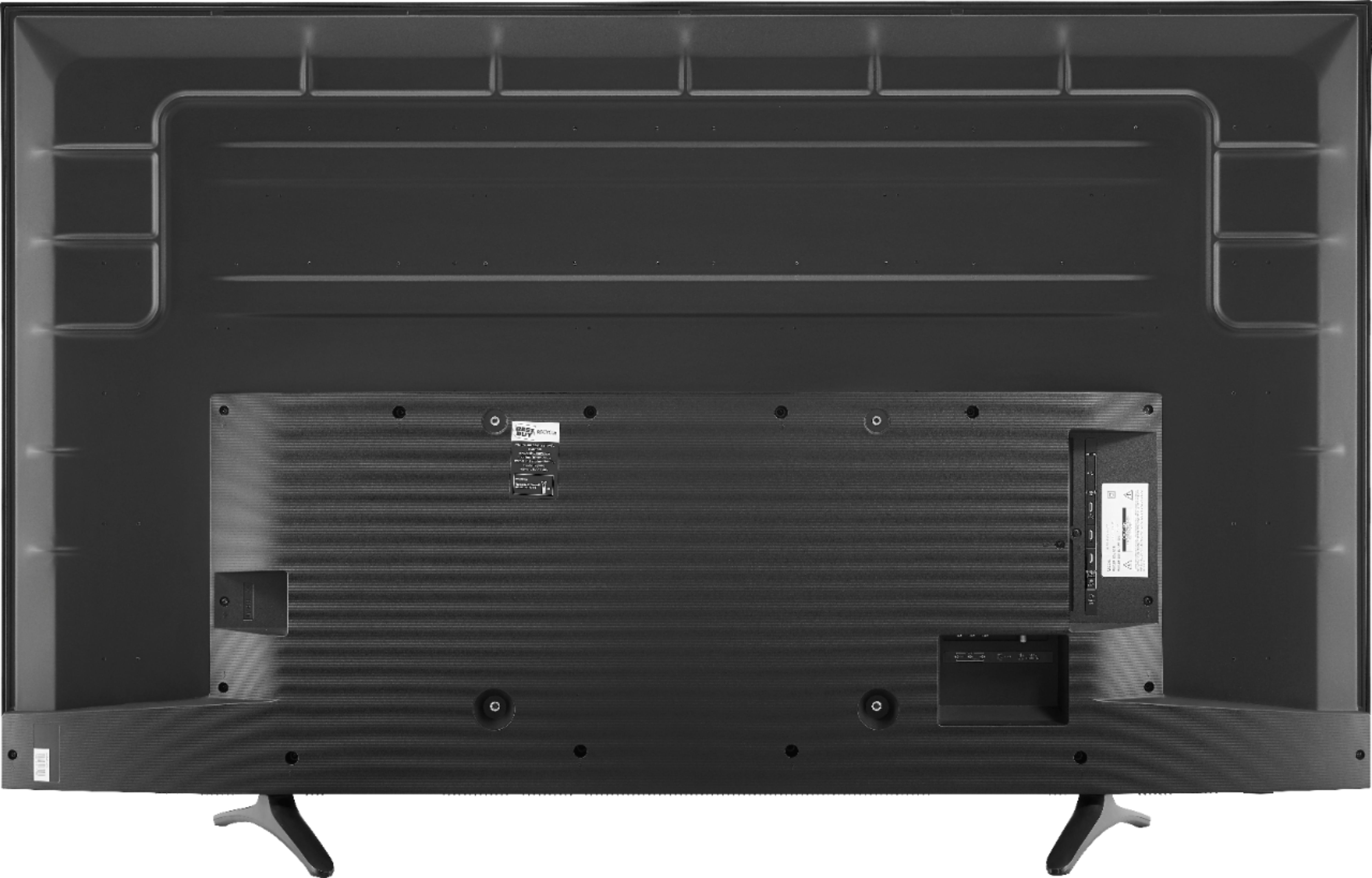
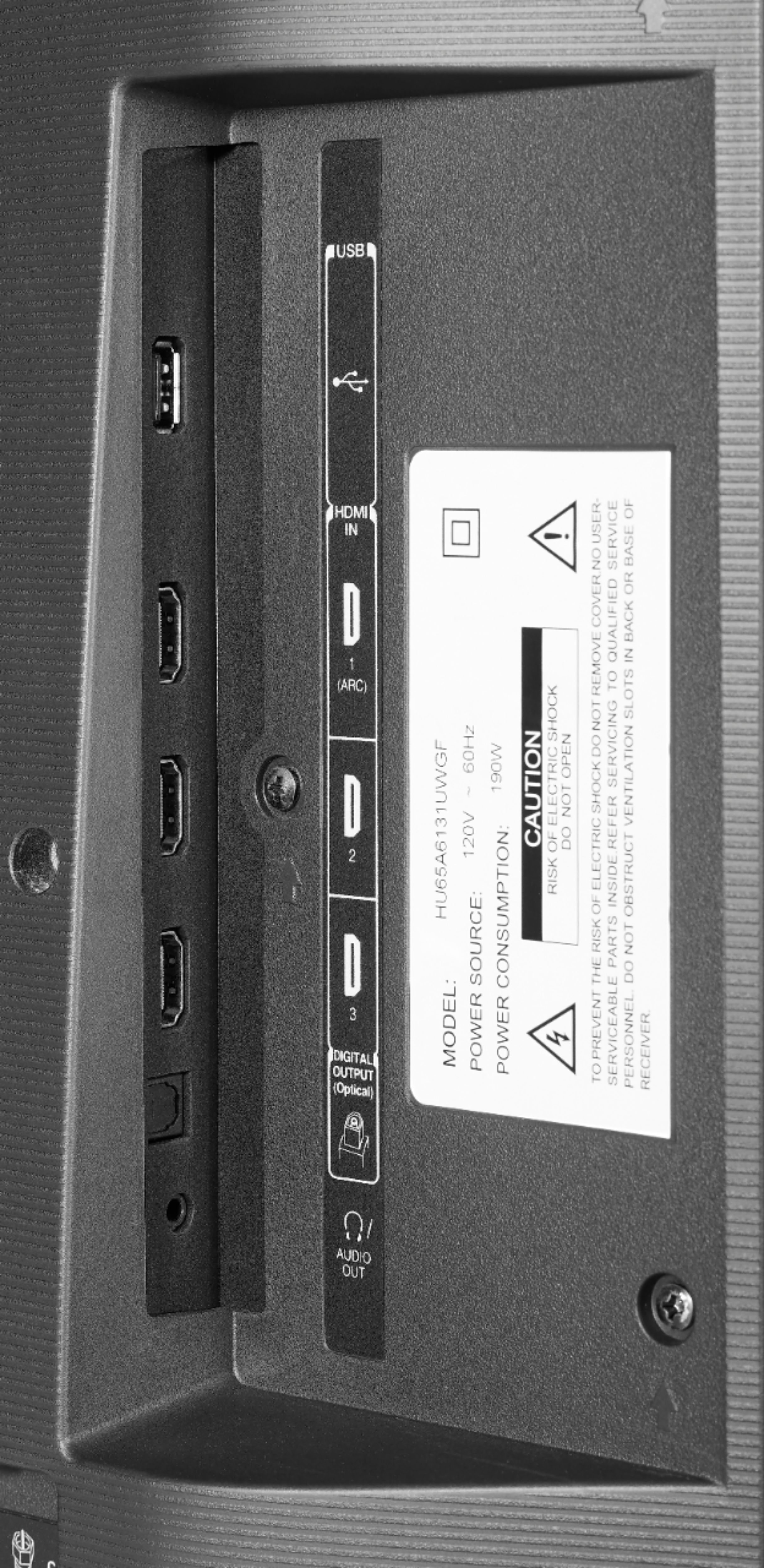
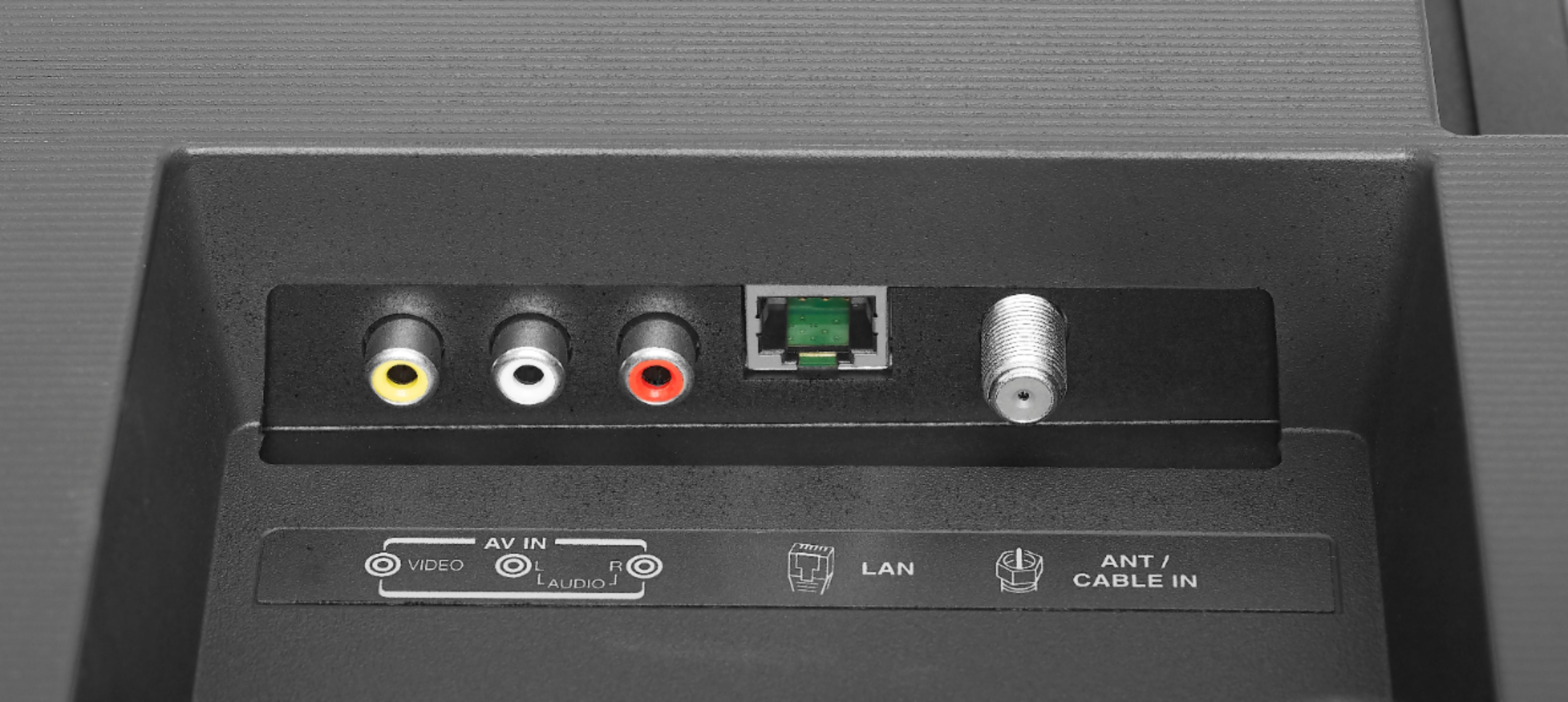
A:AnswerThis TV features built-in Wi-Fi 802.11 a/b/g/n/ac; 2x2 MIMO, supports 2.4 GHz and 5.0 GHz dual band. Also it features an Ethernet 10/100 Mbs port for a direct and more stable connection.
David M. - Toshiba Support
A:AnswerThis Fire TV Edition television features built-in Wi-Fi 802.11 a/b/g/n/ac; 2x2 MIMO, supports 2.4 GHz and 5.0 GHz dual band.
David M. - Toshiba Support
A:AnswerThis particular TV is not Bluetooth compatible. You will have to purchase some type of add-on device to have access to Bluetooth devices. I am not using Bluetooth devices, so this will not affect me.