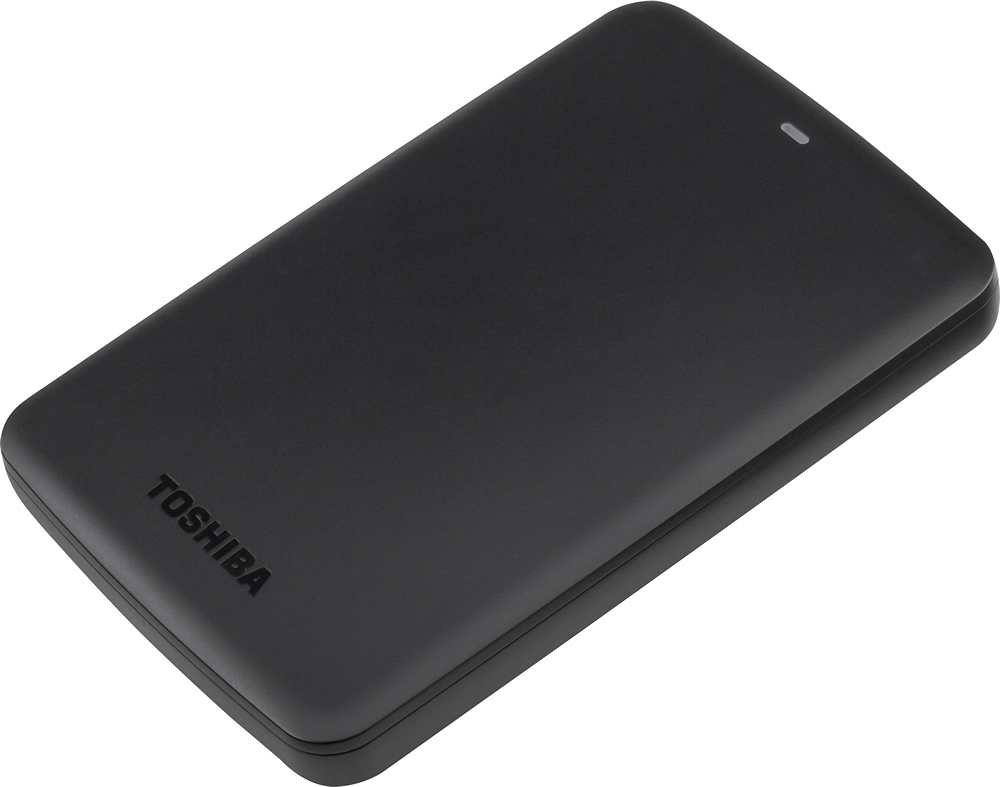
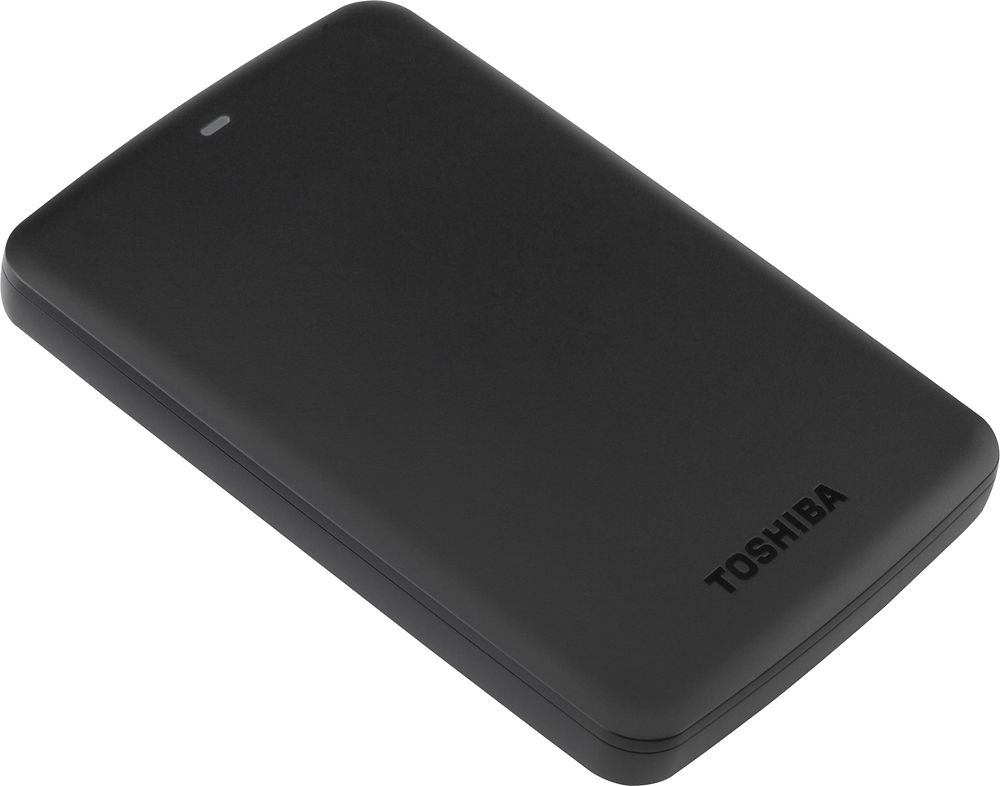
A:AnswerIt needs to be formatted to mac
Go to utilities in applications.
Go to disc utility.
Click on the HD symbol of the Toshiba HD.
Click on the RAID button.
Click on format and make it MS DOS (FAT).
Name your drive in the panel above.
Now go to erase.
Title the HD again and click erase.
It'll take 30-40 seconds and it'll be ready to copy onto and work with.