A:AnswerHi. This is Jane from Tracfone Wireless. Yes. If you're a TracFone customer, you can upgrade or change phones at any time. You can complete the transfer or upgrade online or by calling us. The minutes on your existing device will transfer over to your new device automatically.
A:AnswerTry finding one of the older kits online. The older kits have sims for all three carriers. Make sure to read the contents of the kit to make sure all three sims are included. Unfortunately, the current kits and the older kits look identical. So you really have to becareful to read the back to make sure all three sims are included.
A:AnswerYou did not mention the model of your older cell phone. The best way is to contact TracFone customer service because their customer service people have databases of compatible phones and they would be the very best source of information for getting correct information to you.
A:AnswerIf your phone is unlocked it should work just fine. Verizon now owns Tracfone, my unlocked Samsung phone switched from AT&T to Verizon Tracfone service. Same with my wife's unlocked Motorola.
A:AnswerHi. This is Arianne from TracFone Wireless. No, you can't switch your SIM card. For further assistance, please chat with us at https://www.tracfone.com/support/contact-us. Our representatives are available Monday-Sunday from 8:00 AM to 11:45 PM EST. You can also use our self-service menu by simply texting the word HELP to 611611. Thank you.
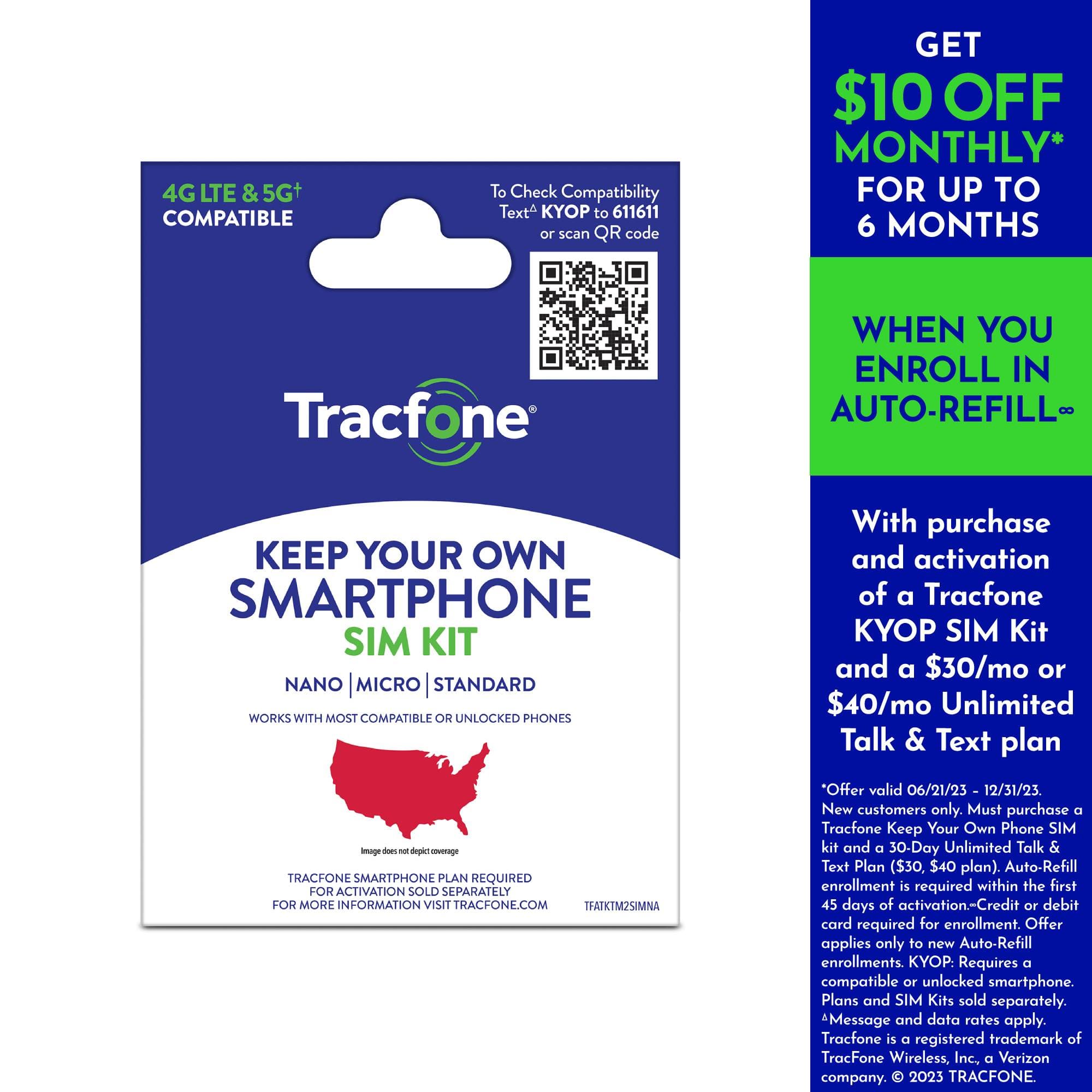
A:AnswerHello. This is Lea from TracFone Wireless. Thank you for your interest with our plans and services. First, you need to make sure that your phone is compatible with our network. You can verify it through this link https://www.tracfone.com/kyop/compatibility-check. After that, you can buy our KYOP SIM kit and provide all the necessary information through this link https://www.tracfone.com/activation. You may also chat with us at https://www.tracfone.com/support.
For your convenience, our representatives are available Monday-Sunday from 8:00 AM to 11:45 PM EST. You can also use our self-service menu by simply texting the word HELP to 611611.













