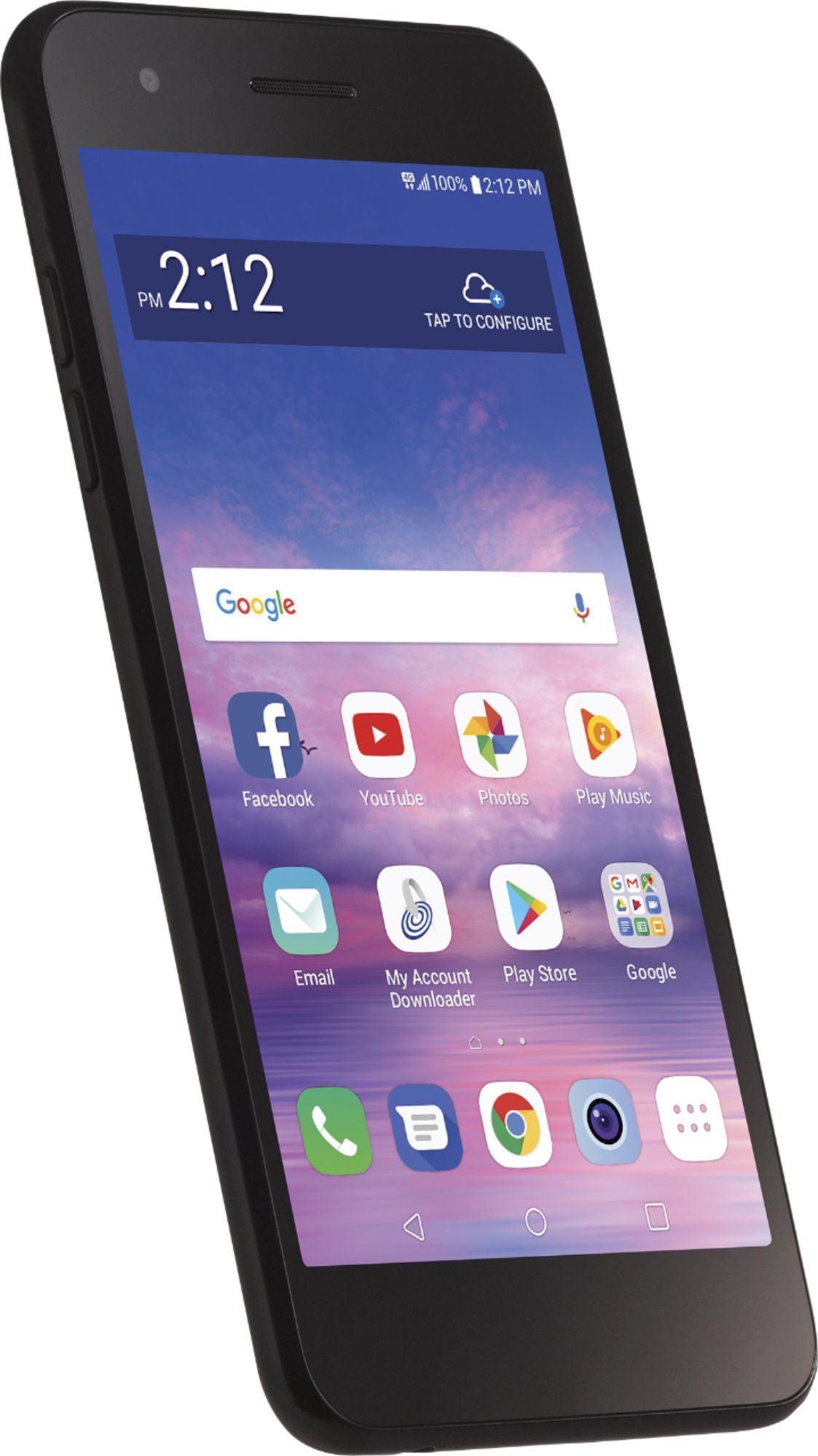
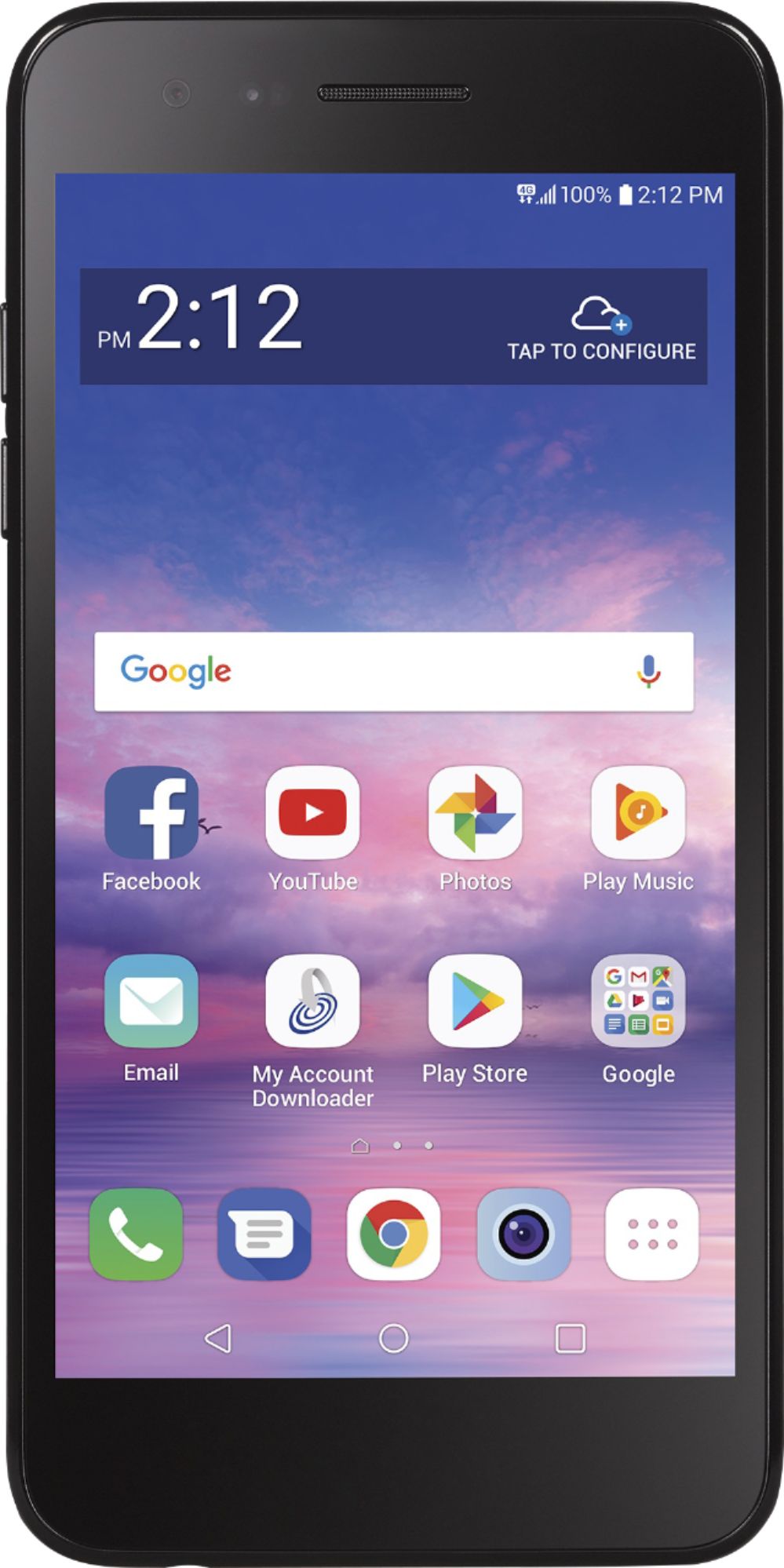
A:AnswerThis device has been tested and rated for use with hearing aids for some of the wireless technologies. This mobile phone has a Hearing Aid Mode. ^Daphane
A:AnswerThe TRACFONE - LG Rebel 4 LTE with 16GB Memory Prepaid Cell Phone - Black, Model # TFLML212VC3PWP is an Android phone and there is no FaceTime on Android. FaceTime is a proprietary standard, and just isn’t available outside the Apple ecosystem.There are some solid video calling apps available for Android like Sype, Google Hangouts, Google Duo, Facebook Messenger or Viber just to mention a few that you can use to make video calls to people using iPhones, Android phones, and even other platforms. They just have to have the same app installed on their device...^IFV
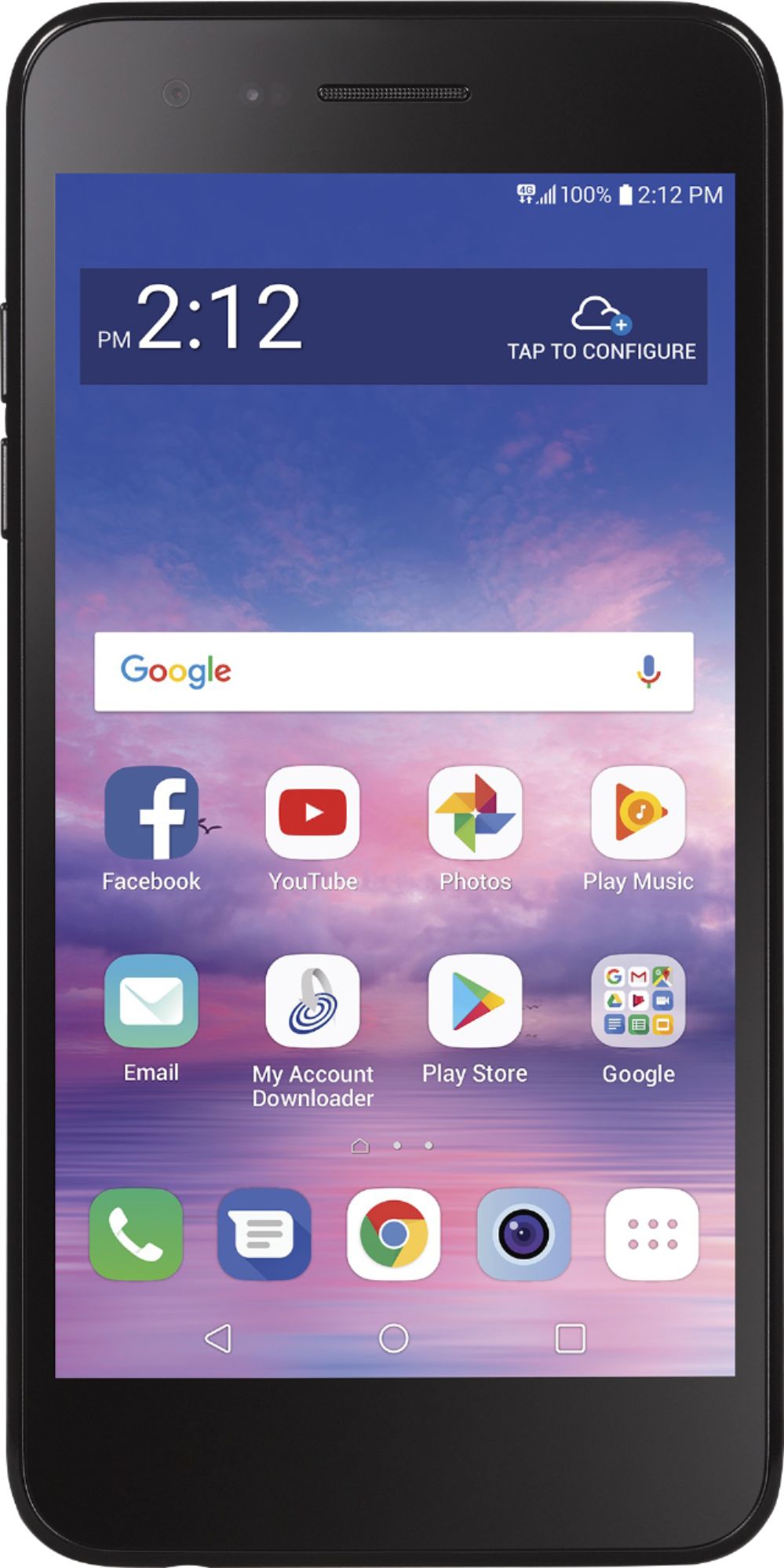
A:AnswerActivating a new phone and transferring minutes is very easy to do. Simply purchase the TracFone you want and follow the setup procedures that come with the phone. You will need your TracFone account information. It usually only takes a few minutes to do and your minutes automatically transfer to your new phone. The LG Rebel is a good choice due to its ease of use.
A:AnswerNot sure. I had an old flip phone and bought the Rebel 4 and was able to keep my phone number. You would have to ask a tracfone rep for your answer.
A:AnswerYou can purchase and ship to home but it needs to be activated by calling tracfone customer service. Number is in the Get Started manual, then minutes, days, text and data can be purchased and added at the time of activation. Or you can purchase a service plan card at retailers and add through your phone after you activate. Initial activation includes just 20 min talk time.
A:AnswerI haven't done it yet. The TracFone services guide says: 1) press Home key; 2) Tap the Phone icon located at the bottom of the screen. If the keypad does not appear on the screen, tap the Dial tab located at the top of the screen; 3) Press and hold the 1 key for several seconds. Your phone will automatically call Voicemail. Once the call is connected, follow the voicemail prompts; 4) To end the call, tap the End Call icon. Good luck!
A:AnswerI haven't made any calls yet, much less an international call, but the TracFone services guide says "You can call over 100 international destinations from your phone at no additional cost. Please wait 2 business days after your phone is Activated to make international calls." The guide lists 101 countries, and provides 3 instructions for making the call. If you don't have the guide, maybe try calling the Customer Care Center at 1-800-867-7183.