A:Answeryou could try contacting tracfone support - maybe they can help
https://www.tracfone.com/contactus
1-800-867-7183 Centers operate from 8 AM to 11:45 PM (EST) 7 days a week
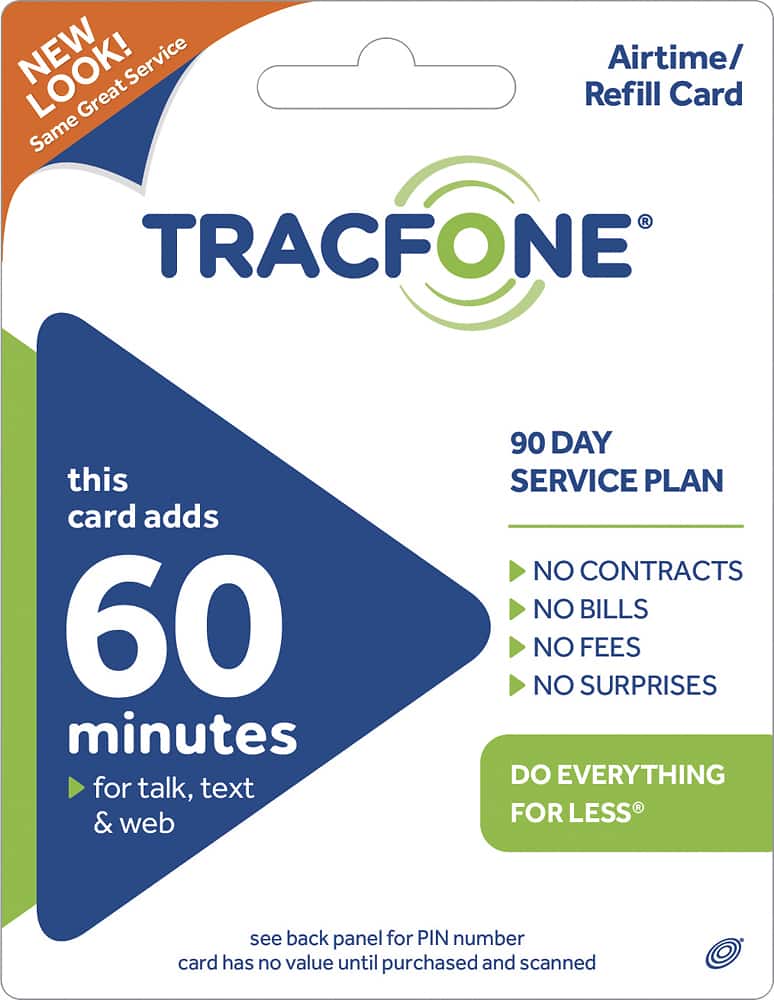
A:AnswerGo to www.tracfone.com, click "Refill/Add", choose "Refill", enter your cell number, enter your 15-number pin; and keep your cell on. In a little while, the additional service days, minutes, text message, and data will be added to your cell.
You can also call 800-867-7183 to refill your cell.
A:AnswerYes just put sim card and account info in New phone and transfer you can do online very easy but after you register new phone etc it might take up to 24 hours for new phone to receive the info
A:AnswereBay offers minutes only pins why they stopped offering the cards elsewhere I dunno my service date ends in 2040 I'm guessing there's a reason.
A:AnswerWe used our phone to call Canada from the US. All we did was dial "1" plus the Canada # and the call connected right away and the reception was very clear.
A:AnswerAccounts have both minutes and activity days. When the activity period expires the phone is deactivated. When you add minutes you also extend the activity period and reactivate the phone. If have allowed the phone to deactivate, you may not be able to get the same number. Minutes carry forward and accumulate. If you are like me, the only reason to buy time is to keep the phone active.