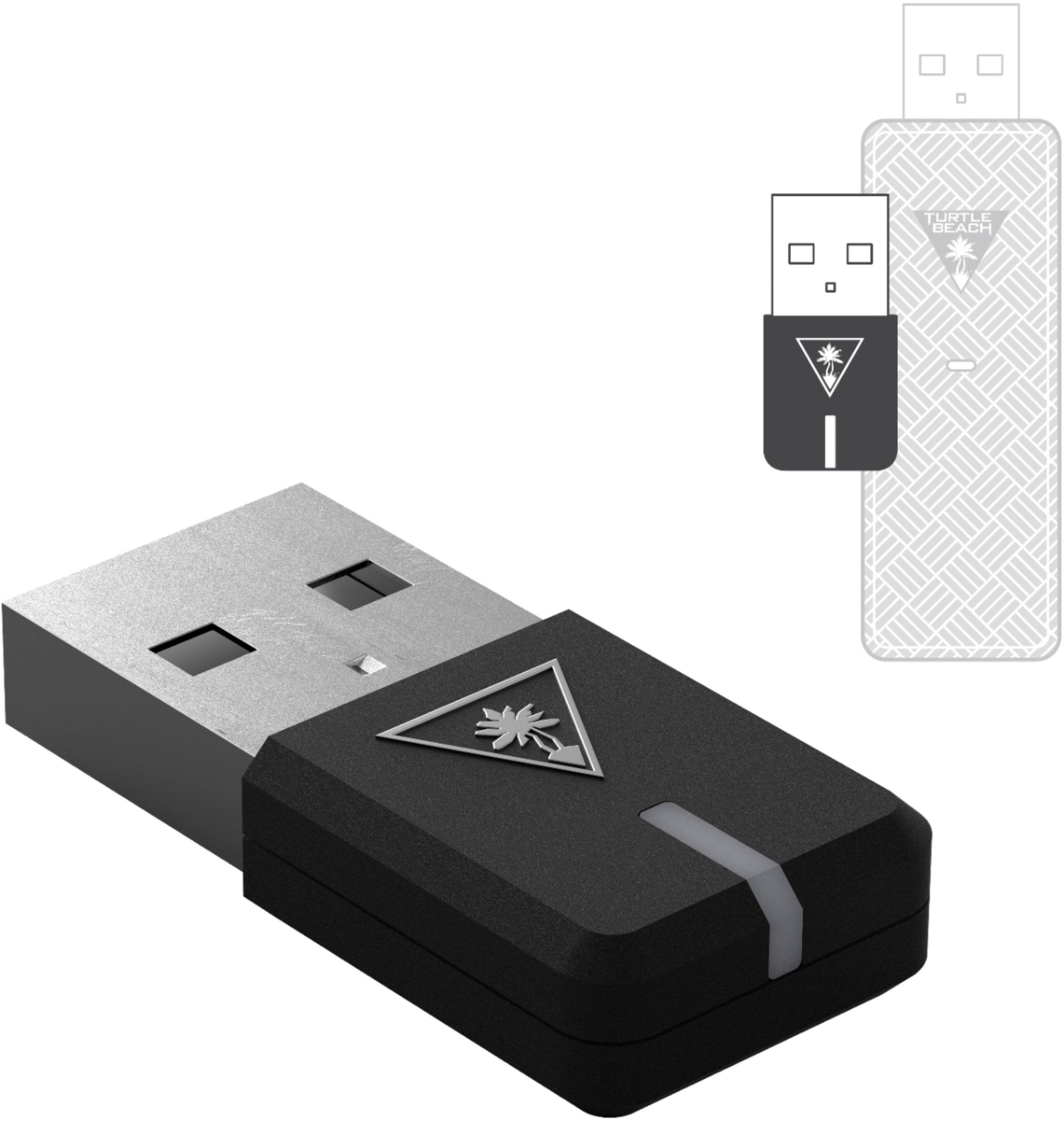
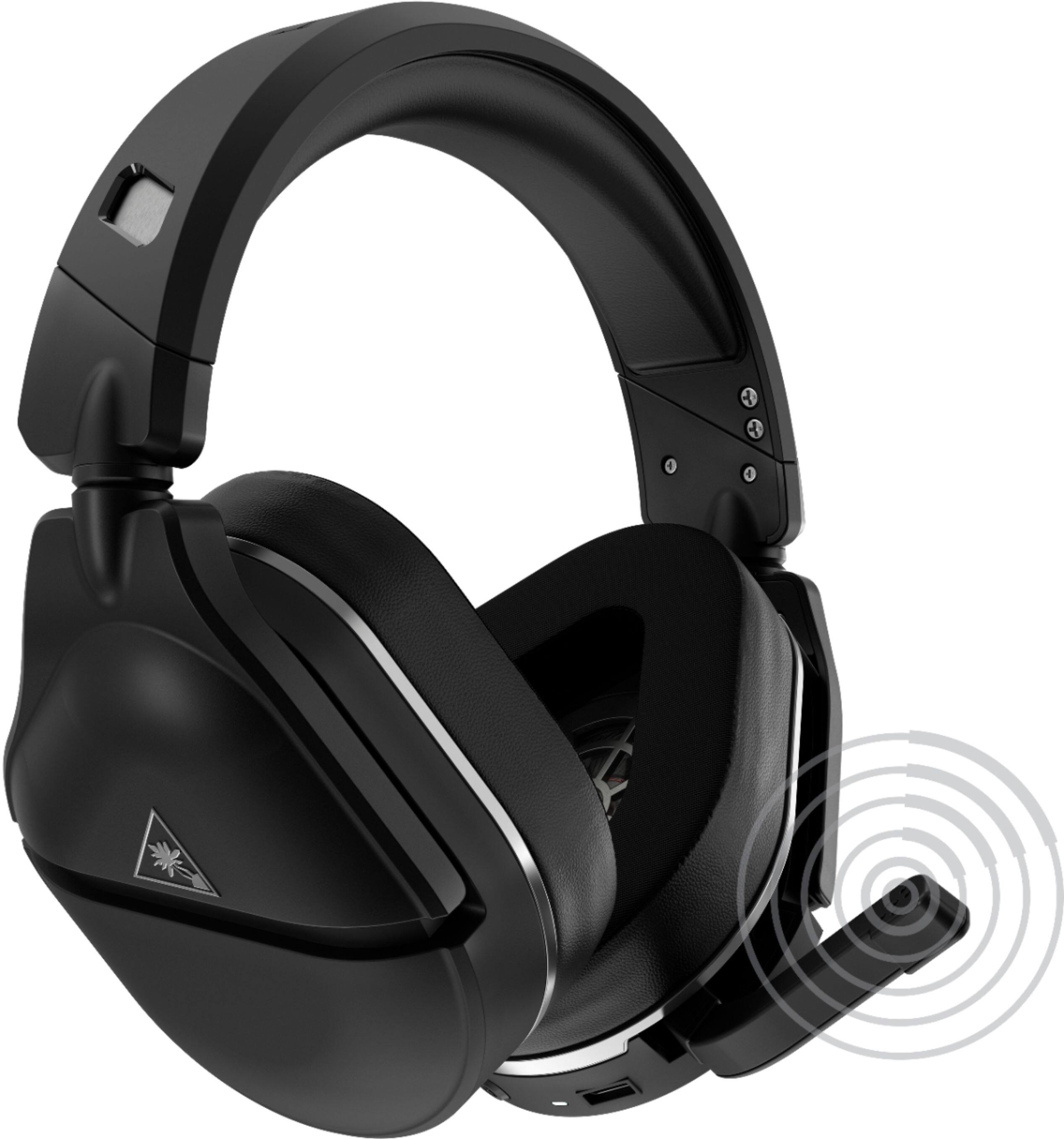
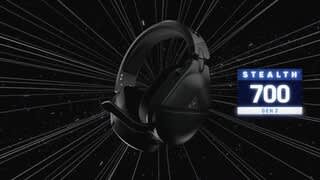
A:AnswerWorks fine with my laptop. The best way to connect is using the usb connection that comes along with the headset, but, if you're pc/laptop has a bluetooth capability that is an option as well
A:AnswerYes, the headset can be paired to its transmitter (whether it is connected to a PC or a PlayStation) and a Bluetooth device (ex. your smartphone or tablet) at the same time.
A:AnswerWhile it was not designed as a PC headset, the headset's USB transmitter can be connected to a PC, allowing you to use your headset with the PC.
You can have the headset paired to a mobile device like a smartphone or tablet via Bluetooth while using this headset with the PlayStation console or while using it on a PC.
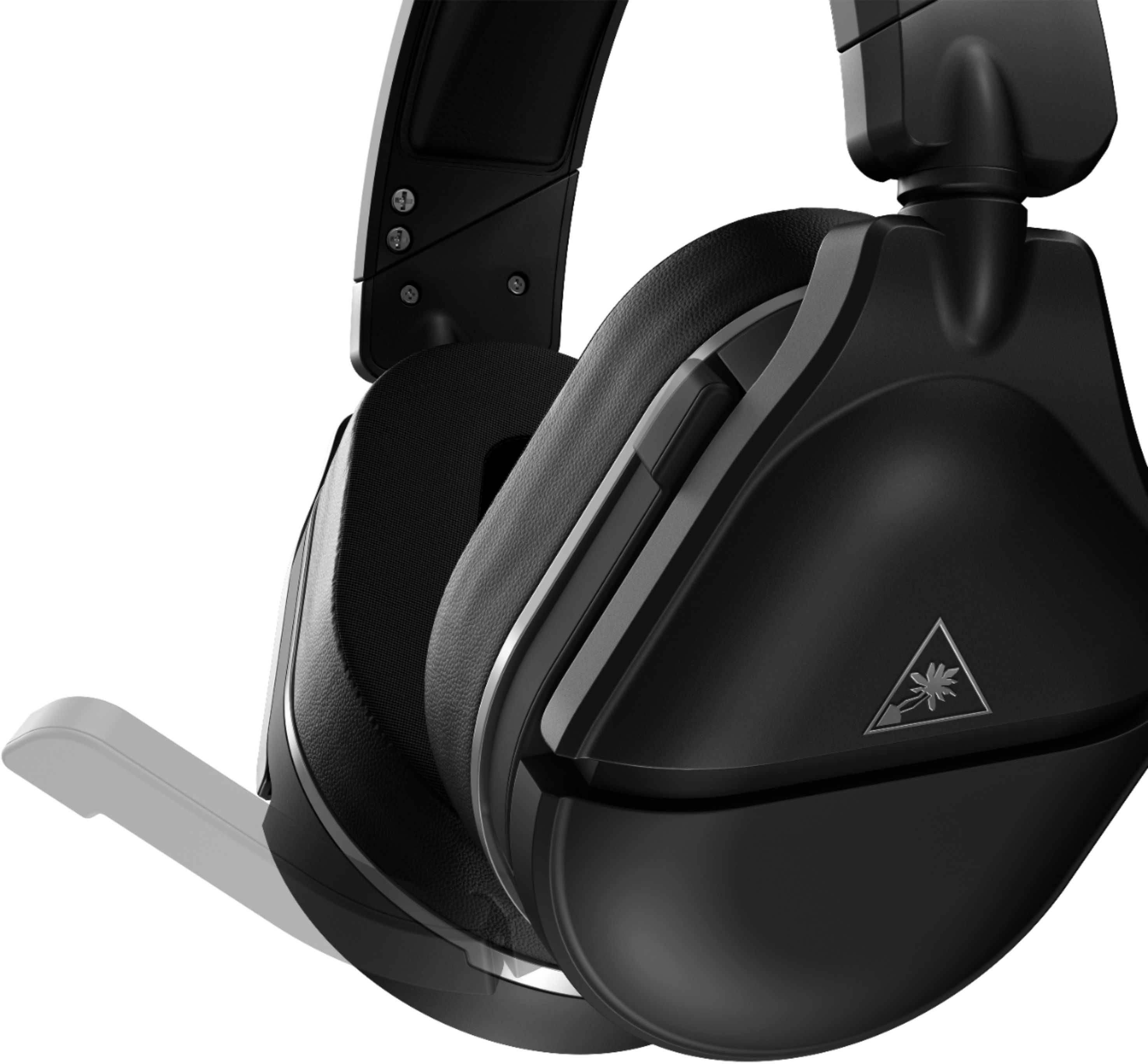
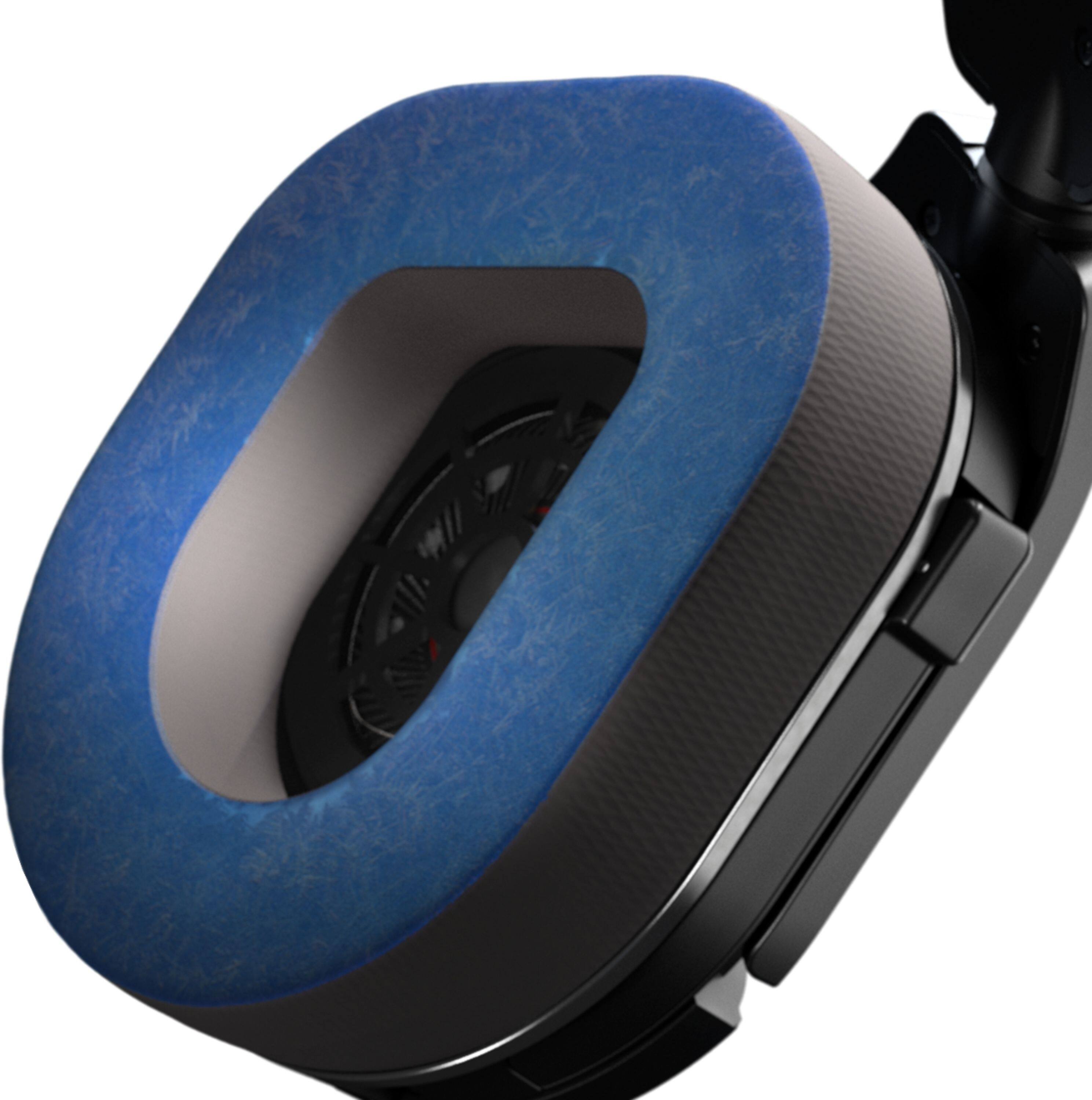
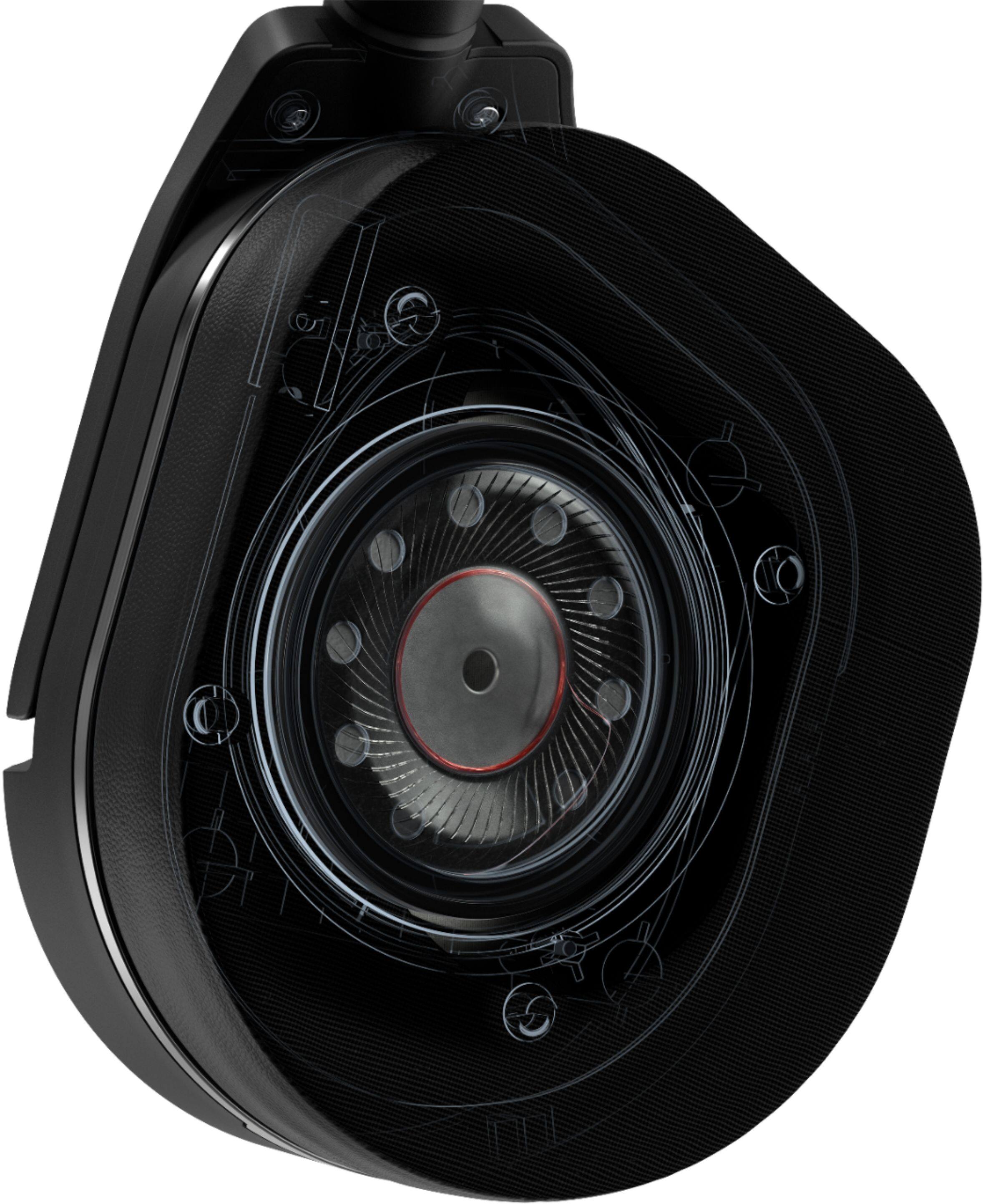
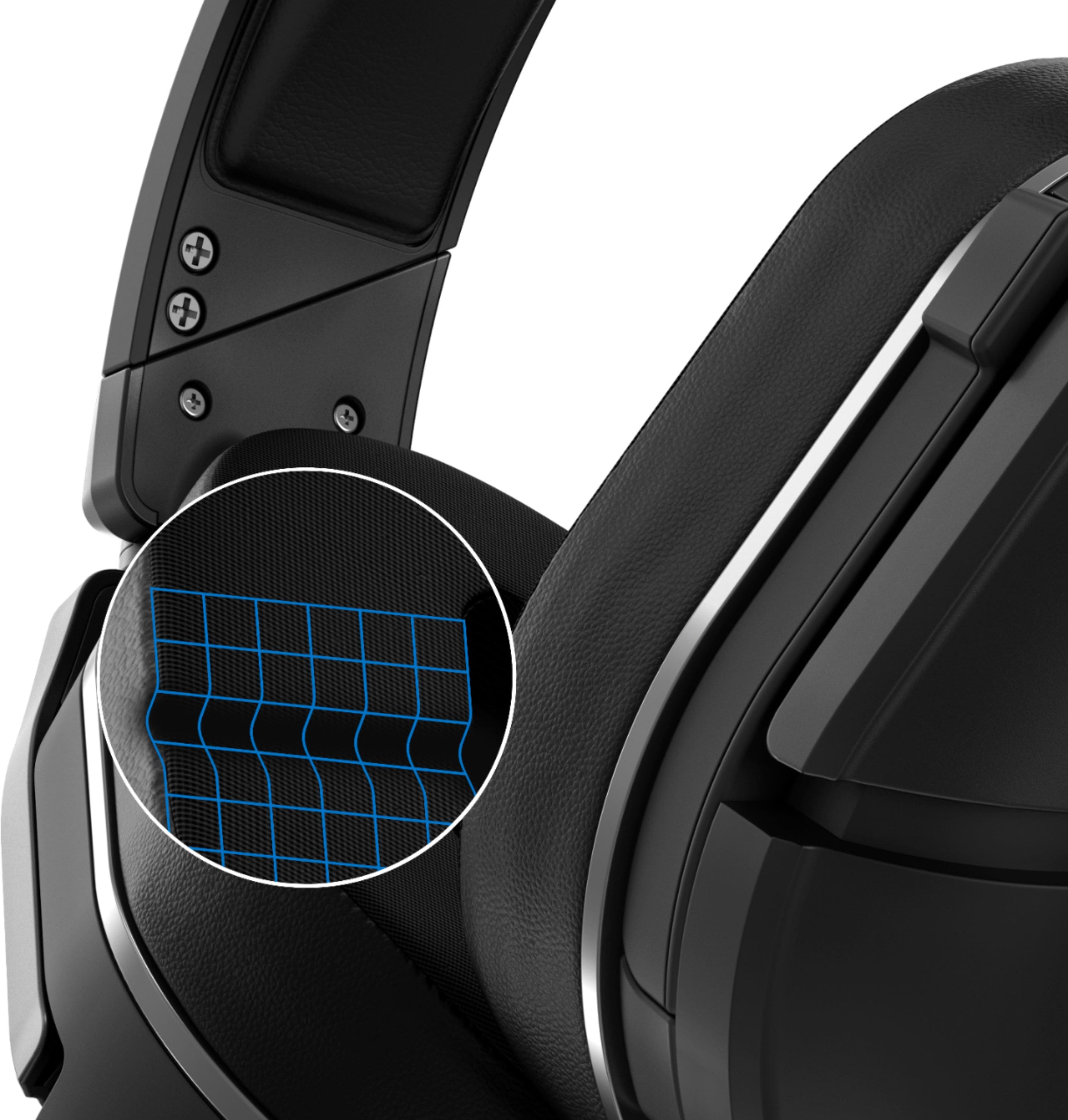
A:AnswerThe ear pads are removeable. They are quality made, but if they did crack you can buy replacements. I believe you would have to intentionally try to damage them to need to replace them.
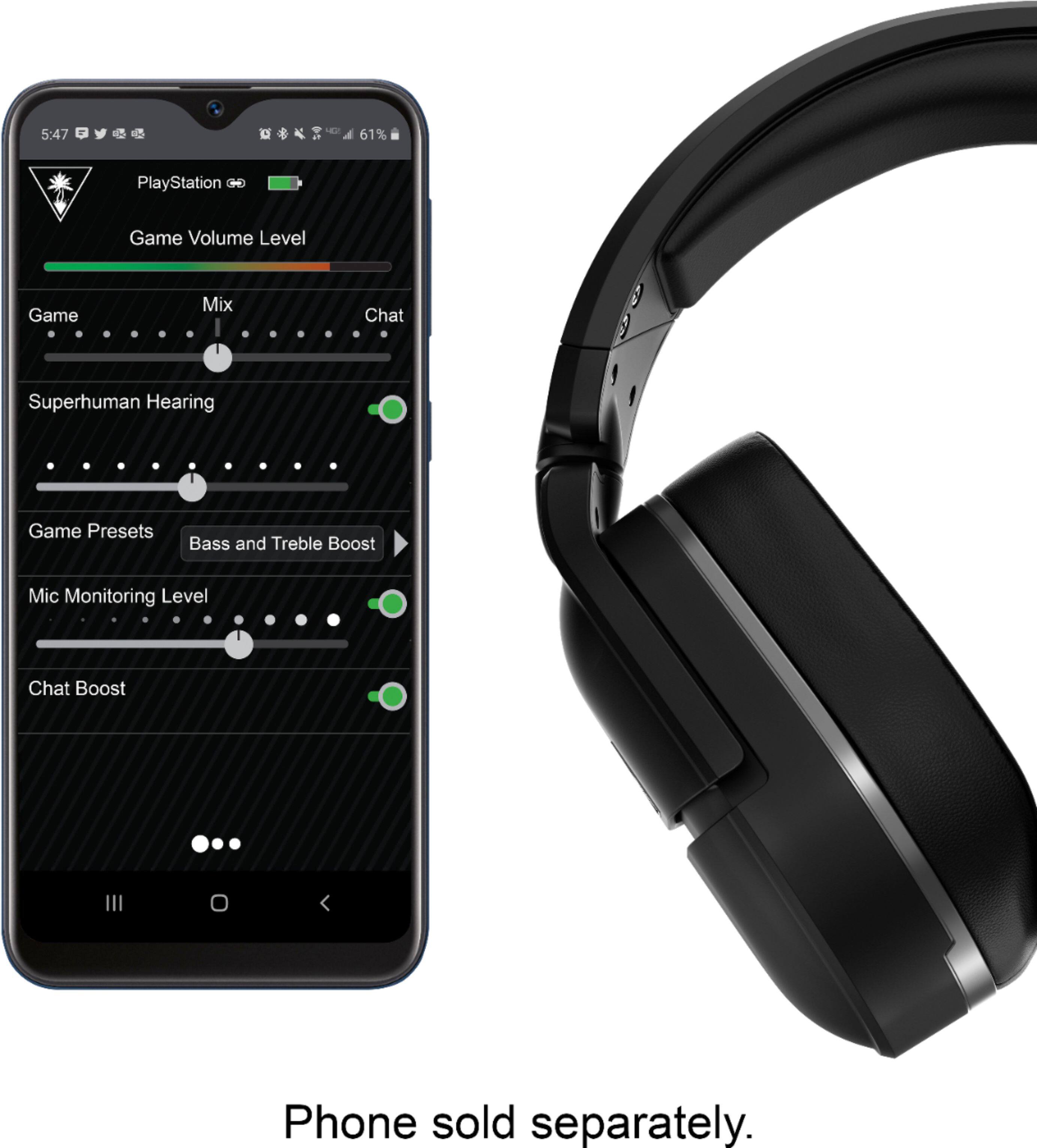
A:AnswerYou would be able to hear the audio from the game you're playing on your PC and the audio from your preferred chat program. However, the headset itself would not be capable of adjusting Game Audio and Chat Audio independently. That would need to be done via your PC's native Volume Mixer.
A:AnswerWe are sorry to hear about the inconvenience. Our Support Team is always happy to help as needed, and we can be reached right from the support section of the Turtle Beach website.
Best regards!
A:AnswerOur team appears to be assisting you via email, and a new email reply was sent your way. We've asked the team to re-send that message back out to you, as it contains further steps for you to perform with your headset.
Please continue your correspondence with that team via email.