A:AnswerWe're sorry to hear about your experience.
Please know that our Support Team is always happy to assist with any sort of inconvenience you've encountered and we can be reached right from the support section of the Turtle Beach website.
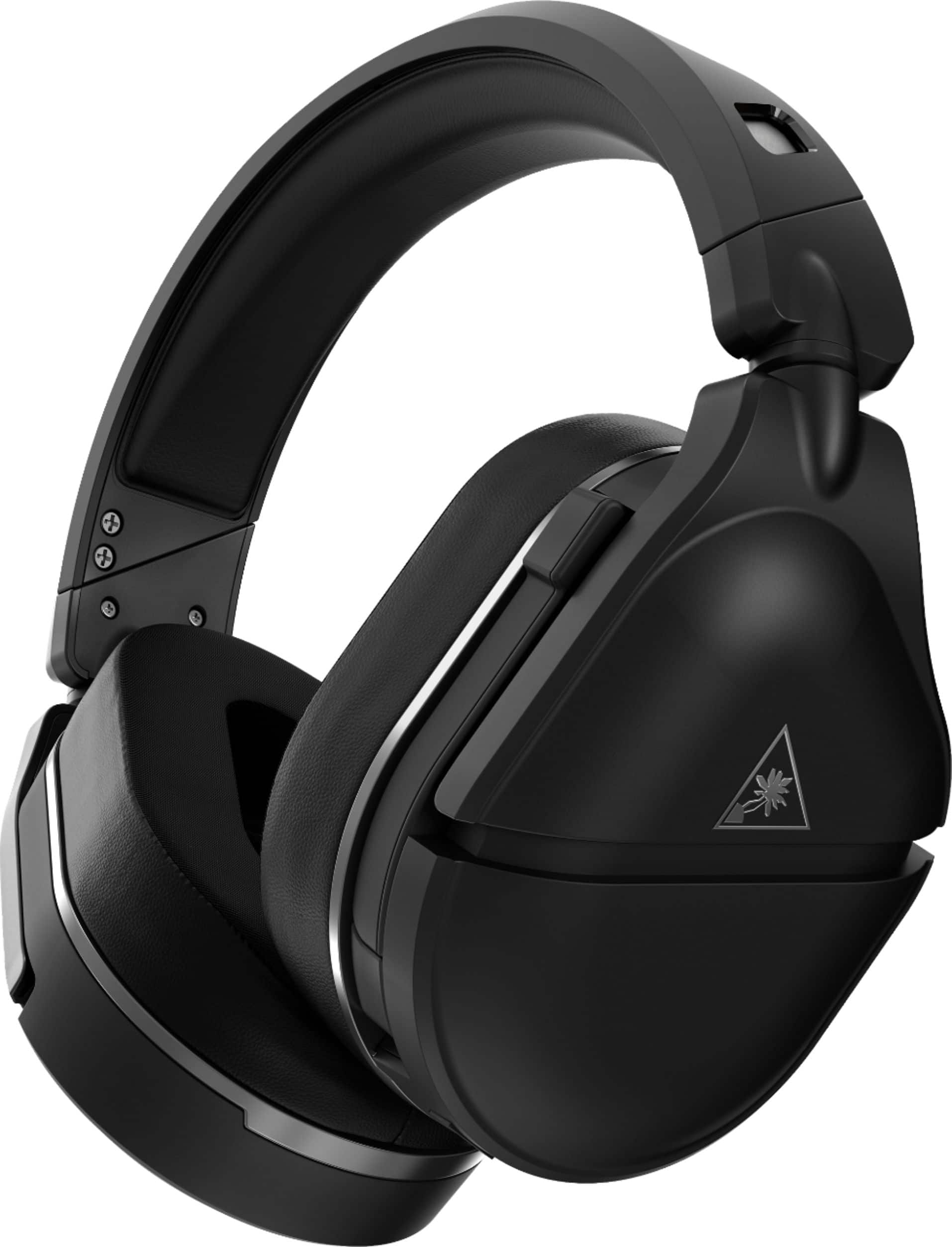
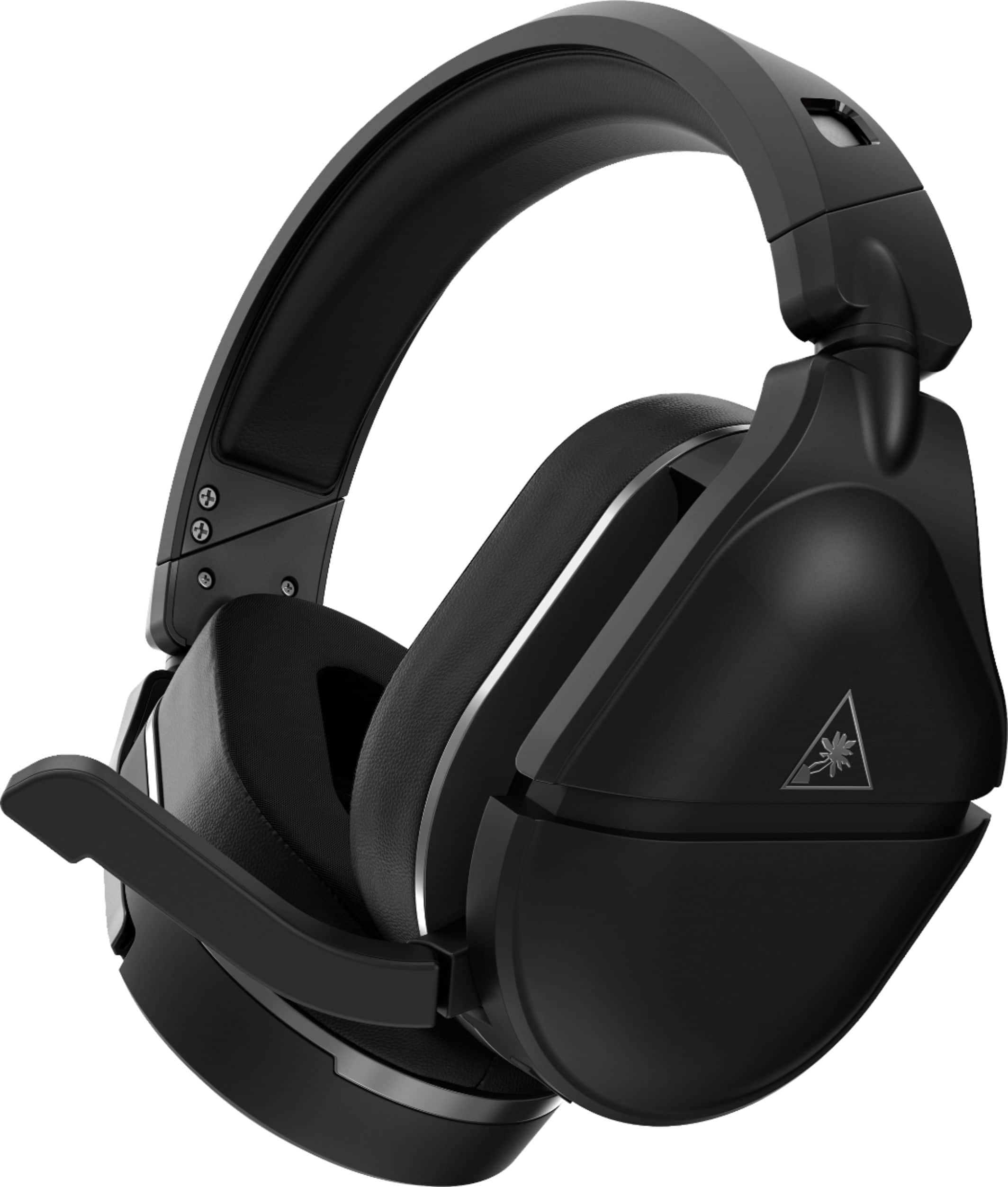
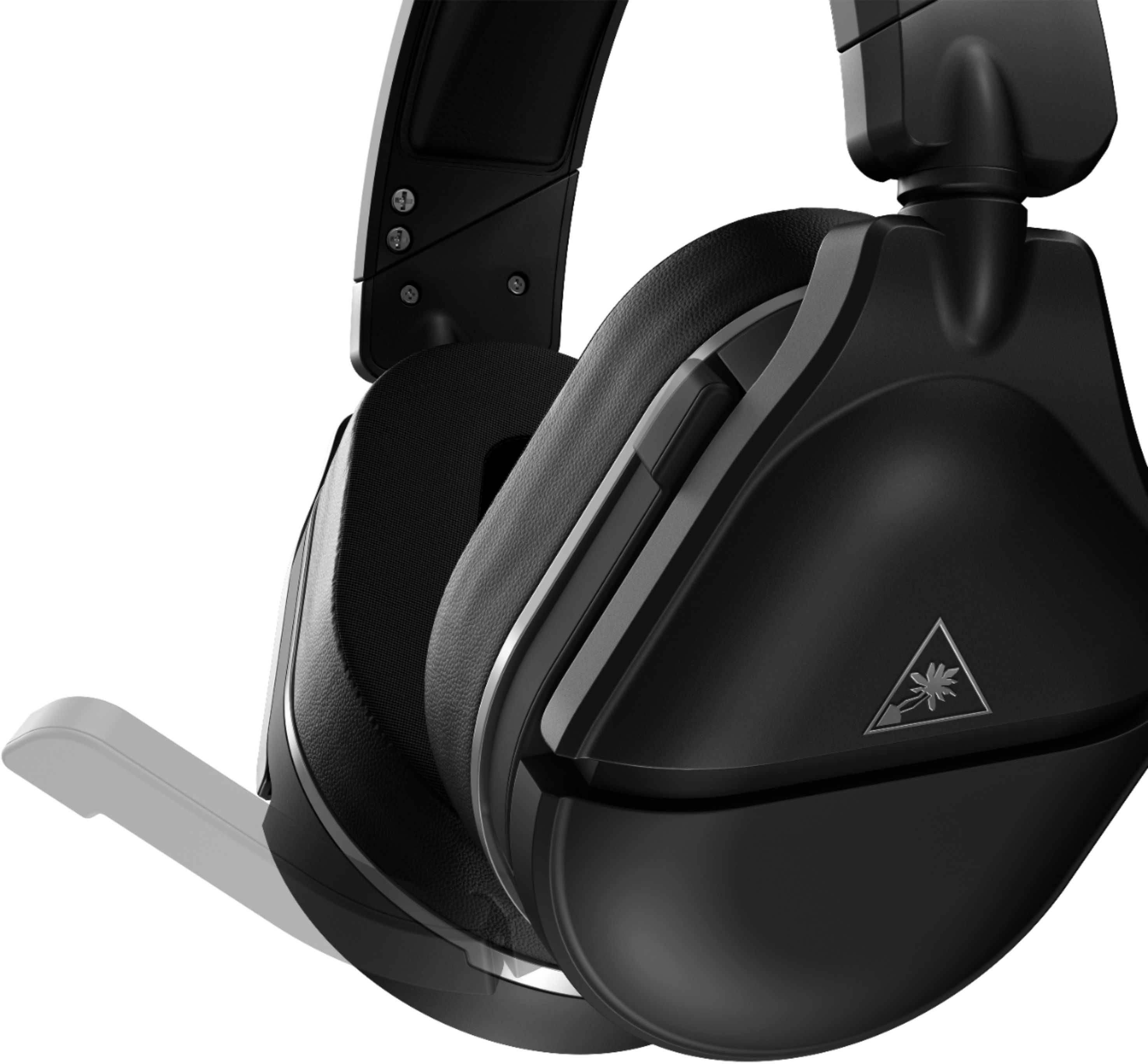
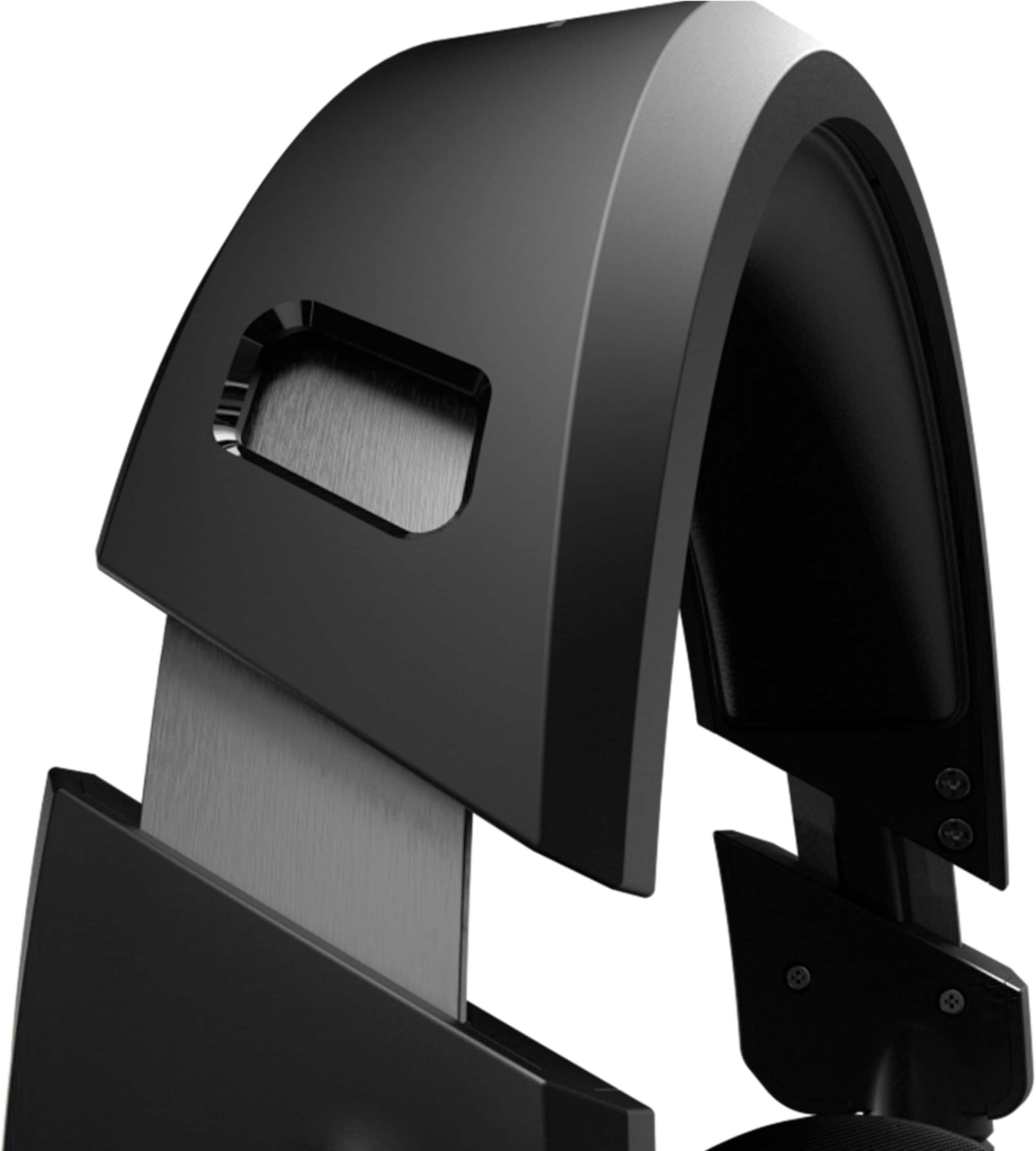
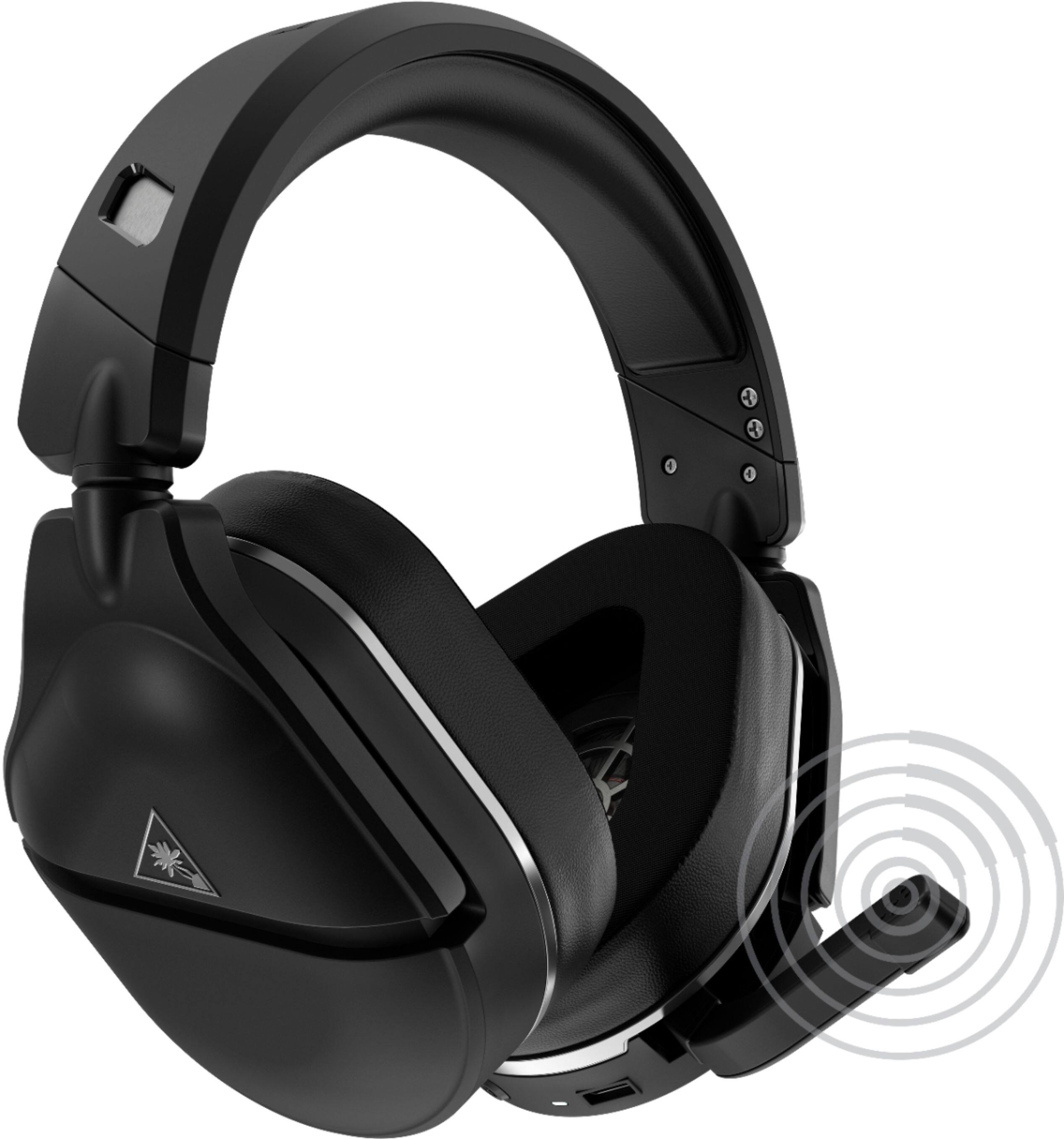
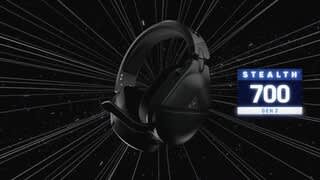
A:AnswerThe headset is not exactly the same as the GEN 1 headset. Here are some features on the GEN 2 headset that are not present on the GEN 1:
- Larger re-designed Gen 2 Flip-to-Mute mic
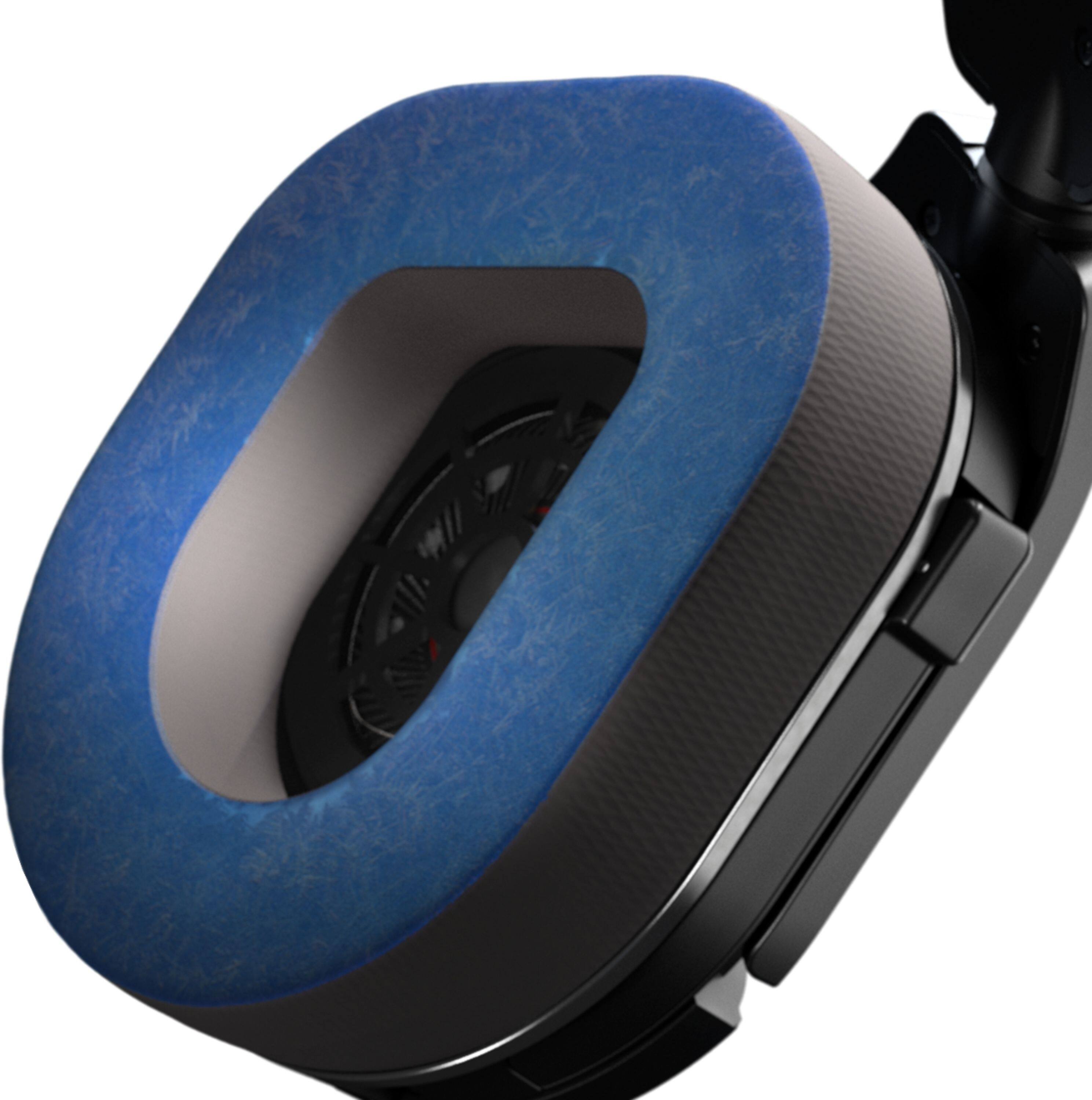
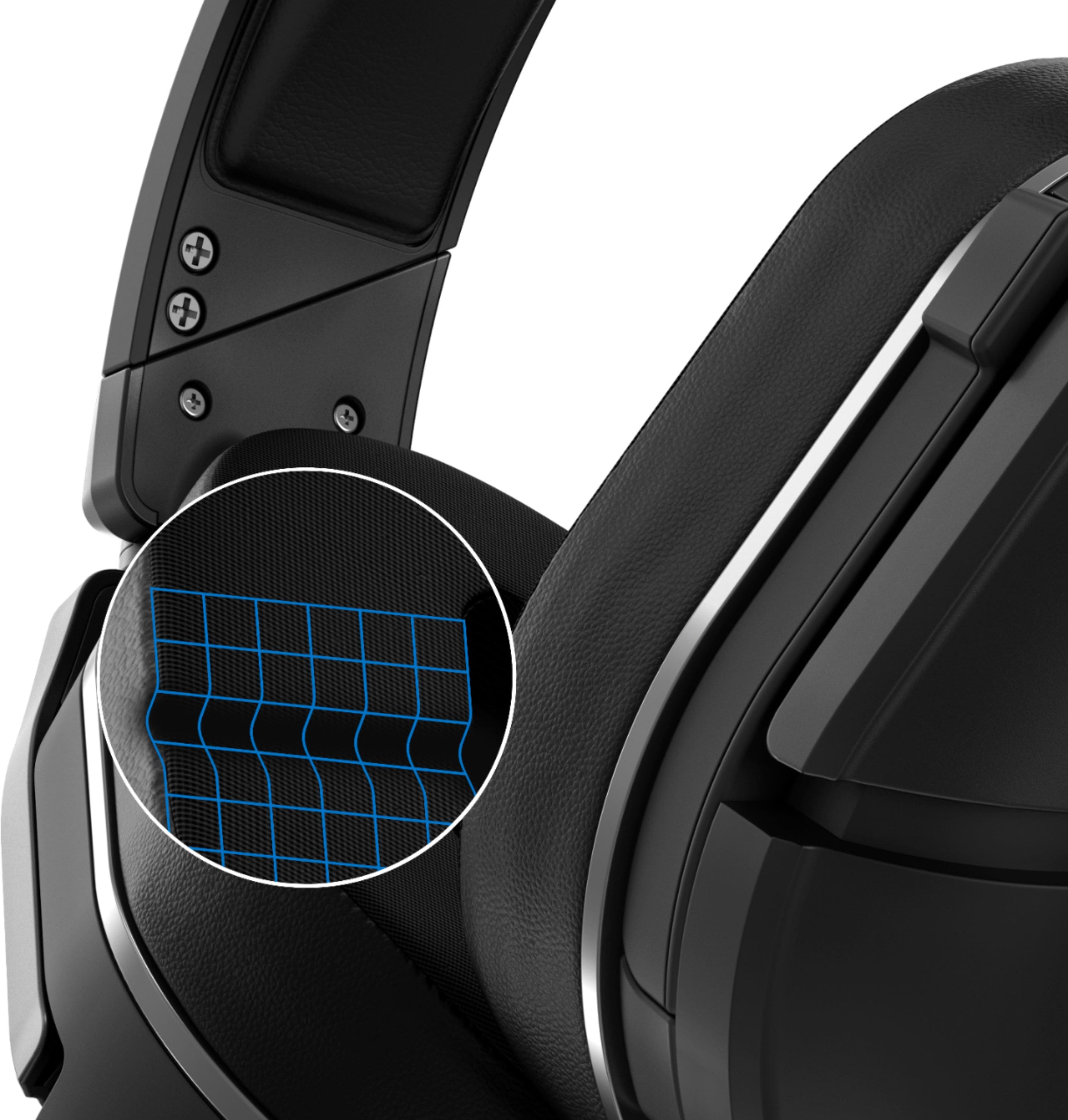
- Aerofit™ Cooling-Gel Infused Memory Foam Ear Cushions
- Metal-Reinforced Headband
- Extended 20-Hour Wireless Battery Life
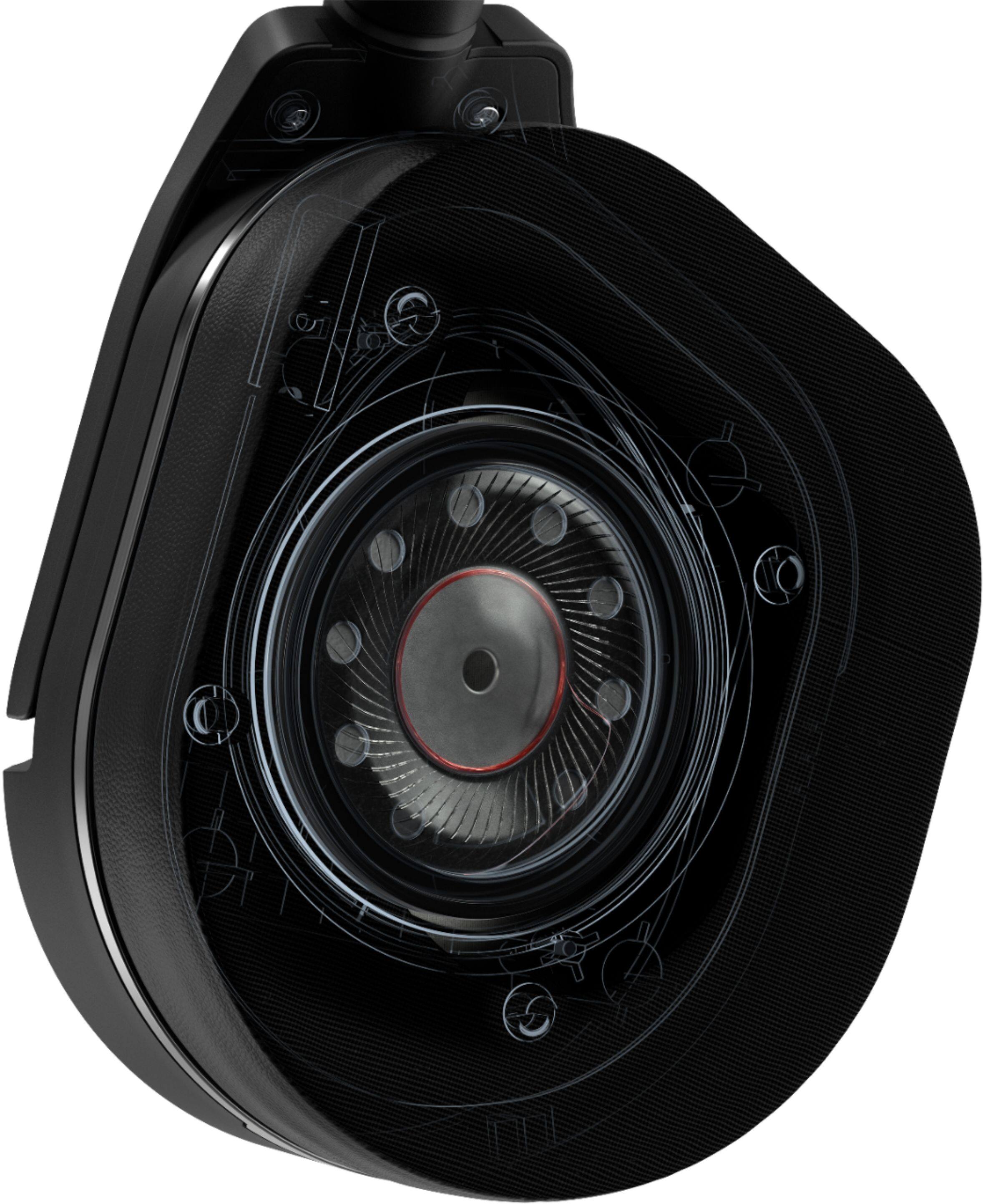
- 50mm Nanoclear™ Speakers
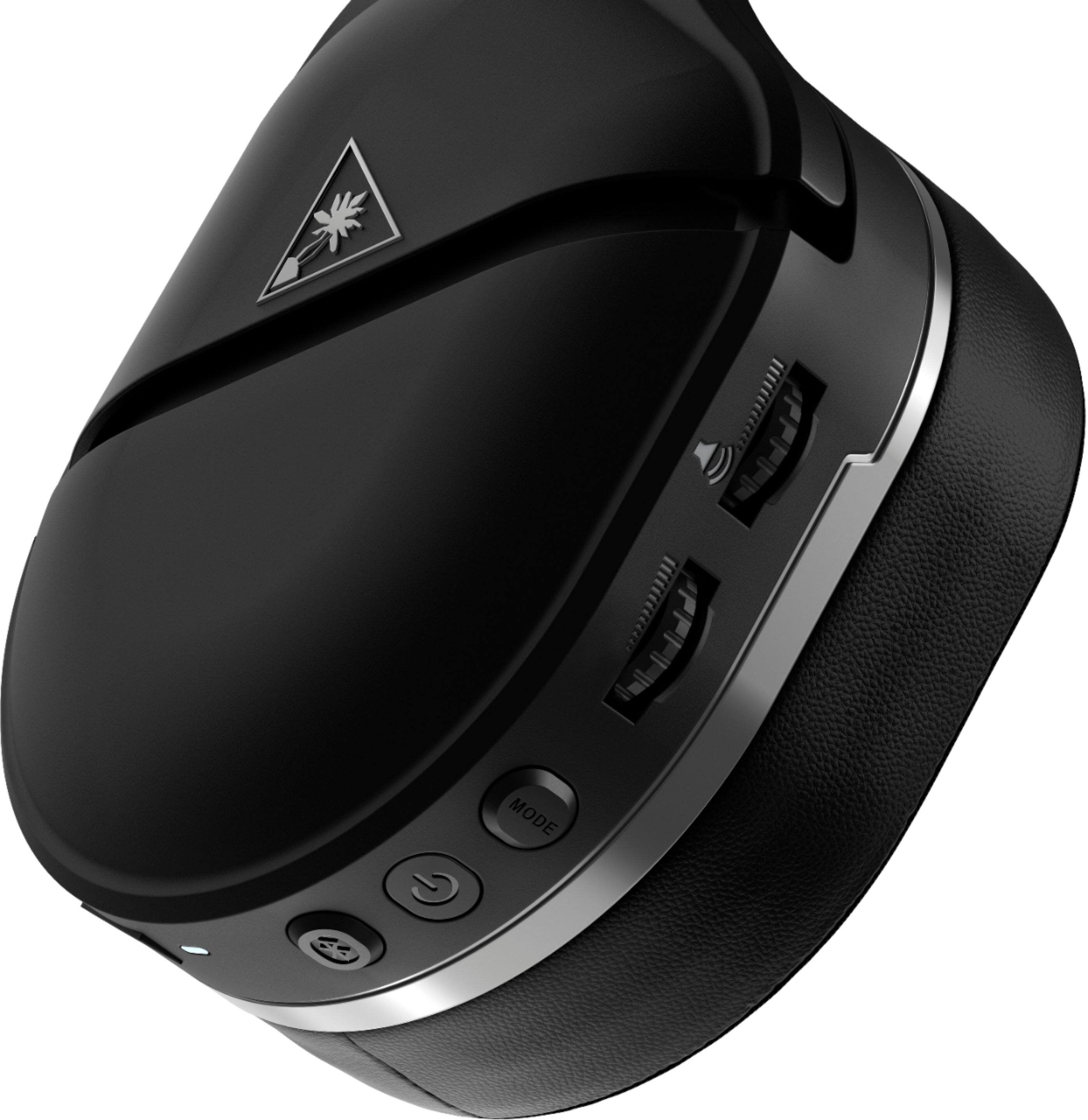
- Remappable Function Buttons
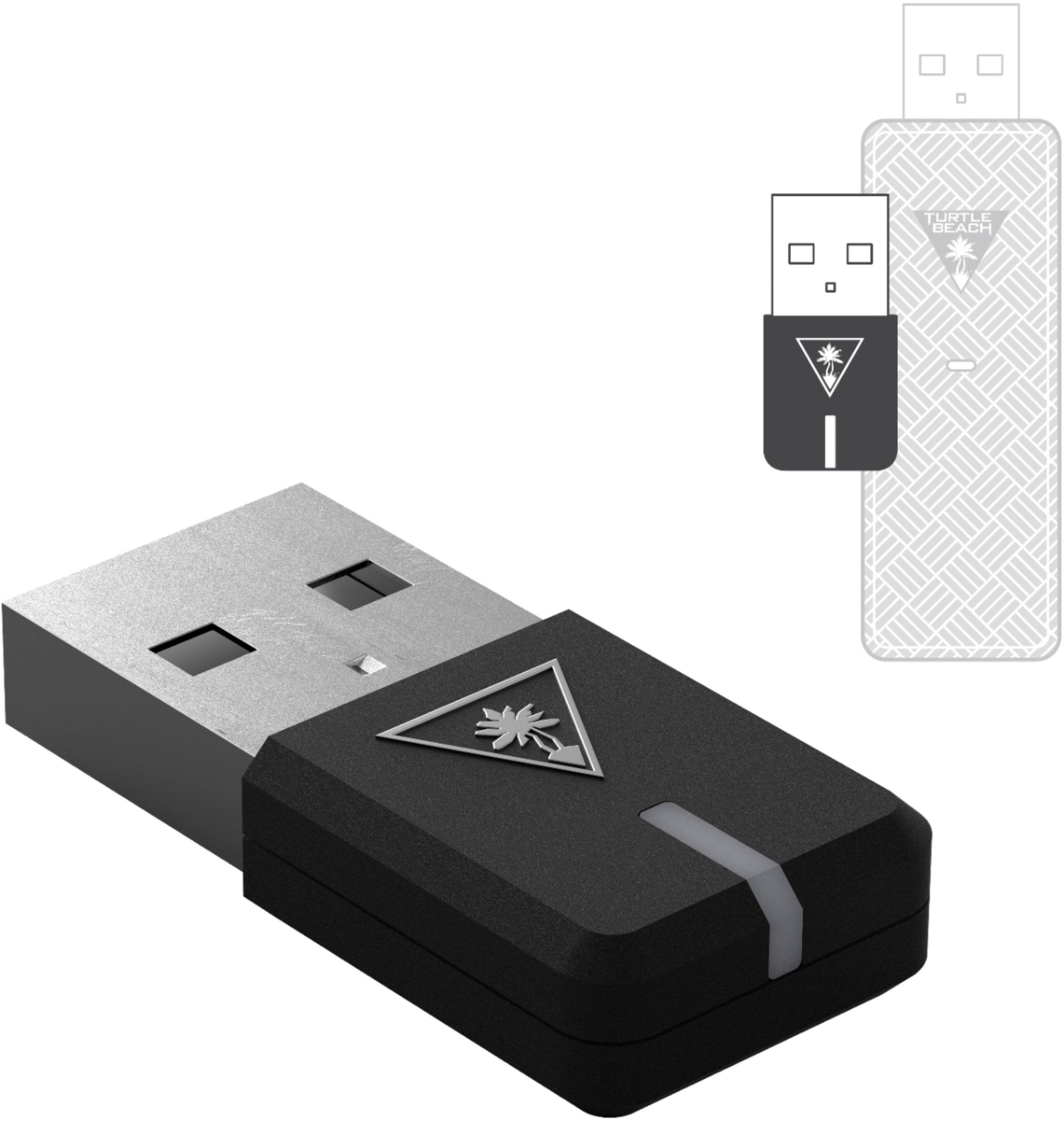
A:AnswerThe GEN 2 headset does not use an optical cable in any way, so it will not receive a 7.1 signal. It uses a single USB connection via its transmitter for its audio purposes.
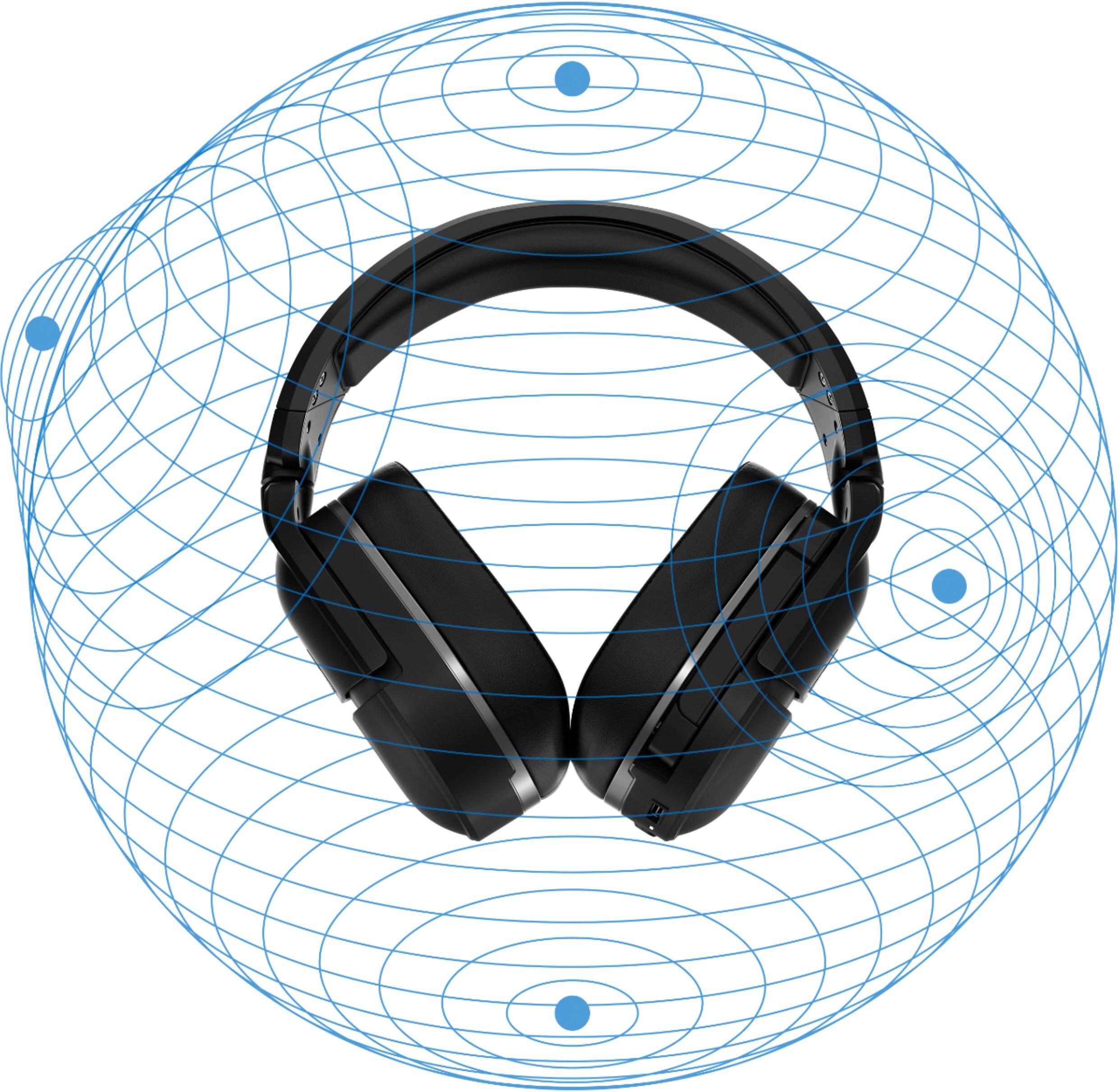
On the PS5, the console will have 3D Audio that we anticipate will be supported via the USB connection.
A:AnswerThe headset's USB port would only be used for charging purposes and/or connecting the headset to a device for firmware updates (if/when those updates are released).
A:AnswerThis headset is equipped with a single volume dial that handles ALL audio (Game and Chat) going to the headset. There would be no way to adjust Game/Chat Audio independently from one another.
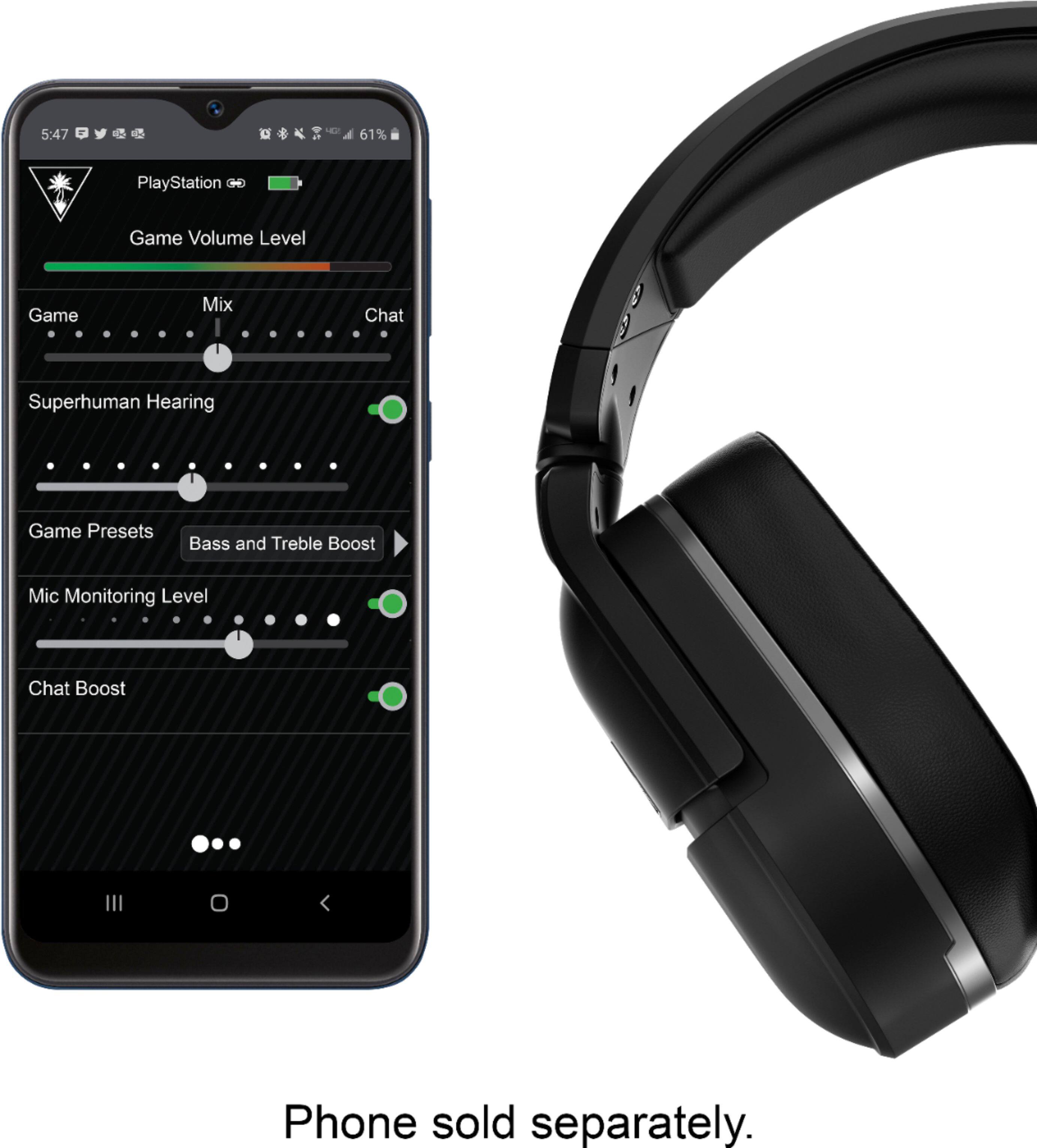
A:AnswerThere is an app you can download on your phone and you can control the settings better. Also, you can go to the turtlebeach website and update software on your headphones
A:AnswerYou can definitely adjust how much of the game audio you want compared to the chat on the ps5, but the headset itself only has volume control for the game audio/chat together and a separate nob for volume control for your Bluetooth device if you wanted to play music on your phone while having the capability of hearing the game audio/ chat at the same time.