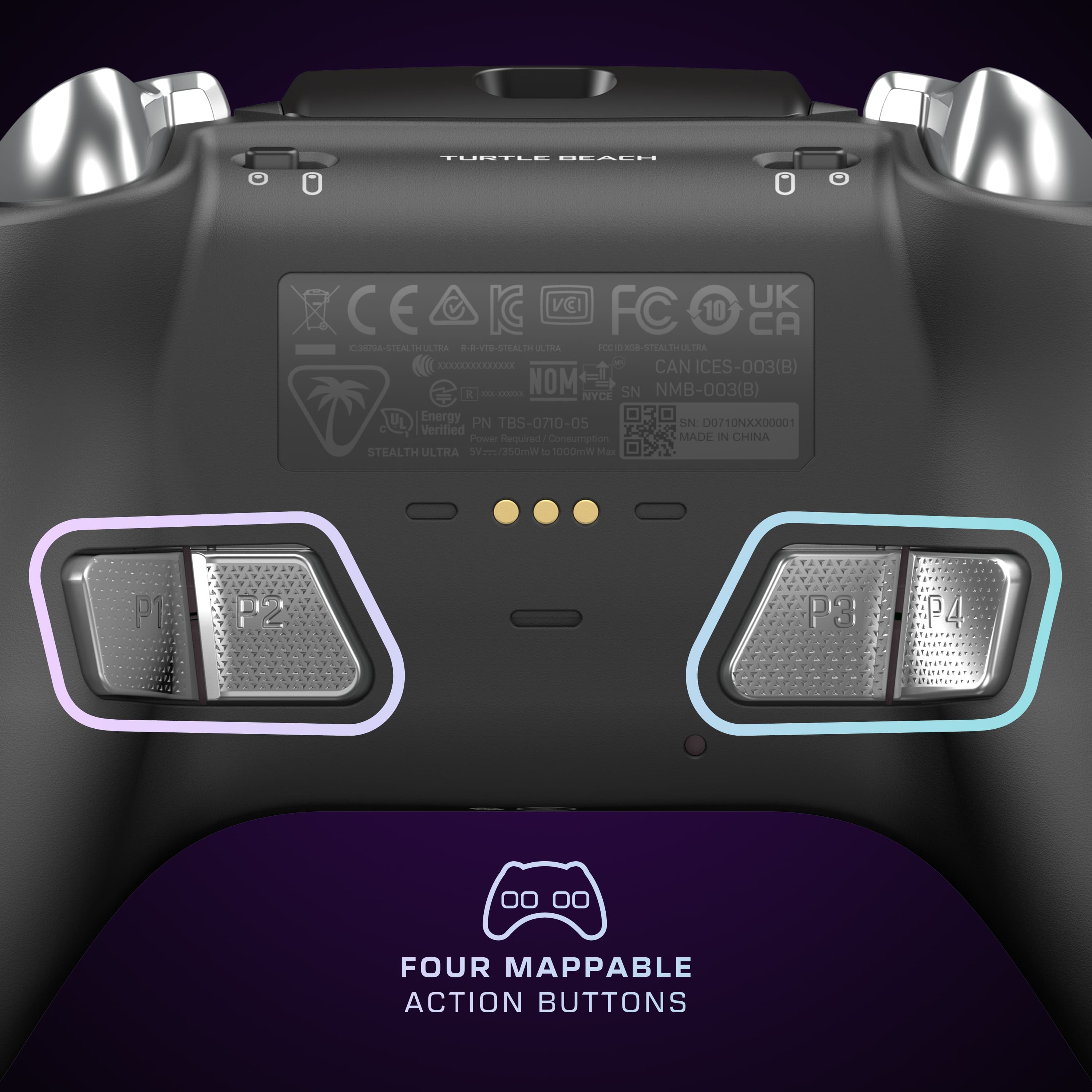
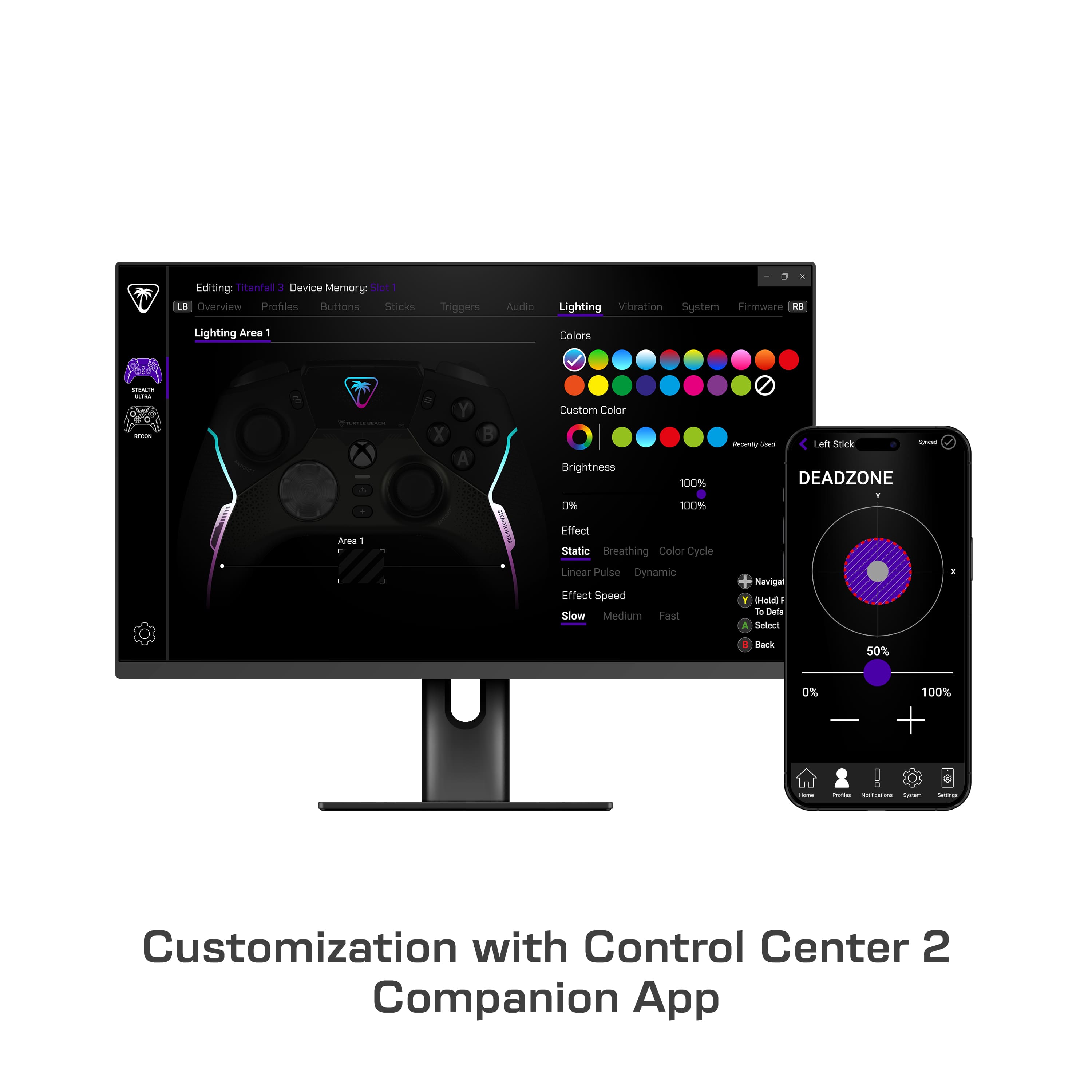
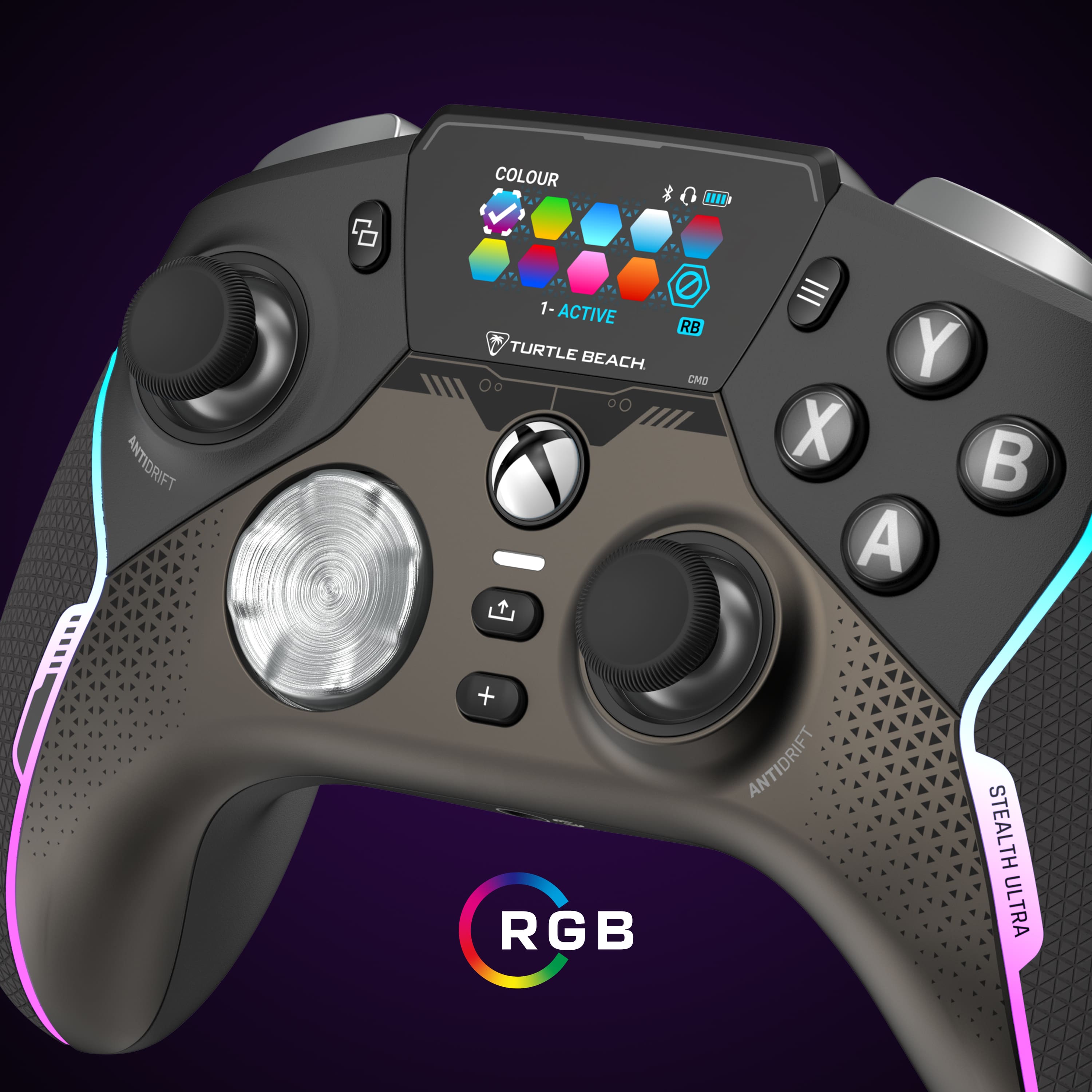
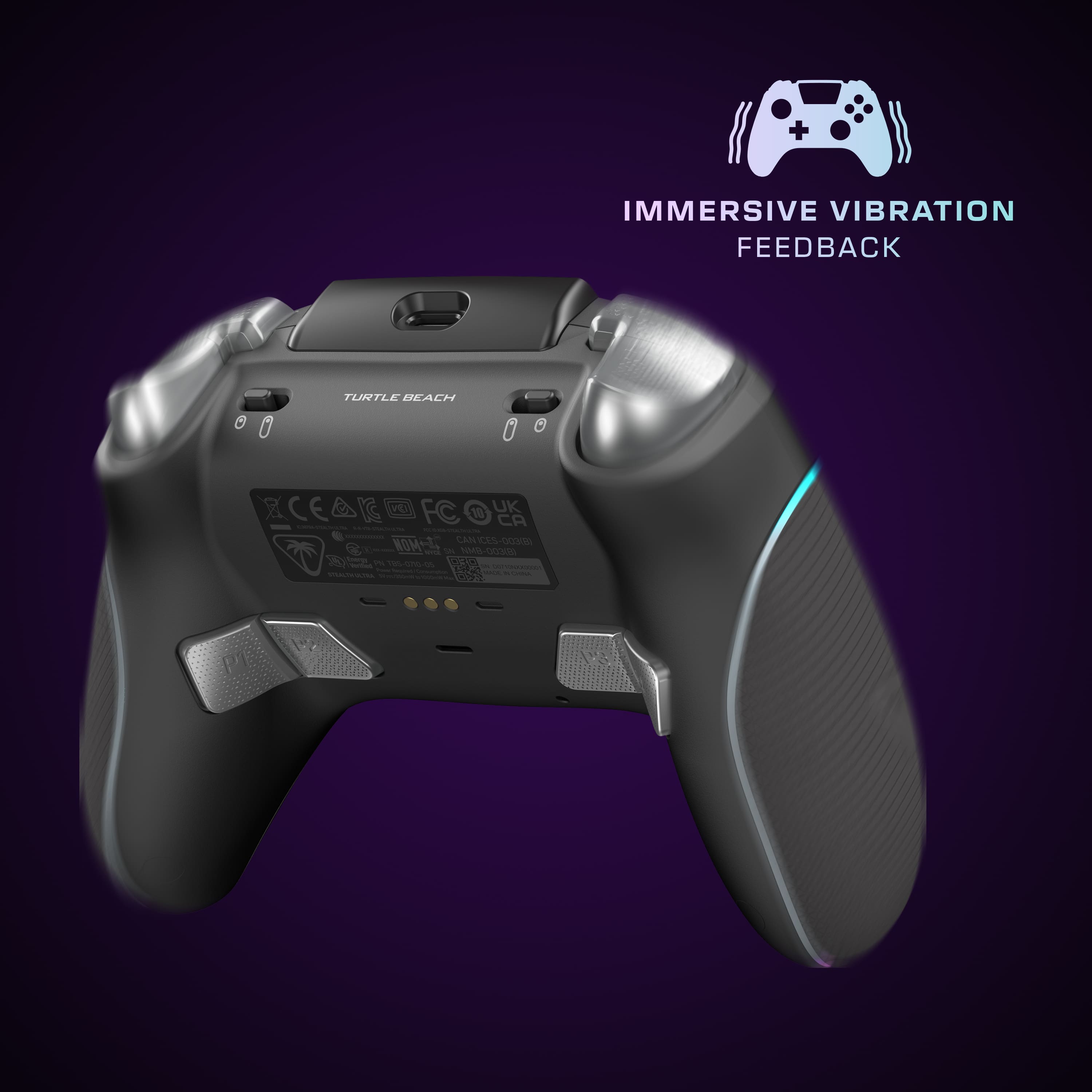
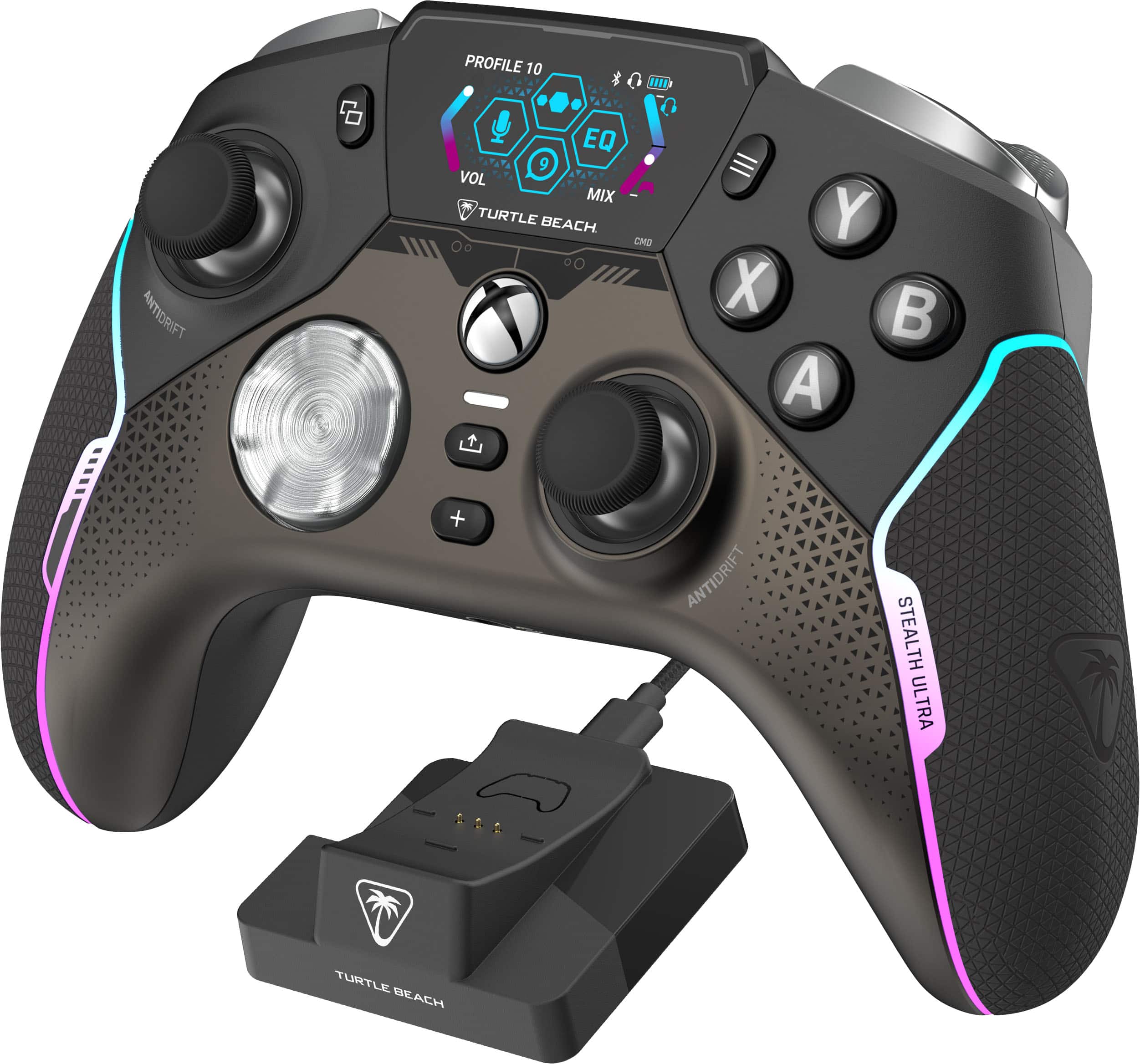
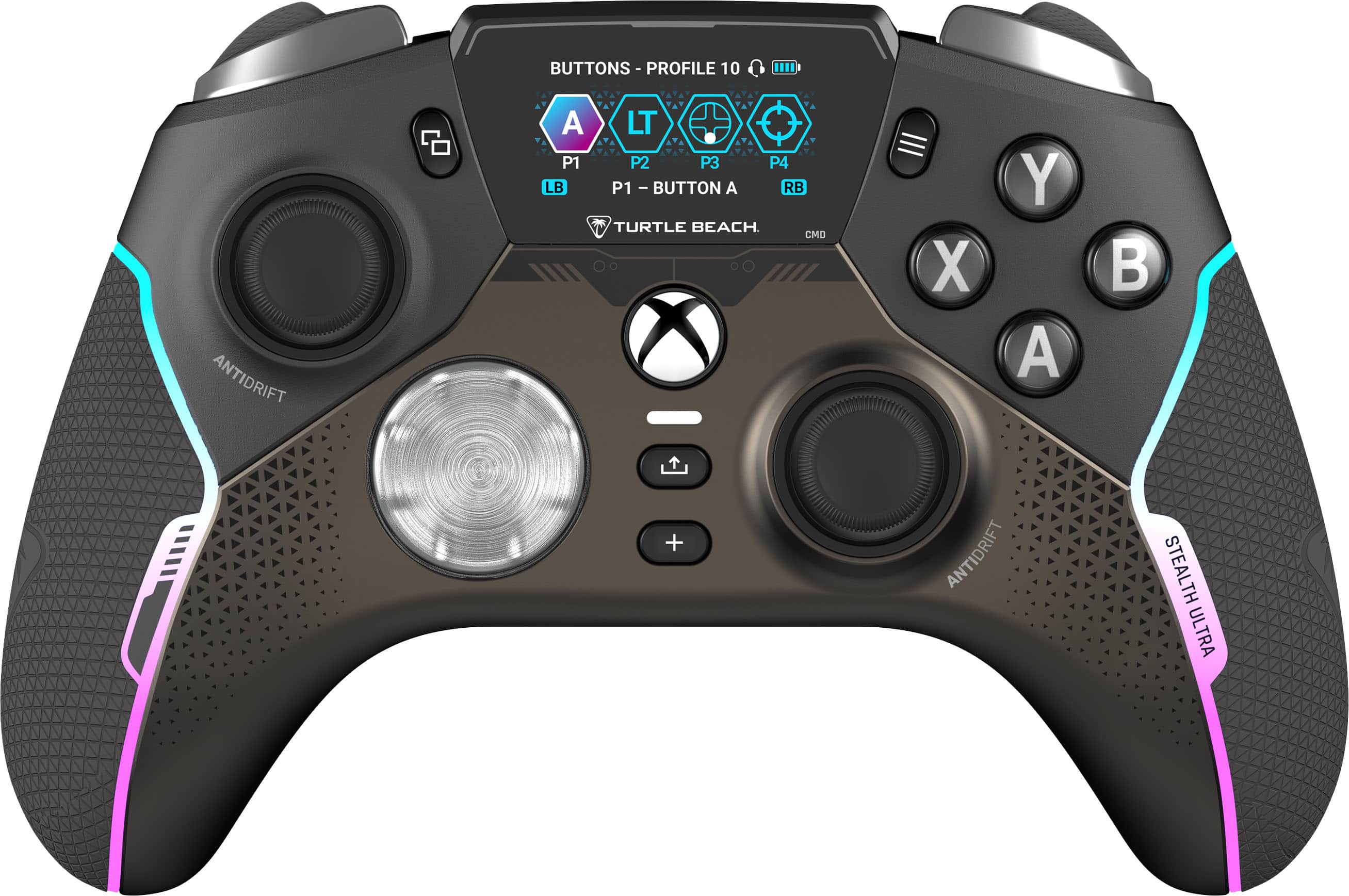
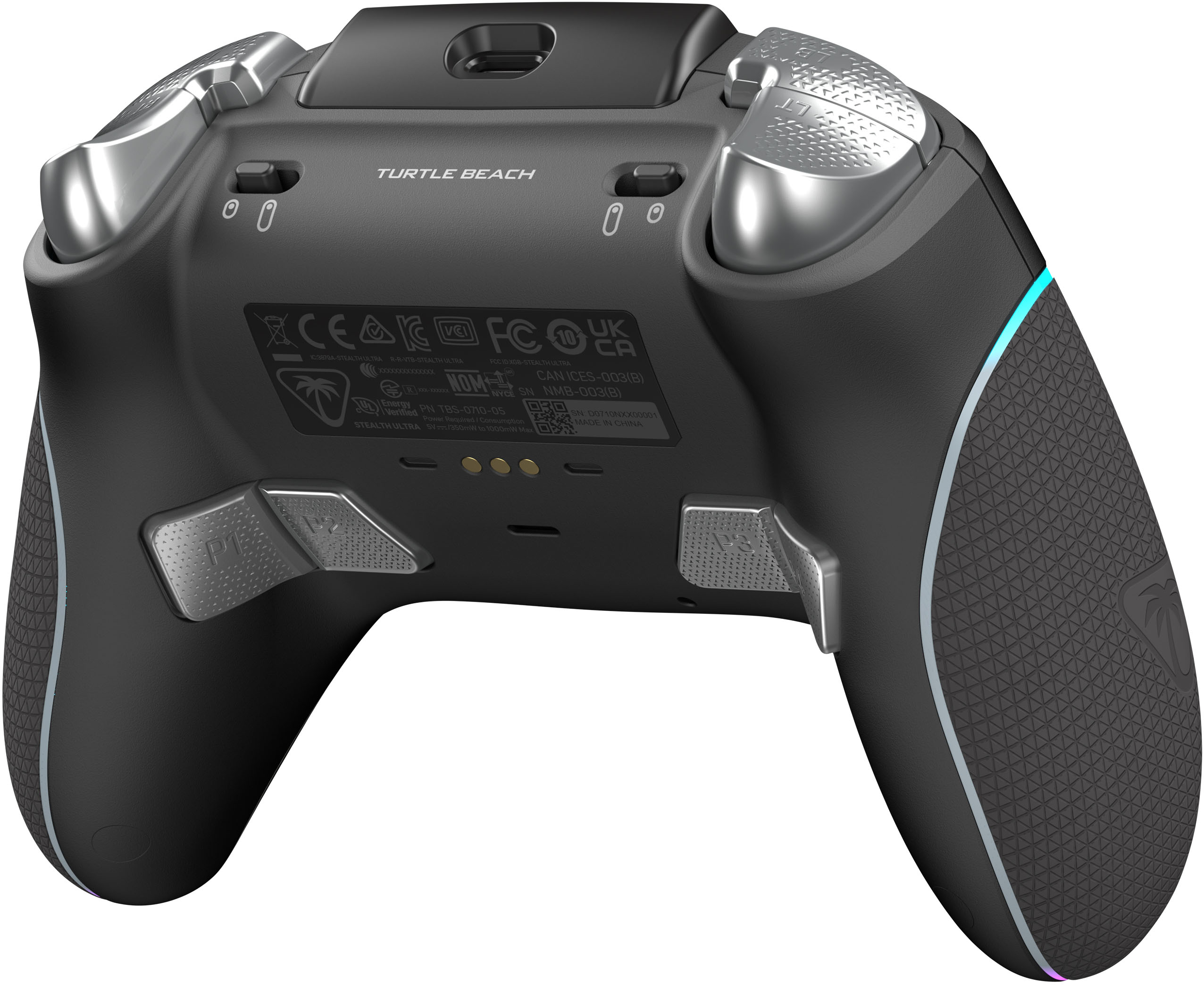
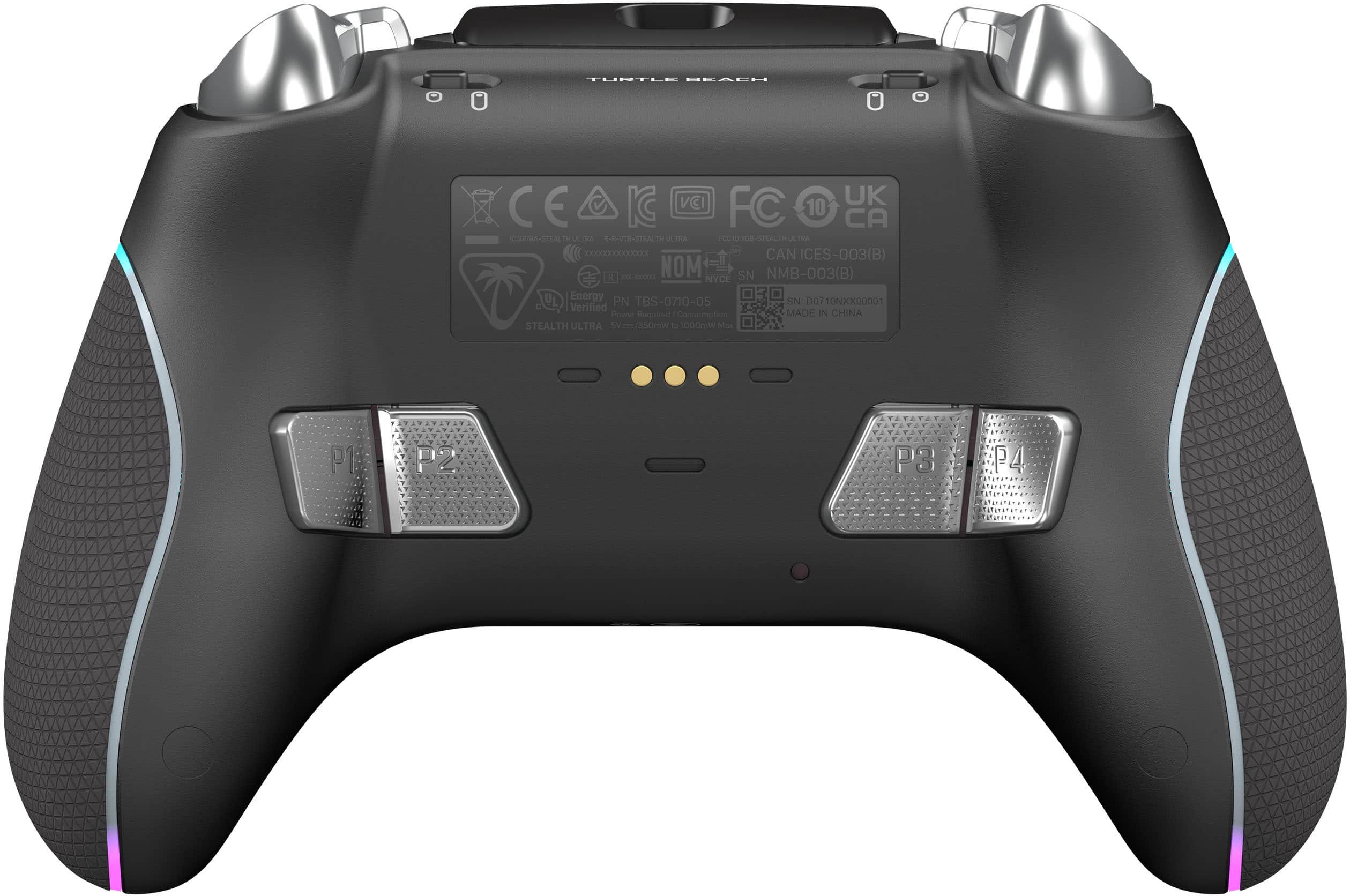
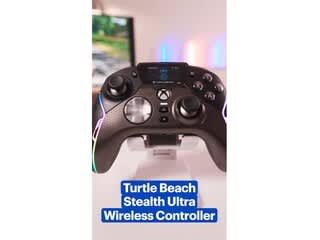
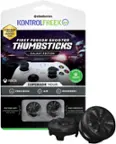
A:AnswerNo its limited to the controller buttons but it does allow you to add a pro aim button like some mouses have that slows down movements while aiming
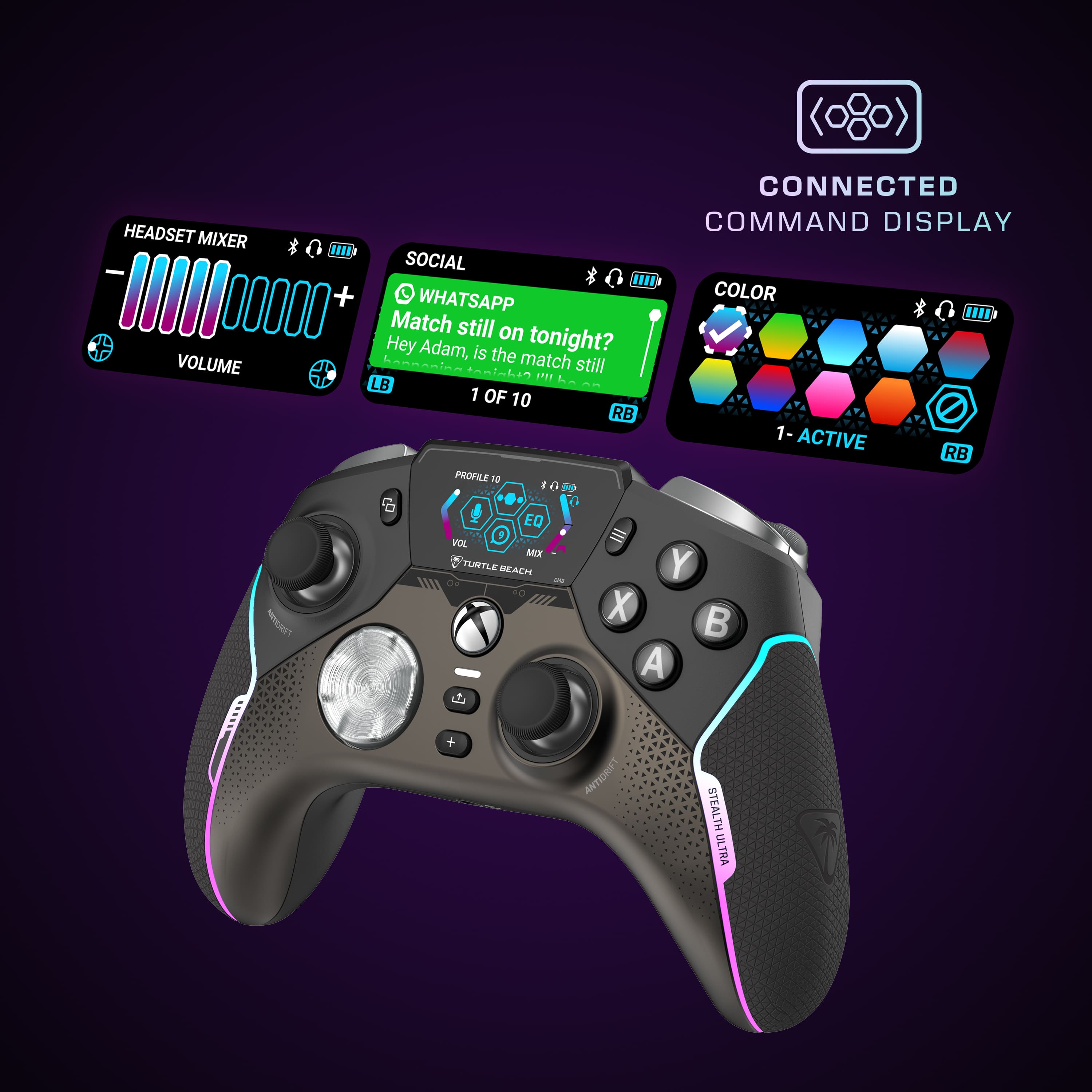
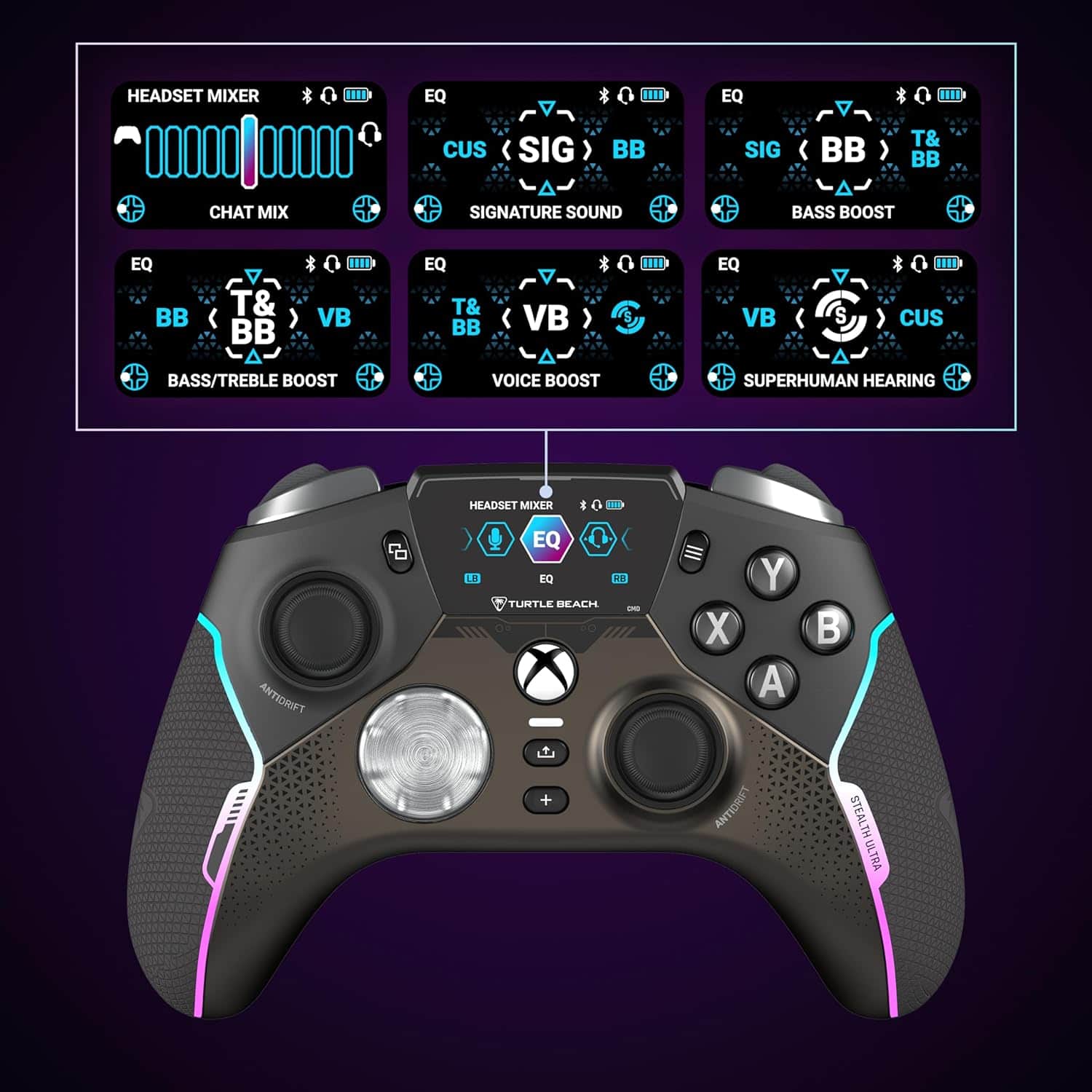
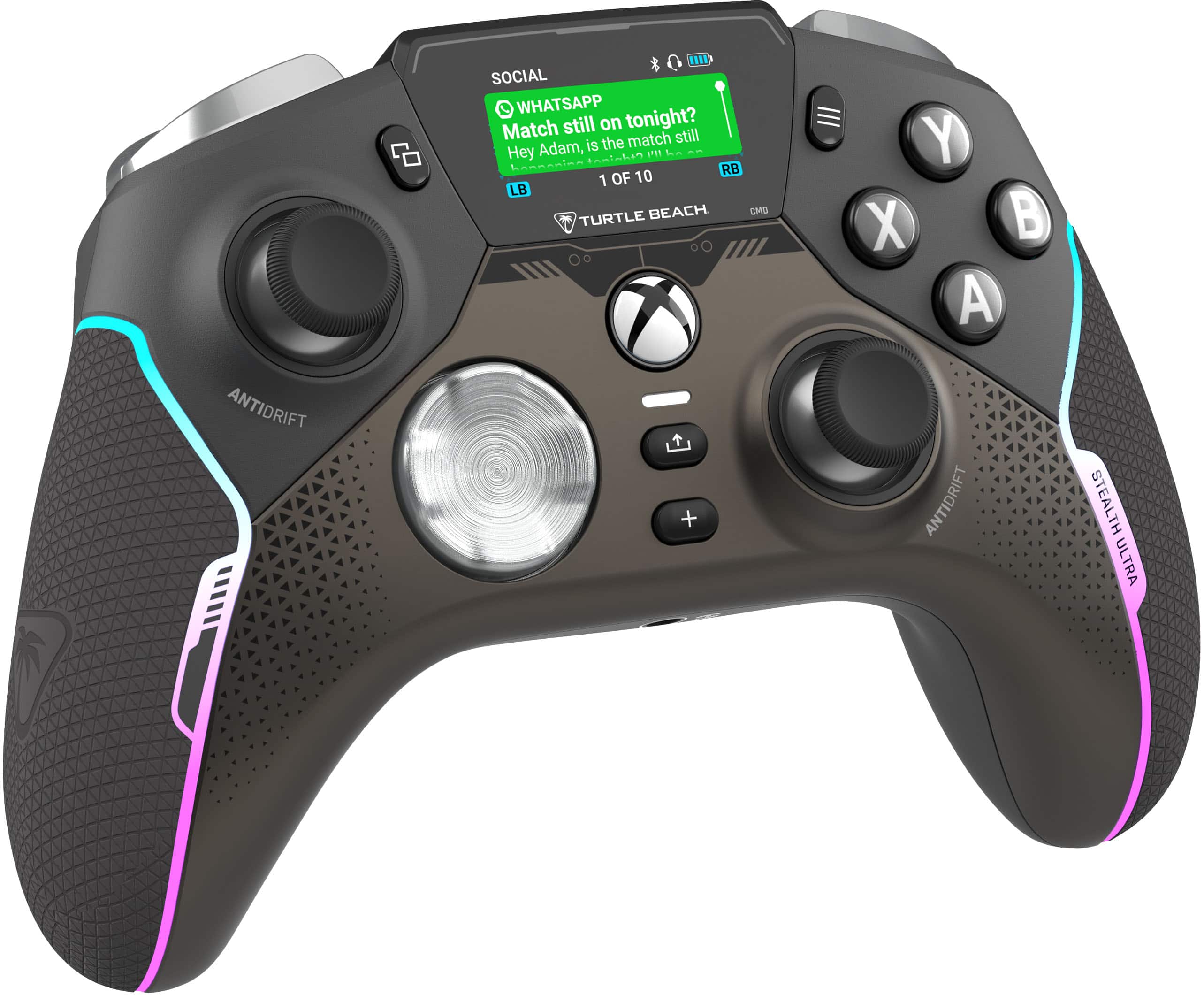
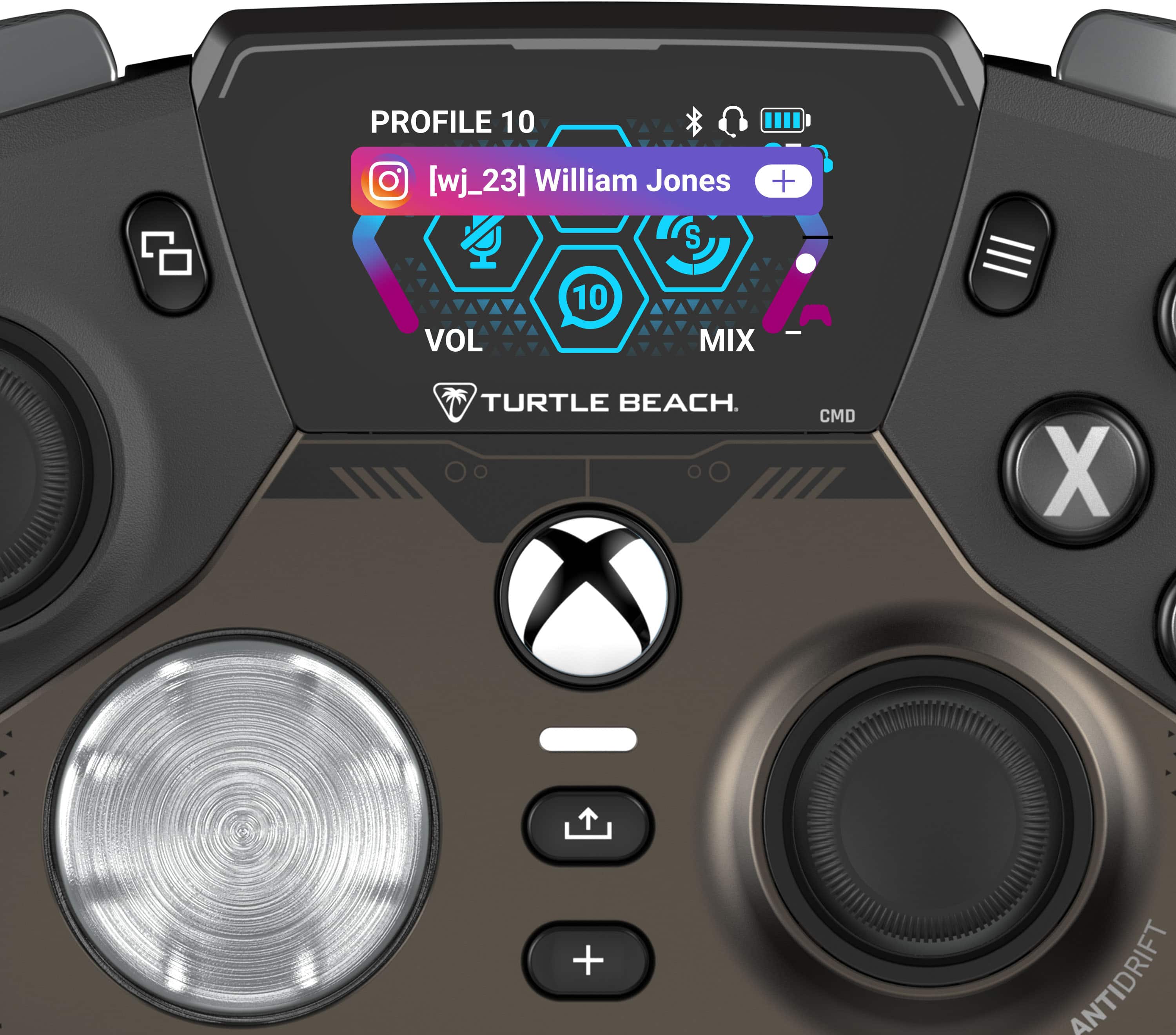
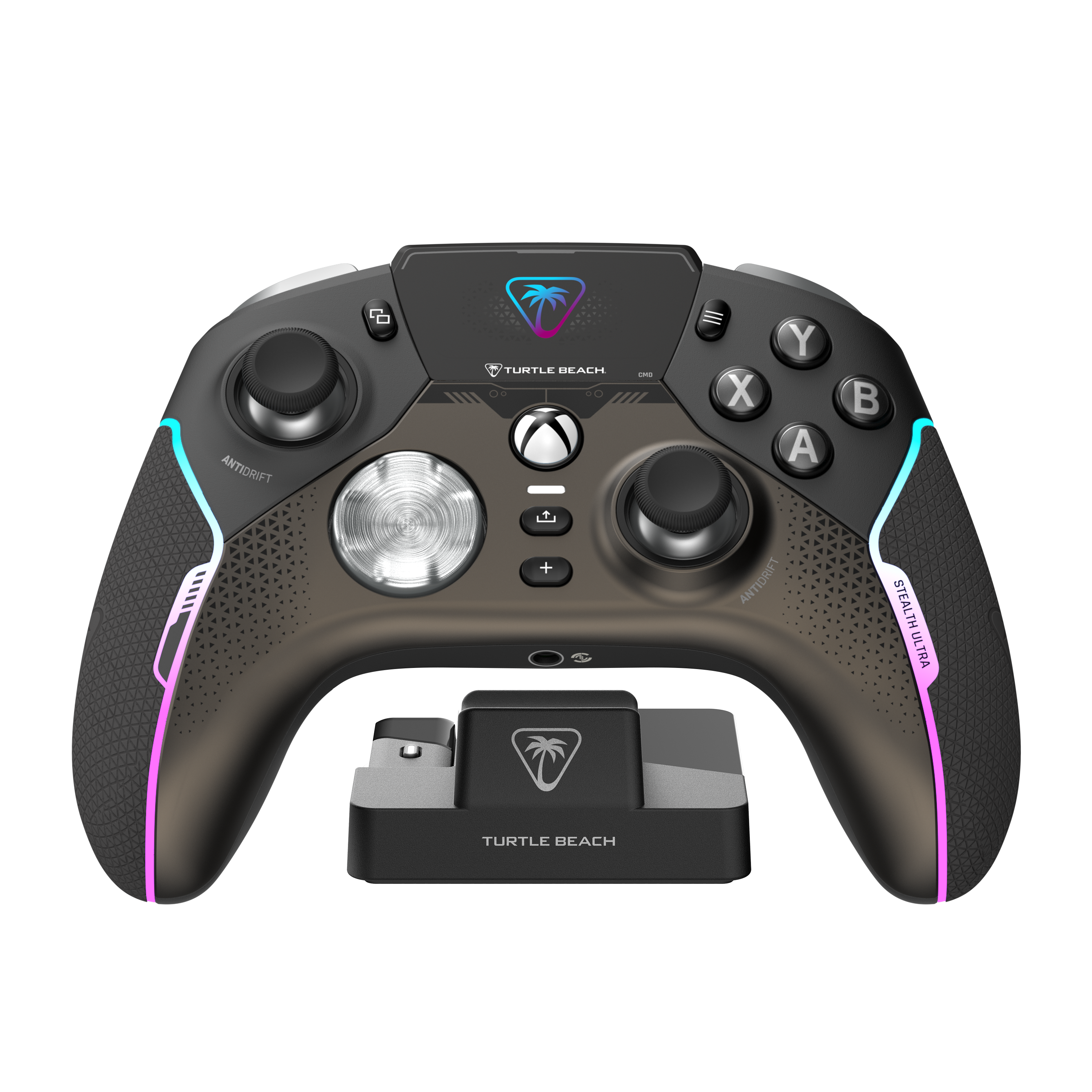
A:AnswerNo. There is no live information of any kind fed to the controller. The exception of course is the social media notifications. This done via mobile device and the Turtle beach app.
The Turtle Beach Stealth Ultra controller can connect to several social media apps, including:
Discord, Facebook, Instagram, Outlook, Threads, Twitch, WhatsApp, X (Twitter), and The Xbox app.
A:AnswerThis is understandable. But the other way to look at it is once you master the benefits of the way that they are designed, the benefits become obvious. Similiar to the trigger locks. Speed in FPS.
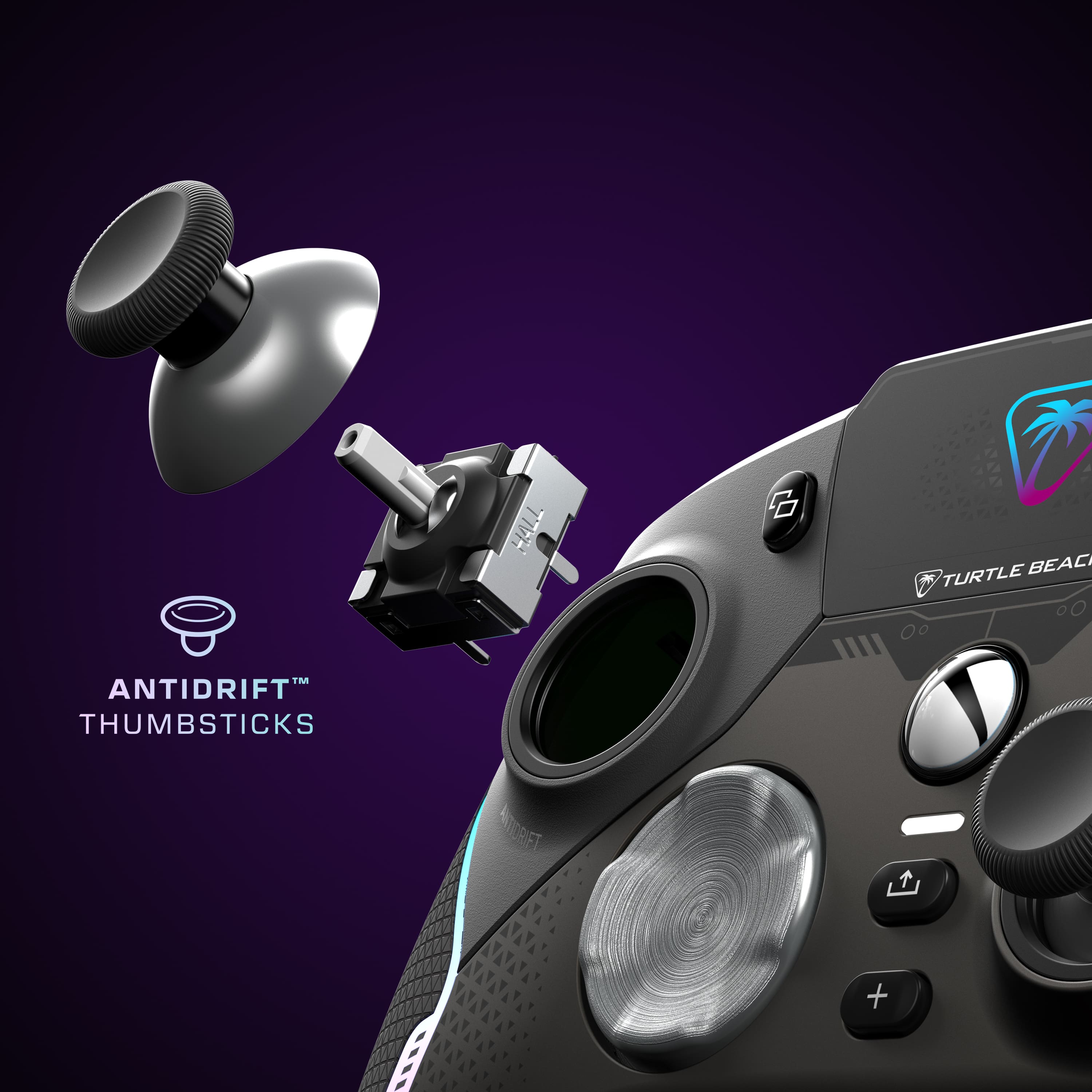
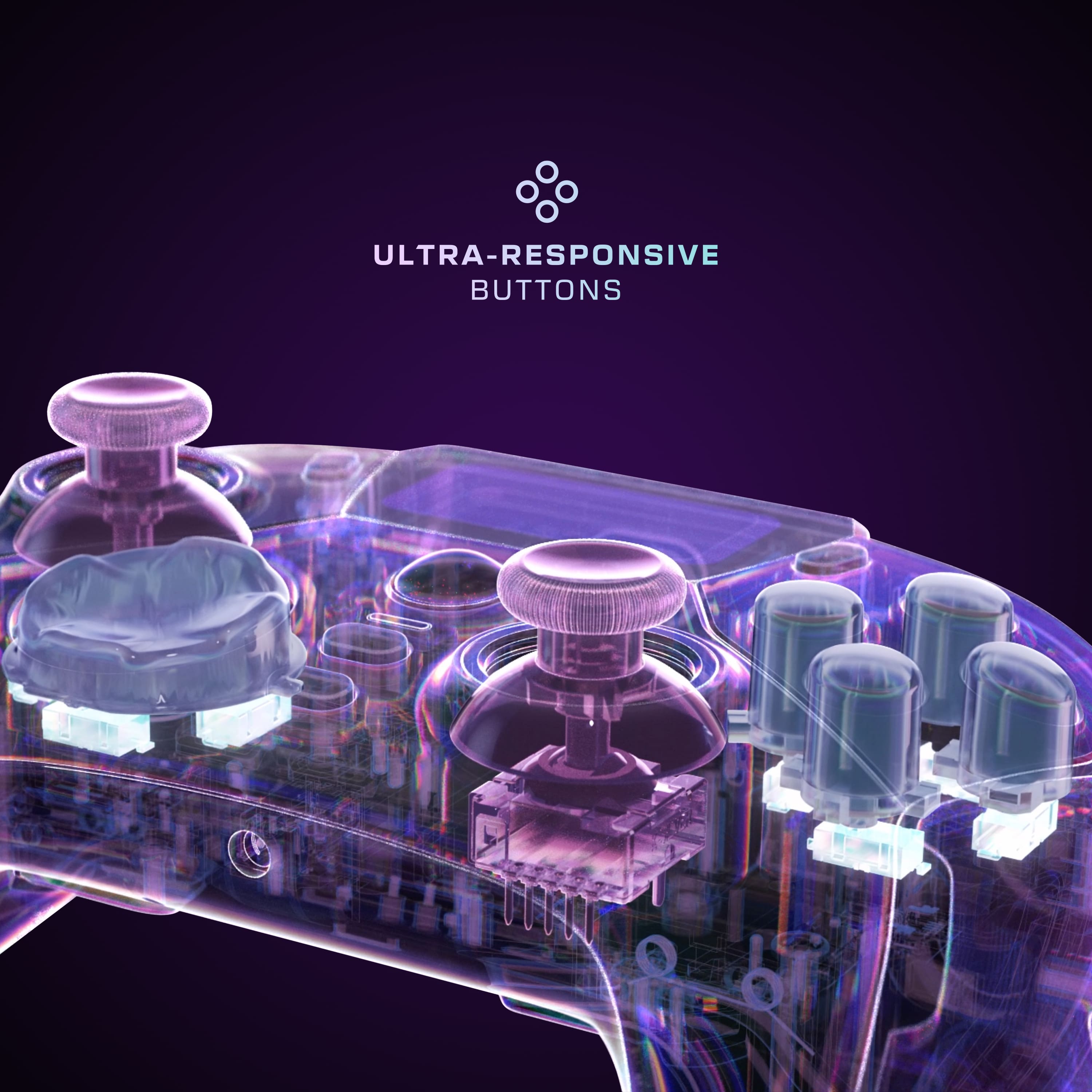
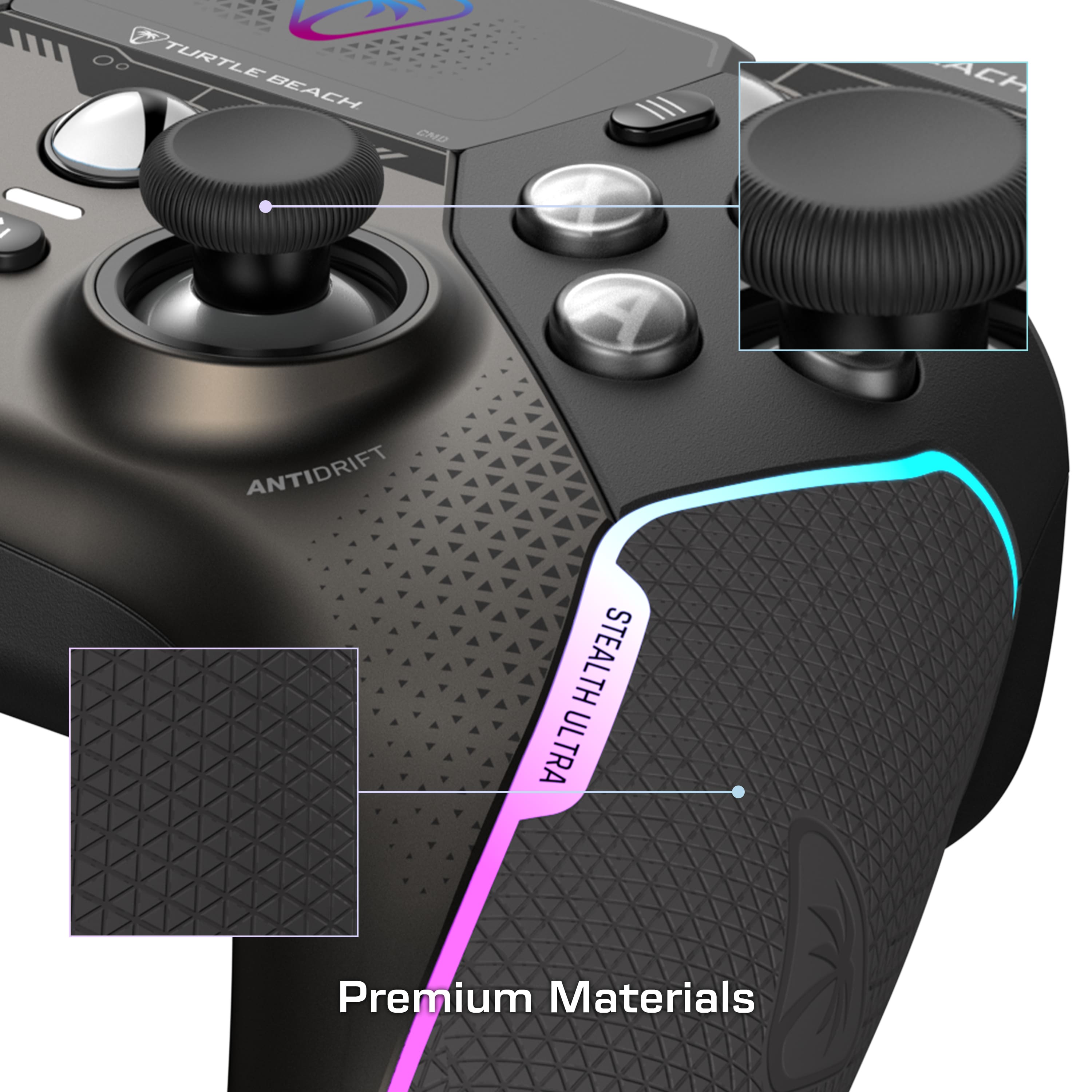
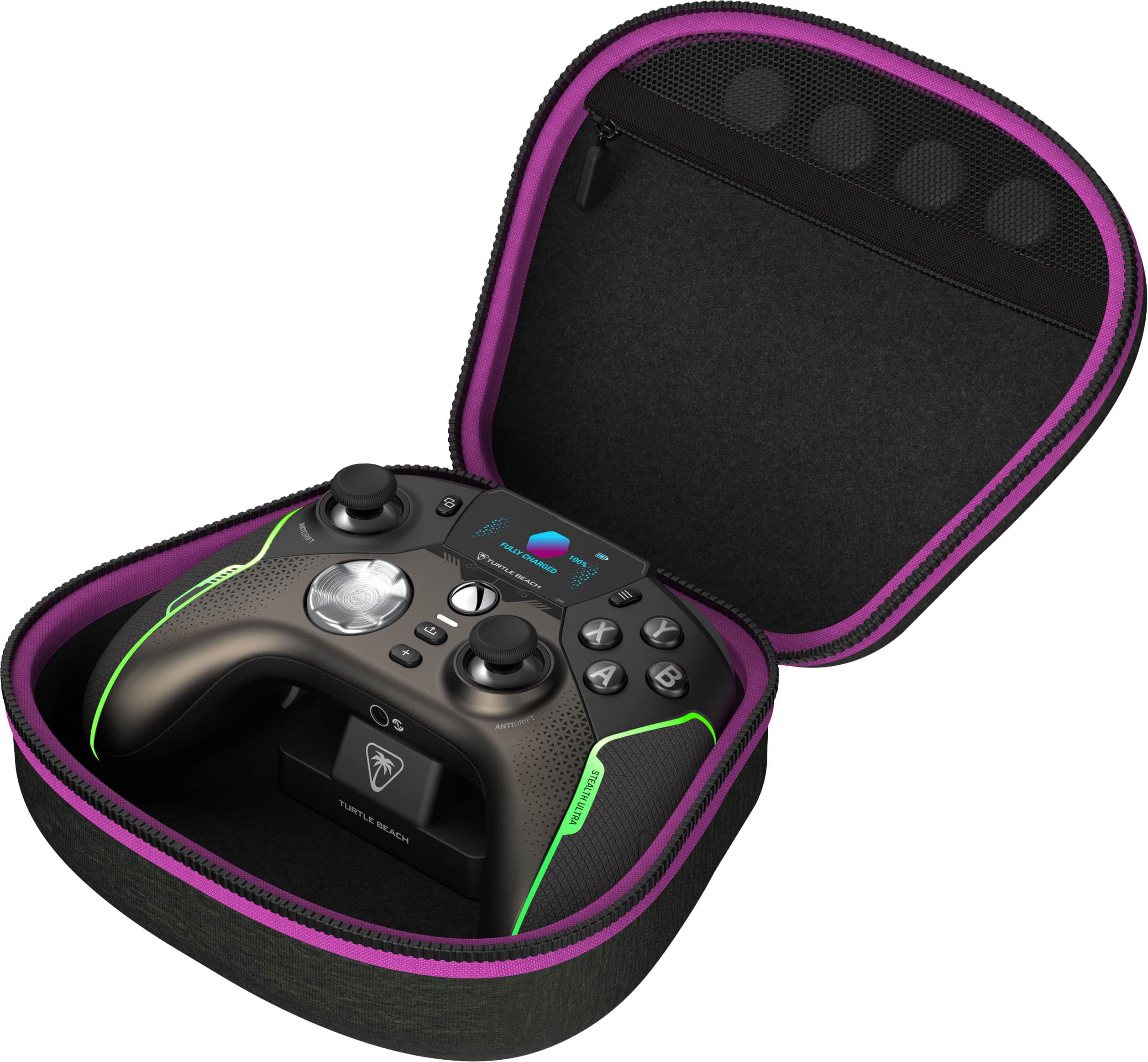
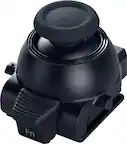
A:AnswerThe Turtle Beach Stealth Ultra features contactless, hall effect joysticks using internal magnets instead of full contact analog-style sticks to provide high-resolution, smooth control without drift.
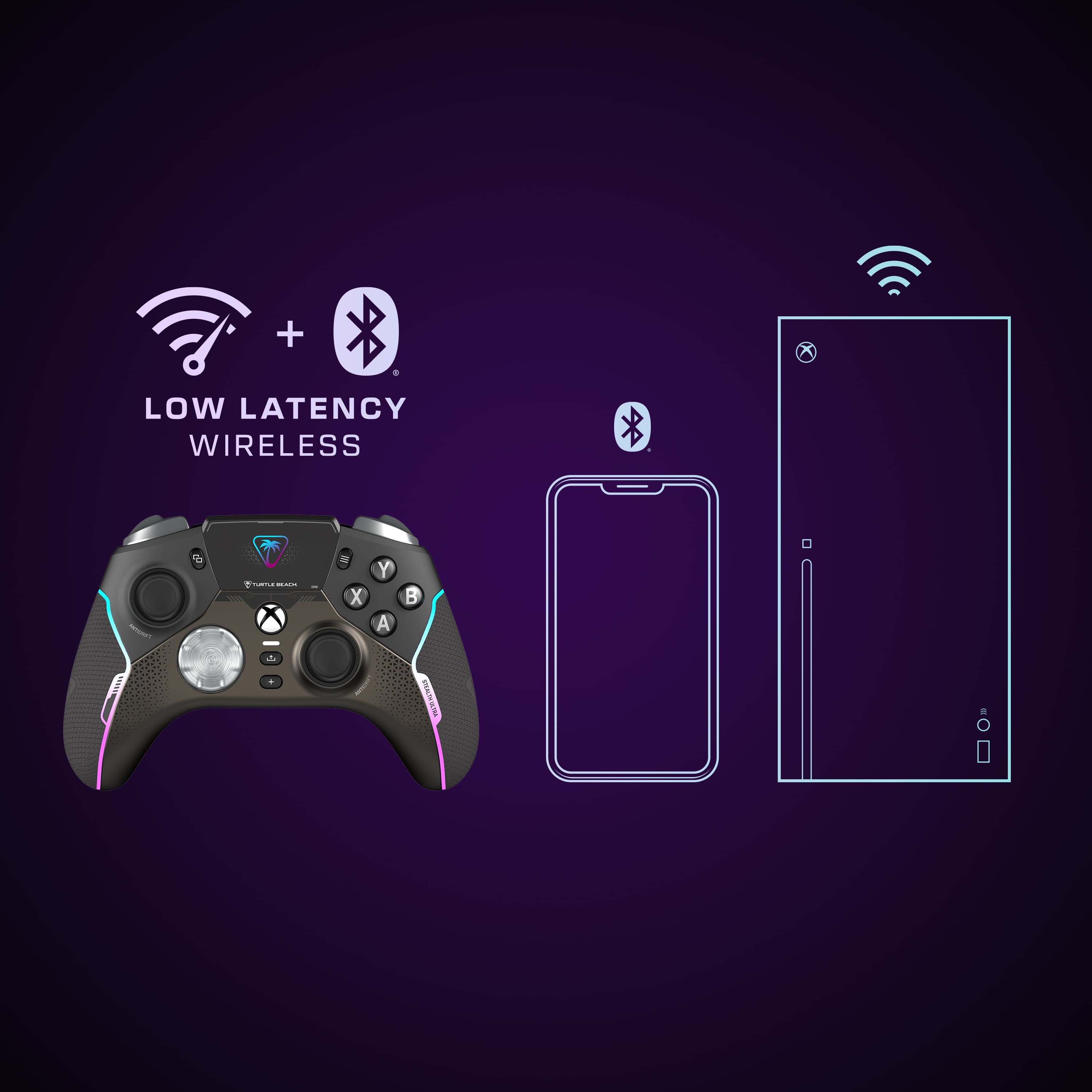
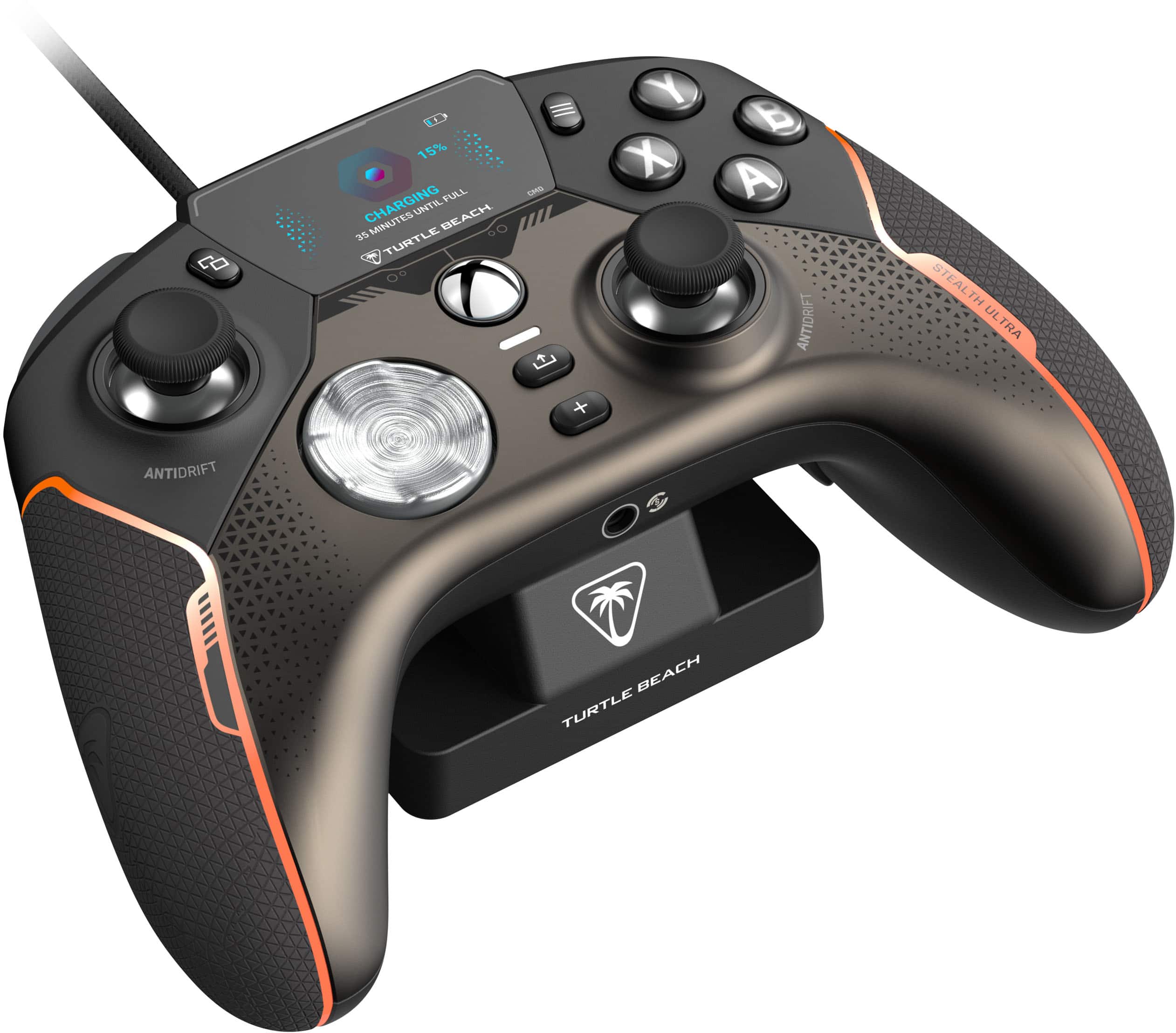
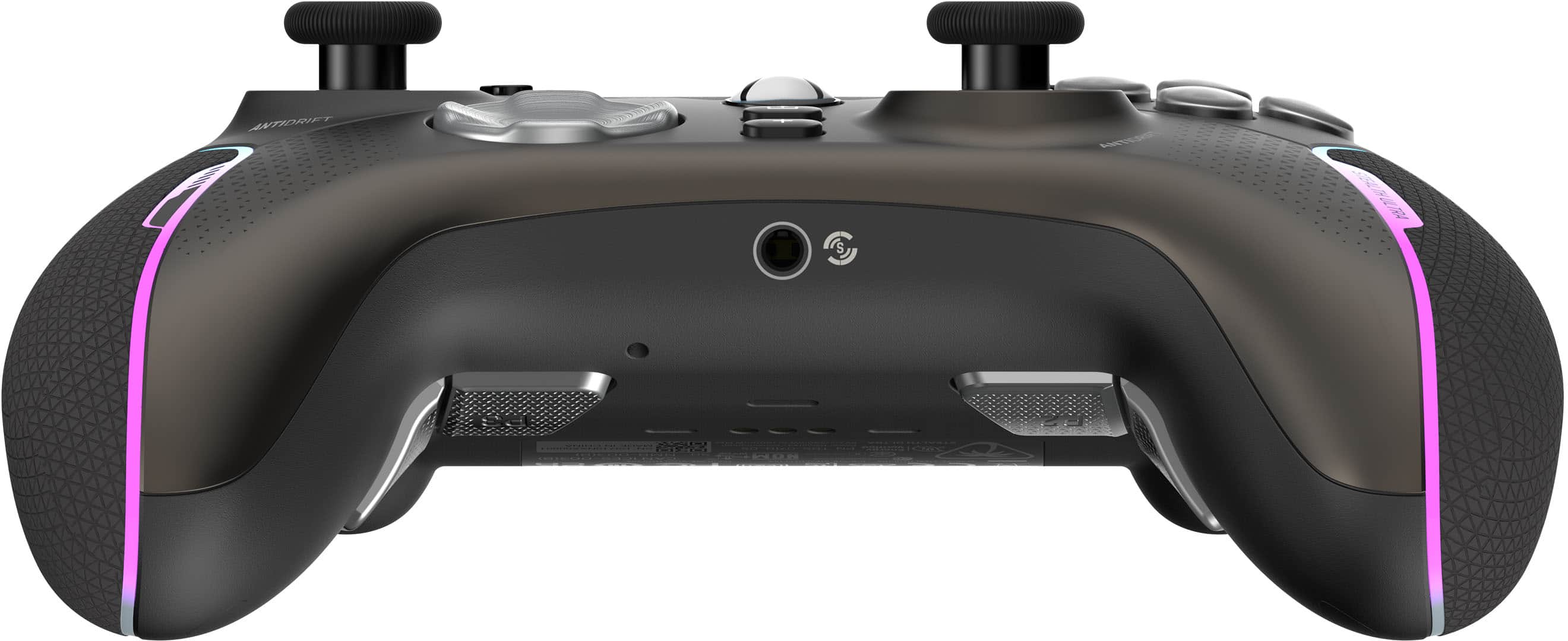
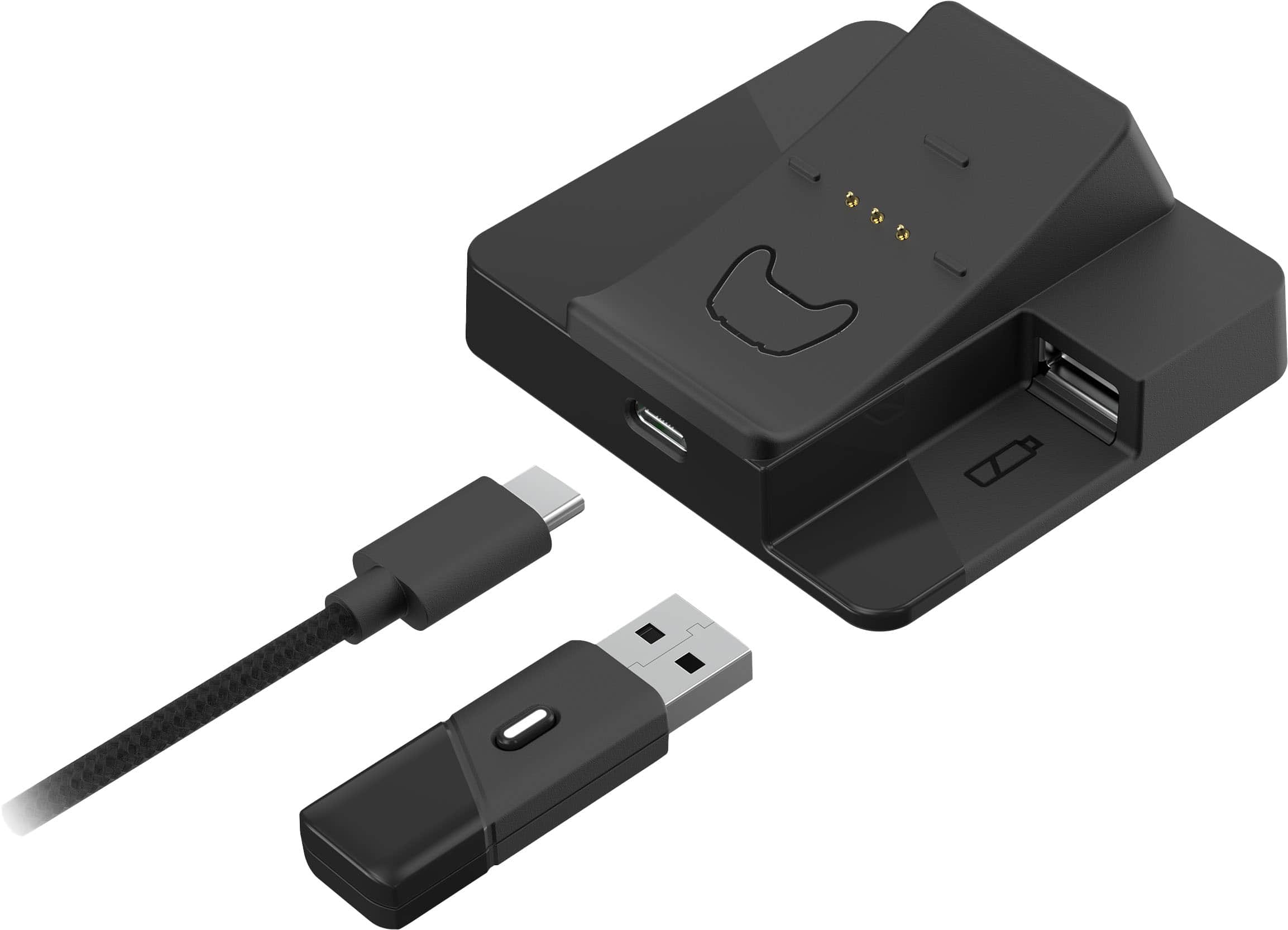
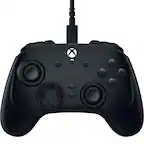
A:AnswerThe controller connects various ways. Bluetooth, wifi, hard wire.
AndYes, USB hubs can work on Xbox consoles if they meet certain requirements:
USB connection: The USB hub must be USB 3.0 or later.
Storage capacity: The external storage device must have a storage capacity of at least 128 GB.
Console model: Some USB hubs are designed specifically for certain Xbox models, such as the Xbox Series S or Xbox Series X.
USB hubs can be used to connect a variety of devices to an Xbox, including:
Controllers
Mice
Keyboards
Bluetooth headset adapters
Wired gaming microphones
Mobile phones
Some USB hubs are plug and play and don't require additional drivers.
A:AnswerYou have to press and hold the xbox button for about 2 seconds for it to power up. If that doesn't work, try connecting directly to the USB and see if you can get it to power on that way.