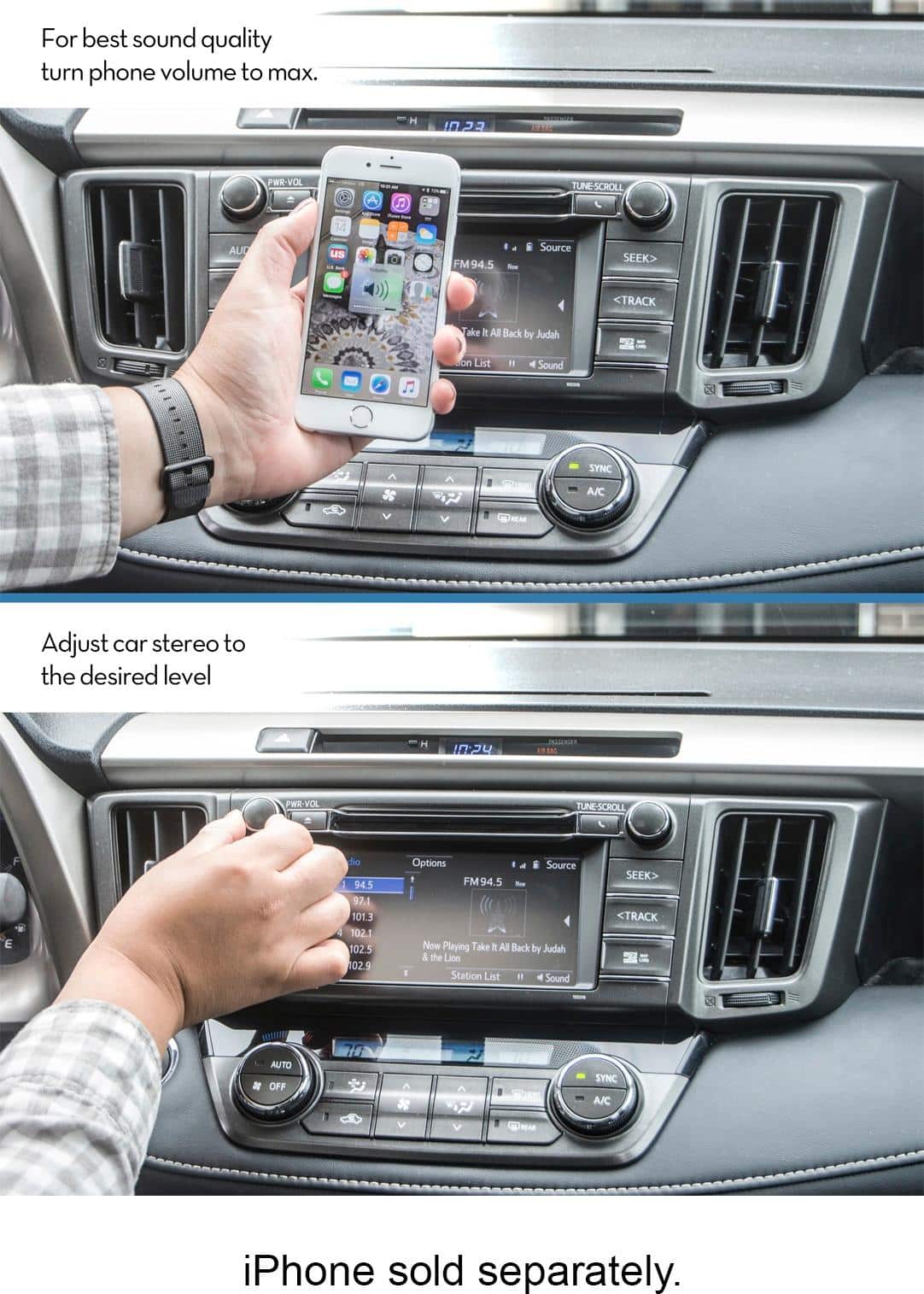
A:Answer Thank you for your question. First, turn the volume on your phone all the way up. Then, use the volume control of your car radio to adjust it up or down from there. If you have any more questions, please feel free to contact tech@bracketron.com, one of our representatives would be happy to help you.
Thanks,
Bracketron Support