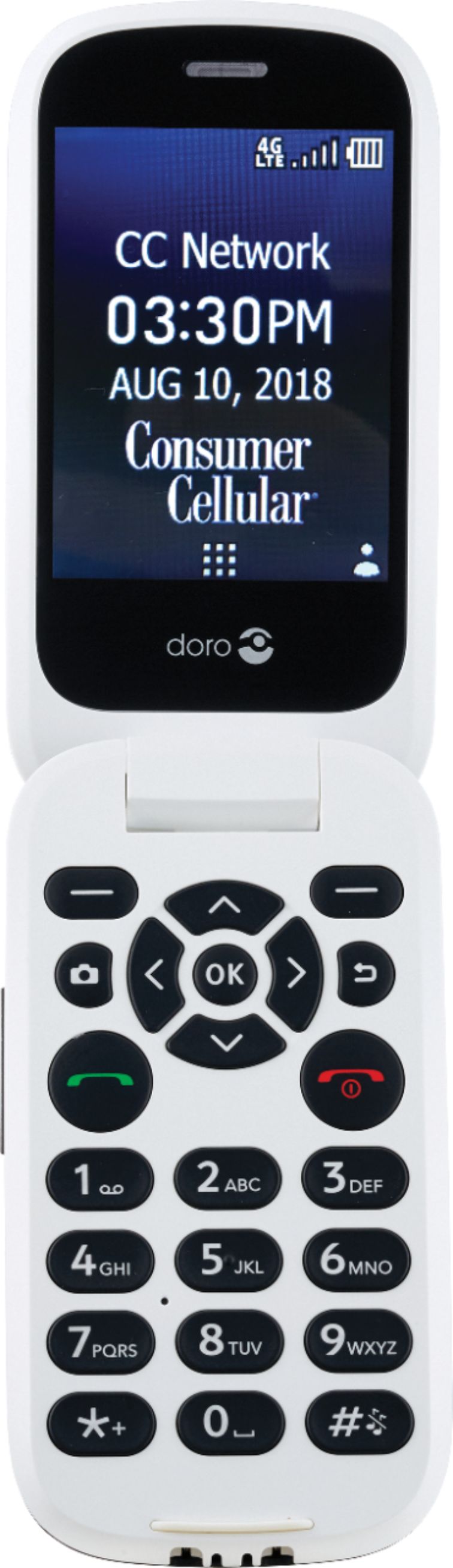
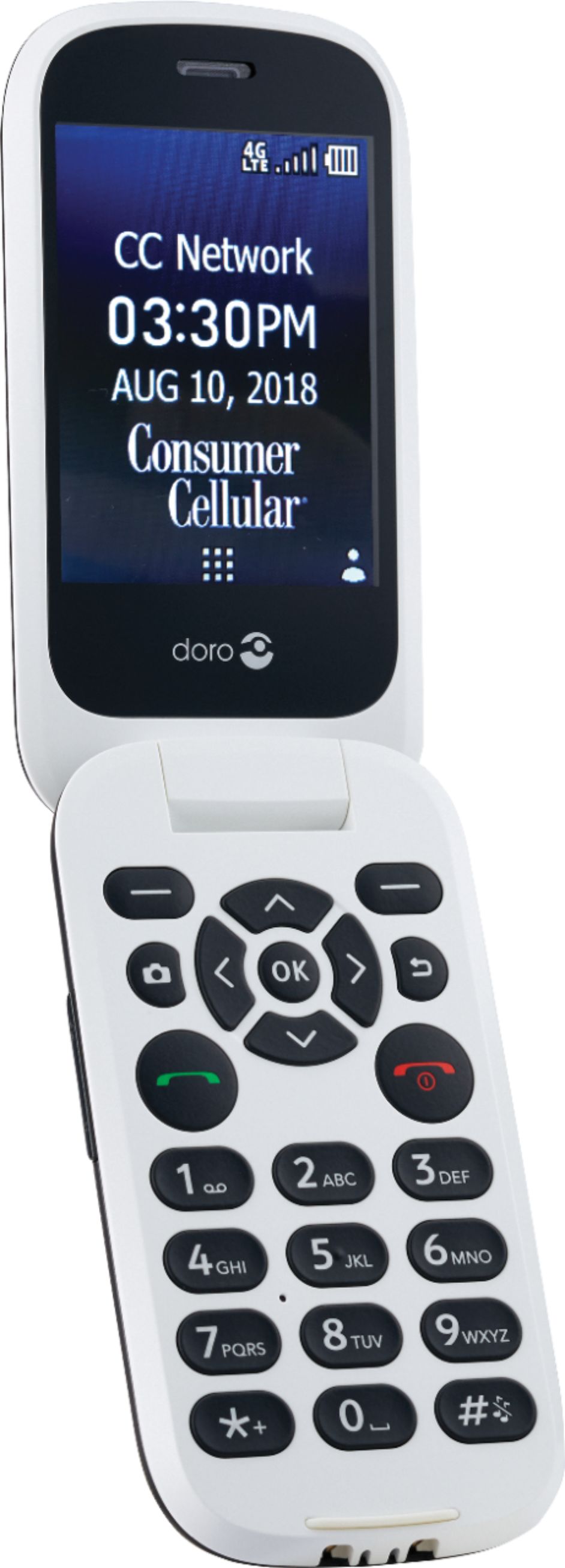
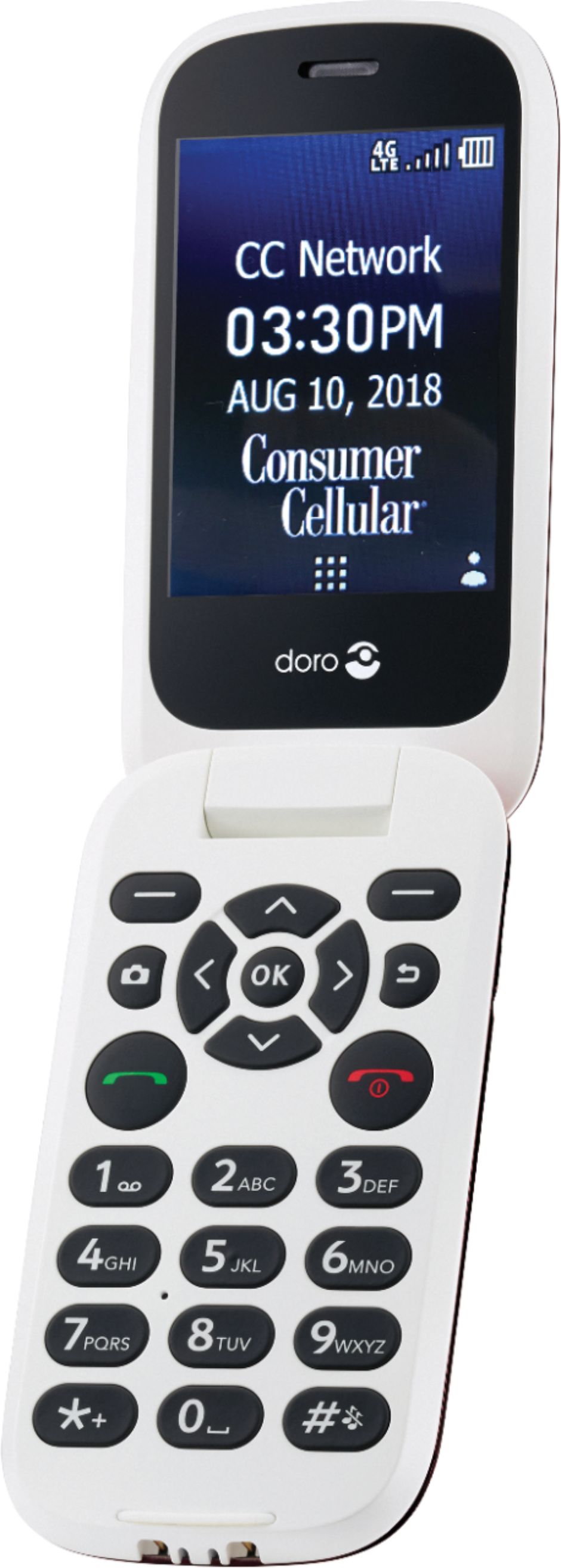
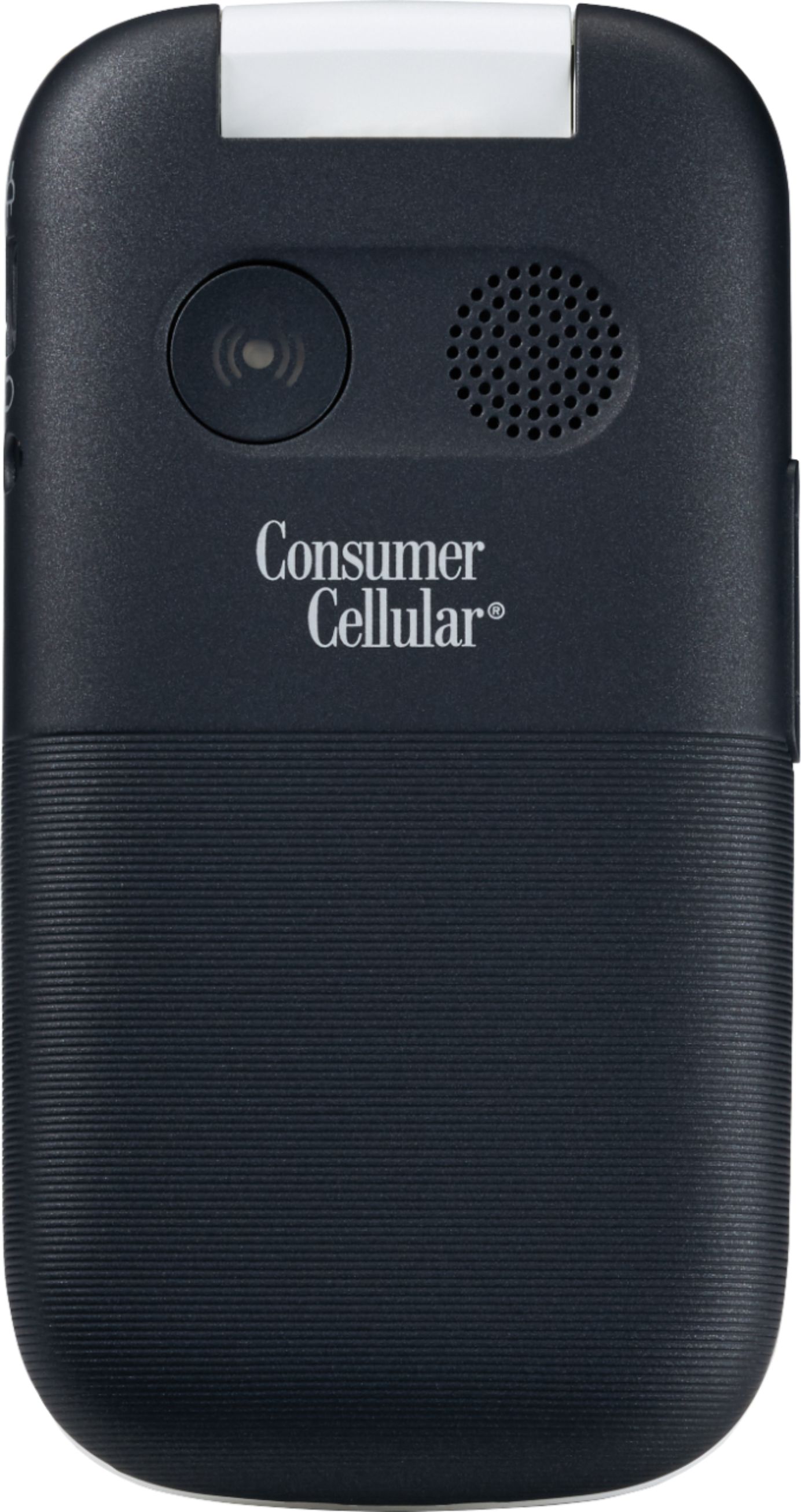
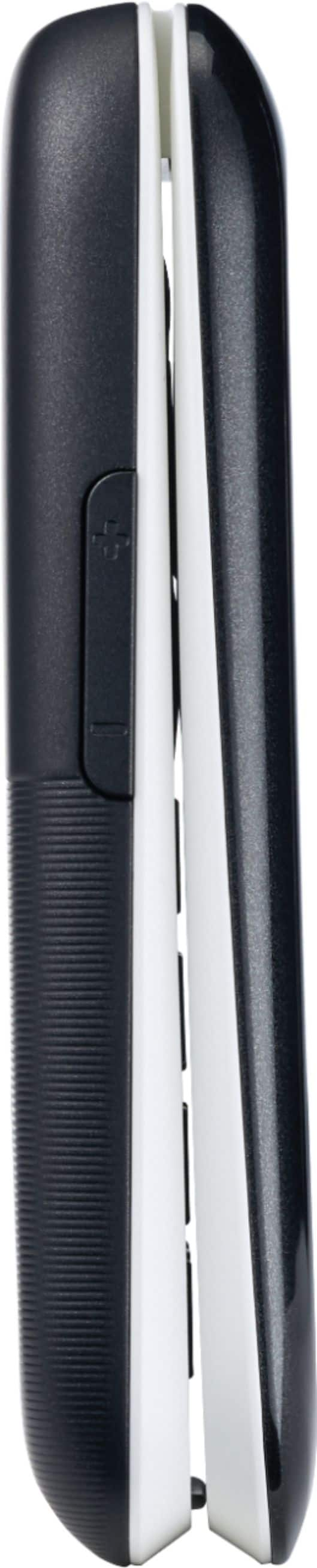
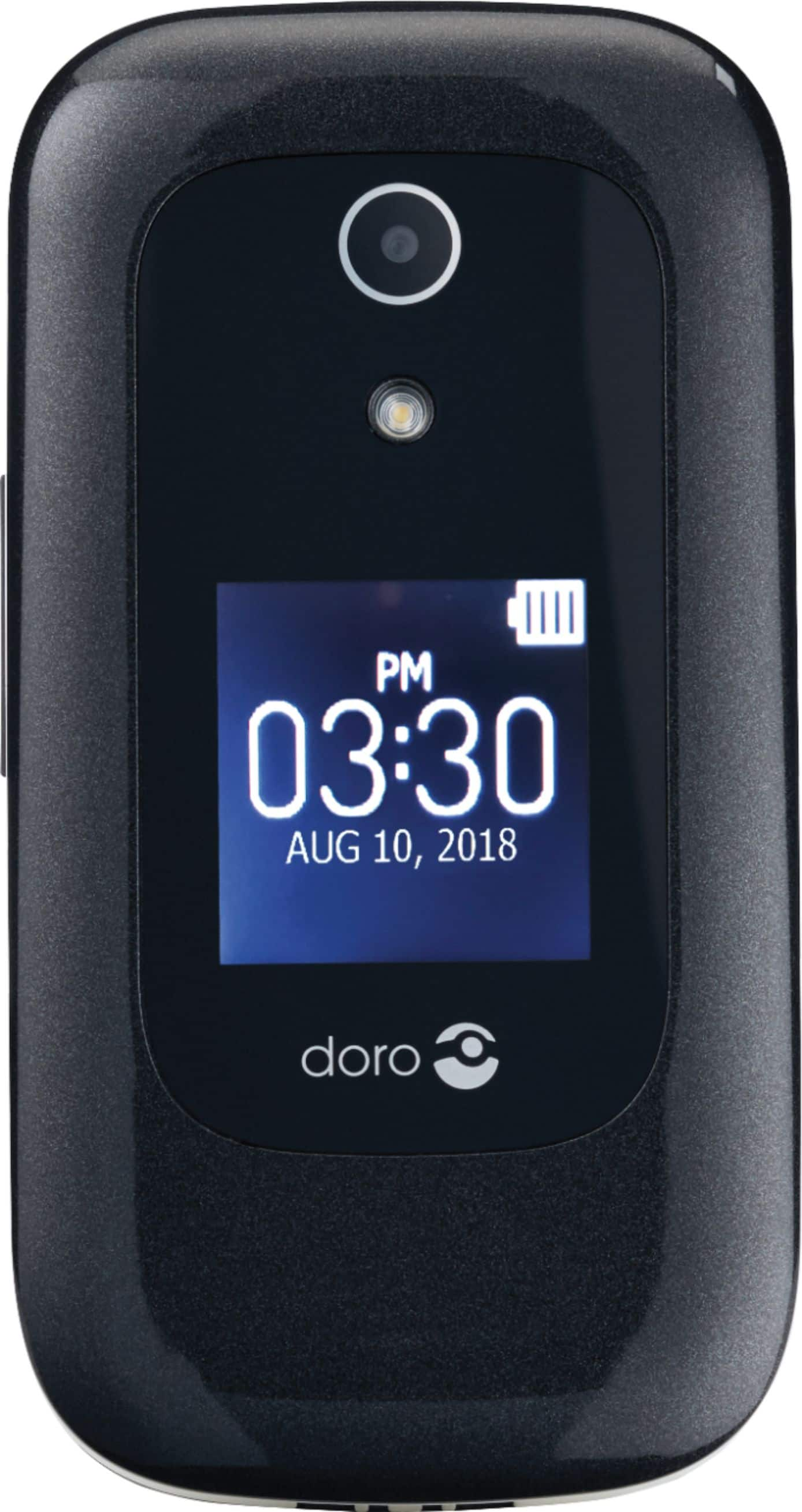
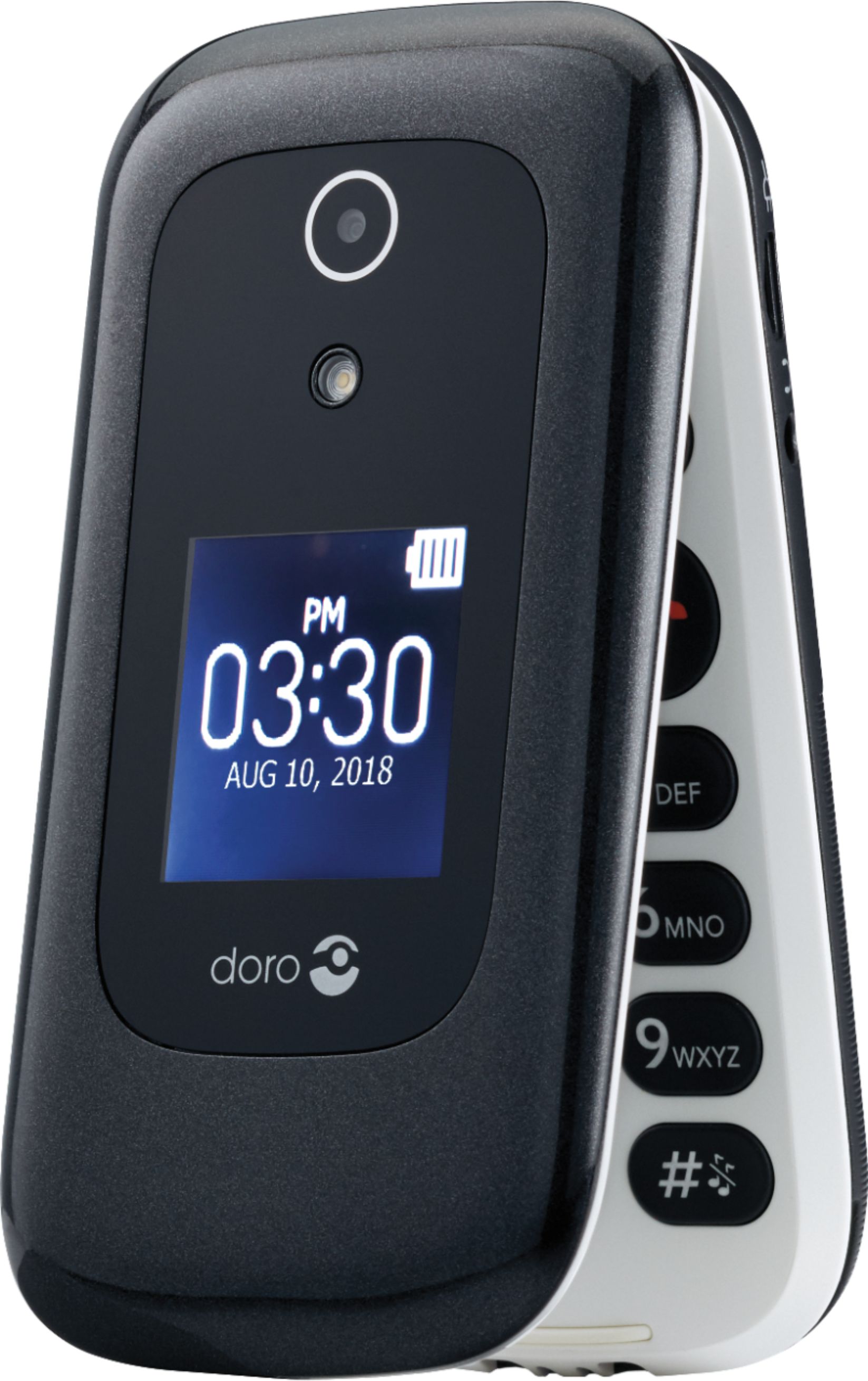
A:AnswerYou can use a USB connector to connect the phone to your computer and drag/drop photos from your phone to your computer. From the Doro 7050 manual:
Drag and drop content between phone and a computer1. Connect your phone to a computer using a USB cable.2. Wait until the phone or memory card appears as an external drive in the file explorer.3. Drag and drop selected files between the phone and the computer.Note!You can transfer files using a USB cable on most devices and operating systems supporting a USB Mass Storage interface.Disconnect the USB cable safely1. Make sure to enable the hardware to be safely removed.2. Disconnect the USB cable.Note!Computer instructions may vary depending on your operating system. See the documentation of your computer's operating system for more information.
You can get the manual in pdf format from the Consumer Cellular site: https://www.consumercellular.com/Assets/documents/Manuals/Doro%207050%20Manual.pdf