A:AnswerThe speaker isn't what needs to be split it's the source which in this case is the tv. Tvs ive seen will usually have an option to let the the speakers play still even when you have sound coming out of a secondary source like this speaker so you may be able to use the tv speakers and then a Bluetooth headset. But to use this speaker and a Bluetooth headset you just need to confirm your tv can connect to two outputs at once. There may be an audio splitter you can buy.
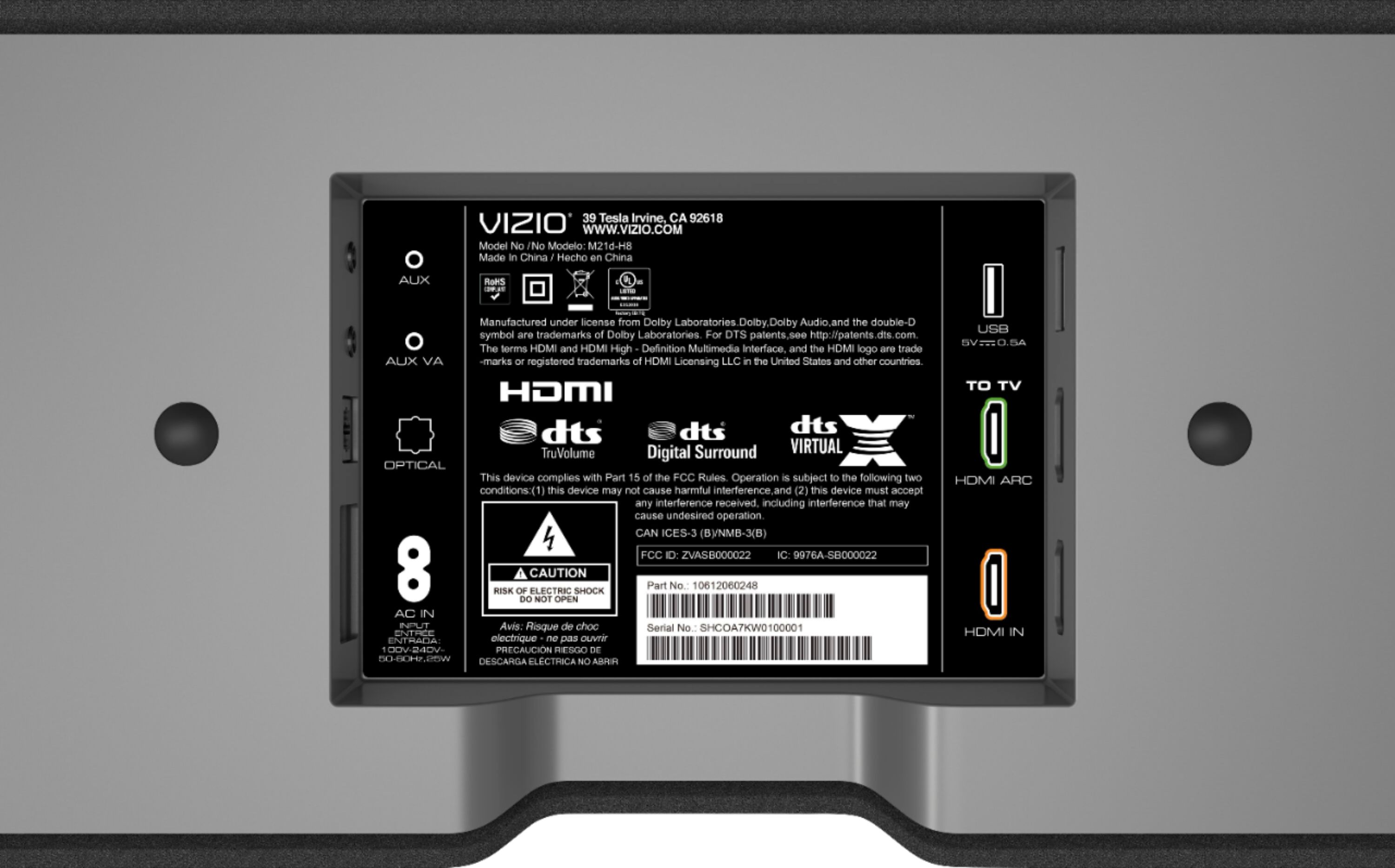
A:AnswerTypically sound bars can connect with a 3.5mm or RCA aux type connections, HDMI ARC, or a digital optical connection. To more accurately answer your question, I want to gather a bit more information. When you have a free moment, we are available through text message, chat, or over the phone. Just go to support.VIZIO.com and click on ‘Contact Us’.
A:AnswerTo answer your question, I want to gather a bit more information. When you have a free moment, we are available through text message, chat, or over the phone. Just go to support.VIZIO.com and click on ‘Contact Us’.
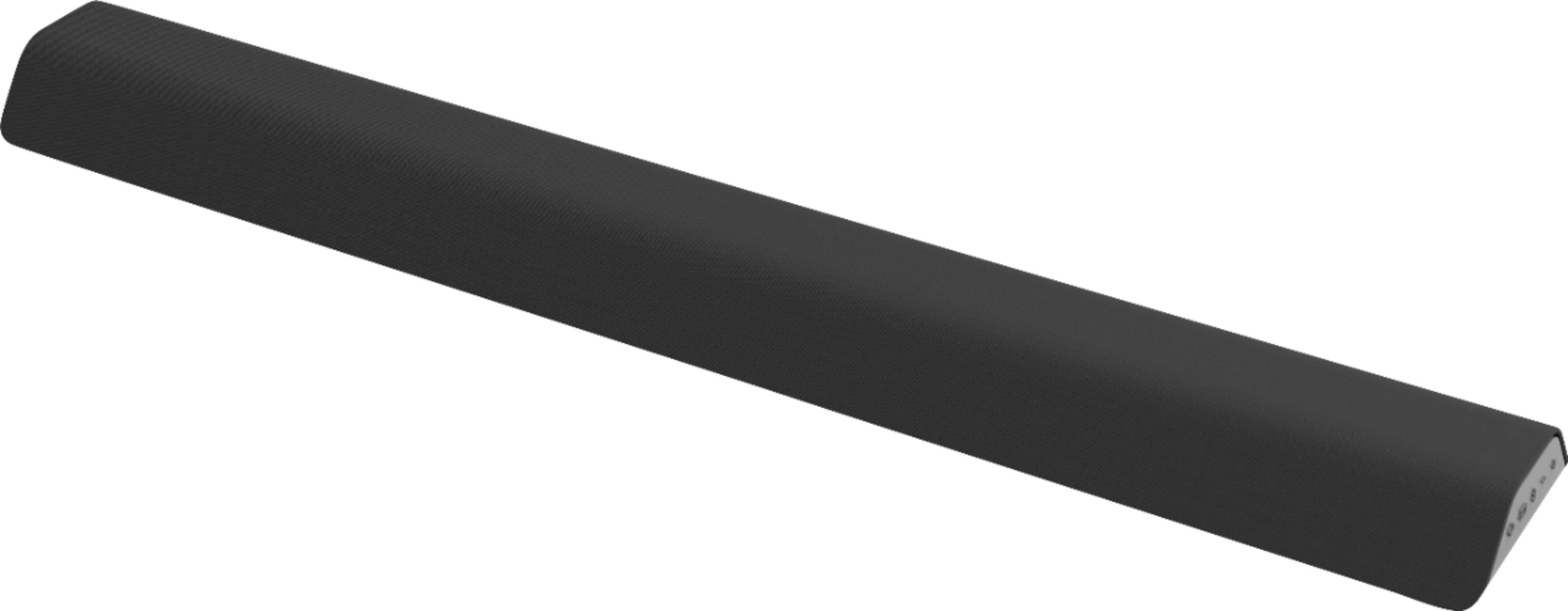

A:AnswerThe most up to date firmware information for this model can be found at; https://support.vizio.com/s/article/M21d-H8-M21d-H8R-Firmware-Information?language=en_US
A:AnswerTo answer your question, I want to gather a bit more information. When you have a free moment, we are available through text message, chat, or over the phone. Just go to support.VIZIO.com and click on ‘Contact Us’.
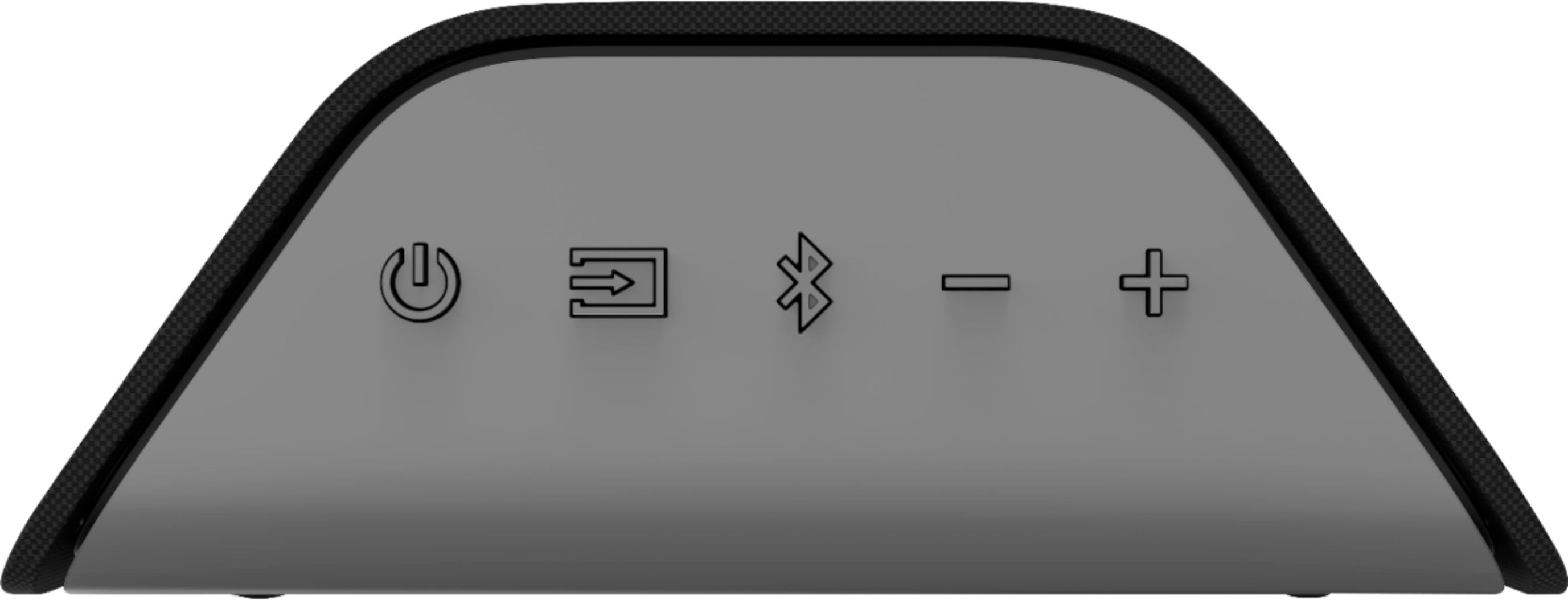
A:AnswerI want to gather a bit more information. When you have a free moment, we are available through text message, chat, or over the phone. Just go to support.VIZIO.com and click on ‘Contact Us’.