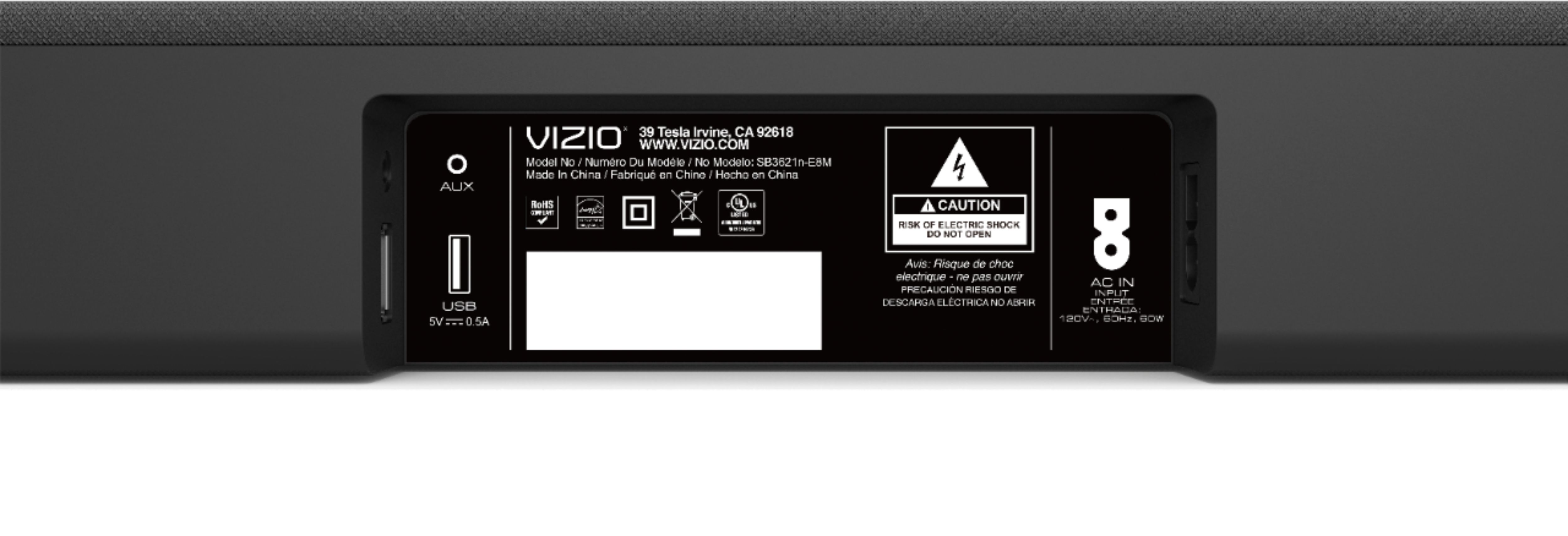
A:AnswerIn some home theater setups, users purchase components separately. So, a user would need to purchase a receiver, an amplifier, and individual speakers. When piecing together a home theater system in this fashion it’s important to balance the system. Measuring the wattage each device is capable of transmitting & receiving and the impedance of each device (measured in OHMs) was balanced to achieve the maximum sound pressure level (or volume measured in decibels). Typically, a speaker that can receive a higher wattage are also capable of creating a higher Sound Pressure Level (decibels). It’s important to note that watts is a measure of power, but sound pressure level, (The measure of volume), is the end result. In VIZIO Sound Bar Systems the components are self-contained and balanced, so the wattage transmitted between each internal component is already configured to give you the maximum Sound Pressure Level, which for this Sound Bar is 100 dB.
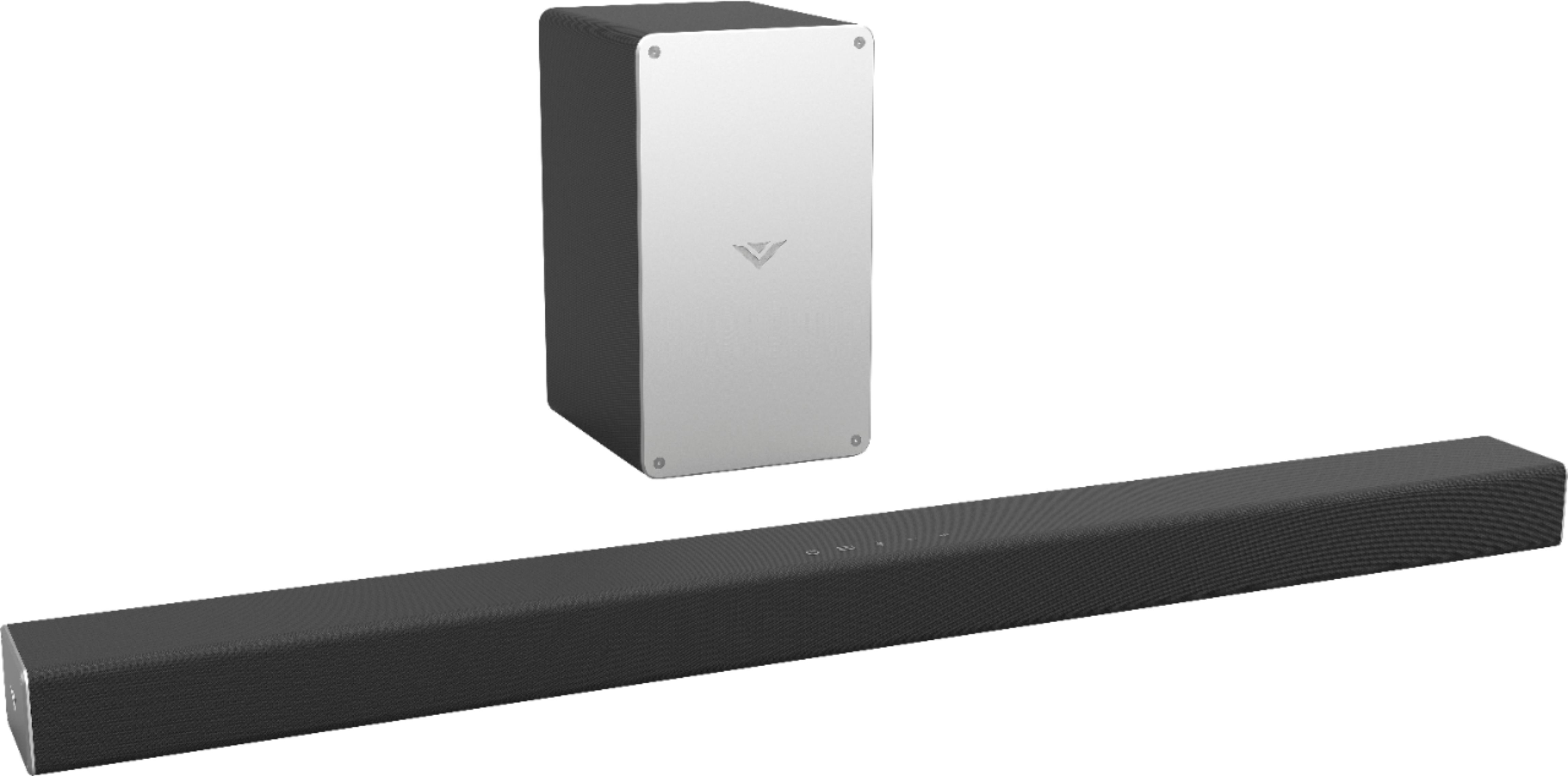
A:AnswerThis sound bar can be connected to virtually any source that has connections for outputting sound. If your particular projector has audio outputs of any type, then yes
A:AnswerThe Bluetooth should pair just like any other device. Place the sound bar in pairing mode and find the device with your Macbook. If this this not working please reach out to our customer support at 877-878-4946.
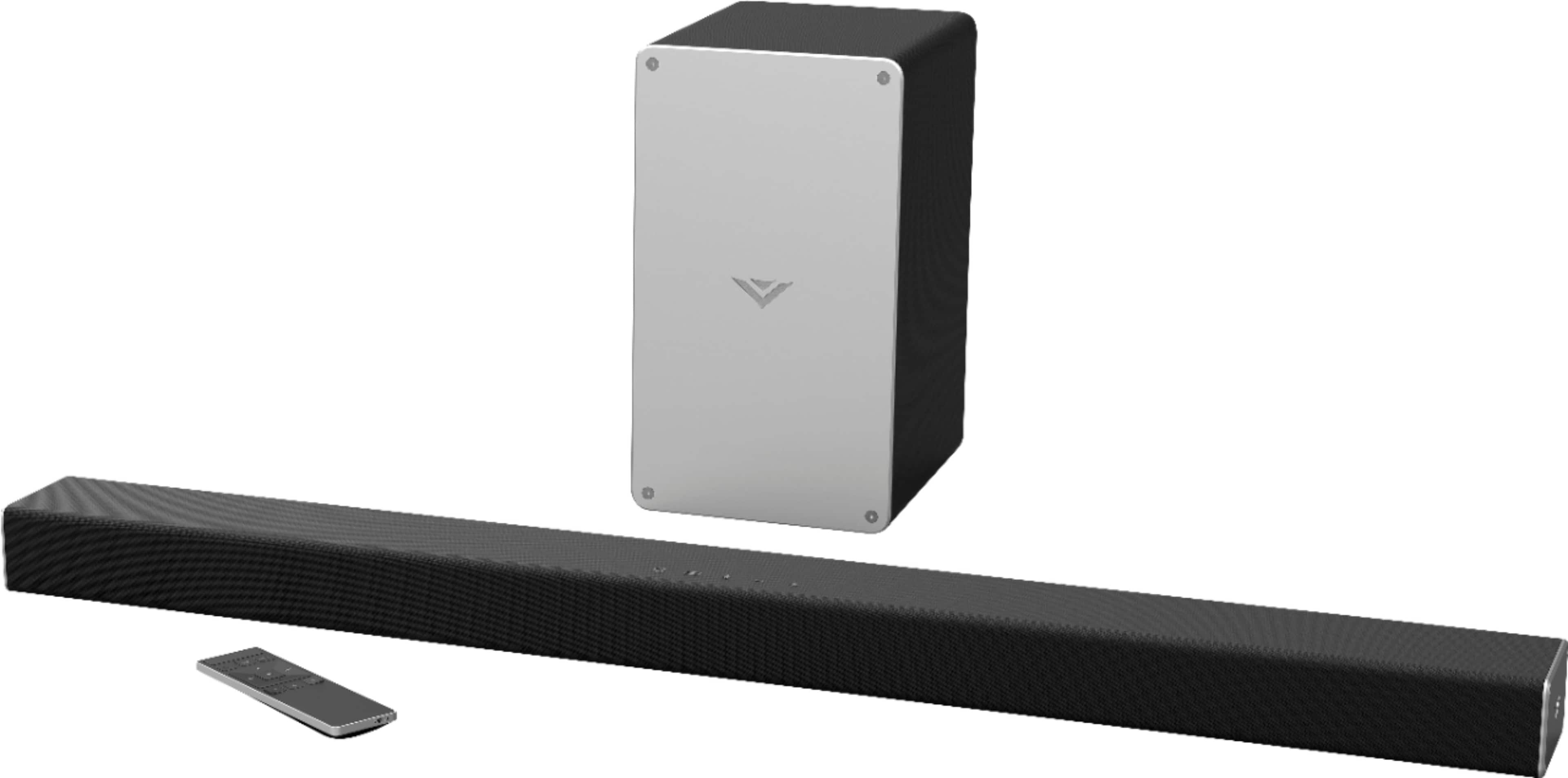
A:AnswerNot sure about the Polk system, have not hear that one but I purchased this one (VIZIO SB3621N-E8M 2.1 SOUND BAR SYSTEM) and it is amazing, the sound that comes from this bar is awesome... would recommend to all my family and friends.
A:AnswerYes, this model has a very robust remote. We have only had ours for a couple of weeks. But for us, if you are just watching TV shows through a cable box or the smart apps. We just use the TV remote to turn on the TV and then the volume on the same remote to turn on and to control the soundbar. I suspect the inputs and sound stage still need to be handled through the soundbar remote.
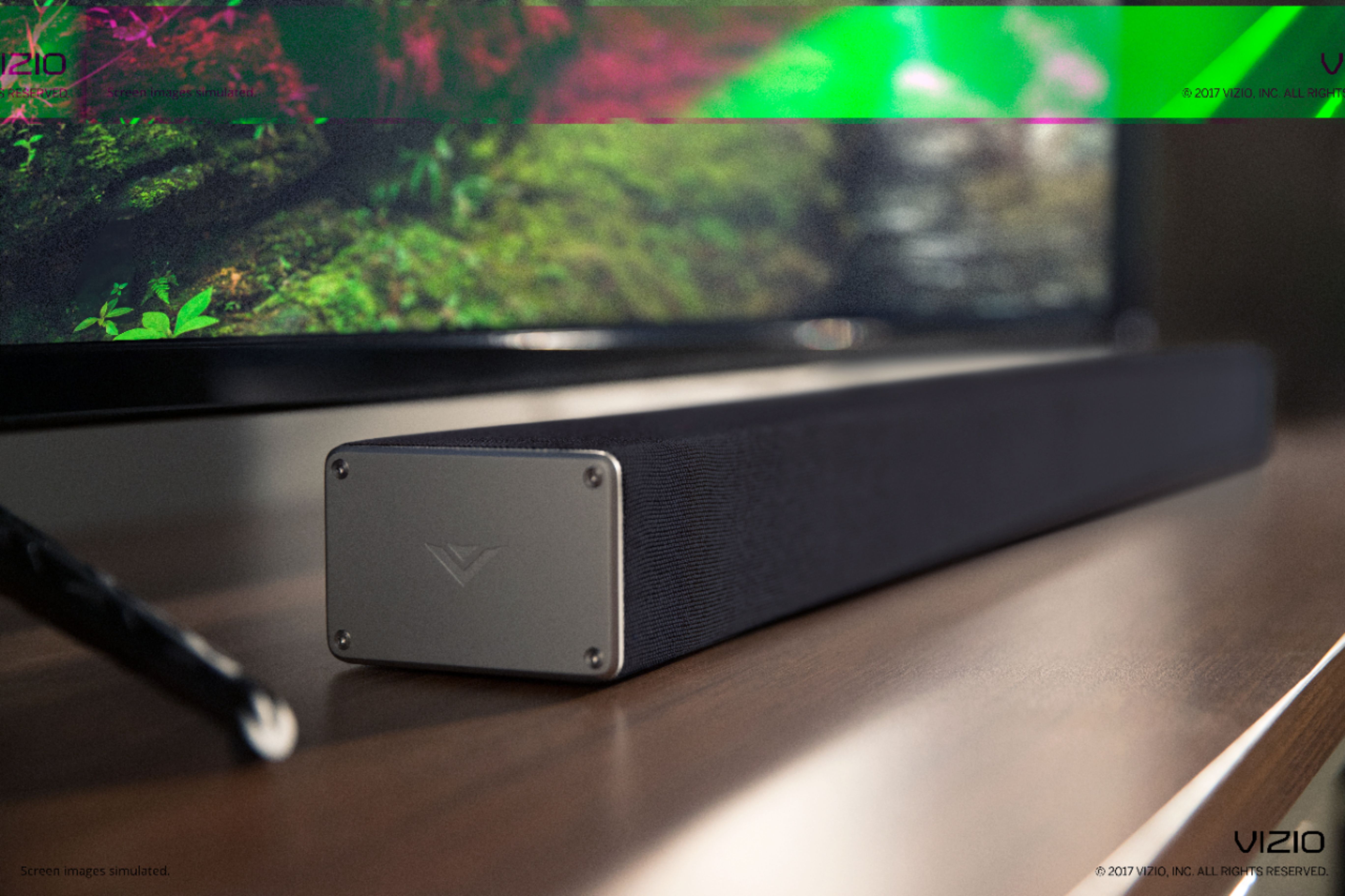
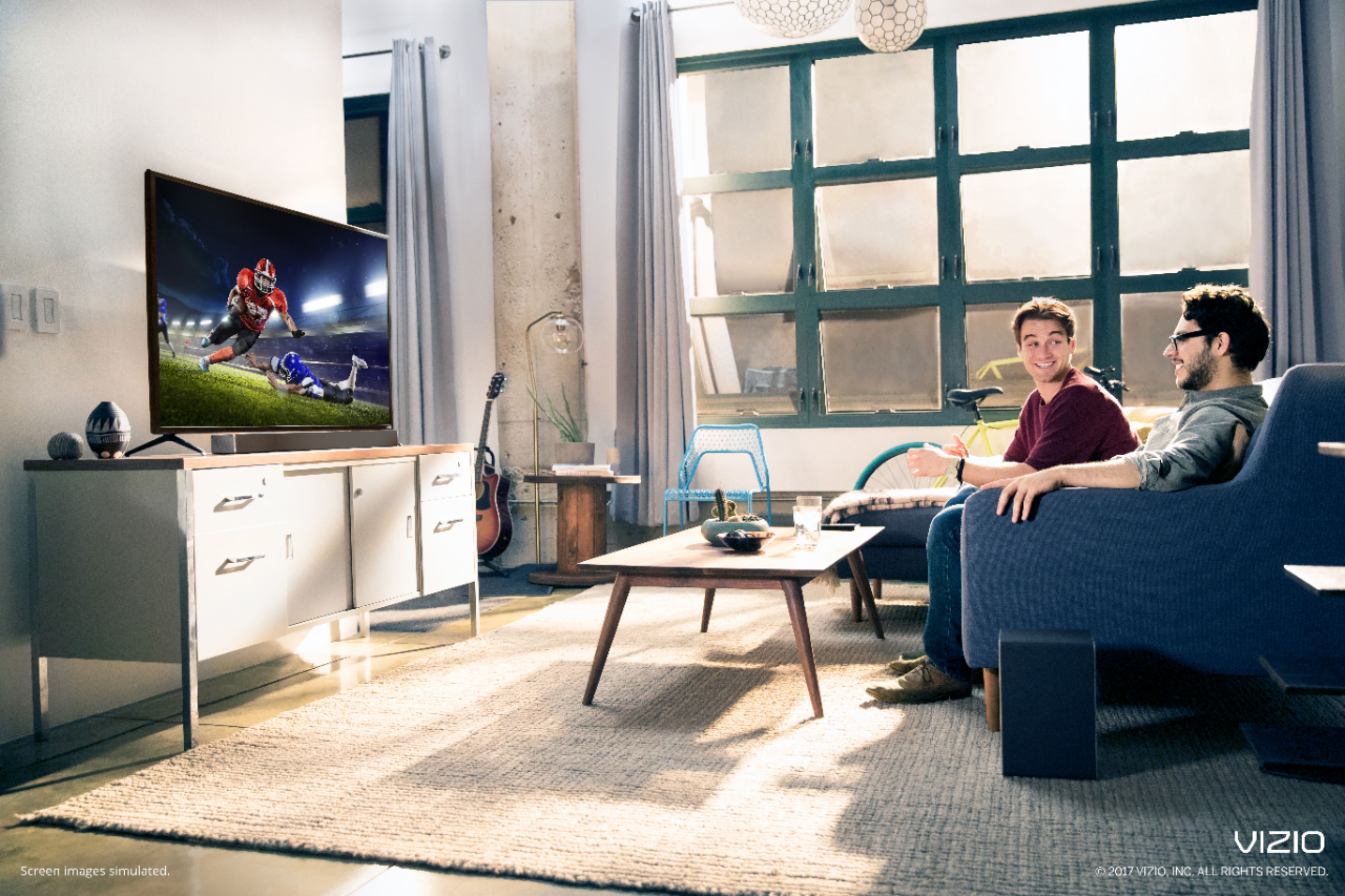
Vizio M-Class 65" with SB3621 soundbar.
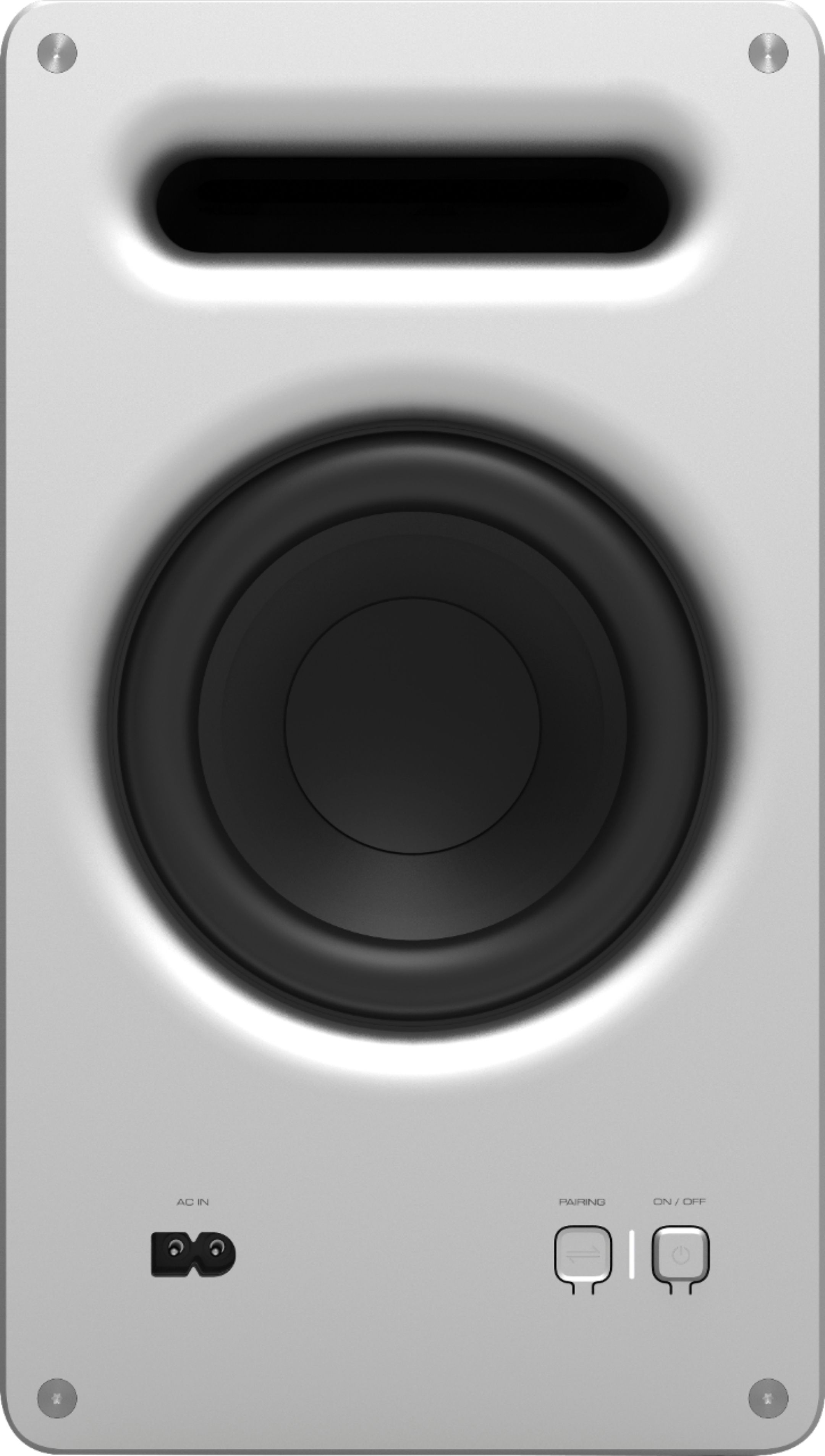
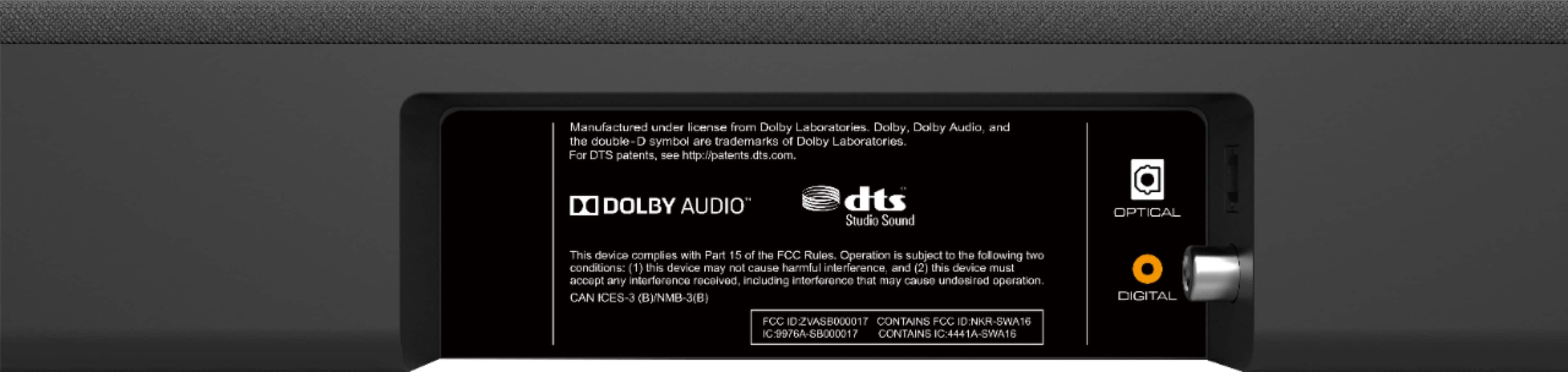
A:AnswerYes. This sound bar hooks up to your TV via the optical audio out. The cable in from your service provider doesn’t matter. Easy to follow install instructions and the sub is already paired with the bar out of the box. Just plug it in and place it in the corner of the room you like best.
A:AnswerThe soundbar doesn't come with a HDMI cable.
It does come with:
4 ft optical cable with Toslink ends
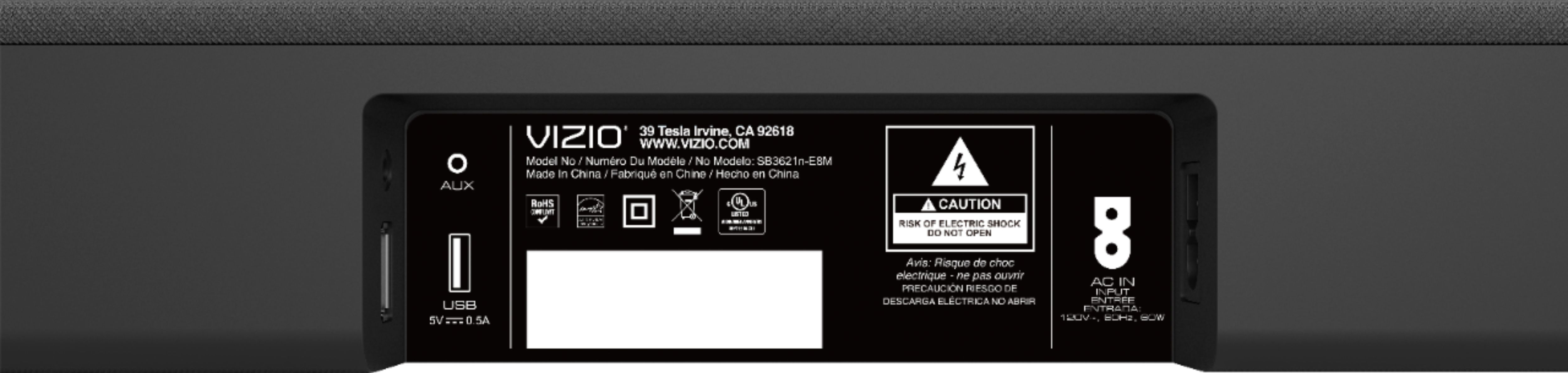
5 ft RCA to 3.5mm stereo mini jack
5 ft digital 75 ohm coaxial cable with RCA connectors
5 ft power cord for subwoofer
8 ft power cord for sound Bar
I connected my Vizio TV via the optical cable, works like a charm.