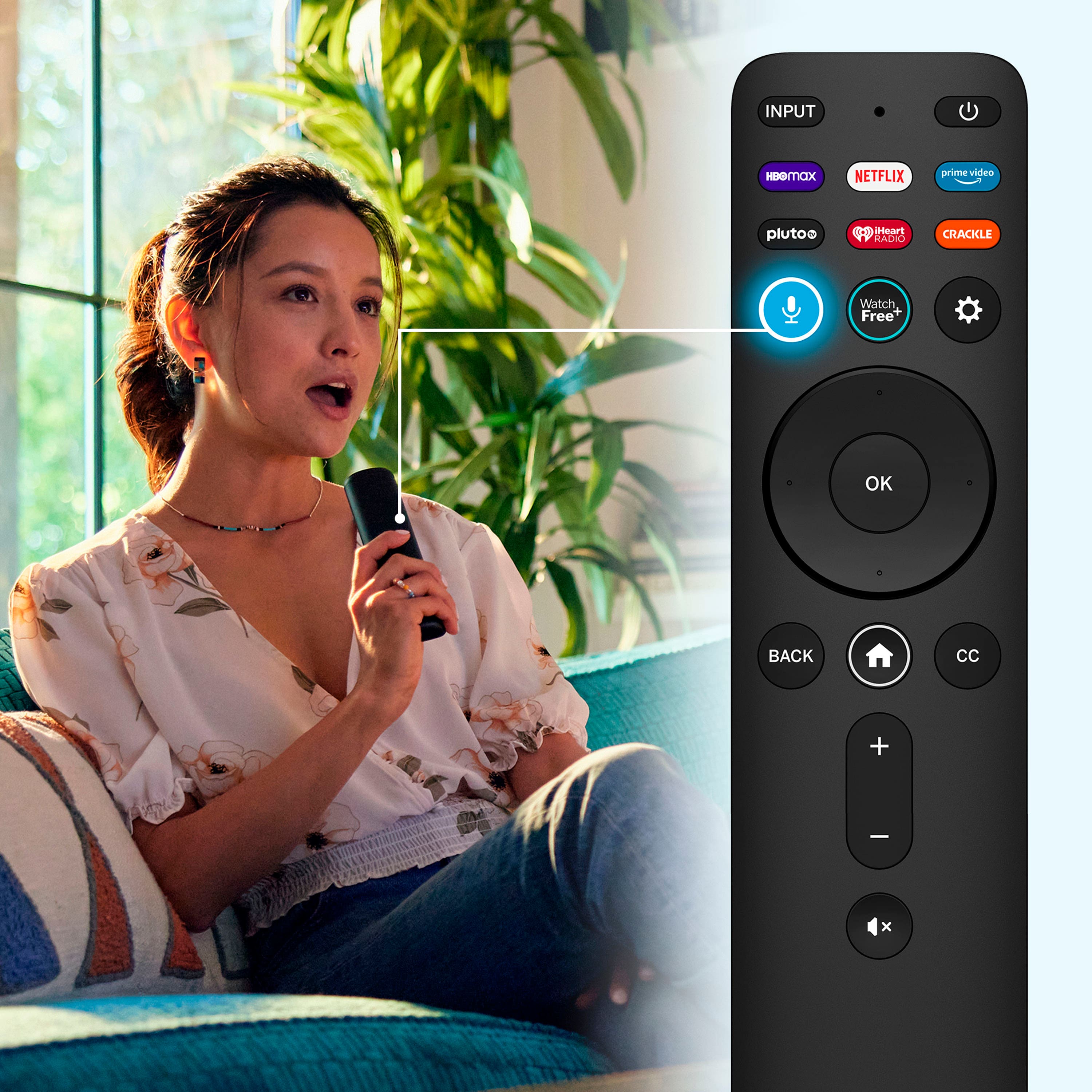
A:AnswerBest Buy tech guys did all of the work. When I turn on the TV, I use my remote control that was supplied by the cable co. It turns on to a regular TV channel. Hope this helps!
A:AnswerFor this model, you are able to turn the power indicator/stand by light on/off. Here is a link to the manual for this model: https://cdn.vizio.com/user-manual/PDF/2022/TV/2022_D-Series_UM_EN.pdf If you scroll to page 30 in the manual, there are instructions for turning the power indicator light on/off. Thanks!
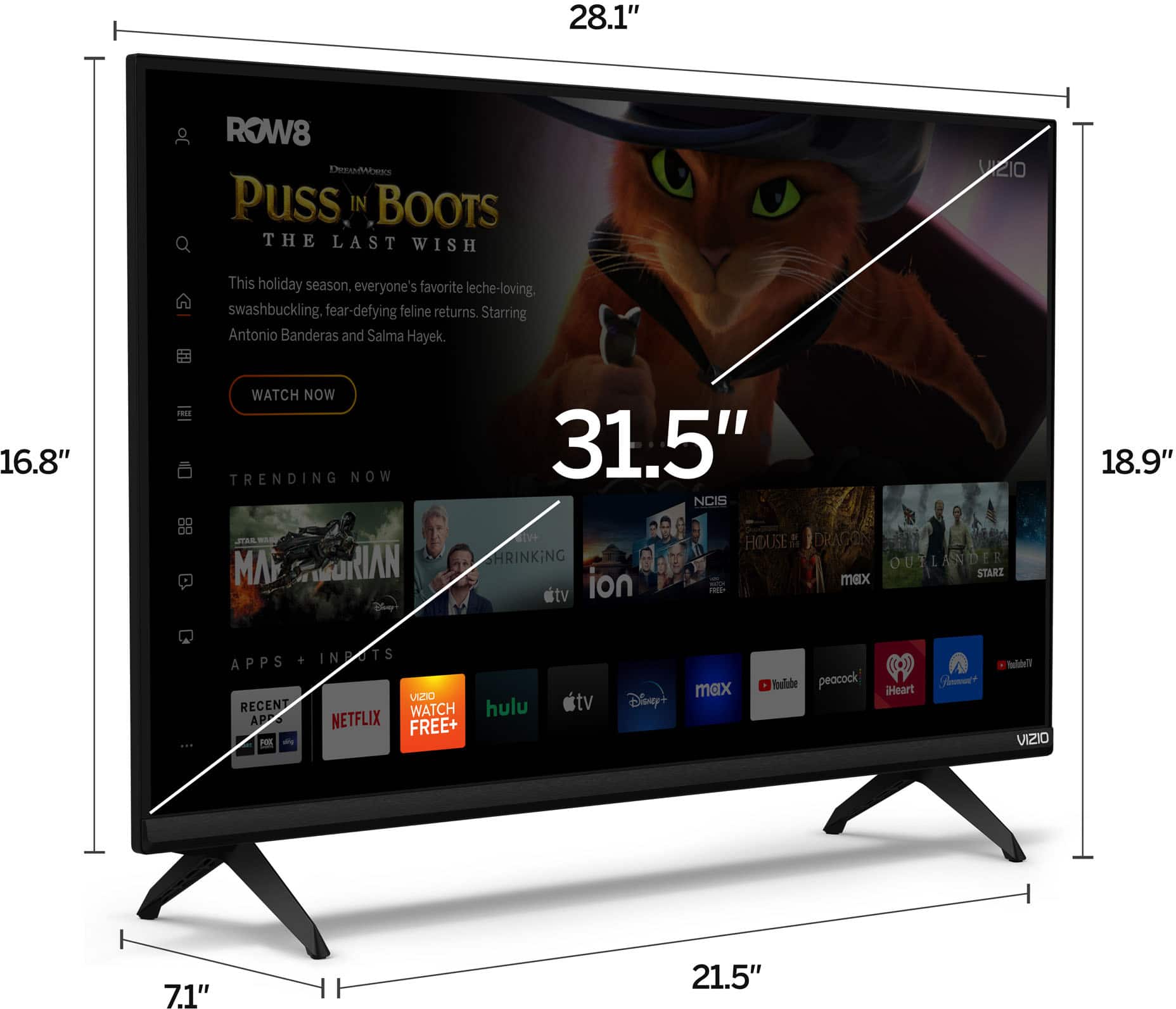
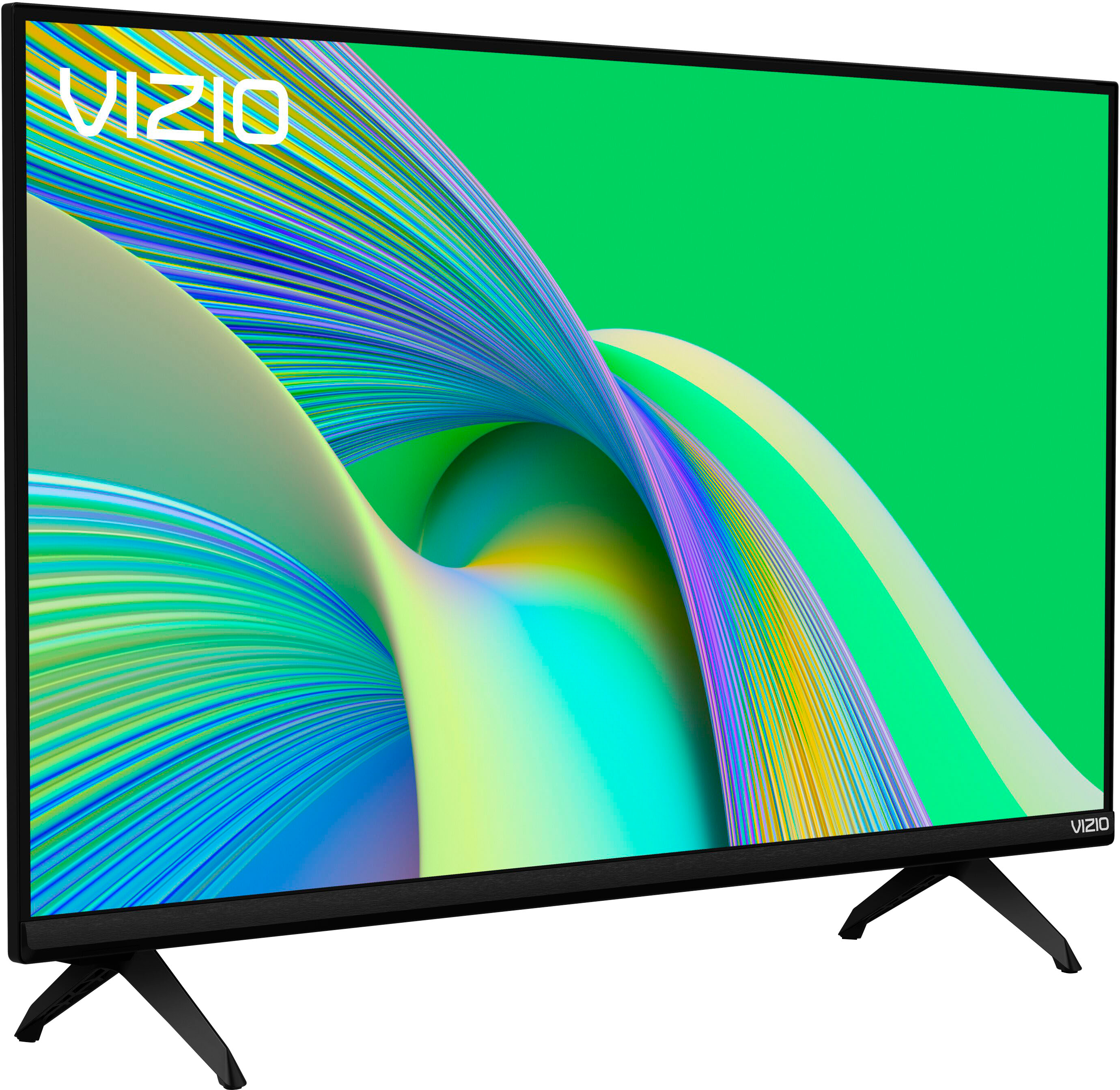
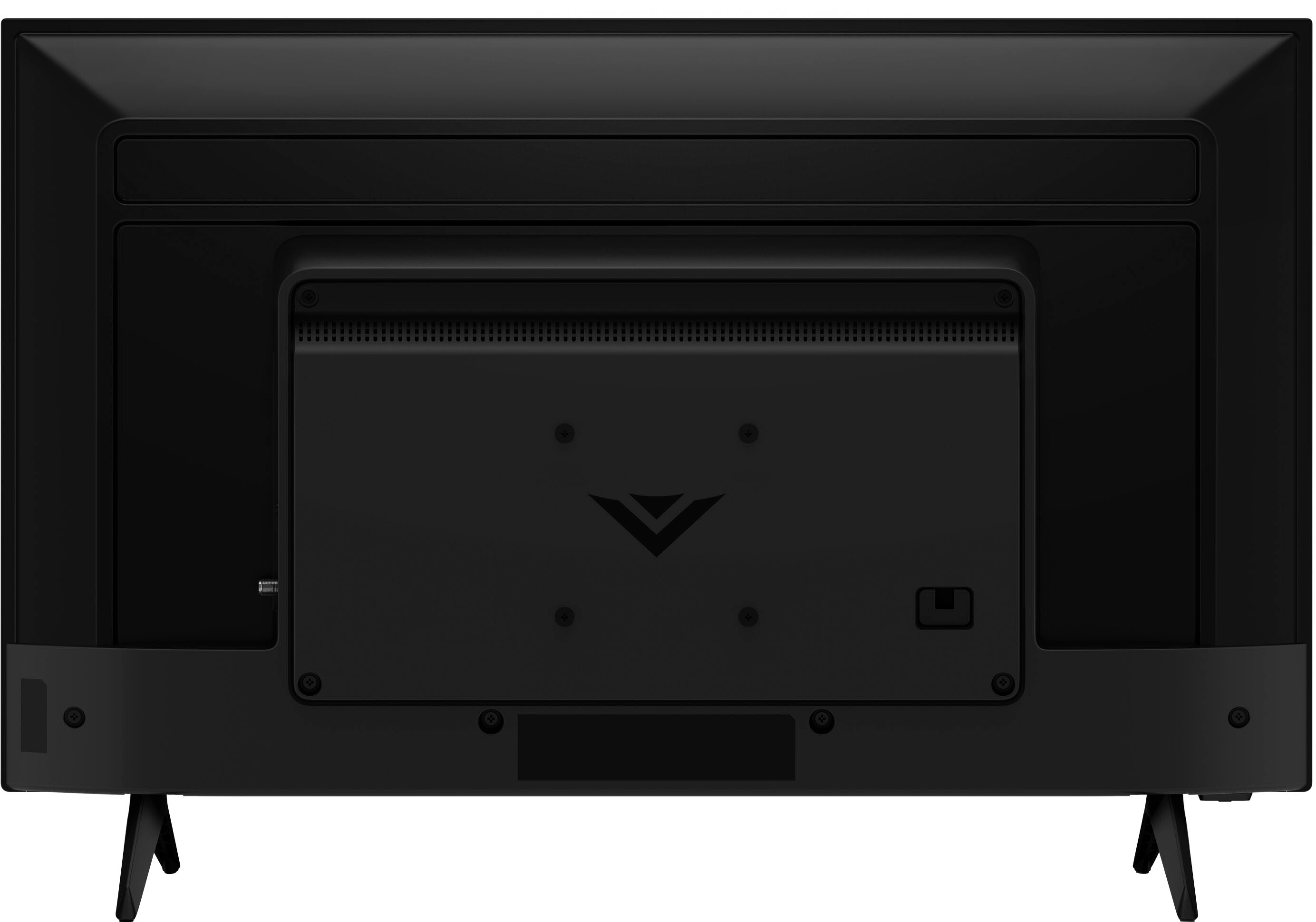
A:AnswerI would not put it on a 6" shelf. My table measure 12 inches and its perfectly safe. The feet of the TV measure 7 inches. You would have an overhang. Not safe.
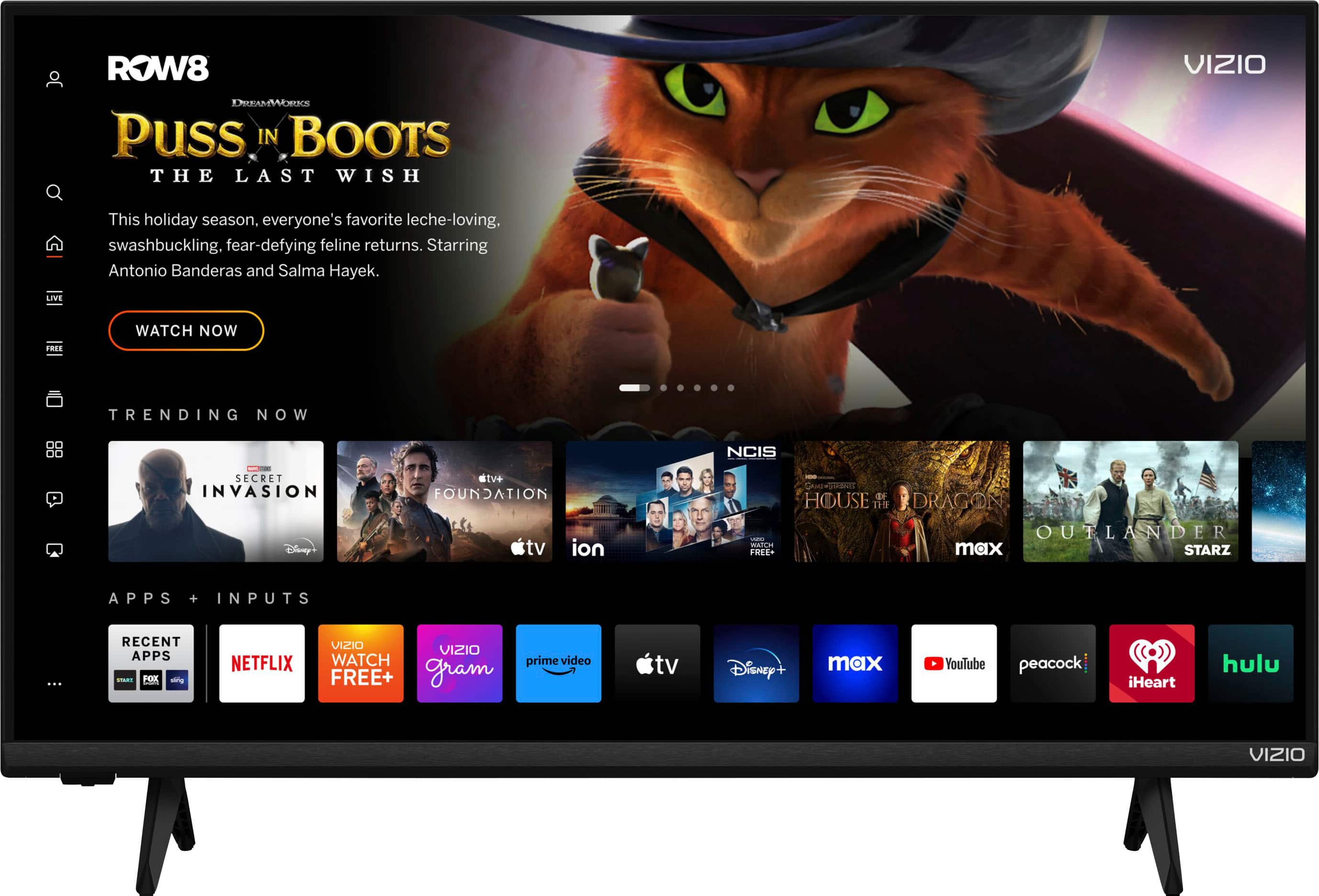
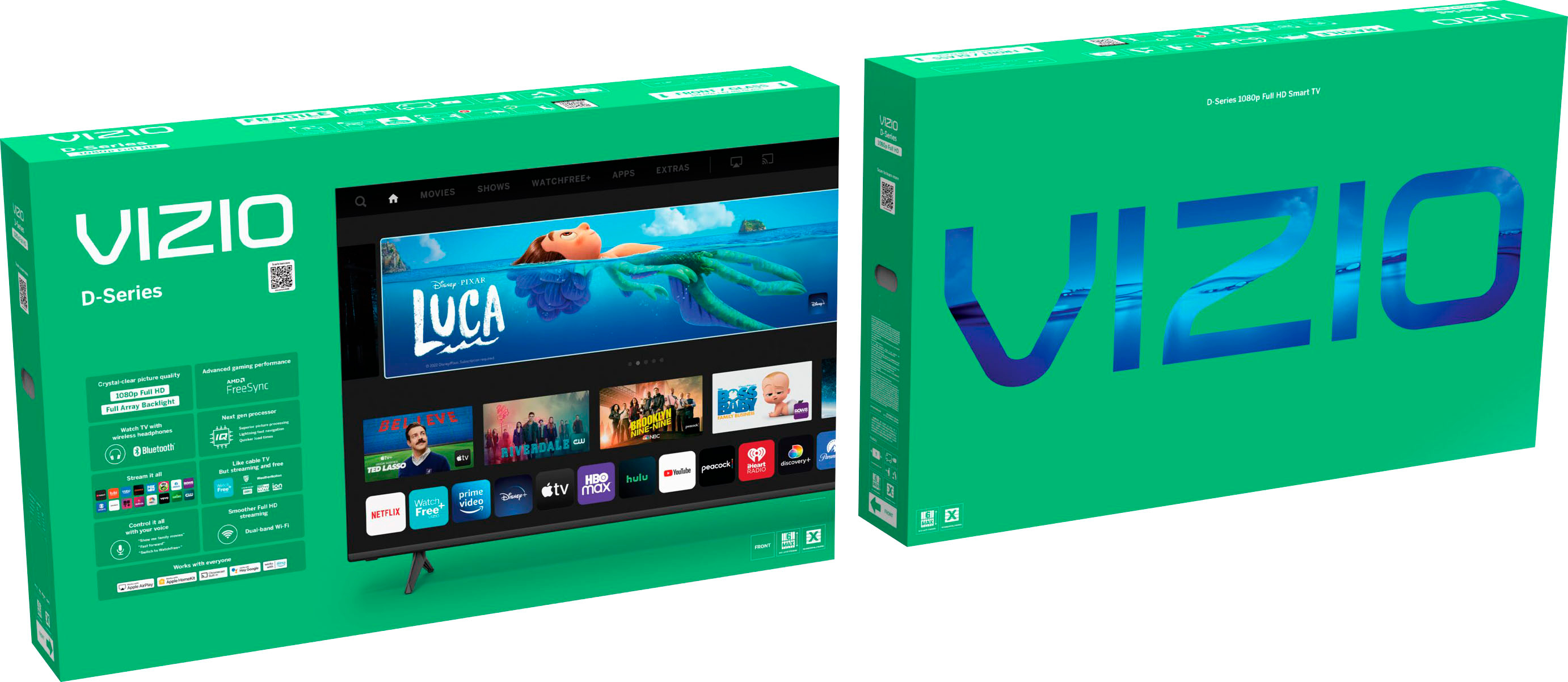
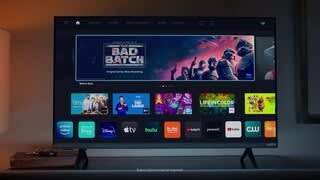
A:AnswerThis TV uses our SmartCast Platform which offers a host of built in apps, as well as support for Google Chromecast, Apple AirPlay 2, and voice support for SIRI, Google Home, and Alexa. If you find there is an app you want to watch that is not on SmartCast you may be able to cast it using Chromecast or Apple AirPlay from your phone or mobile device. Currently, the DirecTV app is not a part of SmartCast.
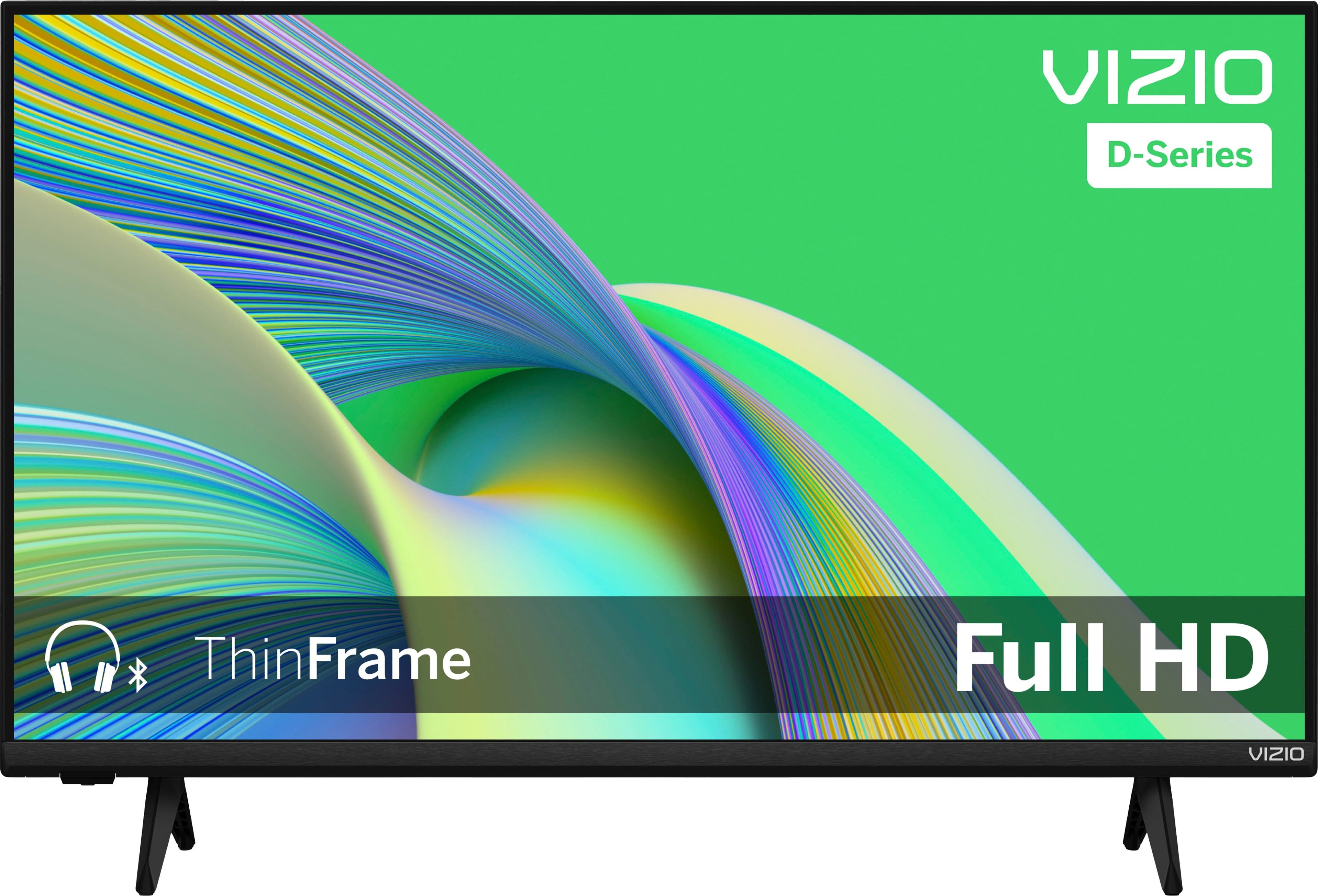
A:AnswerYes it does. Go to settings with your remote, click on bluetooth headphones and find your device and pair it. You must turn on your device first
A:AnswerThis TV uses our SmartCast Platform which offers a host of built in apps, as well as support for Google Chromecast, Apple AirPlay 2, and voice support for SIRI, Google Home, and Alexa. If you find there is an app you want to watch that is not on SmartCast you may be able to cast it using Chromecast or Apple AirPlay from your phone or mobile device. Currently, the DirecTV app is not a part of SmartCast.