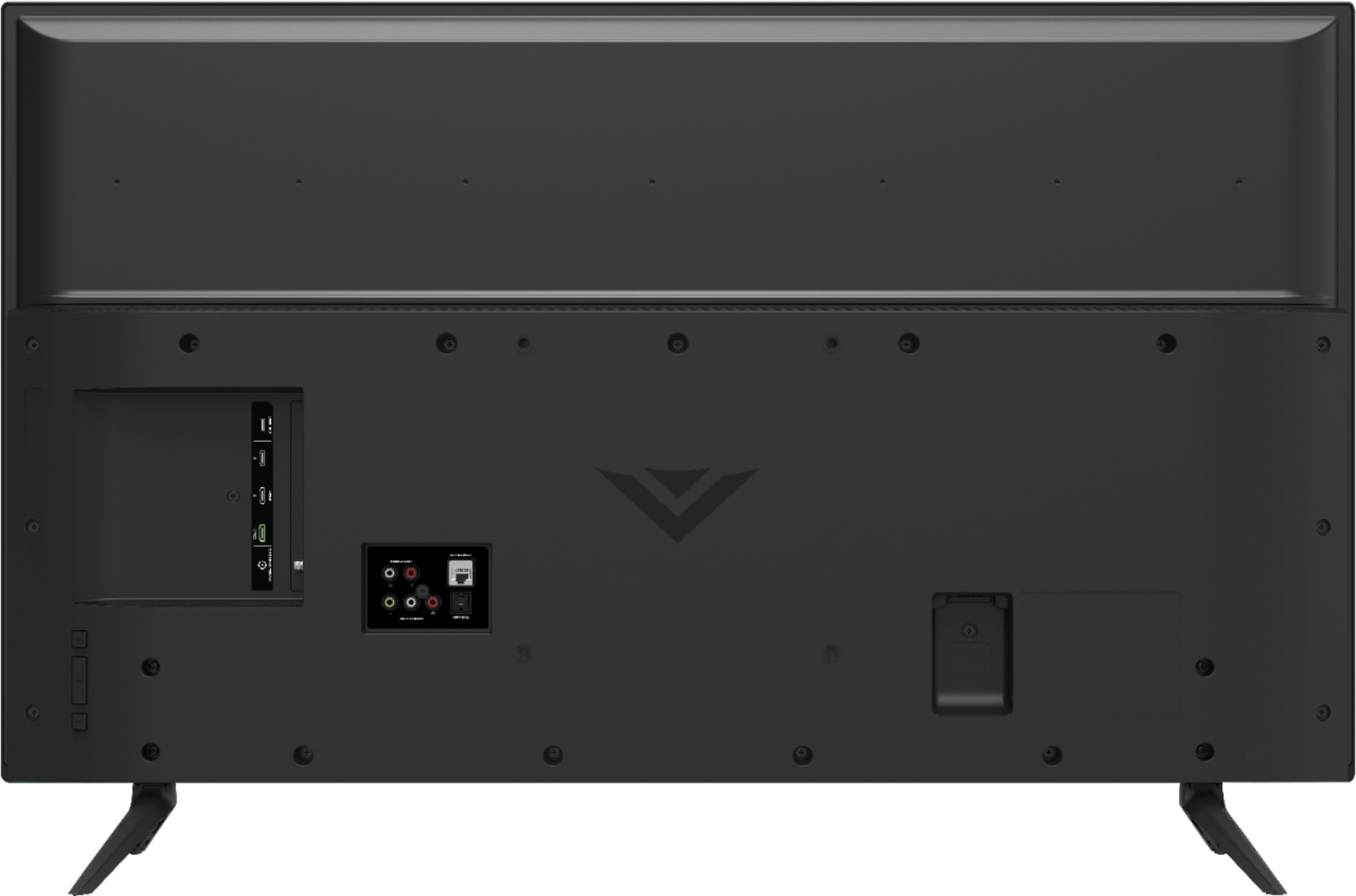
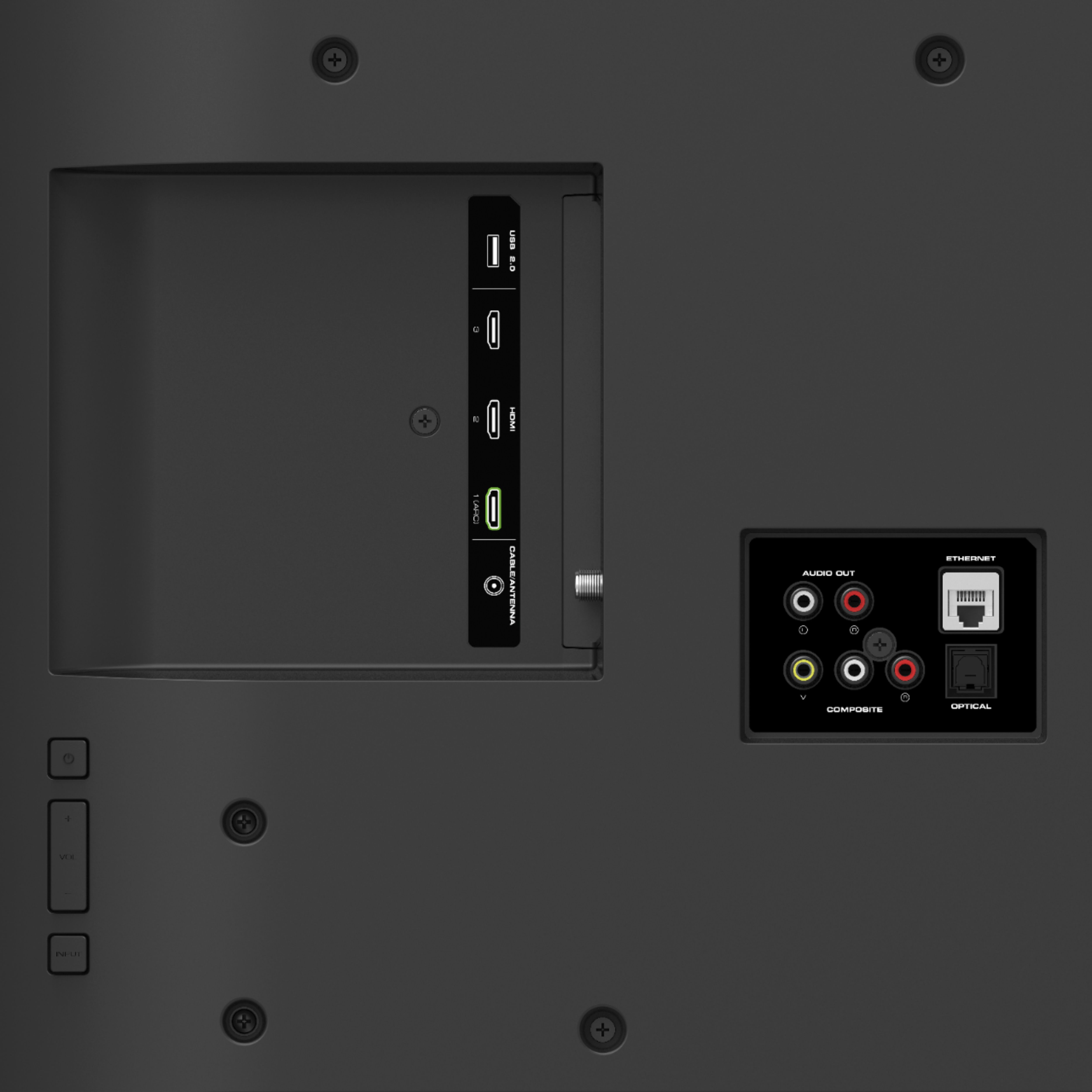
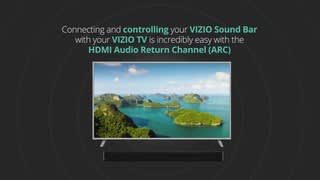
A:AnswerThe tv show 2.0 on the back a 3.0 cable would work also but they usually cost extra and you wouldnt get the benefit here since the TV is only 2.0
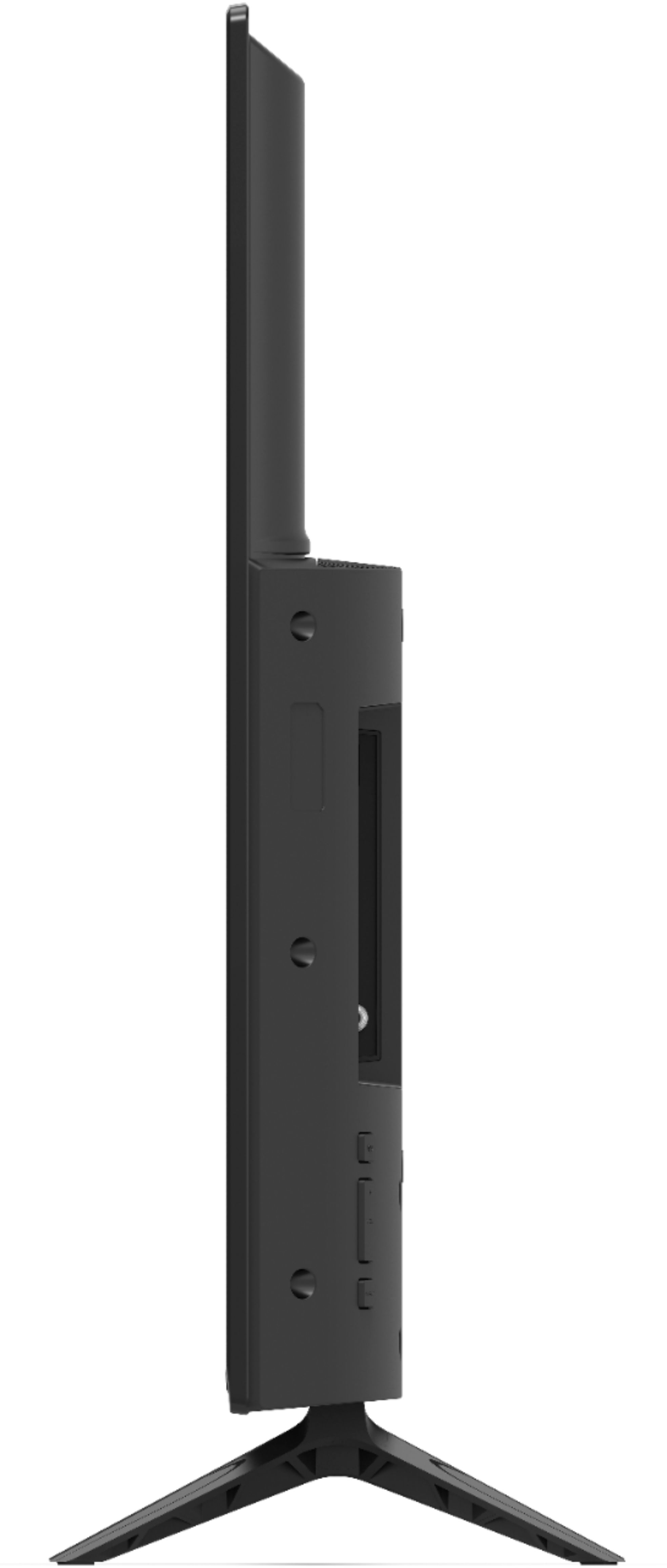
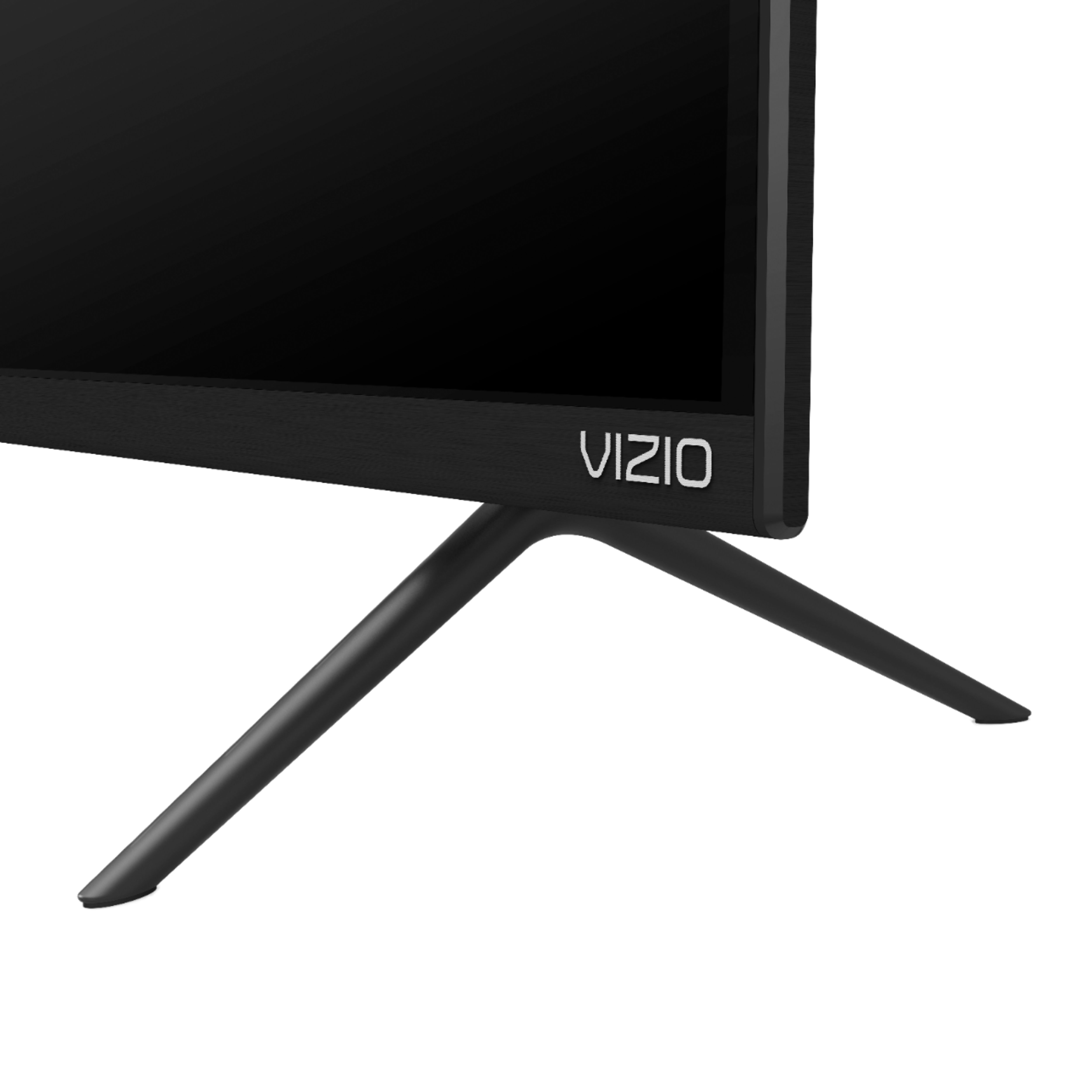
A:AnswerThe only chance you have of getting new legs for this TV is by contacting Visio and hoping that you still have some kind of warranty with them or they have extremely good customer service and just allow you to either buy or give you a set of legs because there is no way Best Buy almost two years later unless you bought some kind of extended warranty with them is going to be able to do anything to help you if they even still have this TV in stock
A:AnswerMine came with all of the cables in the box I except for an HDMI cable which I had to buy myself I would take it back to the store because I think that you got a return model they didn’t have the cables in the first place
A:AnswerBuilt-in television speakers on any TV made since about 2014 will all sound tinny and cheap. It is assumed by manufacturers that you have a sound-bar or surround sound system. The built-in speakers are only made for you to be able to simply hear the sound coming from them-- they are not in any way meant to sound good, and they never will.
A:AnswerHello Wolf, Yes you can use both the external speakers and the internal speakers of the TV but may run into a delay or echo if not in sync with one or the other.
A:AnswerThis model supports Bluetooth LE, which is a low energy form of bluetooth used to assist in pairing the VIZIO SmartCast Mobile application to use devices like smart phones and tablets as a remote for the TV. To connect wireless headphones make sure you are using a pair that has a bluetooth transmitter. Connect the transmitter to the TV, then follow the manufacturer's instructions on how to connect the headphones with the transmitter.