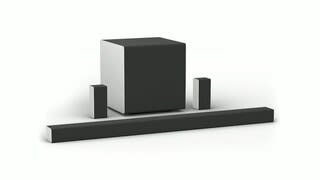
A:AnswerThey are 20 to 25 feet. I’m only using about 10 feet and have plenty left over. My brother in law purchase one before me. I think he could have put his subwoofer by the tv and run it all the way back 20 feet easy. Your speaker wire is attached to the wireless subwoofer, so it just depends where you want to place it. I have carpet, so that insulated the sound. If you have wood or concrete, it could become overwelminjg. .

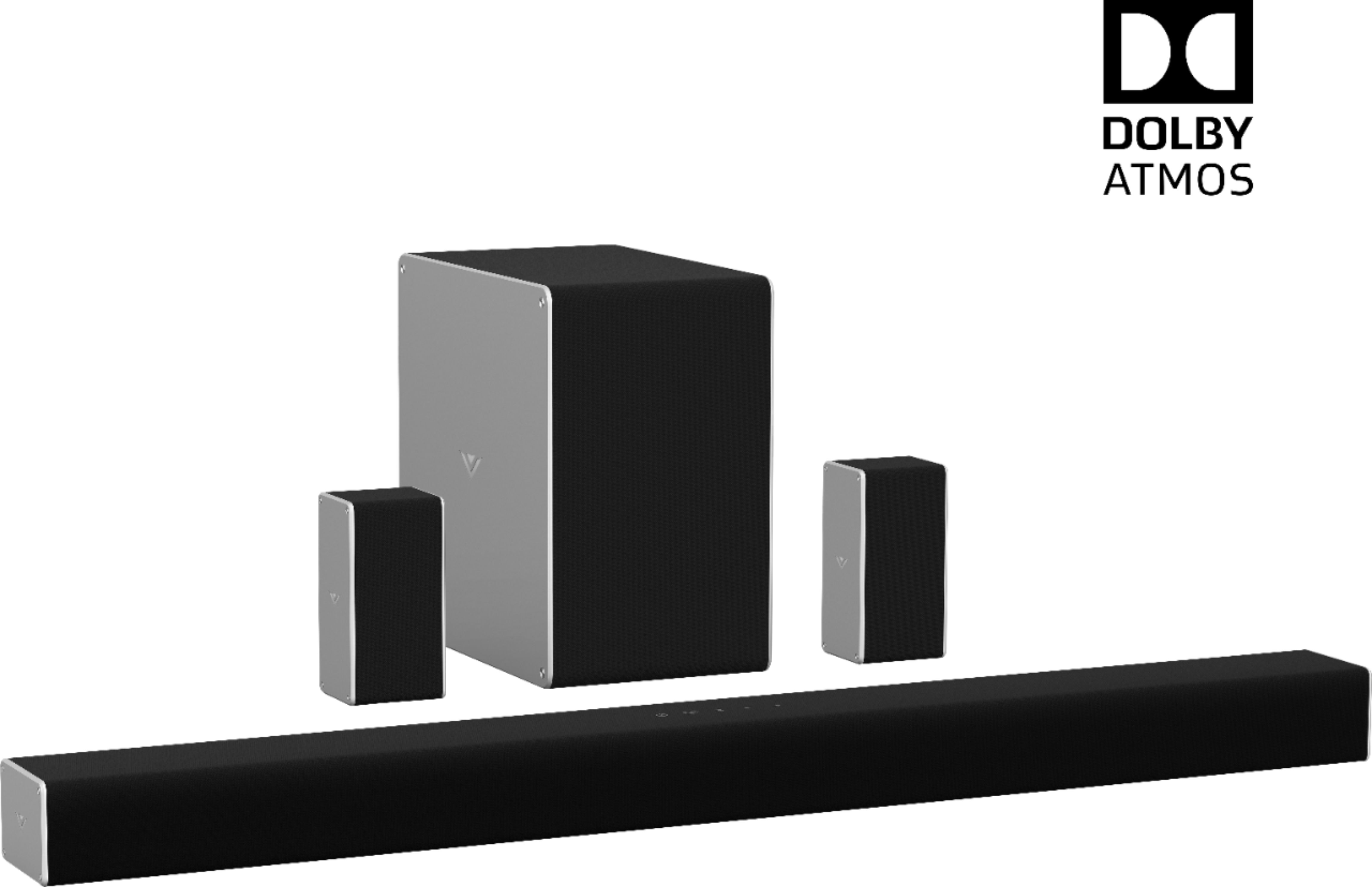
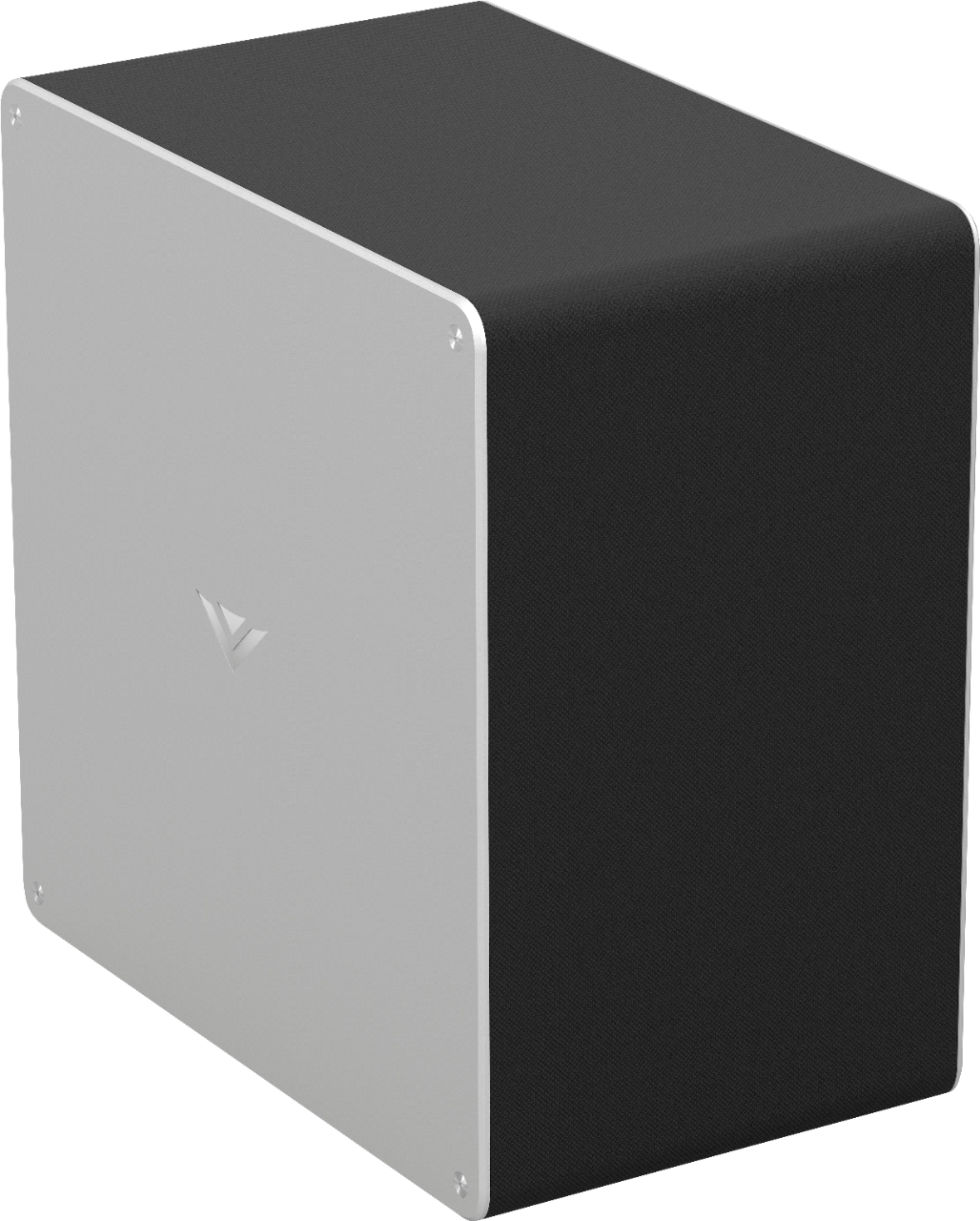
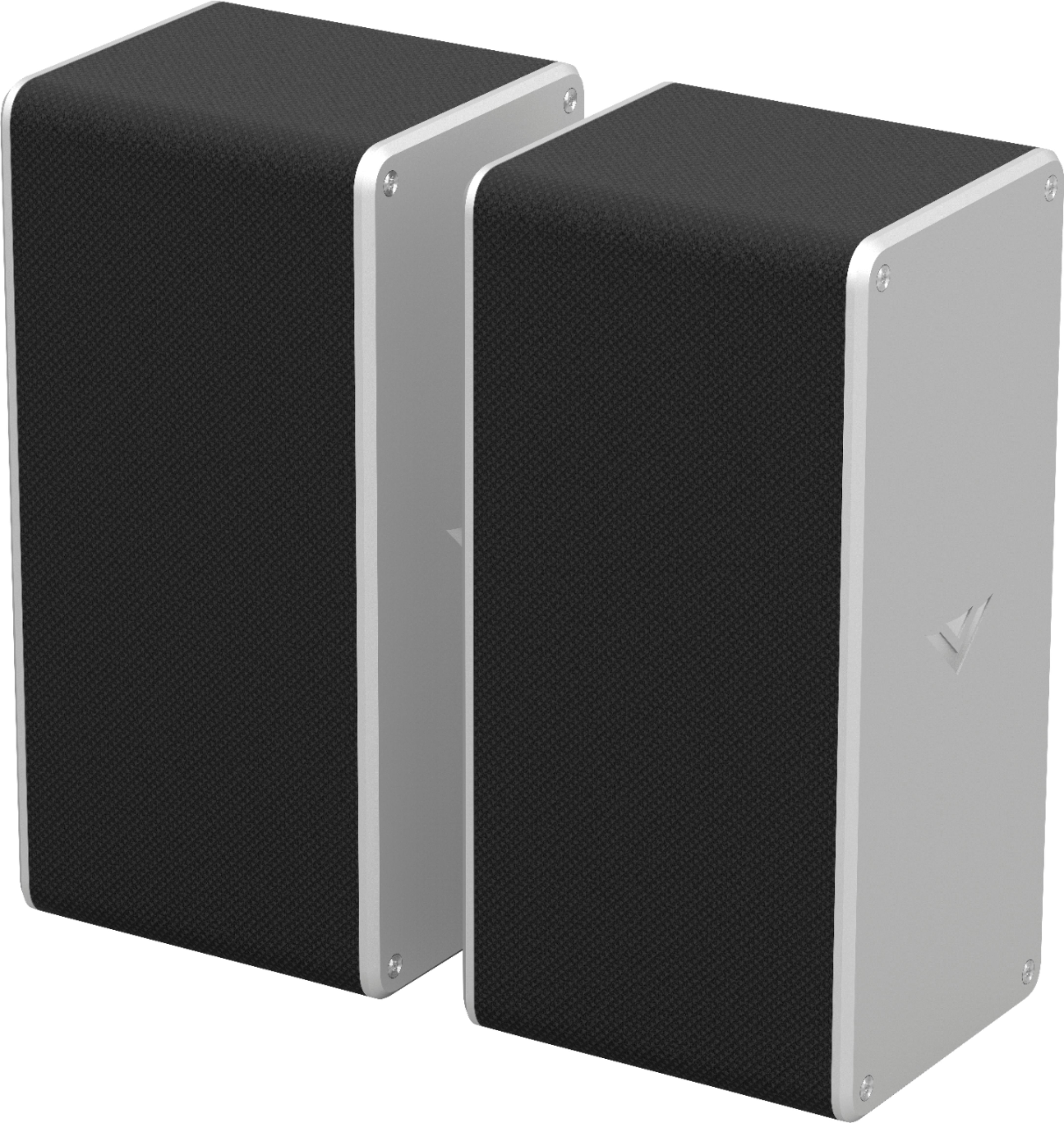
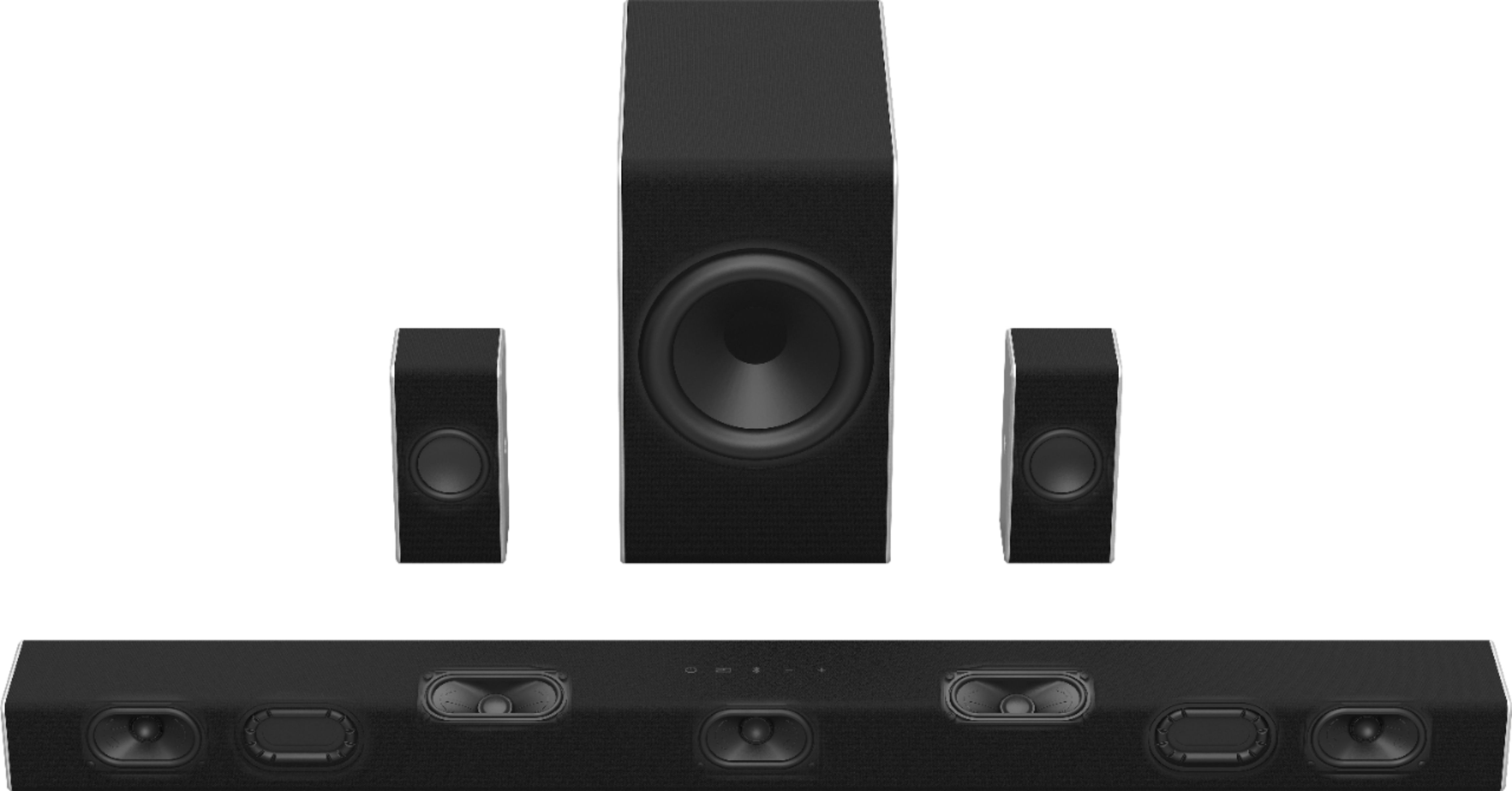
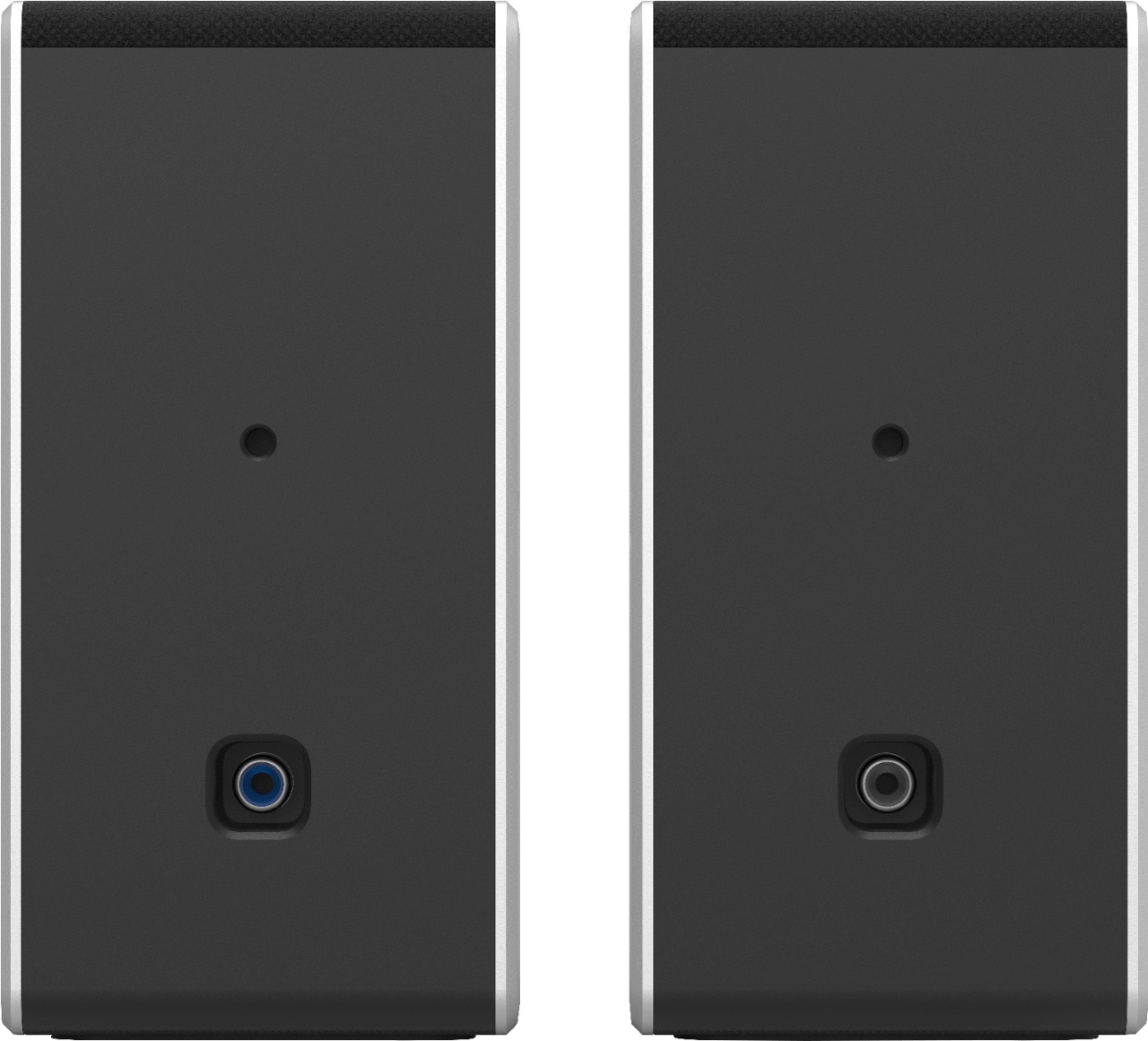
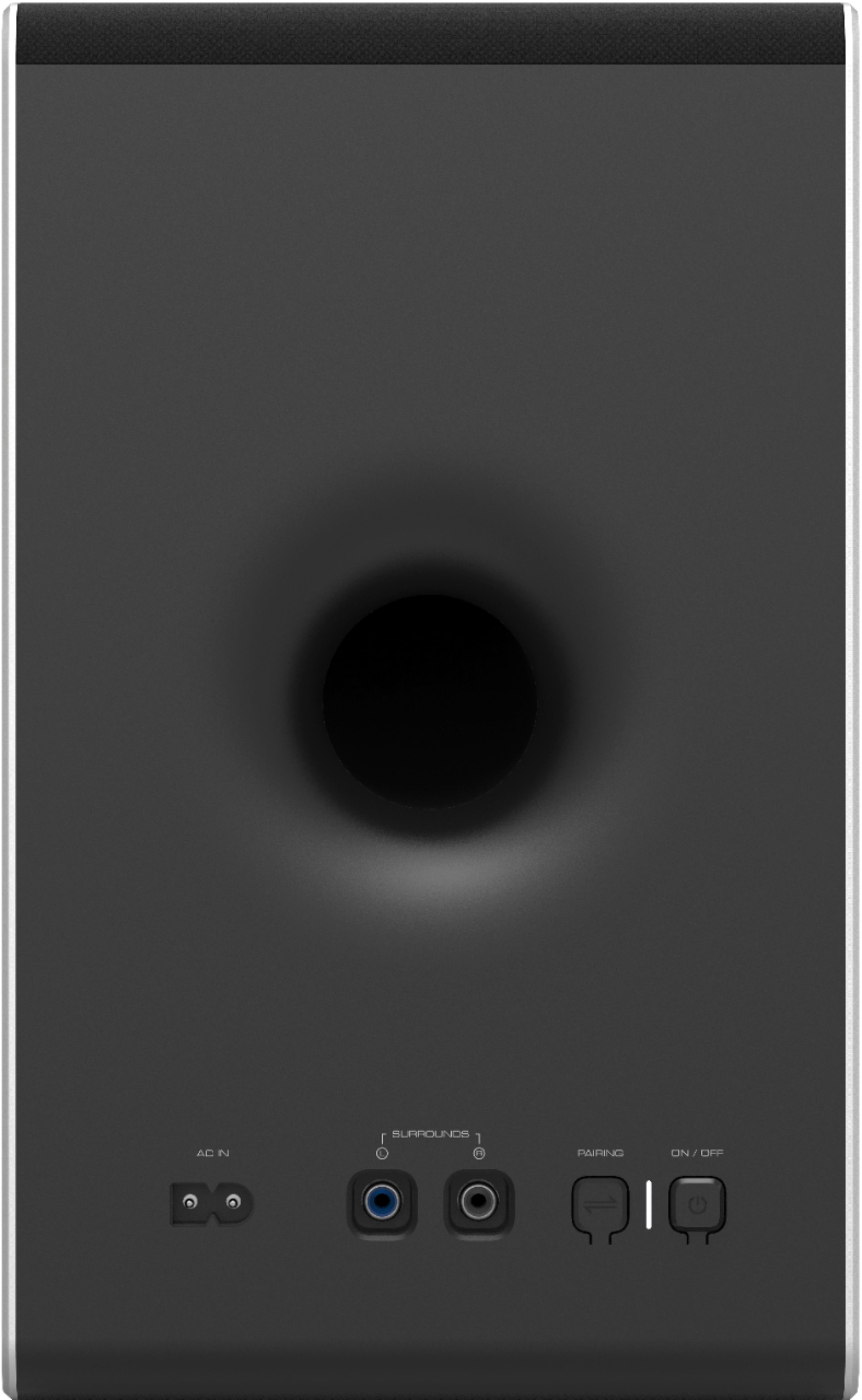
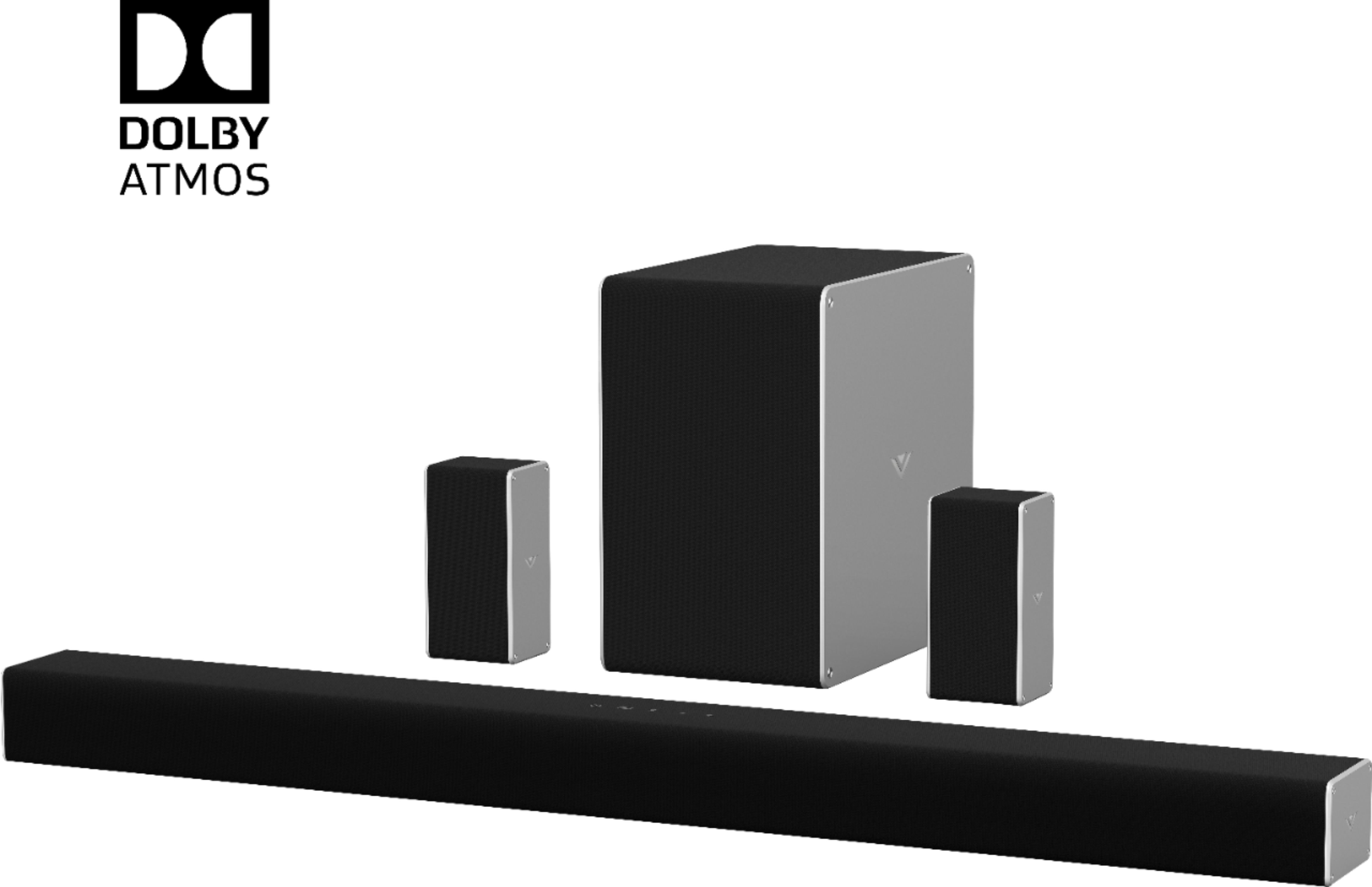
A:AnswerThe satellite speaker will need to be connected to the subwoofer using the provided speaker cable. The subwoofer then connects to the sound bar wireless.
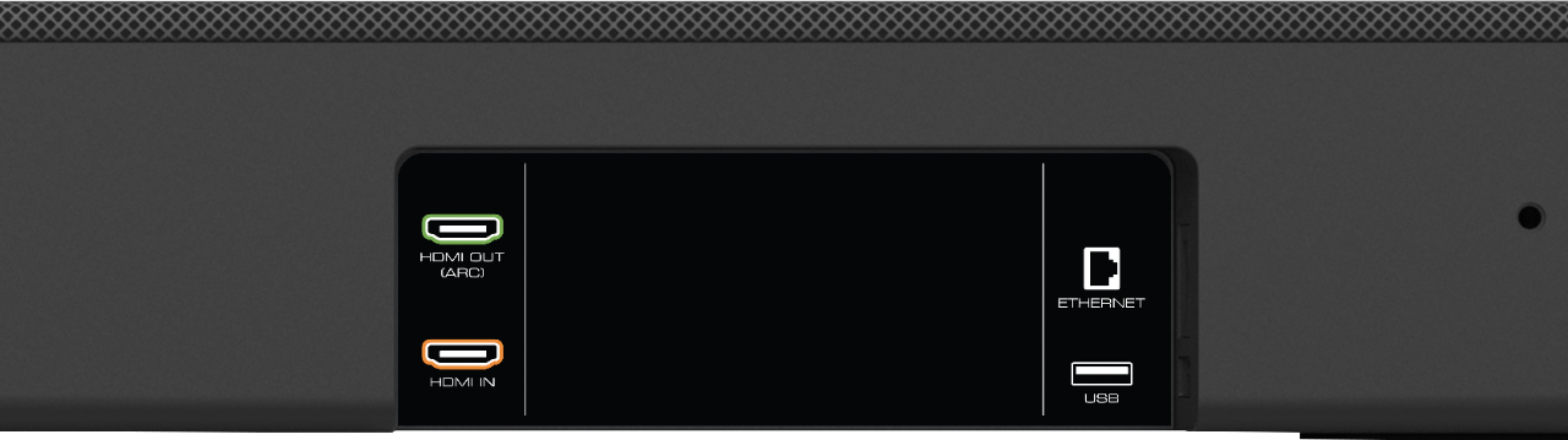
A:AnswerYes it does. I have had the Apple 4K and The T-mobile TVision box plugged in and both were able to use 4K video and DolbyAtmos plugged into the sound bar hdmi.
A:AnswerI believe this is a closed system and can not add additional speakers.but you can add it to google home setup which might provide what you are looking for.
A:AnswerThe rear speakers are connected to the sub woofer making them "wired" the sub however has a wireless connection to the sound bar but still must be plugged in to a wall outlet.
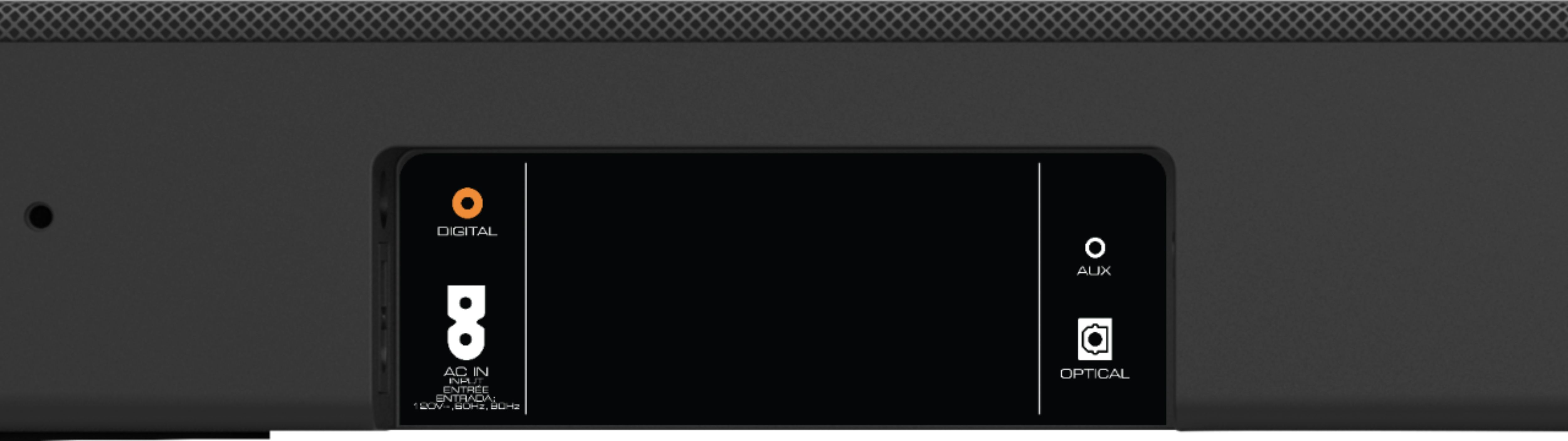
A:AnswerThe sound bar will accept both TrueHD Atmos from a direct connection to the sound bar or if your television passes Dolby Digital+ Atmos over ARC you can uses the ARC connectino for Atmos audio.
A:AnswerThey probably have not been answered because the unit does not require a separate amplifier to run any of the components. It requires 2 household outlets. 1 for the sound bar and 1 for the sub and rear speakers. If you are looking to run this off of an inverter and batteries such as off grid or a camper, boat, It can be run off of a 300 watt power inverter with good results.
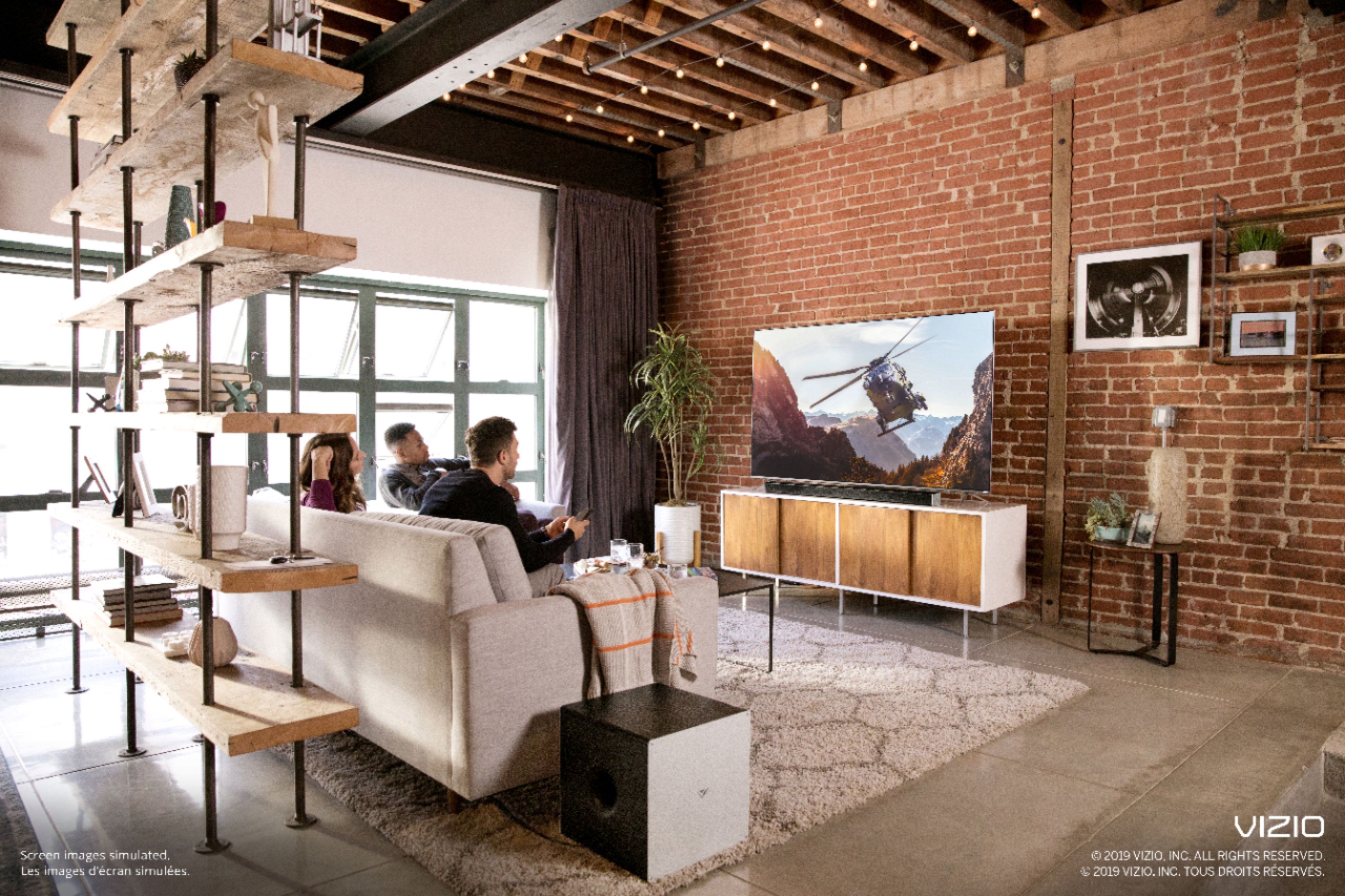
A:AnswerMany stands available at Amazon for around $30. But I just ran the wires under the living room carpet and placed the speakers on top of the side tables on either side of the sofa. The sound is phenomenal. Can even startle you at times.
A:AnswerYes it comes with the mounting hardware and screws for the rear speakers and sound bar. I recommend using some good quality sheet rock anchors though.
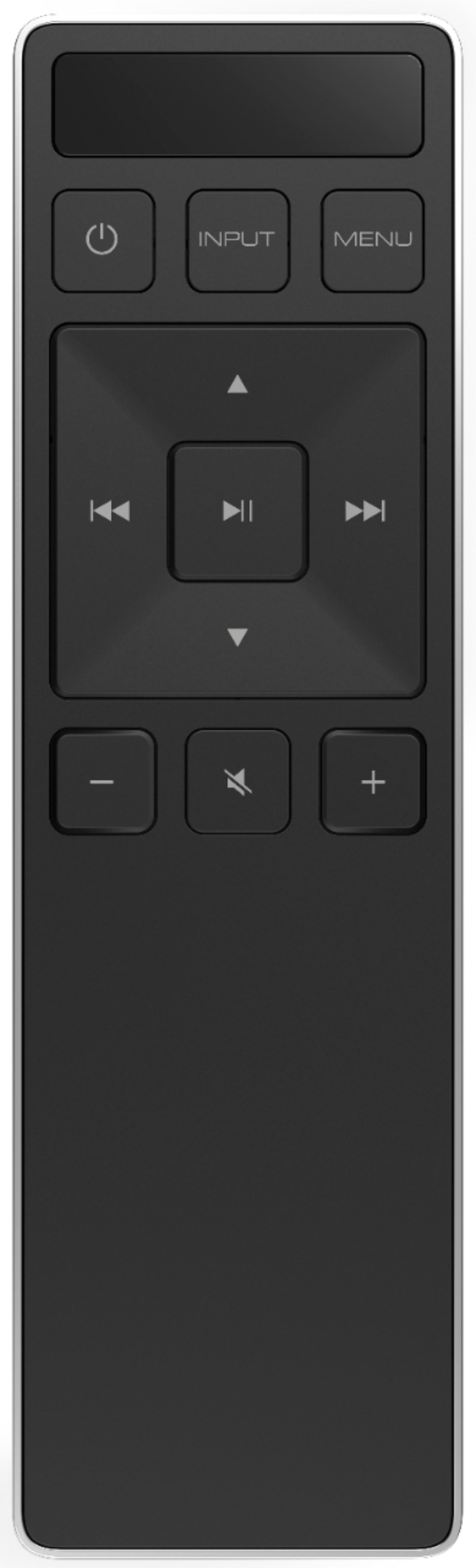
A:AnswerYou may have the night mode enabled in the settings, you may try to disable this function using the remote or the Smartcast app. Hope this helps.