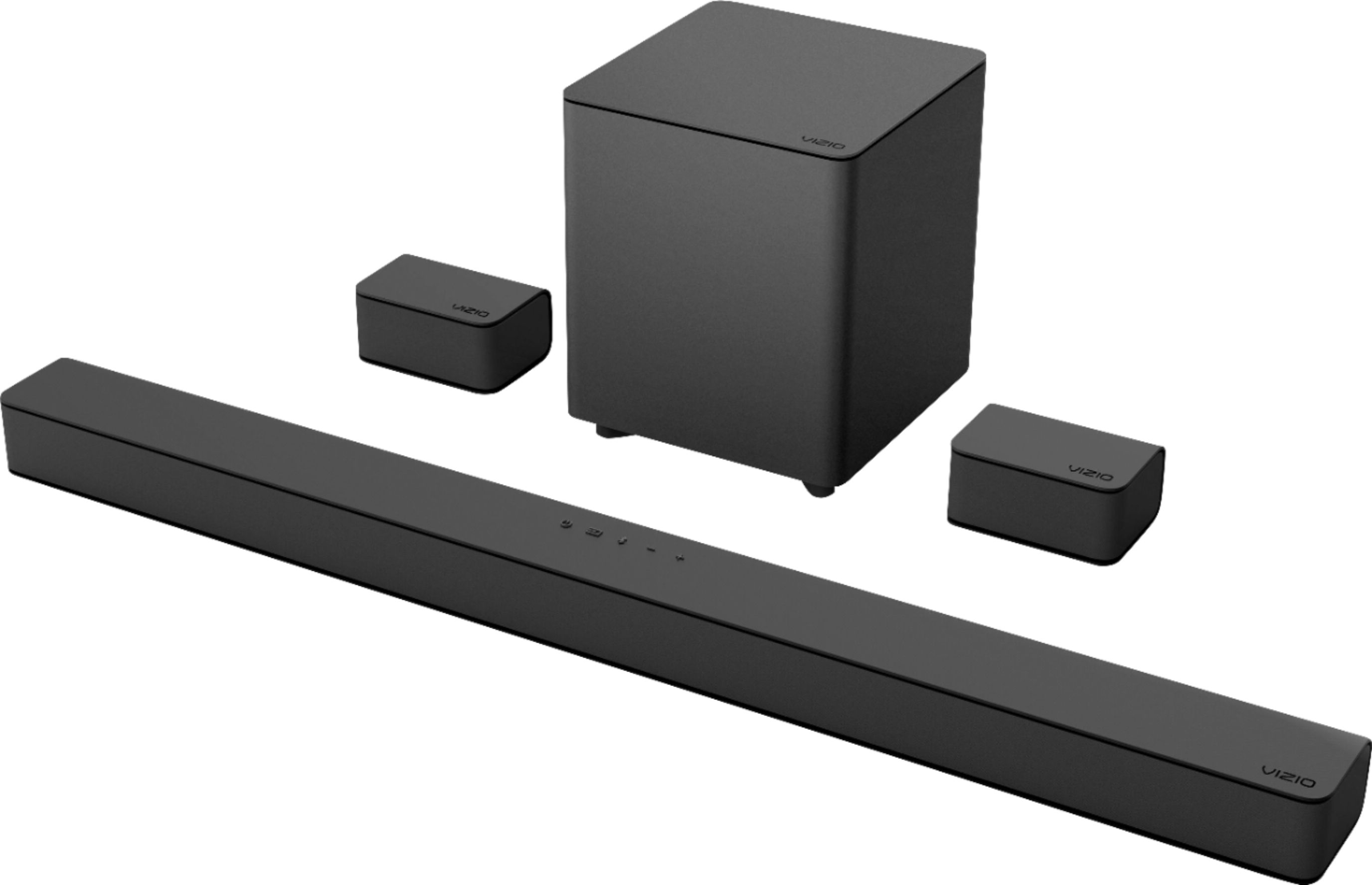
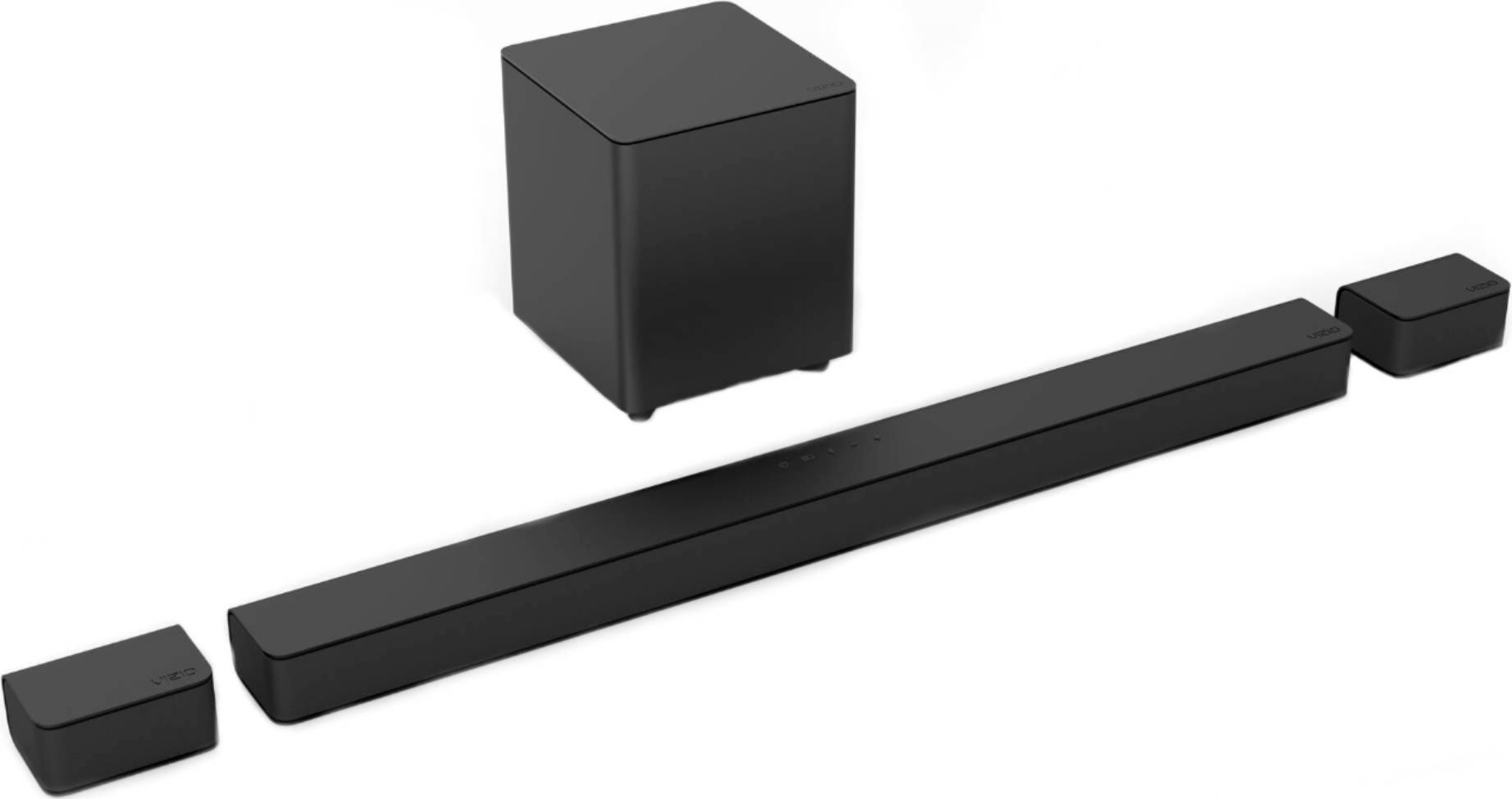
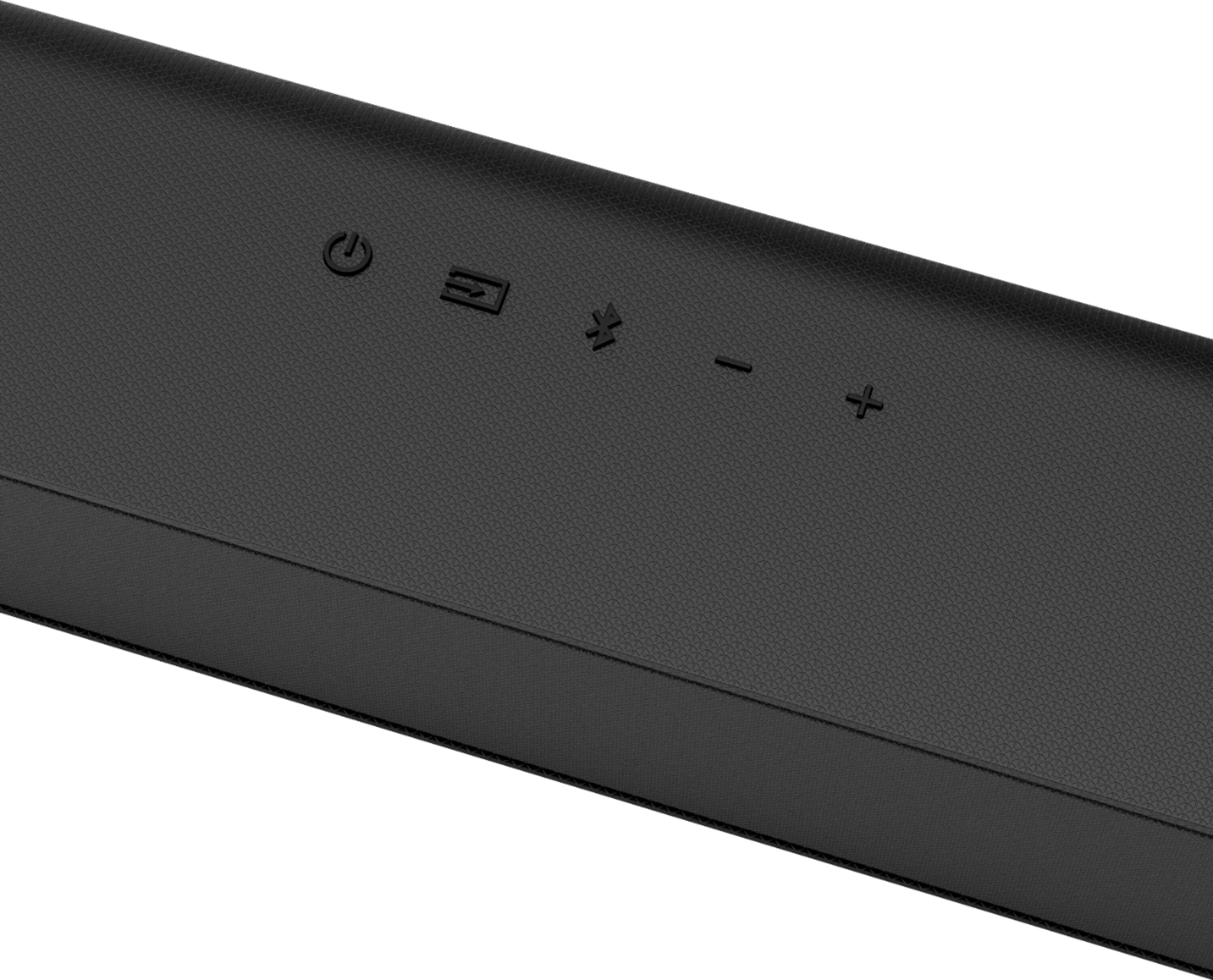
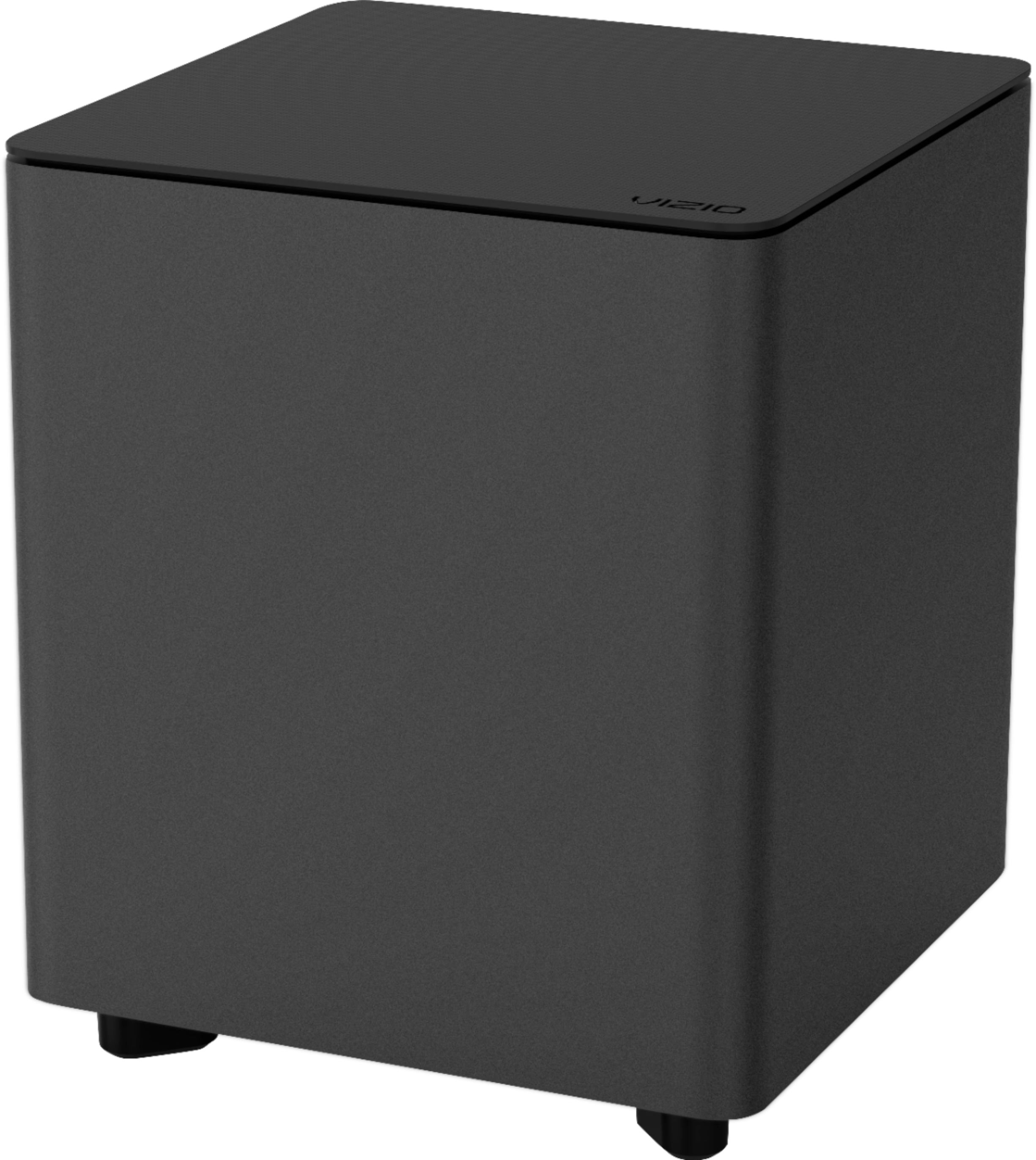
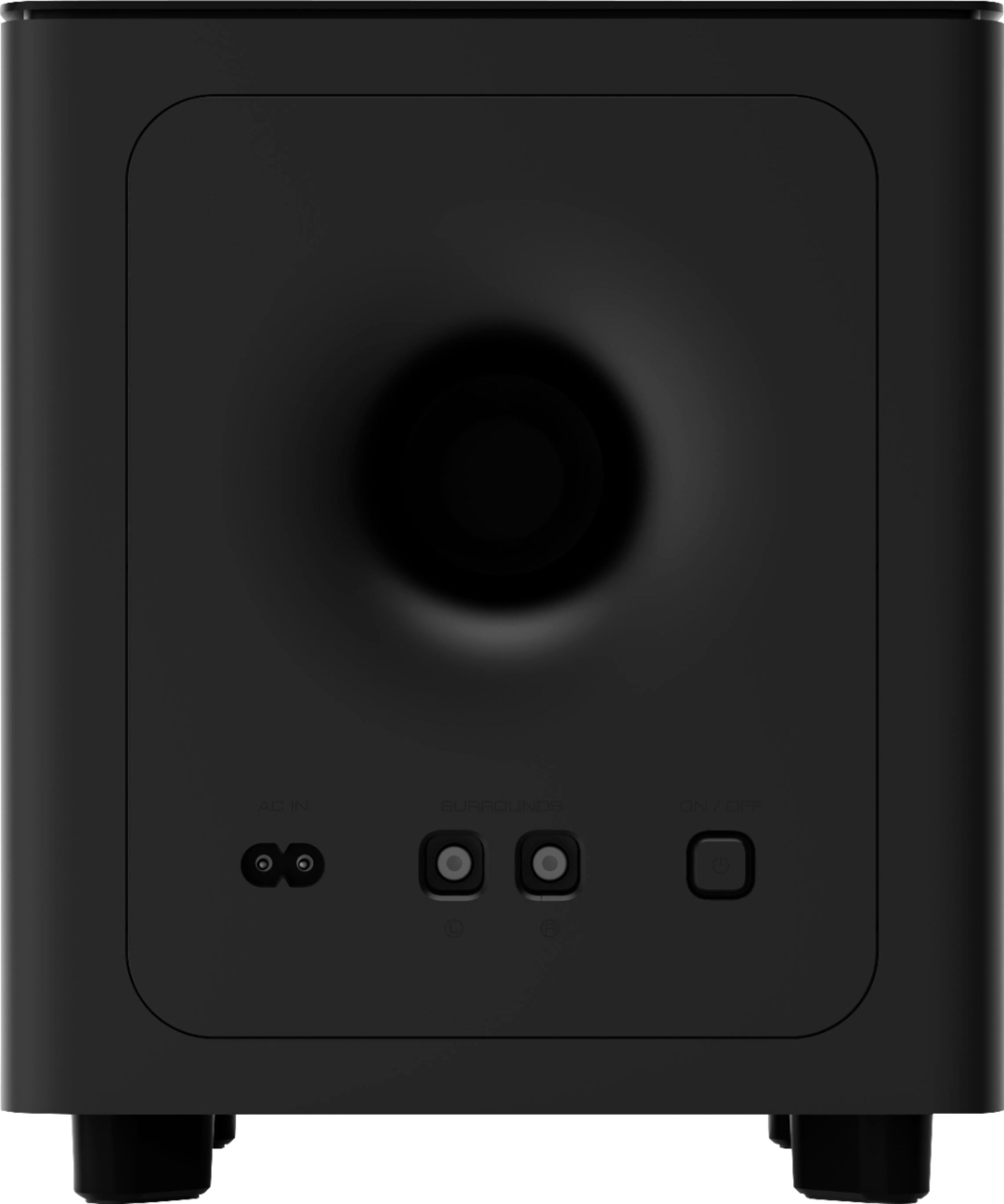
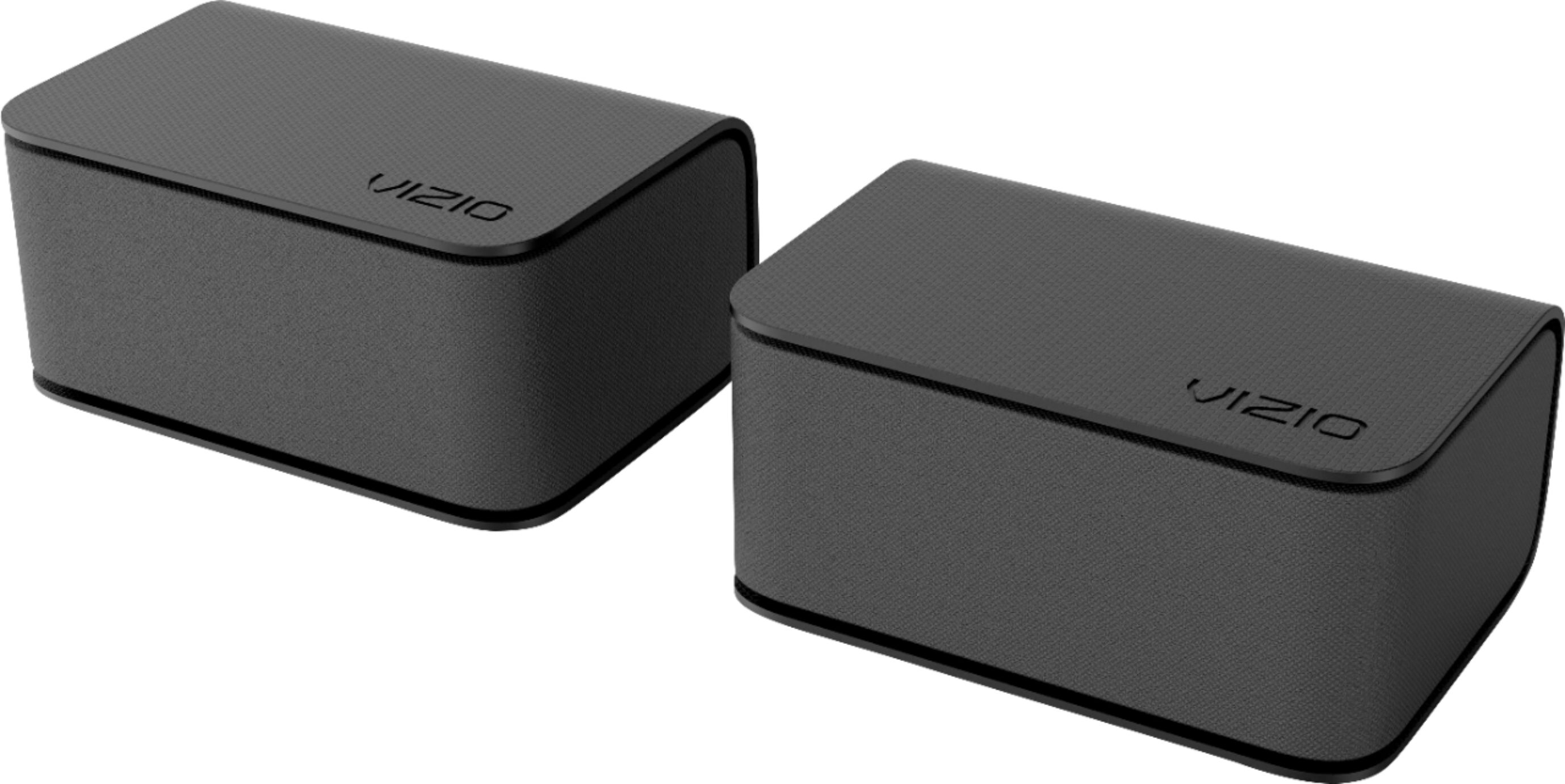
A:AnswerThis soundbar does support a bluetooth connection, but keep in mind that Bluetooth does not support surround sound. Bluetooth only supports stereo sound so do not expect to pass 5.1 audio using bluetooth. The center channel, sub, and satellite speakers will still work in a "virtualized" surround sound mode using the Bluetooth stereo signal.
A:AnswerYes they can be setup across from each other. It is recommended to stay with in 20 feet of the sound bar as you might experience connection issues beyond that.
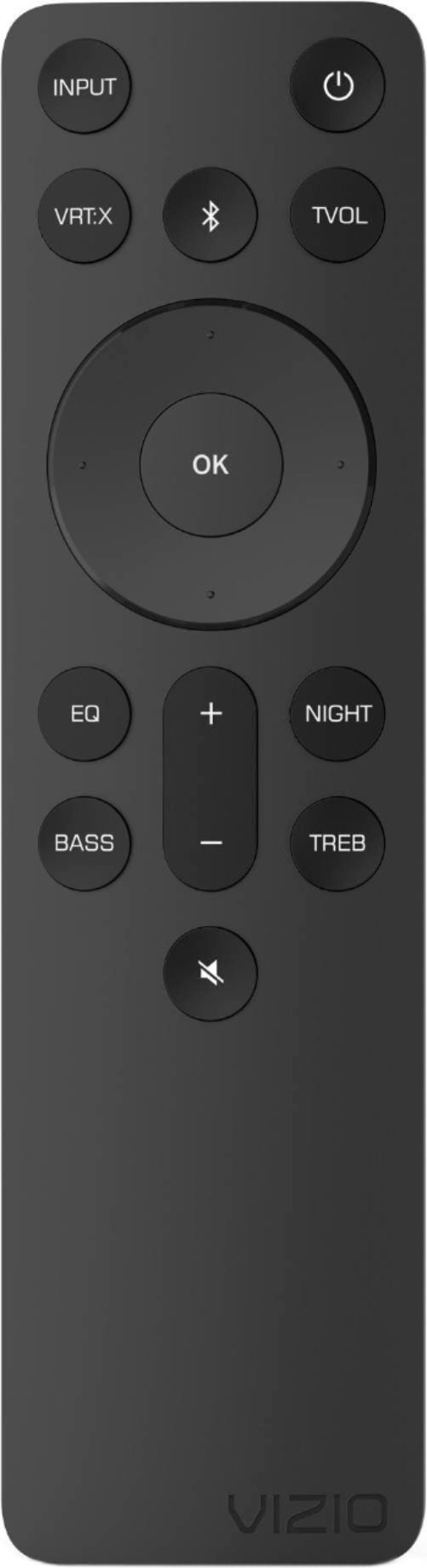
A:AnswerIf you go to "setup" and then to "reset all" on the remote, all paired bluetooth devices will be unpaired. This means that your neighbor wouldn't have access to your soundbar unless they somehow paired their device to your soundbar again. You could also try a factory reset by pressing and holding the Bluetooth and volume down buttons for 5 seconds (these buttons are on the soundbar).
A:AnswerThis TV is not designed to output audio over Bluetooth. You could purchase a Bluetooth transmitter and connect it to this TV to listen over Bluetooth.
A:AnswerHello edwin251, this sound bar is able to be mounted. It is recommended however to position the sound bar at about ear height while sitting in your favorite spot for best immersion.
A:AnswerTo answer your question, I want to gather a bit more information. When you have a free moment, we are available through text message, chat, or over the phone. Just go to support.VIZIO.com and click on ‘Contact Us’.
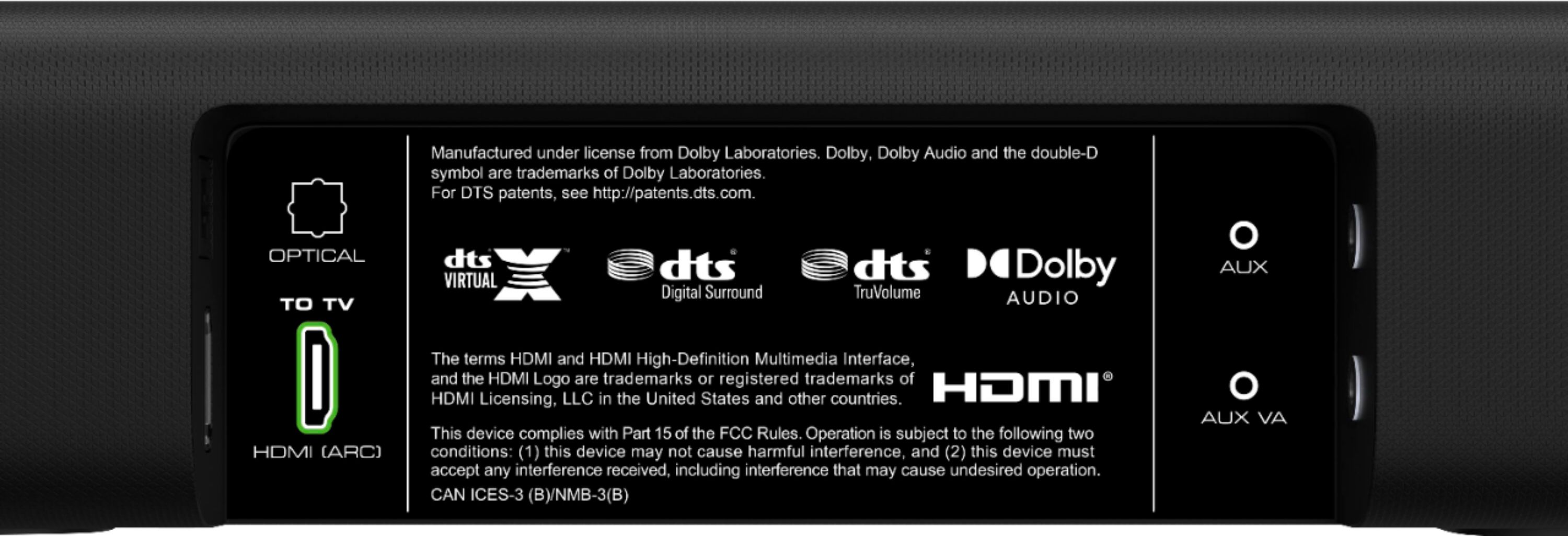
A:Answerit is bluetooth capable but that would be more for a phone or tablet to connect. you would want to use the HDMI Arc (ideally) or the optical connection to your TV
A:AnswerHello Mike, I would recommend to check with local retailers for options on longer cords or extenders. Unfortunately the only cords we have available are the 8 meter long cords that are provided with the unit.