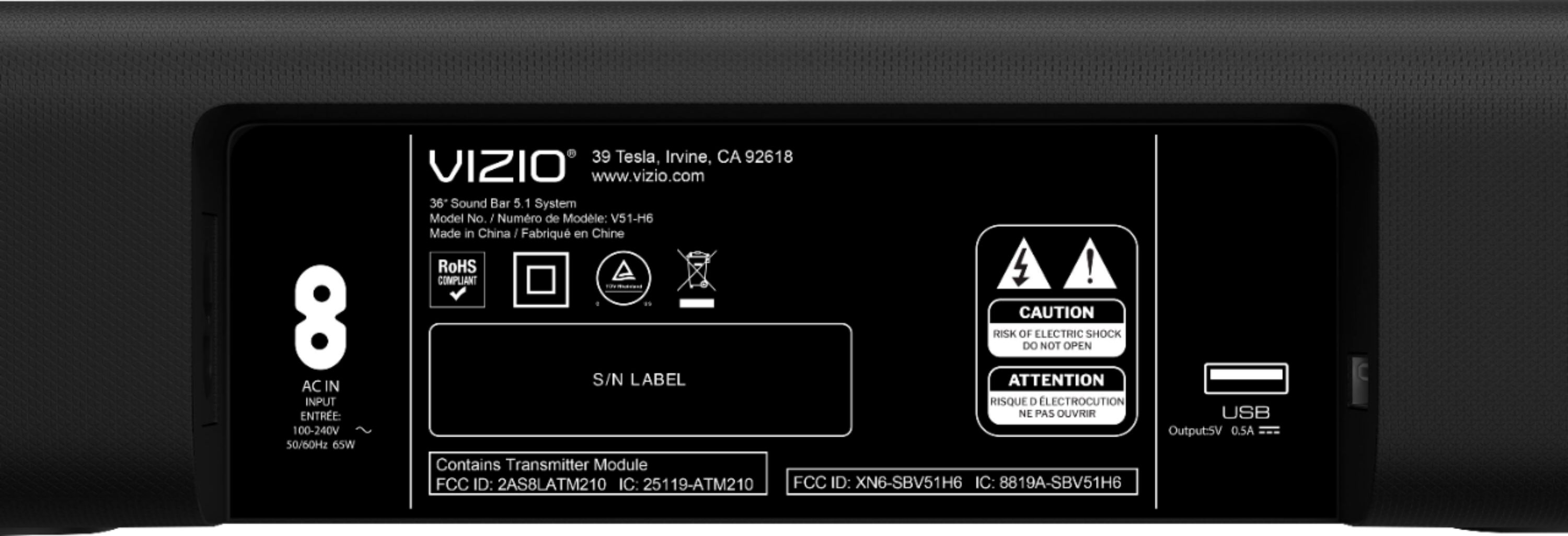
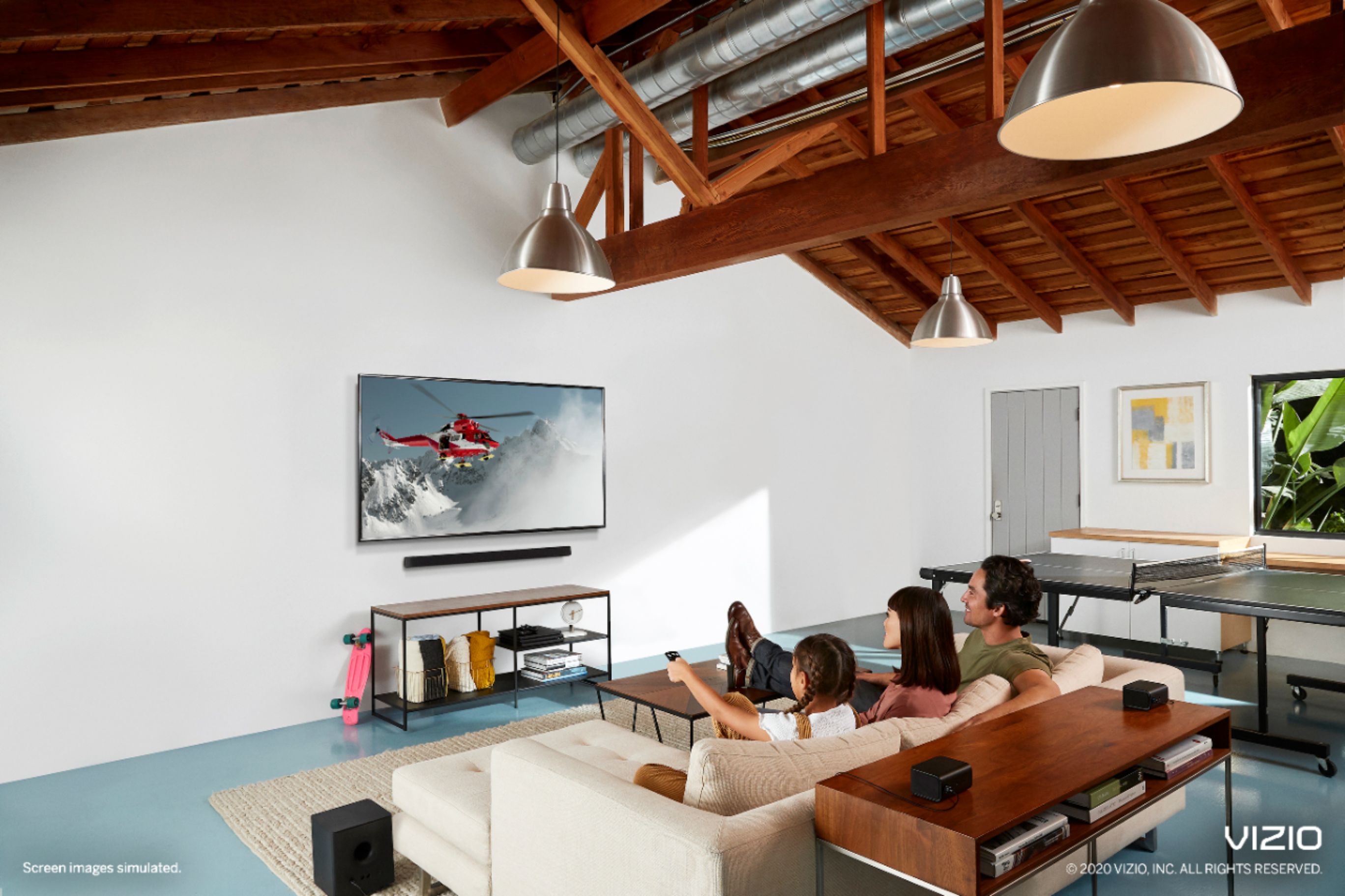
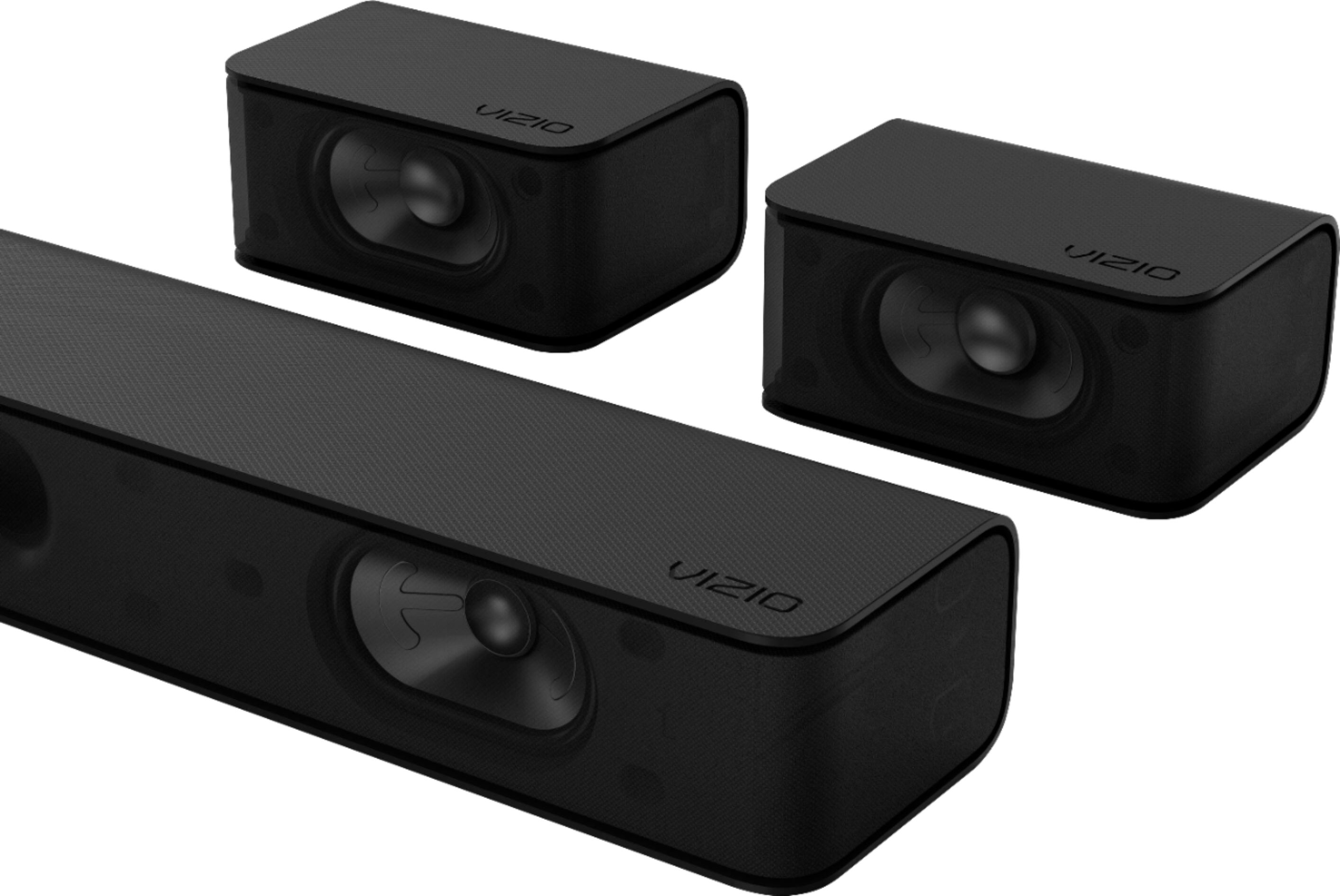
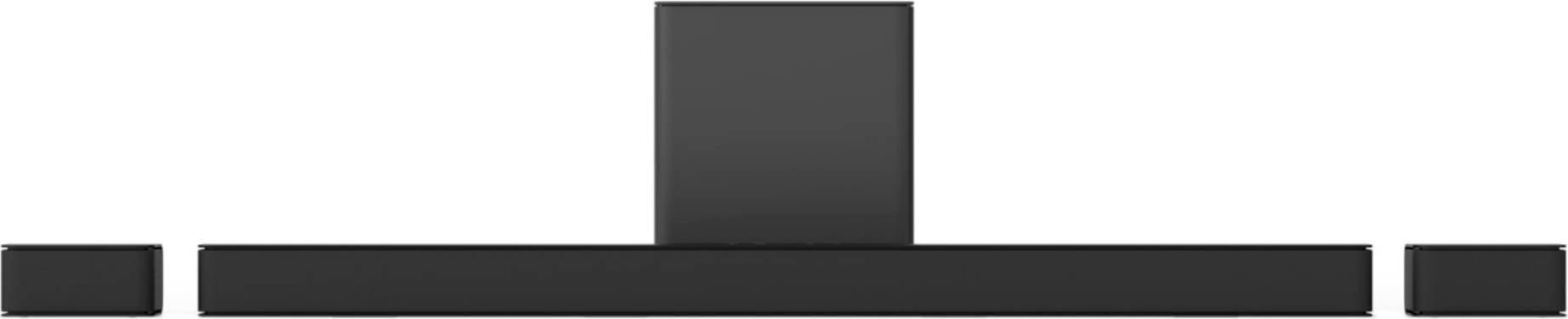
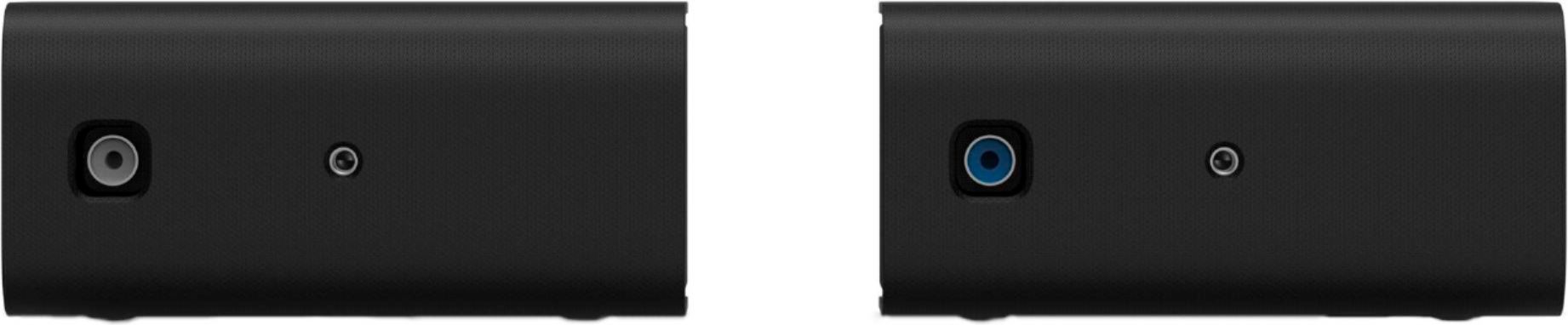
A:AnswerThe device will have a 13 month warranty from the Date Of Manufacture, which is established by the devices serial number. If you have any further questions or concerns, please visit us at support.VIZIO.com and click on 'Contact Us' where a VIZIO agent can help answer any of your questions.
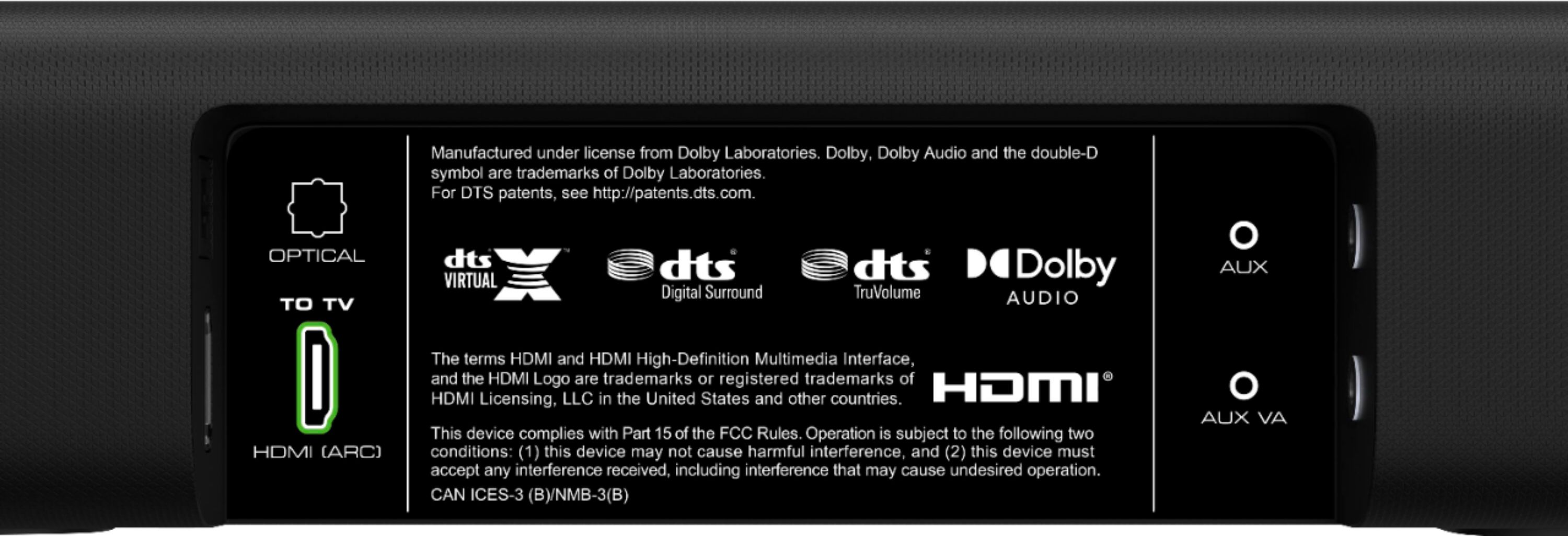
A:AnswerSo I've been looking at this while in store and the v514x-k6 is on clearance, it looks like the k6 doesn't have an hdmi port just an optical or 3.5mm aux port. Looks like just the newer model with hdmi included.
A:AnswerDoes not require 2.1 cable. But if your TV HDMI is only 2.0 more than likely your TV does not have Dolby Atmos pass through like my old TCL had Best thing is to run can use a 2.0 18 GB cable to the sound bar HDMI 1 or 2 input for example I had my fire stick 4K Maxx hooked up directly into the sound bar and you will get Dolby Atmos running your four example fire 4K Max stick to your TV first if your TV does not have Dolby Atmos or DTSX pass through and only has maybe Dolby digital Plus or lower you won't get the full effect. I do try and run 2.1 cables which I believe handle up to 48 GB but mostly those I think are used for gamers which I'm not but I do buy the cables and use them. Now if you buy a 4K Blu-ray player you need that 18 GB cable which is 2.0 if you use anything older you'll either not get a picture with sound or vice versa. One good thing about the fire TV 4K Maxx stick you can go into settings and they have a Dolby Atmos test in there and also list what your sound bar is capable of sometimes I've had to reset the fire stick for it to show up properly but at least you'll know if you have it or not hooked up right Hope I've helped. Should have been an easy question for Vizio to answer.
A:AnswerNo, this does not work with receivers, it's for TVs or PCs. I ditched my A/V Receiver for this. It has multiple inputs including E-ARC, optical, bluetooth, and mini stereo cable.
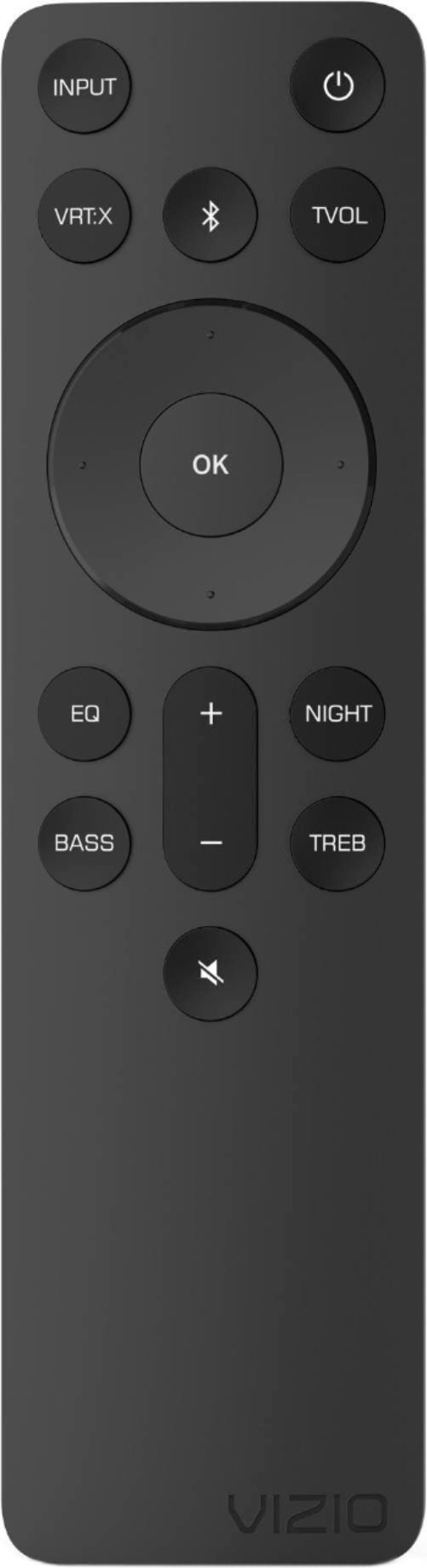
A:AnswerHave you tried adjusting the EQ? When you switch to 'Movie' instead of 'Music', the dialogue channel on the soundbar kicks in. You can also adjust the dialogue volume by increasing the center speaker on the soundbar.
A:AnswerYou have to unplug it from the sound bar not the outlet i have had trouble but it usually works i turn it off from
the remote then on again if that doesn’t work then disconnect from bluetooth then reconnect then unplug it if that doesn’t work.