A:AnswerWe are excited to announce the newest VIZIO update that introduces Bluetooth headphone capability! To get started, place your Bluetooth headphones into discovery or pairing mode. Next you will want to access the VIZIO TV menu, select Bluetooth Headphones, and then select your Bluetooth headphones that are found during the discovery or pairing phase. If you have any questions or need any assistance, we are available through text message, chat, or over the phone. Just go to support.VIZIO.com and click on ‘Contact Us’.
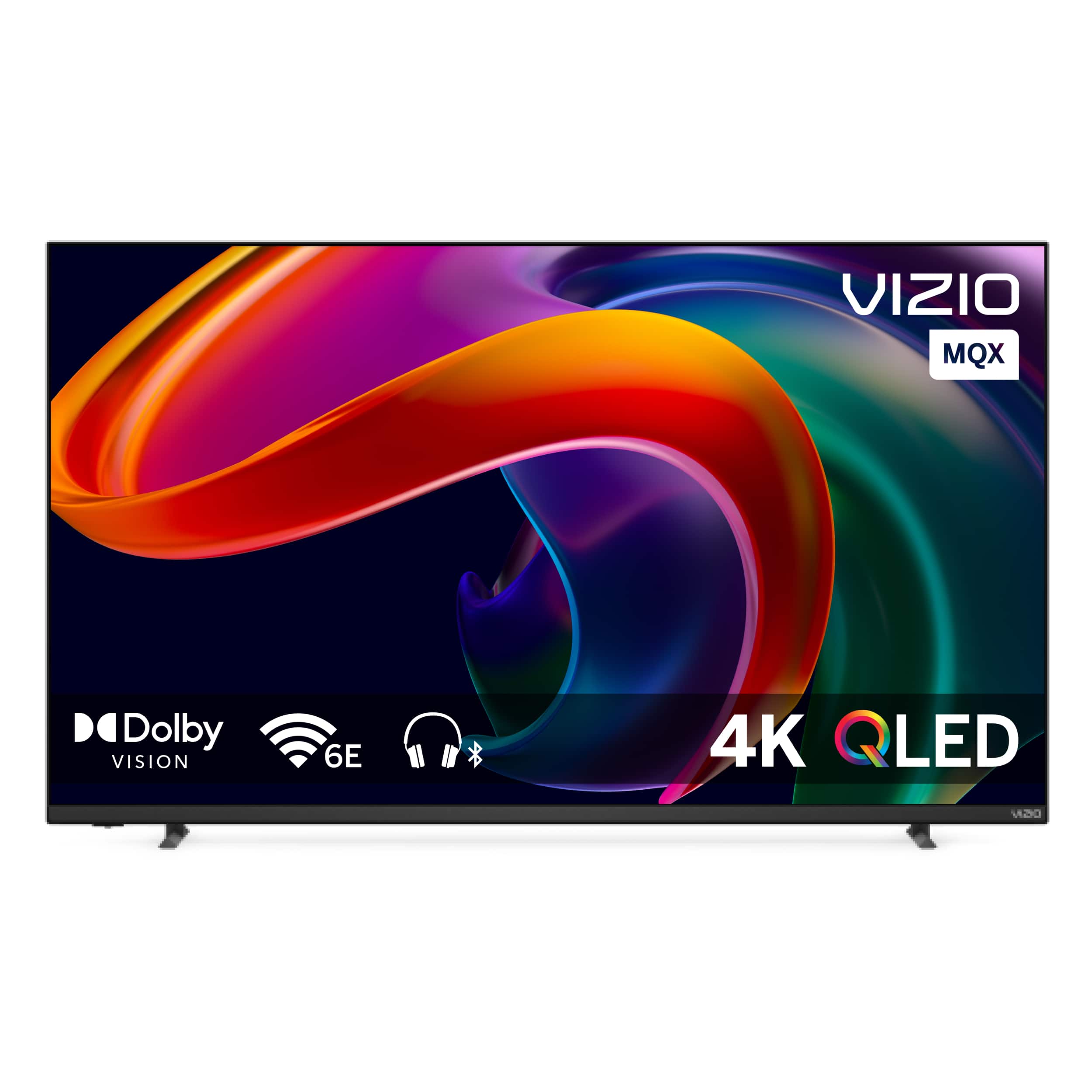
A:AnswerThis tv only has 4 settings for aspect ratio. Normal wich is the standard setting. Panoramic which seems to slightly make the picture less wide. Zoom which zooms in everything and wide screen which is widenout any non widenscreen images. This tv does not have a 4:3 option!

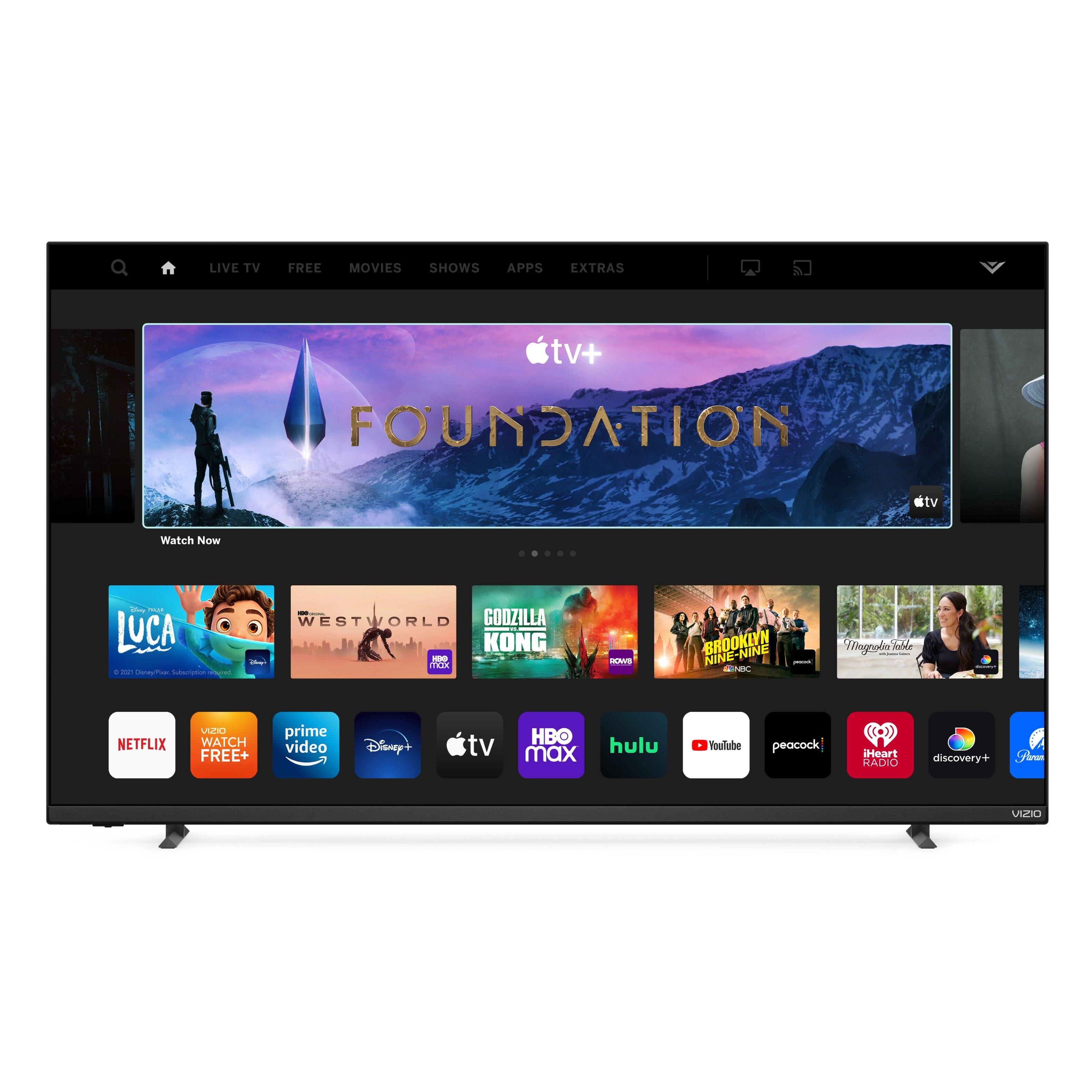
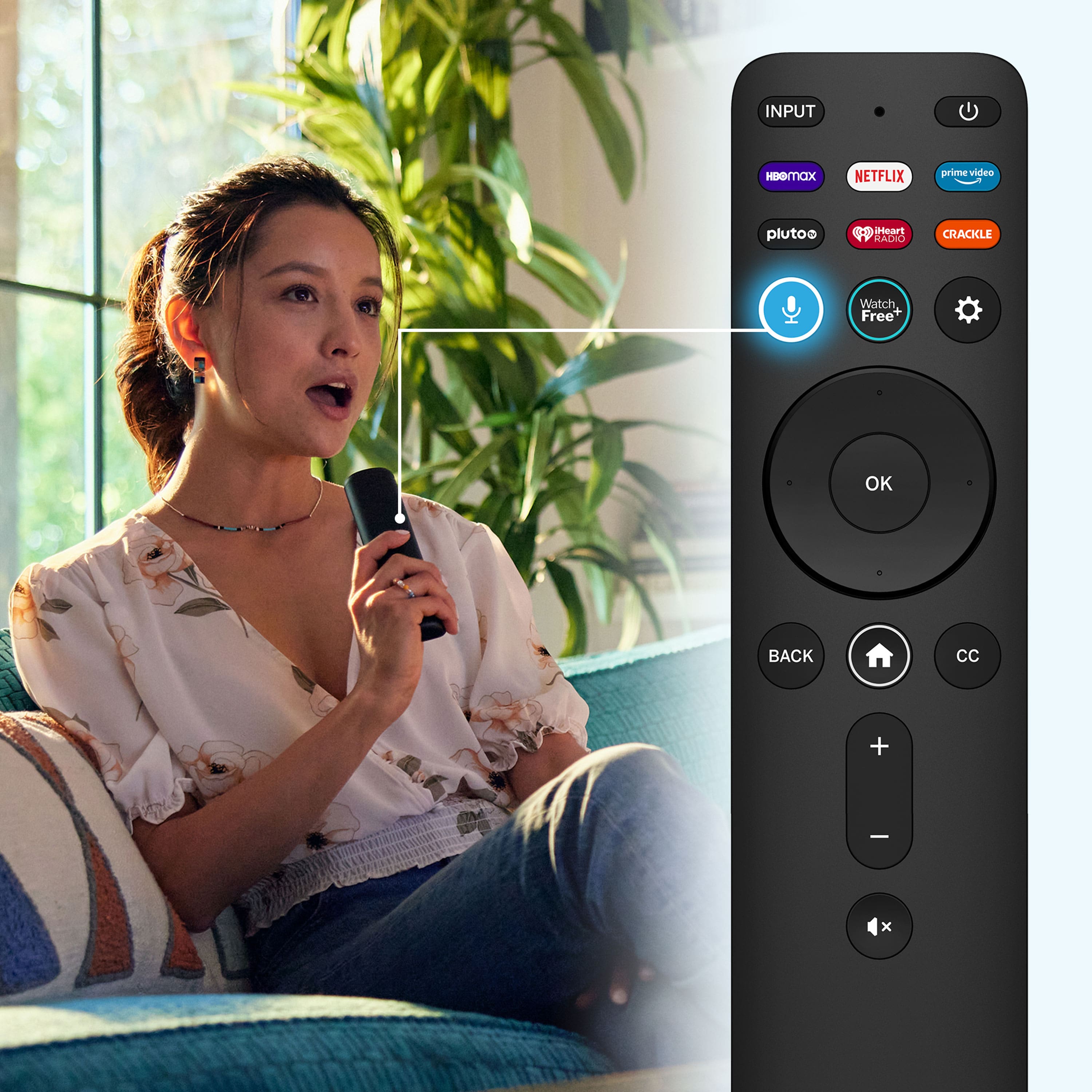
A:AnswerThis TV uses our SmartCast Platform which offers a host of built-in apps, as well as support for Google's Chromecast, Apple's AirPlay 2, and voice support for SIRI, Google Home, and Alexa. VIZIO TVs do not contain a web browser.
A:AnswerYes, this is a feature on this model. Here is a link to the manual for this TV: https://cdn.vizio.com/user-manual/PDF/2022/TV/2022_MQX-Series_UM_EN.pdf If you scroll to page 30 in the manual there are instructions on how to use the "Blank Screen" feature on the TV. Thanks!
A:AnswerVizio SmartCast TVs use our SmartCast platform so, this TV does not come with a Roku app built in. You would want to connect a Roku device to the TV in order to access Roku. Thanks!
A:AnswerUnfortunately, you will only be able to hear audio either through the TV speakers or through the connected Bluetooth headset but, not both at the same time. Thanks!