A:AnswerTo answer your question, I want to gather a bit more information. When you have a free moment, we are available through text message, chat, or over the phone. Just go to support.VIZIO.com and click on ‘Contact Us’.
A:AnswerBefore the latest update I was having issue with turning tv on. Had to unplug and plug it back for it to turn on. My tv doesn't seem to have this issue anymore after the latest update. However, TV still suffers from brightness and dimming issues. It will automatically change brightness settings on its own.
A:AnswerThis TV has had major software bugs for 9 months with advertised features still in inadequate states. Vizio has only offered refunds to very few persistent buyers who have swapped out their sets multiple times after lengthy negotiations with support. It may take legal pressure to get anything out of them at this point.
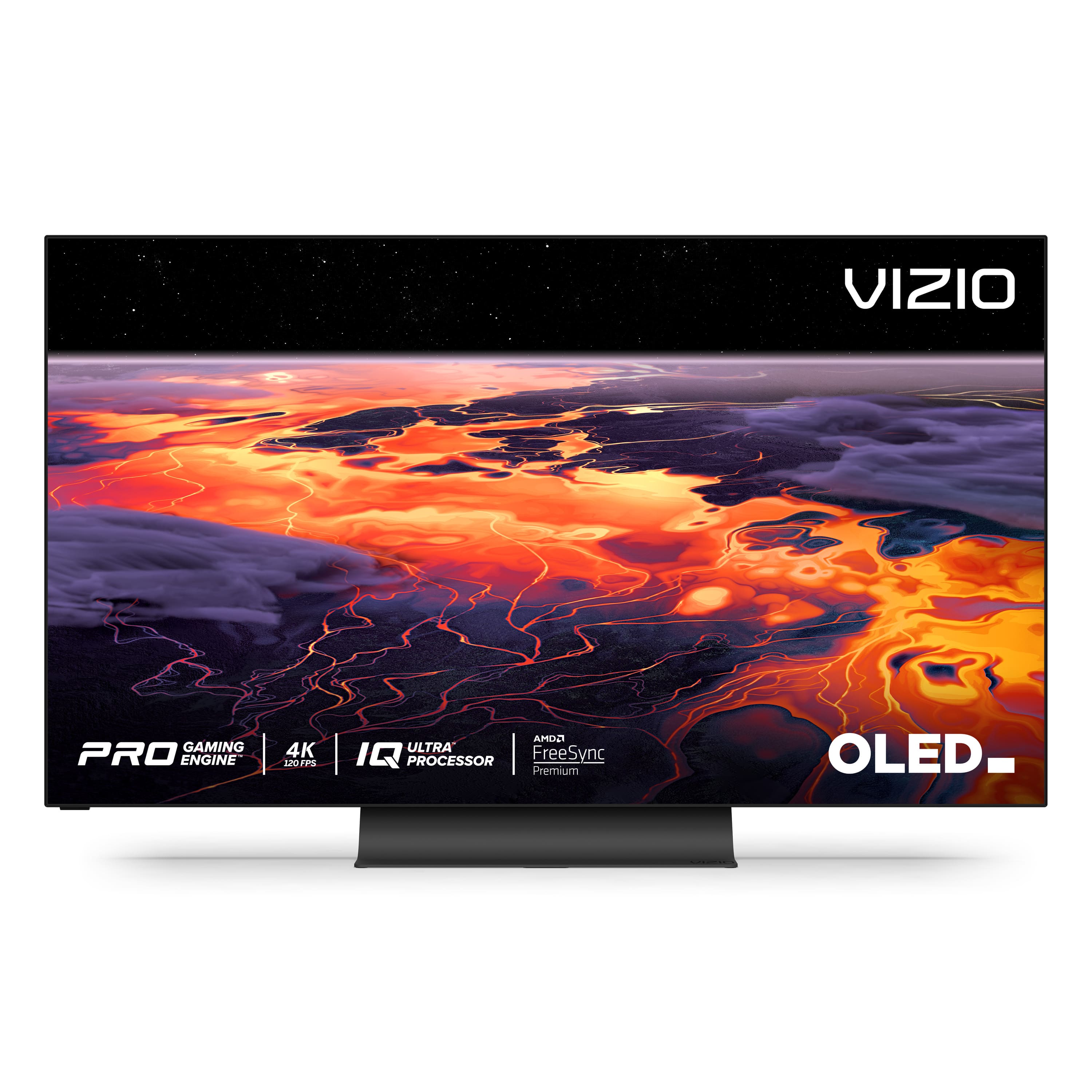
A:AnswerAdvertised to support both AMD FreeSync and HDMI-VRR (aka Gsync-compatible). Although it hasn't earned official Gsync compatible rating from nVidia yet, it can still be enabled manually.
A:AnswerBurn in is the permanent retention of an image that has been displayed on the TV with no movement for an extended period of time. It's incredibly rare with normal use. The TV has several features like static screen protection, logo compensation, and pixel shifting that will help prevent burn in. There is also a screen refresher to help resolve image retention which is the temporary remnant of an image on the screen.
A:AnswerHello Ziggy
This model supports Bluetooth LE, which is a low energy form of bluetooth used to assist in pairing the VIZIO SmartCast Mobile application to use devices like smart phones and tablets as a remote for the TV.