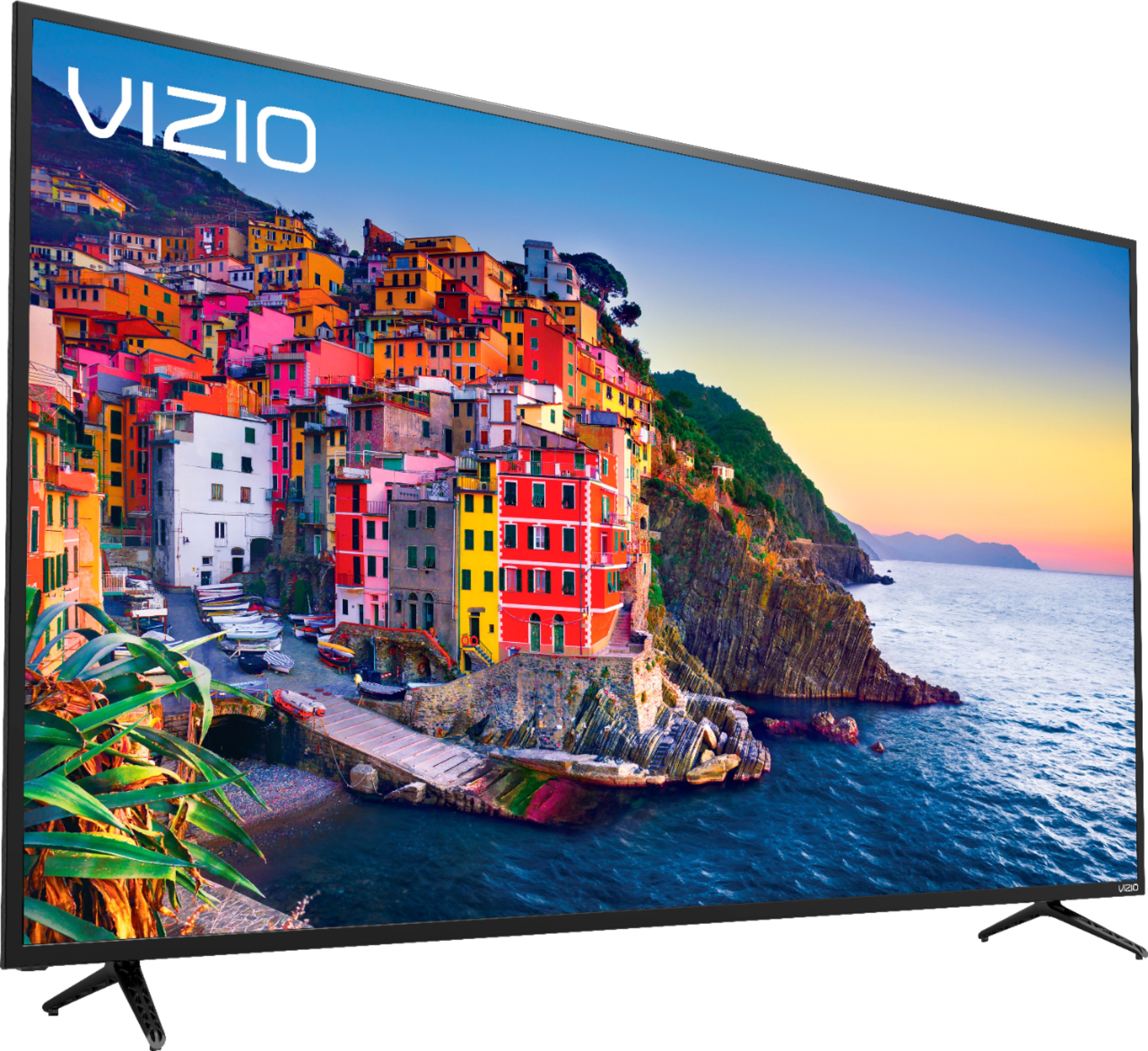
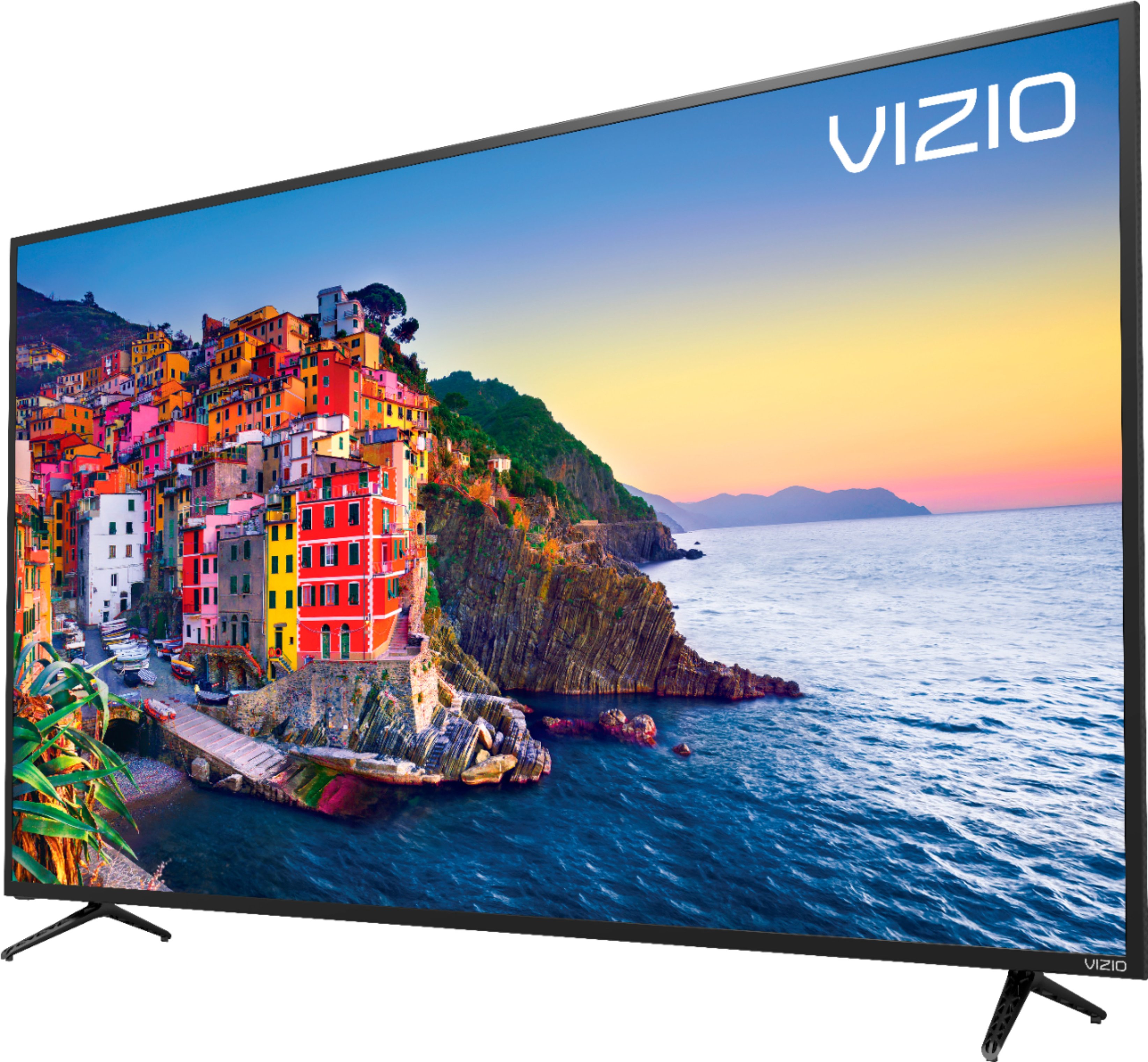
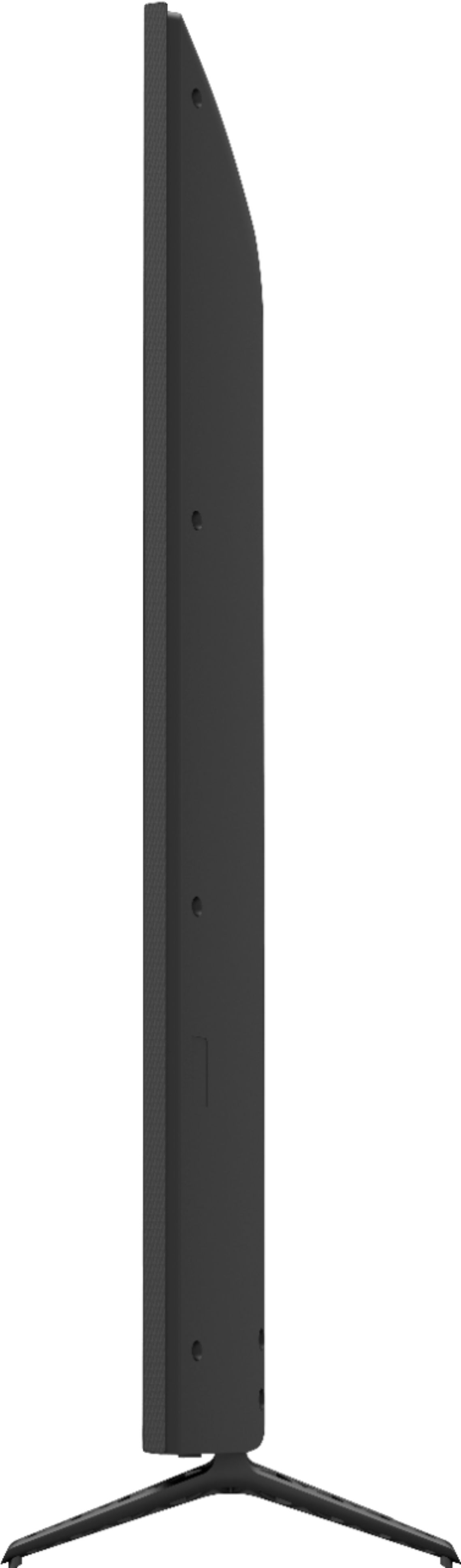
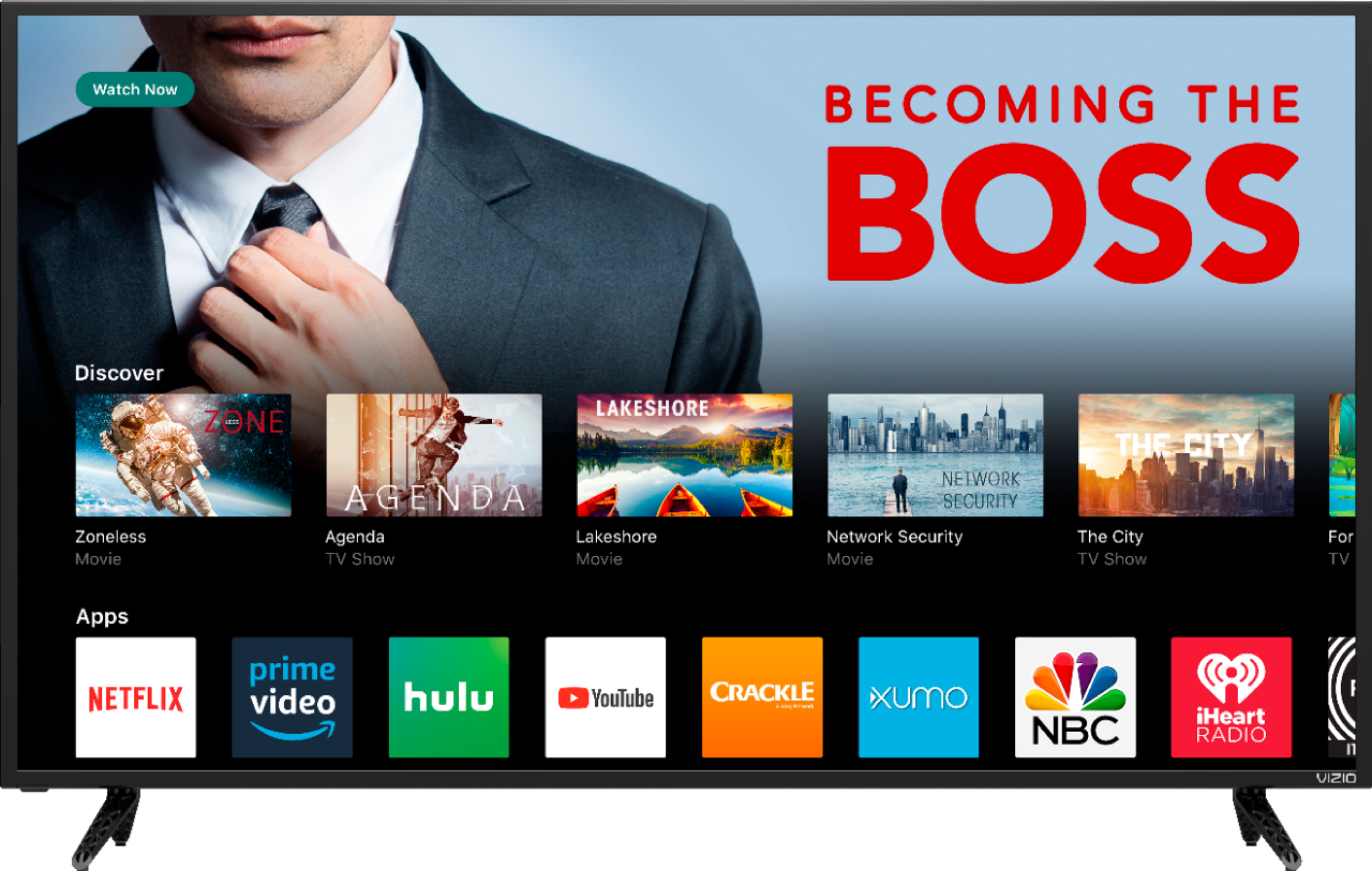
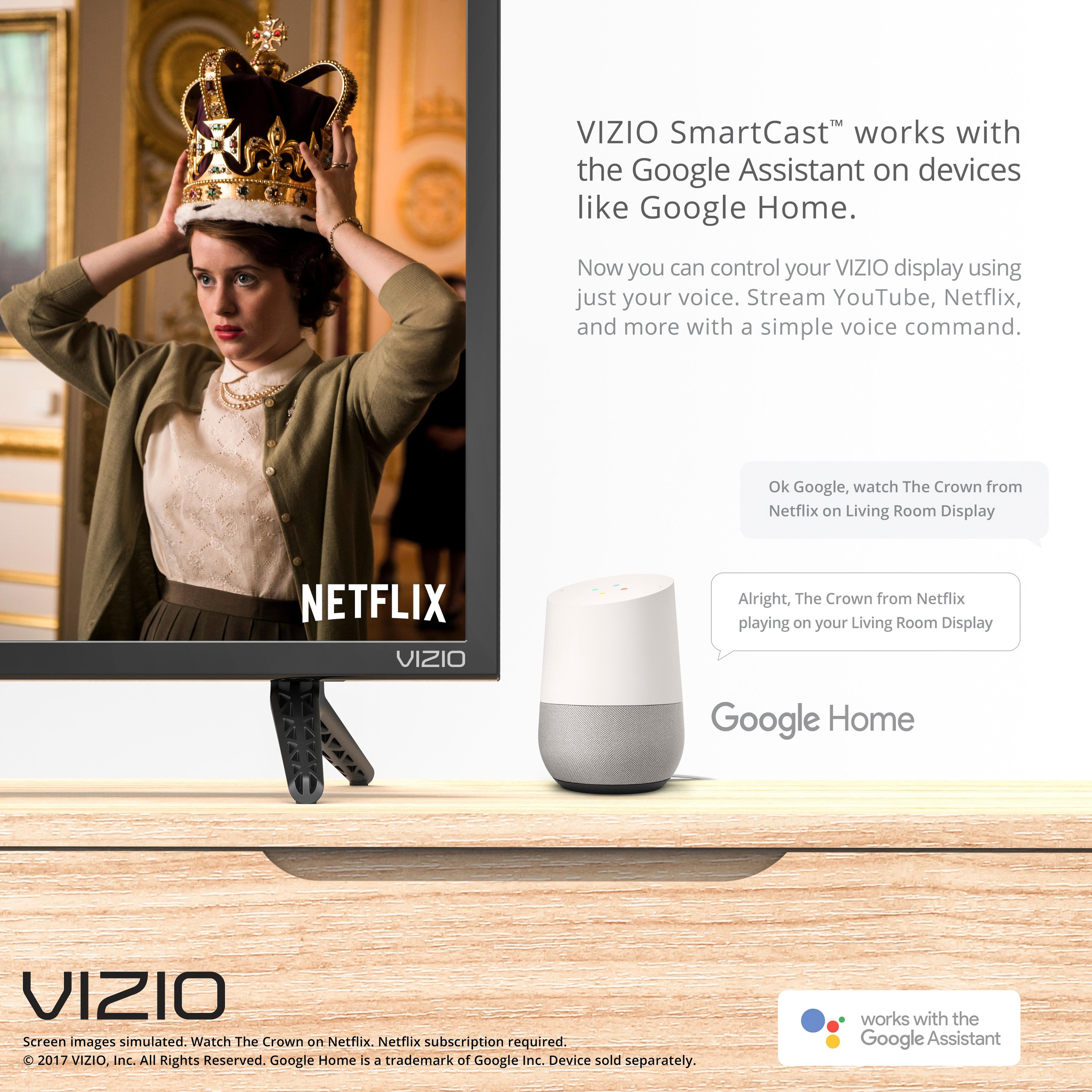
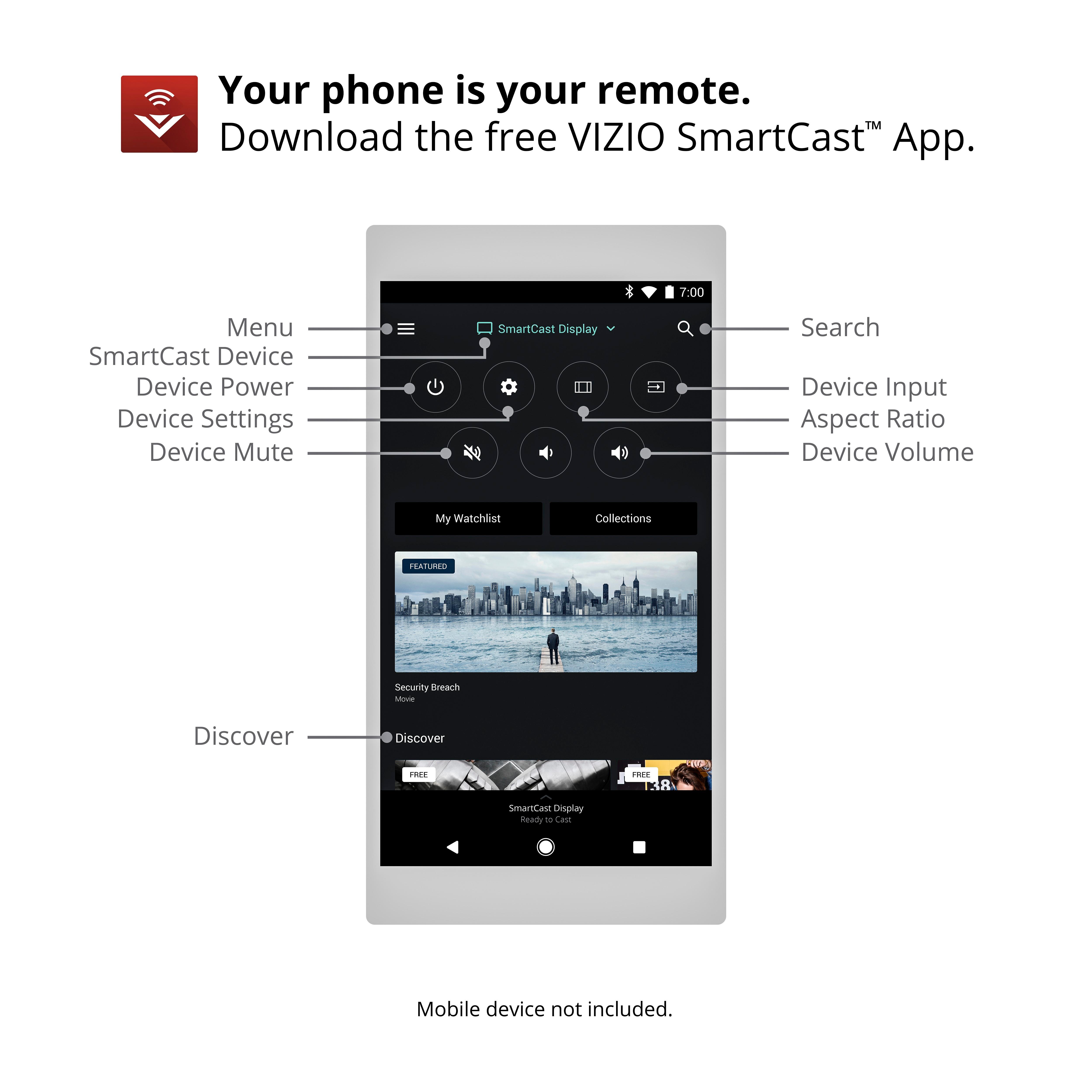
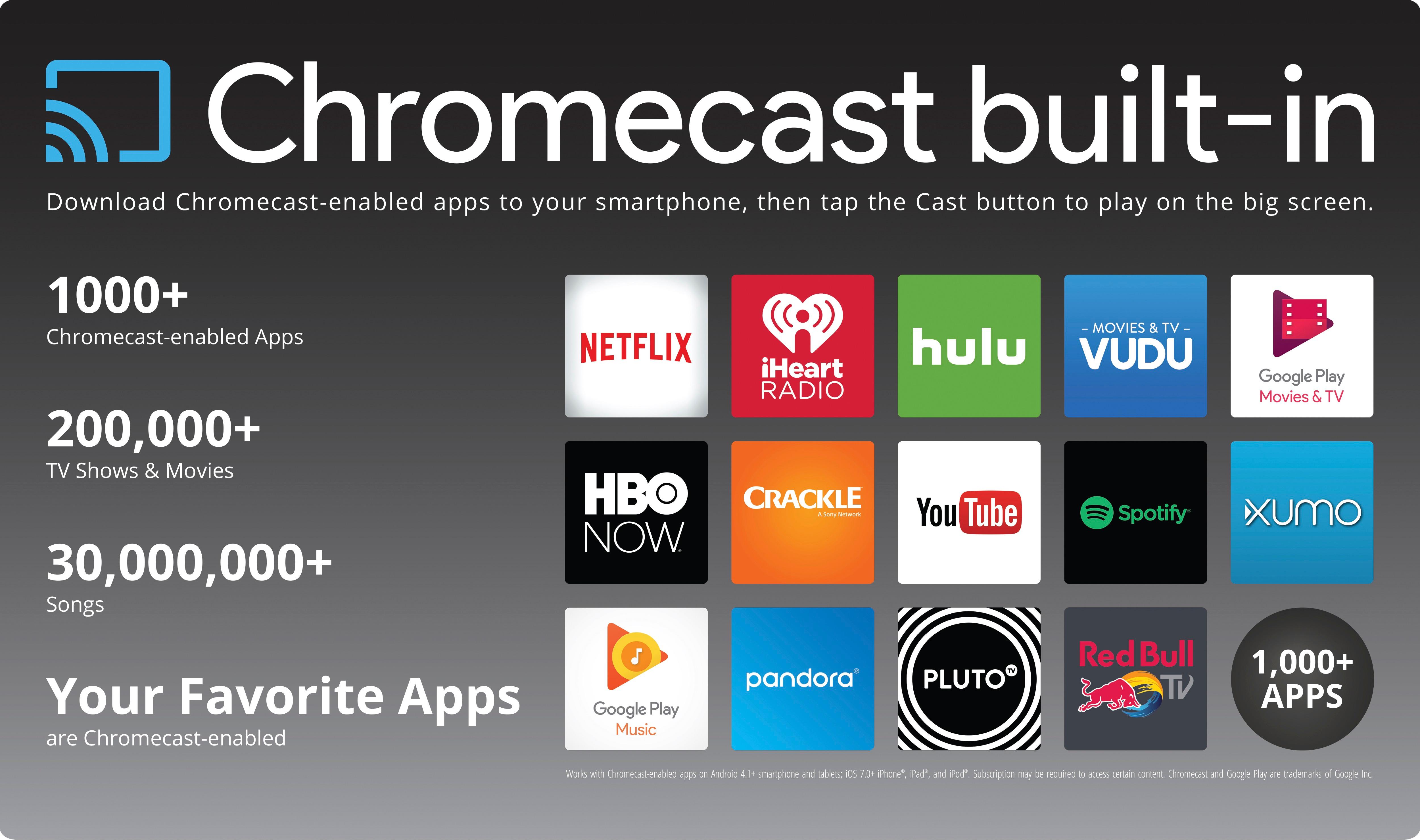
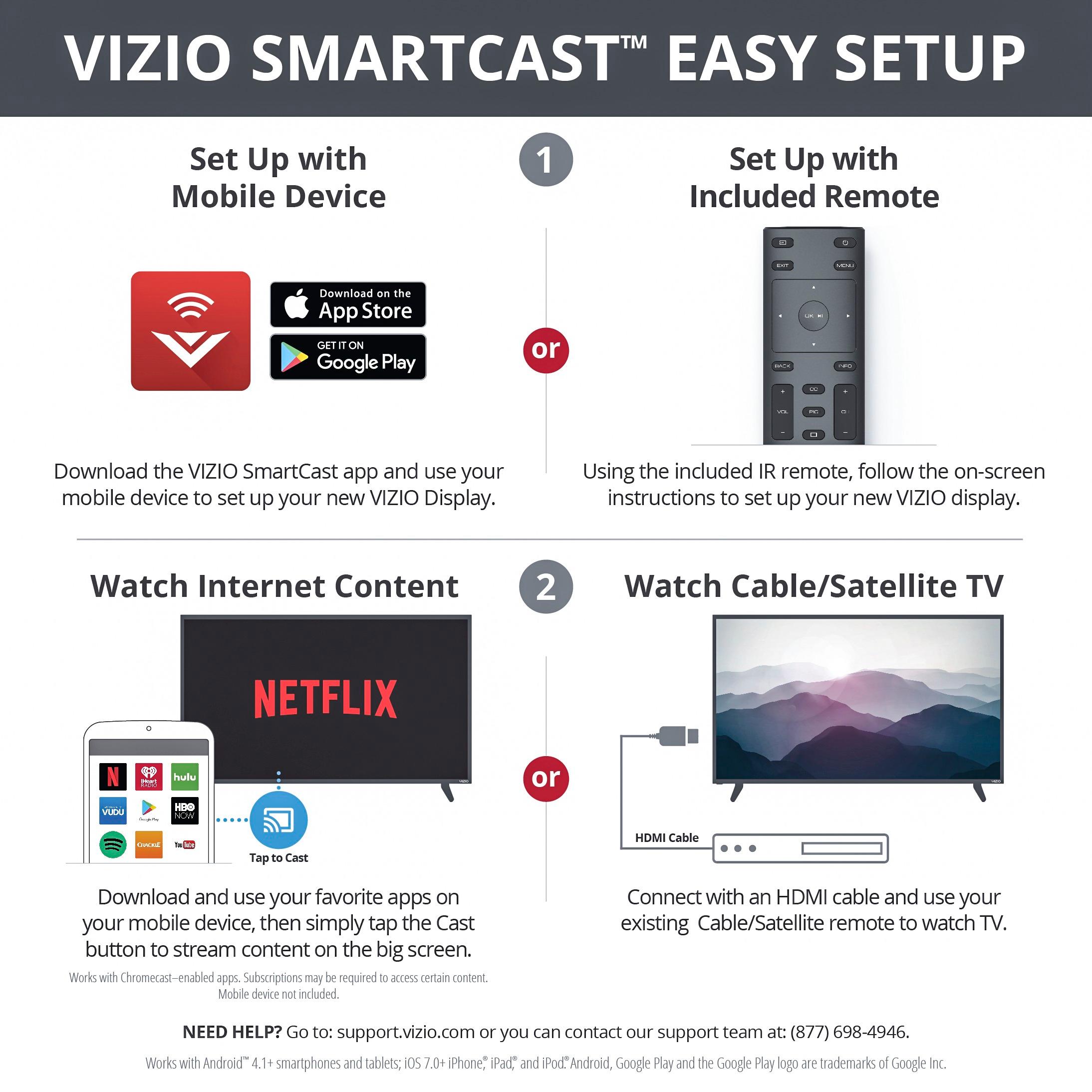
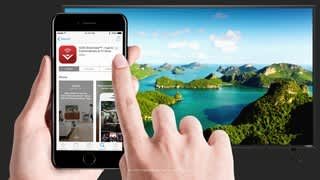
A:AnswerThere is not a DirecTV Now application on this television. We are continuously evaluating new applications for possible addition to this screen. In the meantime you can cast any of the thousands of Chromecast enabled applications (DirecTV Now being one of them) to the TV from any mobile device on your network.
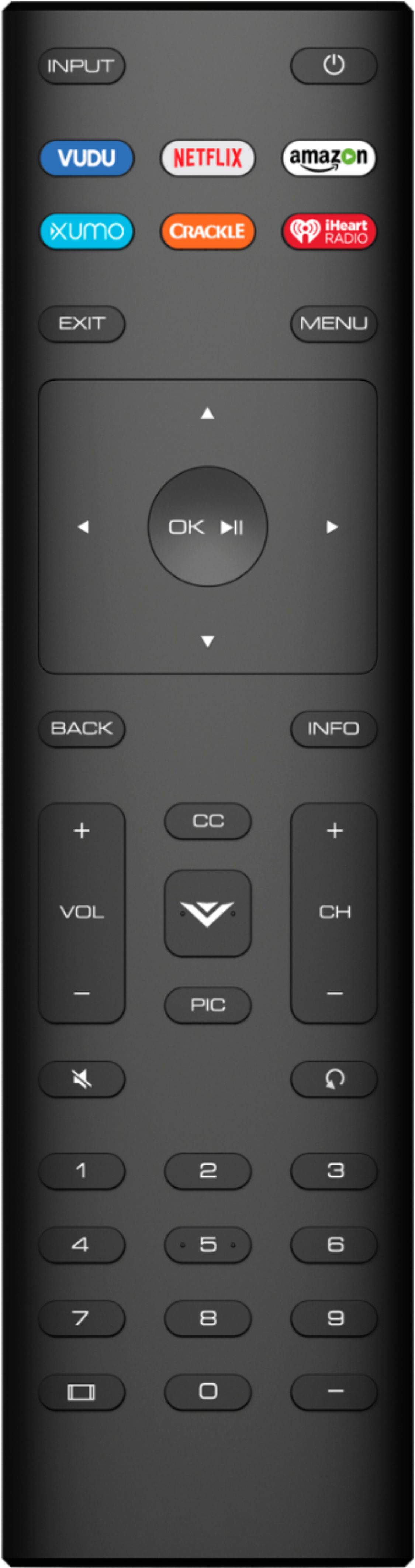
A:AnswerHello Slick, Thank you for the feedback. A few things that might help you get the kind of picture quality you are looking for. First, make sure the Display is getting a hi-definition or 4K signal. This means making sure that you're source device (like a cable/satellite box) is capable of HD or 4K, and that it's connected to your Display with an HDMI cable that can deliver the HD or 4K picture. You can also change between pre-set picture modes on the display by pressing the PIC button on your remote. This will toggle between a few picture setting that look good in different situations. If your display is in a bright room try Vivid or Calibrated. If it’s in a dimmer room try Calibrated Dark. Please contact our customer support at 877-878-4946 for assistance with picture setting further.
A:AnswerThe SmartCast input does have limited applications installed and you cannot add extra apps to the input. We are continuously evaluating new applications for possible addition to this screen. In the meantime you can cast any of the thousands of Chromecast enabled applications to the TV from any mobile device on your network.
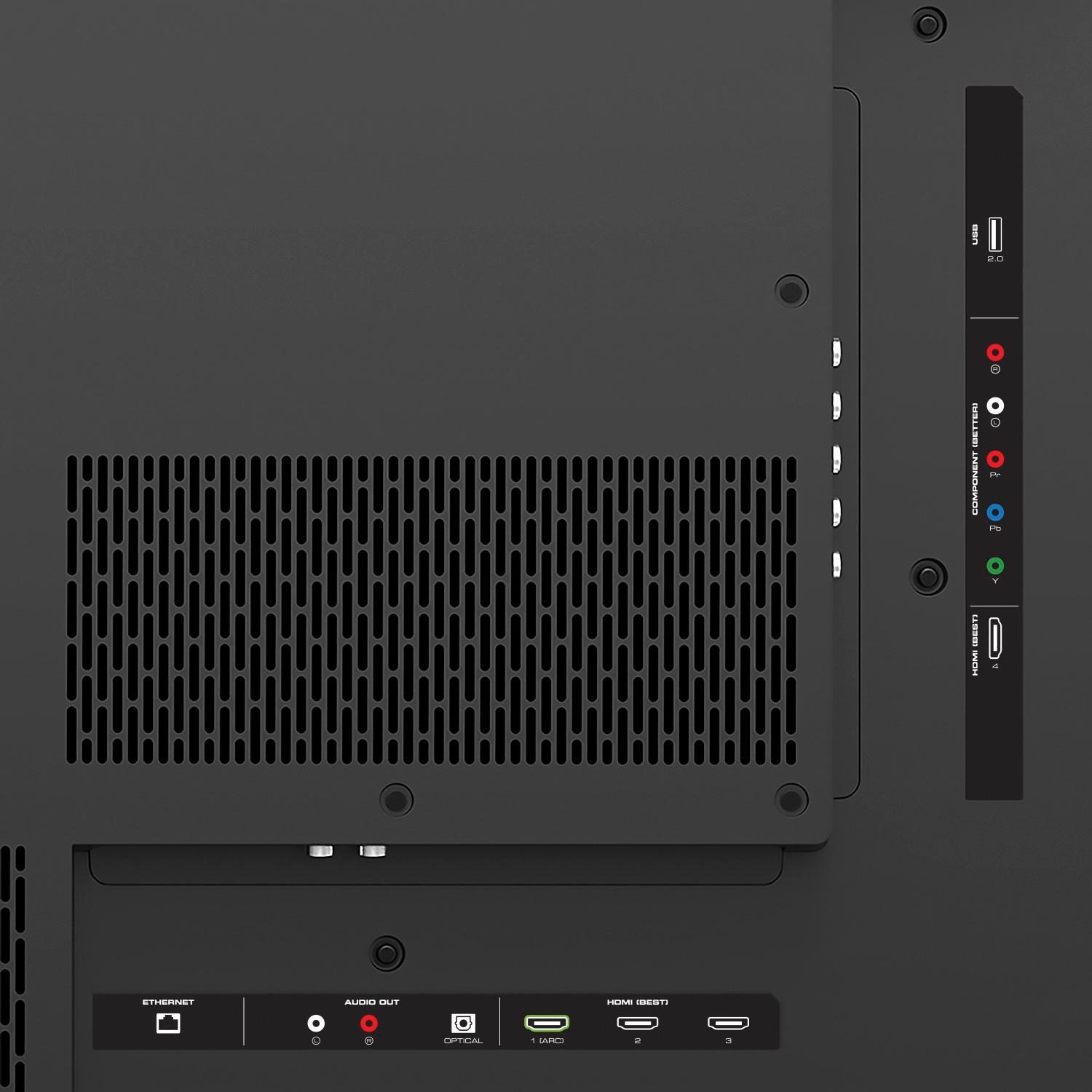
A:AnswerTry connecting video direct to tv then try optical output to the sound bar and that should work, I believe you have to turn on optical out in the tv menu
A:AnswerNo. But if the HDMI cable works in another port, then the cable should be fine. To rule out that the port has gone bad, attach a different device to that port. Please also perform a firmware update on the Vizio and a System Update on the PS4. Check the display settings and resolution for anything using a specific setting and not "auto". The Vizio should also be set to Home and not Retail mode.
Good Luck!
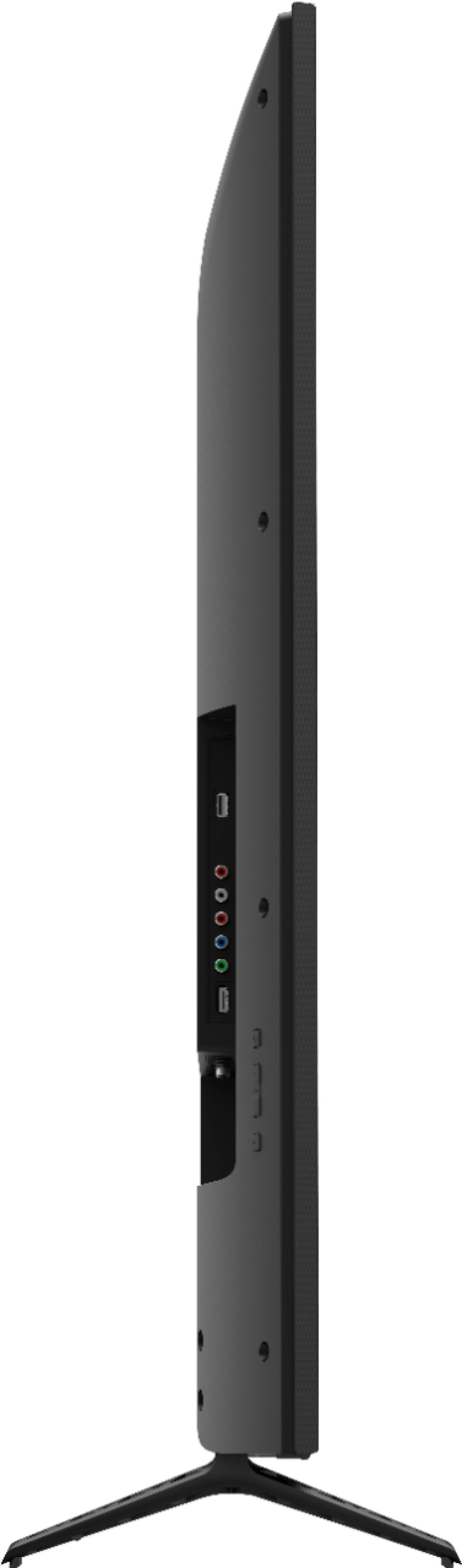
A:AnswerYes. You can hook up a pc or laptop using an hdmi cord. I currently have a gaming pc hooked up to my 65inch. It does not have however the older style vga blue cord for older computers. Only an hdmi will work.