A:AnswerHello Surge,
When you have a free moment, they’re available through text message, chat, or over the phone. Just go to support.VIZIO.com and click on ‘Contact Us’. We can help get this resolved.
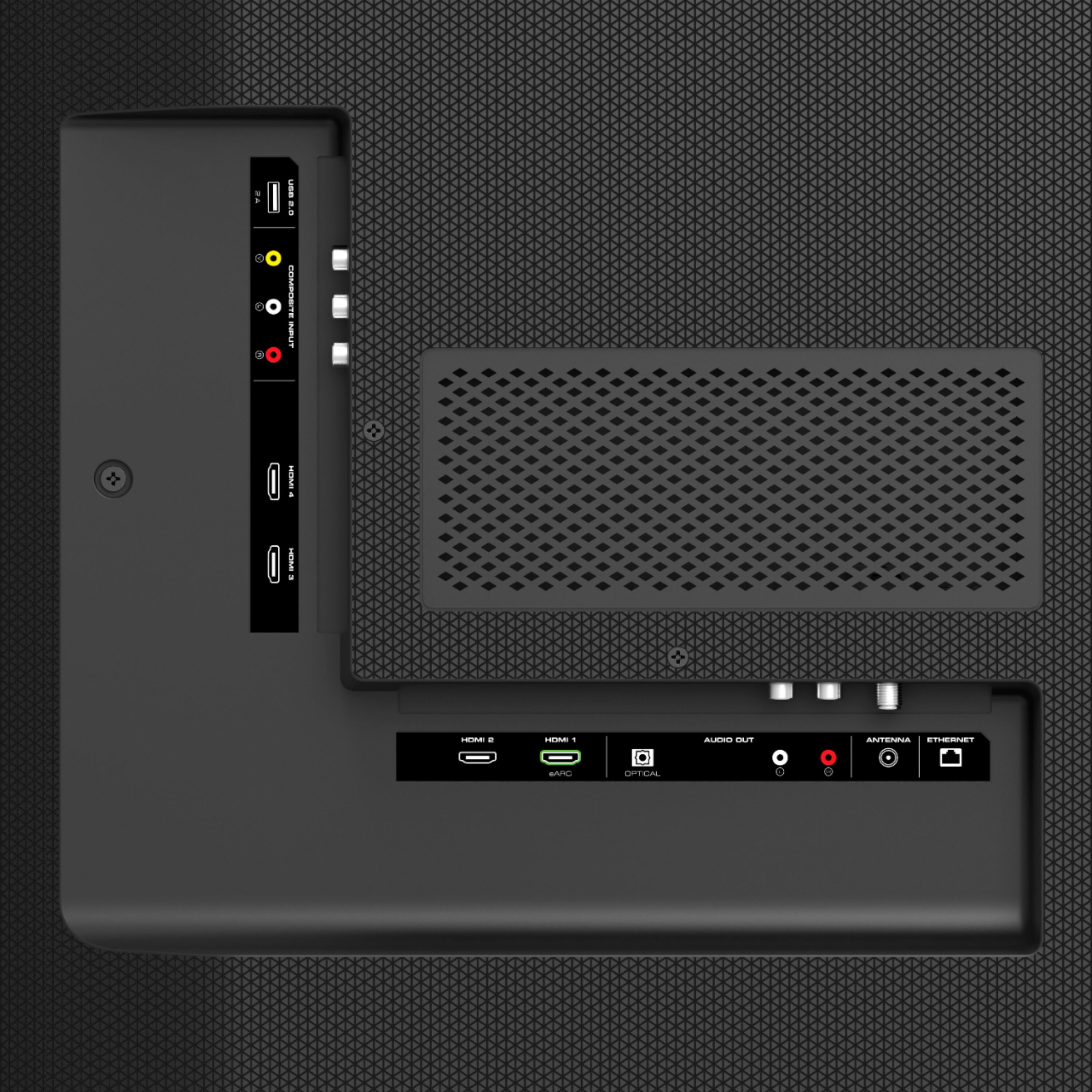
A:AnswerThis TV is not designed to output audio over Bluetooth. You could purchase a Bluetooth transmitter and connect it to this TV to listen over Bluetooth.
A:AnswerVIZIO is committed to bringing you a pro gaming experience on your next generation console. With VIZIO & console developers frequently releasing new updates, features, and patches, we'd recommend you go to support.VIZIO.com & click on ' PS5 & Xbox Series X|S FAQs ' for the most up to date tips on how to get the most out of your console.
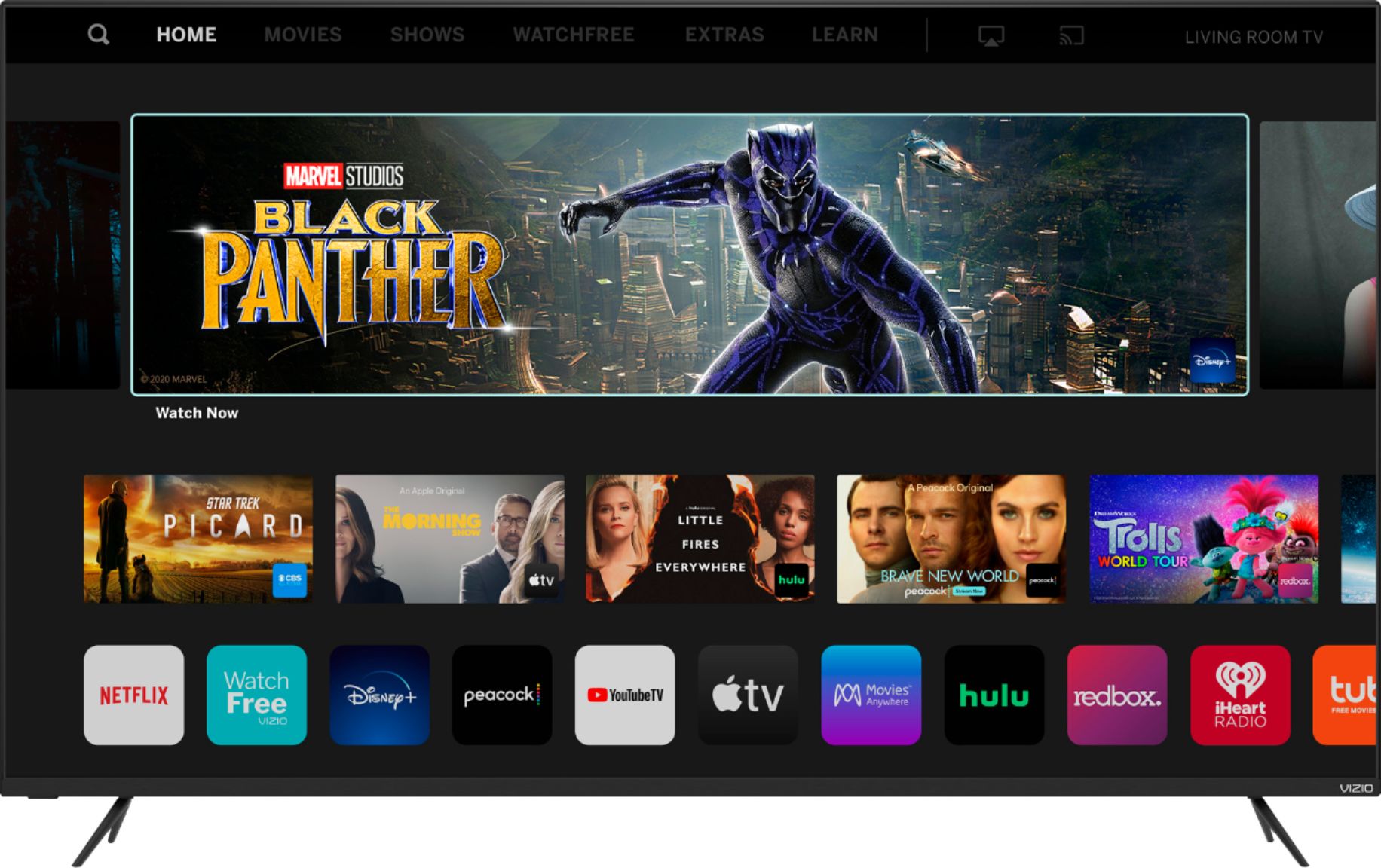
A:AnswerClick on the Home button on your remote control > Go to the APPS section on the black bar at the very top of the screen. There you can find all the apps available to download on the Vizio TV.
A:AnswerThis TV is not designed to output audio over Bluetooth. You could purchase a Bluetooth transmitter and connect it to this TV to listen over Bluetooth.
A:AnswerTo answer your question, I want to gather a bit more information. When you have a free moment, we are available through text message, chat, or over the phone. Just go to support.VIZIO.com and click on ‘Contact Us’.
A:AnswerYou can use a FireStick with this tv. If you do and are having issues with the tv turning on and off remove the batteries from the FireTV or FireStick remote this should fix your issue.