A:AnswerSame problem...
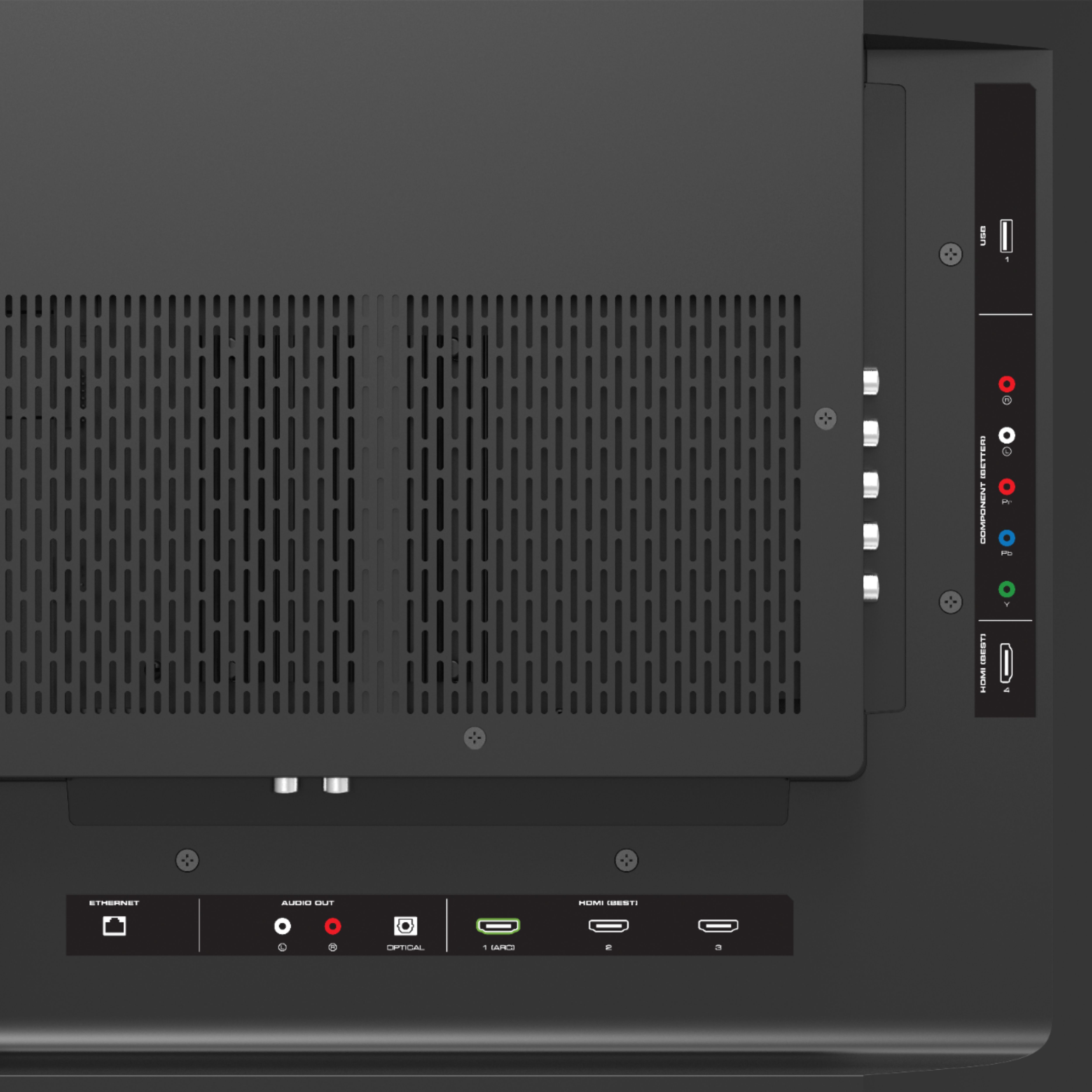
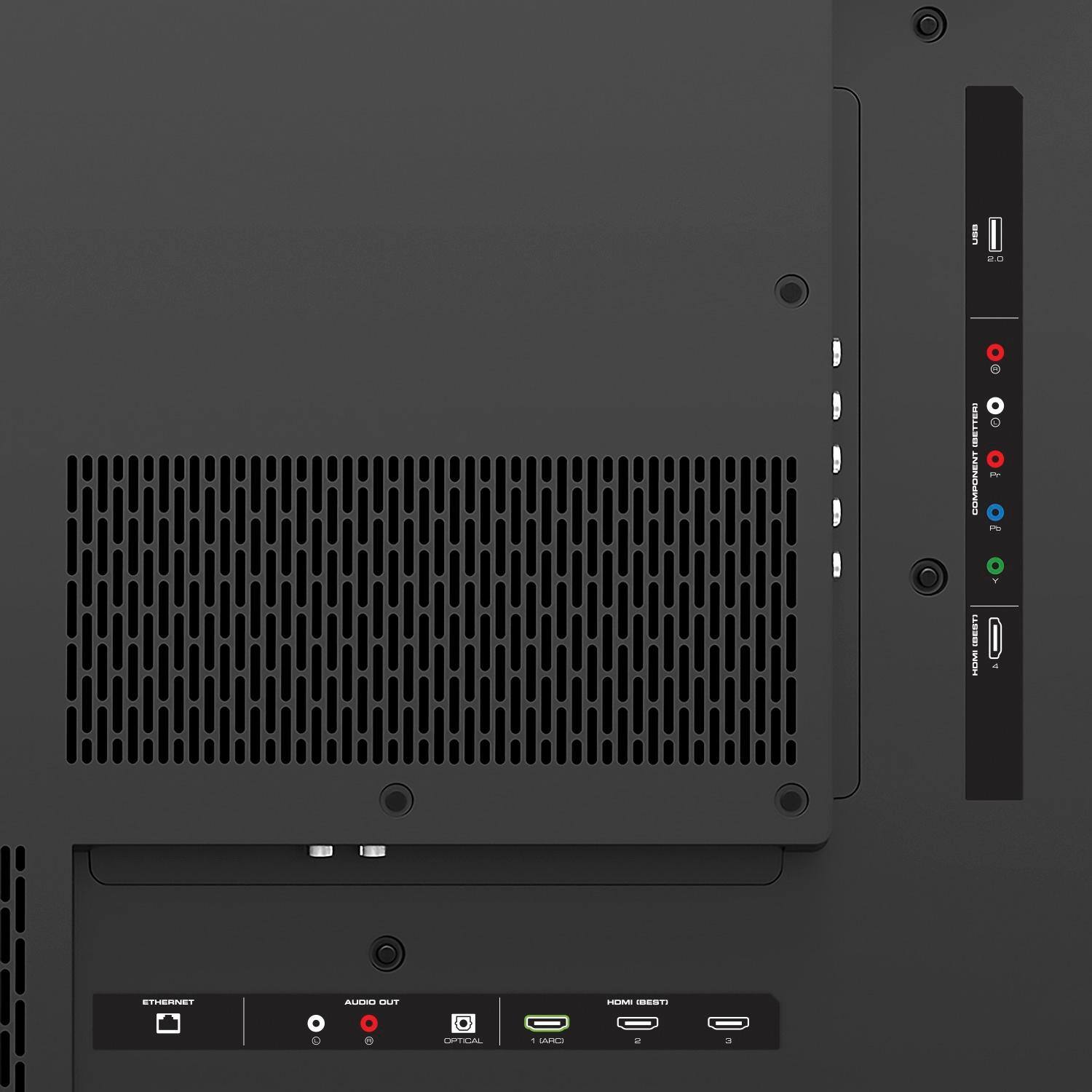
I used a 3 year old T440 Lenovo w/ mini display port. I tried various 16:9 (hi-to low) resolutions and I couldn't get it to work on any of the HDMI ports. I believe it's 1920-1080p 60hz max on my CPU. So I think the tv will not upscale requiring a 1080p 120fps as a min requirement. I did get a yoga w/ mini hdmi to work, but not with a cable over 6'. I was using hdmi 1.4 cables. 1.4 cables have a 10g max. with digital signal degradation over distance. Hdmi 2.0 or hire may be required for over 6' runs and CPUs and devices that support hdmi 2.0 chipset and hire may be required. I'm not 100% positive on above, I just returned it.
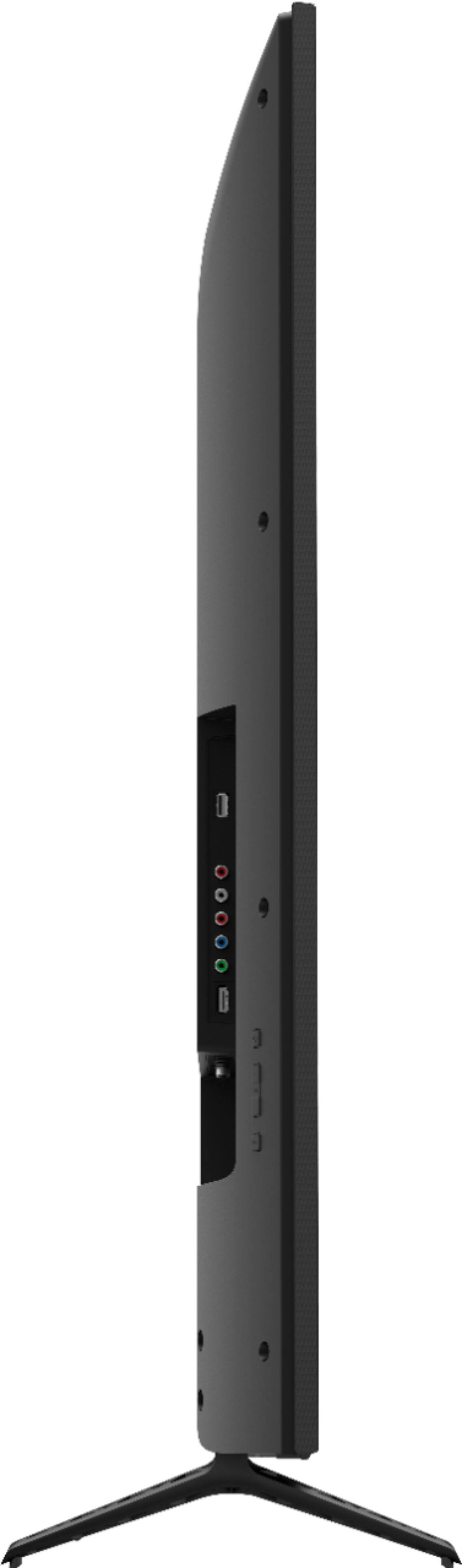
A:AnswerIt does, If the model supports it, you use the audio as regular and the single green for the yellow. The red and blue stay disconnected. Try it.
Component and Composite are shared.
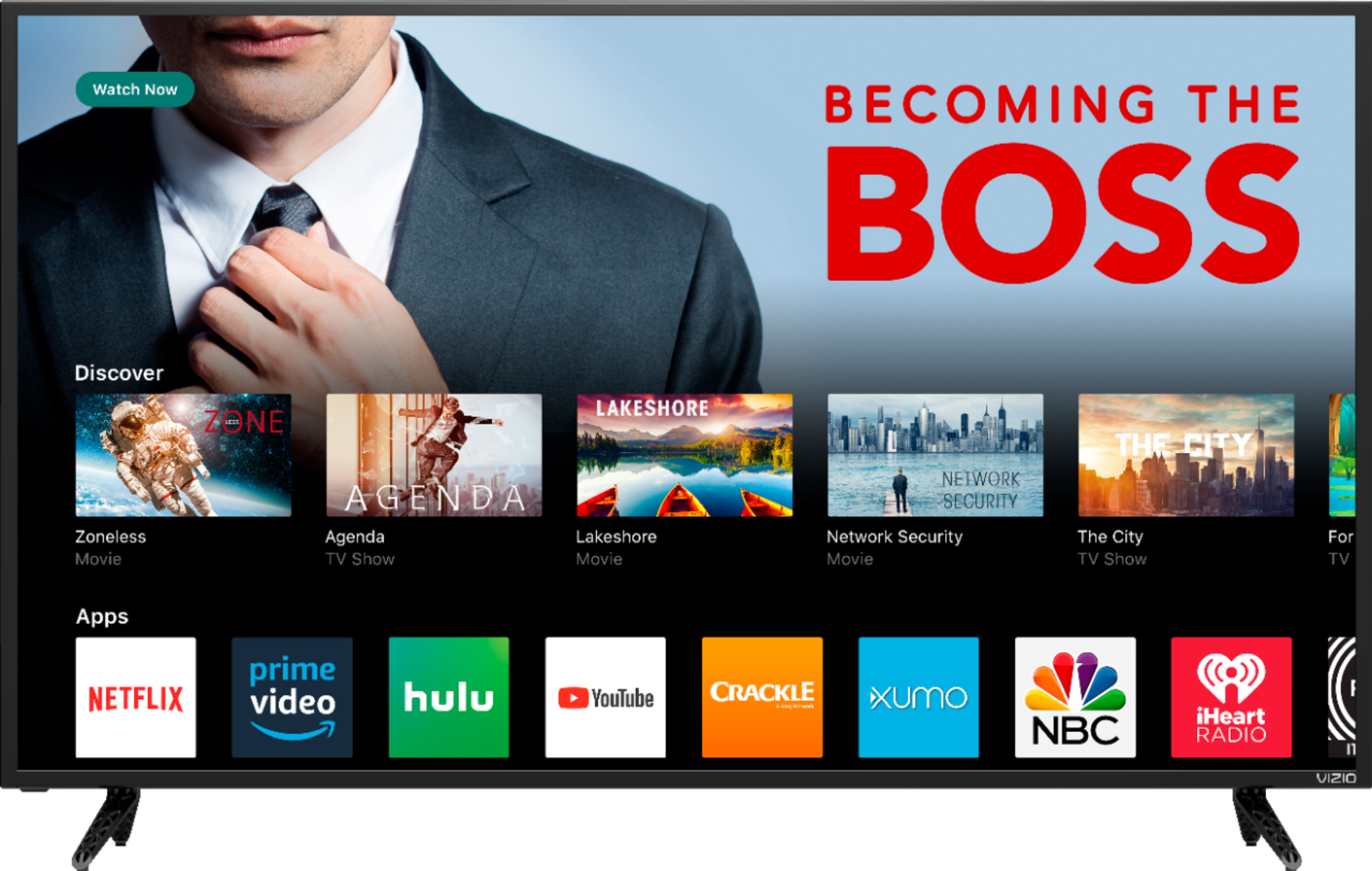
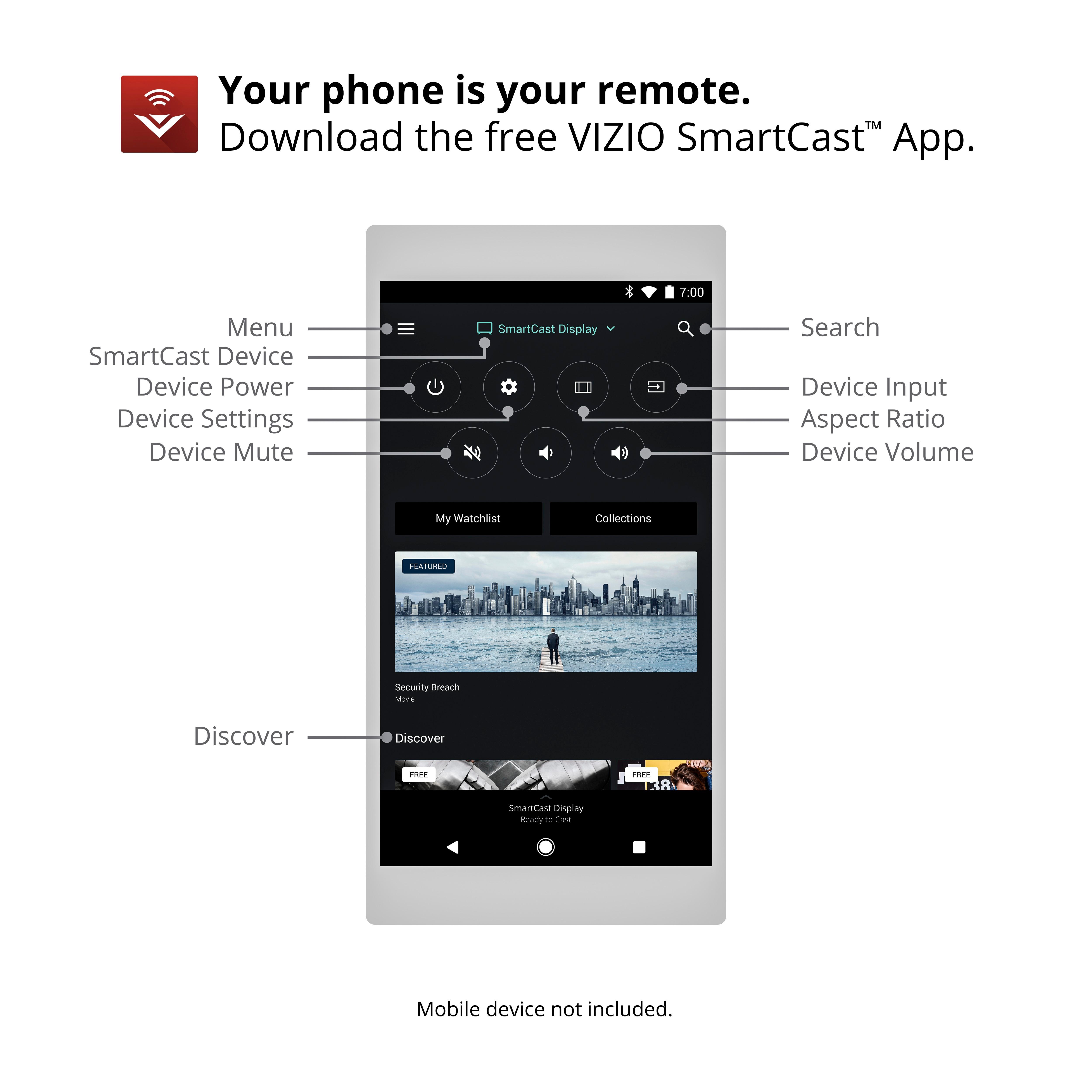
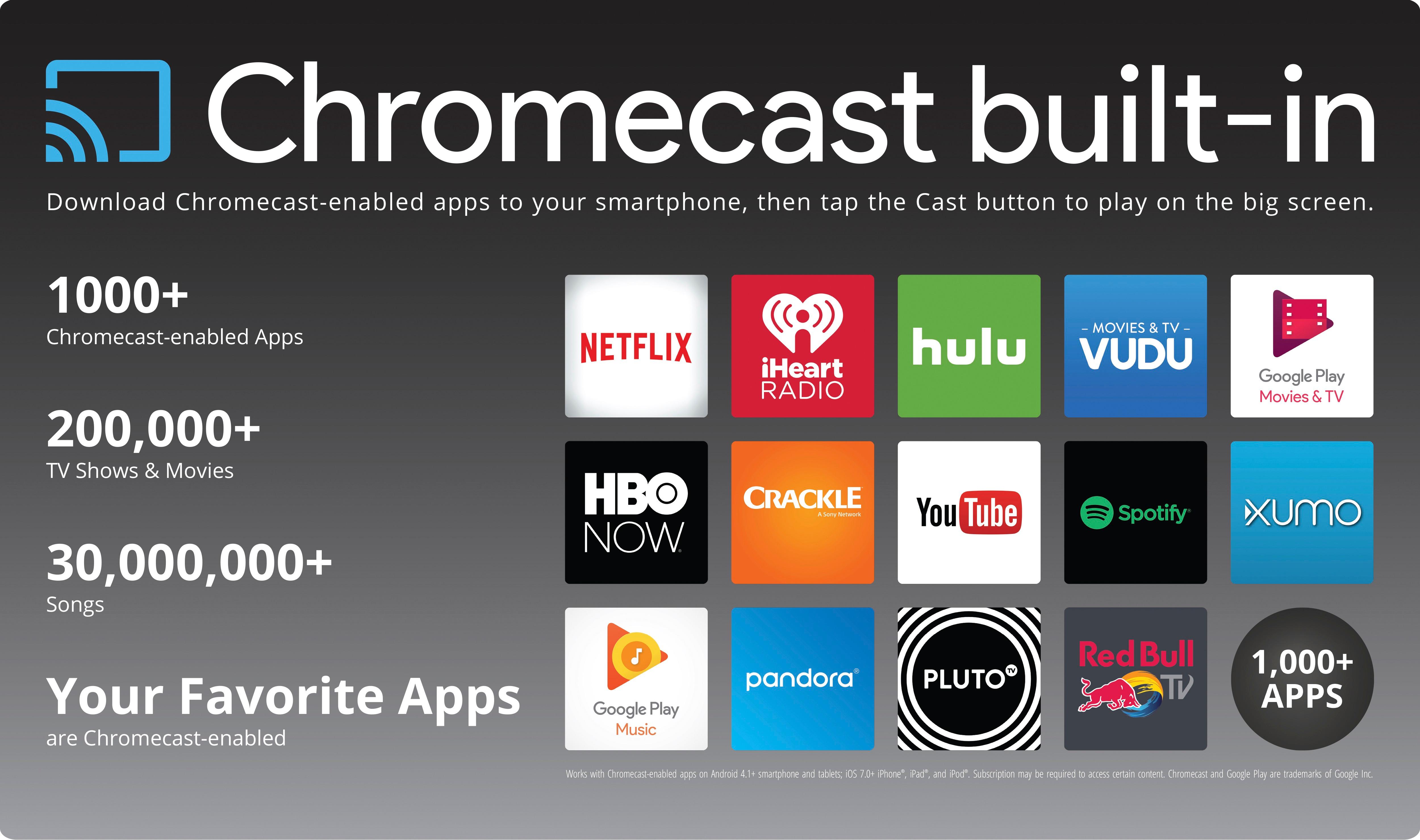
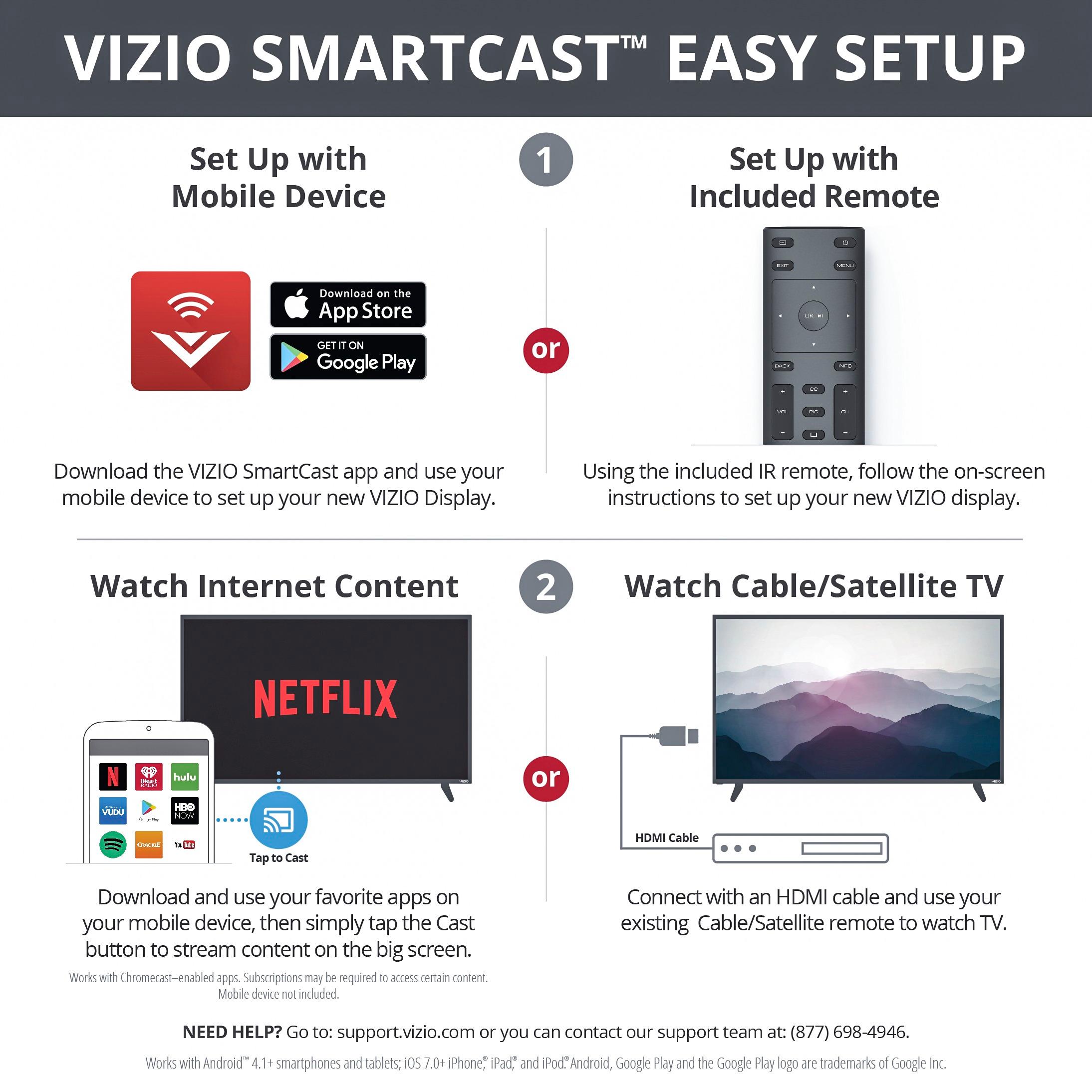
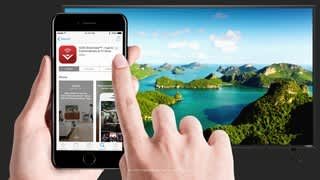
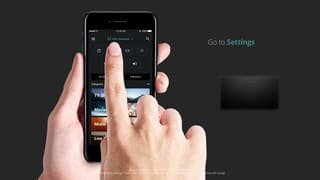
A:AnswerThe TV does have Wi-Fi built in, but it is not technically a smart TV. The remote that is included has limited functionality and the rest of the settings and functions must be accessed via the SmartCast app from a tablet or phone. The TV has built in chromecast that would allow you to cast (display) shows from your phone or tablet onto the TV. I believe the Wifi also allows the TV to update when needed. I had a coupon for the Warcraft movie on google play and decided to give it a shot as I usually use a ROKU to stream. Everything played fine and the quality was quite good. Please keep in mind that Streaming 4k content requires a fast internet connection. They recommend at least 25MBps, but I would recommend at least 40 depending on the number of devices on your network. I run a 60 MBps connections with no issues.
A:AnswerIf you use a HDMI cable, you should be able to connect your computer. Moreover, you could use Google Presentation app on your Chrome and cast it on the TV.
A:AnswerHi Universal! You can use a universal remote with this display but it will only have the basic functionality that the included remote has (change picture modes, adjust volume, change inputs, power on or off). To have full control over settings and the menu you would need to use the VIZIO SmartCast Application. This will allow you full access to the Display settings so you can fine tune and adjust them to your personal preference.
A:AnswerCurrently you will only be able to reap the benefits of HDR and even 4K for that matter if your video source is providing 4K video. There is currently no broadcast of 4K native resolution through any cable or sat provider. If you were streaming a 4K video from youtube or Netflix (with an ultra HD account type) then you will most definitely see the difference between standard 4K and HDR. You can also get 4K picture from an ultra HD blu-ray player or the new Xbox one S. 1080p is outdated though, I would not recommend that resolution TV if you plan on using the new TV for more than 2 years.