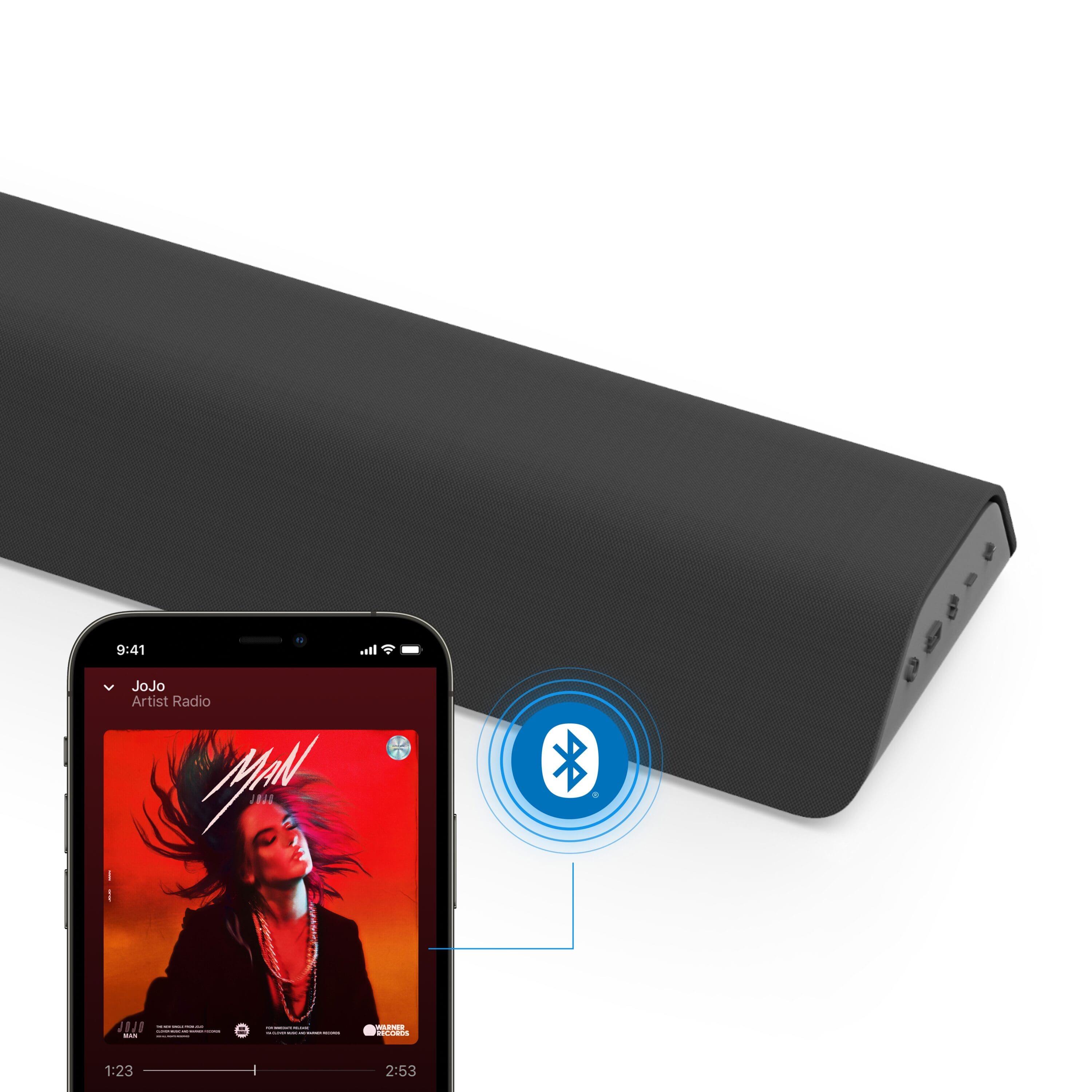
A:AnswerI answered my own question. I set it up, plugged it in, connected it with Bluetooth and I am enjoying quality sound on my Mac Mini M2 desktop setup.
A:AnswerThe sound bar's bluetooth connection is designed for receiving the bluetooth signal and playing that audio through the sound bar's speakers, it will not play that audio through another device.
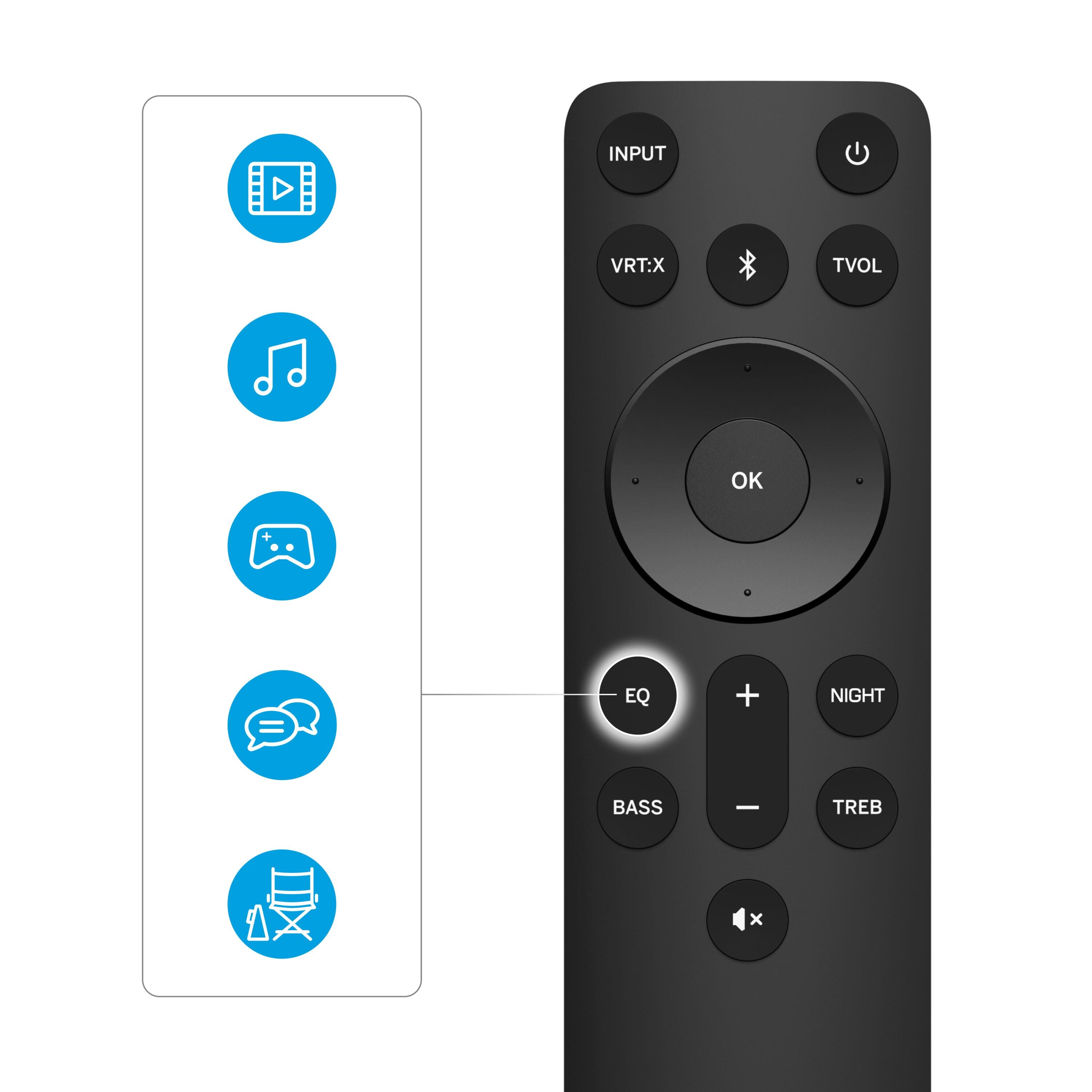
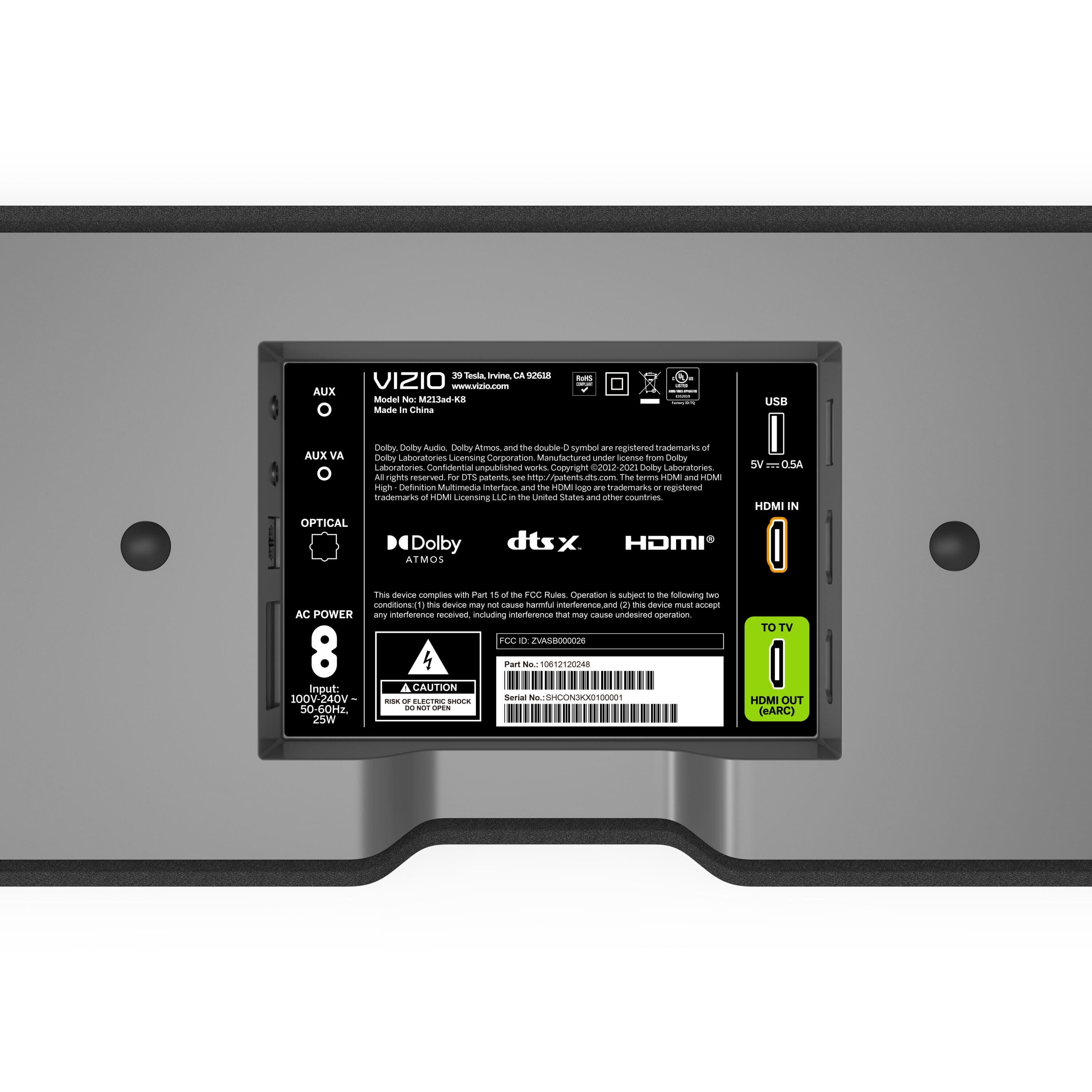
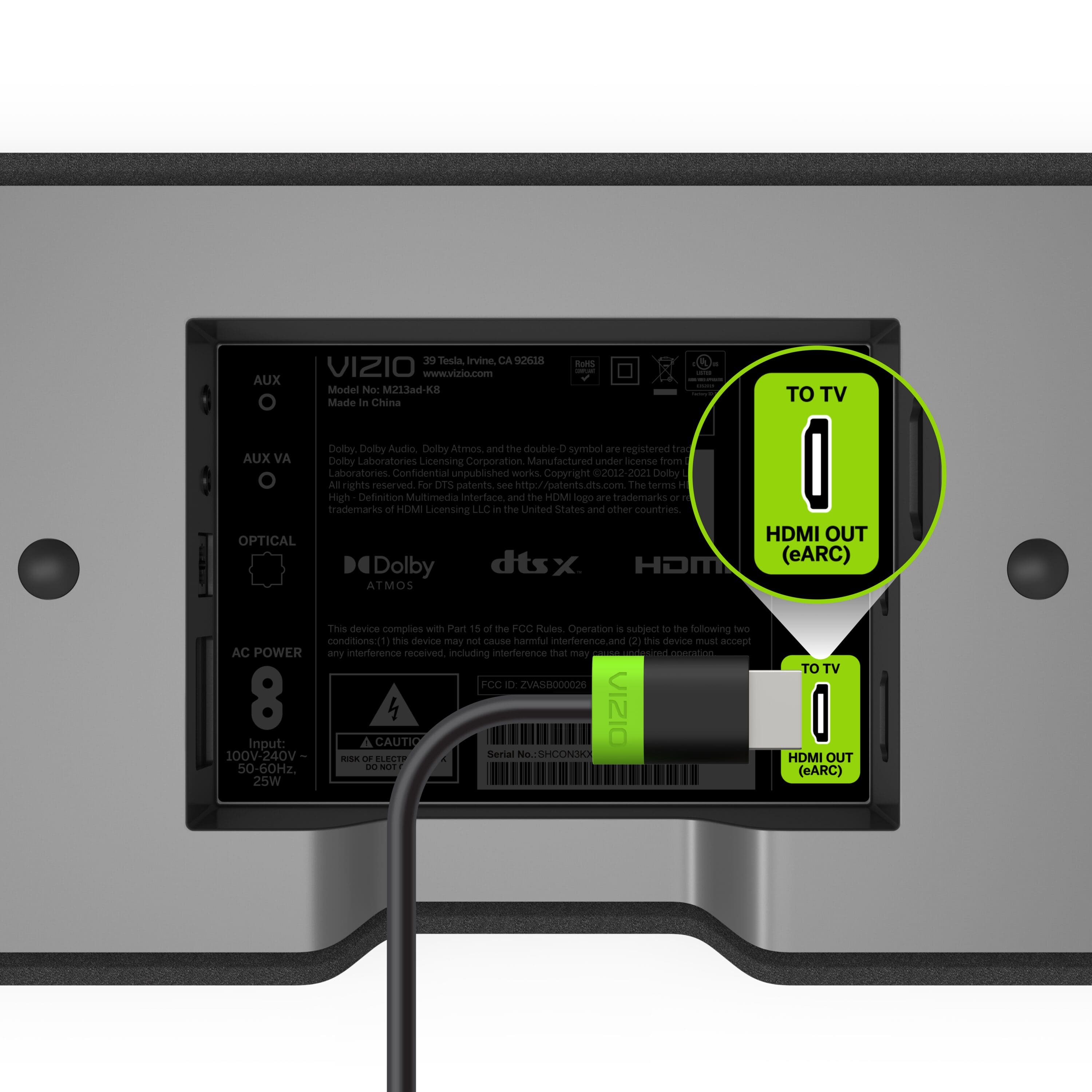
A:AnswerWhen using a VIZIO sound bar and TV together, you would be able to control functions of the TV and make audio volume adjustments with the TV remote, but you would need the sound bar remote in order to make settings adjustments on the sound itself. The D55-E model TVs do have an HDMI ARC port located at HDMI 1.
A:AnswerTo answer your question, I want to gather a bit more information. When you have a free moment, we are available through text message, chat, or over the phone. Just go to support.VIZIO.com and click on ‘Contact Us’.
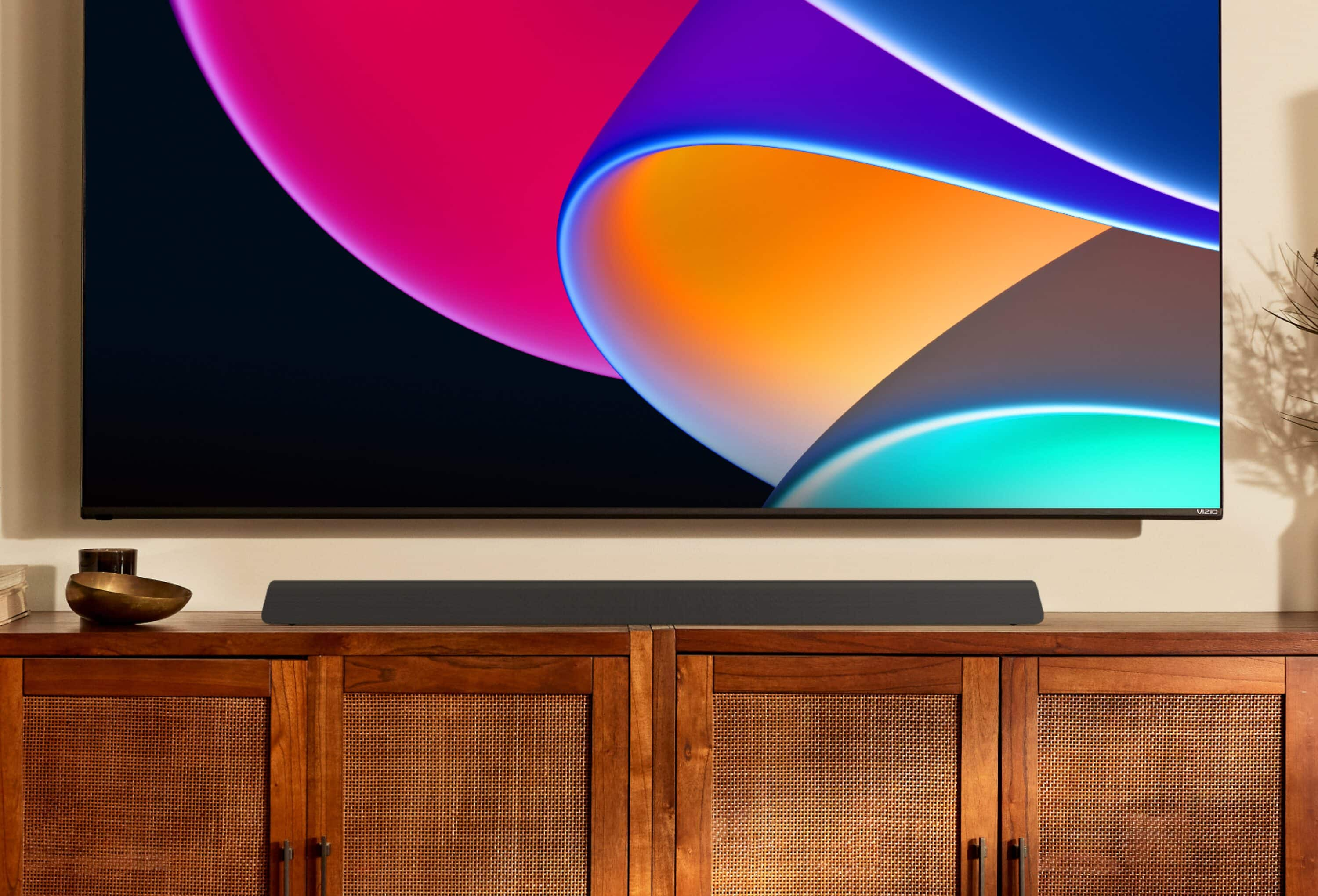
A:AnswerThis sound bar is not able to be mounted to the bottom of a VIZIO TV, however we cannot speak for other brands of TVs if you do not own a VIZIO TV.
A:AnswerThere are many great wall mounts out there, it's not possible to recommend only one! We recommend placing the sound bar in front of the TV for best results.
A:AnswerRather than measuring in wattage which is just a measurement of power draw, we measure sound bars in sound pressure level, or dB. This sound bar goes as loud as 98dB with a frequency response of 50Hz - 20kHz.
A:Answeryes, you do not need anything else.
Hope this helps you.
just the ac power cord and the little hdmi looking cord.
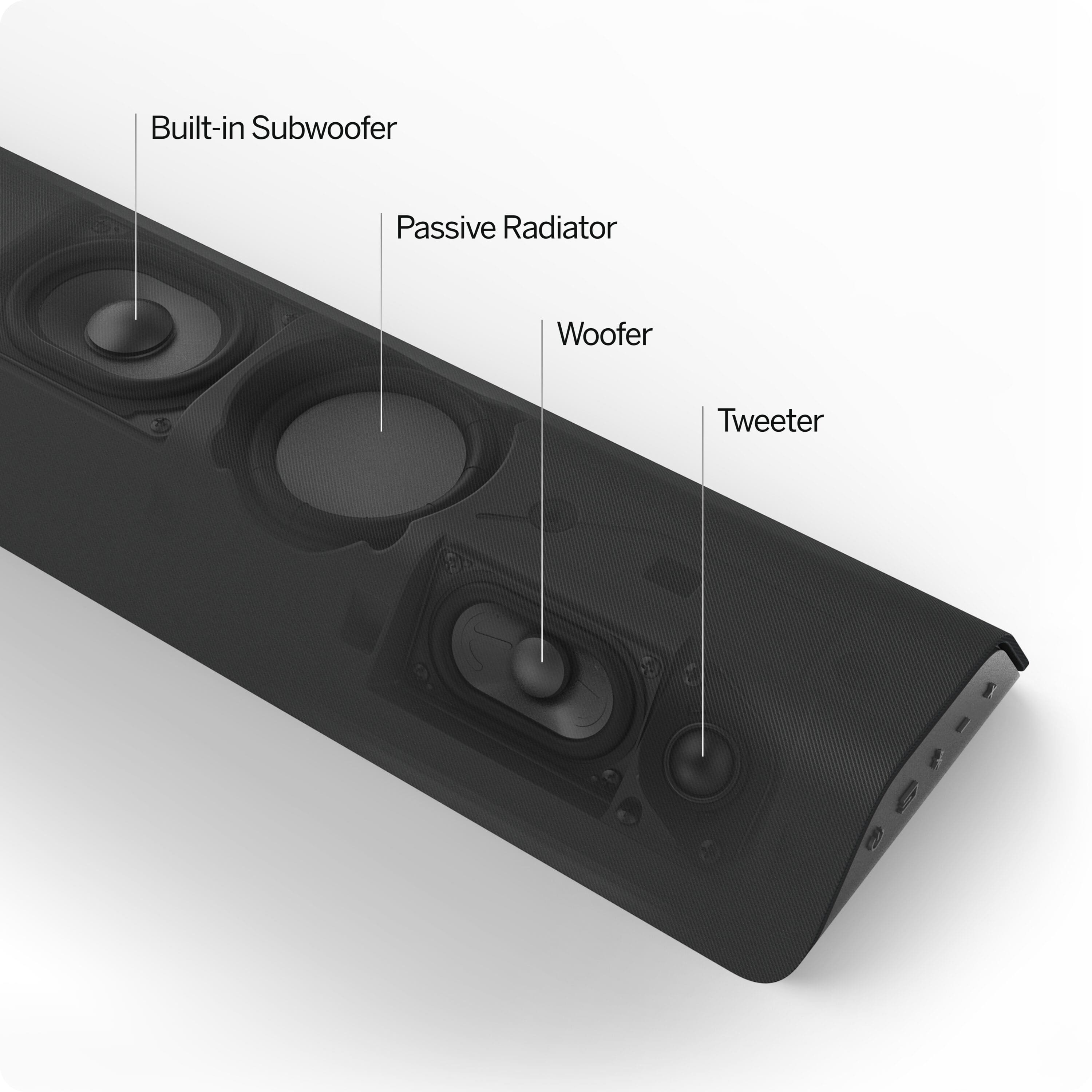
sound is amazing. built in woofer and twitter.