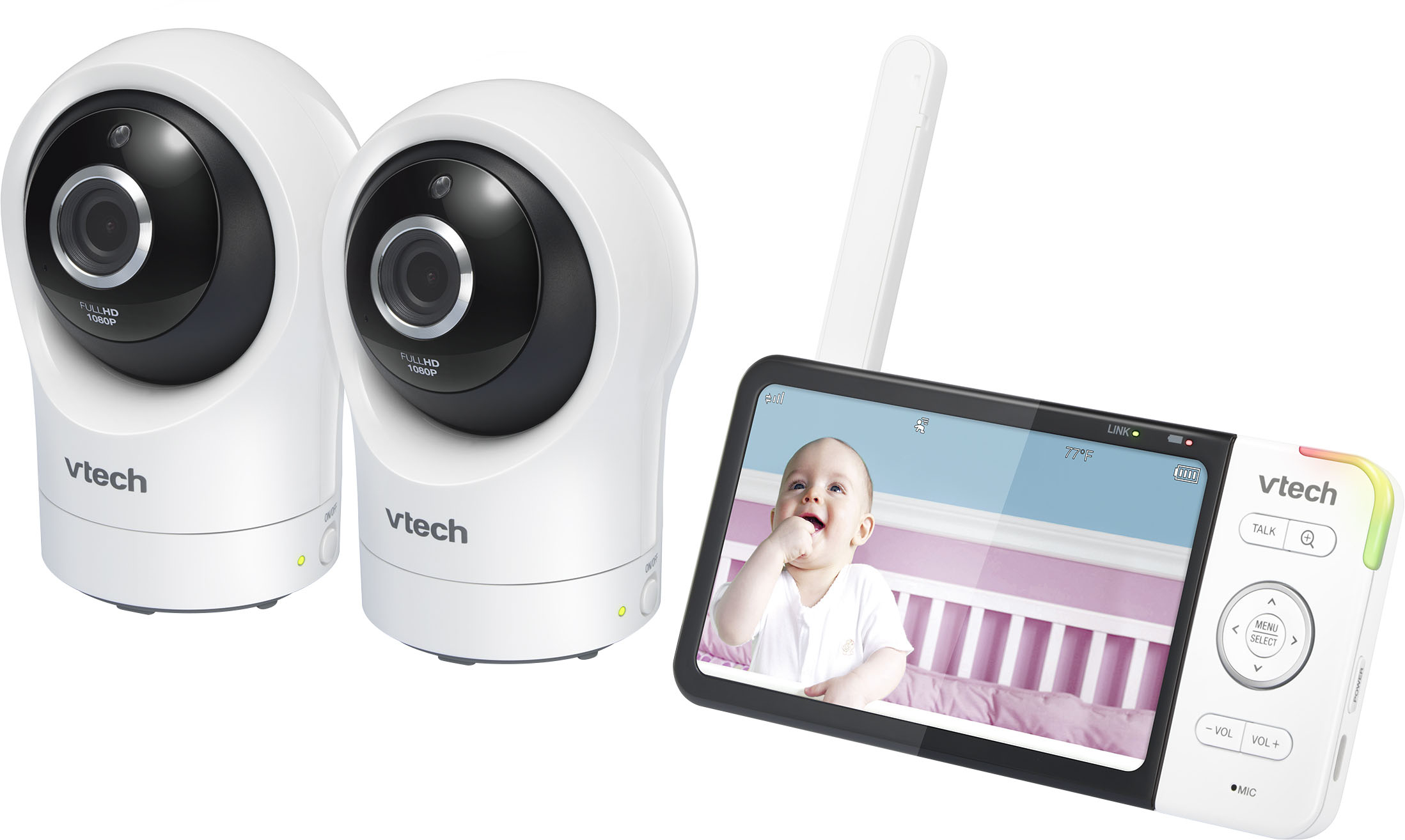
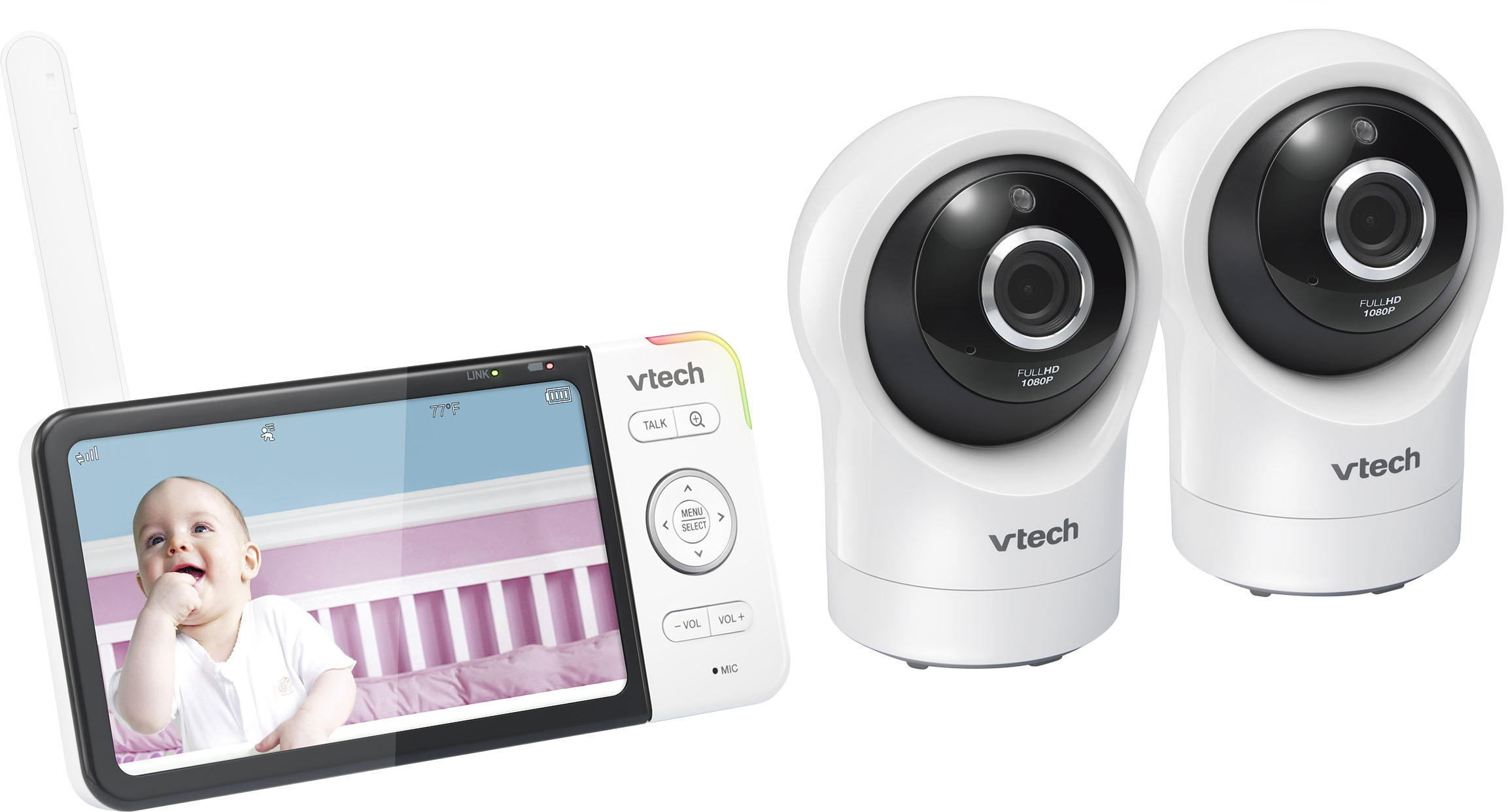
A:AnswerHi - Here's how you can reset the VTech RM5764-2HD back to factory setting.
1. Press and hold PAIR key at the bottom of the parent unit until you hear a beep sound.
2. . Release the PAIR key, and then press the PAIR key again five times until you hear another beep sound.
3. The baby unit will sound another beep when the reset completes. Then, the baby unit will reboot.
Hope this helps,
-VTech Support
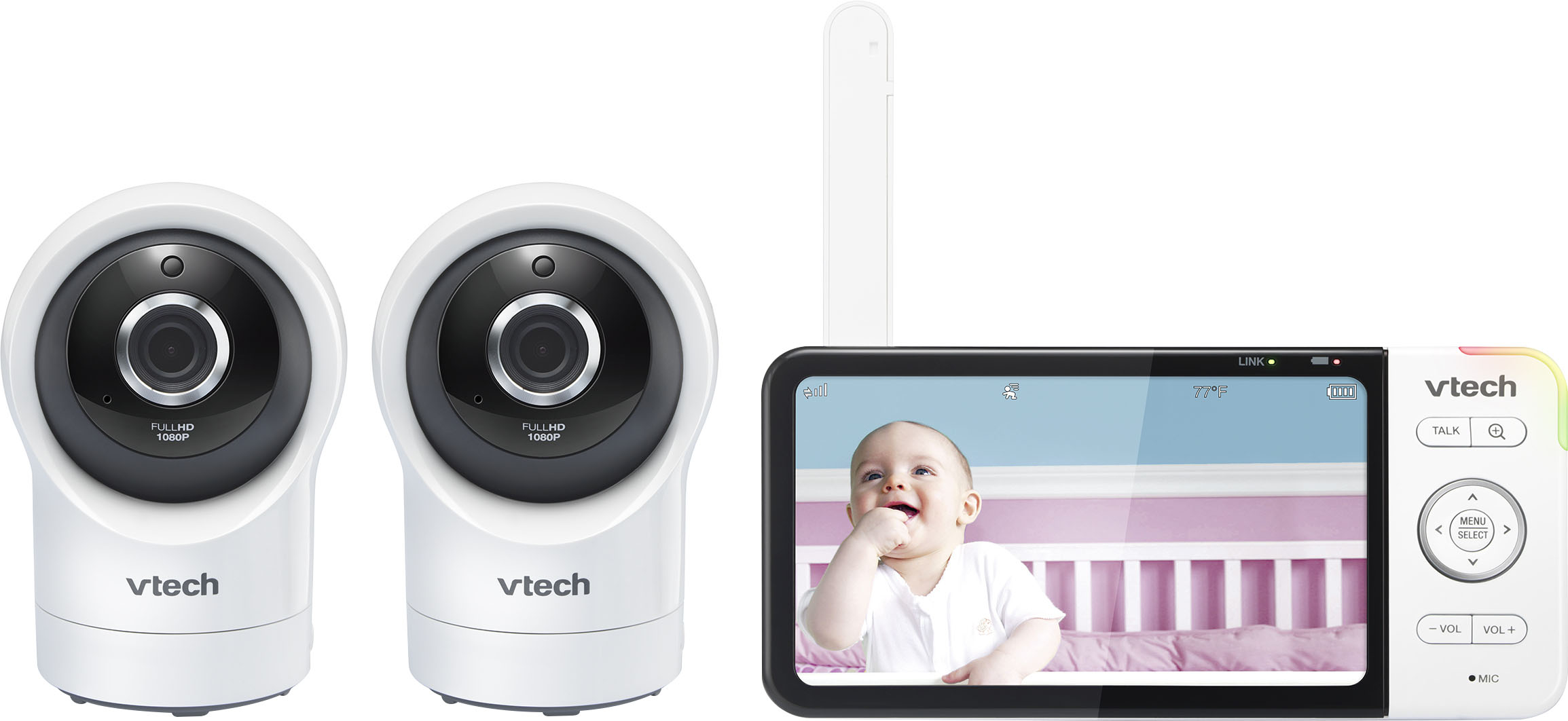
A:AnswerHi - Yes, the VTech RM5764-2HD can be connected to a new Wi-Fi connection. You need to follow the same steps when you initially paired the baby monitor to the Wi-Fi.
Thank you,
-VTech Support

A:AnswerNo. And yes. As best I found you can purchase a one or two camera system w the direct video base included. You can however buy additional units (with camera and video monitor), connect via wifi and use through your own device.
A:AnswerAlyssa - No, the VTech Wi-Fi baby monitor is a non-expandable unit. You cannot add another camera or monitor to the baby monitor.
Thank you,
-VTech Support

A:AnswerHi - Due to the nature of your issue, please contact our Customer Support at 1-800-595-9511. We are open from 9:00 AM to 4:00 PM, Mondays through Fridays.
Thank you,
-VTech Support
A:AnswerNick - The parent unit of the VTech RM5764-2HD is only capable of providing real time audio video and audio feeds. However, you can install the Baby pro app in your cellular phone and connect the baby monitor to your cellphone via Wi-Fi. Once paired, you will be able to save videos on the app.
Thank you,
-VTech Support