Early Black Friday DealsNew Doorbusters every Friday.Shop now

Main Content

Questions & Answers

Page Showing 81-87 of 87 questions
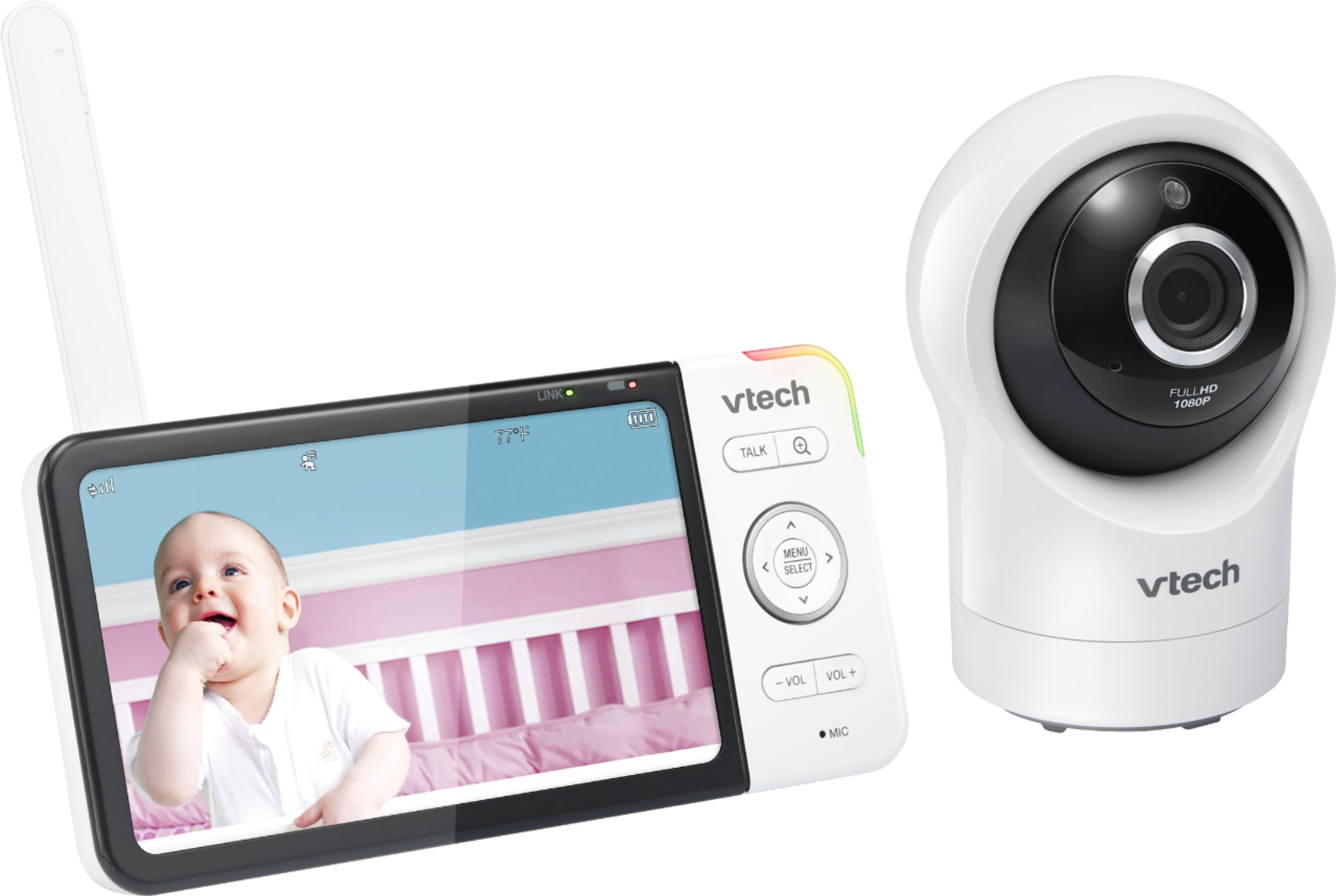
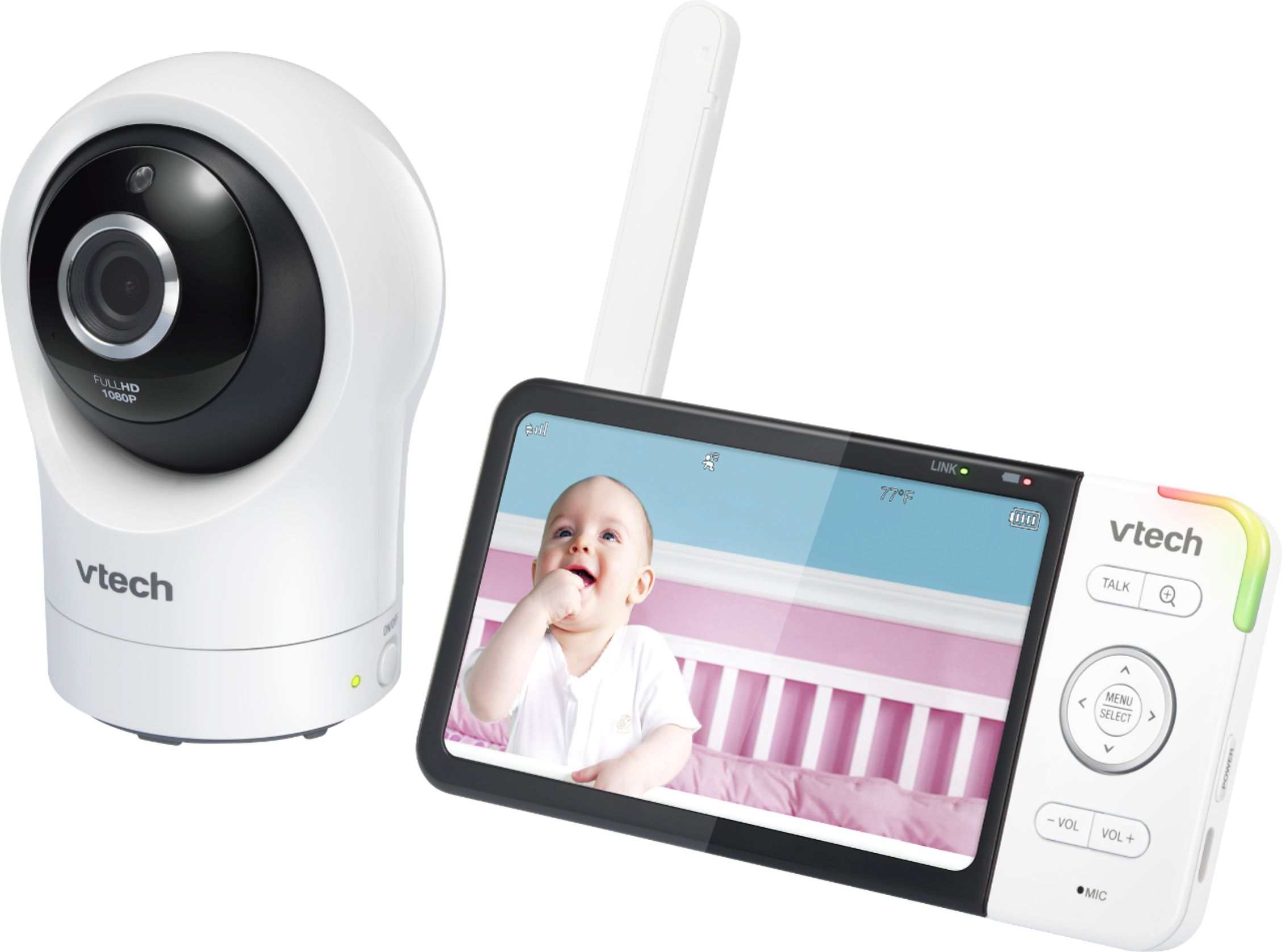
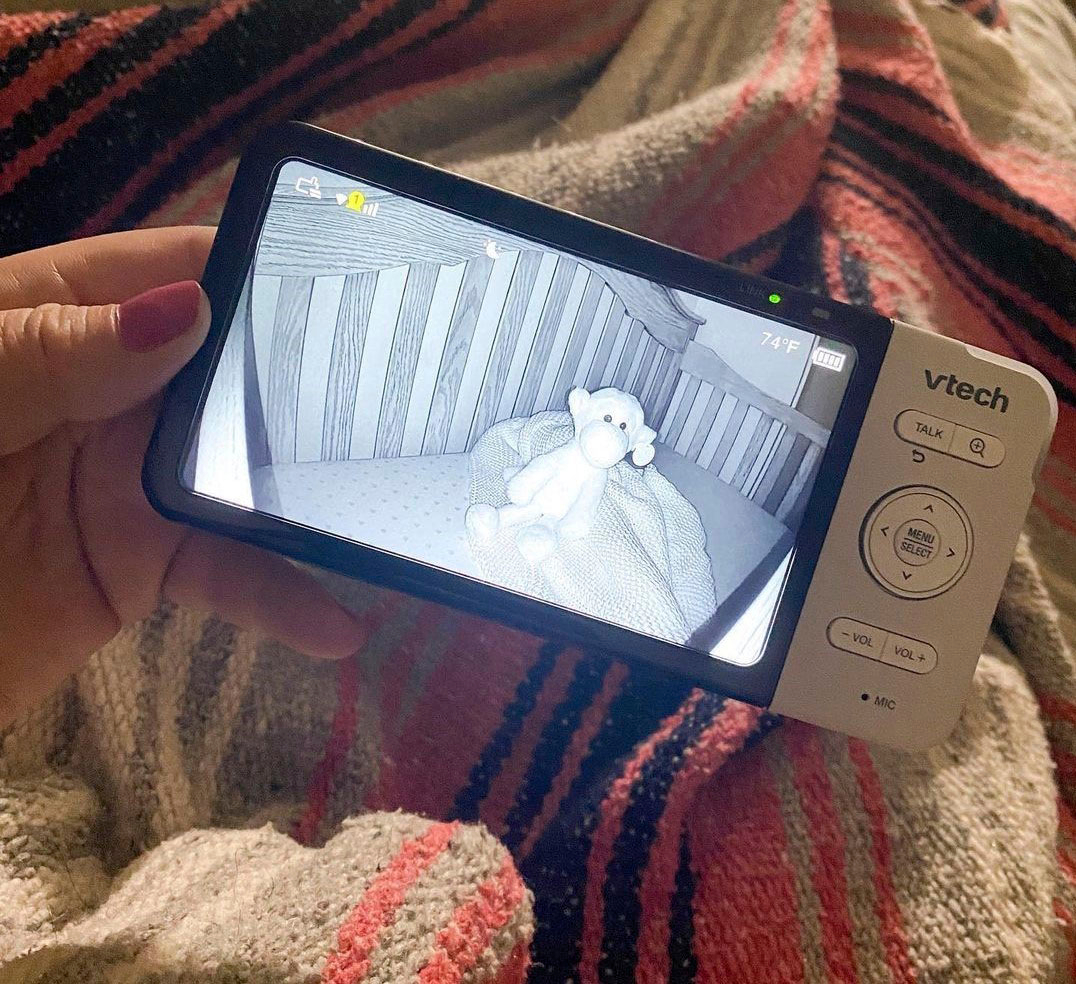
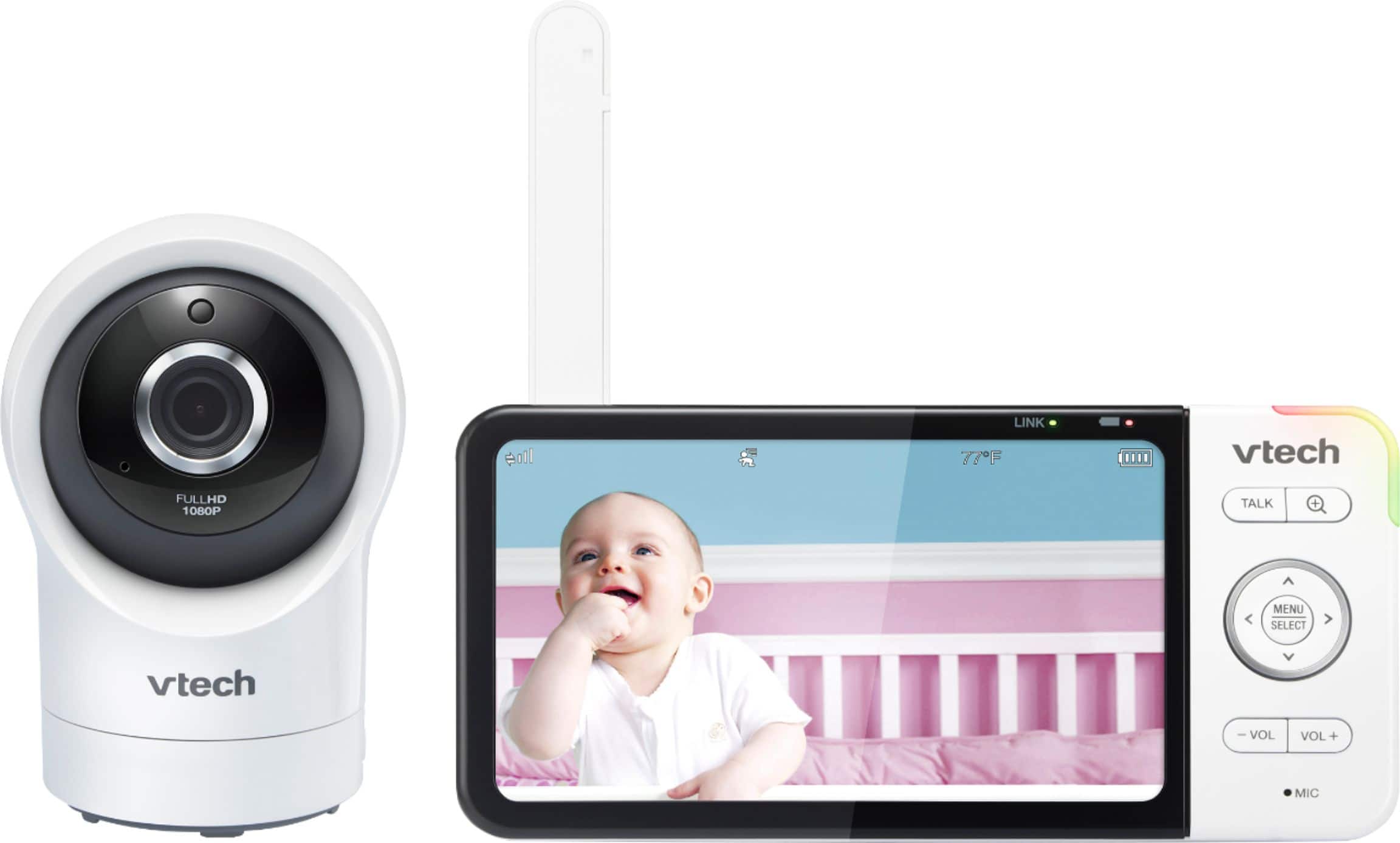
  • Questionthe Rm5764 parent unit shows the option for at least 4 camera screens yet it can only be paired with one?! How come this unit cannot have another camera added? if i have a wifi compatible camera, can i pair it with this parent unit?

    Asked by kmed.

    • Answer Hi - The VTech RM5764HD is non-expandable model, hence, the baby unit will only work with the parent unit that it came with. There is no option to replace or add a unit with this baby monitor model. The four-camera option on the parent unit is preset on most baby monitors as well as the menu structure which is mirrored from one another regardless of their expandability. Thank you, -VTech Support

      Answered by VTech Baby Monitors Team

  • QuestionCan I turn off music on camera(pan)? Thanks

    Asked by Garejeli.

    • Answer Hi - Yes, the lullaby can be turned off on the VTech RM5764HD. Here's the instructions: Step 1: Press MENU. Step 2: Press ◄ or ► to the Melodies and Sound tab. Step 3: Select Melodies and Soothing Sounds and press MENU/SELECT.The melody or sound being played will have the PAUSE option. Step 4: Press ▼ to scroll to the lullaby or sound it is currently playing. Press MENU/SELECT to pause. Hope this helps! ~VTech Support

      Answered by VTech_Support

  • QuestionHow can I purchase a replacement charger for this monitor?

    Asked by Mom.

    • Answer Hi - Due to the nature of your concern, please contact VTech Customer Support for further assistance at 1-800-595-9511. We are open from 9:00 AM to 3:00 PM, Mondays through Fridays. When calling, please have your phone model number handy: RM5764HD. Thank you! - VTech Support

      Answered by VTech Baby Monitors Team

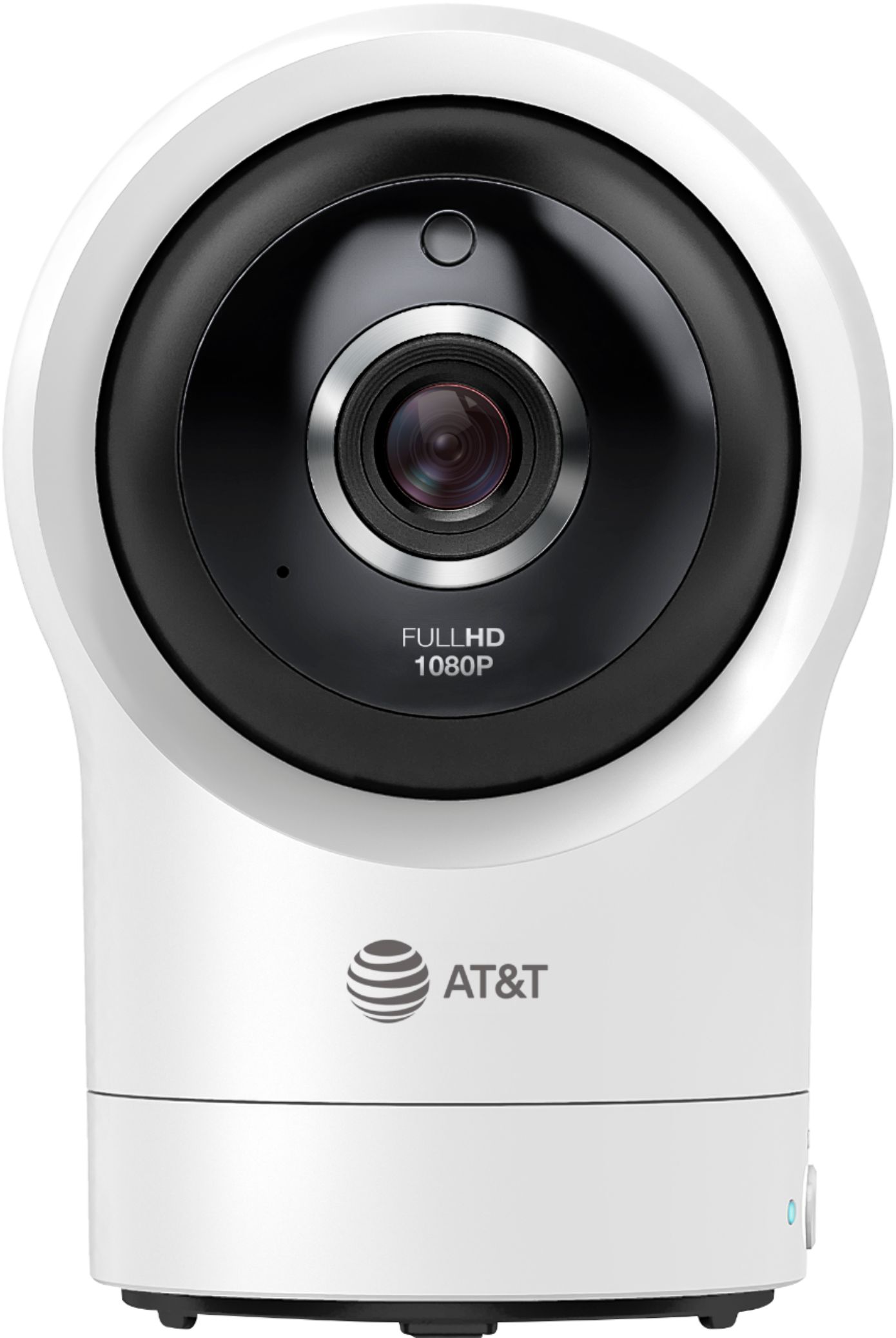
  • QuestionMy camera won’t pan with the directional controls. Any way to resolve this?

    Asked by Liz.

    • Answer Liz - We apologize if you are having issues with the camera of the VTech RM5764HD. You may try resetting the unit by following the steps below: Step 1: Disconnect the power to the baby unit. Step 2: Wait a few minutes before connecting power back to the baby unit. Step 3: Reboot the parent unit. If this does not help, you may contact our Customer Support at 1-844-848-8324. We are open Monday to Friday from 7:00 AM to 4:00 PM. Thank you!

      Answered by VTech_Support

  • QuestionCan i add a second camera to model rm5764hd baby monitor

    Asked by Camera.

    • Answer Hi - We apologize but the VTech RM5764HD is a non-expandable baby monitor. You cannot add additional cameras on the system. However, we have an RM5764-2HD which comes with two camera units. Thank you for your interest!

      Answered by VTech Baby Monitors Team

  • QuestionEvery night around 3/4am the parent unit disconnects from the Camera and beeps. To reconnect I have to turn of the camera and parent unit and turn them both on again. It doesn’t matter whether it’s direct connection or wifi. Software is up to date. Help

    Asked by MW123.

    • Answer I have the exact same problem. Every day without fail at 5:30 am my parent unit disconnects for about 5 mins and then re connects. No one is up and moving around so it baffles me why it happens at this exact time every single day. Also, super frustrating as a parent who needs sleep for this thing to be beeping at such a time. As if my body waking me up at 3 for no reason isn't enough, I fall back asleep for this beeping to wake me back up again. I either get up and walk closer for it to connect again then go back to bed or wait it out. Either way HUGE inconvenience. Can't wait to not need them anymore... This is my 3rd baby monitor in 3 years. Also... The one I have does not use wifi. And I'm within range 100% Hope someone figures out what the issue is here.

      Answered by Annoyed

  • QuestionHi Can I turn off WIFI so that is not visible. Thank you so much.

    Asked by Mark.

    • Answer Hi - To turn off video monitor's Wi-Fi connection, please follow the instructions below. Step 1: On the Parent Unit press MENU/SELECT Step 2: Press ◄ or ► to highlight the General Settings tab, then press MENU/SELECT Step 3: Press ▲ or ▼ to highlight the 'Parent unit Wi-Fi Connection' option, then press ◄ or ► to turn on or off. Step 4. When done, highlight DONE and then press MENU/SELECT to confirm. Thank you! -VTech Support
      Answered by VTech_Support