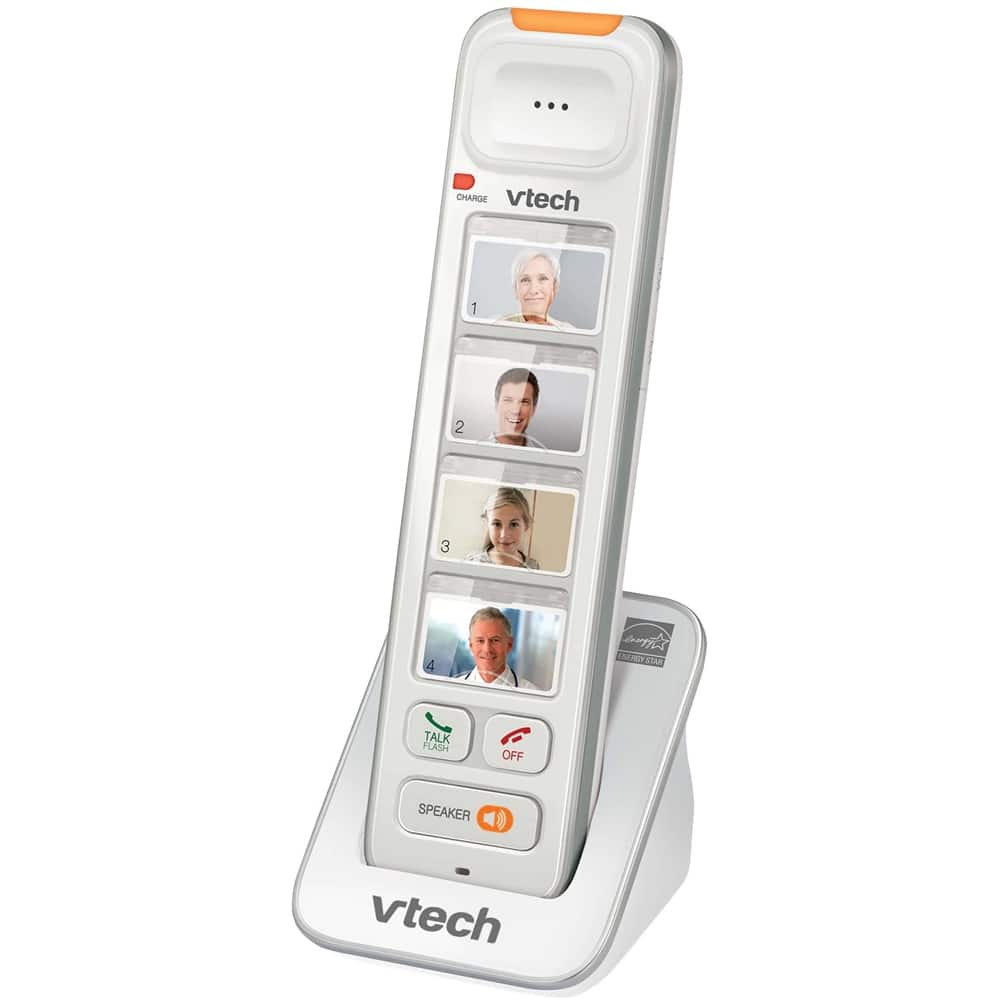
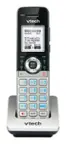
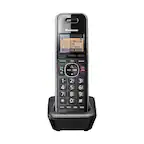
A:AnswerHi - The VTech SN5307 photo speed dial expansion handset does not have an auto hang up feature. The call will only disconnect/end after the OFF button is pressed or the handset is cradled back to the charger.
Thank you,
-VTech Support
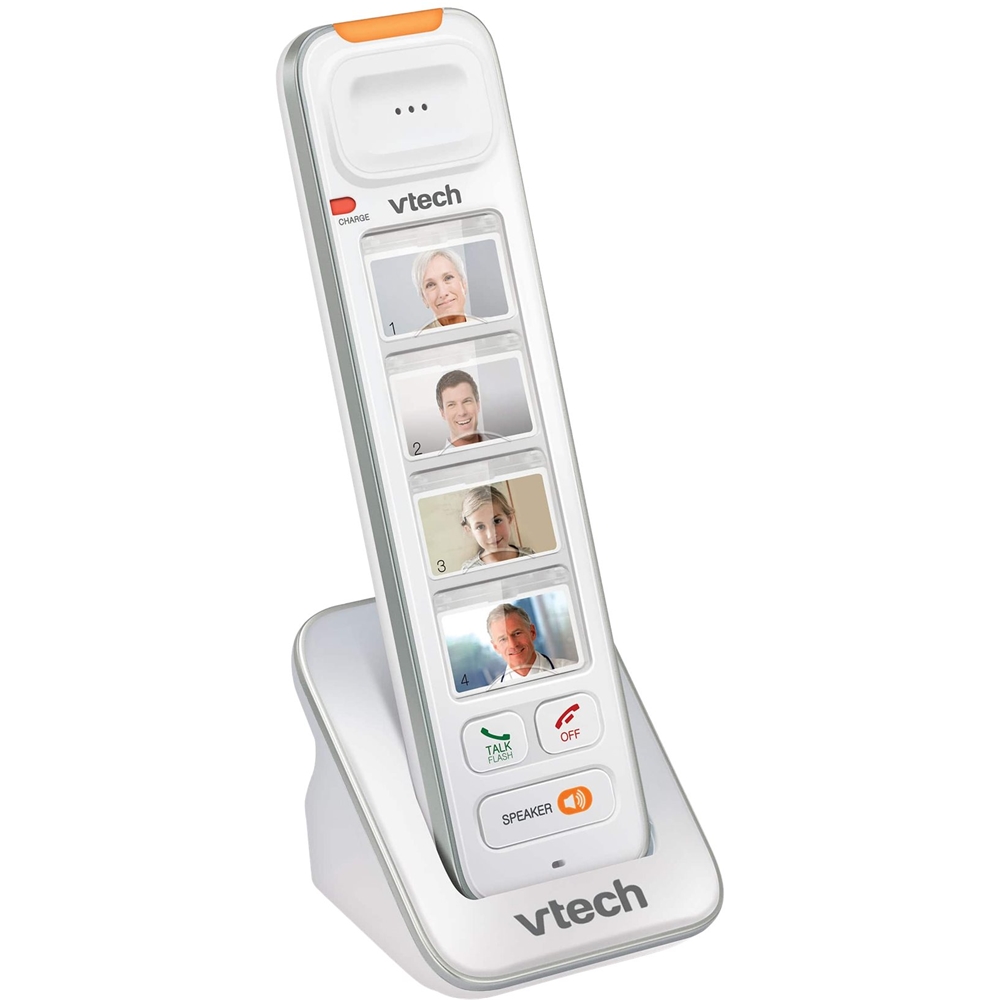
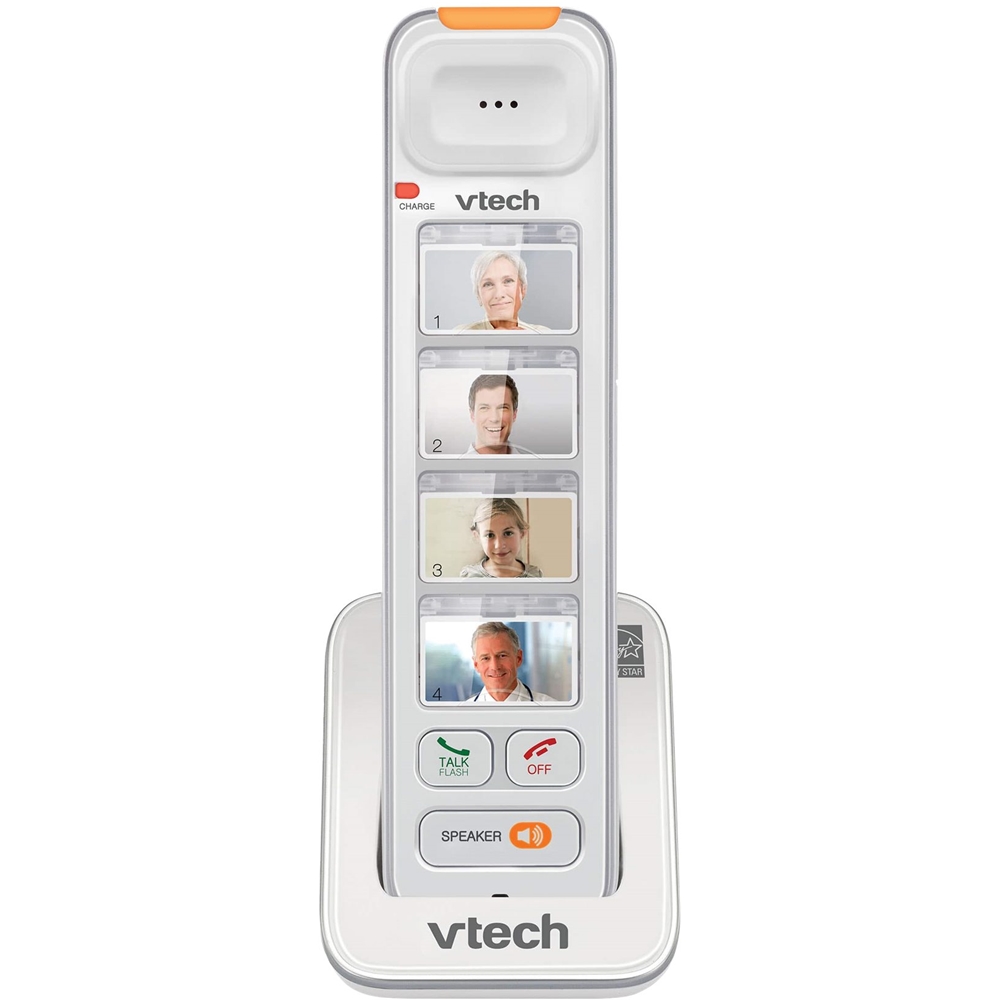
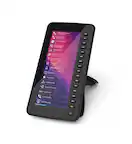
A:AnswerScott - No, You can insert photos into the photo speed dial compartments of the VTech SN5307, or write the contact names on cards and insert them into the compartments.
Thank you,
-VTech Support
A:AnswerLynn - The VTech SN5307 is the compatible accessory handset for the model SN5147 and SN5127.
Here's how you can register the photo speed dial handset to the telephone base.
1. Press and hold the Page button on the telephone base for about 4 seconds until the visual ringer indicator turns on, then release the page button.
2. Place the unregistered handset to the small charger it came with. The handset CHARGE light alternates red and green quickly to indicate the registration is in progress. It may take up to 60 seconds for the registration to complete.
Thank you,
-VTech Support