Questions & Answers
- Model:
- PTH860P
- |
- SKU:
- 5708933
Highly rated by customers for: Ease of use, Quality
Page Showing 1-10 of 10 questions
Q: QuestionDoes it have handwriting to text recognition?
Asked by SciVibes.
- A:Answer Hi there. All notes done in paper will get transferred to the Wacom app called Inkspace, from there you have some options for export and sharing, one of the options is "Ink to Text" that can convert your handwritten notes to typed rich text for easy sharing and further editing. Best
Answered by Wacom

Q: QuestionCan I use this with a Mac Book Pro? And Illustrator? Where are the drivers available? (Download online?) are there any other accessories to purchase that would be a plus to go with this?
Asked by Tmbart.
- A:Answer Yes this works great on my Mac book pro. The drives are all one the paper that come with the product. For the paper edition you will need to download the ink app that’s where your paper drawings go. Nothing else is really to important other then replacement nibbs if you burn thru them like me. And good luck!
Answered by Raycat
Q: QuestionWill this work with CorelDraw X6
Asked by Ron.
- A:Answer It works with CorelDraw X5 and X8 (had a problem with installation for X8 though, the Microsoft Visual c++ redistributable 2015 had to be reset).
Answered by sarah
Q: QuestionWill this item work with windows 11, Mac... latest version? What all softwares can drawings be exported to SVGs, and be editable? TIA
Asked by Jennifre.
- A:Answer Thank you for the question. The Wacom Intuos Pro paper edition will work on the latest versions of Mac OS and Windows 11. You can use many of the major software titles and others to create wonderful drawings or animated videos that can be loaded on a computer. That said, it is up to the software you are using to edit, save or export into those file formats you wish to use. Regards
Answered by Wacom

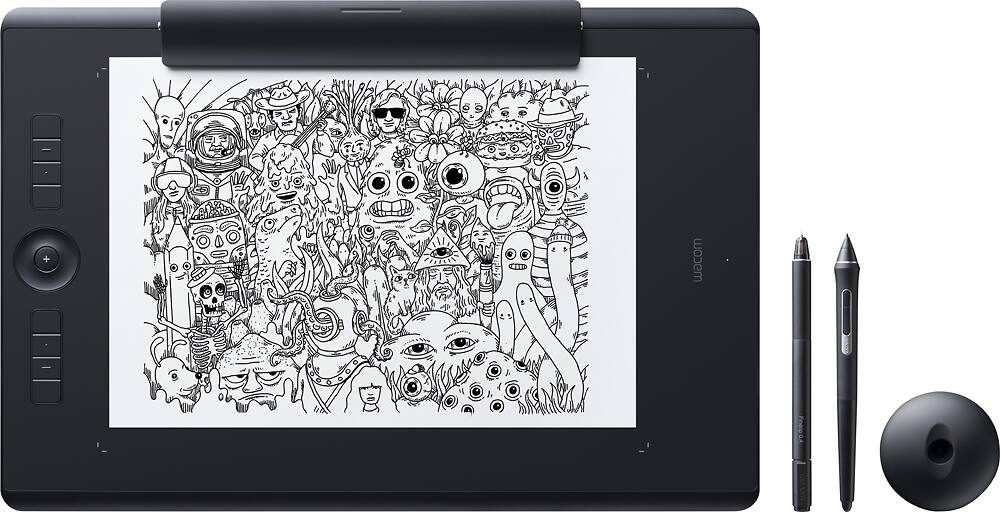
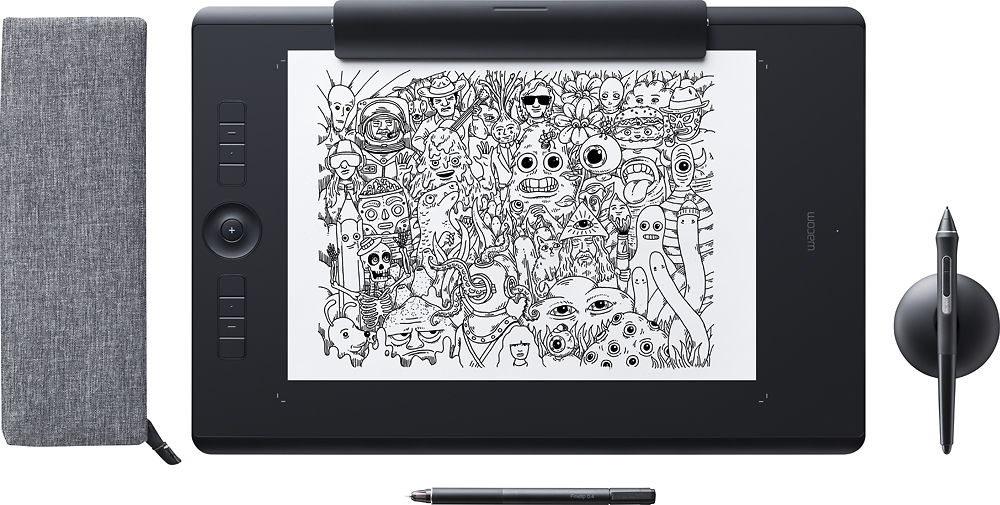
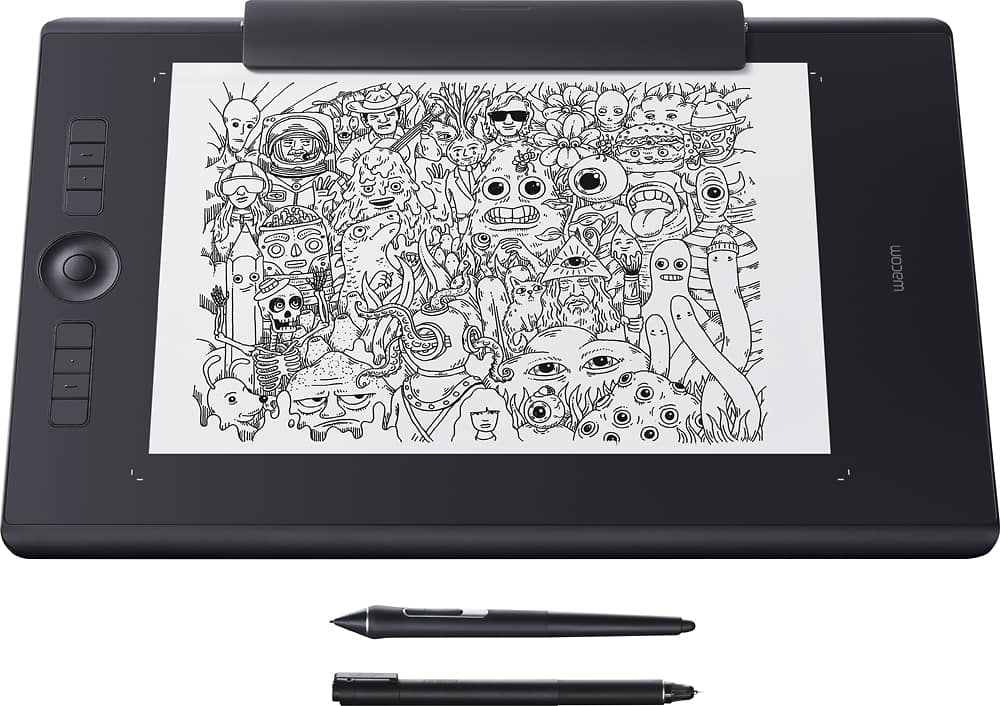
Q: QuestionWith the Wacom Intuos Pro Paper Edition Pen Tablet, are you able to draw on paper (images get saved to the computer) and directly on the tablet itself? Or does this edition only work if images are drawn on the paper?
Asked by Kimberly.
- A:Answer You can draw on paper or you can draw on the tablet and the image will be saved to your computer. If you are drawing on paper, the paper has to be on top of the tablet for the ink stylus pen to work.
Answered by RalstonStudios
Q: QuestionDoes this do animation?
Asked by Lmtlori.
- A:Answer Hello and thank you for the question about using animation software with the Wacom Intuos Pro Paper Edition. Yes, the tablet does work with many animation software applications that you use.
Answered by Wacom

Q: QuestionCan I use this with a tablet as opposed to a computer?
Asked by Stacy.
- A:Answer The Wacom Intuos Pro will work with Windows systems running Windows 7, 8, or 10, or Mac systems running macOS 10.12 or higher.
Answered by Wacom

Q: QuestionWill this work with cads such as fusion 360
Asked by Brock.
- A:Answer Hi there, You should be just fine. Each application has its tools and specific functions of course. So for example if a tool inside an app doesn't have pressure support, a tablet wont changes that fact. Fusion 360 has an option inside preferences that's unchecked for Multi-gestures using a Wacom Tablet. You may need to check that for that aspect. That said, you shouldn't have any problems. Hope that helps. Regards
Answered by Wacom

Q: QuestionWas just wondering if this is able to use photoshop ect. It only talks about the standard software nothing else and before I upgrade I would like to know. Thnx
Asked by Larry.
- A:Answer Yes. The product will work with Photoshop.
Answered by Amanda
Q: QuestionIs the Wacom Paper best option if Im looking to draw design, get it in Illusttator finish it and save as SVG/vector form? Is this a good beginner tablet for that before moving to a more expensive model?
Asked by Tmbart.
- A:Answer I think it’s a good choice for that. Once you draw on it, it saves your image and it uploads what you draw using Wacom’s Inkspace app. In that app, you have the option to export your drawing as an SVG which is convenient.
Answered by Andros
Page 1, Showing 1-10 of 10 questions
Best-selling Best Buy
- $299.99$299.99The price was $349.99
- $59.99$59.99The price was $99.00
- $199.99$199.99The price was $349.99
- $14.99$14.99The price was $19.00
- $24.99$24.99The price was $29.99
- $14.99$14.99The price was $19.00
- $139.99$139.99The price was $149.99