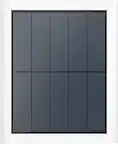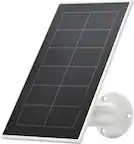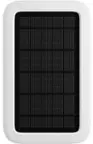
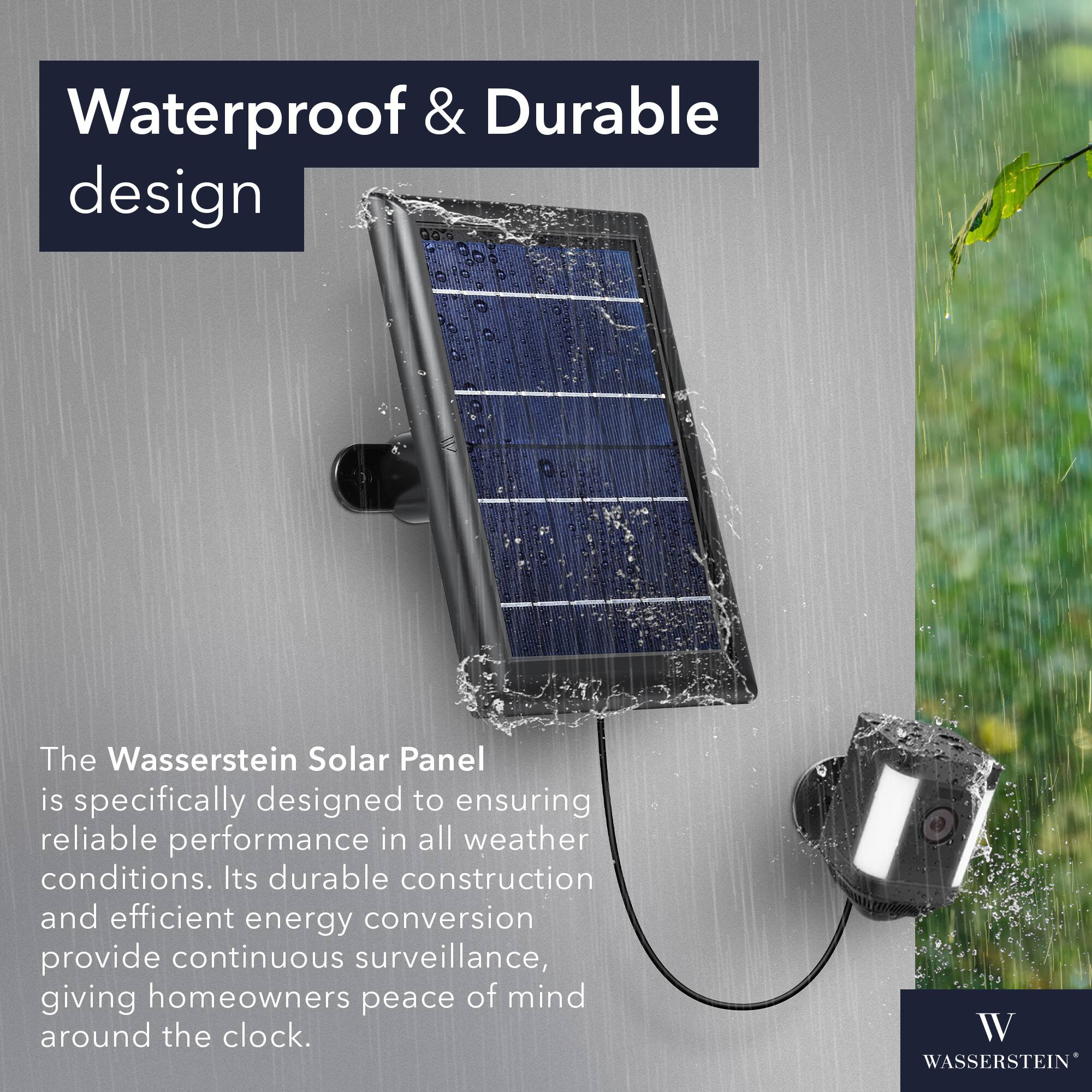
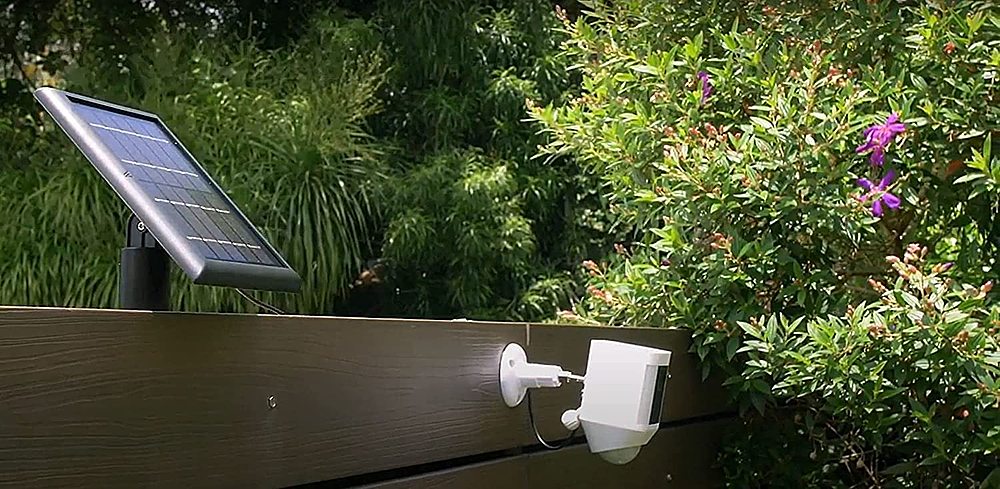
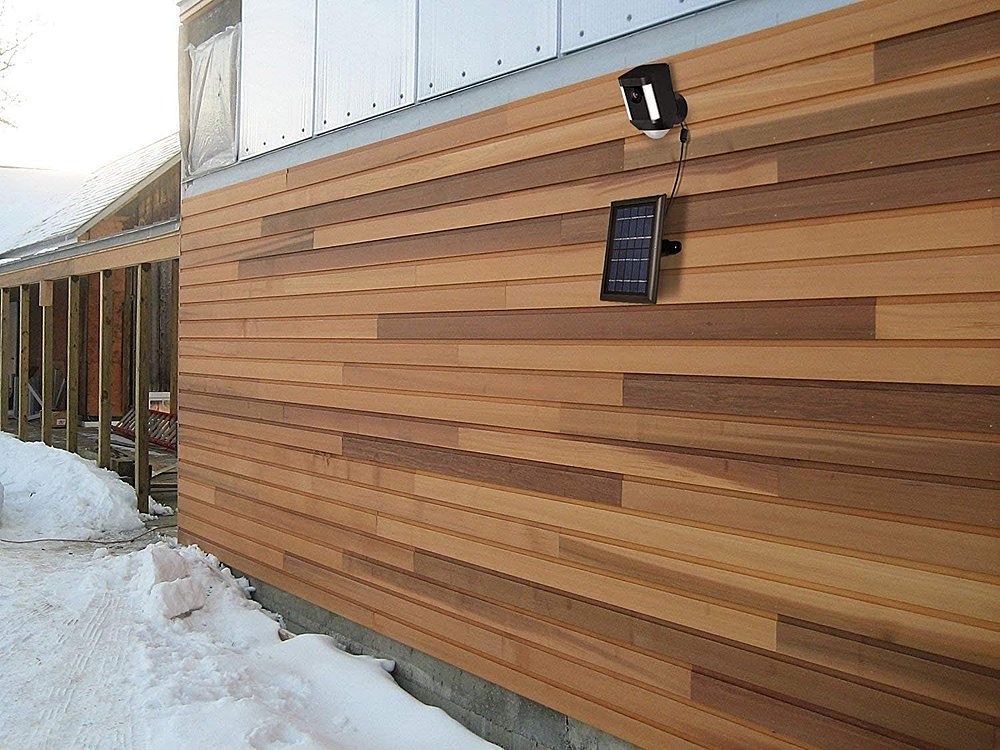
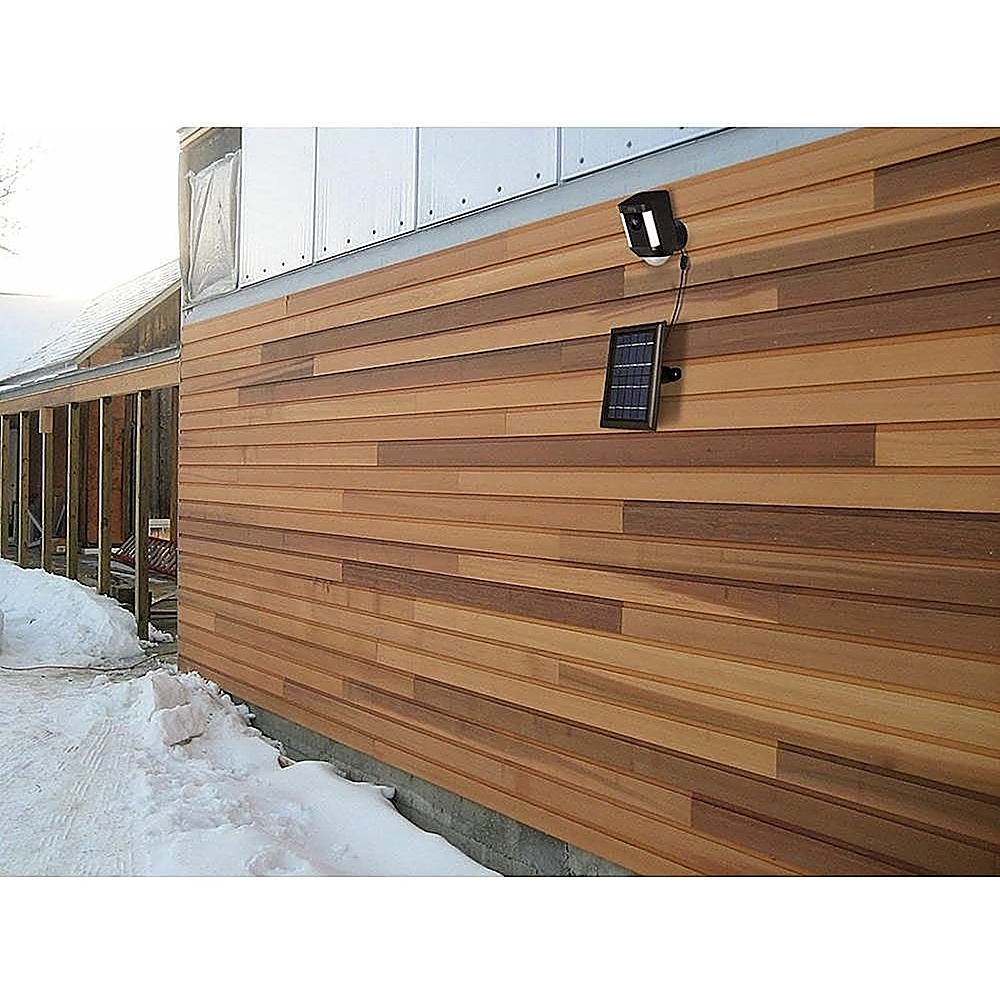
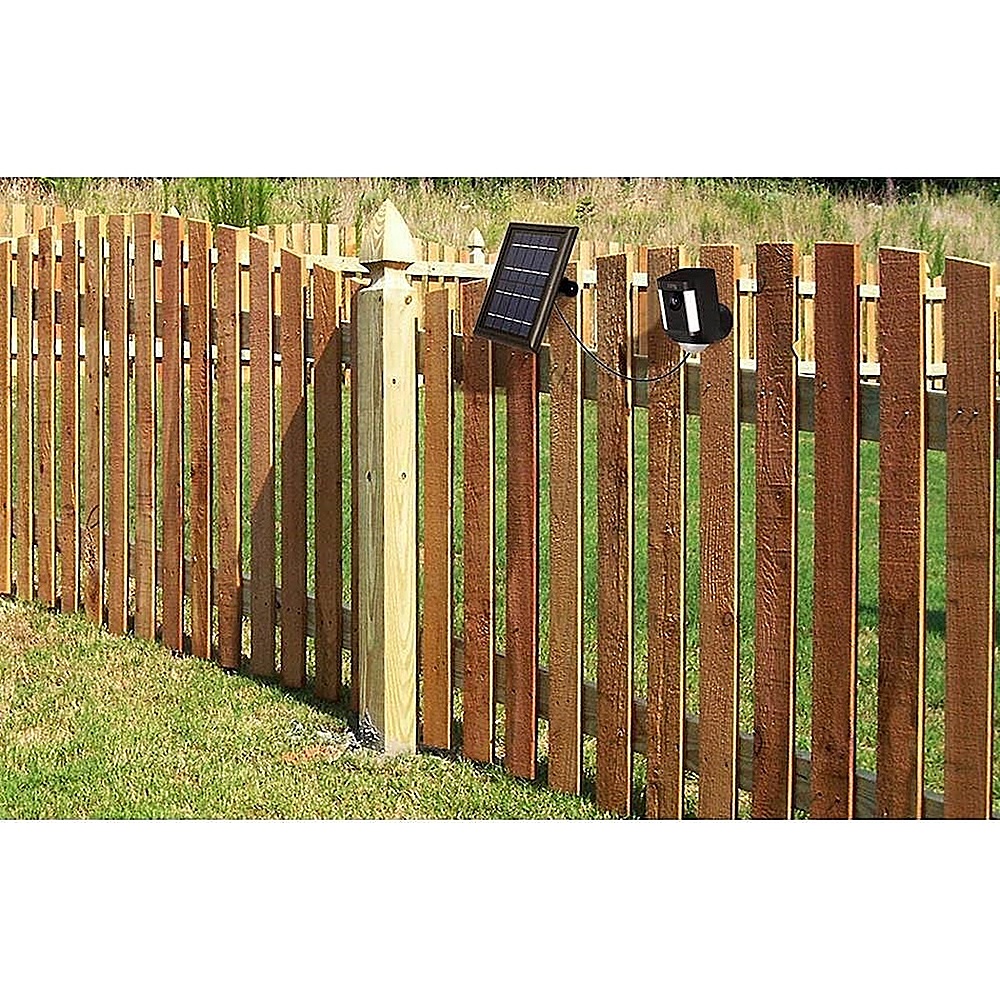
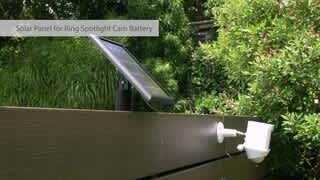
A:AnswerWhen the sun goes down your solar panel still receiving solar energy in lower level and your camera always working because the camera battery is always charge in other word the panels never stop to getting power from the sun on the day or night just the night is lower but still working
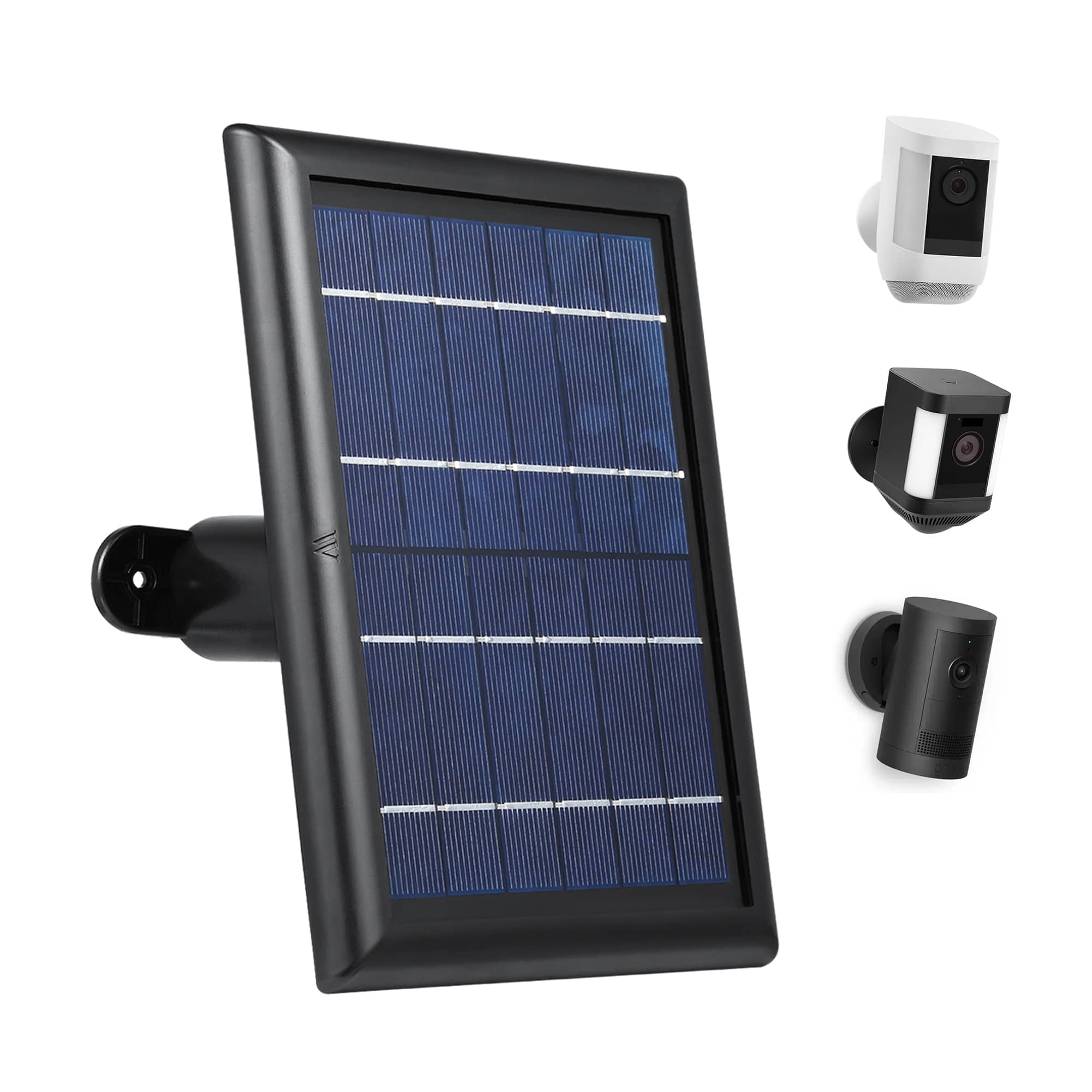
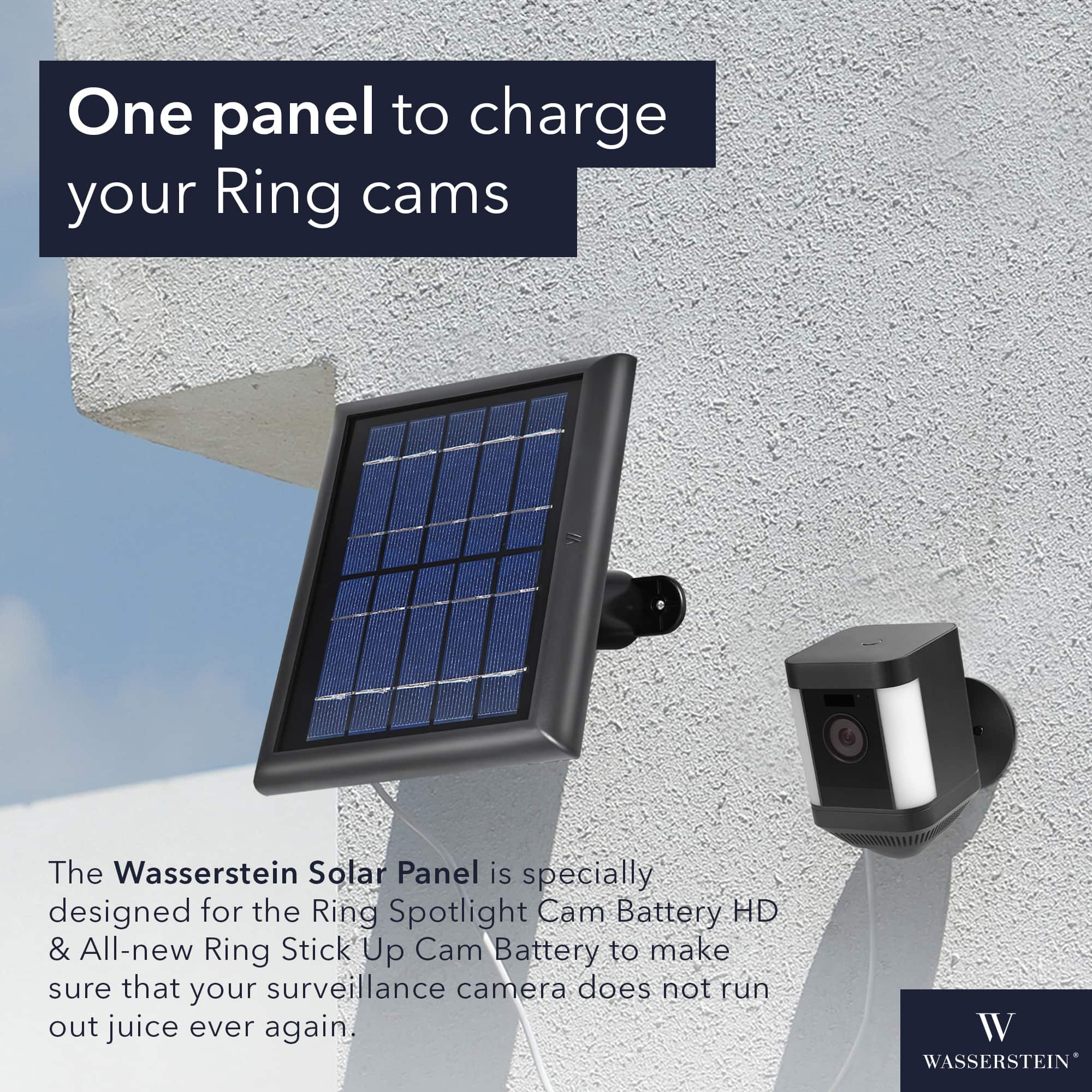
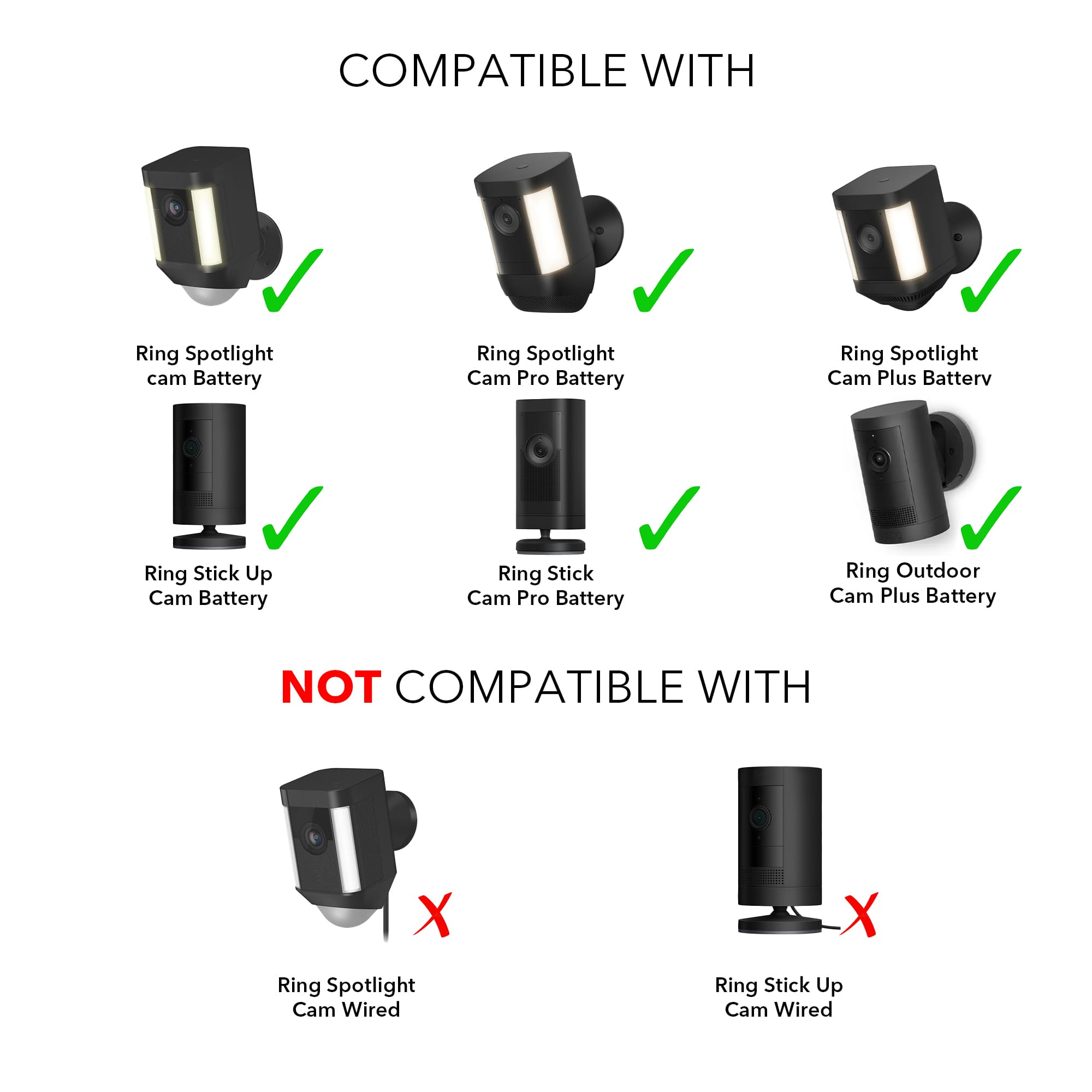
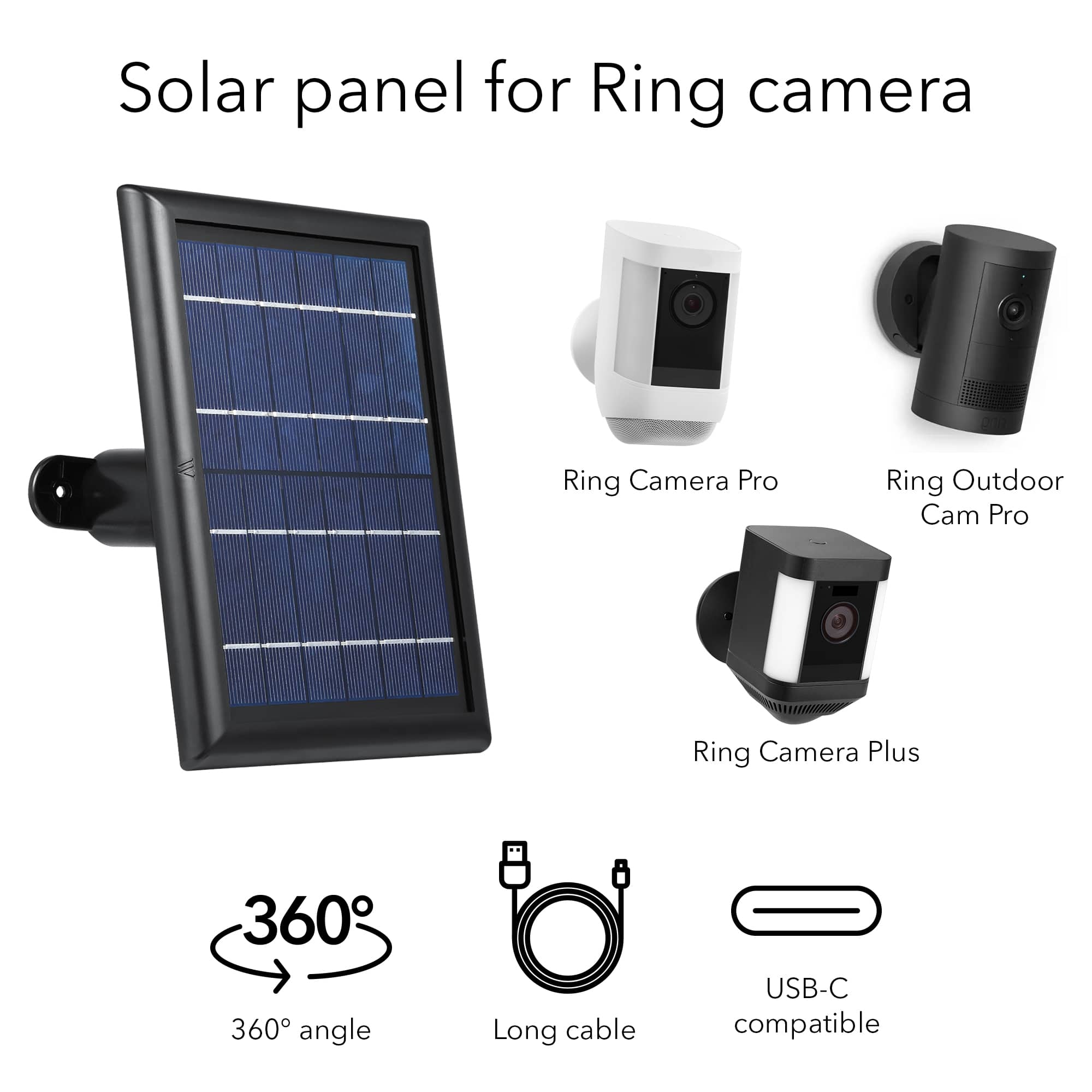
A:AnswerYes, the Wasserstein Solar Panel is compatible with the Ring Spotlight C am Plus / Pro / Battery & Ring Stick Up Cam BatteryI. t is designed to provide continuous power to these cameras using solar energy, thereby eliminating the need for frequent battery changes and ensuring uninterrupted operation. This solar panel is specifically made to fit and work with Ring's cameras, so you should be able to use it without any issues.
A:AnswerYes, the Wasserstein Solar Panel is compatible with the Ring Spotlight Cam 1st Generation as long as it is the battery-powered version of the camera. This solar panel is designed to work with the Ring Spotlight Camera Battery and Ring Stick Up Camera Battery, which have the same battery dimensions and charging requirements as the 1st Generation Ring Spotlight Cam. The solar panel can help extend the battery life of the camera by providing a continuous source of power from the sun.
A:AnswerHello,
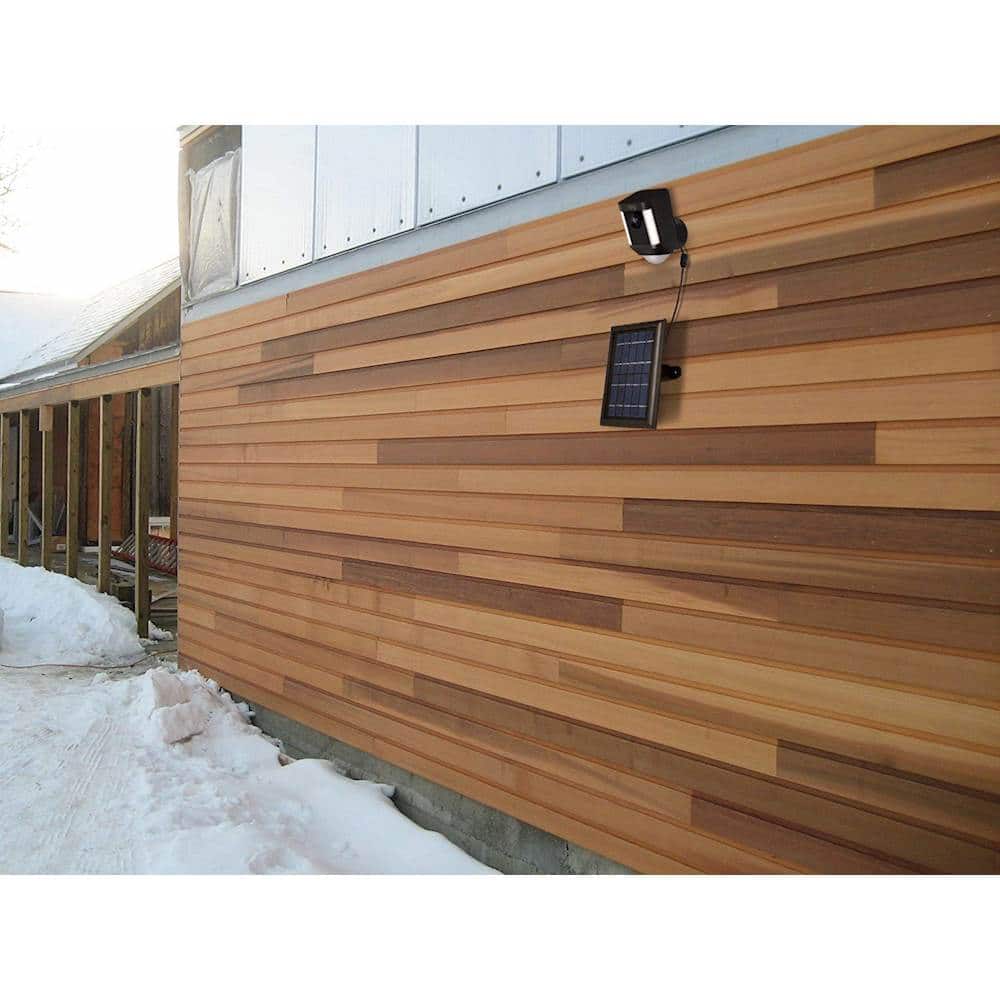
The solar panel needs to be placed under direct sunlight for it to harvest solar energy which will keep your camera charged.
If you have any more questions or come across any other issues, let us know, we will be happy to help.
Have a great day,
Wasserstein Team
A:AnswerNo, there is no cover on the solar panels. If you have any more questions or come across any other issues, let us know, we will be happy to help.
Have a great day,
Wasserstein Team
A:AnswerThe Wasserstein Solar Panel for Ring Spotlight Camera and Ring Stick Up Camera provides 2 watts of power. It's designed to connect to Ring Spotlight and Stick Up Cameras to provide continuous charging using solar energy.
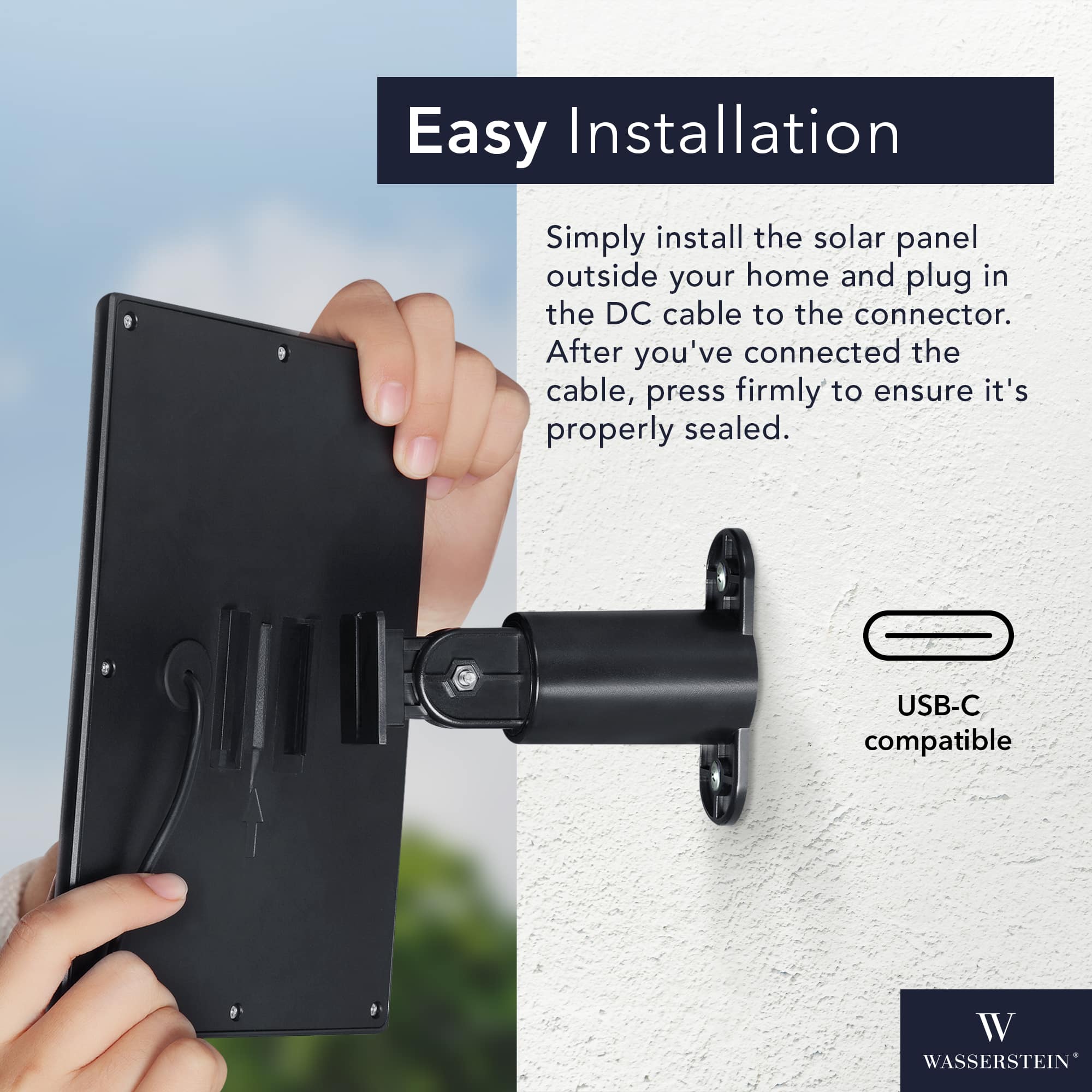
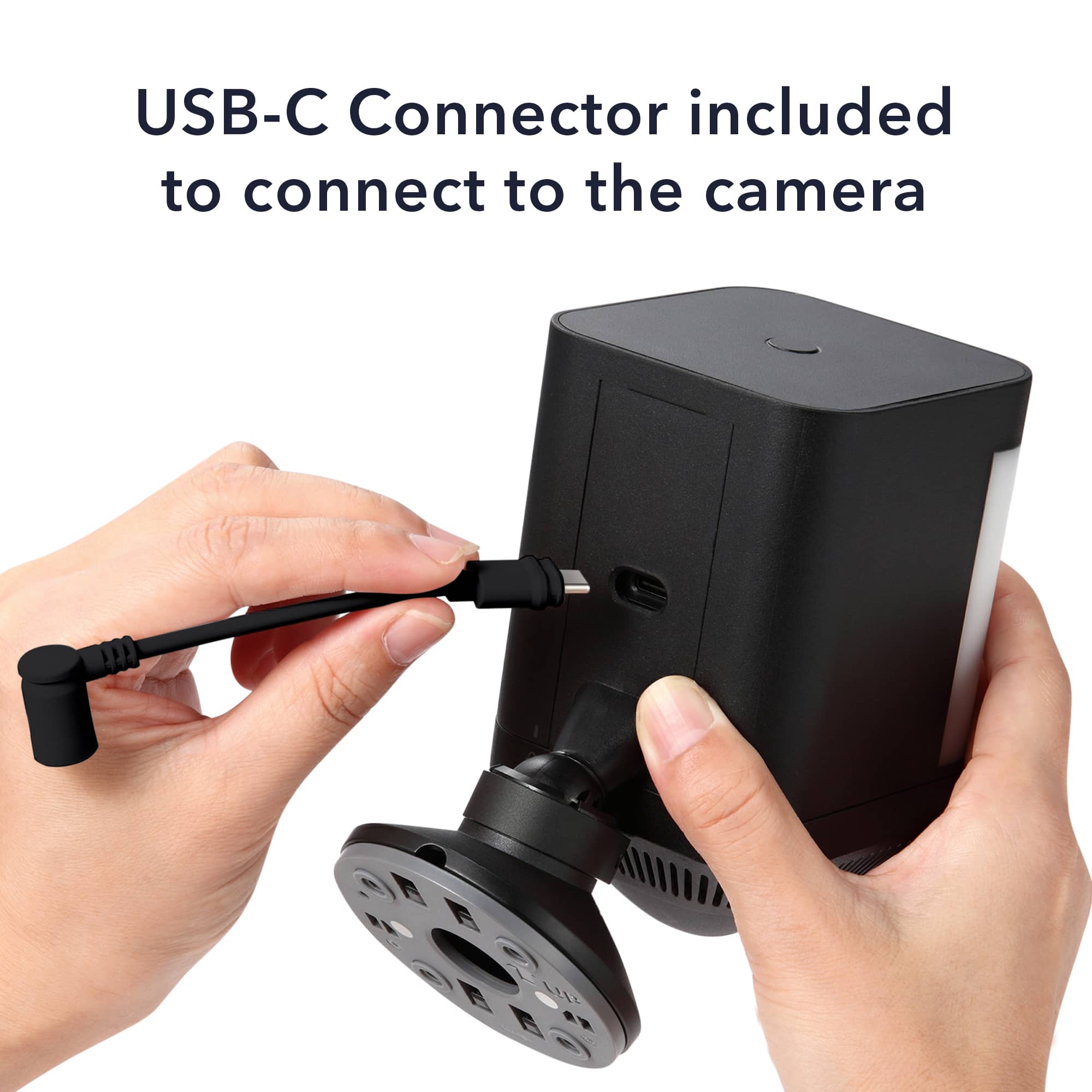
Regarding the connector type,it comes with a proprietary barrel plug connector designed specifically to fit the corresponding Ring camera models.
A:AnswerYes, the Wasserstein Solar Panel is compatible with both the Ring Spotlight Camera Battery and the Ring Stick Up Camera Battery. This solar panel is specifically designed to provide continuous power to these wireless cameras, allowing you to keep them charged without the need for manual battery replacements or recharging. The solar panel harnesses sunlight to generate electricity, which is then used to charge the camera's battery. It is a convenient and eco-friendly solution for ensuring that your cameras stay powered and operational.
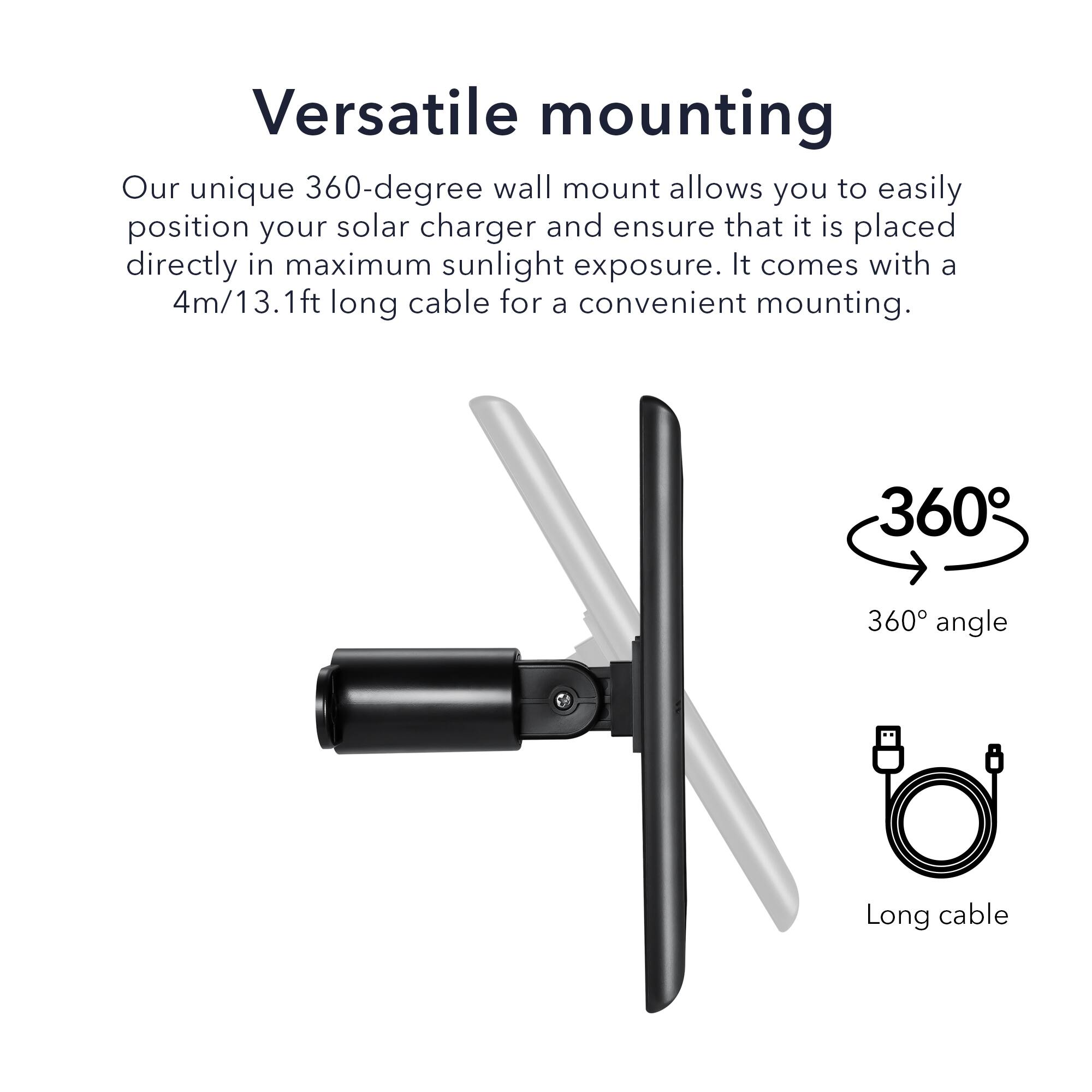
A:AnswerIt will not work with an extension cord or a longer cable since a longer one will have high energy loss and the solar panel for this camera is already long enough.
A cable that's too long for the job can adversely affect the performance of your heavy-demand tools and appliances and could overheat. In addition, a long extension cord gets in the way, and depending on where you route it, is vulnerable to damage.
A:AnswerHello,
The solar panel needs to be placed under direct sunlight for it to harvest solar energy which will keep your camera charged.
If you have any more questions or come across any other issues, let us know, we will be happy to help.
Have a great day,
Wasserstein Team
A:AnswerHello,
No, this Solar Panel is for Ring Spotlight Camera and Ring Stick Up Camera only.
If you have any more questions or come across any other issues, let us know, we will be happy to help.
Have a great day,
Wasserstein Team
A:AnswerThere is a port on my 2 ring cameras that the solar panel plugs into. They also have batteries that I can take out to charge as well if I wanted to.
A:AnswerIf you are unable to call your local BB store and talk to them you can contact Wasserstein customer service at this email: [email protected] Their web page where you can get manuals and other contact info is: https://wasserstein-home.com/
Hope this helps...
A:AnswerThe Wasserstein Solar Panel does indeed come with the cable to attach to your camera. It is approximately 16-18 feet and fully attached and sealed within the panel itself. The panels also come in white or black depending on your want. Even if you purchase from BB here is Wasserstein's home page: https://wasserstein-home.com/ Email: [email protected]
A:AnswerWe are sorry to hear that you had difficulties with the Solar Panel for Ring Spotlight/ Stick Up Camera . Try charging the battery to 100%, as well as checking the solar panel connection is clear of any debris and is securely connected to the Cam. Keep in mind, the Solar Panel needs a few hours of direct sunlight per day to charge as expected.
Please ensure you have done the following:
1. Unplug and reinsert the solar panel charging cable. Make sure that the connection is snug tight.
2. Make sure that your solar panel is placed in maximum sunlight exposure and is not obstructed by trees, buildings, or other obstacles.
3. Make sure that your camera is not in temperatures below freezing. For safety reasons, your camera battery cannot charge in temperatures below 32°F (0° C).
4. Keep the battery of your camera at 100% prior to connecting it to the solar panel. Note that the Solar Panel is designed to provide trickle charging to keep your camera battery charged, not to charge your camera battery from low to full.
5. Reduce your camera usage for a day or two and note your camera’s battery level. Heavy usage of your camera can drain the camera battery faster than the solar panel can recharge it, especially with poor sun exposure.
Please also note that unlike any other cameras, when using a solar panel, Ring won't show whether it’s charging or not.
If there is high traffic, it consumes more power, so you might think it’s not charging at all.
If this does not resolve your issue, kindly let us know. If you have any more questions or come across any other issues, let us know, we will be happy to help.
Have a great day,
Wasserstein Team
A:AnswerThe solar panel does not need any connection directly or in directly to the internet. It charges your camera battery and only requires sunlight. The cameras DO need internet connection and you control them through the Ring app. Wasserstein's web page is: https://wasserstein-home.com/ and you can contact their customer service and view/download manuals also. Hope this helps...