Memorial Day SaleEnds 5/25. Limited quantities. No rainchecks.Shop now

Main Content

Questions & Answers

$324.94
Page Showing 21-40 of 43 questions
  • QuestionI see this is compatible with Mac OS High Sierra but what about Mac OS Sierra Version 10.12.6? I am trying to get most of my data off this computer because it is too old to update further! Please help me find something compatible.

    Asked by AnnB.

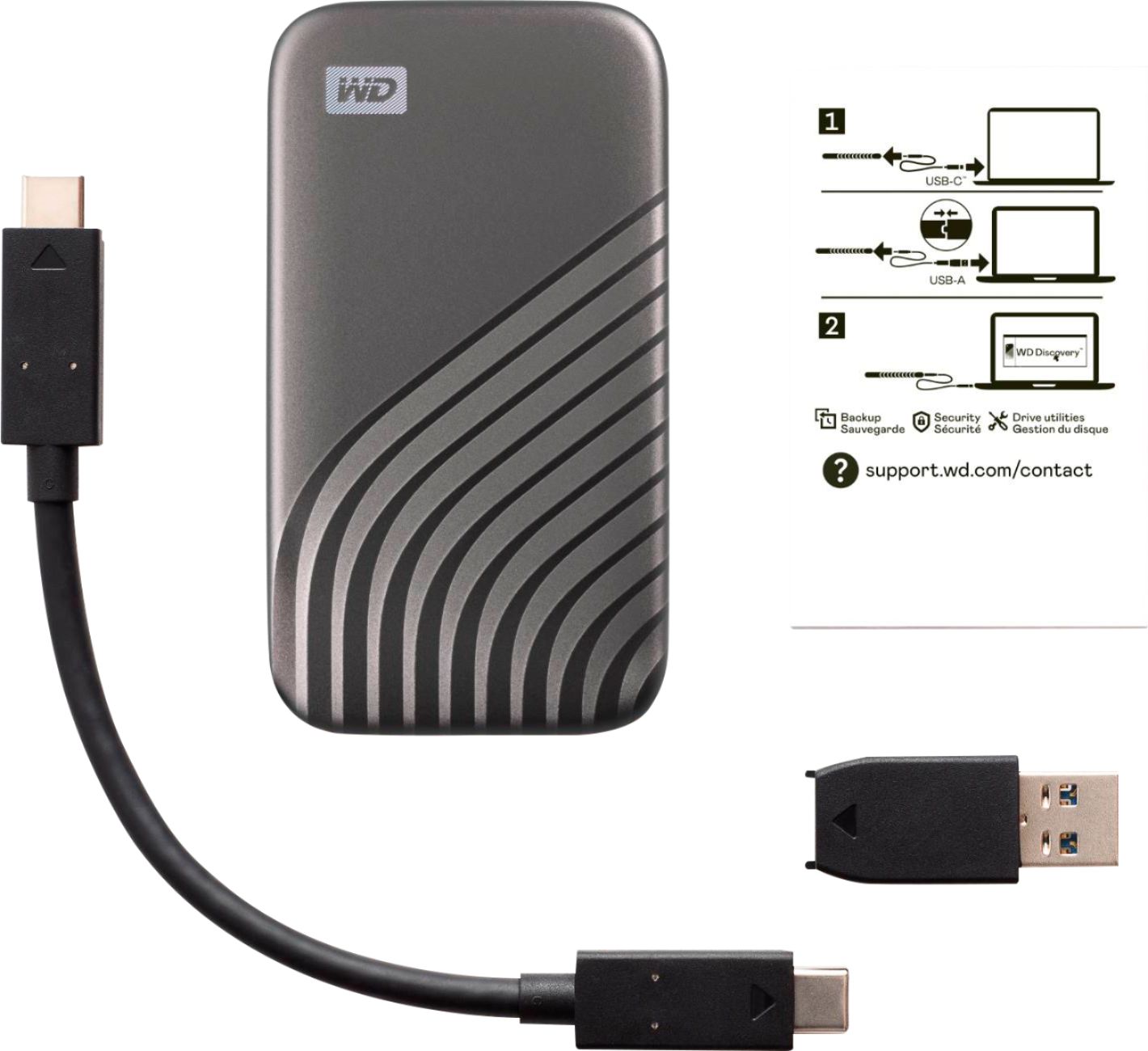
    • Answer Hello, Please be informed that the WD My Passport SSD comes ready to use right out of the box and compatible with PC and Mac. Equipped with USB 3.2 Gen-2 technology, the My Passport SSD comes with a USB-C cable and USB-A adaptor to work with legacy systems. Please check the drive support page and please try to look for the shared with version. To know more about the drive refer to the link: http://products.wdc.com/library/AAG/ENG/data-sheet-my-passport-ssd.pdf -Need Help? Please see our "'Contact Us" page for information.

      Answered by Western Digital Team

  • QuestionHas anyone been able to get this to format on any XBOX?

    Asked by etp7.

    • Answer Yes, people have successfully formatted and used WD My Passport drives with Xbox consoles. However, I have to admit, this one was a bit challenging for me and I had to look it up. You can connect the drive to your Xbox, and the system will format it for use with the console. Just keep in mind that once it's formatted for Xbox, the drive might not be recognized by your PC without reformatting.
      Answered by PowersBlendDuo

  • QuestionIs USB 3.2 compatible w/ USB 2.0 jack on my laptop?

    Asked by CHAN.

    • Answer Yes it will but only at the USB 2.0 speed.

      Answered by PiKen

  • QuestionCan I just do Drag and Drop without installing the vault software?

    Asked by Anonymous.

    • Answer On my macbook I don't need the software, it first mounts the unlocker and after I unlock it it mounts the drive itself. I am not sure about the process on windows as I have had the software there but I would assume so.

      Answered by Jterrell1202

  • QuestionIs this unit compatible with late 2020 iMac? Reformatting requirements?

    Asked by Newby.

    • Answer yes. Works with macOS Catalina, Mojave, or High Sierra. It comes preformatted as exFAT.

      Answered by George

  • QuestionHow do I download from a Dell laptop and then upload to a MacBook Air?

    Asked by Jams.

    • Answer Hi Jams, Please be informed that the The My Passport SSD is portable storage with blazing-fast transfers. Easy to use, the My Passport SSD is shock-resistant, compact storage in a cool, durable design. You can reformat the drive in exFAT format to use with windows and mac computers: https://support-en.wd.com/app/answers/detail/a_id/20821 -Need Help? Please see our "'Contact Us" page for information

      Answered by Western Digital Team

  • QuestionDoes this work with an iPhone

    Asked by Victory.

    • Answer No

      Answered by Joeblogs

  • QuestionCan this thing work in a Android TV ?

    Asked by Sham.

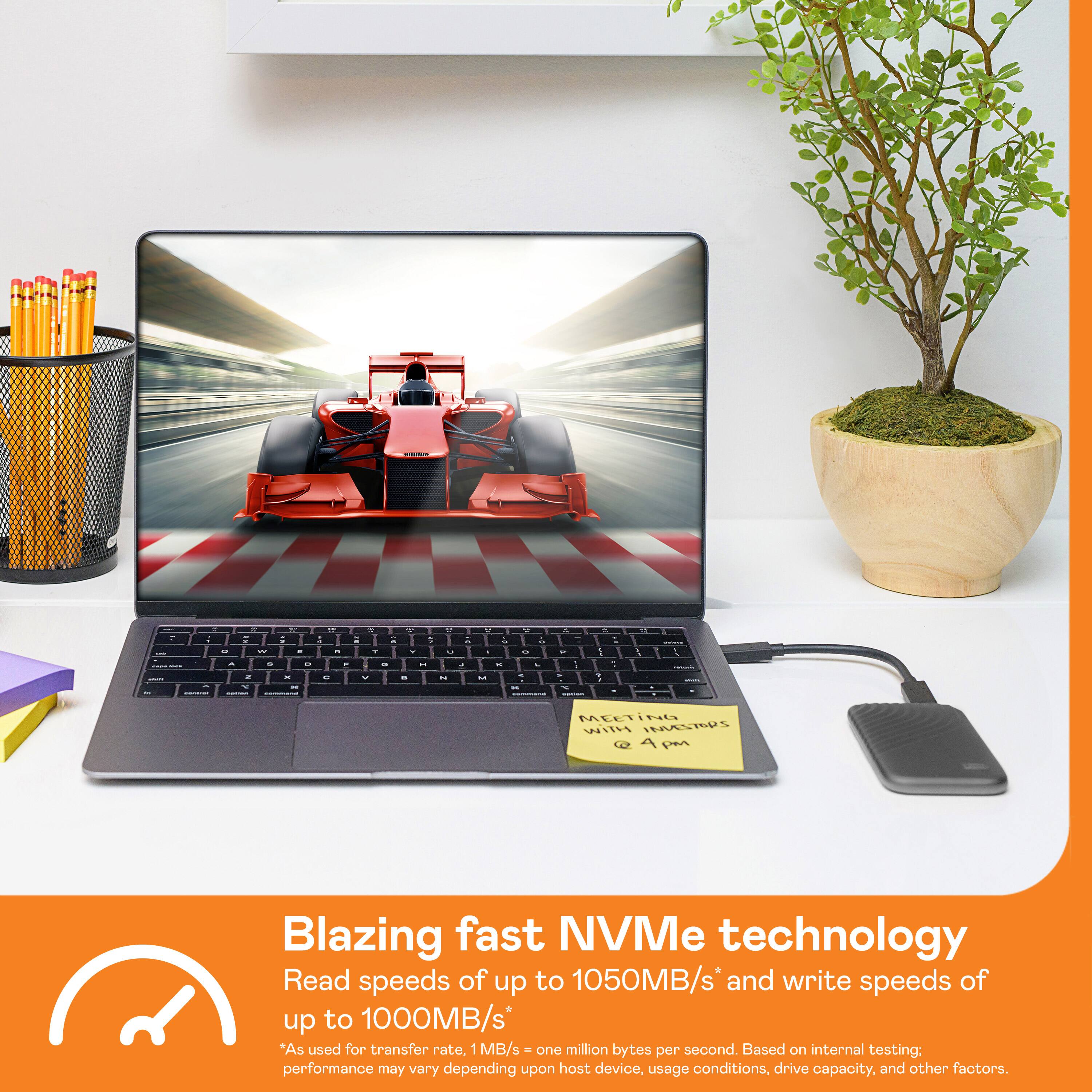
    • Answer Hi Sham, save, access and protect the content that matters to you with the My Passport SSD, giving you read speeds of up to 1050MB/s and write speeds of up to 1000MB/s with NVMe technology. We would recommend you to please check with your host device vendor whether the device will fit and support. For more information visit: http://products.wdc.com/library/AAG/ENG/data-sheet-my-passport-ssd.pdf -Need Help? Please see our "'Contact Us" page for information.

      Answered by Western Digital Team

  • QuestionCan I use this on my 2020 macbook air since it's a c type connector?

    Asked by nontechie.

    • Answer Yes you can. The device came with an adapter from USB-C to USB-A. It is fully compatible and very fast. I recommend it

      Answered by Bird

  • QuestionWill the USB-C connector fit in the lighting Port of a Mac Mini? And can I partition the drive?

    Asked by RAZ.

    • Answer i think everyone was piling on rather than actually answering this correctly. NO Mac or product beyond an iOS one has EVER had a lightning port. All Mac's have USBC/Thunderbolt at this point which would work fine with this or *almost* any other USBC device.

      Answered by thesavageshiba

  • QuestionWill this work w/ a 4th generation IPad Pro?

    Asked by Steve.

    • Answer Yes, it will work on an iPad Pro. (See attachment)

      Answered by Michael

  • QuestionIs this compatible with downloading photos from android (Samsung Galaxy)?

    Asked by Anonymous.

    • Answer Yes it is compatible. And is super easy and portable

      Answered by Rick

  • QuestionCan I use it on iPad Air for external storage for my videos and photos? Do I need to format drive?

    Asked by Bingo.

    • Answer Hi Curious, Please be informed that the The My Passport SSD is portable storage with blazing-fast transfers. Easy to use, the My Passport SSD is shock-resistant, compact storage in a cool, durable design. You can use it with windows and mac computers. For more information on drive refer to the link: http://products.wdc.com/library/AAG/ENG/data-sheet-my-passport-ssd.pdf -Need Help? Please see our "'Contact Us" page for information.

      Answered by Western Digital Team

  • QuestionDoes it work with Mac Monterey 12.1

    Asked by ace.

    • Answer Is SanDisk Extreme portable SSD compatible with Mac Monterey 12.6

      Answered by Anonymous

  • QuestionWould this be a good option to use as my boot disk for my 2019 iMac to increase speed? The internal HDD that came with it is painfully slow.

    Asked by Bfro.

    • Answer Hi Bfro, Access and protect the content that matters to you with the My Passport SSD, giving you read speeds of up to 1050MB/s and write speeds of up to 1000MB/s with NVMe technology. As this is an external drive we recommend to use this drive for extra storage to keep your data and backups. For more information visit: http://products.wdc.com/library/AAG/ENG/data-sheet-my-passport-ssd.pdf -Need Help? Please see our "'Contact Us" page for information.

      Answered by Western Digital Team

  • QuestionCan you download pictures from an iPhone directly to this device without downloading to a pc first?

    Asked by Will.

    • Answer Hi, Please be informed that the WD My Passport drive is a plug and play device tested and designed for Windows and Mac computers for seamless operation. However, Western Digital drives are not tested with the vendor end of life operating systems and are optimized for more recent versions of OS.​​​​​​​Need Help? Please see our "'Contact Us" page for information.

      Answered by Western Digital Team

  • QuestionI had a different product picked out but the salesman at Best Buy insisted this was a better product and I could connect directly from my camera to the drive without using a computer. However I don't see any instructions on how to do this. Was he wrong?

    Asked by Confused.

    • Answer Hi Confused, Please be informed that the drive comes ready to use right out of the box and compatible with PC and Mac. The drive is cross compatible USB 3.2 Gen-2 and USB-C (USB-A for older systems). To know more about the drive, refer link- http://products.wdc.com/library/AAG/ENG/data-sheet-my-passport-ssd.pdf -Need Help? Please see our "'Contact Us" page for information.

      Answered by Western Digital Team

  • QuestionWill this work with a 8th generation iPad?

    Asked by Anonymous.

    • Answer Hi, Save, access and protect the content that matters to you with the My Passport SSD, giving you read speeds of up to 1050MB/s and write speeds of up to 1000MB/s with NVMe technology. We would recommend you to please check with your host device vendor whether the device will fir and support. For more information visit: http://products.wdc.com/library/AAG/ENG/data-sheet-my-passport-ssd.pdf -Need Help? Please see our "'Contact Us" page for information.

      Answered by Western Digital Team

  • QuestionCan this connect directly to a camcorder to record footage?

    Asked by BobVideo.

    • Answer Hi BobVideo, Please be informed that the My Passport SSD is portable storage with blazing-fast transfers. Password protection with hardware encryption helps keep your content secure. Easy to use, it’s shock-resistant, compact storage in a cool durable design to use on windows and mac computers. To know more about the compatibility of the drive refer the below link  http://products.wdc.com/library/AAG/ENG/4178-707296.pdf  -Need Help? Please see our "'Contact Us" page for information.

      Answered by Western Digital Team

  • QuestionWill this work with the iPhone se 2020?

    Asked by Anonymous.

    • Answer This drive connects via USB, and the iPhone does not have a USB port. (The USB adaptors available for the iPhone only allow charging.)

      Answered by StatGeek