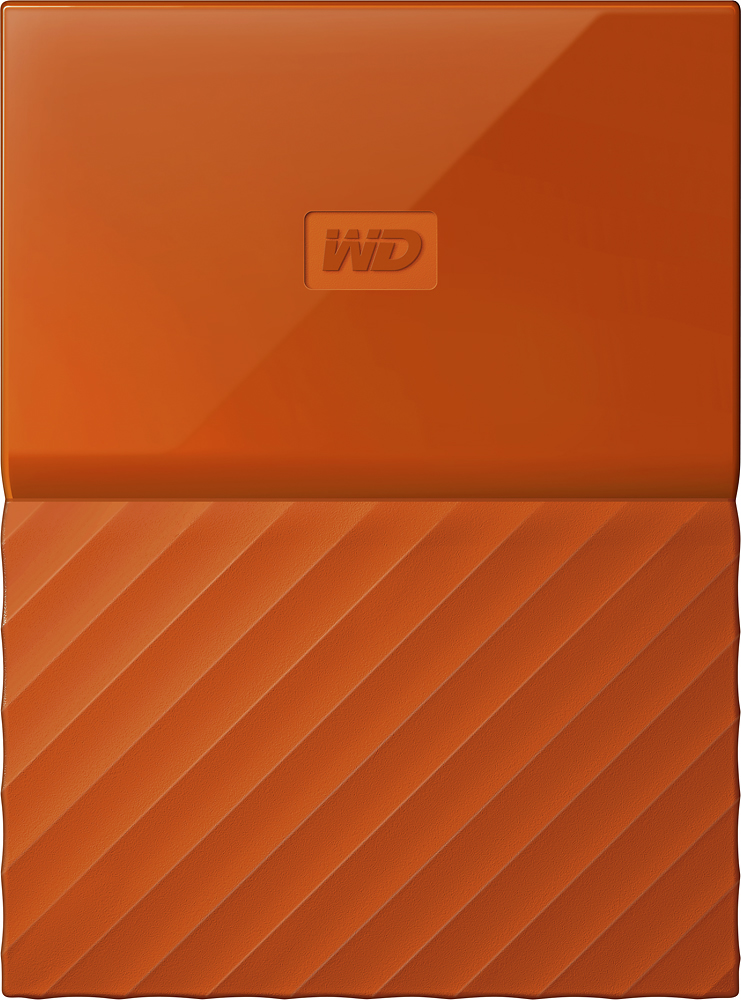
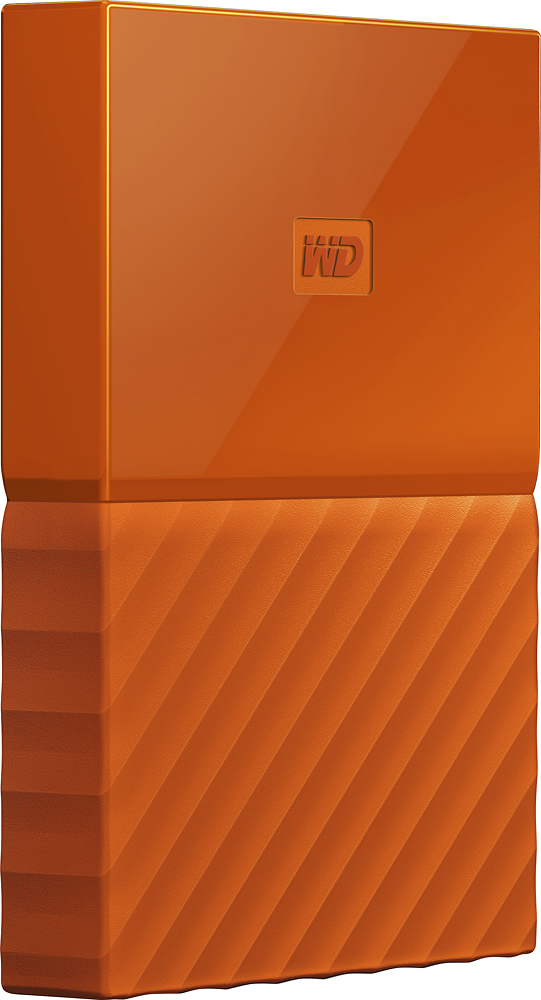
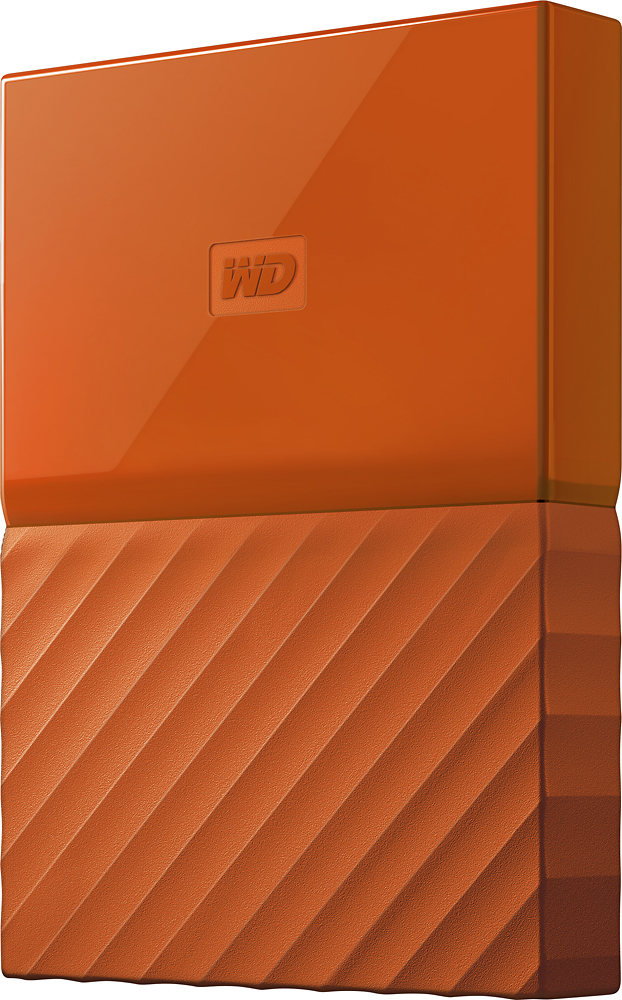
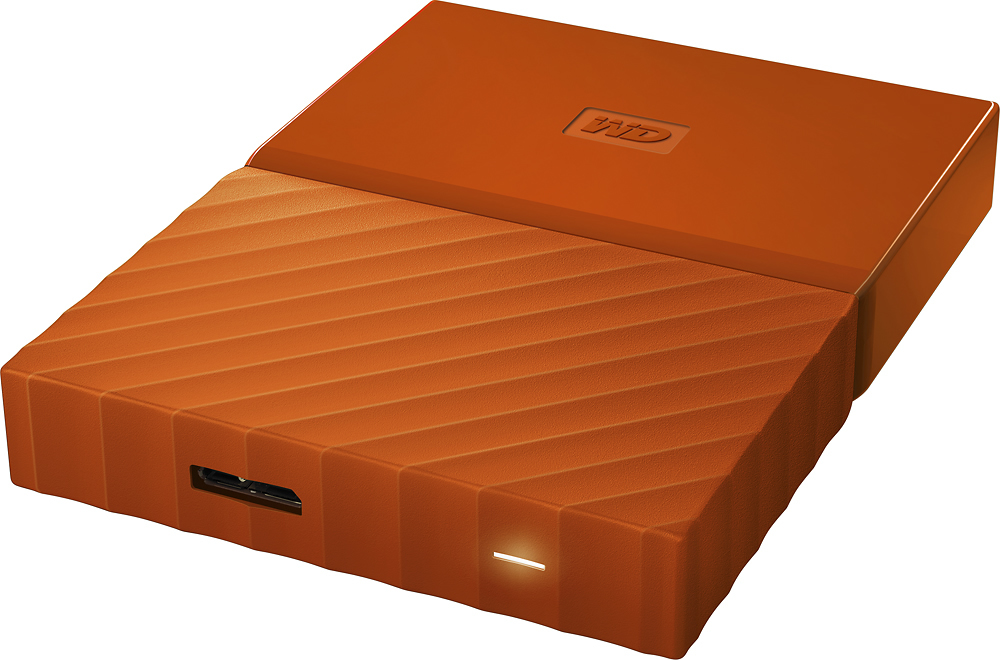
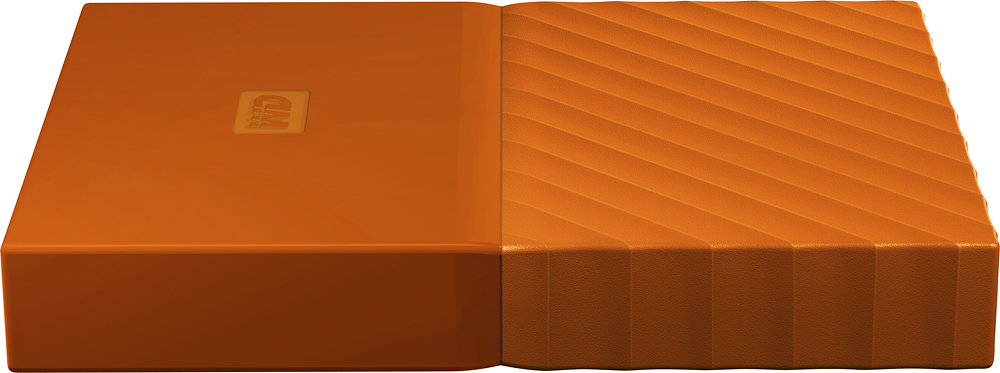
A:Answer Model: WDBBGB0040HBK-NESN SKU: 5605524 is MAC compatible, physically larger and a bit heavier than the other model, stands upright like a book on a shelf and the model line capacity is 3, 4, 6 and 8 TB.
Model: WDBYFT0040BBK-WESN SKU: 5605533 in not MAC compatible [out of the box, but a MAC format operation could make it so], lays flat and the model line capacity is 1, 2, 3 and 4 TB. While a very reliable and durable external drive, this model is a step down in capacity and OS compatibility. However; if portability is a factor, this is the better item if you don't need greater than 4TB of storage.