A:AnswerHi,
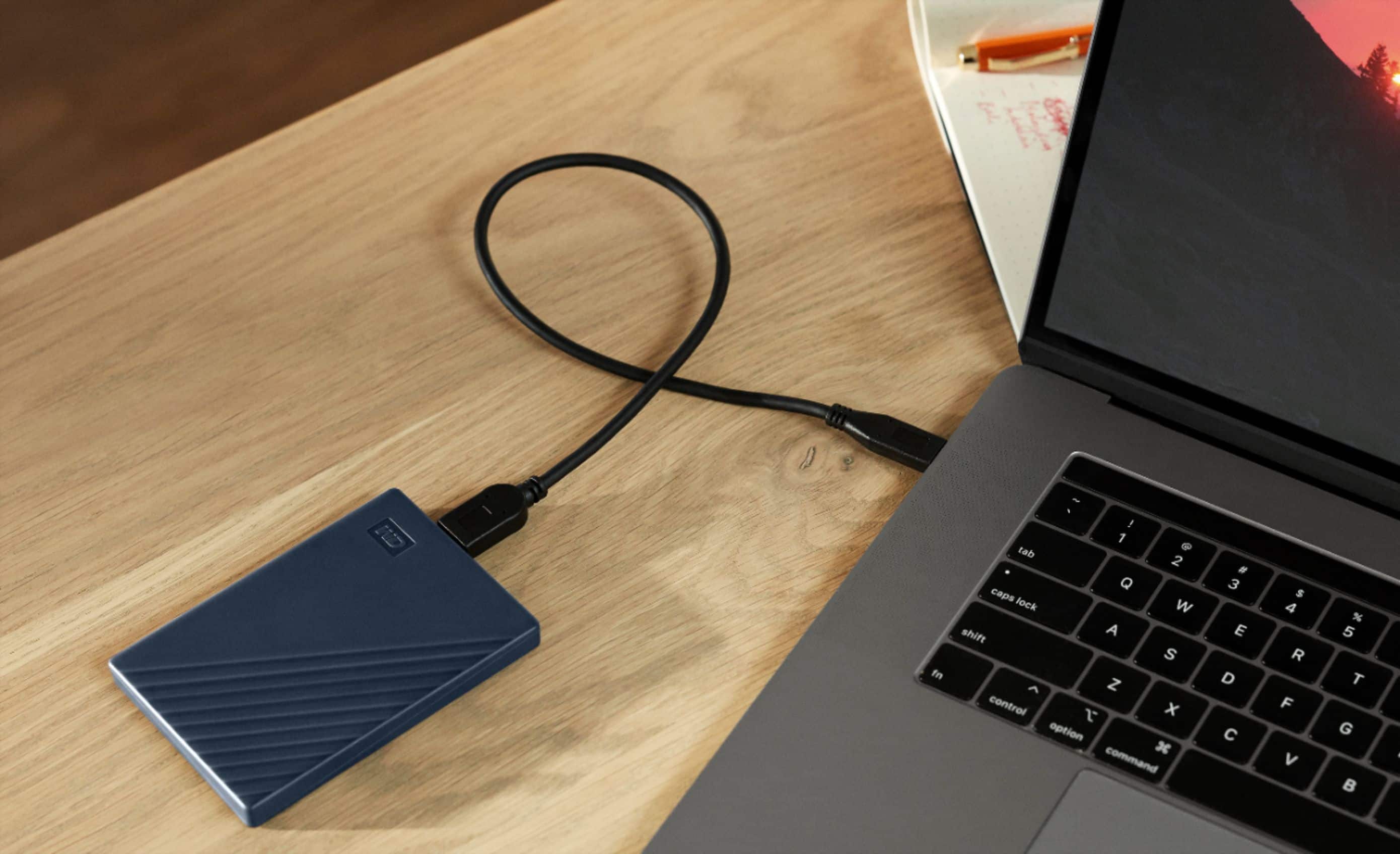
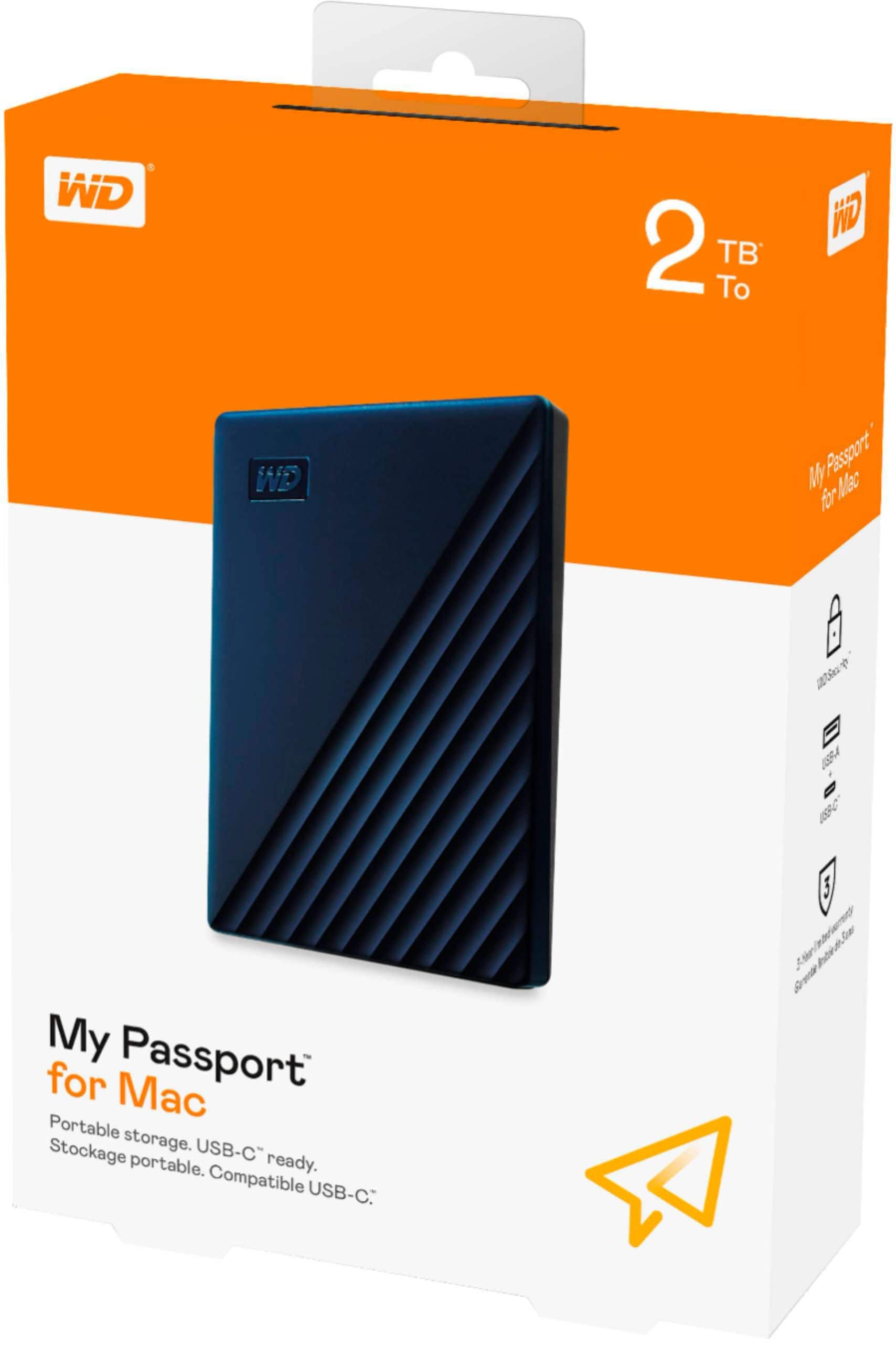
The My Passport Ultra for Mac comes pre-formatted in HFS+ Journaled for macOS Catalina, Mojave and High Sierra
Need Help? Please see our "'Contact Us" page for information.
A:AnswerHi Patch,
The hard drive can be reformatted in a supported filesystem for Mac OS. Please refer to the link mentioned below for more information. Reformatting Required for Mac OS Compatibility: https://support-en.wd.com/app/answers/detail/a_id/3879\ please refer to the link mentioned below. http://products.wdc.com/library/AAG/ENG/4078-705156.pdf Need Help? Please see our "'Contact Us" page for information
A:AnswerHi Jenni, The My passport hard drive is designed to be used with Mac computer. We have not tested and will not recommend connecting this drive to a mobile phone. Please refer to the link mentioned below to know more about this drive. http://products.wdc.com/library/AAG/ENG/4078-705156.pdf Need Help? Please see our "'Contact Us" page for information
A:AnswerHi garay,
This drive is compatible for macOS, and ready to use as it is preformatted for macOS. Although, you can save the games if the file format is supported.
A:AnswerHi,
I think you would have to reformat it if you want to use it with any other machines - it specifically mentions For Mac in the item name, so it comes pre-formatted for those machines.
A:AnswerSnow Leopard is 10.7. Time machine was available in that system and probably will work. However, this system is no longer supported (Not since 2014) - the current system is 10.15 - and for security you should upgrade to a newer system if possible or replace computer. You need to get to OS 10.12 at least.
A:AnswerHi Tony, Please be informed that the WD My Passport Ultra for Mac drive is a plug 'n' play device tested and designed for Windows and Mac computers. We recommend you to please check with your host device vendor for more compatibility info. To know more about the drive refer to the link: https://products.wdc.com/library/AAG/ENG/4078-705156.pdf -Need Help? Please see our "'Contact Us" page for information.
A:AnswerHello, Please know that the My Passport for Mac portable storage works straight out of the box with macOS devices which makes it easy to keep you moving on. To know more about the drive refer to the link: http://products.wdc.com/library/AAG/ENG/4078-705156.pdf -Need Help? Please see our "'Contact Us" page for information.
A:AnswerHello, Please be informed that its a plug and play drive the best way to transfer the data from drive to computer is drag and drop To know more about the drive refer to the link: http://products.wdc.com/library/AAG/ENG/4078-705156.pdf -Need Help? Please see our "'Contact Us" page for information.
A:AnswerHi HopeWings, Please be informed that the WD My Passport for Mac drive comes macOS compatible and is formatted in the HFS+ file system, which is ready out of the box to use with macOS. We have not tested the drive for mobile devices. We recommend you to please contact the host device support for the more information. To know more about the drive refer to the link: http://products.wdc.com/library/AAG/ENG/4078-705156.pdf -Need Help? Please see our "'Contact Us" page for information.