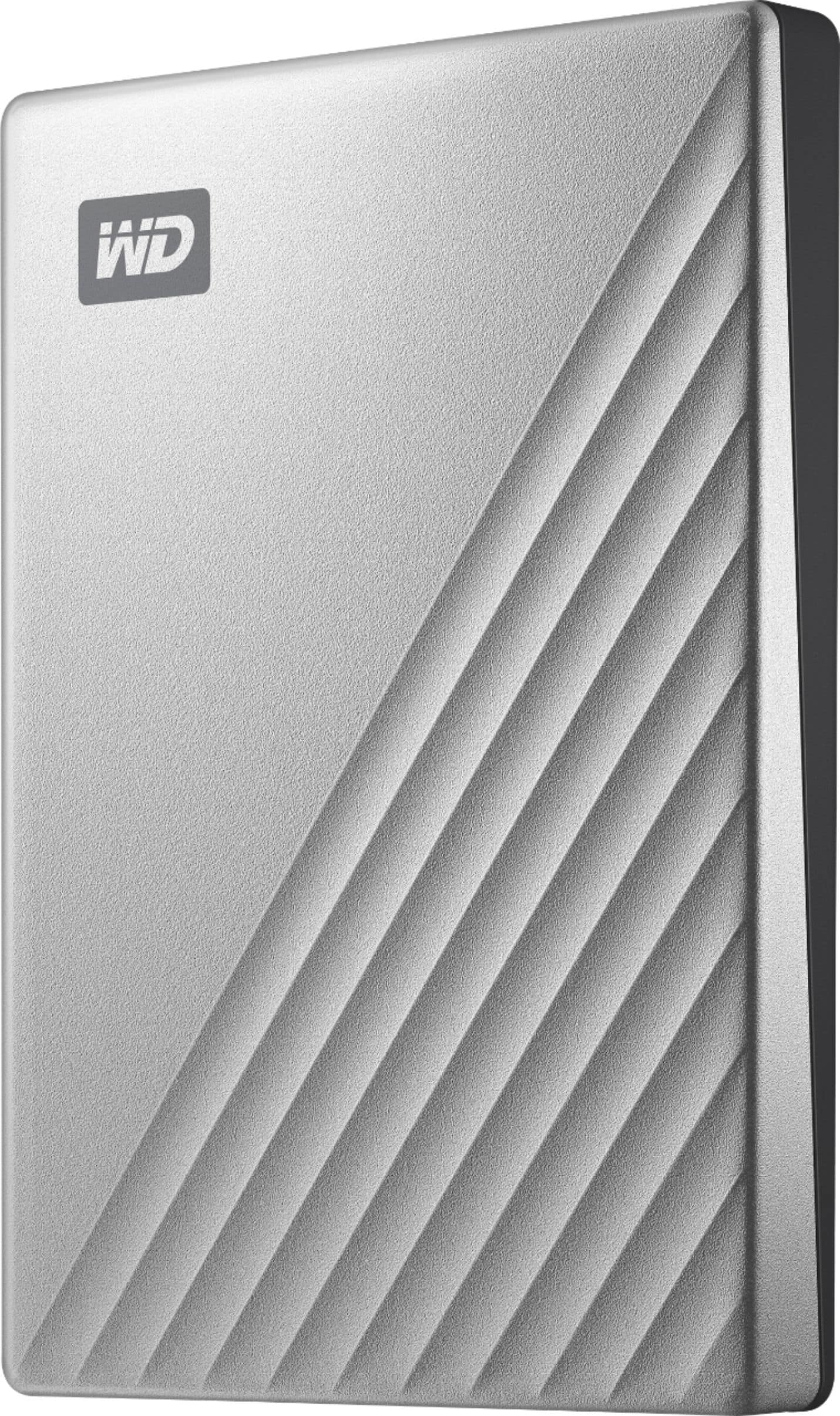
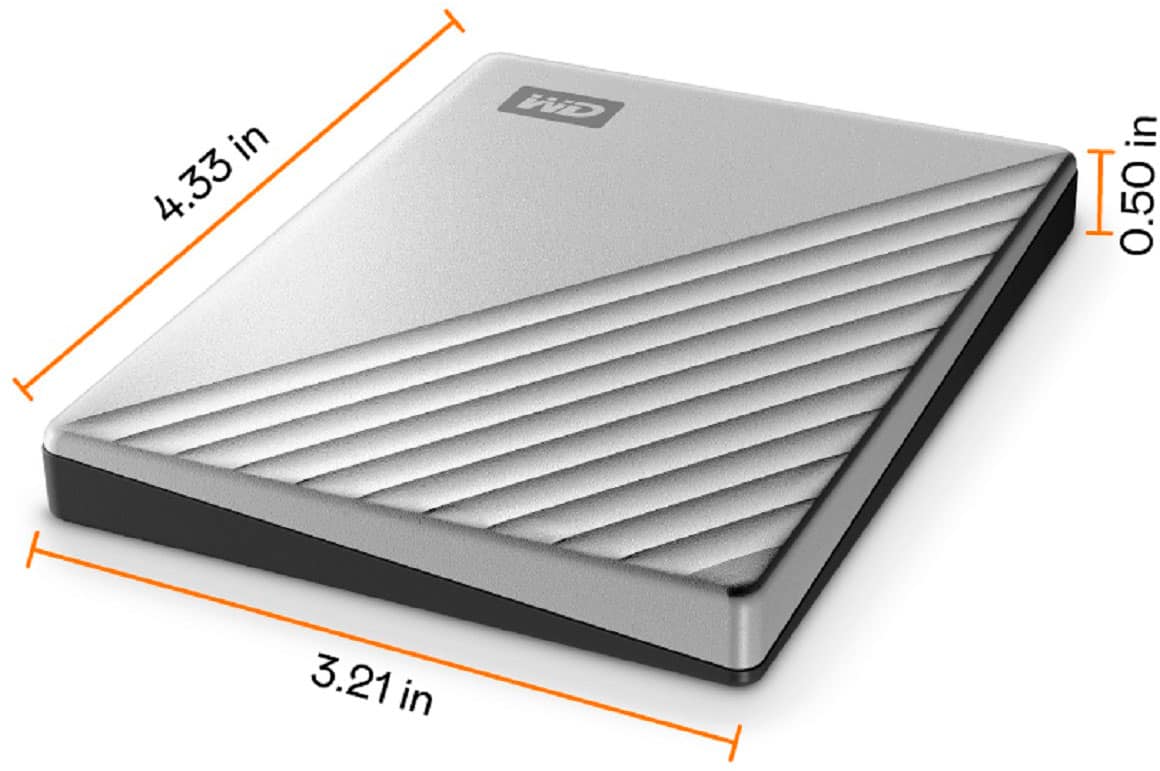
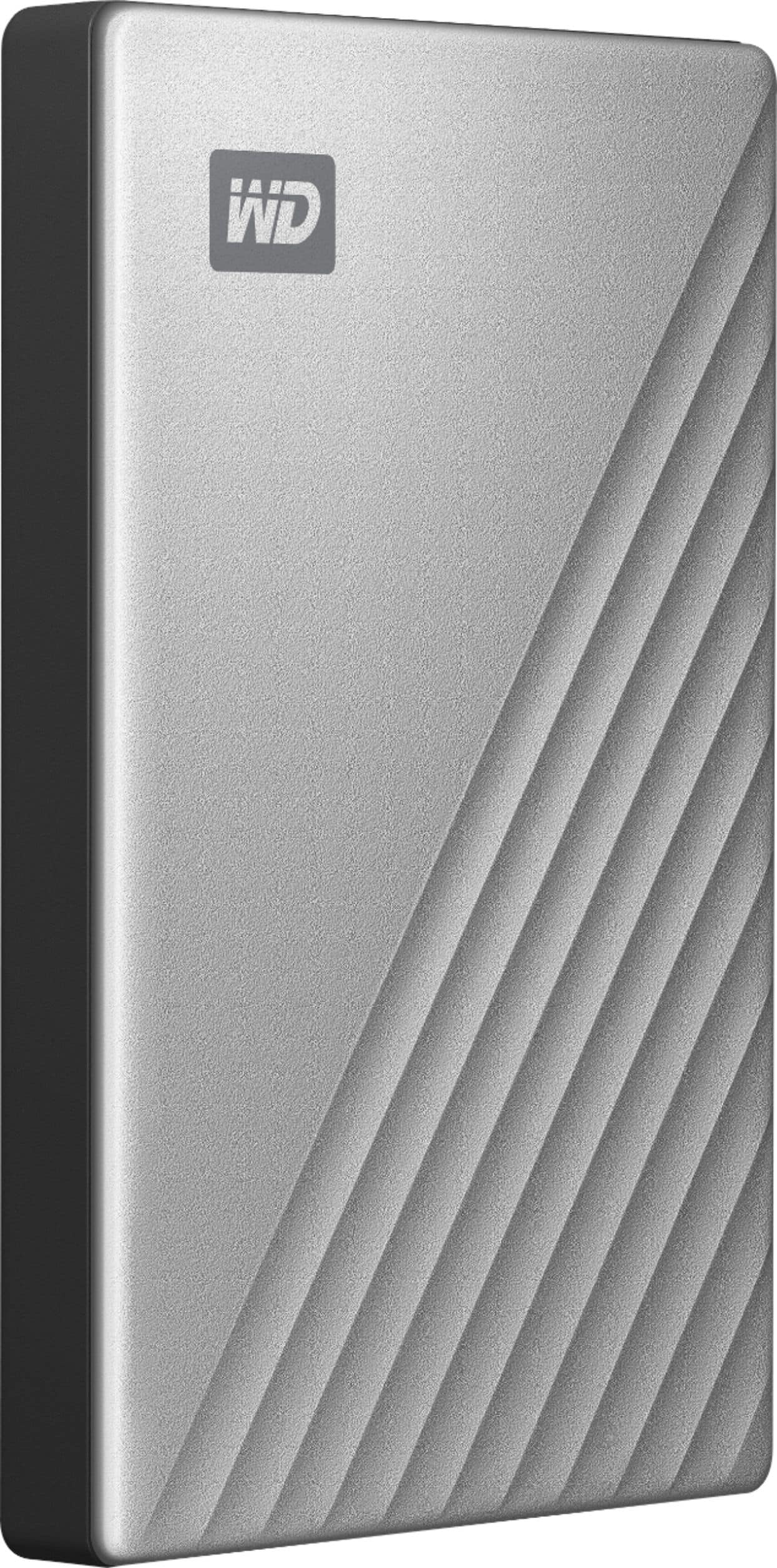
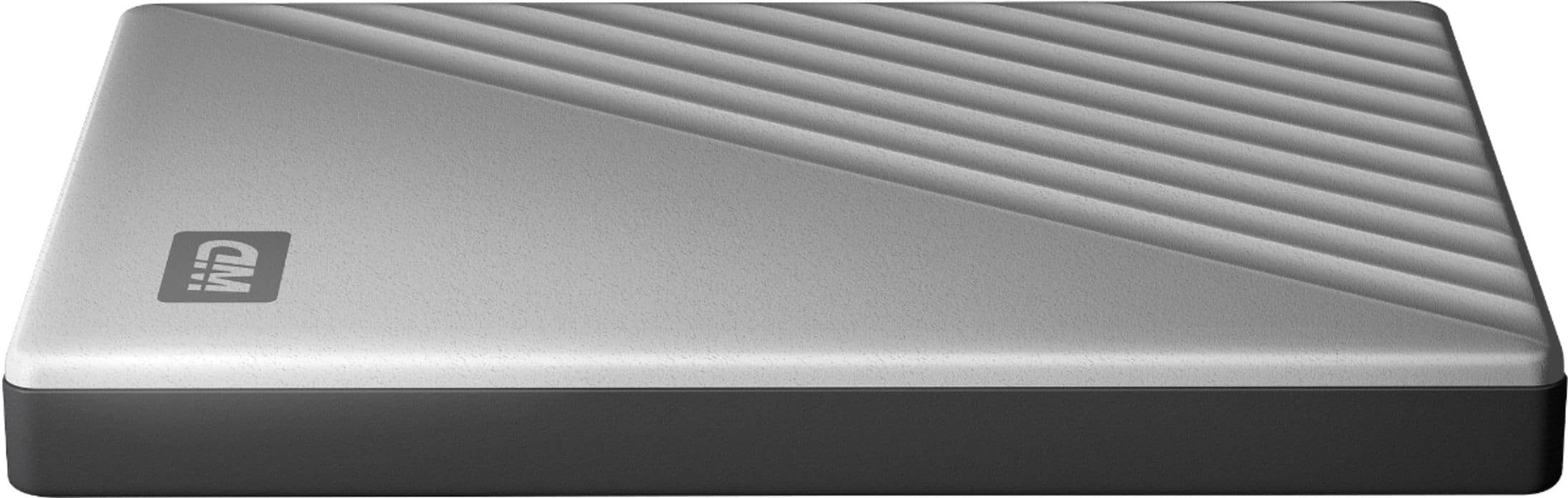
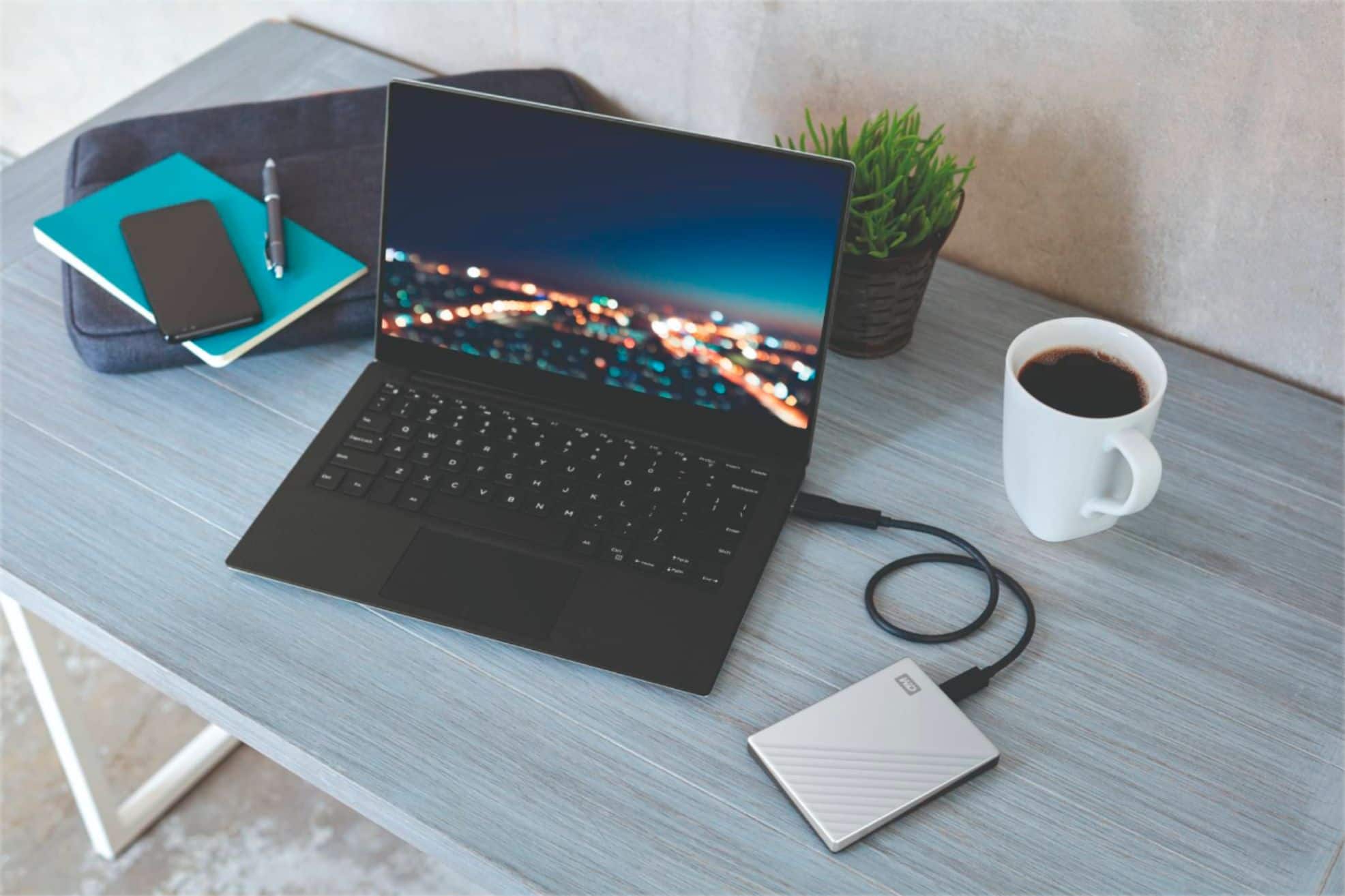
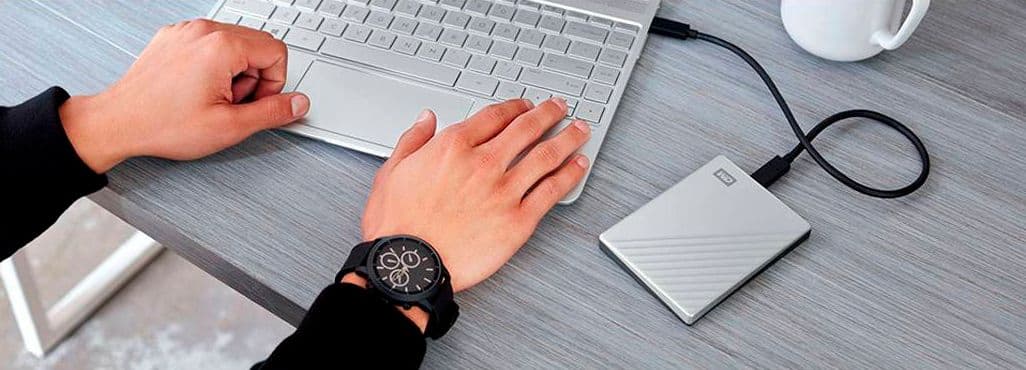
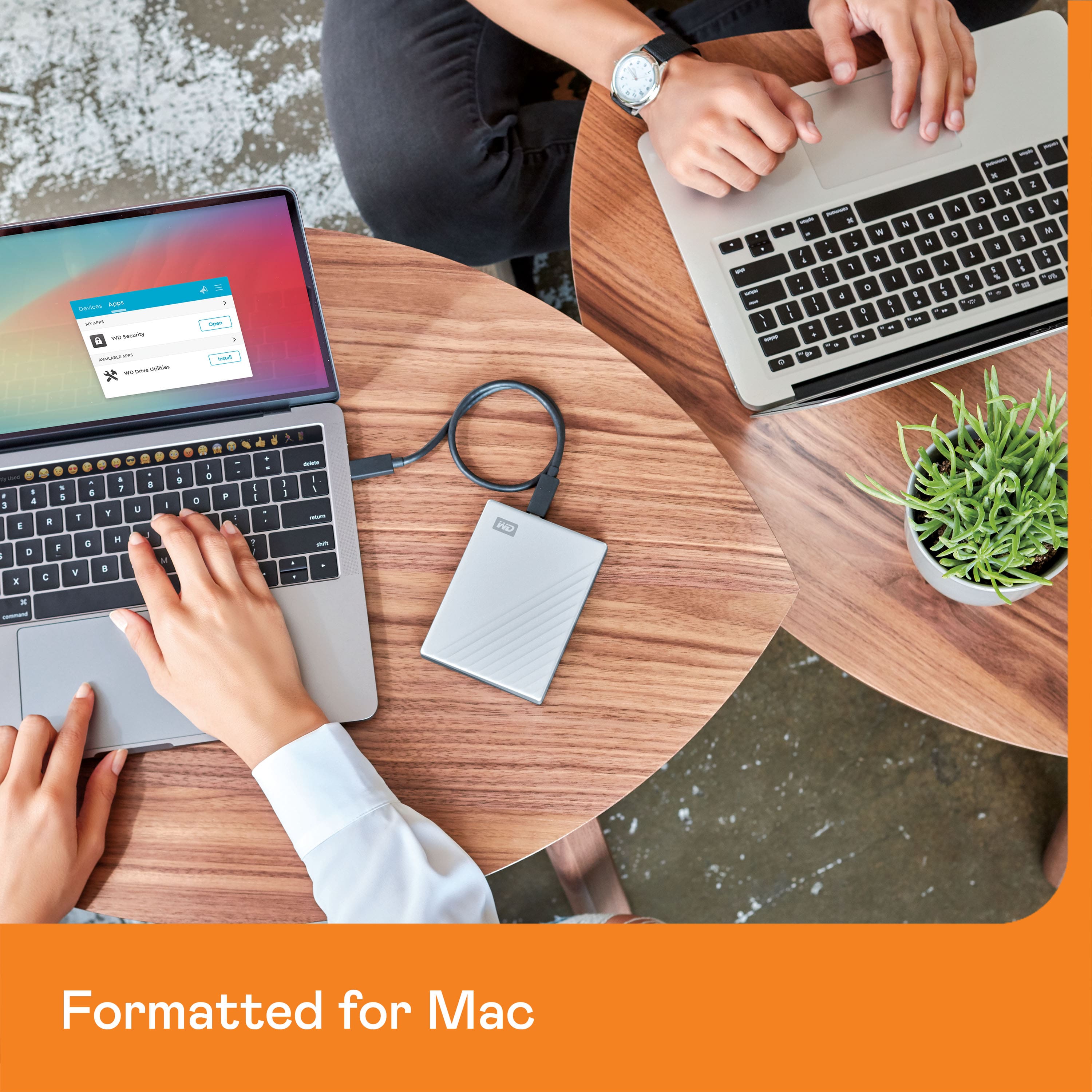
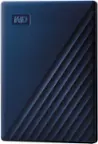
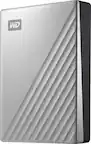
A:AnswerHi, Please be informed that the WD My Passport Ultra for Mac drive is a plug 'n' play device tested and designed for Windows and Mac computers. It comes pre-formatted in a macOS-compatible file system so it's ready out of the box. To know more about the drive refer to the link: http://products.wdc.com/library/AAG/ENG/4078-705134.pdf
A:AnswerHi Okmo54, Yes, you can drag and drop single JPGs or files to the My Passport Ultra For Mac. If you need any technical support or specific concern, please feel free to contact us https://www.westerndigital.com/company/contact-us
A:AnswerHi, Please be informed that the WD My Passport Ultra for Mac drive is a plug 'n' play device tested and designed for Windows and Mac computers. The comes pre-formatted HFS+ Journaled for macOS ready out of the box. To know more about the drive refer to the link: http://products.wdc.com/library/AAG/ENG/4078-705134.pdf
A:AnswerHi, Please be informed that the WD My Passport Ultra for Mac drive is a plug 'n' play device tested and designed for Windows and Mac computers. The comes pre-formatted HFS+ Journaled for macOS ready out of the box. To know more about the drive refer to the link: http://products.wdc.com/library/AAG/ENG/4078-705134.pdf -Need Help? Please see our "'Contact Us" page for information.
A:AnswerConsidering that this is a hard drive rather than a storage USB, I would highly doubt it. It's more suitable for Macbook Pro & Air rather than iPhone of any model. The USB in the name is just the cable itself. This device is more for RAM and processing power than for storing memory.
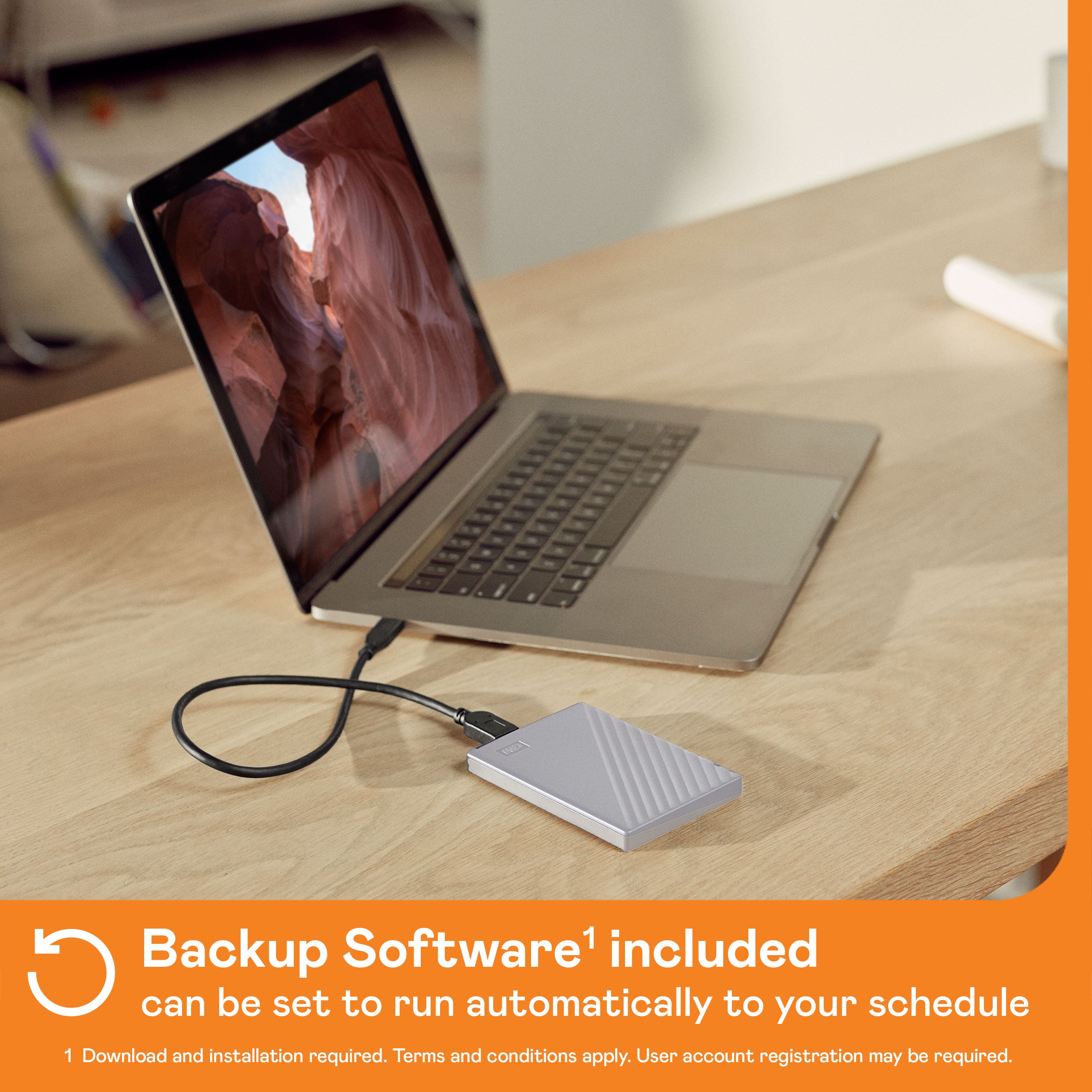
A:AnswerHello Rudy1950, Please be informed that My Passport Ultra For Mac comes preformatted in Mac compatible file format, If you want to use it on windows then you could reformatted. Please be informed that reformatting is a data destructive process. Please refer to the link: https://support-en.wd.com/app/answers/detailweb/a_id/8200 .It is a plug and play drive you could simply copy and paste the data to the drive and vice versa. To configure automatic backup you could use Acronis True Image for Western Digital software. Please refer to the mentioned link: https://support-in.wd.com/app/answers/detailweb/a_id/30022/. It will not backup the outlook account. -Need Help? Please see our "'Contact Us" page for information.
A:AnswerHello, Please be informed that the WD My Passport Ultra for Mac drive is a plug 'n' play device tested and designed for Windows and Mac computers. The comes pre-formatted HFS+ Journaled for macOS ready out of the box. To know more about the drive refer to the link: http://products.wdc.com/library/AAG/ENG/4078-705134.pdf -Need Help? Please see our "'Contact Us" page for information.
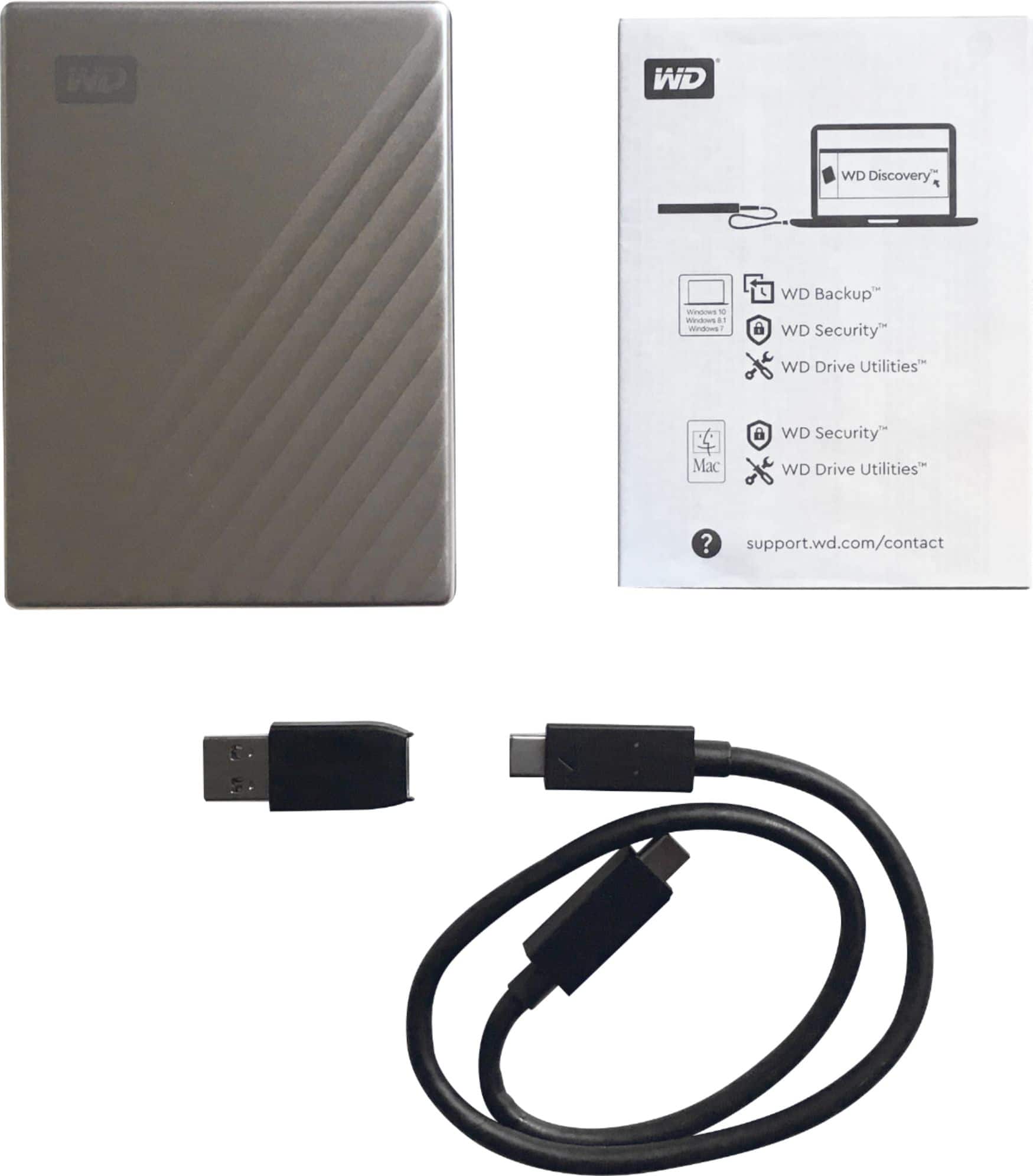
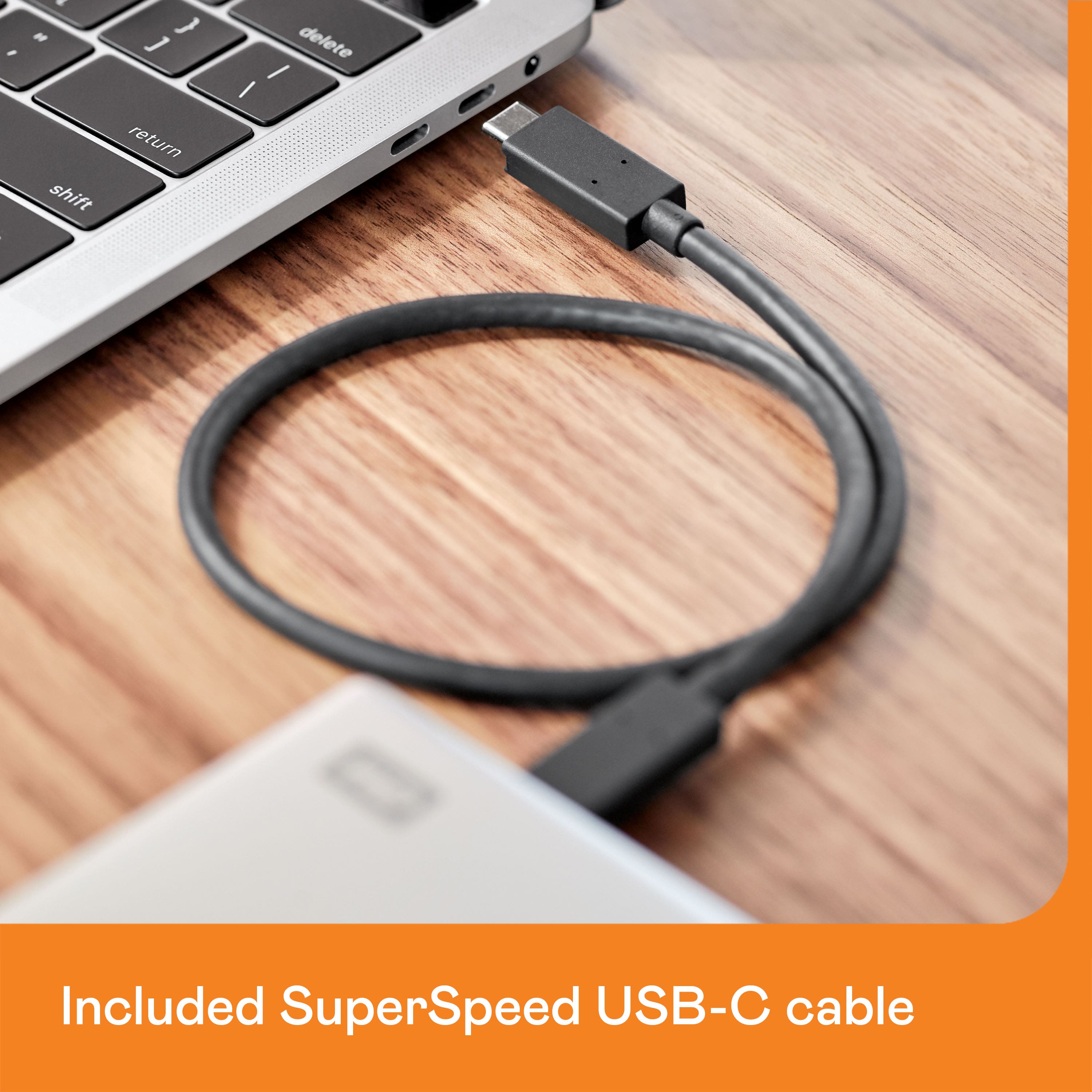
A:AnswerHello, Please be informed that the WD My Passport Ultra for Mac drive is a plug 'n' play device tested and designed for Windows and Mac computers. The comes pre-formatted HFS+ Journaled for macOS ready out of the box. Its comes with SuperSpeed USB-C to USB-C cable and USB-C to USB-A adapter. To know more about the drive refer to the link: http://products.wdc.com/library/AAG/ENG/4078-705134.pdf -Need Help? Please see our "'Contact Us" page for information.
A:AnswerWorks great with any MacBook.
comes with USB - C cable & USB - A adapter.
You can use to back up Mac or just transfer files.
Note: if using this type of product for editing, I don't suggest using a PASSPORT. I Suggest standard use like file transfers or MacBook back ups
A:AnswerPlease be informed that the drive is designed for use with macOS. We have other My Passport drives for Windows available that you can view on our official online store (https://www.westerndigital.com). In addition, the drive can be used with Windows OS after being formatted in NTFS format. However, we haven't tested our drives with the vendor End of Life operating systems and are optimized for recent versions of the OS.
A:AnswerHello, Please be informed that in order to assist It would be helpful to have a little bit more information. Please get in touch with our customer service team to elaborate the issue. Need Help? Please see our "'Contact Us" page for information.
A:AnswerYes, you can transfer all photos and videos. Are you referring to “image” quality? If so, the file does not change when transferred over to the drive. Image quality remains the same.