A:AnswerHello,
We're more than happy to help you by reaching out to our free support through a ticket or over the phone.
https://www.webroot.com/us/en/support/contact
Thanks!
A:AnswerYou should not need geek squad to get this answer. you made a purchase and it is not functioning as promised.
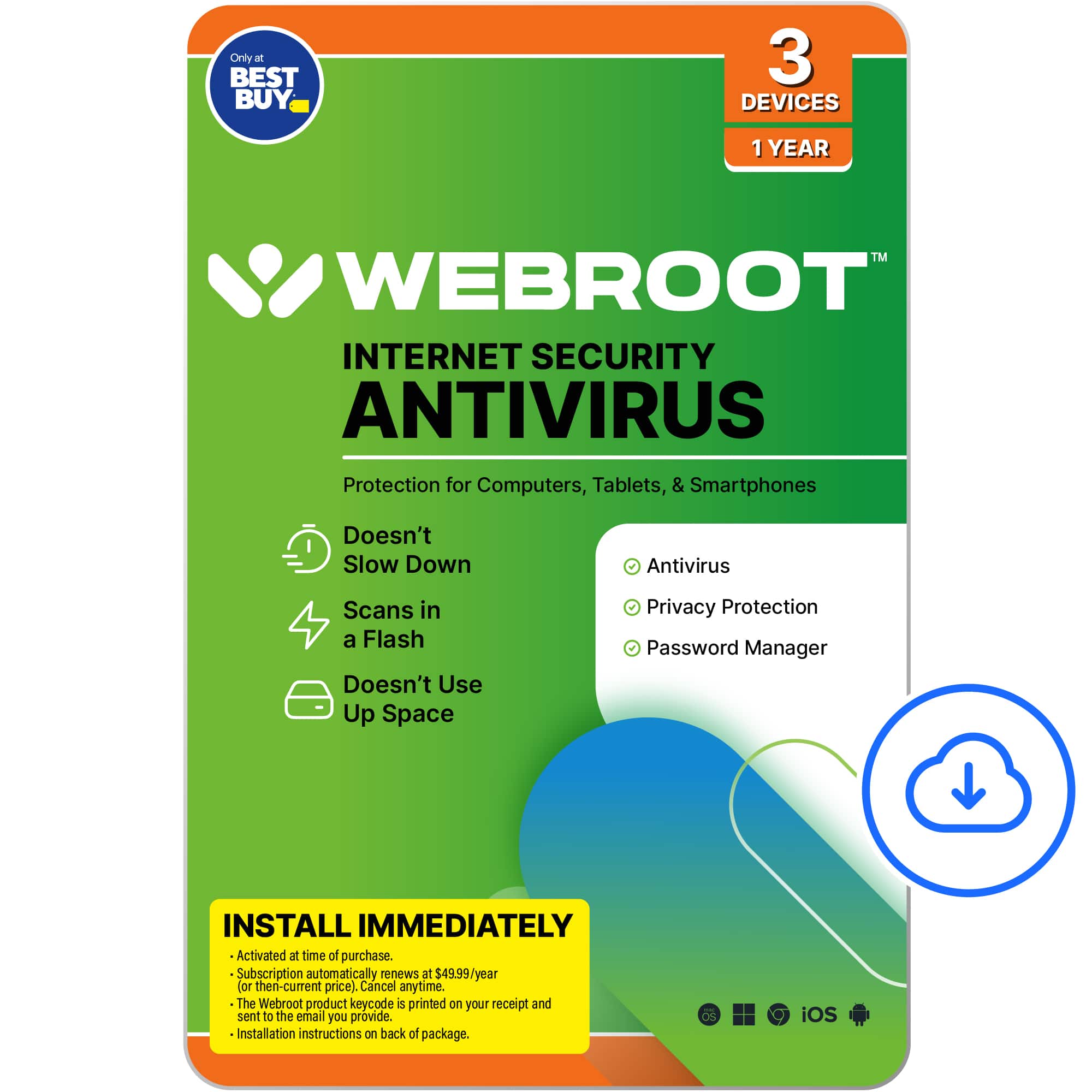
It even tells you that on the back of the card, with the 1 800 #.
A:AnswerOpen your Webroot software and click "my account" - your subscription time should be shown there. If not, Please reach out to bestbuy support for assistance: 1 (888) 237-8289
A:AnswerWebroot Threat Shield is supported on Chromebook and below are the instructions on how to install WTS on your Chromebook. https://docs.webroot.com/us/en/home/webthreatshield_userguide/Content/WebThreatShieldUserGuide/DownloadingAndInstallingWebThreatShieldForChromebook.htm
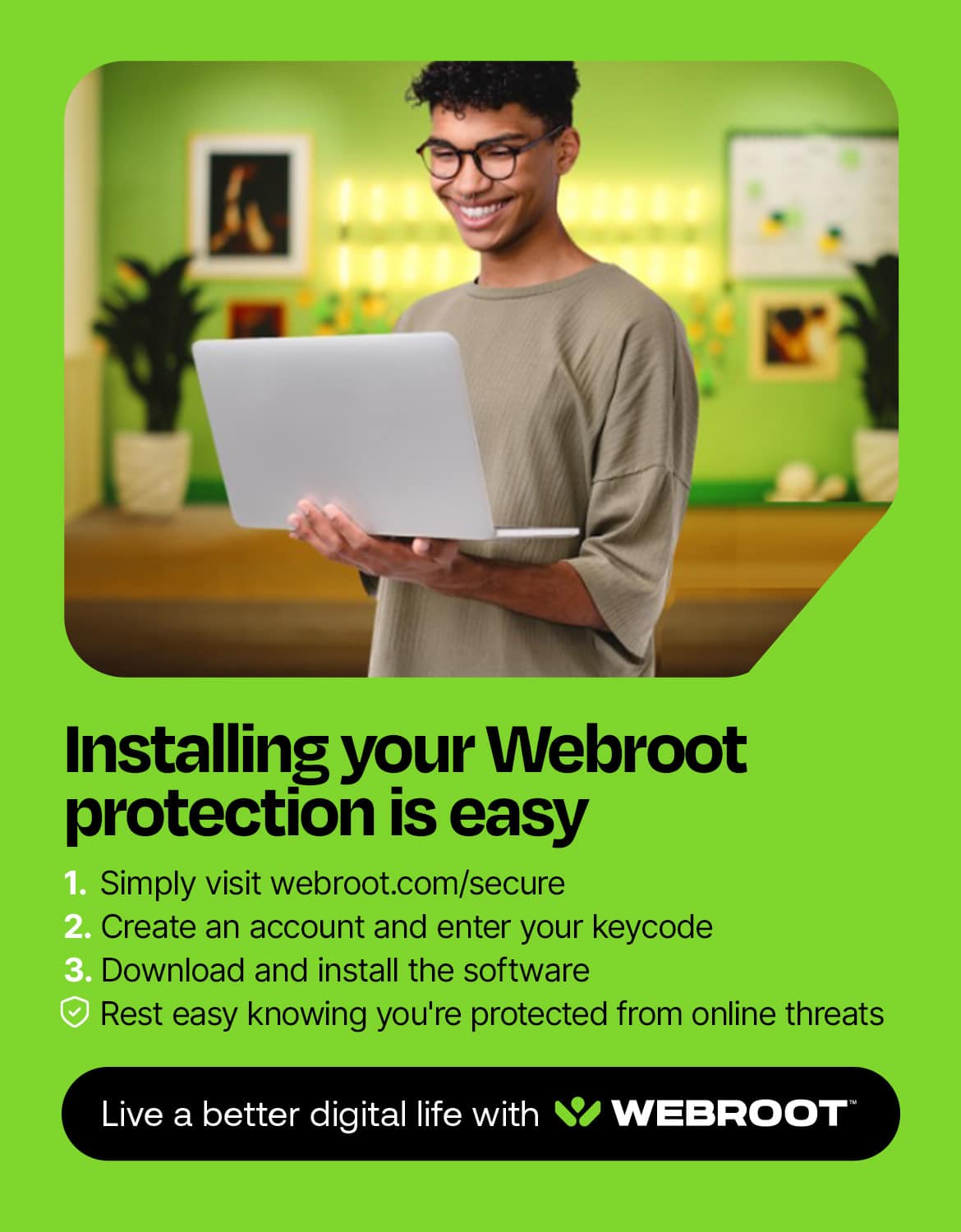
A:AnswerHey there! Our mac-compatible download can be found here: https://www.webroot.com/us/en/home/products/wsa-installer-download
If you have any difficulties getting this to work, please contact our support team: https://www.webroot.com/us/en/support/home-contact
Thanks!
-Webroot Community Team
A:AnswerYou should get an e-mail that it is soon to expire and it will have a link to renew. But you can always just go to Best buy.com and search for the security protection and look for the versions that are downloadable. Then choose and pay and you get emails right away with the downloads.
A:AnswerYes it will work on all of those devices, and as far as having BestBuy installing it for you, my understanding is that there should not be any cost.