Questions & Answers
- Model:
- WR32HB2200
- |
- SKU:
- 6403985
Q: QuestionIs there anyway to turn up the saturation on the tv as well as the brightness
Asked by Doglover101.
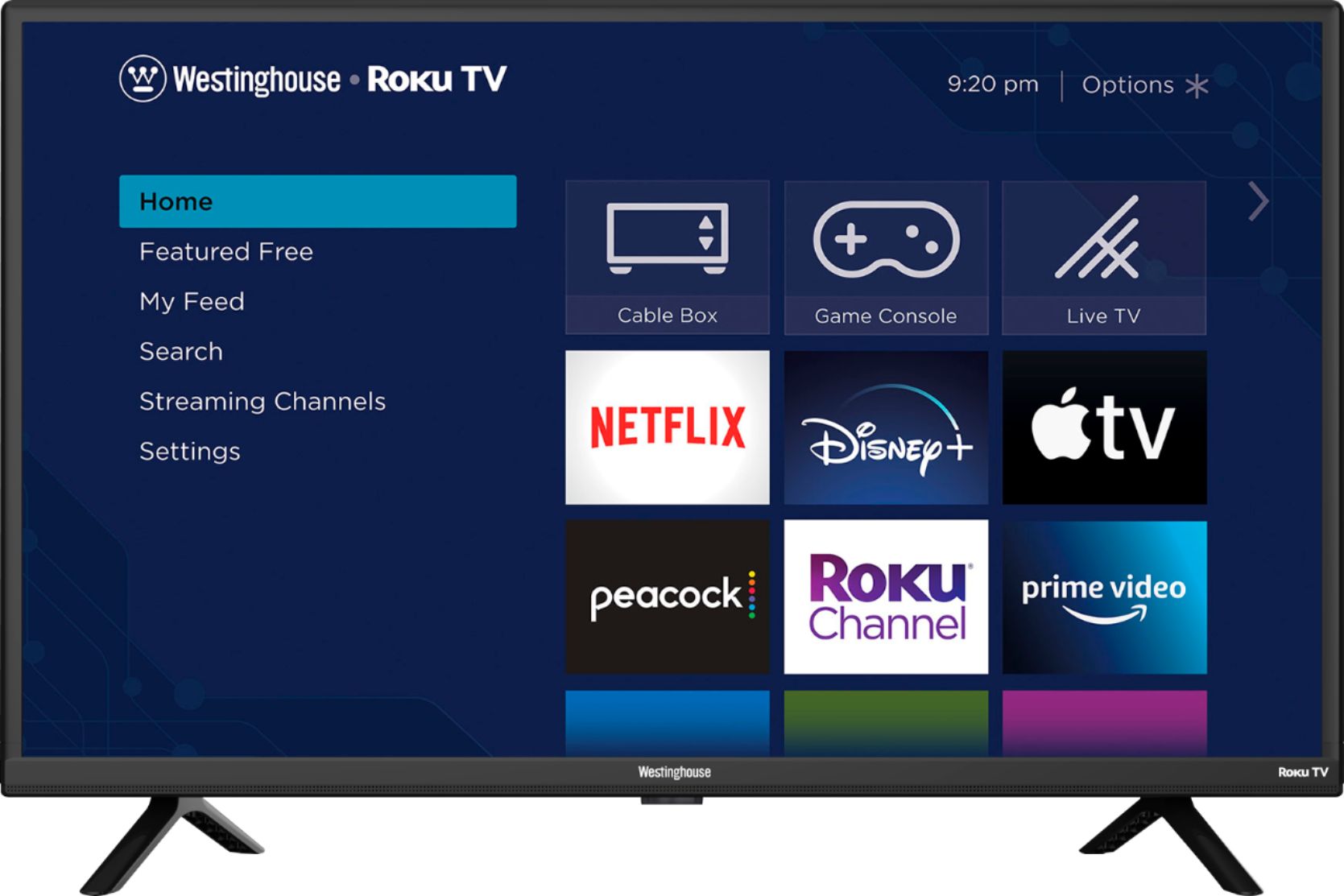
- A:Answer Press the asterisk for menu options then scroll down to Picture Settings with the arrow to can change the brightness, contrast, sharpness, backlight, color, tint, etc. of the different TV modes (Normal, Vivid, Movie, etc.) to get the picture quality you desire.
Answered by MsChar
Q: Questionis the wr32hb2200 / sku 640 3985 tv a 720 or a 1080?
Asked by Anonymous.
- A:Answer 720
Answered by BobH
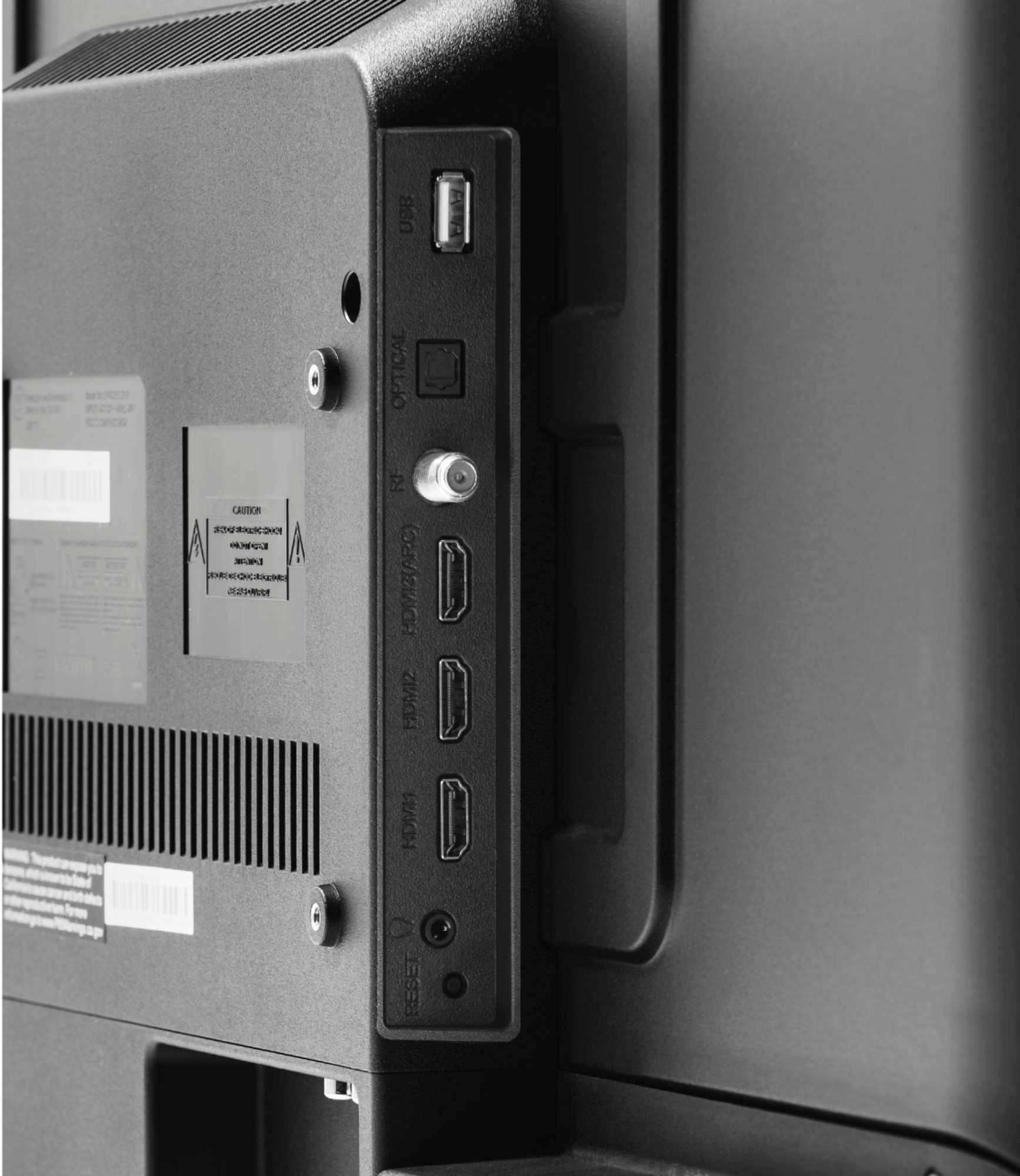
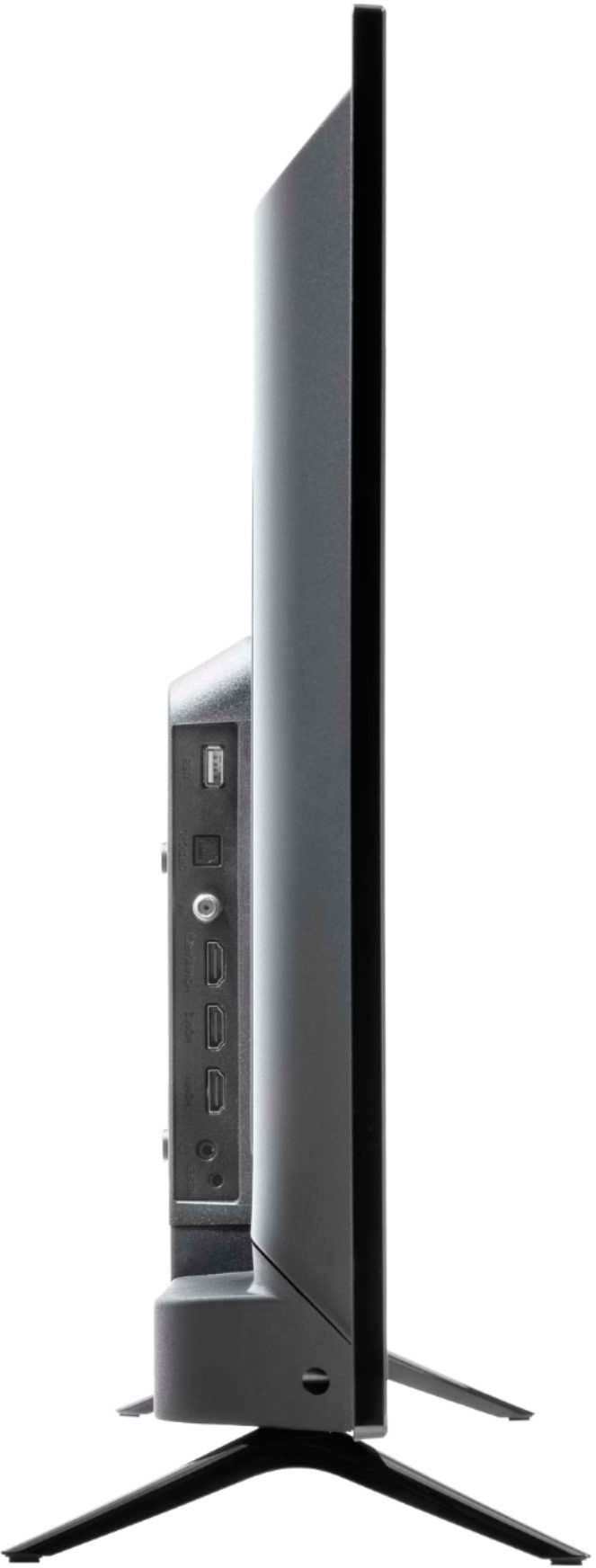
Q: QuestionCan I play video content from the USB port? What formats are supported
Asked by D.
- A:Answer Hello! Yes, you can connect your USB port through the USB port or HDMI. For further details and specifications regarding this product, please visit our website at www.westinghouseelectronics.com
Answered by Westinghouse Product

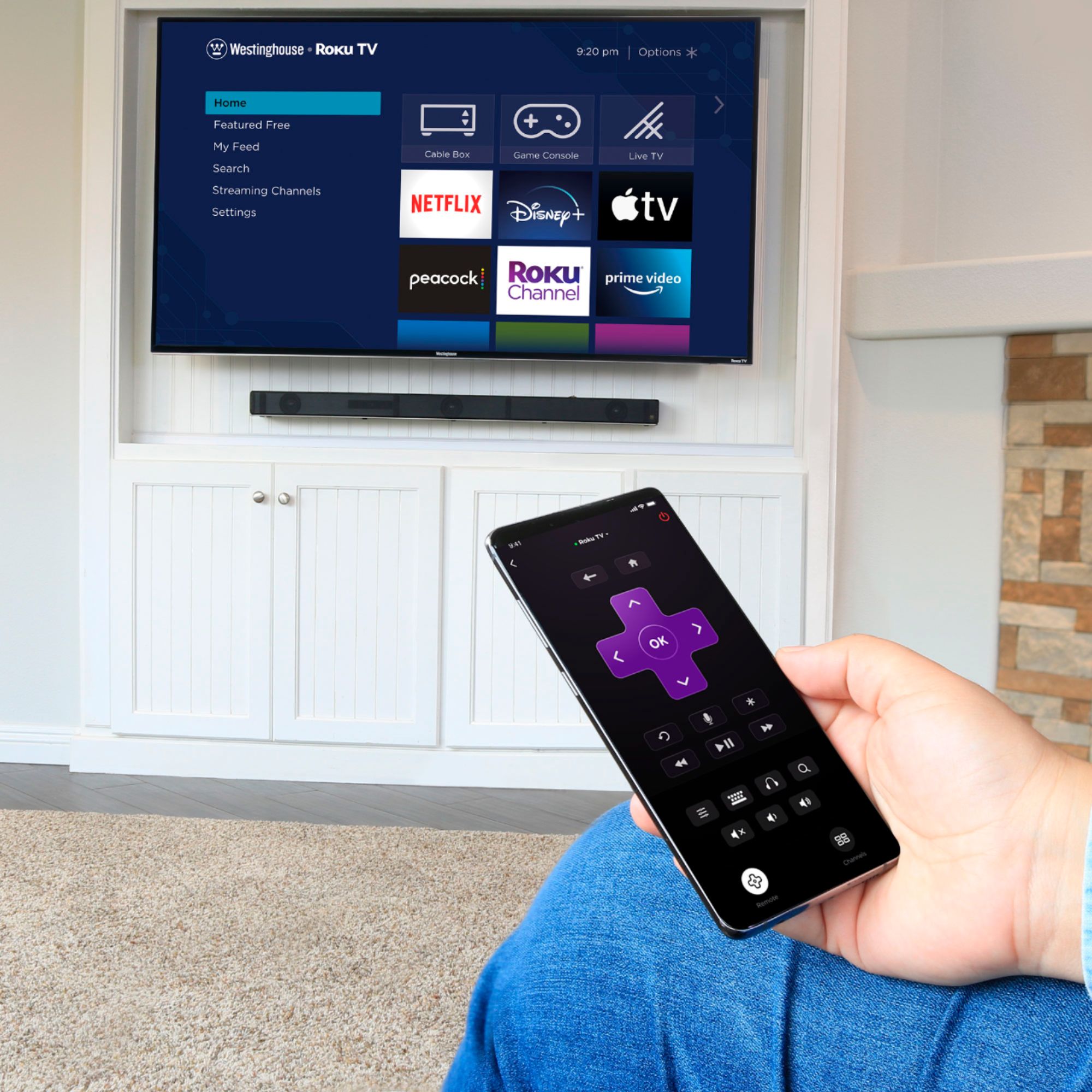
Q: QuestionDoes it come with a remote?
Asked by Emma.
- A:Answer Yes it comes with a remote. You can control the volume with it as well
Answered by Krys
Q: QuestionIs there a way to surf the internet with this smart tv?
Asked by My2centsworth.
- A:Answer Your best bet for web surfing on this set is to use one of the HDMI ports to access a device with its own available web browser. Some good options are an Xbox One or Amazon Fire TV Stick.
Answered by DrPymp
Q: QuestionCan you download the Xfinity Stream app on this tv?
Asked by JR.
- A:Answer Hello! Yes, you may download the Xfinity app! For further details and specifications regarding this product, please visit our website at www.westinghouseelectronics.com
Answered by Westinghouse Product

Q: QuestionHi - I'm curious about this TV and if I can use it as a way to feature digital art? I love the idea of a digital art frame but it's hard to find in this size.
Asked by Targs1212.
- A:Answer Yes. If you connect a computer to the hdmi port, you can use it as a computer screen.
Answered by Boberrybiscuit
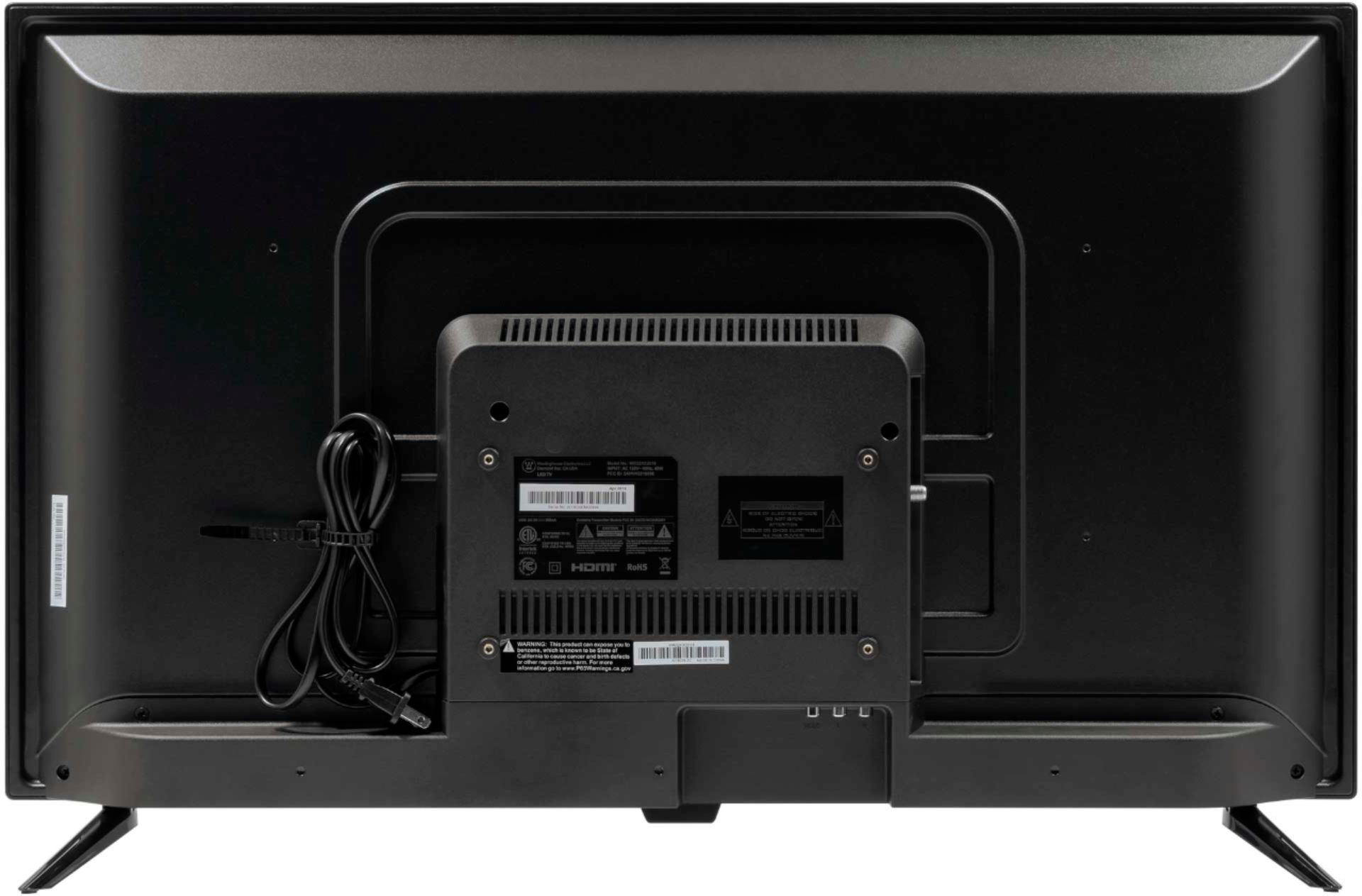
Q: QuestionCan it be plug in 110 electricity
Asked by Far.
- A:Answer Yes , it operates on 110 voltage .
Answered by Joey
Q: QuestionDoes this tv have a sleep timer?
Asked by cas.
- A:Answer Yes it has a sleep timer. It’s hidden - hit the “star” button on the remote and scroll down to “sleep timer”. Hit the right arrow (in the arrow keys) to select the minutes. Hit OK and you should be set.
Answered by Willow65
Q: QuestionCan I watch just regular tv without having to purchase anything else?
Asked by RegularTv.
- A:Answer Hello! You can definitely download your cable provider's app to this TV without having to purchase anything else! For further details and specifications regarding this product, please visit our website at www.westinghouseelectronics.com
Answered by Westinghouse Product

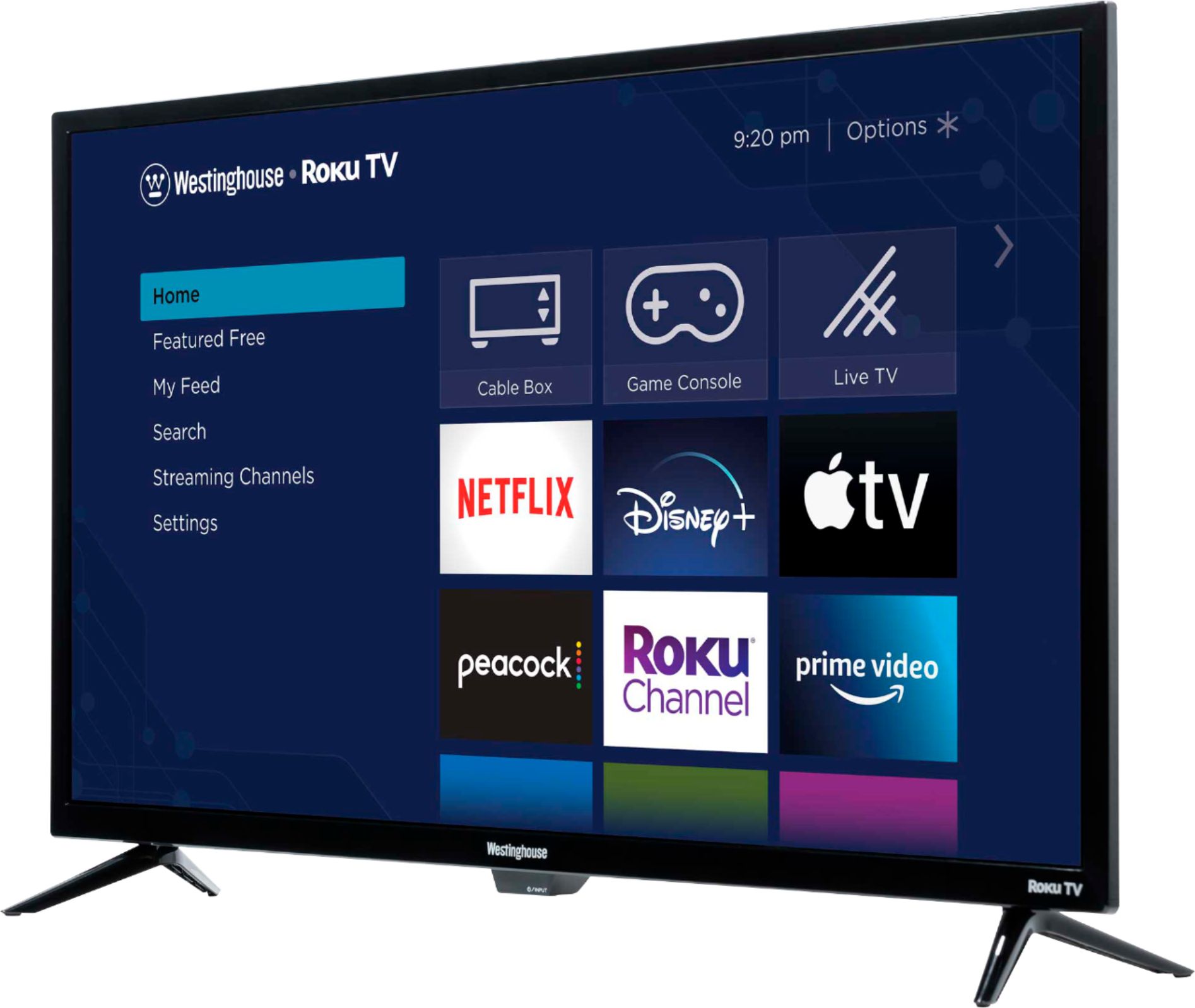
Q: Questionis the roku built in or do i need to buy it?
Asked by ashley.
- A:Answer Hello! The Roku is already built in! For further details and specifications regarding this product, please visit our website at www.westinghouseelectronics.com
Answered by Westinghouse Product

Q: Questiondo i need to put in a credit or debit card to use the free aps etc
Asked by kathy.
- A:Answer Hello! When you get this TV, you will need to create an account with Roku which is completely free. During this set up, Roku will ask you to add a debit/credit card in case you want to purchase/rent movies through their store. Other than that, nothing gets deducted from any app you download. For further details and specifications regarding this product, please visit our website at www.westinghouseelectronics.com
Answered by Westinghouse Product

Q: QuestionDoes this tv have Disney plus
Asked by Anonymous.
- A:Answer Yes, you can install nearly any APP
Answered by UnderMyGazebo
Q: QuestionCan you hook up a wii or other gaming systems to this tv?
Asked by Anonymous.
- A:Answer My daughter absolutely loves TV for gaming. She had the TV out of the box in the game system plugged in before I even go to her room.
Answered by DaughtersTV
Q: QuestionDoes this TV come with Disney + or are you able to download the app???
Asked by Newbie9.
- A:Answer Disney + is built in as well as 13 other streaming channels.
Answered by BobH
Q: QuestionDoes this tv have screen mirroring
Asked by Lex.
- A:Answer Hello! Yes, you can screen mirror with your phone. For further details and specifications regarding this product, please visit our website at www.westinghouseelectronics.com
Answered by Westinghouse Product

Q: QuestionCan I hook up a DVD Player to the Westinghouse - 32" Class LED HD Smart Roku TV?
Asked by FDL1.
- A:Answer Hello! Yes, you may install a DVD player. For further details and specifications regarding this product, please visit our website at www.westinghouseelectronics.com
Answered by Westinghouse Product

Q: QuestionDoes Roku have to be set up for this tv to view Spectrum cable service that is connected to the tv directly? How do I avoid having to set-up Roku when first turning this tv on?
Asked by Dave.
- A:Answer Think of the TV as an iPad, tablet or other streaming device. You connect the TV to the internet through WiFi or network cable, then download APPS to enhance your viewing experience. If your cable provider has an APP (like Xfinity/Comcast) you'll be able to view the cable channels you subscribe to through your provider. The Roku Channel has several channels to choose from including local stations but you won't have access to channels that are included with a cable subscription unless you use a cable providers streaming app with a paid subscription. Hope this helps.
Answered by MsChar
Top Rated
- $249.99$249.99The price was $379.99
- $99.99$99.99The price was $129.99
- $329.99$329.99The price was $469.99
- $149.99$149.99The price was $199.99