Questions & Answers
- Model:
- WR50UX4019
- |
- SKU:
- 6364541
Q: Questioncan this TV be wall mounted?
Asked by Wallmount.
- A:Answer Yes, it can be.
Answered by Westinghouse Product

Q: Questionwhat is the difference between .... 2160p and 1080p ?
Asked by Anonymous.
- A:Answer The difference between the 1080p and 2160p is that 2160p is an alternative name for 4K UHD, a resolution supported by UHDTV products and which offers four times the definition of 1080p.You may contact our customer support team at 1-800-701-0680 or you may chat with our team for further questions! Simply click on the following link: https://westinghouseelectronics.com/support/
Answered by Westinghouse Product

Q: QuestionDoes this TV have closed captioning?
Asked by Aloysius54.
- A:Answer Yes, it has closed captioning.
Answered by CommunityAnswer
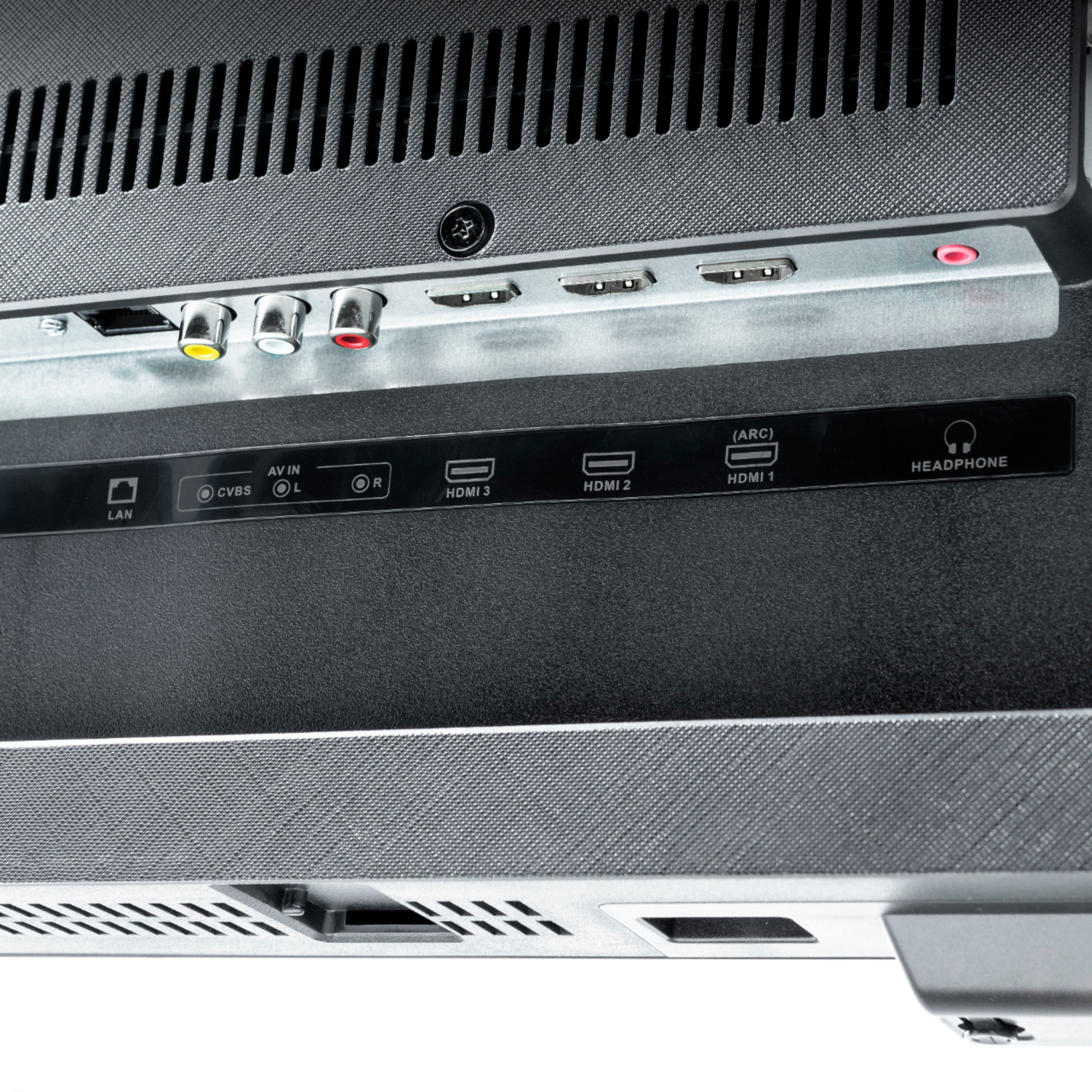
Q: QuestionWhat is the HDMI? Is the 2.1 version?
Asked by Space.
- A:Answer This is HDMI 2.0 version.
Answered by CommunityAnswer
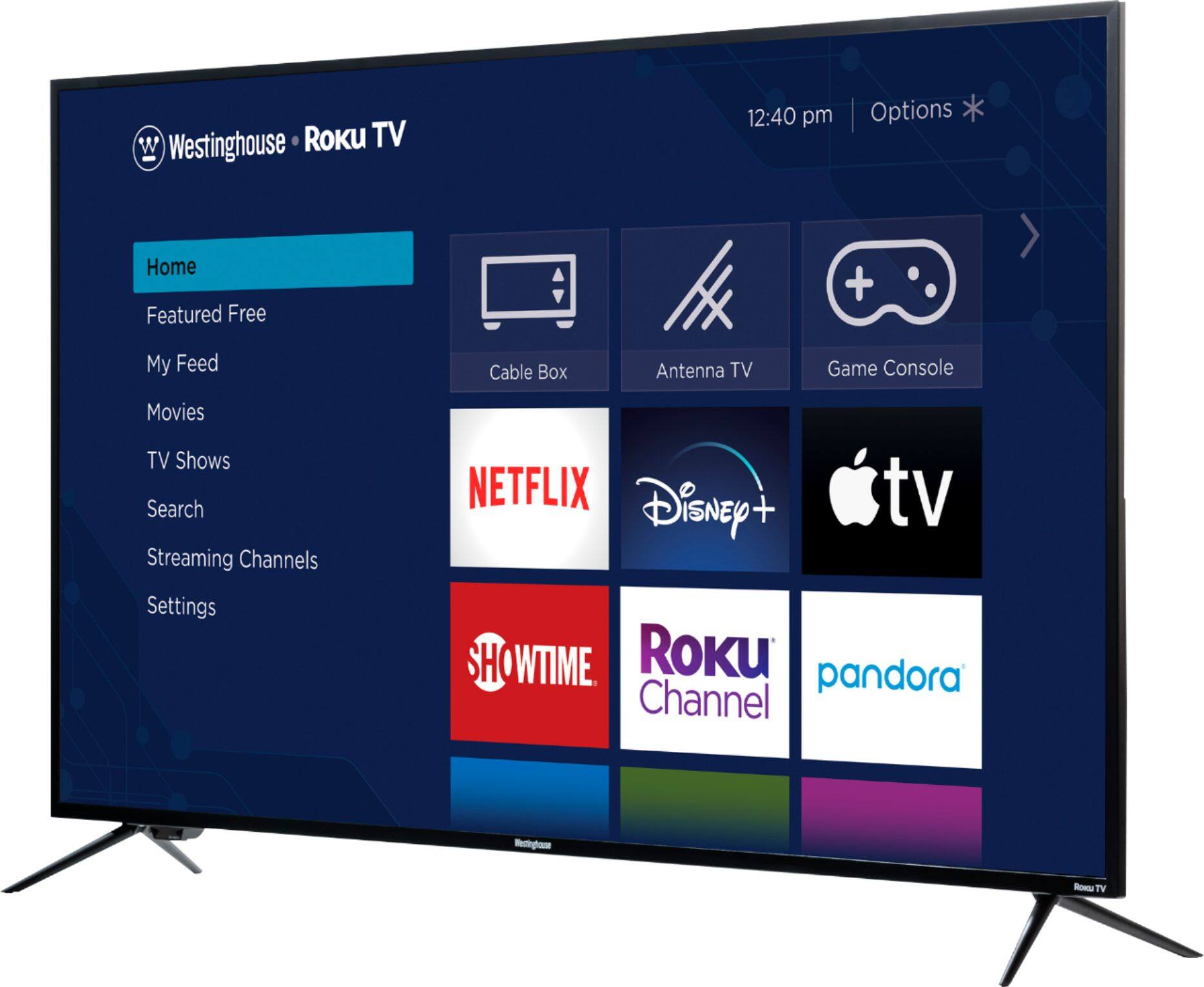
Q: QuestionI'm concerned about upgrades eventually slowing down the user interface... How much disk space is built in for the software?
Asked by MaddCat0.
- A:Answer Roku never slows down. This is not something you need to worry about. How it operates now is how it will in the future. The apps are tiny!
Answered by Nzaf985
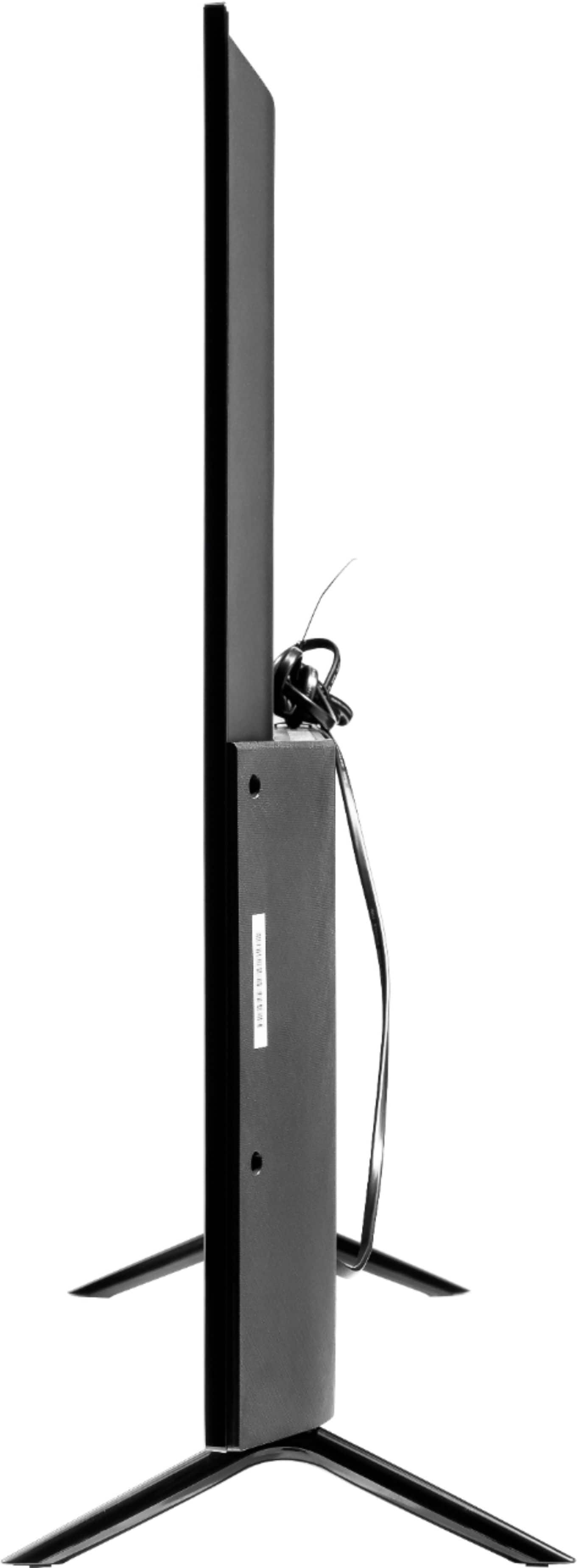
Q: QuestionCan u move the stand legs in towards each other
Asked by Bobby.
- A:Answer Unfortunately no
Answered by Cmariely
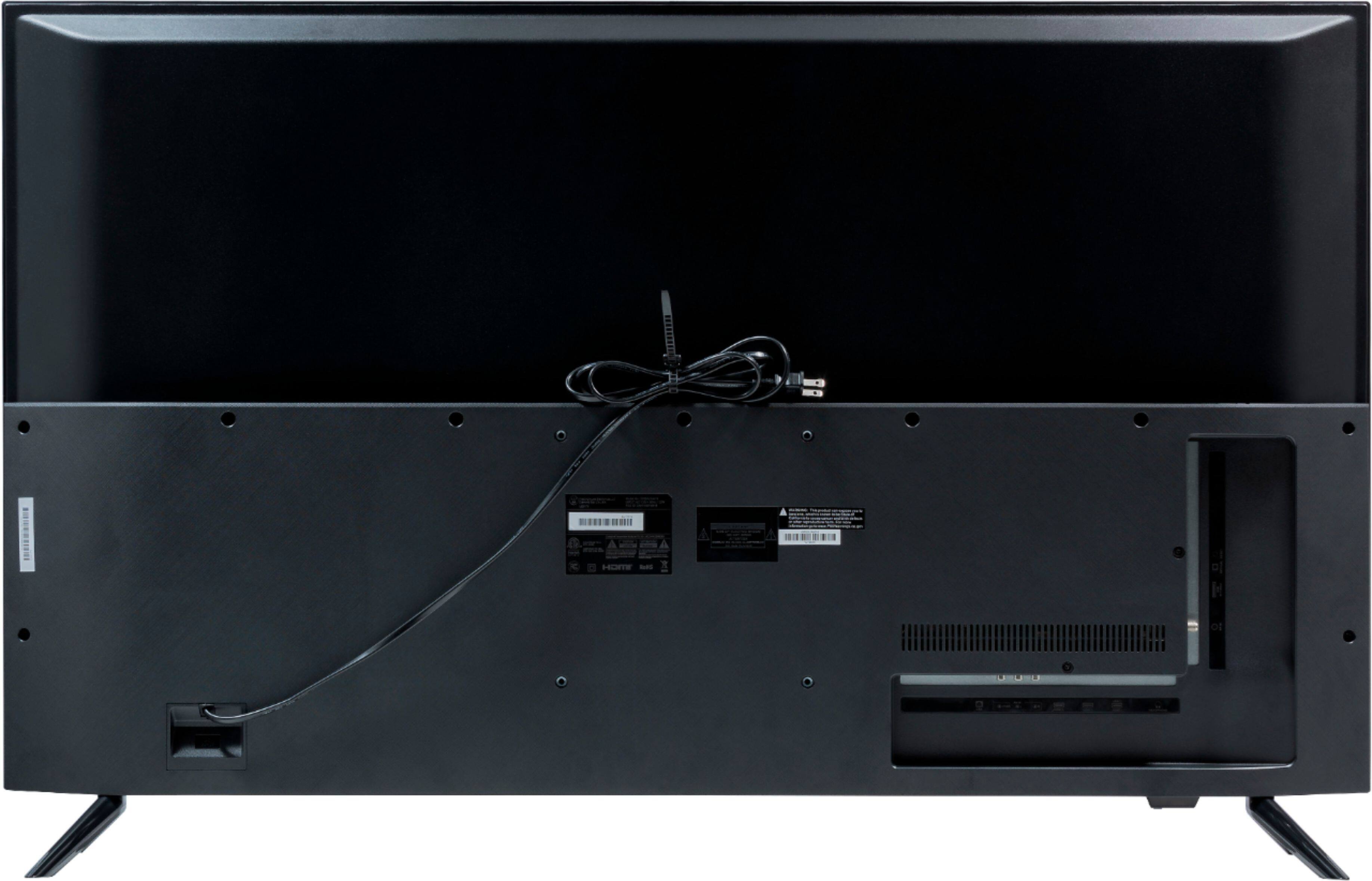
Q: QuestionIs this TV VESA Compatible? Thinking about ordering a floor stand that requires a VESA Compatible stand.
Asked by Barb.
- A:Answer Yes it is VESA 200mm x 200mm compatible. I purchased a VESA stand that fits on top of my current TV stand. It is much better than using the cheap plastic legs that are included.
Answered by TXBravo
Q: QuestionWhat is the type of backlight used on this TV? Edge, Direct, or full array? They do not say in the discription.
Asked by Bryce.
- A:Answer Hello! For further details and specifications regarding this product, please visit our website at www.westinghouseelectronics.com
Answered by Westinghouse Product

Q: QuestionDoes it support hdmi 2.1
Asked by H21.
- A:Answer Hello! Yes, it supports HDMI 2.1. For further details and specifications regarding this product, please visit our website at www.westinghouseelectronics.com
Answered by Westinghouse Product

Q: Questiondoes this have wifi
Asked by Anonymous.
- A:Answer Hello! Yes, this TV does have WiFi. Please visit our FAQs page in our website at www.westinghouseelectronics.com.
Answered by Westinghouse Product

Q: QuestionCan i connect an external speaker using the headphone jack
Asked by kikejr.
- A:Answer Hello! Please visit our FAQs page in our website at www.westinghouseelectronics.com. It will also instruct you on how to connect your speaker properly!
Answered by Westinghouse Product

Q: QuestionWhy are the HDMI ports NOT HDR? The TV will show HDR from Netflix but when I connect my PS4 to a HDMI it does not show the content in HDR....why?
Asked by Mike.
- A:Answer Hello. You are more than welcome to contact our customer support team so they can further assist you with this! Please contact our customer support team at 1-800-701-0680 or you may chat with our team! Simply click on the following link: https://westinghouseelectronics.com/support/. Our customer support team is available 24/7.
Answered by Westinghouse Product

Q: QuestionWhere is this television manufactured ?
Asked by kbbc.
- A:Answer Hello! For further details and specifications on this product, please visit our website at www.westinghouseelectronics.com
Answered by Westinghouse Product

Q: Questionhows the glare if tv was placed outside?
Asked by Alex.
- A:Answer Hi, we wouldn't be able to really tell you how the glare is outside. This is more of a personal experience- since majority of the customers use their TV indoors. If you would like to see further details, specifications, and pictures of all of our products- please visit our website at www.westinghouseelectronics.com
Answered by Westinghouse Product

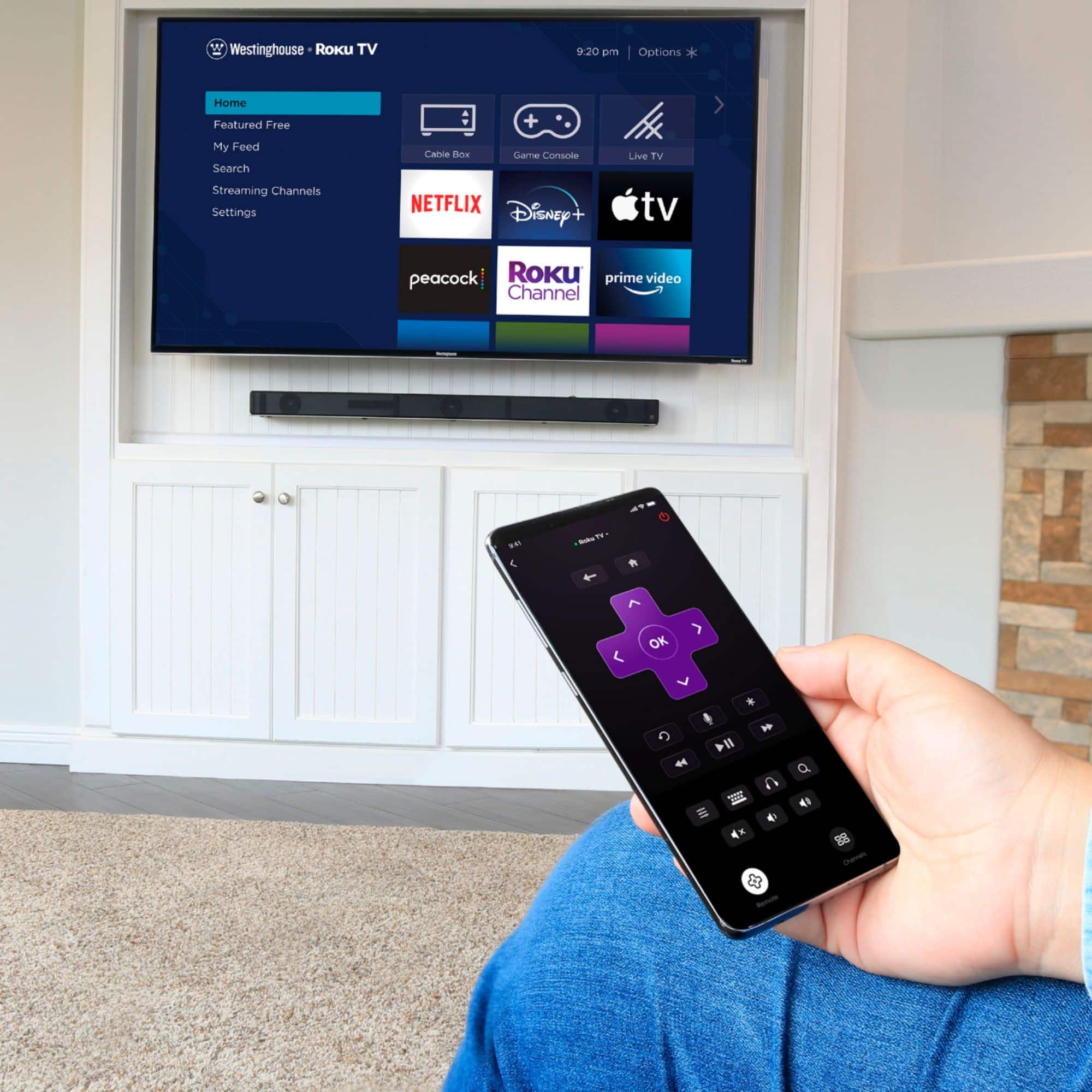
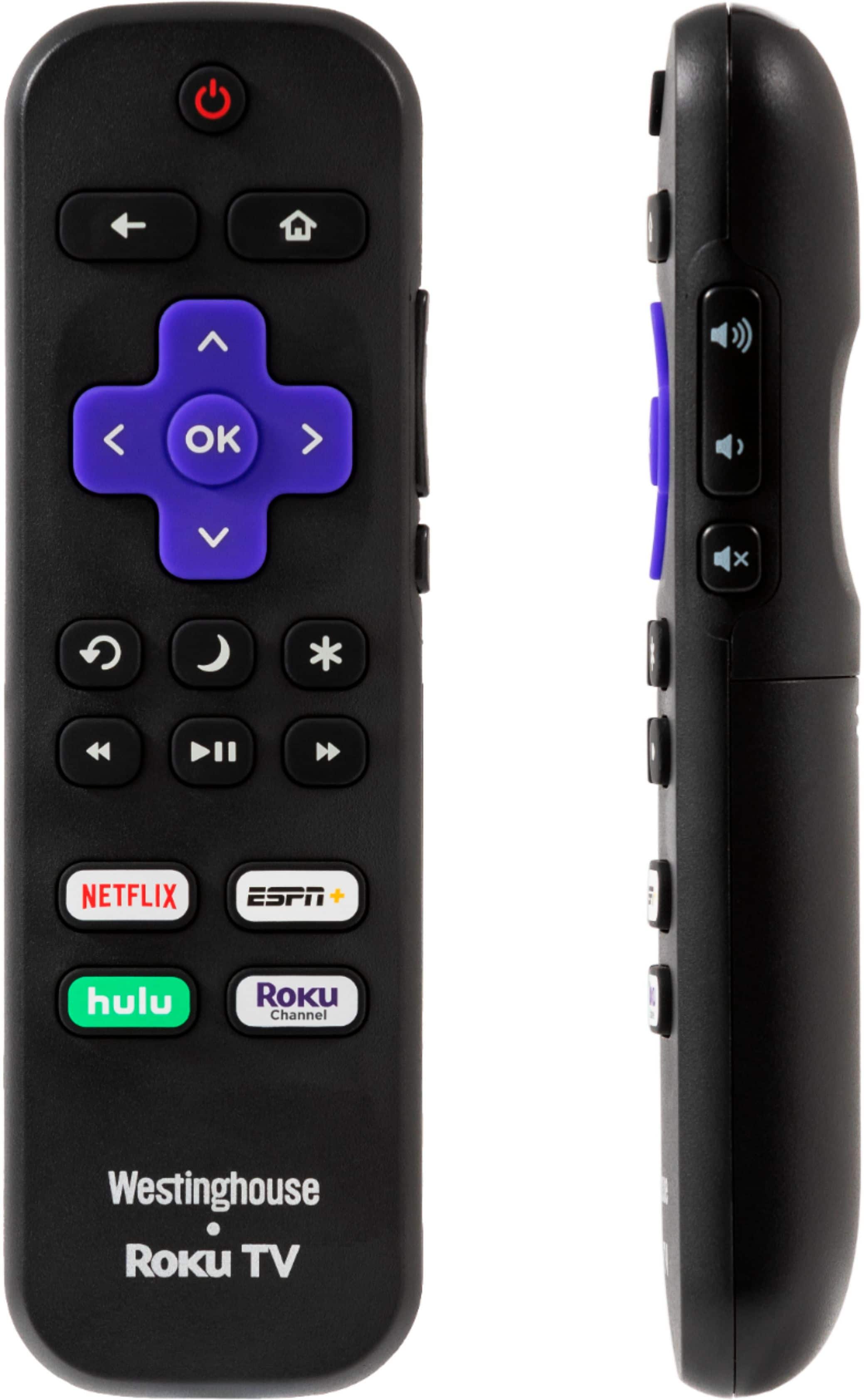
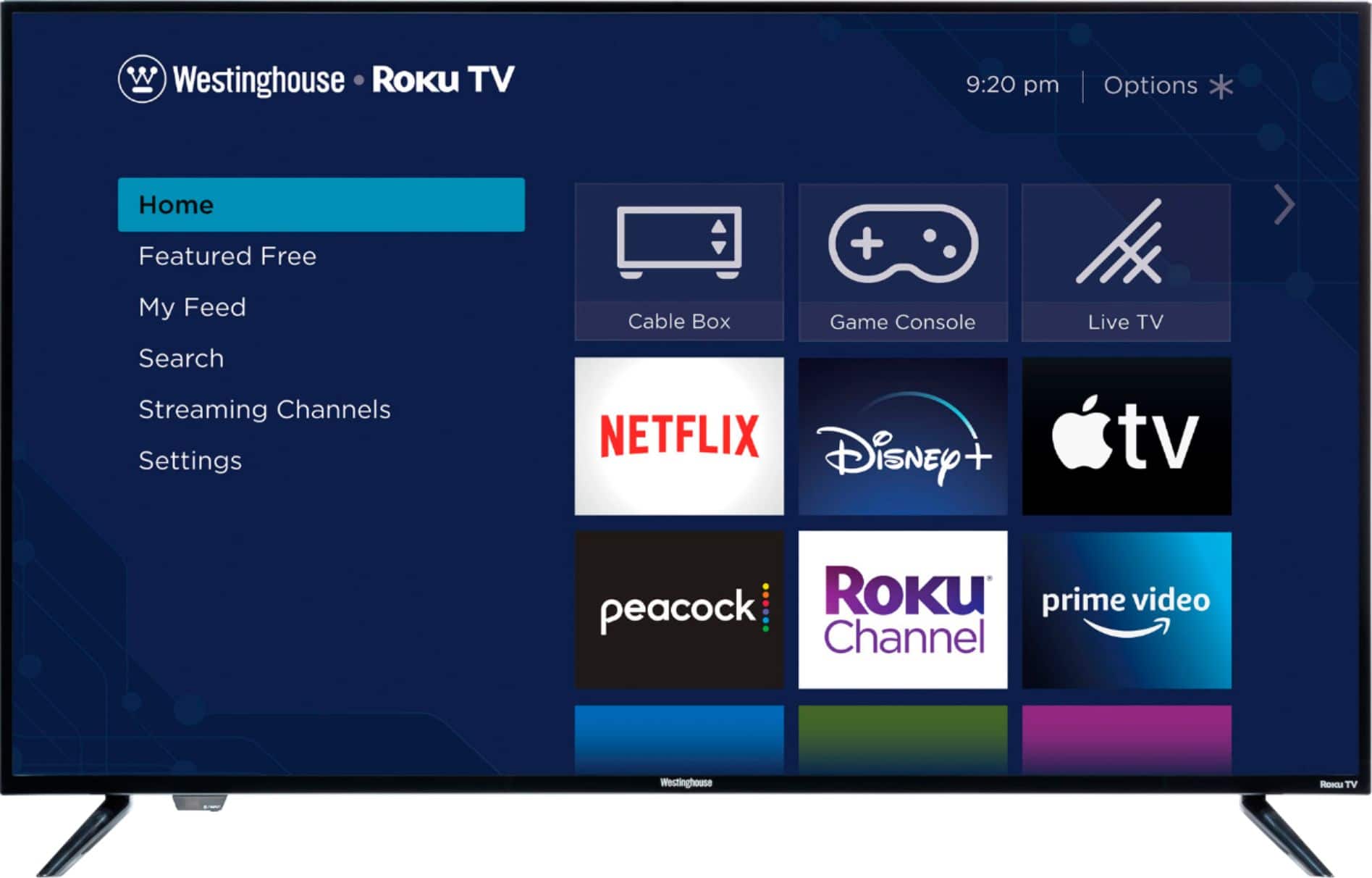
Q: QuestionI have this tv but Hulu is not on it, there’s a button for it on the remote but there’s no way to add it. Any help?
Asked by Fugate101.
- A:Answer Hi, the way you can add this channel is by going to yo2ur home screen, selecting "add channels" under shortcuts. Once you have clicked on that, you may look uo whatever app that you would like to add to your home screen. For further questions, please contact our customer support team at 1-800-701-0680 or you may chat with our team! Simply click on the following link: https://westinghouseelectronics.com/support/
Answered by Westinghouse Product

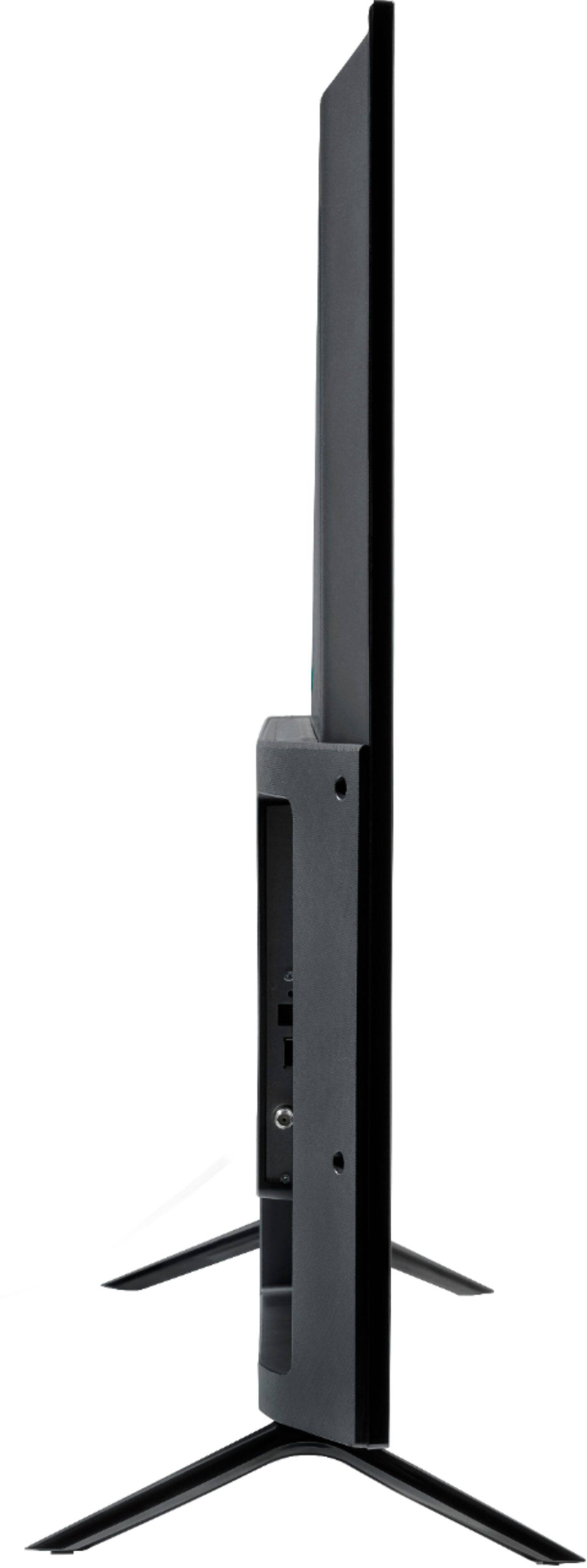
Q: QuestionDoes this tv have a volume button on the tv not the remote?
Asked by Ken.
- A:Answer No, this TV does not have a volume button on it.
Answered by CommunityAnswer
Q: QuestionWhat is the outside distance of the leg stand?
Asked by duff.
- A:Answer Stand Legs Separation Distance is 41.15“, Product Size (WxHxD) w/ Stand is 44.22” x 27.91” x 10.38” , and Product Size (WxHxD) w/o Stand is 44.22” x 25.54” x 2.42”
Answered by Westinghouse Product

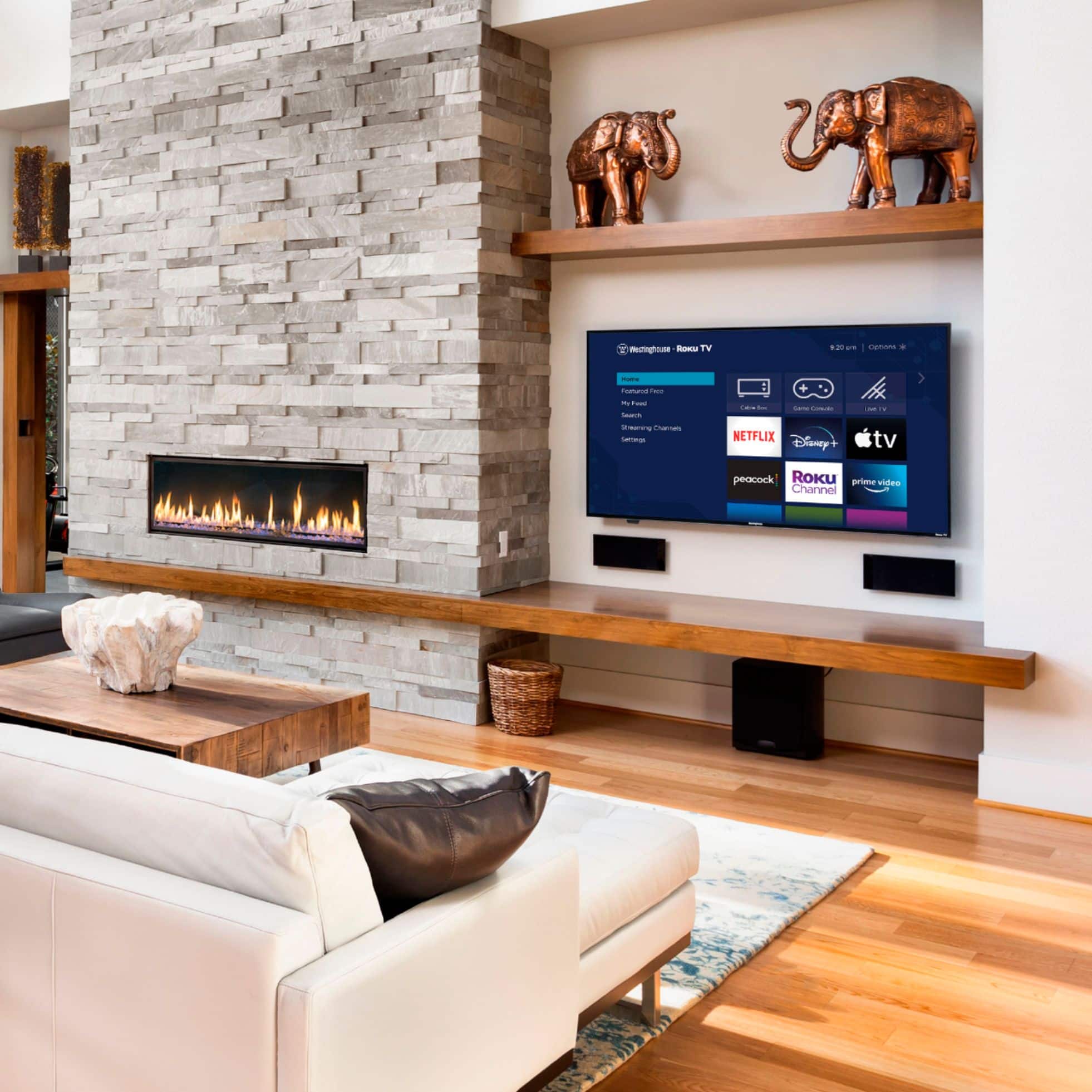
Q: QuestionCan this tv be wall mounted ?
Asked by Mommyk.
- A:Answer I have the tv mounted on an over the counter mount, which uses the same method, so yes it should be able to be wall mounted
Answered by Icedxtony
Q: QuestionDoes it come with a wall mount
Asked by Redd1115.
- A:Answer No, it does not come with a wall mount.
Answered by CommunityAnswer
Top Rated
- $249.99$249.99The price was $379.99
- $99.99$99.99The price was $129.99
- $329.00$329.00The price was $349.00
- $329.99$329.99The price was $469.99
- $1,399.99$1,399.99The price was $2,699.99