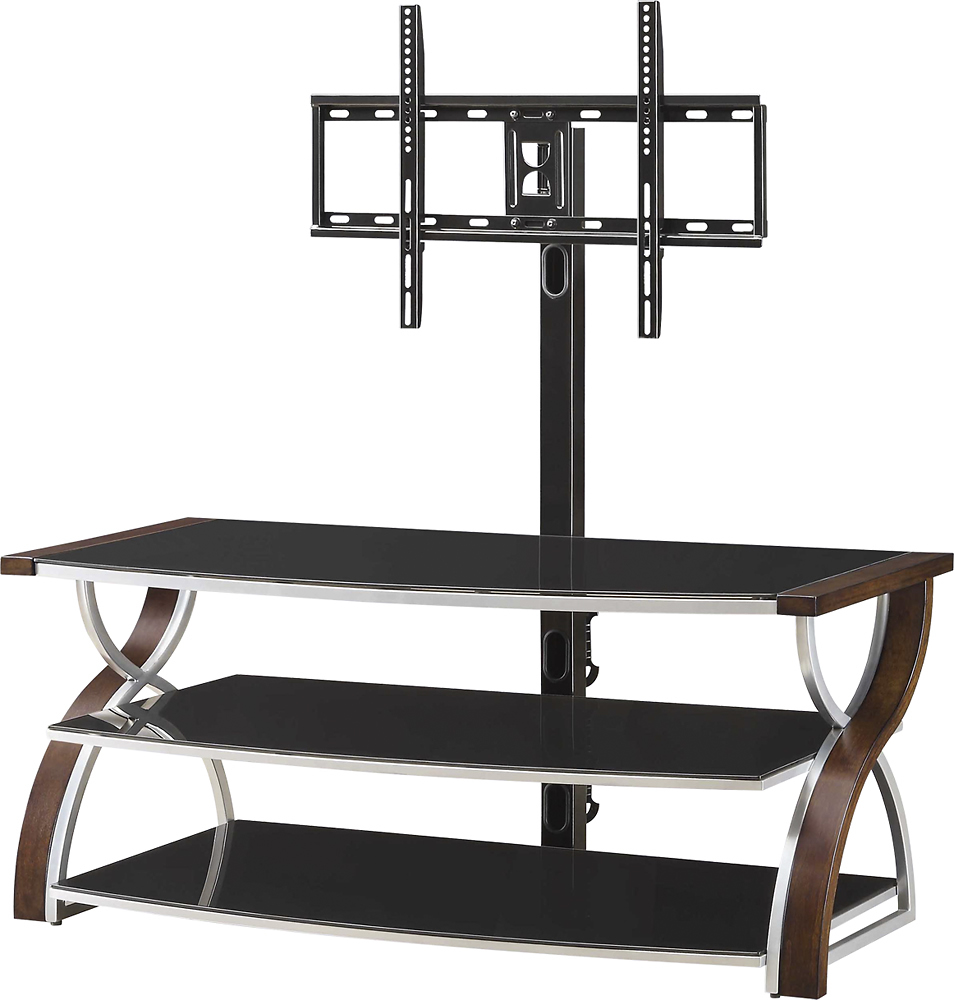
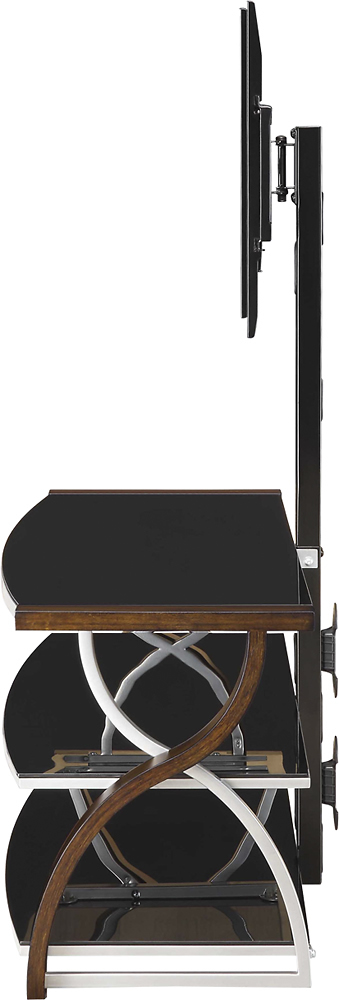
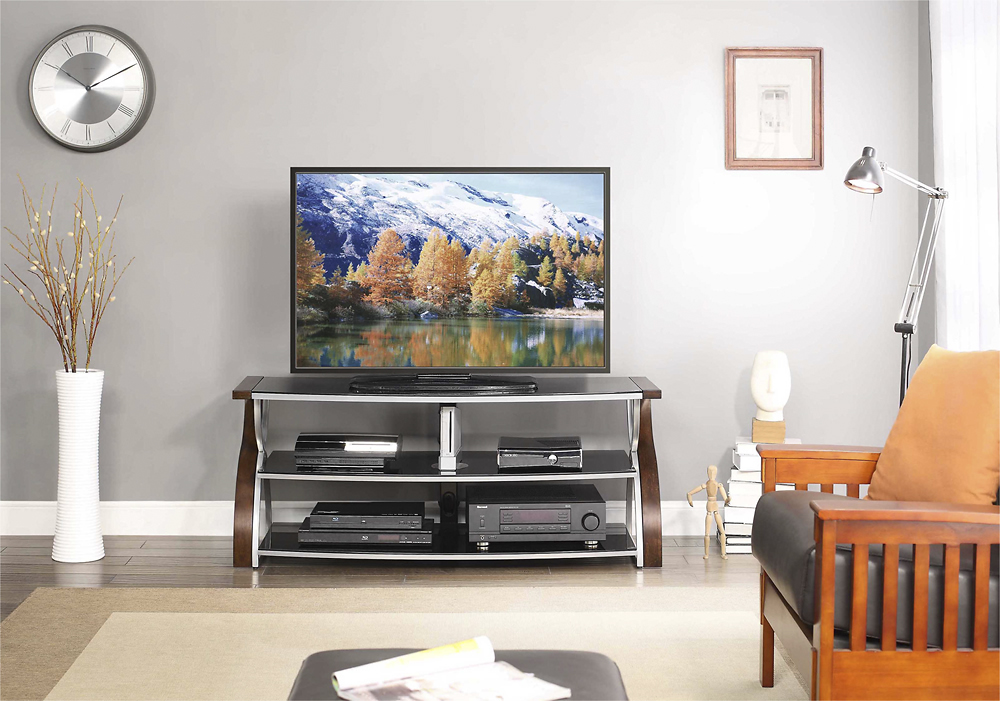
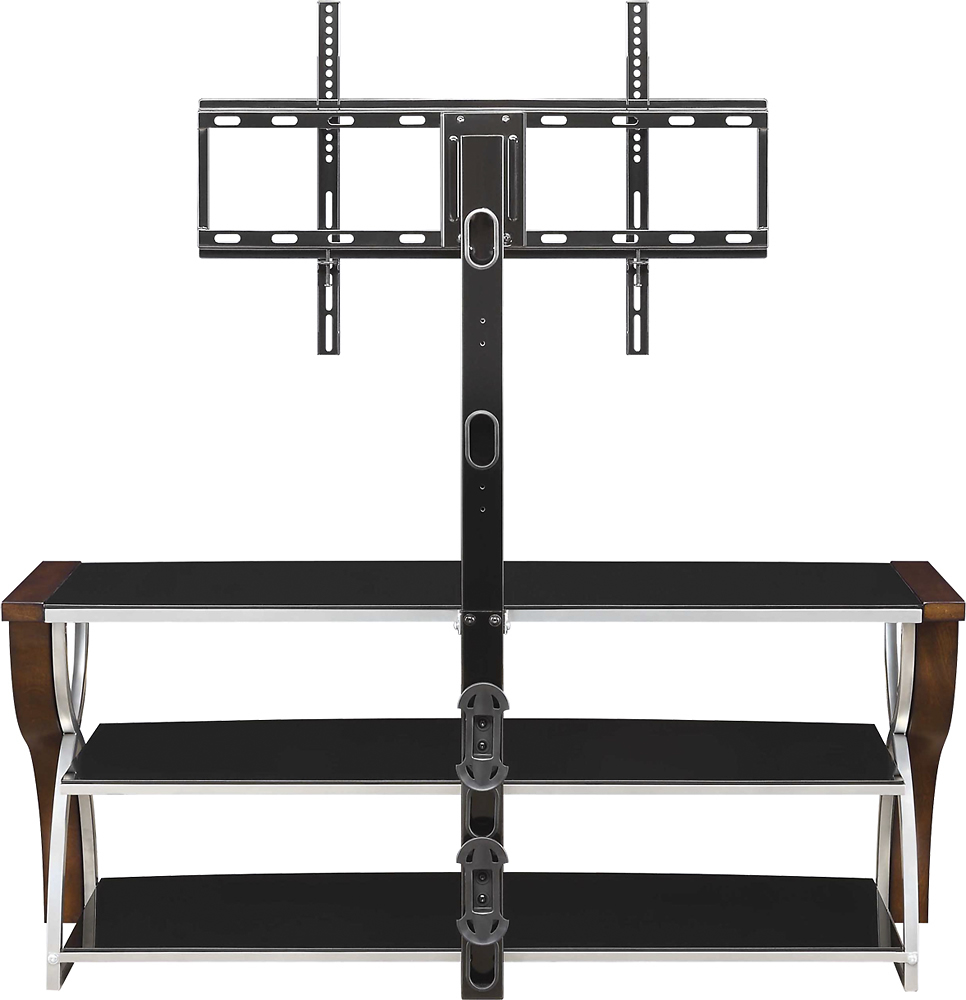
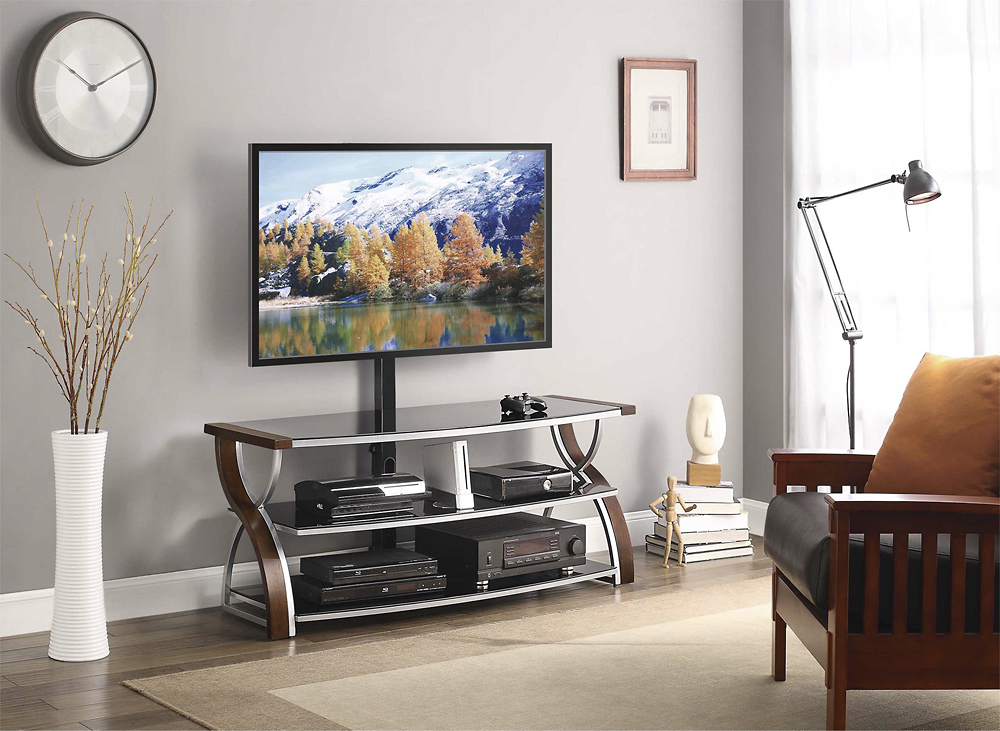
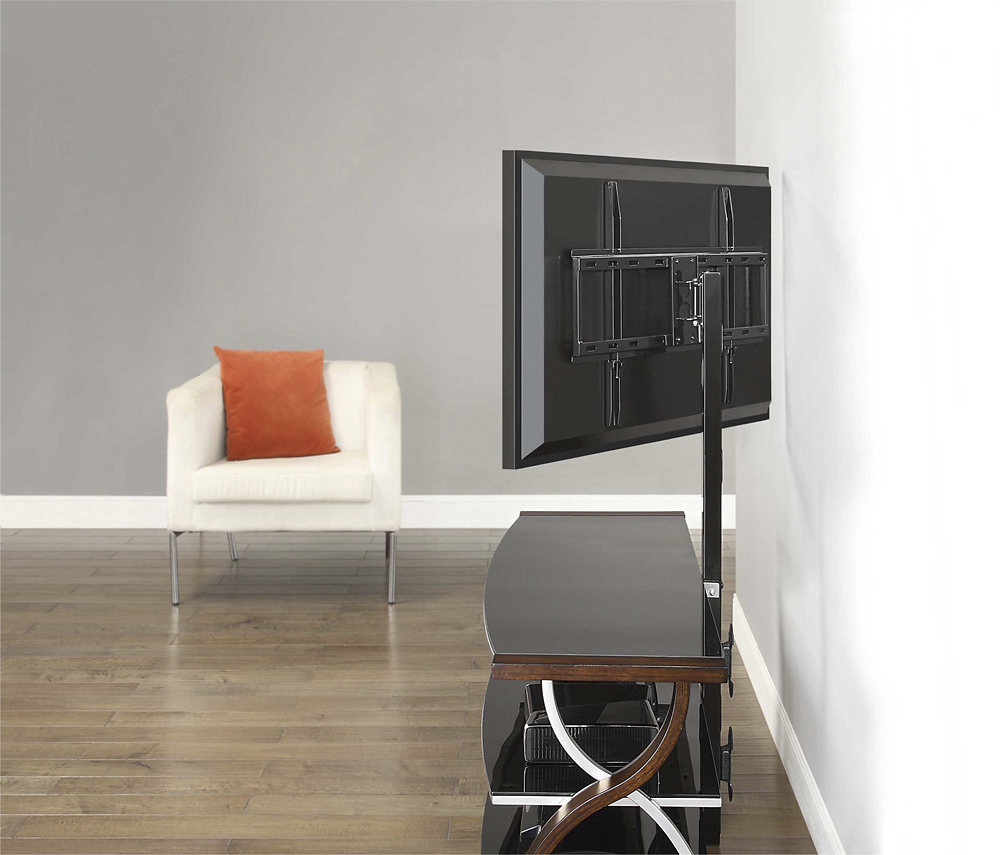
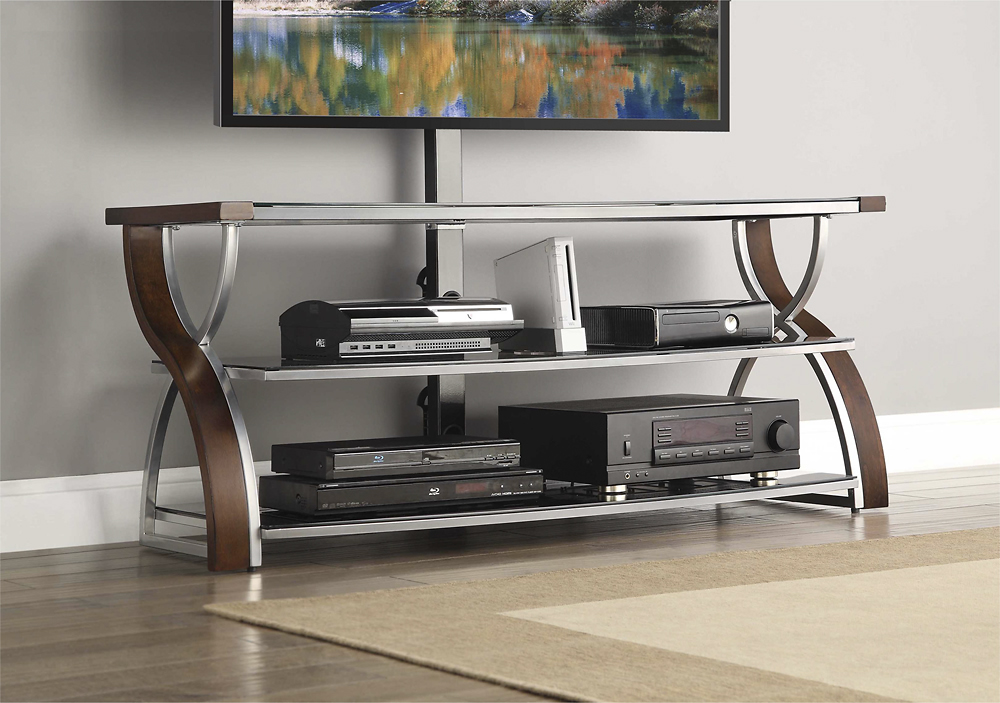
A:AnswerA center fits easy if you're using the rear-mount option rather than setting the TV on the stand. I have a Polk Audio CS2 (which is a rather large center channel) and it doesn't come close to obstructing the screen at all with a 65" TV.
A:AnswerI have a 65" Visio using the mount stand rather than the legs resting on the top glad. The mount post is actually much more solid that I would have expected and rated for up to 135 pounds on the mount so as long as you're under that, you should be good.
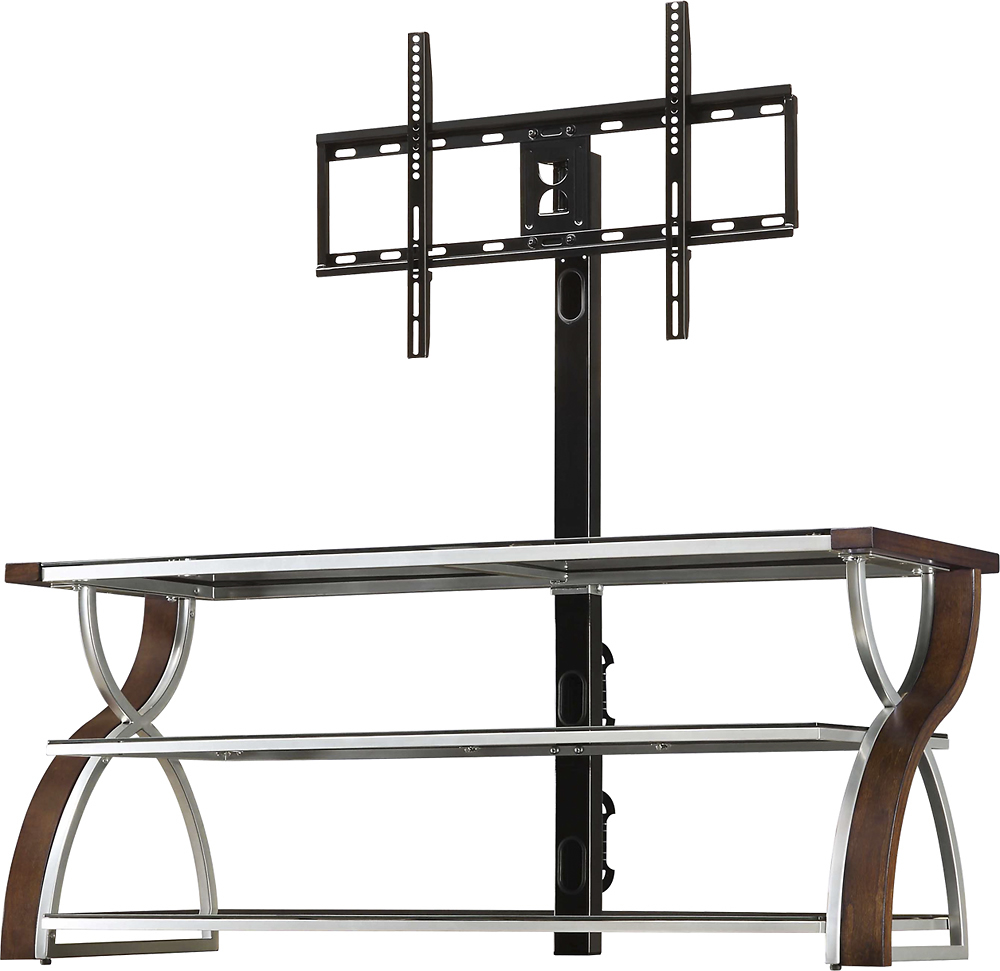
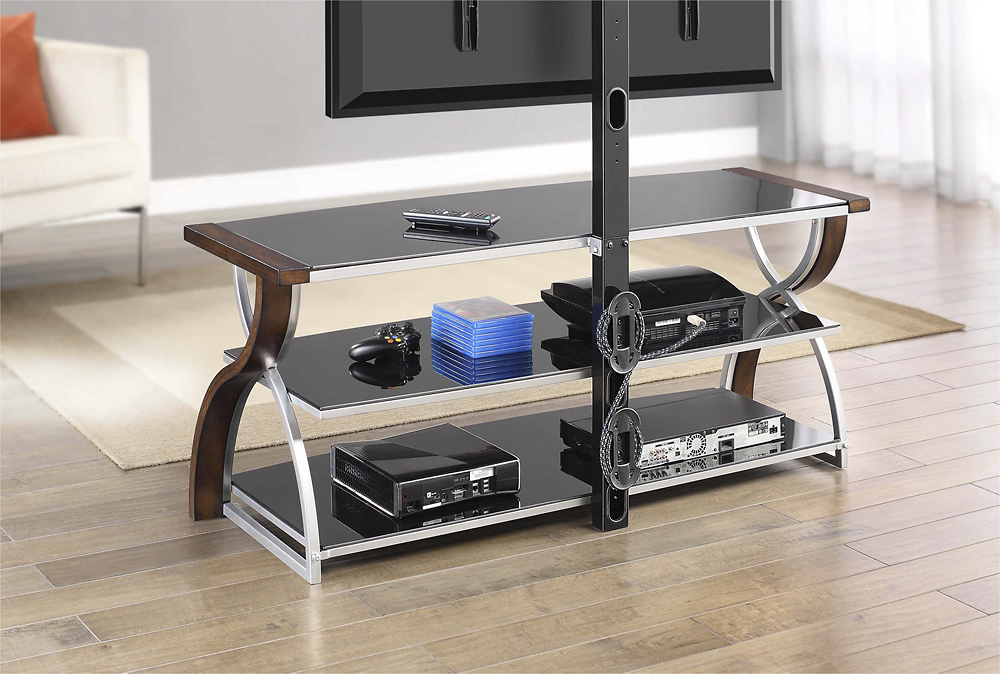
A:AnswerHi Manuelcd10! This 3-in-1 TV console was manufactured and tested to support up to most 65" Flat Panel TVs with a maximum load of 135 lbs. There is no option to mount the soundbar, however the Spine can provide two height options for the TV set. Refer to your TV size and adjust the Swiveling Bracket to the desired height for optimum viewing and to allow space beneath the TV for audio equipment!
A:AnswerIt’s tight - probably for a reason. Hold the back and try turning it - I was unable to move it without the TV holder attached to it.
I wouldn’t recommend messing around with the screws/bolts.
A:AnswerThe TV Stand has several different size screws that comes with it. Probably so it can mount any brand of tv. So it would probably work with your 55" samsung.
A:AnswerI would measure the legs on the tv first to see how far they are apart from each other, then see if the 85in can seat on the tv stand. But futher more it will not hold the tv on the mount.
A:AnswerHi Dave. Unfortunately we do not have a list of TV brands/models that will accommodate for the TV mounting Kit included; however, we do include eight of the most commonly used sizes/lengths!